Best AI Code Completion Tools in 2026: 9 Tools Compared
WLWPLegible EditorsLast verified 24 Nov 2026How we rank14 min read
★ Short answer
Claude Code is the best AI code completion tool for most developers, with the strongest agent and the highest G2 rating here at 4.7 out of 5. Cursor is the best AI-native editor, while GitHub Copilot is the cheapest serious option at $10 a month.
How we make this list: we compare pricing pages, product documentation and public user reviews, then re-check every price before each update. No product paid for a place. Disclosure.
Claude Code is the best pick overall, rated 4.7 out of 5 on G2 from 424 reviews, from $20 a month.
Cursor's $20 Pro plan is gone: new customers pay The X Subscription, with Premium at $30 a month the plan most developers need.
GitHub Copilot Pro at $10 a month is the cheapest serious option, with unlimited completions and $15 of AI credits.
Amazon Q Developer support ends 30 April 2027 and new sign-ups are already blocked; AWS points users at Kiro.
Tabnine and Sourcegraph Cody have no individual plans left: Tabnine starts at $39 a user a month and Cody is Enterprise only.
Every tool here rations usage in credits, so check the included allowance before comparing monthly prices.
What changed in AI code completion in 2026
AI code completion split into three kinds of tool in 2026. Plugins such as GitHub Copilot, Tabnine and JetBrains AI add completions and chat to the editor you already use, AI-native editors such as Cursor, Windsurf and Kiro rebuild the editor around an agent, and terminal agents such as Claude Code run the whole job from the command line.
Almost every tool here now meters usage in credits instead of selling unlimited requests. Claude Code caps usage in five-hour windows, GitHub Copilot bills through AI credits, and JetBrains AI gives Pro subscribers only 10 credits a month, so the monthly price is a floor rather than a ceiling.
Ownership changed fast this year. SpaceX bought Cursor's parent Anysphere and moved new customers onto The X Subscription in October 2026, Cognition bought Windsurf and renamed it Devin Desktop, and Tricentis bought Tabnine and dropped its individual plans. AWS is winding down Amazon Q Developer and pointing users at Kiro.
Our guide on choosing AI writing tools covers the text side of AI assistance if your team also needs help with docs and marketing copy.
Claude Code is Anthropic's agentic coding tool, built around a terminal-first agent that reads your codebase, plans multi-file work and edits, runs and tests code. It runs on Claude Sonnet 5 on Pro and Opus 5 on Max, and ships as a terminal agent plus VS Code and JetBrains extensions, a desktop app and a web app.
The trade off is the metering: usage caps reset on a rolling five-hour window with weekly limits on top, and Pro's allowance runs out fast for daily agent users, pushing heavy users to Max at $100 a month. There is no free tier, and Claude Code shares its usage pool with your Claude chats.
What we like
Highest G2 rating here, 4.7 from 424 reviews
Leads independent coding benchmarks
Terminal, IDE, desktop and web in one subscription
No separate Claude Code subscription to buy
Watch out for
Usage limits are weekly and unpublished in detail
Pro's allowance runs out fast for heavy users
No free tier
Max at $100 a month gives 5x Pro usage and $100 in API creditsVisit claude.com
02
Cursor
4.7/5on G2 (309 reviews, checked Nov 2026)
Paid from$30/mo
Best AI-native code editor
Cheapest full planPremium, $30/mo
Entry planPlus, $8/mo, Grok only
Super plan$100/mo, 15x Plus usage
Free tierFree, limited agent requests
cursor.com
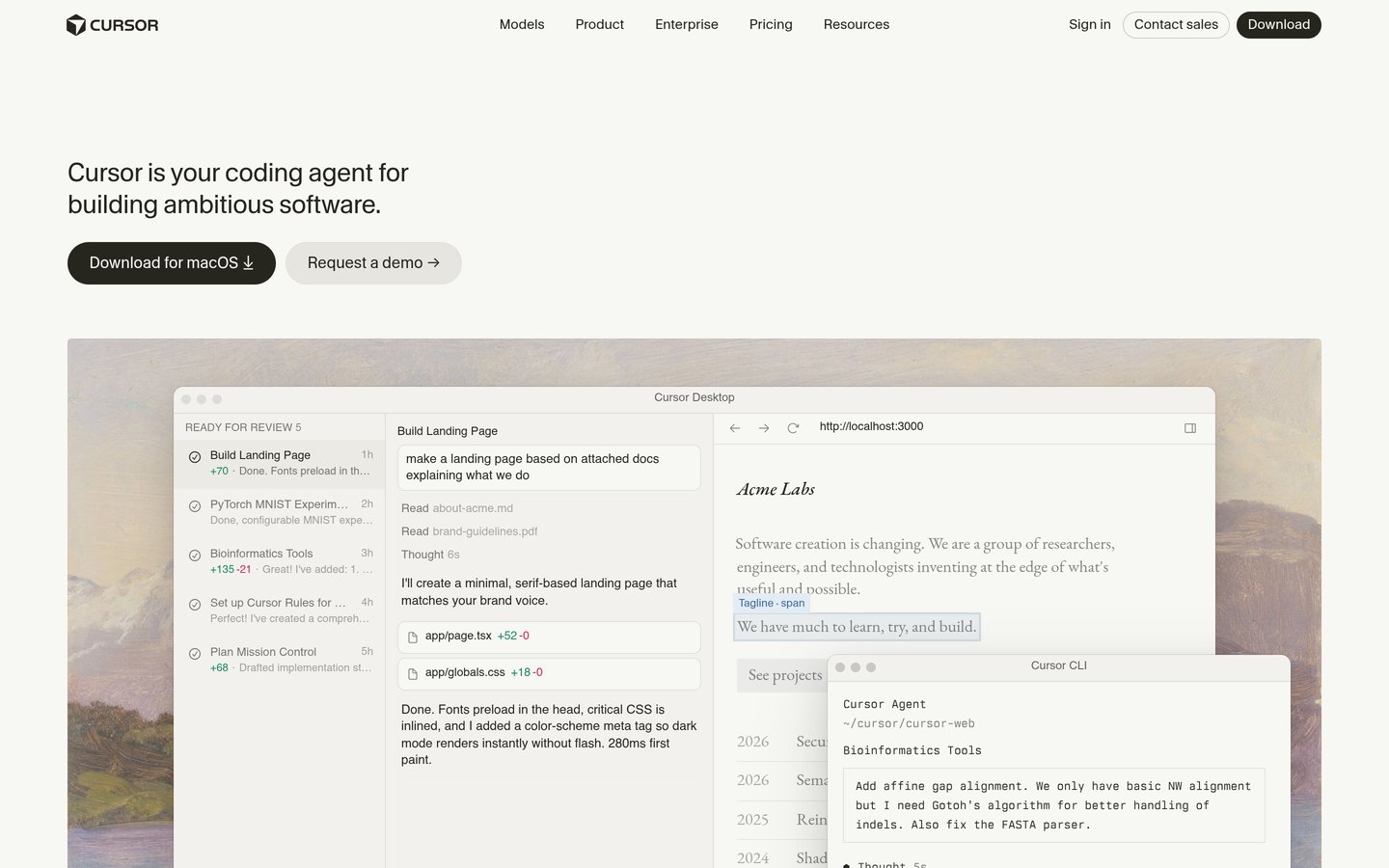
Cursor homepage, captured Nov 2026.
Cursor is an AI-native editor built on VS Code, so your extensions, themes and keybindings carry over. Its agent mode plans and edits across files, runs terminal commands and reviews pull requests, with a choice of Grok, Claude, GPT and Gemini models on paid plans.
The trade off is the new billing: since 12 October 2026 new customers buy The X Subscription, a single plan shared with Grok and X, where Plus at $8 runs Grok models only and Premium at $30 bills Claude, GPT and Gemini tokens at API list price on top. The old $20 Pro plan is closed to new sign-ups.
What we like
Best-regarded AI editor on G2, 4.7 from 309 reviews
Agent mode edits across files and runs commands
VS Code extensions and keybindings carry over
Cloud agents and Bugbot code review on Premium
Watch out for
Third-party models bill at API price on top
Plus at $8 cannot use Claude or GPT
Pricing has changed three times in 2026
Legacy Pro subscribers keep $20 a month until they switch plansVisit cursor.com
03
Amazon Q Developer
4.6/5on G2 (51 reviews, checked Nov 2026)
Paid from$19/mo
Best for teams building on AWS
Cheapest planPro, $19/user/mo
Free tierFree, 50 agentic requests/mo
Transformation4,000 lines/mo on Pro
End of support30 April 2027
aws.amazon.com
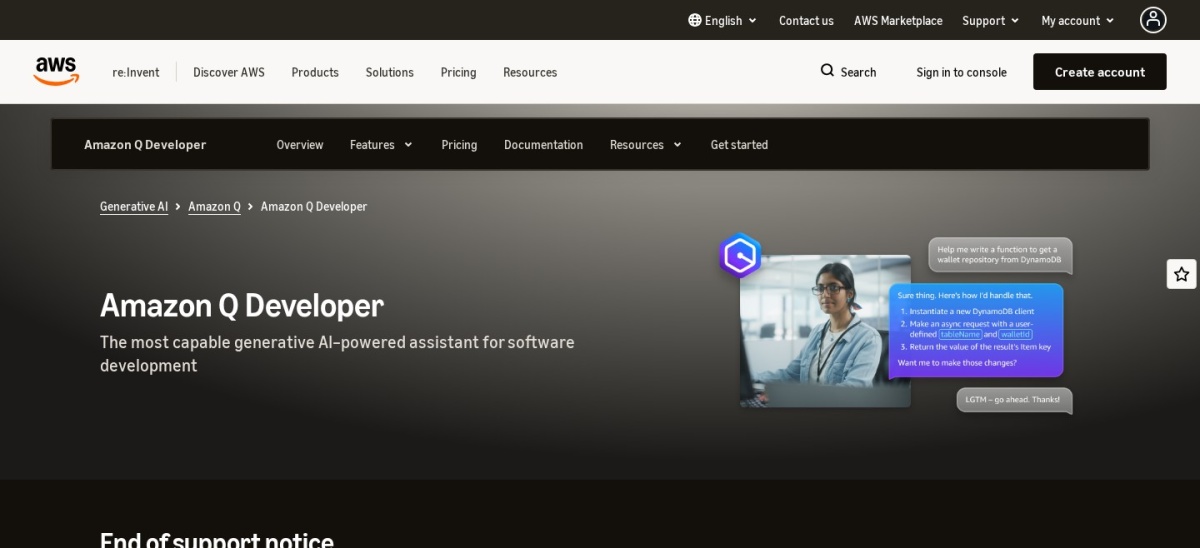
Amazon Q Developer homepage, captured Nov 2026.
Amazon Q Developer is AWS's AI coding assistant, with inline completions, chat and agentic coding in VS Code, JetBrains and the terminal, plus Java and .NET code transformation and security scanning. It understands your AWS resources, from CloudFormation stacks to IAM policies, in a way no general tool does.
The trade off is the end date: AWS blocked new sign-ups on 15 May 2026 and will end support for the Q Developer IDE plugins on 30 April 2027, pointing developers at Kiro instead. Buy it only for a defined AWS project you can finish before then, not as a long-term standard.
What we like
Deepest AWS context of any tool here
Java and .NET transformation included
IP indemnity on the Pro tier
Rated 4.6 out of 5 on G2
Watch out for
New sign-ups blocked since May 2026
IDE plugin support ends 30 April 2027
Only 51 G2 reviews
Pro includes 4,000 transformation lines a month, then $0.003 a lineVisit aws.amazon.com
04
GitHub Copilot
4.5/5on G2 (370 reviews, checked Nov 2026)
Paid from$10/mo
Cheapest serious option
Cheapest planPro, $10/mo
Free tierFree, 2,000 completions/mo
Pro+ plan$39/mo, $70 in credits
Max plan$100/mo, $200 in credits
github.com
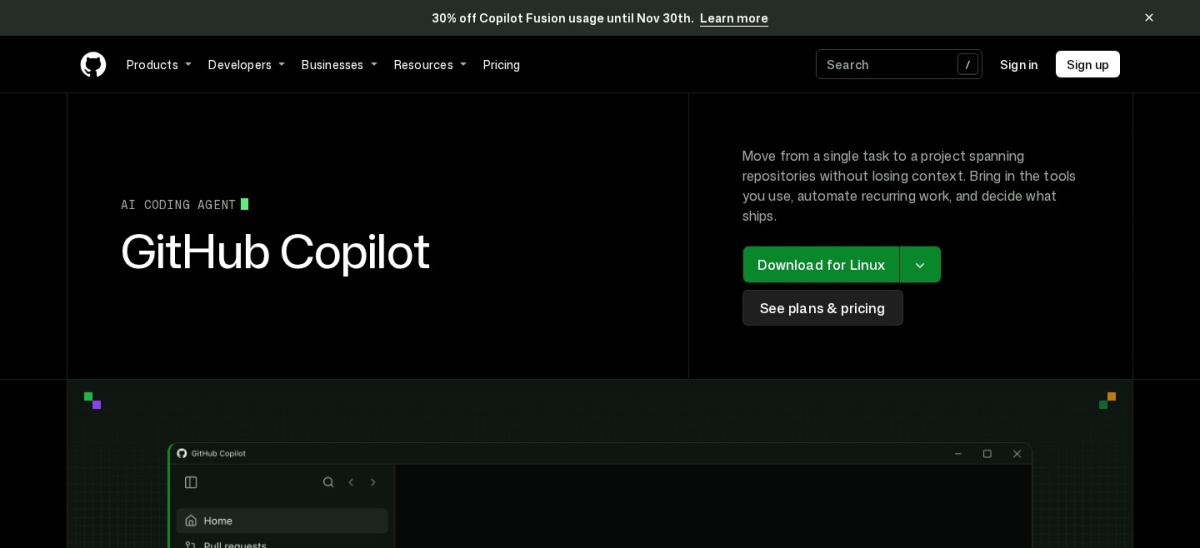
GitHub Copilot homepage, captured Nov 2026.
GitHub Copilot is the most widely used AI coding assistant, built into GitHub and available in VS Code, Visual Studio, JetBrains, Neovim and the terminal. Pro costs $10 a month with unlimited completions, agent mode, code review and Copilot in the cloud, plus $15 of monthly AI credits for premium models.
The trade off is the credit meter: since 1 June 2026 every plan bills through GitHub AI Credits, and heavy agent work on frontier models can burn through the $15 allowance, with top-ups on top. Individual subscribers should also know GitHub may use their interaction data to train models unless they opt out.
What we like
Cheapest paid plan in this list at $10 a month
Unlimited completions on every paid plan
Deepest GitHub integration, including PR review
Rated 4.5 out of 5 from 370 G2 reviews
Watch out for
AI credits can run out on heavy agent work
Individual data may train models unless you opt out
Business at $19 a seat is a separate tier
Business at $19 a seat adds policy controls and pooled creditsVisit github.com
05
Sourcegraph Cody
4.5/5on G2 (68 reviews, checked Nov 2026)
PricingCustom/yr
Best for huge multi-repo codebases
PricingEnterprise only, custom quote
Reported minimumAbout $16,000 a year
Individual plansDiscontinued 23 July 2025
Model choiceClaude, GPT, Gemini, local models
sourcegraph.com
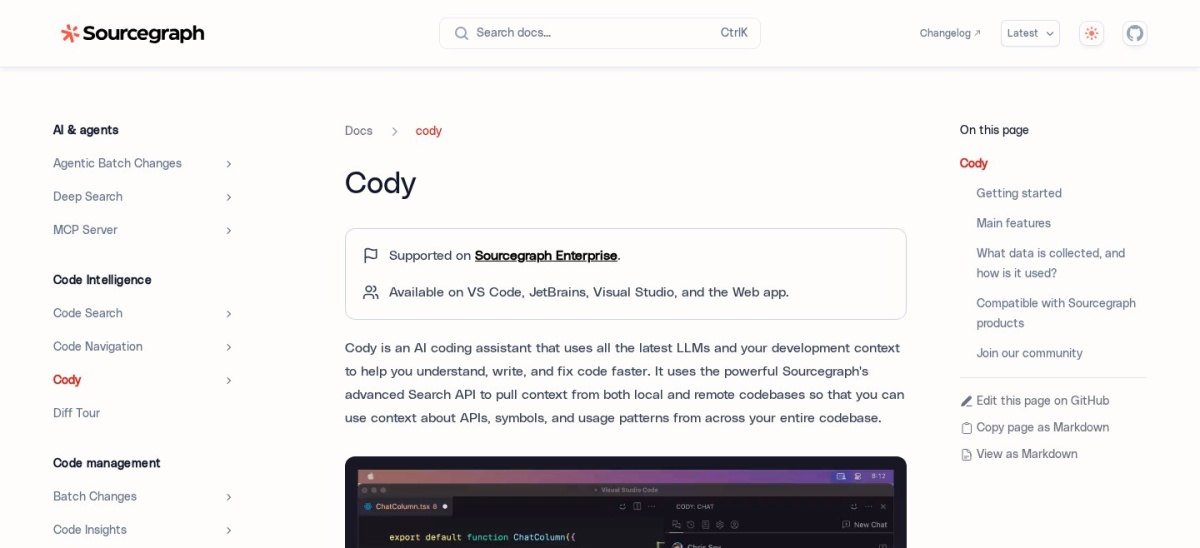
Sourcegraph Cody homepage, captured Nov 2026.
Sourcegraph Cody is an AI coding assistant built on Sourcegraph's code search, so it pulls context from across local and remote repositories, including APIs, symbols and usage patterns. It works in VS Code, JetBrains, Visual Studio and the web, and lets you choose Claude, GPT or Gemini models.
The trade off is availability: Sourcegraph discontinued the Free and Pro plans on 23 July 2025, so Cody is now Enterprise only, with a reported minimum contract near $16,000 a year. Individual developers are pointed at Sourcegraph's separate Amp product instead, which is not the same listing.
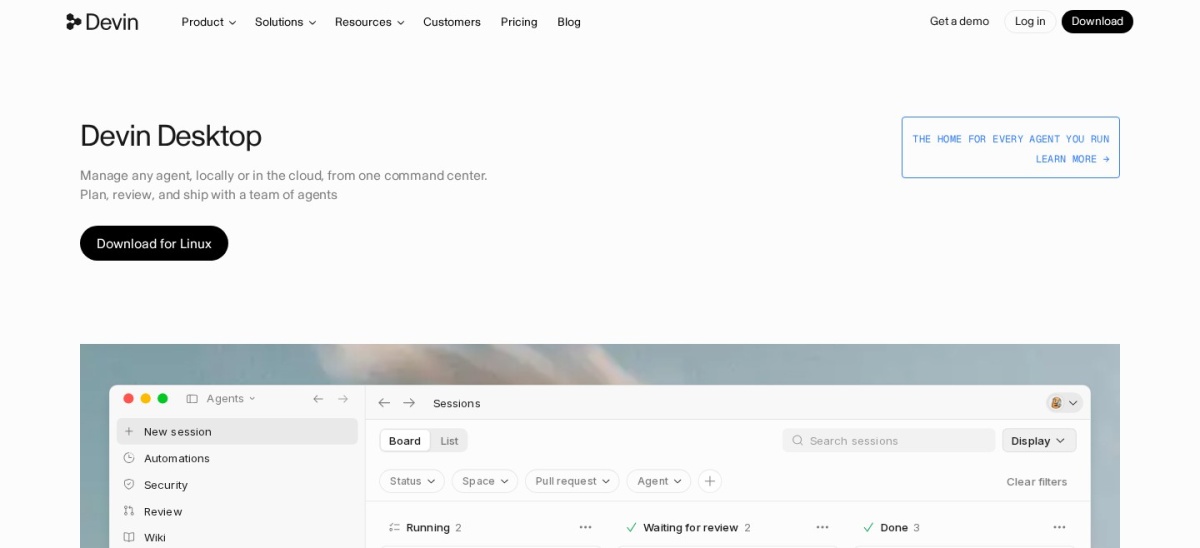
Windsurf is an AI-native editor built on VS Code, with the Cascade agent for multi-file edits, tab completions and chat across your codebase. It was bought by Cognition, the company behind Devin, and in June 2026 the product was renamed Devin Desktop, with the Cascade agent replaced by Devin Local.
The trade off is the price rise: Pro moved from $15 to $20 a month in March 2026, matching Cursor, and the included quota is a daily and weekly allowance that the pricing page never states in numbers. Legacy subscribers keep $15 a month while they stay subscribed.
What we like
Generous free tier with unlimited tab completions
VS Code extensions carry over
Frontier models from OpenAI, Claude and Gemini
Rated 4.3 out of 5 on G2
Watch out for
Quota sizes are never stated in numbers
Only 35 G2 reviews, a thin base
The Windsurf name is being retired for Devin Desktop
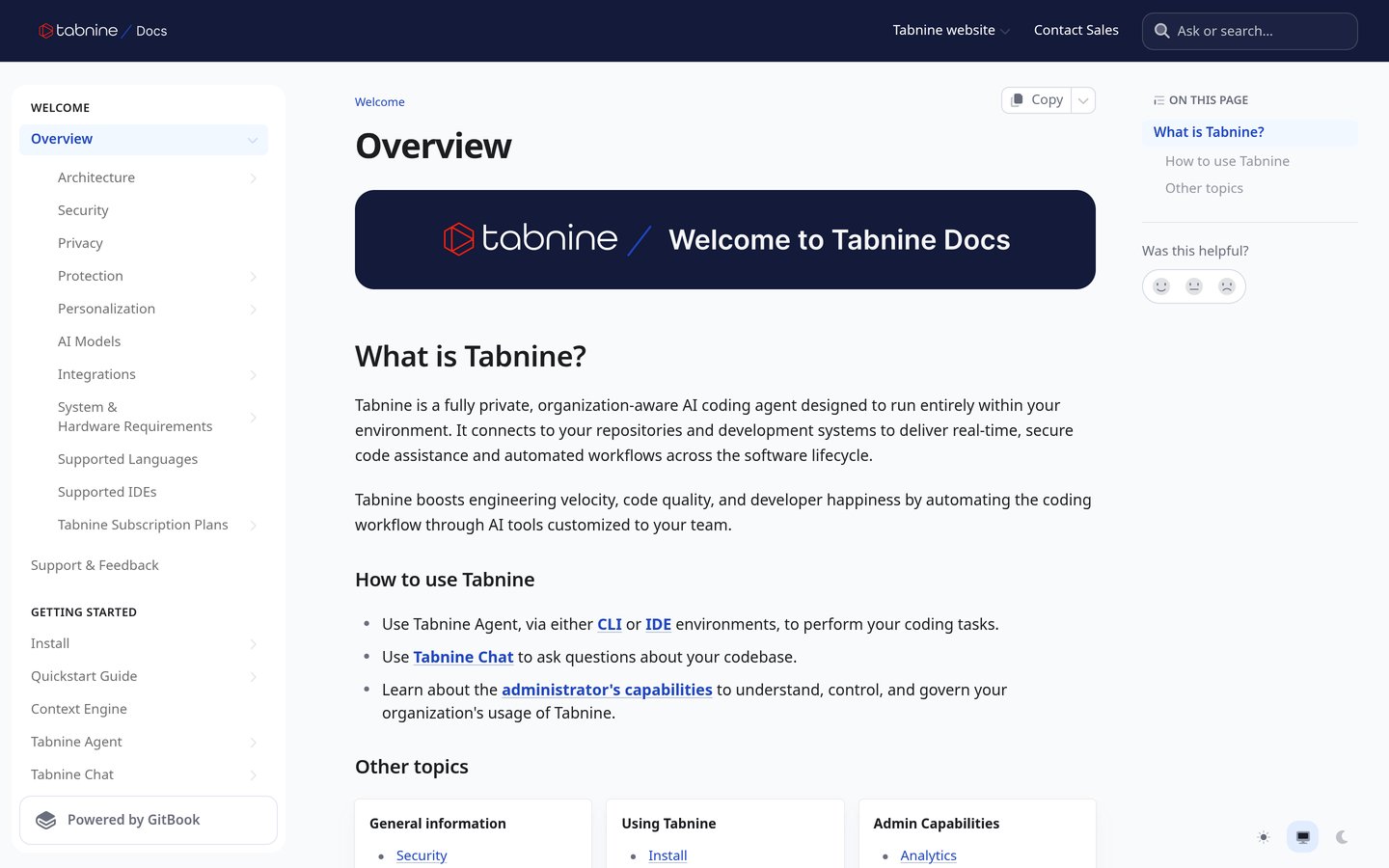
Tabnine is an AI code assistant built for teams that cannot let source code leave their network, with on-premise and private-cloud deployment, SOC 2, GDPR and HIPAA compliance, and models trained only on permissively licensed open-source code. It offers whole-line and full-function completions plus chat across VS Code, JetBrains and other IDEs.
The trade off is the ownership change: test-automation vendor Tricentis acquired Tabnine on 30 July 2026, and the $9 individual plan and free tier are gone. The pricing page now shows two quote-gated enterprise packages at $39 and $59 a user a month, with LLM tokens billed on top at provider cost plus 5%.
What we like
Strongest privacy story in this list
On-premise and air-gapped deployment
Rated 4.2 out of 5 from 73 G2 reviews
Models trained on permissive open-source code
Watch out for
No individual plan or free tier any more
Tokens billed on top of the seat price
Roadmap now belongs to a testing vendor
Enterprise packages are $39 and $59 a user a month, quote-gatedVisit tabnine.com
08
Kiro
4.1/5on G2 (5 reviews, checked Nov 2026)
Paid from$20/mo
Best spec-first agent for AWS teams
Cheapest planPro, $20/user/mo
Free tierFree, 50 credits/mo
Pro credits1,000 a month, $0.04 extra
TeamsCredit pooling, $20/seat/mo
kiro.dev
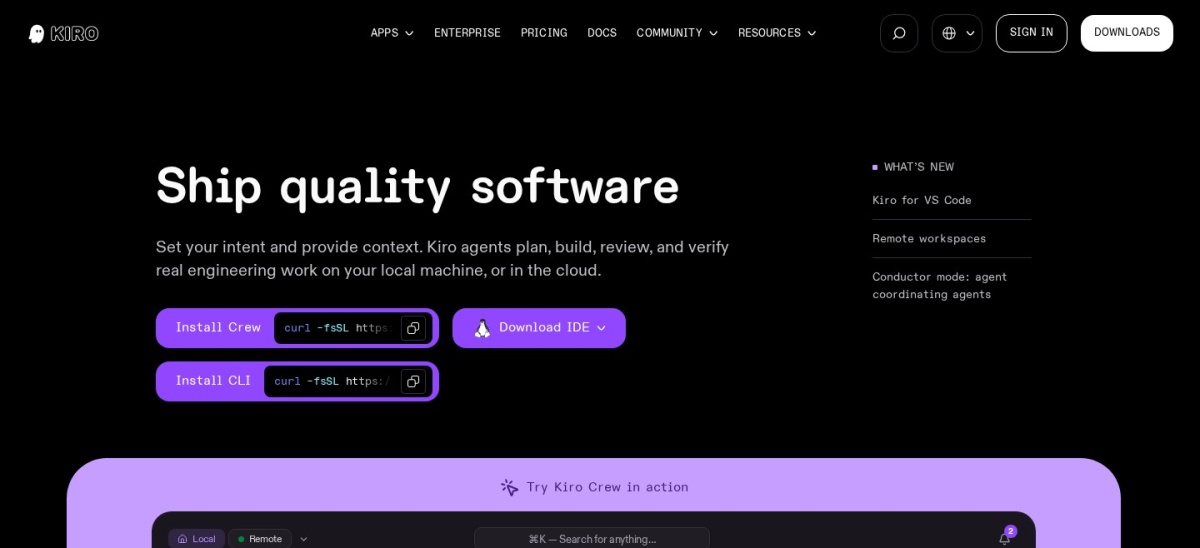
Kiro homepage, captured Nov 2026.
Kiro is AWS's agentic IDE, built as a fork of VS Code, that turns a plain-English request into a written spec with requirements, a design document and a task list before any code is written. It is the official successor to Amazon Q Developer, runs Claude and other frontier models through Bedrock, and covers the IDE, CLI and web.
The trade off is the thin evidence: G2 shows only about 5 reviews, so the 4.1 out of 5 rating is not a market signal yet, and reviewers report slow inline autocomplete and opaque credit burn. Pro costs $20 a month for 1,000 credits, with extra credits at $0.04 each.
What we like
Spec-first workflow forces a reviewable plan
Official successor to Amazon Q Developer
Runs Claude, GPT and open models
Free tier with 50 credits a month
Watch out for
Only about 5 G2 reviews
Autocomplete lag reported on its own issue tracker
Credit burn is hard to forecast
Pro+ at $40 a month doubles the credits to 2,000Visit kiro.dev
09
JetBrains AI
3.2/5on G2 (99 reviews, checked Nov 2026)
Paid from$10/mo
Best for developers living in JetBrains IDEs
Cheapest planAI Pro, $10/mo
Annual price$8.33/mo billed as $100/yr
AI Ultimate$30/mo, 35 credits
Free tierAI Free, 3 credits a month
jetbrains.com
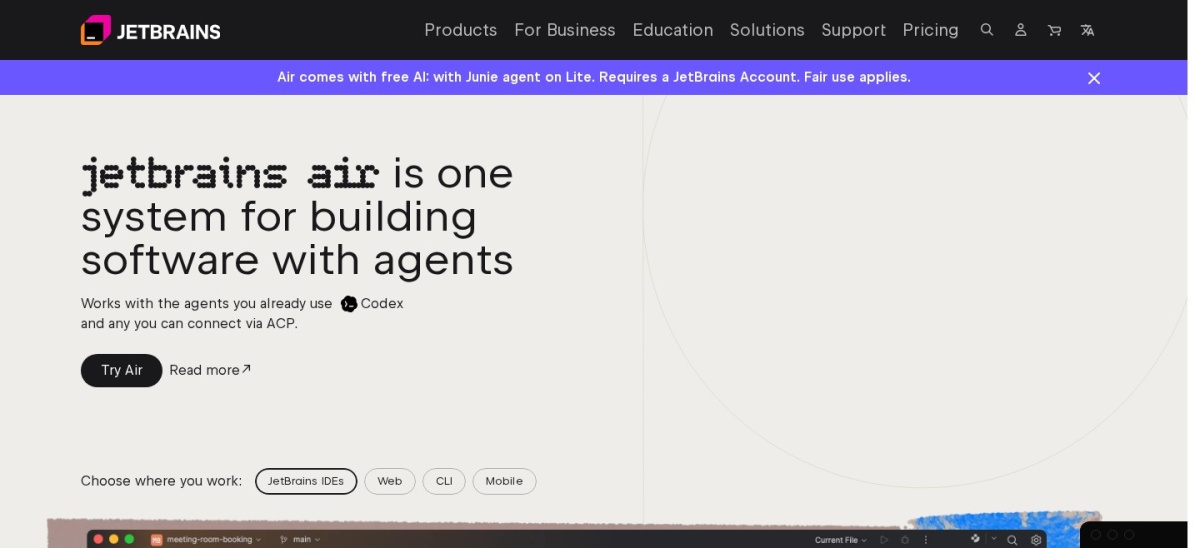
JetBrains AI homepage, captured Nov 2026.
JetBrains AI is the AI layer built into IntelliJ IDEA, PyCharm, WebStorm, GoLand and the rest of the JetBrains family, with inline completions, chat and the Junie coding agent. Completions run on JetBrains' own local Mellum model without using credits, and cloud work can use more than 40 models, including Claude and GPT.
The trade off is the credit budget: AI Pro costs $10 a month but includes only 10 AI credits per 30 days, and agent work can spend that quickly, so heavy users need AI Ultimate at $30 or top-ups at $1 a credit. G2 reviewers also rate it lowest here at 3.2 out of 5, citing credit friction.
What we like
Cheapest paid plan alongside Copilot at $10 a month
Deepest integration in JetBrains IDEs
Local completions do not use credits
AI Pro is free with the All Products Pack
Watch out for
Only 10 credits a month on AI Pro
Lowest G2 rating here at 3.2 out of 5
Product line is crowded and changing fast
AI Ultimate at $30 a month adds 35 credits and Junie headroomVisit jetbrains.com
Credit metering: the new price trap
Every tool in this list except Sourcegraph Cody now rations AI usage somehow. The headline monthly price buys a pool of credits, requests or tokens, and the pool size decides what the tool really costs.
Cursor's new Premium plan shows the shift most clearly: $30 a month buys the editor and Grok models, but Claude, GPT and Gemini tokens bill at API list price on top, with no included allowance. A developer who leans on Claude all day can pay far more than $30.
Check the allowance before you buy. GitHub Copilot Pro includes $15 of credits, JetBrains AI Pro includes 10 credits worth $10, and Kiro Pro includes 1,000 credits, so the same $10 to $20 buys very different amounts of work.
How we chose
We started from the best-known AI coding tools on G2, then kept those with a verifiable rating and a published or quoted price. Five of the nine changed owners, names or prices in 2026, so every price below was checked against the vendor's own pricing page or a November 2026 read of it.
Prices come from each vendor's pricing page, opened on 24 November 2026, or from vendor-supplied G2 pricing where the page hides prices behind a calculator. Ratings and review counts come from G2 on the same day. Where a vendor shows a sale, the list shows the regular price.
We left out tools with no verifiable rating, including Supermaven, which was acquired by Cursor and discontinued. No vendor paid for a place, and we do not claim hands-on testing for this list.
How to choose an AI code completion tool
Start with your editor, then check the meter before you pay.
Pick your surface first. If you live in VS Code, Cursor and Windsurf fit; JetBrains users should start with JetBrains AI; terminal users should start with Claude Code.
Check what the monthly price actually buys. Copilot Pro includes $15 of credits, JetBrains AI Pro includes 10 credits, and Kiro Pro includes 1,000, so the same $10 to $20 buys different amounts of work.
Test the free tier on your own codebase. Copilot, Cursor, Windsurf, Kiro and JetBrains AI all have free tiers; run each on a real task before paying.
Watch the end dates. Amazon Q Developer support ends 30 April 2027 and Cody has no individual plan, so do not standardise on a tool you cannot buy next year.
FAQ
What is the best AI code completion tool?
Claude Code is the best pick for most developers. It holds the highest G2 rating here at 4.7 out of 5 from 424 reviews and includes the strongest agent, with terminal, IDE, desktop and web access from $20 a month.
How much does Cursor cost now?
New customers pay The X Subscription: Plus at $8 a month runs Grok models only, Premium at $30 adds cloud agents and third-party models at API price, Super costs $100 and Ultra $200. The old $20 Pro plan is closed to new sign-ups.
Is GitHub Copilot still $10 a month?
Yes. Copilot Pro costs $10 a month with unlimited completions, agent mode and code review, plus $15 of monthly AI credits. The free plan allows 2,000 completions a month, and Pro+ at $39 adds $70 of credits.
What happened to Windsurf?
Cognition, the company behind Devin, bought Windsurf in 2025 and renamed it Devin Desktop in June 2026. The editor is the same VS Code fork, Pro costs $20 a month, and the Cascade agent was replaced by Devin Local.
Is Amazon Q Developer being discontinued?
Yes. AWS blocked new sign-ups on 15 May 2026 and will end support for the Q Developer IDE plugins on 30 April 2027. AWS points developers at Kiro, its spec-first IDE, which starts at $20 a month.
What is the cheapest AI code completion tool?
GitHub Copilot Pro and JetBrains AI Pro both cost $10 a month. Copilot gives unlimited completions plus $15 of AI credits, while JetBrains AI Pro includes only 10 credits, so Copilot is the better value for most developers.