Canva is the best AI app for photos for most people, with a free plan, Magic Edit and background removal. Pick Lightroom for RAW photos and large libraries, and Remini for restoring old or blurry faces.
How we make this list: we compare pricing pages, product documentation and public user reviews, then re-check every price before each update. No product paid for a place. Disclosure.
Canva is rated 4.7 out of 5 on G2 from more than 7,600 reviews, and its Pro plan costs 120 dollars a year.
Lightroom is the only pick built for RAW photos and large libraries, at 9.99 dollars a month.
Picsart, Pixelcut and Photoroom all have free plans, with paid upgrades from 39.99 to 126 dollars a year.
Topaz Photo has the best denoise and upscale models, but it costs 299 dollars a year with no free plan.
Remini restores old faces better than any other phone app, but its weekly billing and Trustpilot record are weak.
What an AI photo app should do
AI photo apps now do in one tap what used to take an hour in a desktop editor. Background removal, object erasing, face restoration and upscaling are standard, and the difference between apps is price, limits and output quality.
Free plans are useful but capped. Most limit daily AI generations, watermark exports or cap resolution, so check the export limit before you rely on a free plan for client work.
Sellers need different tools from social creators. Photoroom and Pixelcut are built for product cutouts and batches, while Canva and Picsart cover social posts and templates. Our guide to the best AI photo editors covers the desktop side of the same job.
Prices below are regular prices, not first-month offers. Several apps bill weekly in the App Store, which adds up fast, and the yearly price is the one to compare.
Canva is a design platform with AI photo tools built in, including Magic Edit, Magic Eraser, background removal and AI image generation. The free plan covers basic editing, 250,000 templates and 5 GB of storage, which is enough for most social posts.
The trade off is that the best AI features, 4K output and premium templates need Pro at 10 dollars a month billed yearly, or 15 dollars month to month. It suits creators who want one app for photos, posts, thumbnails and presentations.
What we like
Free plan with templates and basic AI edits
Rated 4.7 out of 5 on G2 from 7,656 reviews
Magic Edit and background removal built in
Watch out for
Best AI features need the Pro plan
Free plan caps AI generations and storage
Not a RAW editor for photographers
Pro adds Magic Studio, 4K output and 1 TB of storageVisit canva.com
02
Adobe Lightroom
4.6/5on G2 (3,298 reviews, checked Nov 2026)
Starts at$9.99/mo
Best for RAW photos and libraries
Free planNo, 7-day trial
Paid planLightroom, $9.99/mo
RAW editingYes, full support
PlatformsiOS, Android, desktop
adobe.com
Adobe Lightroom homepage, captured Nov 2026.
Adobe Lightroom is the photo app for photographers, with AI masking, Generative Remove, denoise and the best library organisation in this list. Edits sync between phone and desktop, so you can start on an iPhone and finish on a computer without losing adjustments.
The trade off is that there is no free plan and the mobile app is limited without a subscription. Lightroom costs 9.99 dollars a month, and the Photography plan with Photoshop costs about 20 dollars a month. It suits photographers with RAW files and large libraries.
What we like
Best RAW editing and library tools in this list
AI masks select skies and subjects in one click
Rated 4.6 out of 5 on G2 from 3,298 reviews
Watch out for
No free plan at all
Mobile app is limited without a subscription
Subscription cost adds up over years
Photography plan adds Photoshop for about $20 a monthVisit adobe.com
03
Picsart
4.5/5on G2 (788 reviews, checked Nov 2026)
Paid from$10.50/mo
Best for social creators
Free planYes, limited
Paid planPro, $126/yr
AI tools65 models, credits
PlatformsWeb, iOS, Android
picsart.com
Picsart homepage, captured Nov 2026.
Picsart is a phone-first editor that mixes filters, templates, stickers, retouching and AI tools in one app. The free plan covers basic editing and a daily AI generation limit, while Pro adds premium templates, stock photos, bulk edits and more AI models.
The trade off is the credit system. Pro costs 10.50 dollars a month billed yearly, or 15 dollars month to month, and heavy AI use can run through credits fast. It suits social creators who want many AI models and templates in one place.
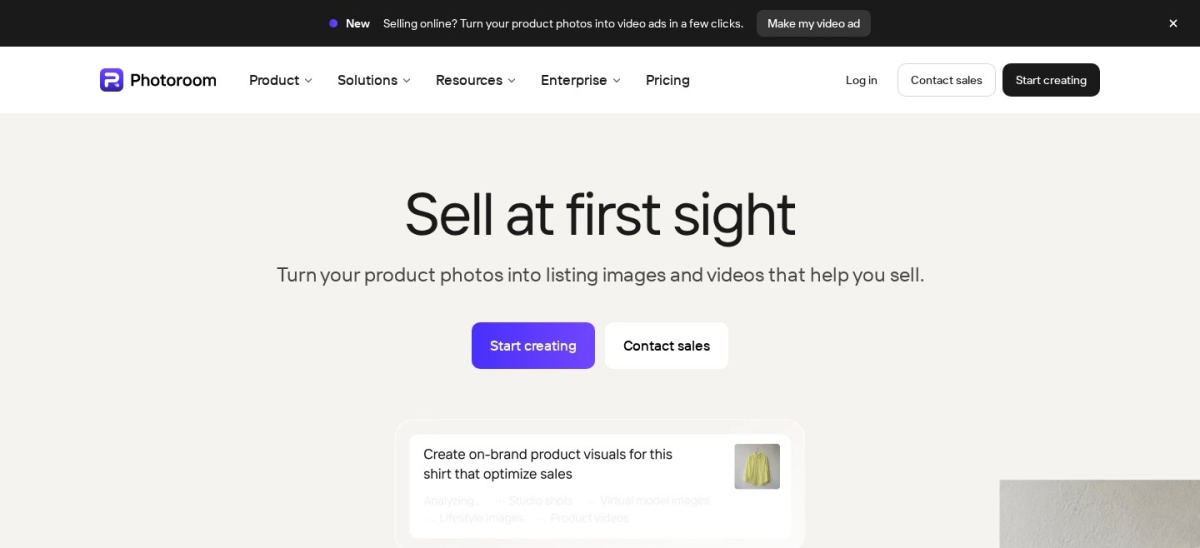
Pixelcut is a mobile-first AI studio for sellers. Open the app, shoot a product photo, cut the background and place the product on a clean or styled background in seconds. The free tier lets you download full-resolution cutouts without a watermark, which is rare in this list.
The trade off is that the desktop experience is thinner and batch exports need Pro at 8 dollars a month billed yearly, or 10 dollars month to month. It suits Etsy and Shopify sellers who photograph products on a phone.
Photoroom is an AI photo editor built for e-commerce. It removes backgrounds, generates studio scenes, adds shadows and batches up to 250 photos, with templates for Amazon, eBay, Shopify and resale marketplaces. The free plan covers 5 exports a day with a watermark.
The trade off is the price. Pro costs 7.50 dollars a month billed yearly, or 12.99 dollars month to month, and the free plan is for personal use only, not commercial listings. It suits sellers who list many products every week.
Fotor is a budget all-rounder with retouching, filters, collage tools, design templates and AI background removal in one app. The free plan covers basic editing with normal-quality exports, and Pro adds batch edits, higher resolution and more AI credits.
The trade off is that Pro includes only about 100 AI credits a month, which covers roughly six AI images, so heavy AI users run out fast. Pro costs 39.99 dollars a year billed yearly, or 8.99 dollars month to month. It suits casual editors on a tight budget.
What we like
Cheapest yearly plan in this list at 39.99 dollars
Pixlr is a browser-based photo editor with AI cutout, AI generation, retouching and batch tools, plus iPhone and Android apps. The free plan covers basic editing, and Plus is the cheapest paid plan in this list at 1.49 dollars a month billed yearly.
The trade off is that the free plan shows ads and the cheapest paid tier is thin on AI credits compared with Canva or Picsart. It suits people who want a quick browser editor without installing anything.
4.2/5on Trustpilot (56,442 reviews, checked Nov 2026)
Starts at$25/mo
Best for fixing flawed photos
Free planNo, free trial
Paid planPhoto, $299/yr
ProcessingLocal, on your GPU
PlatformsWindows, Mac
topazlabs.com
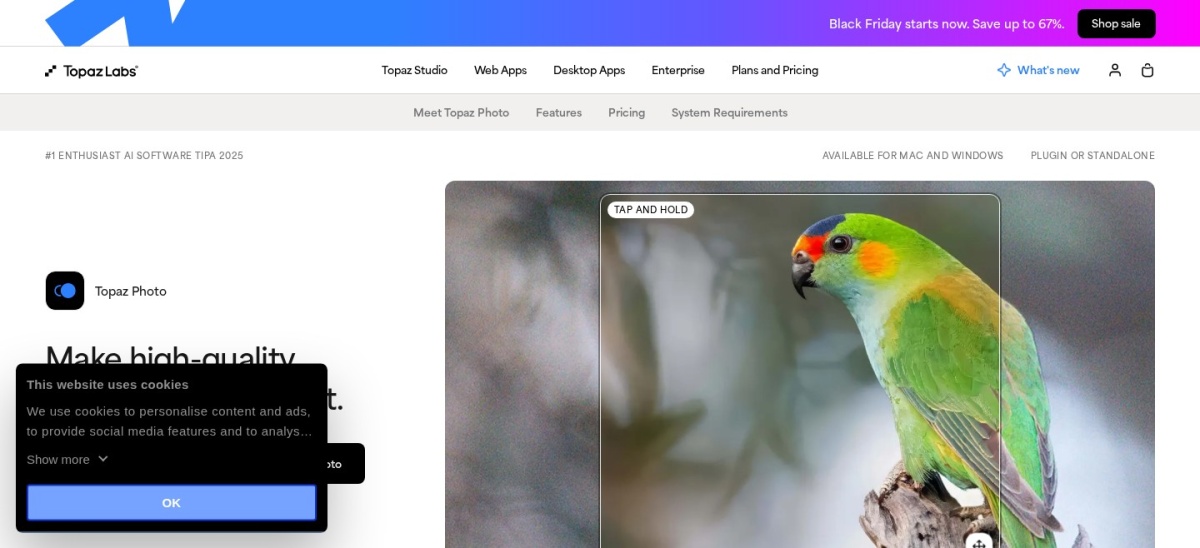
Topaz Photo homepage, captured Nov 2026.
Topaz Photo is the quality pick for flawed shots. Its AI models cover denoise, sharpen, upscale, face recovery, dust and scratch removal and lighting, and everything runs locally on your computer with no upload to a server. It also works as a Lightroom and Photoshop plugin.
The trade off is the price and the pace. Photo Personal costs 25 dollars a month billed yearly, or 39 dollars month to month, and processing is slow on older machines. It suits photographers who regularly rescue noisy or soft shots.
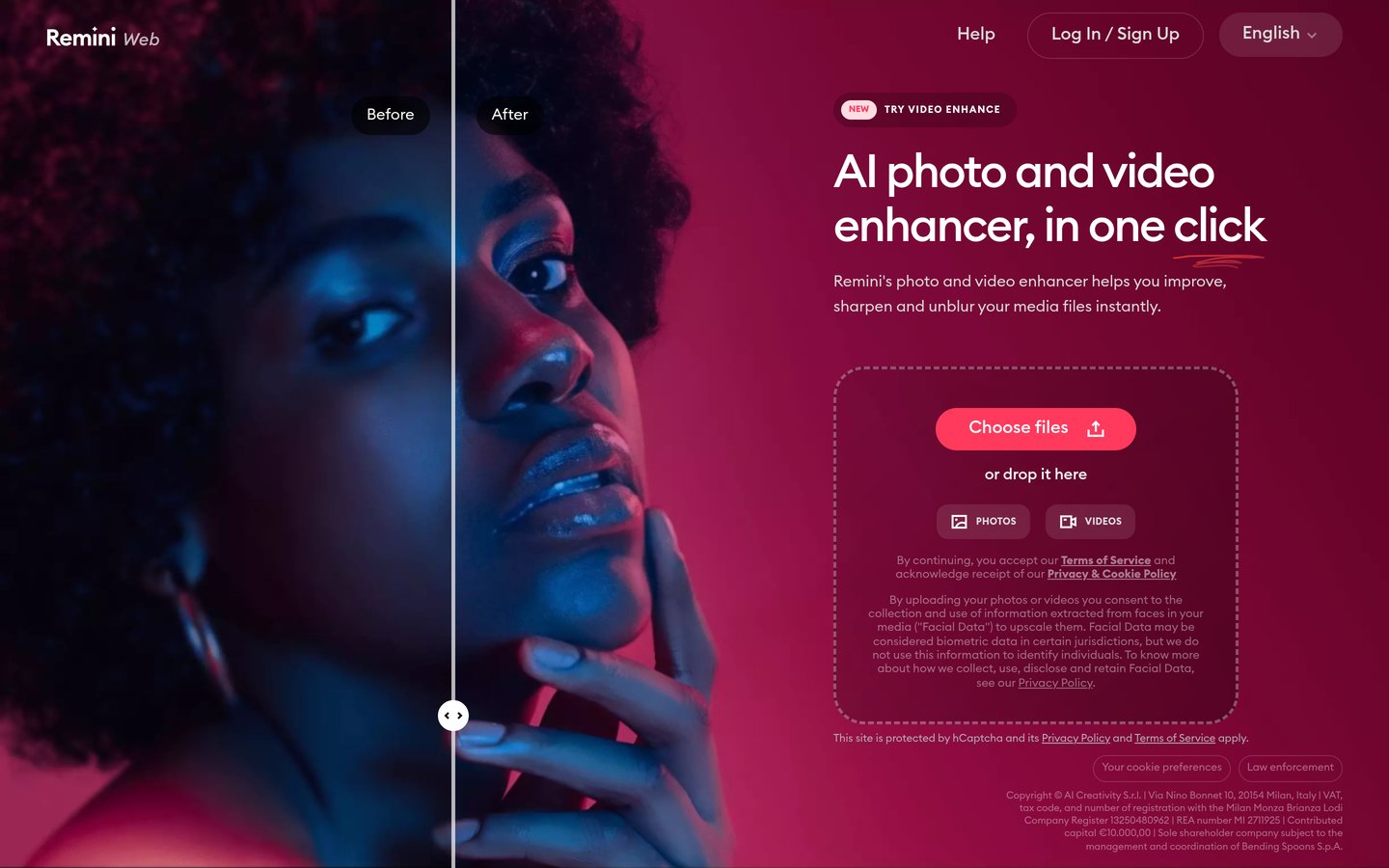
Remini is a phone app that sharpens blurry faces, restores old photos and upscales images in one tap. It is the best tool in this list for bringing a faded family portrait back to life, and it also makes AI-styled portraits from a few selfies.
The trade off is the billing. Pro costs 9.99 dollars a week in the App Store, which works out to more than 500 dollars a year, and Trustpilot reviewers complain about charges after cancelling. It suits a short burst of restoration work, not a year-long subscription.
Free plans cover casual edits well. Canva, Picsart, Photoroom, Fotor, Pixlr and Pixelcut all remove backgrounds or retouch photos without paying.
Paid plans mostly add resolution, batch edits, commercial licences and more AI credits. Remini and Topaz Photo are the exceptions, with no useful free tier for regular work.
If you edit photos for a shop or a client, pay for the plan that includes a commercial licence and watermark-free exports.
How we chose
We started from the AI photo apps with the strongest G2 or Trustpilot review records and the largest user bases, then kept nine that cover social, selling, restoration and professional work.
Prices come from each vendor's pricing page, checked on 25 November 2026. Ratings and review counts come from G2 or Trustpilot on the same day. Where a vendor shows a sale, the list shows the regular price.
We left out Lensa and Facetune because neither has a verifiable rating on G2, Capterra or Trustpilot. No vendor paid for a place, and we do not claim hands-on testing for this list.
How to choose an AI app for photos
Start with the job you do most, then check the export limit before you pay.
Name the job first. Social posts, product photos, old portraits and RAW libraries need different tools. A seller should start with Photoroom or Pixelcut, not Canva.
Check the free export limit. Free plans cap daily generations, resolution or commercial use. If you need watermark-free exports, the paid plan is the real price.
Compare the yearly price, not the weekly one. Remini and Lensa-style apps bill weekly, which looks cheap and adds up to hundreds a year. Always multiply the weekly price by 52.
Try one app for a week. Most apps have a free plan or trial. Edit ten real photos before paying, and check the renewal price before you subscribe.
FAQ
What is the best AI app for photos?
Canva is the best AI app for photos for most people. It has a free plan, Magic Edit, background removal and thousands of templates, and it is rated 4.7 out of 5 on G2 from more than 7,600 reviews.
Which AI app is best for old photos?
Remini is the best app for restoring old or blurry photos, especially faces. It sharpens soft portraits in one tap, but its weekly billing adds up fast and Trustpilot reviewers complain about billing.
Is there a free AI photo app?
Yes. Canva, Picsart, Photoroom, Fotor, Pixlr and Pixelcut all have free plans that cover basic AI edits. Free exports are often watermarked or capped at a low resolution.
Which AI photo app is best for selling online?
Photoroom is the best pick for sellers. It removes backgrounds, builds studio scenes and batches up to 250 photos, and it is rated for e-commerce work rather than social posts.
Can AI photo apps replace Lightroom?
No, not for serious photographers. Lightroom still leads for RAW editing, libraries and colour work, with AI masking and Generative Remove on top. The phone apps are for quick edits and social posts.
Is Topaz Photo worth 299 dollars a year?
Only for photographers who regularly rescue noisy, blurry or low-resolution shots. Its denoise, sharpen and upscale models are the best in this list, but the price is hard to justify for casual use.
SaaS SEO and WordPress specialist with about 8 years of experience. Rakib compares WordPress plugins, themes, hosting and software using public pricing, documentation and user reviews. See how we rank.