Best Accounting Automation Software in 2026: 7 Tools Compared
WLWPLegible EditorsLast verified 22 Nov 2026How we rank13 min read
★ Short answer
QuickBooks Online is the top pick for accounting automation, pairing automated bank feeds and AI transaction sorting with a 4.3/5 rating across 8,546 Capterra reviews. Ramp is best for corporate card spend and accounts payable automation with a $0 core tier, while Zoho Books offers the lowest-cost full double-entry ledger.
How we make this list: we compare pricing pages, product documentation and public user reviews, then re-check every price before each update. No product paid for a place. Disclosure.
QuickBooks Online starts at $0 for 1 bank account and 2 monthly invoices, scaling to $38/month ($456/year) on Simple Start for unlimited invoicing.
Ramp offers a $0/user/month core tier with OCR bill extraction, automated receipt matching, and QuickBooks or Xero sync, upgrading to Plus at $15/user/month.
Xero includes unlimited users across every tier, starting at $27/month ($324/year) on Early with a cap of 20 invoices and 5 bills per month.
Zoho Books provides a $0 plan for microbusinesses and starts paid tiers at $20/month ($180/year billed annually) on Standard.
Wave keeps core bookkeeping and invoicing free on Starter and charges $19/month ($190/year billed annually) on Pro for automated bank imports and categorization.
BILL AP/AR automates invoice approvals and vendor payouts starting at $49/user/month ($588/year) on Essentials, requiring the $65/user/month Team plan for two-way accounting sync.
What to look for in accounting automation software
Accounting automation software replaces manual data entry across bank feeds, receipt capture, invoice reminders, and bill approvals. The right tool depends on whether you need a complete general ledger or a specialized layer for payables and employee expenses.
Full cloud ledgers like QuickBooks Online, Xero, Zoho Books, FreshBooks, and Wave pull daily bank transactions, apply categorization rules, and generate balance sheets. Dedicated workflow tools like Ramp and BILL sit alongside your ledger to automate receipt chasing, multi-step approvals, and vendor payments.
Pay close attention to seat limits, transaction caps, and sync restrictions on entry tiers. Several platforms advertise low starting prices or promotional discounts for the first three to four months, then step up sharply once you add a second user or exceed monthly invoice limits.
4.3/5on Capterra (8,546 reviews, checked Nov 2026)
Paid from$38/mo
Best for full-service SMB bookkeeping automation
Entry paid planSimple Start ($38/mo regular)
Free planYes (1 bank feed, 2 invoices/mo)
Included users1 user + 2 accountants on Simple Start
Key automationBank feeds, AI sorting, receipt capture
quickbooks.intuit.com
QuickBooks Online homepage, captured Nov 2026.
QuickBooks Online is a cloud accounting platform that automates bank transaction imports, expense categorization, receipt matching, and financial reporting. Its $0 Free tier supports 1 user, 1 connected bank account, 2 custom invoices per month, and 2 manual receipt uploads, while Simple Start unlocks unlimited invoicing, unlimited receipt capture, and AI bookkeeping cleanup.
The trade off is steep tier jumps once you add team members or inventory, as Simple Start costs $38/month ($456/year) for 1 user and Essentials jumps to $85/month for 3 users (new customers often get 50% off for 3 months). It suits small businesses that want broad accountant familiarity and a complete general ledger.
What we like
Includes a permanent $0 tier for single-user, low-volume bookkeeping
Automated bank rules, mobile receipt capture, and AI transaction sorting
Broadest third-party app ecosystem and accountant adoption
Scales from solo operations up to 25 users on Advanced
Watch out for
Regular list prices rise sharply from $38/mo to $85/mo for 3 users
Bills management and multi-currency require the $85/mo Essentials plan
Payroll and payment processing fees add significant extra cost
Simple Start ($38/mo) removes the 2-invoice and 2-receipt monthly caps and adds AI bookkeeping tools.Visit quickbooks.intuit.com
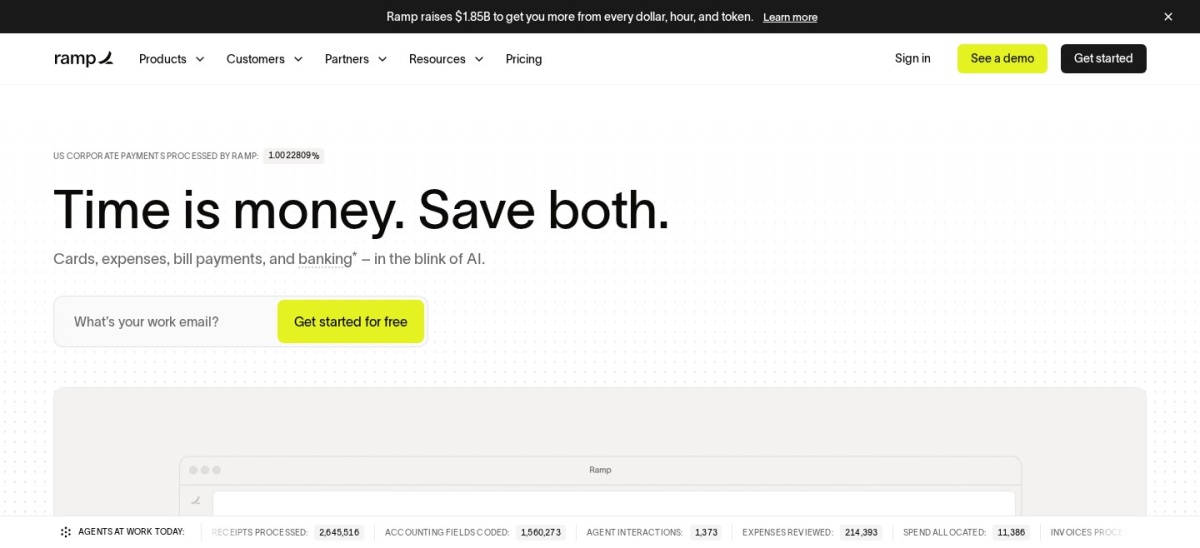
Ramp is a finance automation platform combining corporate cards, expense management, and accounts payable with direct general ledger sync. Its $0/user/month Free plan includes unlimited physical and virtual cards, automated receipt collection via SMS or Slack, OCR invoice extraction, approval workflows, and QuickBooks Online or Xero integration.
The trade off is that Ramp is not a standalone general ledger, and multi-entity support, procurement workflows, or NetSuite and Sage Intacct integrations require Ramp Plus at $15/user/month ($180/user/year) plus a team-size platform fee. It suits growing teams that want to eliminate manual receipt chasing and bill coding before month-end close.
What we like
Generous $0/user/month tier covers cards, OCR bill pay, and accounting sync
Employees submit receipts automatically via SMS or Slack prompts
Enforces spend limits and accounting codes at the card level
4.9/5 rating across 224 Capterra reviews
Watch out for
Requires an external general ledger like QuickBooks, Xero, or NetSuite
Plus tier adds a platform fee on top of the $15/user/month rate
Multi-entity accounting and ERP sync are gated behind Plus
Ramp Plus ($15/user/mo + platform fee) adds multi-entity support, procurement, and NetSuite or Sage Intacct sync.Visit ramp.com
03
Zoho Books
4.4/5on Capterra (683 reviews, checked Nov 2026)
Paid from$20/mo
Best budget full accounting suite
Entry paid planStandard ($20/mo or $15/mo annually)
Zoho Books is cloud accounting software with automated bank feeds, recurring invoices, payment reminders, and native ties to Zoho CRM and Inventory. Its $0 Free plan covers solopreneurs and microbusinesses with invoicing, quotes, expense tracking, and journals up to 1,000 invoices per year.
The trade off is strict annual invoice and user caps on lower tiers, with Standard costing $20/month ($180/year billed annually at $15/month) and capping volume at 5,000 invoices per year. It suits cost-conscious startups and small businesses that want deep automation without paying QuickBooks prices.
What we like
Full double-entry accounting on a $0 starter plan
Lowest regular paid entry price among full ledgers at $180/year billed annually
Strong automated bank feed rules and recurring transaction workflows
Native integration with Zoho CRM, Inventory, and Payroll
Watch out for
Annual invoice caps (1,000 on Free, 5,000 on Standard) force tier upgrades
Document autoscans cost extra ($8/month annually for 50 scans)
Project tracking and inventory require the $50/month Professional plan
Standard ($15/mo billed annually) raises the cap to 5,000 invoices per year and unlocks full bank reconciliation.Visit zoho.com
04
Xero
4.4/5on Capterra (3,344 reviews, checked Nov 2026)
Starts at$27/mo
Best for multi-user teams needing unlimited seats
Entry paid planEarly ($27/mo regular)
Free planNo (30-day free trial)
Included usersUnlimited users on all plans
Key automationBank rec rules, 30–180 day cash forecast
xero.com
Xero homepage, captured Nov 2026.
Xero is a cloud accounting platform used by 5.1 million customers globally that centers on automated bank reconciliation, bill capture, and real-time cash flow forecasting. Every plan includes unlimited user logins at no extra seat fee, starting with Early at $27/month ($324/year) for bank feeds, W-9 and 1099 management, and a 30-day cash flow forecast.
The trade off is tight transaction limits on the entry tier, as Early caps you at 20 invoices and 5 bills per month and charges $5/month extra for auto-reconciliation, pushing active businesses to Growing at $59/month (new customers often get 80% off for 3 months). It suits multi-person teams that want to avoid per-seat fees.
What we like
Unlimited users included on every subscription tier
Fast, rule-driven bank reconciliation and 1,000+ app integrations
Built-in short-term cash flow forecasting on all plans
Free standard ACH domestic bill pay included
Watch out for
Early plan caps volume at 20 invoices and 5 bills per month
No permanently free tier after the trial ends
Multi-currency and project tracking require the $97/mo Established plan
Growing ($59/mo) unlocks unlimited invoices and bills, built-in auto-reconciliation, and 60-day cash forecasts.Visit xero.com
05
Wave
4.4/5on Capterra (1,726 reviews, checked Nov 2026)
Paid from$19/mo
Best free invoicing and accounting for freelancers
Entry paid planPro ($19/mo or $190/yr annually)
Free planYes (unlimited invoices and bills)
Receipt captureUnlimited digital receipts on Pro
Key automationAuto-import and merge bank transactions
waveapps.com
Wave homepage, captured Nov 2026.
Wave is small-business accounting software built for freelancers and service sole proprietors who want core bookkeeping without a monthly subscription. Its $0 Starter plan includes unlimited estimates, invoices, bills, and bookkeeping records, while Wave Pro adds automated bank transaction imports, auto-categorization, unlimited digital receipt capture, and automated late-payment reminders.
The trade off is that automated bank feeds and receipt scanning are locked behind Wave Pro at $19/month ($190/year billed annually), and the platform lacks inventory tracking or multi-currency accounting. It suits solo service businesses that want simple, low-cost bookkeeping.
What we like
Starter plan offers unlimited invoices and core accounting for $0
Pro plan is affordable at $190/year billed annually
Clean, beginner-friendly interface for non-accountants
Pro discounts online credit card processing fees for the first 10 transactions/mo
Watch out for
Automated bank imports and categorization require upgrading to Pro
No inventory management or advanced multi-entity reporting
Customer support options are limited on lower tiers
Wave Pro ($190/yr billed annually) unlocks automatic bank transaction imports, categorization, and receipt capture.Visit waveapps.com
06
FreshBooks
4.5/5on Capterra (4,527 reviews, checked Nov 2026)
Starts at$23/mo
Best for service businesses billing by time or project
Entry paid planLite ($23/mo or $248.40/yr annually)
Free planNo (30-day free trial)
Client cap5 billable clients on Lite, 50 on Plus
Key automationRecurring invoices, late reminders, time billing
freshbooks.com
FreshBooks homepage, captured Nov 2026.
FreshBooks is accounting and invoicing software tailored to freelancers, agencies, and consultants who bill clients by project or tracked hours. Its Lite plan starts at $23/month ($248.40/year billed annually) and automates recurring invoices, late-payment reminders, expense imports, and basic tax reports for up to 5 billable clients.
The trade off is strict billable client limits and extra seat fees, as Lite caps you at 5 clients, Plus ($43/month) caps at 50 clients, and additional team members cost $11/user/month (promotional offers often cut the first 4 months by up to 90%). It suits solo service providers and small agencies.
What we like
Highest Capterra rating among full SMB accounting apps at 4.5/5 (4,527 reviews)
Combines time tracking, project proposals, and automated invoicing in one workflow
Mobile receipt scanning links directly to bank expense entries
10% discount when billed annually
Watch out for
Lite plan restricts you to just 5 billable clients
Adding team members costs $11/month per extra person
Double-entry accounting reports require upgrading to Plus ($43/mo)
Plus ($43/mo) expands the cap to 50 billable clients and adds double-entry accounting reports and receipt auto-capture.Visit freshbooks.com
07
BILL
4.1/5on Capterra (563 reviews, checked Nov 2026)
Starts at$49/mo
Best for dedicated AP/AR approval workflows
Entry paid planEssentials ($49/user/mo)
Free planNo for AP/AR ($0 Spend & Expense only)
Accounting syncCSV on Essentials; 2-way sync on Team ($65)
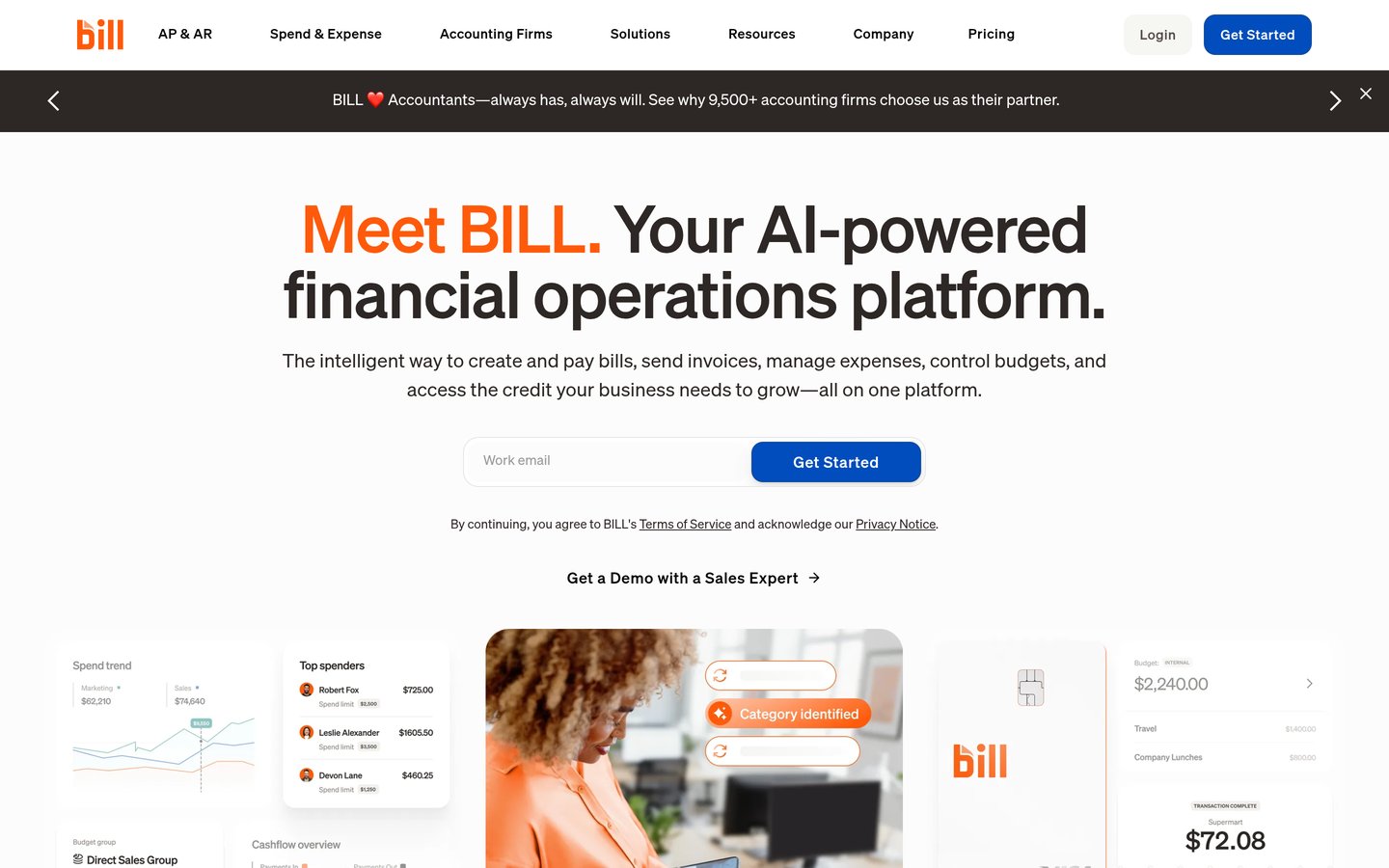
BILL is an accounts payable and receivable automation platform that centralizes incoming vendor bills, routes multi-step approvals, and executes ACH, virtual card, or check payments. Its Essentials plan starts at $49/user/month ($588/user/year) with automated approval workflows, 6 standard user roles, and access to over 4 million vendors in the BILL network.
The trade off is per-user pricing and gated accounting integrations, because Essentials only supports manual CSV import/export and automatic two-way sync with QuickBooks or Xero requires the Team plan at $65/user/month. It suits finance teams handling high monthly vendor bill volume that need strict approval controls.
What we like
Automates multi-step bill approval routing and payment execution
Connects directly with over 4 million vendors in the BILL network
Corporate tier adds purchase requests and two-way PO matching
Separate $0 Spend & Expense product available for card controls
Watch out for
Per-user pricing ($49–$89/user/mo) gets expensive for multi-person teams
Automatic two-way QuickBooks and Xero sync requires the $65/user/mo Team tier
Transaction fees apply on top of monthly subscription costs
Team ($65/user/mo) adds automatic two-way sync with QuickBooks Online and Xero plus custom user roles.Visit bill.com
Core accounting ledgers vs. AP and spend automation
Not every tool on this list replaces your general ledger. QuickBooks Online, Xero, Zoho Books, FreshBooks, and Wave are complete accounting systems that maintain your chart of accounts, reconcile bank feeds, and generate balance sheets.
Ramp and BILL act as specialized automation layers that sit on top of QuickBooks, Xero, or an ERP. If your main bottleneck is chasing employee receipts, enforcing card spend limits, or routing vendor invoices through multi-step approvals, pairing a free Ramp account with your existing ledger often solves the problem without migrating your books.
How we chose
We selected established cloud accounting and finance automation platforms with active 2026 development, transparent public pricing, and verified user review profiles on Capterra.
All regular subscription rates, plan limits, and review counts were verified on 22 Nov 2026 directly from vendor pricing pages and Capterra listings, using regular list prices rather than short-term introductory discounts.
We excluded enterprise-only ERPs and close tools that require custom sales quotes without published entry pricing, as well as legacy desktop packages. No vendor paid for a place, and we do not claim testing for this list.
How to choose accounting automation software
Follow these four steps to match an accounting automation tool to your transaction volume and team size.
Decide between a full ledger and an AP/spend layer. Pick QuickBooks Online, Xero, Zoho Books, FreshBooks, or Wave if you need a system of record for bank reconciliation and tax reports, or add Ramp or BILL if you already have a ledger and only want to automate approvals and receipts.
Check user seat pricing before you commit. If three or more staff members or bookkeepers need login access, Xero and Ramp include unlimited users on base plans, whereas QuickBooks Online and BILL charge higher tiers or per-seat rates.
Audit monthly invoice, bill, and client caps. Entry plans often restrict volume—such as 20 invoices and 5 bills per month on Xero Early, 5 clients on FreshBooks Lite, or 1,000 annual invoices on Zoho Books Free—so price the tier your actual volume requires.
Budget on regular list prices, not promo discounts. QuickBooks Online, Xero, FreshBooks, and Wave advertise 50% to 90% discounts for the first three to four months, so calculate your annual software budget using the regular monthly rate.
FAQ
What is the best free accounting automation software?
Ramp offers the strongest free automation layer with $0/user/month corporate cards, OCR bill pay, receipt matching, and QuickBooks or Xero sync. For a free standalone ledger, Zoho Books Free covers up to 1,000 invoices per year, while Wave Starter offers unlimited invoicing with manual bank imports.
Which accounting automation software is best for teams with many users?
Xero includes unlimited users on every subscription plan starting at $27/month, making it much cheaper for multi-user teams than QuickBooks Online, which caps Simple Start at 1 user and charges $85/month for 3 users.
Do I need both QuickBooks and Ramp or BILL?
Yes, because Ramp and BILL are spend and accounts payable automation tools rather than complete general ledgers. They capture receipts, route bill approvals, and push coded transactions into QuickBooks Online, Xero, or an ERP for final reporting.
Why do accounting software prices look lower on vendor homepages?
Several vendors advertise introductory discounts—such as 50% off for 3 months at QuickBooks Online, 80% off for 3 months at Xero, and 90% off for 4 months at FreshBooks—before billing the regular monthly list price.
What is the cheapest paid full accounting software with bank feeds?
Zoho Books Standard is the lowest-priced full accounting ledger with automated bank reconciliation at $15/month billed annually ($180/year) or $20/month billed monthly, followed by Wave Pro at $190/year billed annually.