Best Accounting and Invoicing Software for Small Business in 2026: 7 Tools Compared
WLWPLegible EditorsLast verified 22 Nov 2026How we rank10 min read
★ Short answer
QuickBooks Online is the strongest all-around choice, pairing double-entry bookkeeping and invoicing with 1,480 Capterra reviews and plans starting at $38/mo. Service businesses that bill by the hour often prefer FreshBooks, while Wave and Zoho Books offer free starter tiers for solo owners.
How we make this list: we compare pricing pages, product documentation and public user reviews, then re-check every price before each update. No product paid for a place. Disclosure.
QuickBooks Online starts at $38/mo ($456/yr) for 1 user plus accountant access, scaling up to 25 users on higher plans.
Xero includes unlimited user seats on every tier starting at $27/mo ($324/yr), though its entry tier caps invoices at 20 per month.
Wave and Zoho Books both offer $0/mo entry plans with unlimited invoices or up to 1,000 invoices per year.
FreshBooks starts at $23/mo ($276/yr) with built-in time tracking, but limits the Lite plan to 5 billable clients.
Patriot Accounting and Kashoo keep pricing flat at $20/mo and $30/mo with unlimited users included.
What to look for in small business accounting and invoicing software
Combining bookkeeping and client billing in one tool saves hours of manual data entry each month. When an invoice is paid online, the transaction should automatically match your bank feed and update your profit and loss statement.
Watch closely for hidden caps on entry tiers. Several platforms advertise low starting prices while restricting active clients, monthly invoice counts, or user seats, forcing an upgrade as soon as your business grows.
Payment processing fees also affect your true annual cost. Most platforms charge around 2.9% plus a per-transaction fee for credit cards and roughly 1% for bank transfers, which can outweigh the monthly subscription cost.
The 7 best accounting and invoicing software tools
01
QuickBooks Online
4.3/5on Capterra (1,480 reviews, checked Nov 2026)
Paid from$38/mo
Best for full-featured small business accounting
Cheapest paid planSimple Start ($38/mo)
Included users1 user + accountant
Invoice limitUnlimited on paid plans
Free tierYes (2 invoices/mo)
quickbooks.intuit.com
QuickBooks Online homepage, captured Nov 2026.
QuickBooks Online is a cloud accounting and invoicing suite from Intuit designed for small and midsize businesses. Its $38/mo Simple Start plan covers unlimited custom invoices, automated bank feeds, expense tracking, and tax-ready financial reports for 1 user plus accountant access, while a limited free tier covers 1 bank and 2 invoices per month.
The trade off is high recurring cost and strict per-tier seat limits, as Simple Start runs $456/yr at regular rates (though Intuit frequently discounts the first 3 to 6 months) and jumping to 3 users requires the $85/mo Essentials tier. It suits growing businesses that want standardized reports most accountants already know.
What we like
Broadest accountant familiarity and third-party app ecosystem
Unlimited custom invoices, estimates, and bank feeds on Simple Start
Smooth upgrade path for inventory, bill pay, and payroll add-ons
Includes dedicated accountant login seats on every paid tier
Watch out for
Regular monthly prices are higher than most competitors
Entry paid plan restricts access to a single business user
Multi-currency and bill management require upgrading to $85/mo
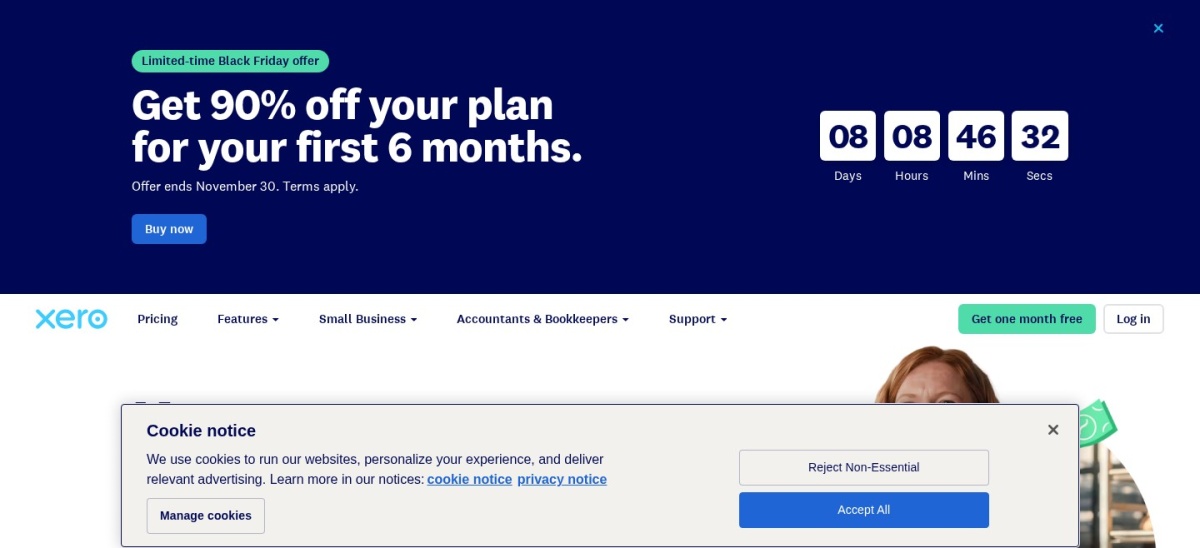
Xero is a cloud accounting platform built around daily bank feeds, online invoicing with Pay Now buttons, and real-time cash flow dashboards. Every plan includes unlimited user seats at no extra charge, and the $27/mo Early plan covers bank reconciliation, bill entry, and basic financial reporting.
The trade off is strict volume caps on the $324/yr Early plan, which limits you to 20 invoices and 5 bills per month and charges an extra $5/mo for auto-reconciliation (though new customers often get an intro promo for 3 to 6 months). It suits collaborative teams that want every staff member in the books without seat fees.
What we like
Unlimited user seats included even on the cheapest plan
Clean bank reconciliation workflow with daily bank feeds
Extensive app marketplace for e-commerce and job costing
Watch out for
Early plan caps volume at 20 invoices and 5 bills per month
Multi-currency support requires the $97/mo Established tier
No forever-free plan available
Growing ($59/mo) removes invoice and bill caps and includes auto-reconciliation.Visit xero.com
03
FreshBooks
4.5/5on G2 (982 reviews, checked Nov 2026)
Starts at$23/mo
Best for freelancers and service businesses
Cheapest paid planLite ($23/mo)
Included users1 user ($11/mo extra)
Client limit5 billable clients on Lite
Free tierNo (30-day trial)
freshbooks.com
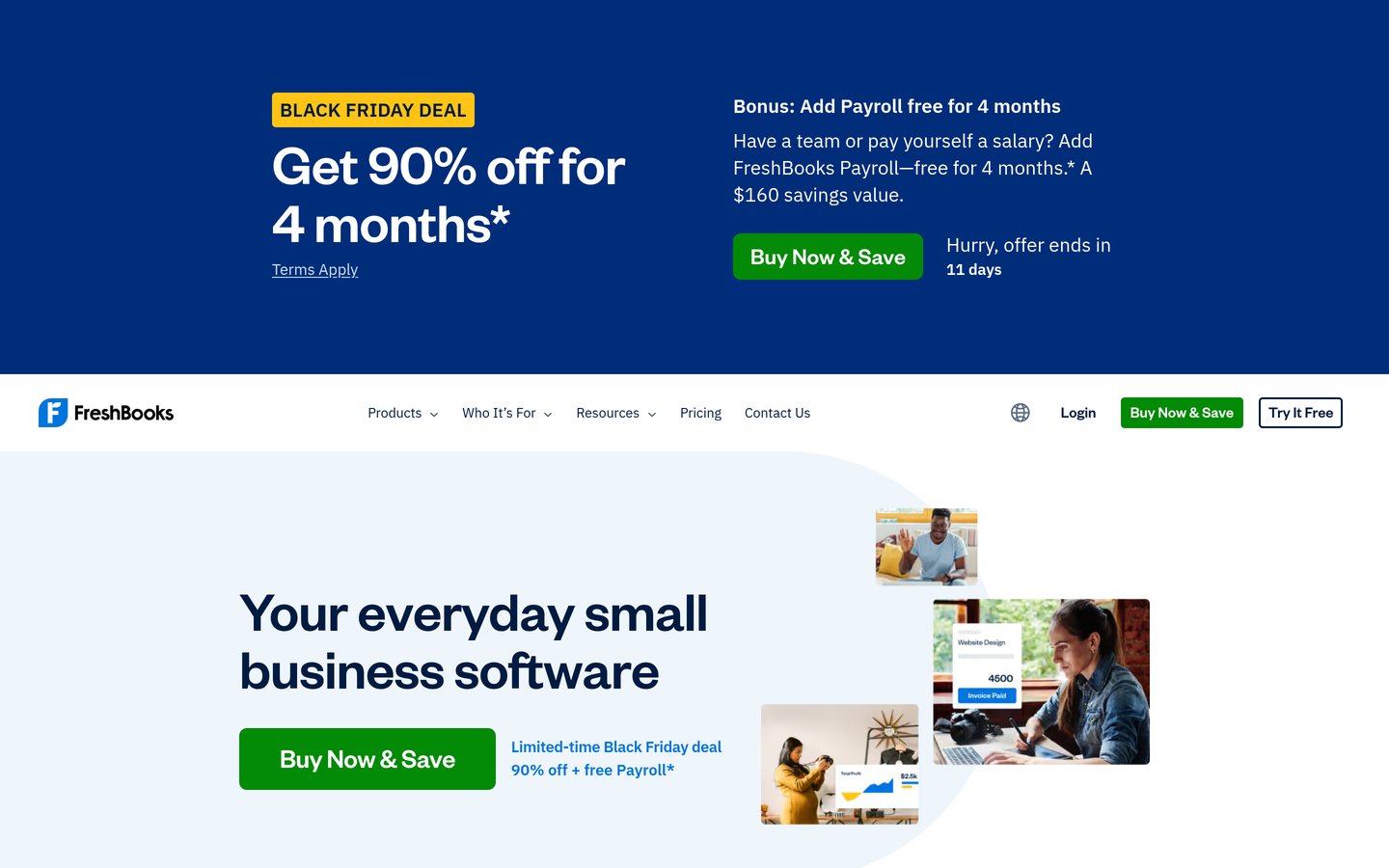
FreshBooks homepage, captured Nov 2026.
FreshBooks is an invoicing and accounting platform tailored to service providers, consultants, and agencies that bill by the hour or project. Its $23/mo Lite plan includes unlimited invoices and estimates, built-in time and mileage tracking, expense categorization, and online card or ACH checkout.
The trade off is a tight 5-billable-client cap on the $276/yr Lite plan (even after introductory discounts end) and a $11/mo fee per additional team member. It suits solo service businesses and small agencies that prioritize fast client billing and time tracking over deep inventory tools.
What we like
Built-in time tracking converts billable hours directly into invoices
Straightforward interface for owners without an accounting background
Includes proposals, retainers, and automated payment reminders on Plus
Watch out for
Lite plan restricts you to 5 billable clients (including archived ones)
Adding team members costs $11/mo per person on every tier
Not designed for product sellers needing inventory tracking
Plus ($43/mo) expands the limit to 50 clients and adds double-entry reports.Visit freshbooks.com
04
Zoho Books
4.4/5on G2 (320 reviews, checked Nov 2026)
Paid from$20/mo
Best free plan for growing micro-businesses
Cheapest paid planStandard ($20/mo)
Included users3 users on Standard
Invoice limit1,000/yr on Free plan
Free tierYes (under $50K revenue)
zoho.com
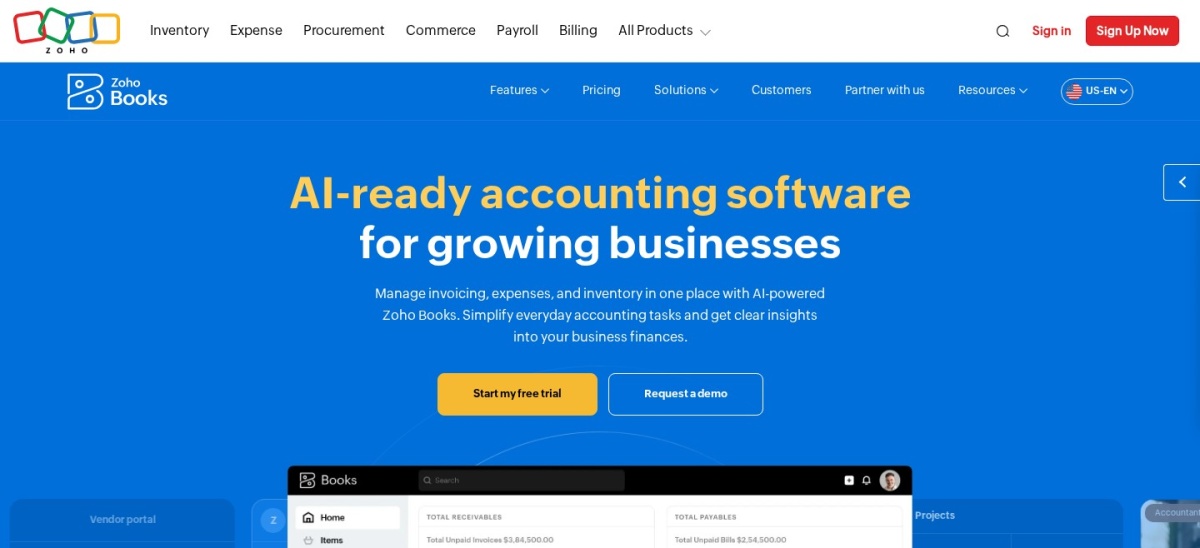
Zoho Books homepage, captured Nov 2026.
Zoho Books is an online accounting application that connects tightly with Zoho CRM, Projects, and Inventory. Its free tier supports 1 user plus 1 accountant, up to 1,000 invoices per year, expense tracking, bank reconciliation, and over 50 financial reports for businesses under $50,000 in annual revenue.
The trade off is that automated bank feeds, sales tax tracking, and vendor bill management require upgrading to paid tiers, starting at $20/mo ($240/yr billed monthly, or $15/mo billed annually) for Standard. It suits budget-conscious startups and teams already using other Zoho business apps.
What we like
Generous $0/mo plan covers up to 1,000 invoices per year
Standard tier includes 3 user seats at $20/mo ($15/mo annually)
Native integration across the broader Zoho business app suite
Watch out for
Free plan is restricted to businesses earning under $50K annually
Vendor bills and purchase orders require the $50/mo Professional plan
Extra receipt autoscans and users incur add-on fees
Standard ($20/mo) unlocks live bank feeds, sales tax tracking, and 3 users.Visit zoho.com
05
Wave
4.3/5on G2 (328 reviews, checked Nov 2026)
Paid from$19/mo
Best forever-free invoicing and bookkeeping
Cheapest paid planPro ($19/mo)
Included usersUnlimited collaborators
Invoice limitUnlimited on Free
Free tierYes (Starter $0/mo)
waveapps.com
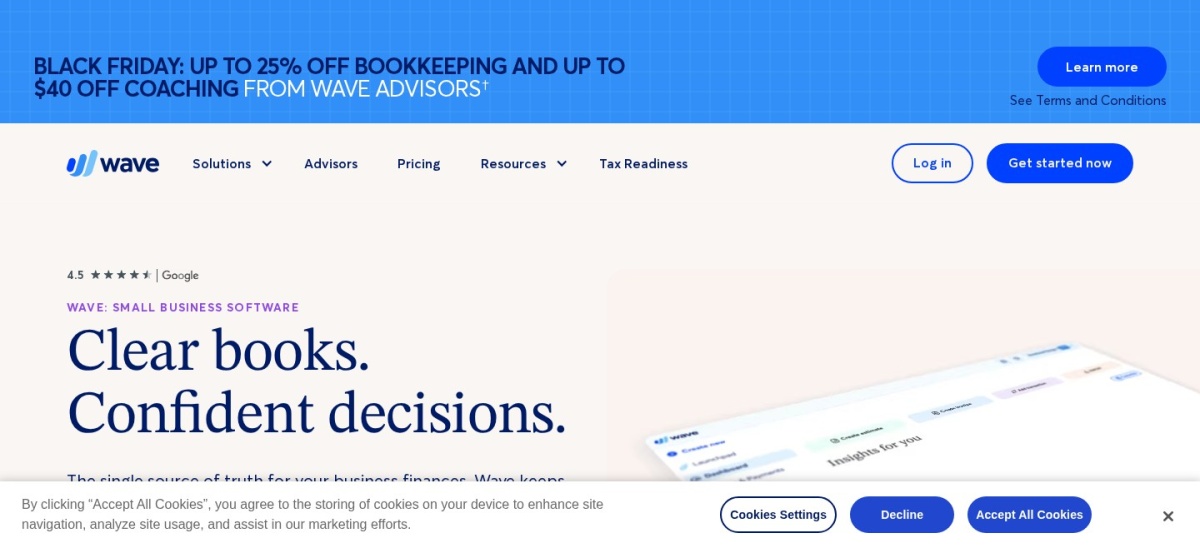
Wave homepage, captured Nov 2026.
Wave is a cloud accounting and invoicing platform built for freelancers, solopreneurs, and micro-businesses. Its Starter plan costs $0/mo and includes unlimited estimates, customizable invoices, vendor bills, and double-entry bookkeeping reports with no user caps.
The trade off is that automatic bank imports, digital receipt capture, and automated late-payment reminders sit behind the $19/mo Pro plan ($228/yr billed monthly, or $190/yr billed annually). It suits solo owners who want zero fixed subscription overhead and do not mind uploading bank statements manually.
What we like
Forever-free Starter plan allows unlimited invoices and bookkeeping records
No per-user seat fees on either the free or Pro tier
Pro plan removes the $0.60 per-transaction card surcharge
Watch out for
Automatic bank feeds require upgrading to the $19/mo Pro plan
Lacks inventory tracking, project profitability, and multi-currency depth
Customer support is limited on the free Starter tier
Pro ($19/mo) adds auto bank imports, receipt OCR, and payment reminders.Visit waveapps.com
06
Patriot Accounting
4.7/5on Capterra (450 reviews, checked Nov 2026)
Starts at$20/mo
Best budget option with native payroll
Cheapest paid planAccounting Basic ($20/mo)
Included usersUnlimited on all plans
Invoice limitUnlimited invoices
Free tierNo (30-day trial)
patriotsoftware.com
Patriot Accounting homepage, captured Nov 2026.
Patriot Accounting is a browser-based bookkeeping and invoicing tool designed for small businesses that want clean financials without complex ERP menus. Its $20/mo Accounting Basic plan includes unlimited custom invoices, bank transaction imports, cash and accrual reporting, and unlimited user permissions.
The trade off is that recurring invoices, estimates, and receipt storage require the $30/mo Accounting Premium plan, and the regular $240/yr Basic rate applies once initial introductory discounts expire. It suits small teams that want affordable, unlimited-seat bookkeeping paired with optional native payroll.
What we like
Unlimited users and unlimited invoices included on the $20/mo entry plan
Tracks both cash and accrual accounting simultaneously
Pairs cleanly with Patriot's low-cost payroll add-ons
Watch out for
Recurring invoices and estimates require the $30/mo Premium tier
No built-in inventory management or multi-currency billing
Smaller third-party integration library than QuickBooks or Xero
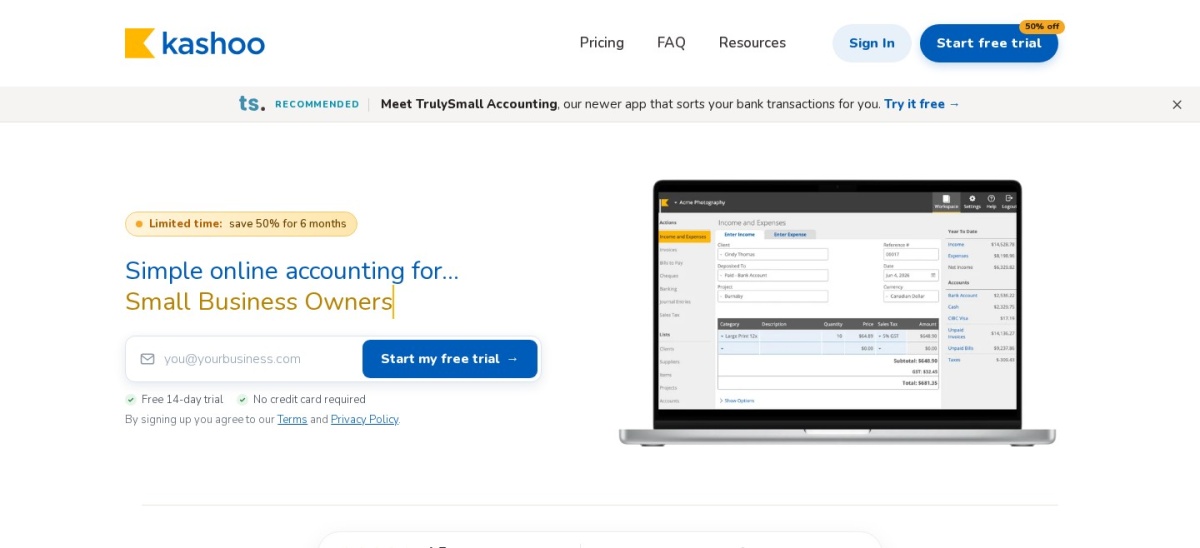
Kashoo is a cloud bookkeeping and invoicing app that eliminates tiered feature gating with a single all-inclusive subscription. For $30/mo at regular pricing, you get automated transaction categorization, smart receipt scanning, multi-currency invoicing, sales tax tracking, and unlimited user seats.
The trade off is a higher entry price of $360/yr compared to stripped-down starter tiers elsewhere, even with occasional 6-month promotional discounts for new signups. It suits small businesses that dislike feature lockouts and want multi-currency support and unlimited seats from day one.
What we like
Single plan includes every feature with no upsell tiers
Unlimited user seats with role-based permissions included
Supports multi-currency transactions and smart receipt scanning out of the box
Watch out for
No low-cost entry tier for very small or pre-revenue businesses
Fewer third-party app integrations than QuickBooks Online or Xero
Each separate business entity requires its own $30/mo subscription
All-inclusive plan includes multi-currency, receipt OCR, and unlimited users.Visit kashoo.com
Three hidden costs that inflate your annual bill
Headline subscription rates rarely tell the full story. Many accounting vendors advertise 50% to 90% introductory discounts for the first three to six months before reverting to regular monthly rates.
Seat and client caps also trigger surprise upgrades. QuickBooks Online and FreshBooks charge extra or require higher tiers once you add team members or pass five billable clients, while Xero and Patriot include unlimited users on every plan.
Finally, factor in payment processing fees if clients pay invoices online. Standard card processing typically costs around 2.9% plus $0.30 to $0.60 per transaction across every platform on this list.
How we chose
We selected seven established cloud accounting and invoicing platforms built for small businesses, freelancers, and growing teams. Each tool had to provide core double-entry bookkeeping alongside customizable client invoicing and online payment collection.
All regular subscription prices, plan limits, G2 ratings, and Capterra ratings were verified directly from vendor pricing pages and public review directories on 22 Nov 2026. Where vendors run temporary introductory discounts, we listed the ongoing regular monthly and yearly rate.
We excluded enterprise ERP suites without transparent self-serve pricing, standalone invoice generators that lack a general ledger, and tools with fewer than 100 public reviews. No vendor paid for a place, and we do not claim testing for this list.
How to choose the right accounting and invoicing software
Narrow down your shortlist by matching plan limits to how you bill clients and manage your books.
Count your active clients and monthly invoices. If you send fewer than 20 invoices a month or work with under five clients, entry tiers from Xero or FreshBooks work well; otherwise, look for uncapped plans.
Check how many people need access to the books. If co-founders, project managers, or bookkeepers need logins, prioritize Xero, Wave, Patriot, or Kashoo so you do not pay per-seat fees.
Decide whether you need automatic bank feeds. Free plans from Wave and Zoho Books require manual bank statement uploads or restrict tax and bill tools, whereas paid plans sync daily bank transactions automatically.
Compare regular renewal rates instead of promo pricing. Calculate the full 12-month cost after 3-month or 6-month introductory discounts expire, including any payroll or payment processing add-ons.
FAQ
What is the best free accounting and invoicing software?
Wave and Zoho Books offer the strongest free plans. Wave Starter gives solo owners unlimited invoices and double-entry bookkeeping for $0/mo, while Zoho Books Free covers up to 1,000 invoices per year for businesses under $50,000 in annual revenue.
Should I choose QuickBooks Online or Xero?
Choose QuickBooks Online if you want the widest network of external accountants and deep inventory or tax add-ons. Choose Xero if you want unlimited user seats included on every plan without paying per-user fees.
Is FreshBooks good for product-based businesses?
No, FreshBooks is built primarily for freelancers, consultants, and service agencies that track billable hours and projects. Product sellers that need stock tracking and purchase orders should look at QuickBooks Online or Zoho Books instead.
Why do accounting software prices look lower on vendor homepages?
Most accounting vendors promote steep introductory discounts—often 50% to 90% off for the first three to six months. Once that promotional window ends, your subscription renews automatically at the regular monthly list price.
Do these tools charge extra to accept credit cards on invoices?
Yes, online payment processing is billed per transaction on top of your software subscription. Most platforms charge roughly 2.9% plus $0.30 to $0.60 per credit card payment and around 1% for ACH bank transfers.