Best Account Management Software in 2026: 8 Tools Compared
WLWPLegible EditorsLast verified 22 Nov 2026How we rank11 min read
★ Short answer
HubSpot Sales Hub is the best overall account management software, combining a free tier with unified contact timelines, deal pipelines, and 14,407 G2 reviews at 4.4 out of 5. Choose Zoho CRM for lower per-seat costs starting at $14 per month, or Salesforce Sales Cloud when enterprise customization is required.
How we make this list: we compare pricing pages, product documentation and public user reviews, then re-check every price before each update. No product paid for a place. Disclosure.
HubSpot Sales Hub leads overall with a 4.4/5 G2 rating across 14,407 reviews and a free tier, while regular paid plans start at $20 per seat per month.
Zoho CRM delivers the lowest multi-user entry price among full CRMs at $14 per user per month billed annually ($168/yr) plus a 3-user free edition.
Pipedrive starts at $14 per seat per month billed annually ($168/yr) for visual pipeline tracking, though automated sequences require the $39 Growth tier.
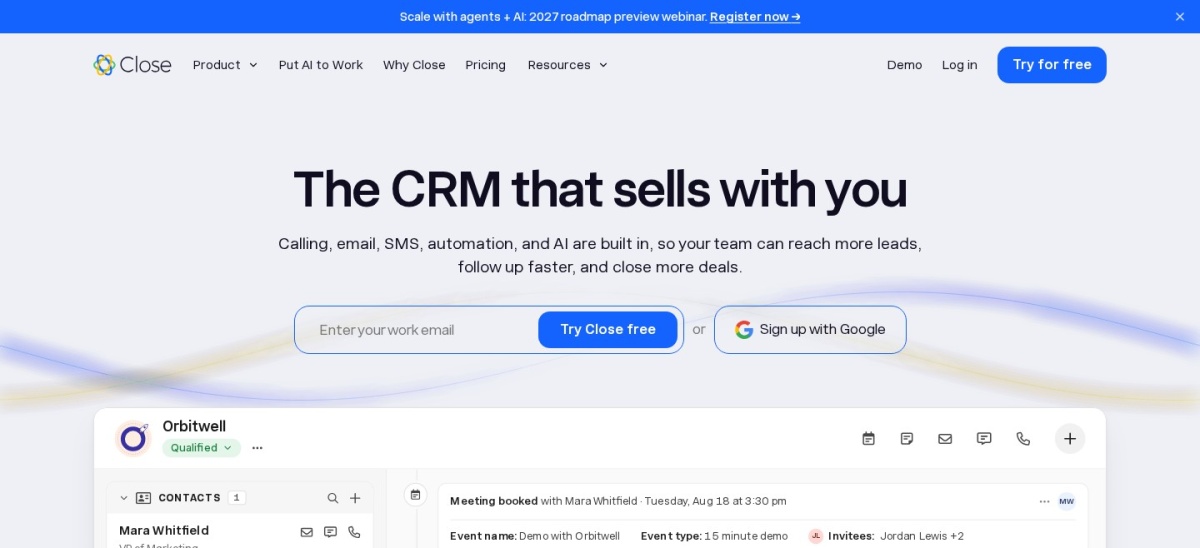
Close offers the lowest solo entry tier at $9 per user per month ($108/yr) with built-in calling and SMS, rated 4.7/5 across 2,169 G2 reviews.
Salesforce Sales Cloud scales from a 2-user Free Suite and $25/user/month Starter Suite up to $550/user/month Max for large revenue teams.
What to look for in account management software
Account management software keeps post-sale relationships, renewals, and expansion opportunities organized after a deal closes. Unlike basic contact books, a capable platform connects stakeholder hierarchies, communication history, and renewal pipelines in one shared record so account managers never lose context between handoffs.
Pay close attention to where key features sit on the pricing ladder. Many vendors advertise low entry prices for basic contact storage, then gate workflow automation, email sequences, custom reporting, and account health tracking behind mid-tier plans that cost two to four times more per seat.
Seat minimums and mandatory onboarding fees can also reshape your first-year budget. Some platforms sell seats in fixed multi-user buckets or charge one-time setup fees on mid-tier plans, so always calculate total annual cost for your exact team size before committing.
HubSpot Sales Hub is an all-in-one CRM and account management platform that centralizes contacts, companies, deal pipelines, and email tracking in a shared workspace. Its permanent free tier supports up to 2 users with core contact records, deal boards, live chat, and 3 email templates per account.
The trade off is a sharp price jump when you need automation, as Starter costs $20 per seat per month at regular pricing ($7 promotional rate for new customers) while sequences and custom workflows require Professional at $90 per seat plus a $1,500 onboarding fee. It suits growing B2B teams wanting marketing, sales, and service records in one portal.
What we like
Free forever tier covers core contact and pipeline tracking for up to 2 users
Unified activity timeline logs emails, calls, meetings, and tickets on every account
Fast rep adoption with minimal initial setup on Free and Starter tiers
Connects natively with HubSpot Service Hub and Marketing Hub
Watch out for
Automated sequences and workflow automation require the $90/seat/month Professional plan
Mandatory $1,500 onboarding fee on Professional and $3,500 on Enterprise
AI prospecting features consume metered HubSpot Credits
Starter removes HubSpot branding and adds 500 calling minutes, 1 phone number, and up to 50 basic workflows.Visit hubspot.com
02
Zoho CRM
4.1/5on G2 (2,962 reviews, checked Nov 2026)
Paid from$14/mo
Best value for small and mid-sized teams
Entry paid price$14/user/mo billed annually
Free tierUp to 3 users, 5,000 records
AI assistantZia starts on Professional ($23)
G2 score4.1/5 (2,962 reviews)
zoho.com
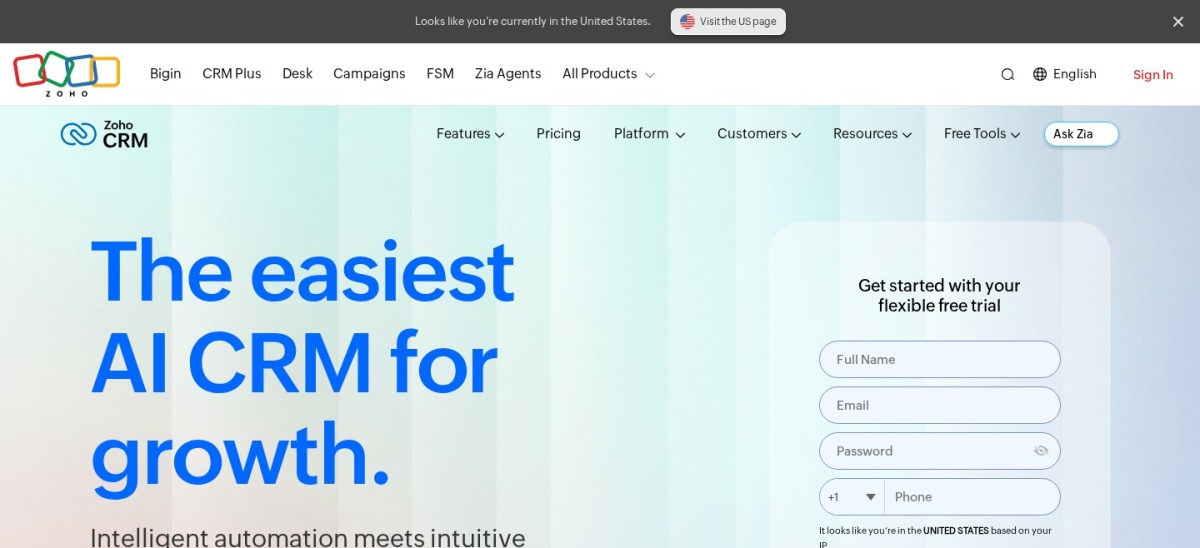
Zoho CRM homepage, captured Nov 2026.
Zoho CRM is a full-featured customer relationship platform built to track account hierarchies, renewal pipelines, and customer interactions at low per-seat rates. Its free edition covers up to 3 users with 5,000 records, 10 MB of storage, basic workflow rules, and mobile apps.
The trade off is an interface that takes time to configure and record caps on lower tiers, with Standard priced at $14 per user per month billed annually ($20 monthly) for up to 100,000 records. It suits budget-conscious teams that want deep customization and tight links to Zoho Desk and Zoho Books.
What we like
Low $14/user/month annual entry price with no forced seat minimums
Free forever edition supports up to 3 users with basic workflow automation
Custom Canvas views and account hierarchies help map multi-branch clients
Integrates directly with Zoho Desk, Zoho Projects, and Zoho Books
Watch out for
Initial setup and layout customization can feel complex for new admins
Zia AI assistant and guided Blueprints require upgrading to Professional ($23/user/mo)
Extra file and data storage incur add-on charges past plan limits
Standard expands capacity to 100,000 records and adds sales forecasting, custom dashboards, and 250 mass emails per day.Visit zoho.com
03
Salesforce Sales Cloud
4.4/5on G2 (27,596 reviews, checked Nov 2026)
Paid from$25/mo
Best for complex enterprise account hierarchies
Entry paid price$25/user/mo (Starter Suite)
Free tierFree Suite for up to 2 users
Full editionsCore $195, Advanced $395, Max $550
G2 score4.4/5 (27,596 reviews)
salesforce.com
Salesforce Sales Cloud homepage, captured Nov 2026.
Salesforce Sales Cloud is an enterprise-grade CRM platform designed to manage complex parent-child account structures, territory assignments, and multi-year renewal forecasting. Smaller teams can begin on the permanent Free Suite for up to 2 users or Starter Suite at $25 per user per month with no annual lock-in.
The trade off is steep tier escalation and administration overhead, as Pro Suite jumps to $100 per user per month billed annually and full API-enabled editions start at $195 per user per month on Core. It suits mid-market and enterprise organizations with dedicated revenue operations support.
What we like
Unmatched data modeling for parent-child accounts, territories, and custom objects
Starter Suite offers month-to-month billing at $25/user/month with Slack integration
Massive AppExchange ecosystem for dedicated account planning and CS add-ons
Core ($195) and higher tiers bundle Premier Success, Slack, and Tableau Next
Watch out for
Steep price jump from Starter Suite ($25) to Pro Suite ($100) and Core ($195)
API access and third-party integrations require Core or paid add-ons
Steep learning curve often requires dedicated admin or consultant setup
Starter Suite removes the 2-user cap and adds 2,000 monthly marketing email sends, sales flows, and commerce tools.Visit salesforce.com
04
Pipedrive
4.3/5on G2 (5,128 reviews, checked Nov 2026)
Starts at$14/mo
Best for visual renewal and upsell pipelines
Entry paid price$14/seat/mo billed annually
Free tierNone (14-day free trial)
AutomationsStarts on Growth ($39/seat/mo)
G2 score4.3/5 (5,128 reviews)
pipedrive.com
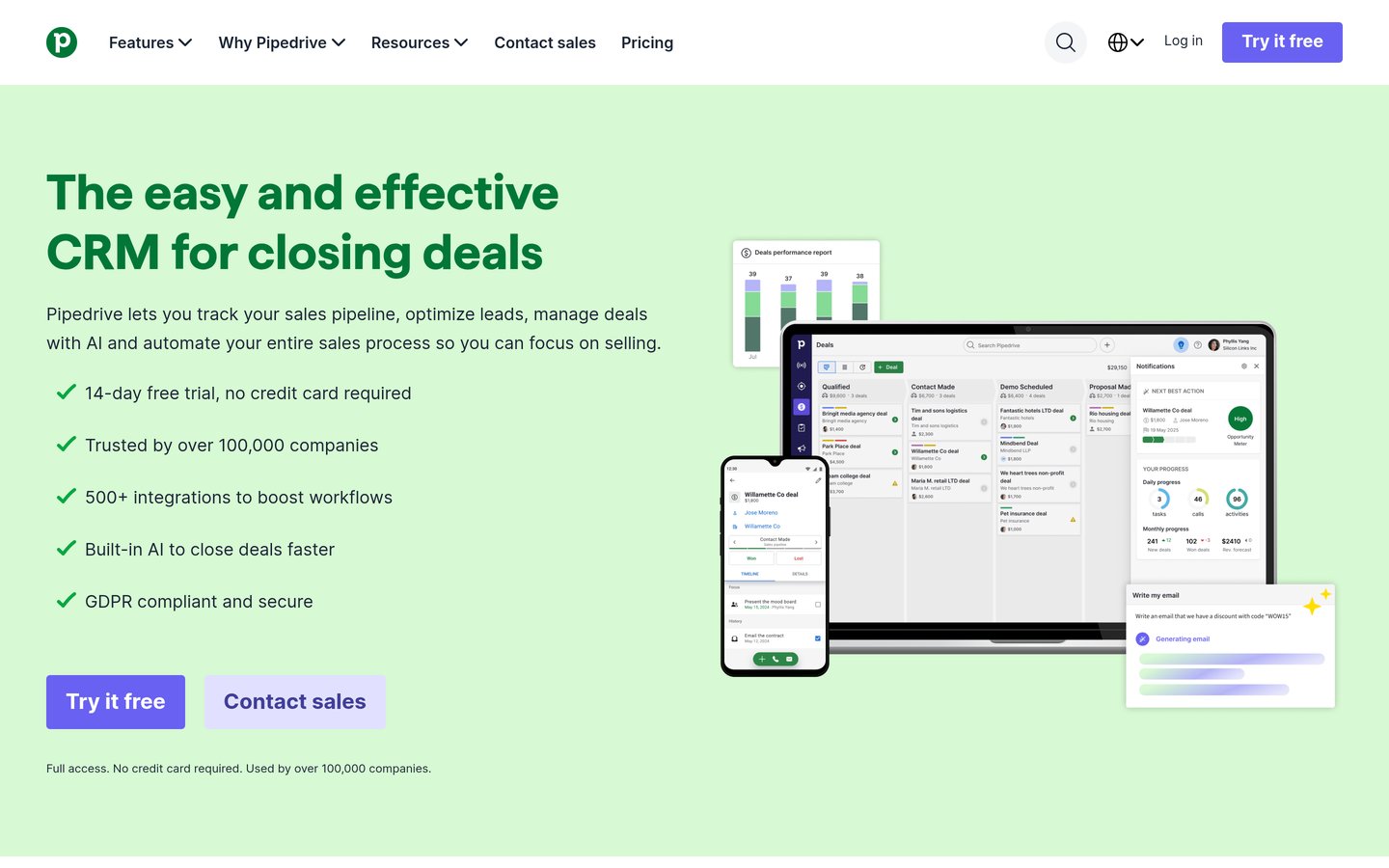
Pipedrive homepage, captured Nov 2026.
Pipedrive is a visual pipeline CRM that helps account managers track renewals, upsells, and follow-up activities across customizable Kanban boards. There is no free plan, and entry-level Lite starts at $14 per seat per month billed annually ($24 monthly) with a 14-day trial and up to 2,500 deals per user.
The trade off is that full two-way email sync, automated workflows, and email sequences are locked behind the Growth tier at $39 per seat per month billed annually. It suits sales-driven account teams that want fast visual deal management without heavy CRM clutter.
What we like
Clean visual pipeline interface makes renewal stages and rotting deals obvious
Affordable $14/seat/month annual entry tier with AI report builder included
Post-sale Projects and Smart Docs e-signatures are built into Premium ($59/mo)
Fast onboarding with minimal admin configuration required
Watch out for
No permanent free tier; only a 14-day trial is available
Email sync, sequences, and workflow automations require $39/seat/month Growth
Email marketing Campaigns and Web Visitors cost extra on every plan
Lite unlocks unlimited custom pipelines, calendar sync, meeting briefs, and up to 2,500 open deals per seat.Visit pipedrive.com
05
Freshsales
4.5/5on G2 (1,244 reviews, checked Nov 2026)
Paid from$9/mo
Best for built-in phone and multichannel outreach
Entry paid price$9/user/mo billed annually
Free tierUp to 3 users, basic CRM
Account hierarchyStarts on Pro ($39/user/mo)
G2 score4.5/5 (1,244 reviews)
freshworks.com
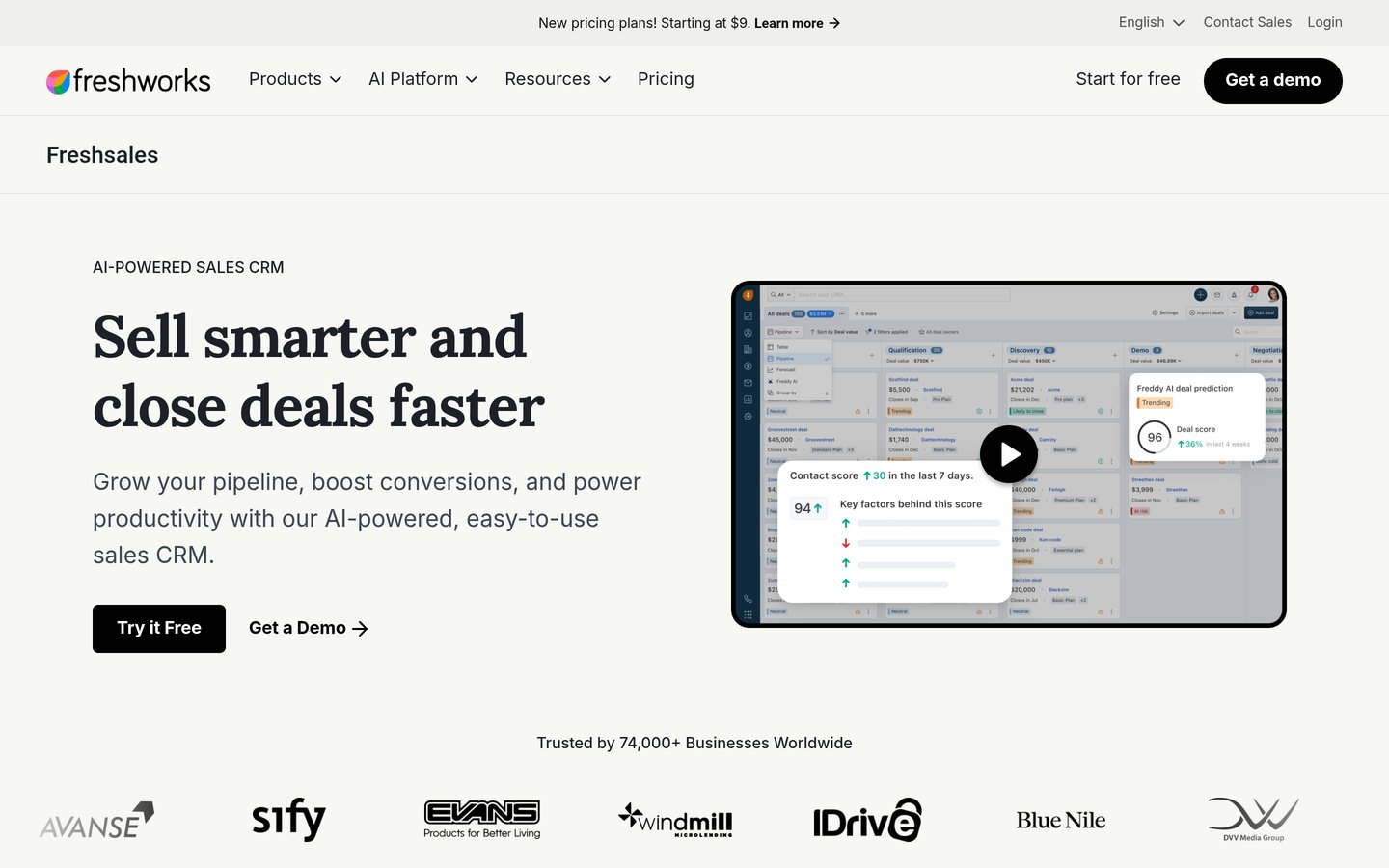
Freshsales homepage, captured Nov 2026.
Freshsales is an AI-assisted sales CRM from Freshworks that brings contact timelines, built-in telephony, email, and chat into a single account workspace. Its free plan supports up to 3 users with contact lifecycle stages, custom fields, and basic pipeline views.
The trade off is that multi-pipeline tracking, account hierarchies, and Freddy AI deal insights require upgrading to Pro at $39 per user per month billed annually, whereas Growth starts at $9 per user per month billed annually ($11 monthly). It suits SMB teams that manage client check-ins across phone, SMS, and email.
What we like
Low $9/user/month annual entry price plus a free forever tier for up to 3 users
Built-in phone, SMS, and WhatsApp integration reduces third-party dialer costs
Connects cleanly with Freshdesk support tickets for unified account visibility
High 4.5/5 G2 rating for day-to-day usability and fast page loads
Watch out for
Account hierarchies and multiple sales pipelines require the $39/user/month Pro tier
Freddy AI agent sessions incur separate usage add-on fees
Custom modules and field-level permissions are restricted to Enterprise ($59/mo)
Growth adds visual sales pipelines, basic workflows, SMS and WhatsApp messaging, and custom domains.Visit freshworks.com
06
monday CRM
4.5/5on G2 (2,000 reviews, checked Nov 2026)
Starts at$12/mo
Best for post-sale onboarding and project handoffs
Entry paid price$12/seat/mo billed annually
Free tierNone (14-day free trial)
Seat rule3-seat minimum ($432/yr)
G2 score4.5/5 (2,000 reviews)
monday.com
monday CRM homepage, captured Nov 2026.
monday CRM adapts monday.com's visual board engine into a flexible account management workspace that links pre-sale deals directly with post-sale onboarding projects. There is no free plan for monday CRM, and Basic starts at $12 per seat per month billed annually ($18 monthly) with a 14-day trial.
The trade off is bucket seat pricing with a 3-seat minimum—making the true entry cost $432 per year—and no automations until Standard at $17 per seat per month billed annually. It suits agencies and service teams that want account managers and delivery staff collaborating in one visual system.
What we like
No-code boards, timelines, and dashboards adapt easily to post-sale delivery
Free unlimited read-only viewers let executives inspect account boards at no cost
Strong 4.5/5 G2 rating across 2,000 reviews for flexibility and ease of use
Includes built-in quote and invoice generation starting on Basic
Watch out for
3-seat minimum and 5-seat increments mean small teams pay for unused seats
Automations and integrations are excluded from Basic and capped at 250 actions on Standard
No permanent free tier on the dedicated CRM product
Basic includes unlimited pipelines, 1,000 contacts, custom dashboards, and 20 quotes or invoices per month.Visit monday.com
07
Close
4.7/5on G2 (2,169 reviews, checked Nov 2026)
Starts at$9/mo
Best for high-touch phone and email account teams
Entry paid price$9/user/mo billed annually
Free tierNone (free trial available)
Team tierEssentials at $35/user/mo
G2 score4.7/5 (2,169 reviews)
close.com
Close homepage, captured Nov 2026.
Close is a conversation-first CRM built to log every call, SMS, email, and voicemail automatically on each client account. Individual account managers can start on the Solo plan at $9 per user per month billed annually ($108/yr) for up to 10,000 leads, built-in calling, SMS, and two-way email sync.
The trade off is that Solo is strictly limited to 1 user, so multi-person teams must start on Essentials at $35 per user per month billed annually, and Power Dialer workflows require Growth at $99 per user per month. It suits lean, outbound-heavy account teams prioritizing rapid phone and email follow-ups.
What we like
Highest G2 score on this list at 4.7/5 across 2,169 verified reviews
Native calling, SMS, call recording, and two-way email sync require zero third-party tools
Affordable $9/user/month Solo plan for independent consultants or founders
Dynamic Smart Views surface accounts overdue for check-ins automatically
Watch out for
No permanent free tier, and the $9 Solo tier is capped at a single user
Team plans jump to $35/user/month on Essentials and $99/user/month on Growth
Custom reporting depth is lighter than Salesforce or Zoho CRM
Solo unlocks 10,000 lead records, built-in calling and SMS, two-way email sync, and centralized task lists.Visit close.com
08
Copper
4.5/5on G2 (1,158 reviews, checked Nov 2026)
Starts at$23/mo
Best for Google Workspace agencies and consultancies
Entry paid price$23/seat/mo billed annually
Free tierNone (14-day free trial)
Workflow automationStarts on Professional ($59/seat/mo)
G2 score4.5/5 (1,158 reviews)
copper.com
Copper homepage, captured Nov 2026.
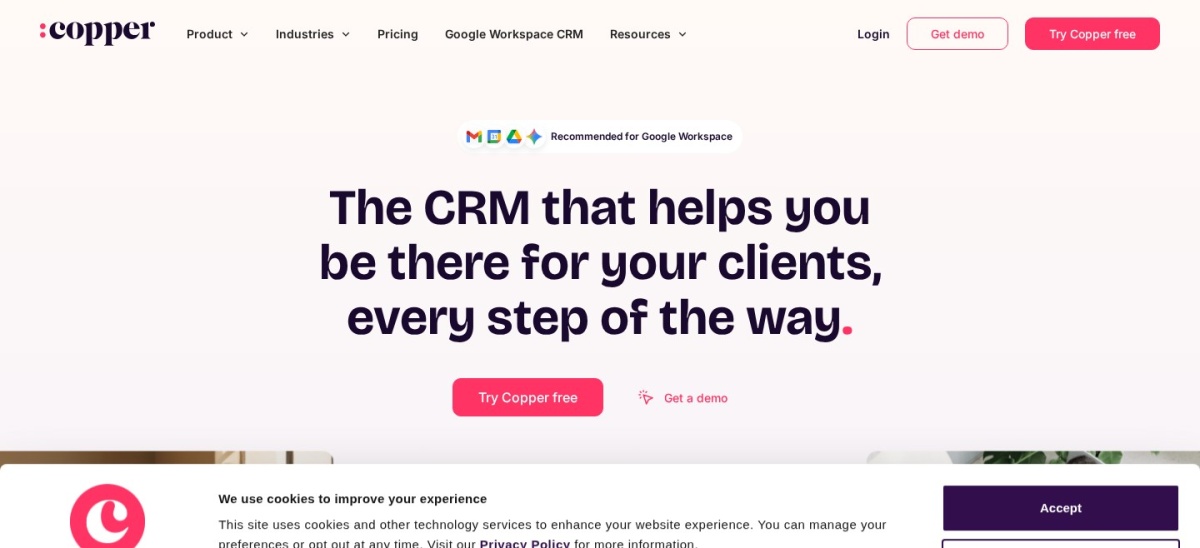
Copper is a relationship-focused CRM engineered specifically for Google Workspace, embedding account records, tasks, and email history directly inside Gmail and Google Calendar. There is no free tier, and the entry Basic plan starts at $23 per seat per month billed annually ($29 monthly) for up to 2,500 contacts.
The trade off is a higher starting price without a free tier, plus workflow automation and bulk email remain locked behind Professional at $59 per seat per month billed annually. It suits agencies, consultancies, and relationship-driven teams that run client communication out of Gmail.
What we like
Deepest native Google Workspace integration across Gmail, Calendar, and Drive
Automatically captures email threads and meeting history without manual logging
Clean interface earns a 4.5/5 G2 rating across 1,158 reviews for quick adoption
Built-in project boards help manage post-sale client deliverables
Watch out for
No free plan, and entry pricing ($23/seat/mo annual) is higher than Zoho or Pipedrive
Basic caps contacts at 2,500 and excludes workflow automation and pipeline reports
Not suited for organizations standardized on Microsoft 365
Basic enables the Gmail Chrome sidebar, Google Calendar sync, project tracking, and up to 2,500 contacts.Visit copper.com
Watch for tier gates, seat minimums, and onboarding fees
Advertised entry prices rarely reflect what a multi-person account management team pays once automation and renewal reporting are turned on. On Pipedrive, moving from Lite ($14/seat/mo) to Growth ($39/seat/mo) nearly triples your bill to unlock email sync and sequences, while HubSpot Sales Hub jumps from $20 to $90 per seat plus a mandatory $1,500 onboarding fee on Professional.
Seat rules also affect small teams. monday CRM enforces a 3-seat minimum and sells seats in 5-user buckets above that, meaning a 4-person team pays for 5 seats, while Close restricts its $9 Solo plan to a single user before moving teams to $35 per user per month on Essentials.
How we chose
We built this list by evaluating established CRM and account management platforms widely used for post-sale client retention, renewal pipelines, and stakeholder tracking. Every tool included here is actively maintained and backed by more than 1,000 verified user reviews on G2.
All ratings, review counts, and regular subscription prices were verified on 22 Nov 2026 against G2 product profiles and current 2026 vendor pricing breakdowns. Where vendors advertise temporary promotional discounts for new customers, we listed the regular ongoing price and noted the promo rate in the text.
We excluded standalone enterprise customer success suites that hide pricing behind custom sales quotes—such as Gainsight and Planhat—as well as niche tools with fewer than 1,000 public reviews. No vendor paid for a place, and we do not claim testing for this list.
How to choose account management software
Follow four practical steps to match a platform to your renewal workflow and team budget.
Audit where your client conversations already live. If your account managers spend all day in Gmail and Google Calendar, a Workspace-native tool like Copper eliminates manual logging; if they rely heavily on outbound calls and texts, Close or Freshsales includes native telephony.
Map the exact tier where sequences and workflows unlock. Check whether automated renewal reminders, multi-step email sequences, and custom dashboards sit on the entry plan or require a mid-tier upgrade like HubSpot Professional ($90/mo) or Pipedrive Growth ($39/mo).
Calculate first-year total cost including seat rules and setup. Multiply the regular annual per-seat price by your actual headcount, then factor in seat minimums like monday CRM's 3-seat floor and mandatory onboarding fees such as HubSpot's $1,500 Professional charge.
Test post-sale handoff fields during a 14-day trial. Import 50 real accounts and verify that sales notes, contract renewal dates, and support tickets stay visible on one account record before rolling the system out to your team.
FAQ
What is the best free account management software?
HubSpot Sales Hub offers the best overall free plan for up to 2 users with unlimited contacts, deal pipelines, and shared email timelines. If you have 3 users, Zoho CRM and Freshsales both provide permanent free tiers supporting up to 3 seats.
What is the difference between a CRM and account management software?
A traditional CRM focuses on acquiring new leads and closing initial deals, whereas account management software prioritizes post-sale retention, stakeholder mapping, renewal pipelines, and upsell tracking. Modern CRMs like HubSpot, Zoho CRM, and Salesforce handle both stages in one database.
How much does account management software cost per user?
Entry-level paid plans on annual billing typically range from $9 to $25 per user per month. However, mid-tier plans that include workflow automation, email sequences, and renewal forecasting generally cost between $35 and $100 per user per month.
Which account management tool is best for small businesses?
Zoho CRM and Freshsales are strong picks for small businesses because both combine permanent 3-user free plans with affordable annual upgrades at $14 and $9 per user per month. Close is also well suited for solo operators at $9 per user per month.
Do account management platforms charge mandatory onboarding fees?
Most SMB platforms like Zoho CRM, Pipedrive, Freshsales, and Close do not charge mandatory setup fees. However, HubSpot Sales Hub requires a one-time $1,500 onboarding fee on Professional and $3,500 on Enterprise.