Planner 5D is the best 3D rendering software for interior design for most people, with a free tier and 4K renders. RoomSketcher suits accurate professional plans, Homestyler suits the biggest furniture library and SketchUp suits real 3D modelling.
How we make this list: we compare pricing pages, product documentation and public user reviews, then re-check every price before each update. No product paid for a place. Disclosure.
Planner 5D leads with a free tier, 4K renders and a 4.7 G2 rating from 188 reviews, at $59.99 a year for Premium.
RoomSketcher suits accurate professional plans, with a 4.5 G2 rating from 150 reviews and Pro at $144 a year.
Homestyler has the biggest furniture library, with more than 10 million models and a 4.7 G2 rating.
SketchUp is the pick for real 3D modelling, with 4.5 on G2 from 1,327 reviews and Go at $119 a year.
Floorplanner is the cheapest way to start, free for 5 projects with Plus at $5 a month.
What to look for in 3D interior design software
3D rendering software for interior design turns a floor plan into a room you can walk through. The tools here differ in how accurate the plan is, how big the furniture library is and how realistic the final render looks.
Free plans are genuinely useful here. Our guide on choosing accounting software shows why starting free before paying matters, and the same logic applies to design tools.
Renders cost extra on some tools. RoomSketcher and Floorplanner charge credits for high-resolution renders, so check what a finished image costs before you commit to a plan.
Pick for the job, not the render. A tool that draws accurate measurements matters more than one with pretty pictures if you are planning a real renovation.
The 7 best 3d rendering software for interior design
01
Planner 5D
4.7/5on G2 (188 reviews, checked Nov 2026)
Paid from$59.99/yr
Best 3D rendering software overall
Free planYes
4K rendersYes, Premium
AI designYes
Paid planFrom $59.99 a year
planner5d.com
Planner 5D homepage, captured Nov 2026.
Planner 5D is the most complete consumer home design platform here, with 2D and 3D editing, AI design help and 4K renders. It scores 4.7 out of 5 on G2 from 188 reviews, and the free tier covers 2D and 3D editing with unlimited projects.
The trade off is render quality at the top end. Professional features such as CAD export need the Professional plan, and renders sit below Chief Architect or Cedreo. It suits homeowners and designers who want a complete, easy tool for full home design.
RoomSketcher is built around accurate floor plans: draw walls to precise measurements, furnish the room and walk through it in Live 3D. It scores 4.5 out of 5 on G2 from 150 reviews, and its Pro plan costs $144 a year.
The trade off is cost per render. High-resolution renders and 360 views use credits on top of the plan, and custom materials are limited. It suits real estate, rental staging and professional floor plans where measurements must be right.
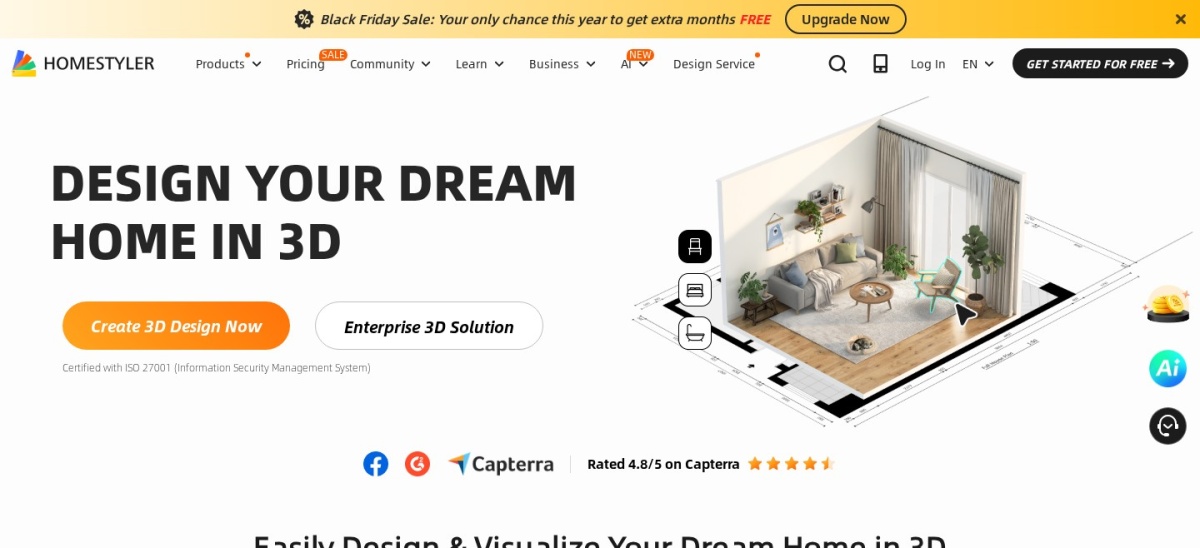
Homestyler is a browser-based 3D interior design platform with drag-and-drop room decoration using real furniture catalogues. It scores 4.7 out of 5 on G2 from 20 reviews, and its library holds more than 10 million branded 3D furniture models.
The trade off is the review base. Only 20 G2 reviews back the 4.7 rating, and the homepage pricing is unclear. It suits designers who want the largest furniture choice and fast AI conversion from a 2D sketch to a 3D room.
SketchUp is the pick when the job needs real 3D modelling, not just a flat drawing. It scores 4.5 out of 5 on G2 from 1,327 reviews, with the 3D Warehouse holding millions of pre-built models, and you can geolocate a project and import terrain.
The trade off is learning curve. SketchUp takes longer to learn than Planner 5D or Homestyler, and interior-specific tools are thinner. It suits users who want to learn real 3D modelling and eventually create more complex designs.
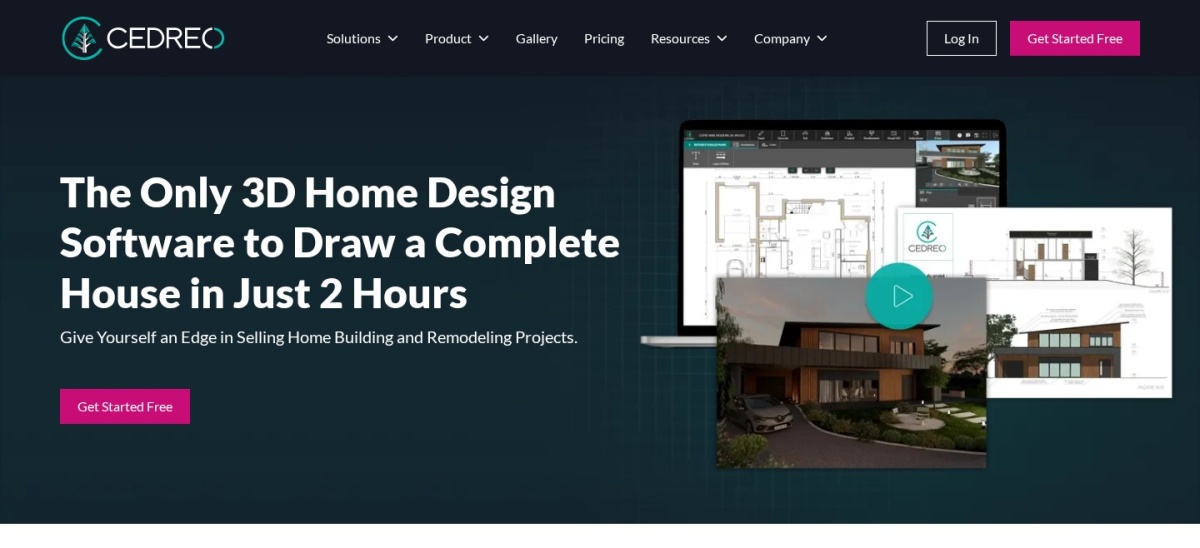
Cedreo is home design software for builders, contractors and remodelers, moving from a simple floor plan to a complete 2D and 3D presentation in about two hours even from scratch. It scores 4.6 out of 5 on G2 from 8 reviews.
The trade off is price and reviews. Pro costs $129 a month, and only 8 G2 reviews back the 4.6 rating. It suits contractors who need fast client-ready designs and proposals, with site plans and terrain modelling in one sales tool.
HomeByMe is free 3D design software built around a simple flow: design in 2D, decorate in 3D and visualize in 4K images. It scores 4.9 out of 5 on G2 from 5 reviews, the highest rating here, with a free tier and community projects to browse.
The trade off is the thin review base and paid features. Only 5 G2 reviews back the 4.9 rating, and Premium costs $29 a month for full features. It suits homeowners who want a real floor plan and realistic renders without paying.
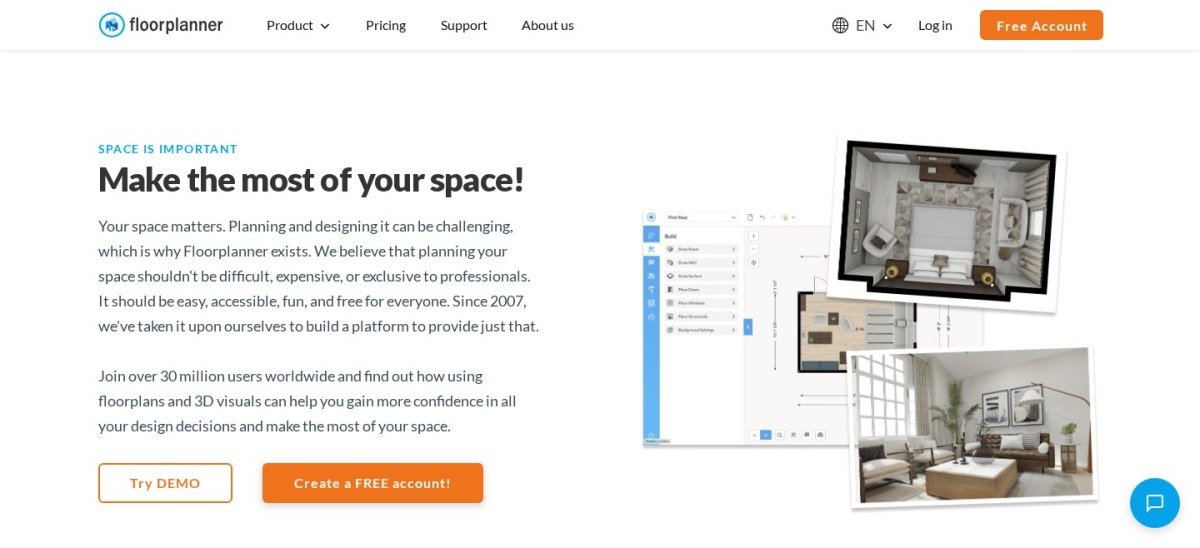
Floorplanner is a browser-based 2D and 3D floor plan tool for quick layouts, with snap-based furniture placement and real-time co-editing. It scores 4.2 out of 5 on Capterra from 25 ratings, and its free tier covers 5 projects.
The trade off is depth. Floorplanner covers 2D and basic 3D only, with generic symbols rather than real product catalogues, so a design cannot become a shopping list without manual work. It suits fast 2D layout planning and sharing a layout with a contractor or family.
Measure the room first. A render built on guessed dimensions looks good and fits nothing, so measure twice and draw the plan to scale.
Start from a template. Most tools ship room templates that save an hour of drawing walls and placing windows.
Check the export. If you need to share the design with a contractor, make sure the tool exports a PDF plan or a 3D file they can open.
Watch the render credits. High-resolution renders often cost credits on top of the plan, so count them before a big project.
How we chose
We started from the most established 3d rendering software for interior design tools with public ratings on G2, Capterra or Trustpilot, then kept those with a clear price and a real user base.
Prices come from each vendor's pricing page, checked on 25 November 2026. Ratings come from the review source named on each tool, checked the same day. Where a vendor shows a sale, the list shows the regular price.
We left out tools with no verifiable public rating or no published price. No vendor paid for a place, and we do not claim hands-on testing for this list.
How to choose 3D interior design software
Match the tool to the room and the person who will read the plan.
Measure the room and draw the plan. Accurate measurements matter more than pretty renders, so measure twice and draw to scale.
Start from a template. Use a room template to save an hour of drawing walls, then adjust it to your space.
Furnish from the library. Place real furniture models in the room and check sizes against the plan before you buy anything.
Render and share. Render at high resolution, check the result, and share the plan or 3D view with anyone who needs it.
FAQ
What is the best 3D rendering software for interior design?
Planner 5D is the best 3D rendering software for interior design for most people, with a free tier, 4K renders and a 4.7 G2 rating from 188 reviews. Premium costs $59.99 a year.
How much does 3D interior design software cost?
Planner 5D Premium costs $59.99 a year and Homestyler starts at $6.80 a month. RoomSketcher Pro costs $144 a year, SketchUp Go costs $119 a year and Cedreo Pro costs $129 a month.
Is there free 3D interior design software?
Yes. Planner 5D, RoomSketcher, Floorplanner and HomeByMe all offer free plans for home design. Free plans limit renders, projects or furniture choices, so check the limits before you start a big room.
Is SketchUp good for interior design?
Yes, if you want real 3D modelling. SketchUp scores 4.5 out of 5 on G2 from 1,327 reviews, with a huge 3D Warehouse library. It takes longer to learn than Planner 5D or Homestyler, but it models anything.
Which 3D design tool has the biggest furniture library?
Homestyler has the biggest library here, with more than 10 million branded 3D furniture models you can drag into a room. Planner 5D and SketchUp also ship large catalogues of real products and pre-built models.
Do I need a powerful computer for 3D rendering?
No, for most tools here. Planner 5D, Homestyler, RoomSketcher and Floorplanner render in the cloud, so a normal laptop works. Desktop tools such as SketchUp and Chief Architect need more power.
SaaS SEO and WordPress specialist with about 8 years of experience. Rakib compares WordPress plugins, themes, hosting and software using public pricing, documentation and user reviews. See how we rank.