OneCal is the best way to automatically transfer events from one Google Calendar to another, syncing Google, Outlook and iCloud calendars in real time from $5 a month. Pick CalendarBridge for true two-way sync at $4 a month, or Zapier if you also want to copy events into other apps.
How we make this list: we compare pricing pages, product documentation and public user reviews, then re-check every price before each update. No product paid for a place. Disclosure.
OneCal is the top pick: real-time sync across Google, Outlook and iCloud from $5 a month for 2 calendars.
CalendarBridge is the cheapest dedicated two-way sync at $4 a month, with busy-only copies for privacy.
SyncGene is the only tool here with a usable free plan for syncing, though it allows just 1 manual sync a month.
Zapier and Make copy new events rather than syncing them, so edits need a second flow in the other direction.
Paid plans run from $2.09 a month (IFTTT Starter) to $20 a month (n8n Cloud Starter).
How do you automatically transfer events from one Google Calendar to another?
Google Calendar has no built-in way to copy events from one calendar to another automatically. Sharing a calendar lets someone see it, and export plus import moves events once, but neither keeps two calendars in step when events change.
Dedicated sync tools are the simplest answer for two Google Calendars. OneCal, CalendarBridge and SyncGene connect both accounts and copy events between them, usually within a minute, with edits and deletions carried across as well.
Automation tools work when the second destination is not a calendar at all. Zapier, Make, n8n and IFTTT watch one Google Calendar and create matching events elsewhere, or send the event details to Slack, Sheets or email in the same flow.
Price is set by calendar count on the dedicated tools, and by volume on the automation tools. Dedicated sync starts at $4 a month for 2 calendars, while automation ranges from $2.09 a month for simple Applets to $20 a month for a hosted workflow engine.
Privacy is the detail most people forget when syncing a work calendar with a personal one. CalendarBridge and OneCal let the copy show only a busy block, so meeting titles and attendees stay on the original calendar.
The 9 best tools that automatically transfer events from one Google Calendar to another
01
OneCal
4.7/5on G2 (100+ reviews, checked Nov 2026)
Starts at$5/mo
Best calendar sync overall
Calendars syncedGoogle, Outlook, iCloud, CalDAV
Sync directionOne-way or multi-way
Free planNo, 14-day trial
Paid planStarter, $5/mo
onecal.io
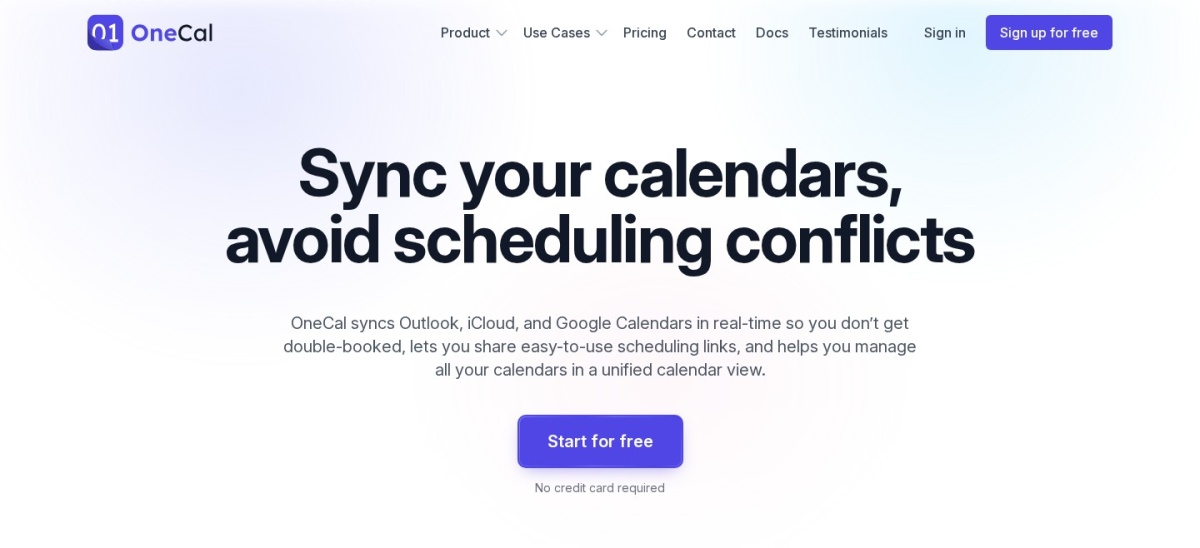
OneCal homepage, captured Nov 2026.
OneCal is a calendar sync service that copies events between Google, Outlook, iCloud and CalDAV calendars in real time, so an event added on one calendar shows up on the others within a minute or two. The Starter plan covers 2 calendars for $5 a month billed annually, and every plan includes unlimited synced events, scheduling links and a unified calendar view.
The trade off is price by calendar count. Adding a third calendar means Essential at $10 a month, and 6 or more calendars need Premium at $25 a month. It suits consultants and freelancers juggling work and personal calendars who want sync that just runs.
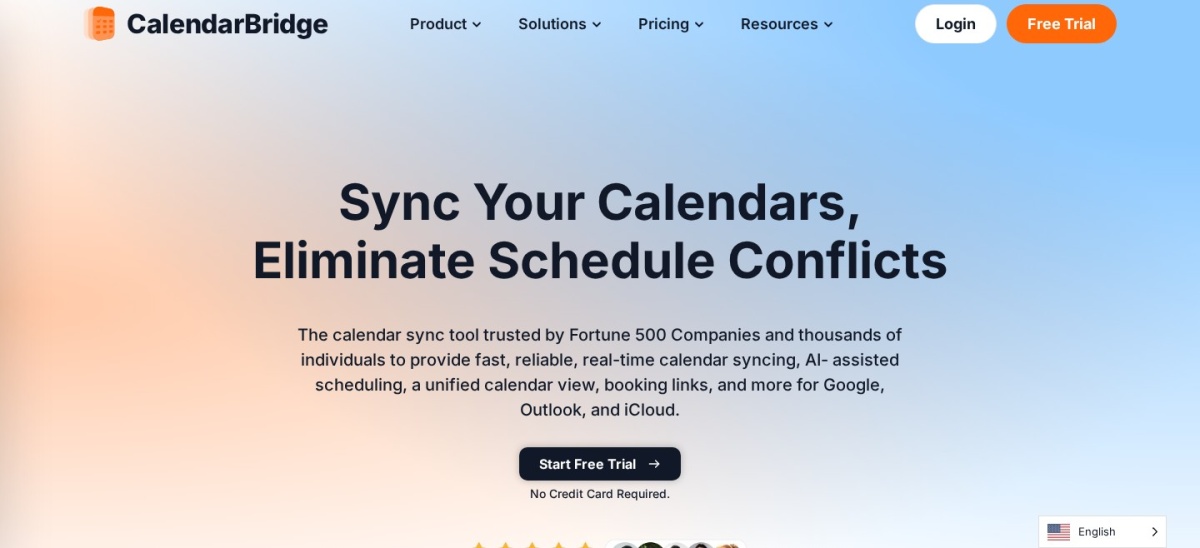
CalendarBridge is a sync service built for people whose calendars live in different accounts, copying events between Google, Microsoft 365, Outlook and iCloud in real time. Basic costs $4 a month billed annually for 2 calendars, and you choose whether each copy shows full details or just a busy block.
The trade off is the calendar cap and the trial. Basic covers only 2 calendars, and there is no free plan, only a 7-day trial with no card required. It suits anyone moving events between a work and a personal Google Calendar who wants edits to flow both ways.
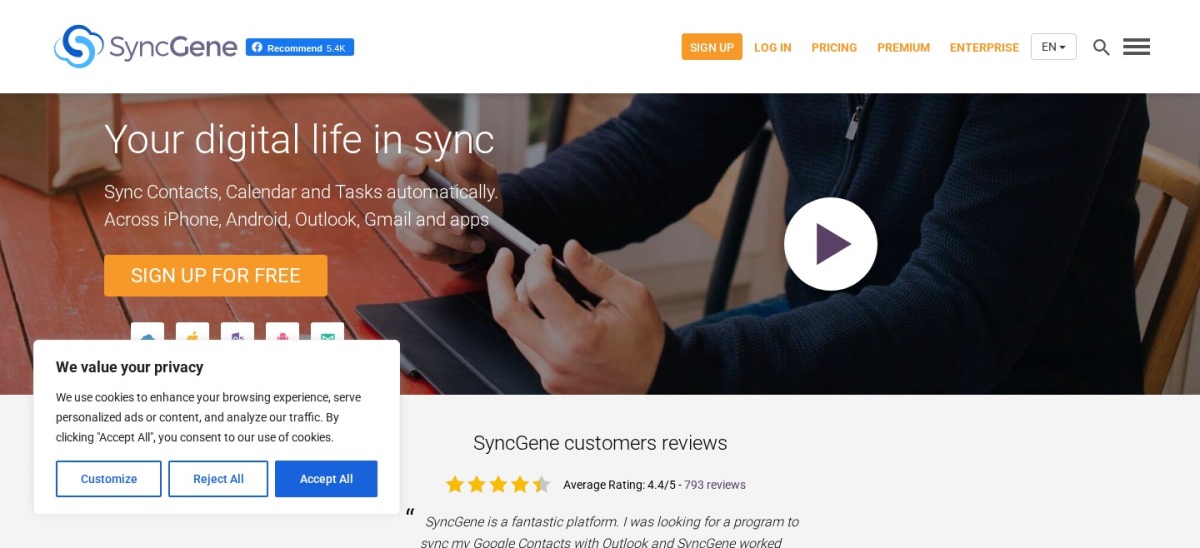
SyncGene is a cloud sync service that keeps calendars, contacts and tasks aligned across Google, iCloud, Office 365 and Exchange accounts. The free plan allows one manual sync a month across 2 accounts, and paid sync now starts on CiraHub, its successor platform, from $8 a month billed annually.
The trade off is the move to CiraHub. New subscriptions start there rather than on SyncGene itself, and the free plan syncs only when you press the button. It suits people who want one service for calendars, contacts and tasks together at no cost to start.
Zapier is an automation platform that watches one Google Calendar for new or updated events and copies them to another calendar, or into apps such as Slack, Sheets and Notion. The free plan covers 100 tasks a month, and Professional at $19.99 a month billed annually adds multi-step Zaps, premium apps and webhooks.
The trade off is that it copies events rather than syncing them. Edits to the copied event do not flow back unless you build a second Zap, and costs rise with task volume. It suits people who want calendar copies plus alerts, rows and messages in the same workflow.
Make is a visual automation platform where you build calendar flows on a canvas, watching one Google Calendar and creating matching events on another. The free plan gives 1,000 credits a month, and Core costs $12 a month billed annually on the US price list for 10,000 credits, with some visitors seeing $9.
The trade off is the learning curve. Scenarios with routers, filters and error handling take longer to build than a one-click sync, and Google Calendar polling runs on a schedule. It suits people who already automate other work and want calendar transfers inside bigger workflows.
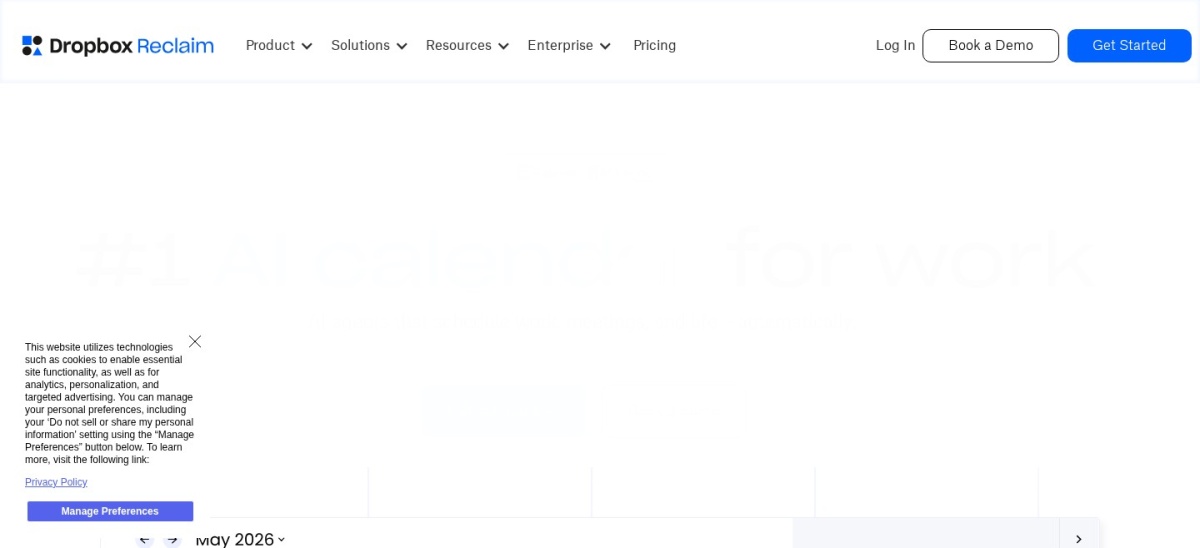
Reclaim is an AI calendar assistant that auto-schedules tasks, habits and focus time on Google Calendar or Outlook, and its calendar sync keeps a second calendar in step. The free Lite plan covers 1 calendar sync, and Starter costs $10 per seat a month billed annually for up to 10 seats.
The trade off is that sync is a side feature, not the product. Reclaim is built to defend focus time, so pure two-way event copying is thinner than on OneCal or CalendarBridge, and the old $8 Starter price is gone. It suits busy people who want scheduling and sync in one tool.
What we like
Highest G2 rating in this list at 4.8 out of 5
Auto-schedules tasks and defends focus time
Free Lite plan includes 1 calendar sync
Watch out for
Sync is thinner than on dedicated sync tools
Starter price rose from $8 to $10 a seat
Starter adds 3 syncs and full integrations at $10 a seatVisit reclaim.ai
07
n8n
4.7/5on G2 (323 reviews, checked Nov 2026)
Paid from$20/mo
Best for technical teams and self-hosting
HostingCloud or self-hosted
Free planCommunity, self-hosted
Google CalendarTrigger and create nodes
Paid planCloud Starter, $20/mo
n8n.io
n8n homepage, captured Nov 2026.
n8n is an open workflow automation tool with Google Calendar nodes that watch one calendar and create or update events on another, with unlimited steps in each workflow. The self-hosted Community edition is free, and Cloud Starter costs $20 a month billed annually for 2,500 executions.
The trade off is setup and skill. Building a reliable two-way calendar flow needs comfort with APIs, expressions and error handling, and support is forum-first on Starter. It suits technical teams that want full control and a free self-hosted option.
What we like
Free self-hosted edition with no execution cap
Unlimited steps in every workflow
Rated 4.7 out of 5 from 323 G2 reviews
Watch out for
Steepest learning curve in this list
Support is forum-first on the Starter plan
Cloud Starter adds 2,500 executions a month at $20Visit n8n.io
08
Morgen
4.8/5on G2 (30 reviews, checked Nov 2026)
Starts at$15/mo
Best unified calendar with task planning
Calendars mergedGoogle, Outlook, iCloud, CalDAV
Sync directionLive updates between calendars
Task appsNotion, Todoist, Linear
Paid planIndividual, $15/mo
morgen.so
Morgen homepage, captured Nov 2026.
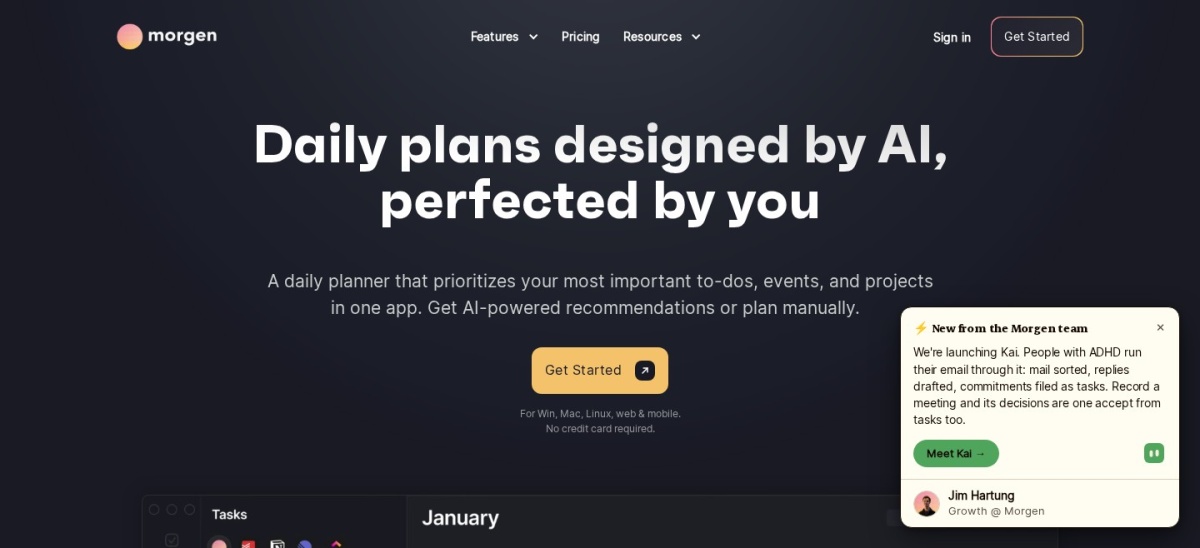
Morgen is a calendar-first planner that merges Google, Outlook, iCloud, Fastmail and CalDAV calendars into one live view, so events from a second Google Calendar appear beside your main one without switching apps. Individual costs $15 a month billed annually, with a 14-day trial and no free plan.
The trade off is that Morgen unifies calendars rather than copying events between them. It shows everything together and plans your day, but it does not write a copy of each event into the other calendar. It suits people who plan tasks and meetings in one place.
What we like
One live view for every calendar you own
Pulls tasks in from Notion, Todoist and Linear
Rated 4.8 out of 5 on G2
Watch out for
No free plan, only a 14-day trial
Unifies calendars instead of copying events
Individual adds unlimited calendars at $15 a monthVisit morgen.so
09
IFTTT
4.5/5on G2 (117 reviews, checked Nov 2026)
Paid from$2.09/mo
Best cheapest simple event copy
Free plan1,000 credits/mo
Paid planStarter, $2.09/mo
Trigger checksEvery 15 min on Starter
AppletsUnlimited on every plan
ifttt.com
IFTTT homepage, captured Nov 2026.
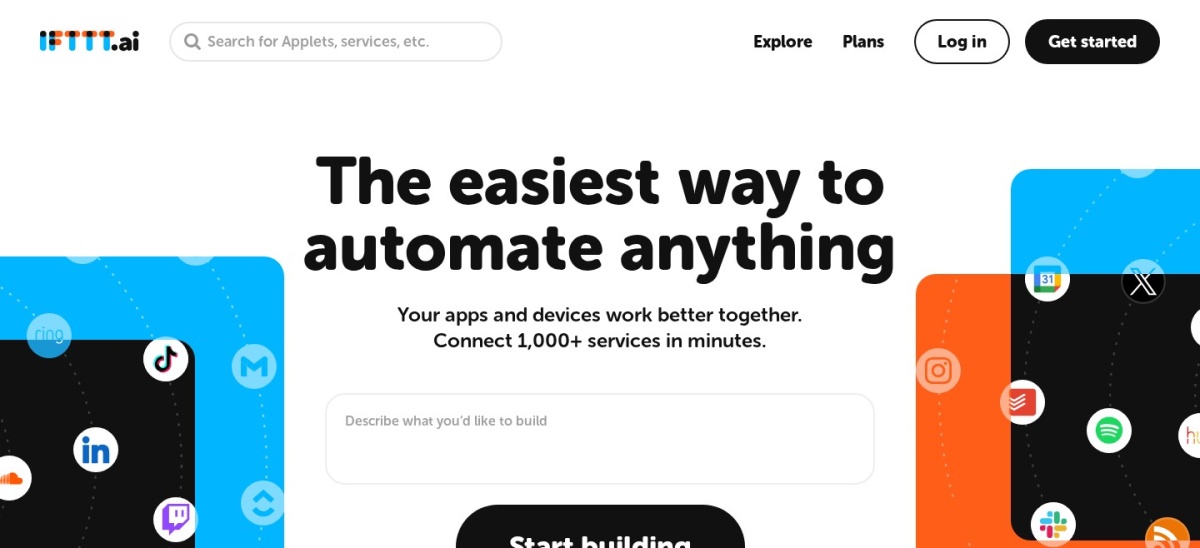
IFTTT is a simple automation service that links Google Calendar to itself and hundreds of other services with Applets, each one trigger plus one action. The free plan includes unlimited Applets with 1,000 credits a month, and Starter costs $2.09 a month billed annually for 5,000 credits.
The trade off is speed and depth. Polling triggers check every 15 minutes on Starter, and there is no branching logic, so complex two-way sync is out of reach. It suits one simple job, such as copying each new event to a second calendar.
One-way sync copies events from a source calendar to a destination, and changes to the copy do not flow back. It fits a master calendar feeding a second one, such as a work calendar copied to a personal calendar for visibility.
Two-way sync keeps both calendars identical, so an edit on either side appears on the other. It fits two calendars you both live in, such as a work and a personal account where meetings land on either one.
Dedicated sync tools handle both directions, while automation tools usually need two flows, one each way. Our guide on adding a booking calendar to WordPress covers the WordPress side of shared availability.
If you only need to see both calendars together without copying anything, a unified view such as Morgen is enough, and it avoids duplicate events entirely.
How we chose
We started from every tool built to move events between calendars, plus the general automation platforms people use for the same job, and kept the 9 with a public rating and a published price.
Prices come from each vendor's pricing page and G2 listings, checked on 29 November 2026. Ratings and review counts come from G2 on the same day. Where a vendor shows a sale, the list shows the regular price.
We left out tools with no public rating and one-off scripts that need code to run. No vendor paid for a place, and we do not claim to have used these tools ourselves.
How to choose a tool to transfer Google Calendar events
Start with the direction of the flow, then count calendars before you pay anything.
Decide whether you need a copy or a true sync. A copy suits one-way jobs such as feeding a personal calendar, while a true sync suits two calendars you both edit.
Count the calendars you must connect. Dedicated tools charge by calendar count, so 2 calendars cost $4 to $5 a month while 5 or more can triple the price.
Check whether past events must move too. Dedicated sync tools copy existing events, while automation tools usually only act on events created after the flow is switched on.
Start on a free plan or trial, then pay for the count you need. SyncGene, Zapier, Make, n8n and IFTTT all have free plans, and OneCal, CalendarBridge and Morgen offer trials with no card required.
FAQ
How do I automatically transfer events from one Google Calendar to another?
Use a sync tool such as OneCal, which copies events between two Google Calendars in real time from $5 a month. Connect both calendars, pick one-way or two-way sync, and new events, edits and deletions flow across without any manual export or import.
How much does it cost to sync two Google Calendars?
Dedicated sync starts at $4 a month for CalendarBridge Basic or $5 a month for OneCal Starter, both billed annually for 2 calendars. Automation tools range from $2.09 a month for IFTTT Starter to $19.99 a month for Zapier Professional.
Is there a free way to transfer Google Calendar events?
Yes. SyncGene has a free plan that syncs calendars, contacts and tasks, though it allows only 1 manual sync a month. Zapier, Make, n8n and IFTTT also have free plans that can copy new events from one Google Calendar to another.
What is the best tool for beginners who just want two calendars in sync?
CalendarBridge is the easiest starting point, with a 7-day trial, a $4 a month Basic plan and true two-way sync. OneCal is the other simple pick at $5 a month, with a 14-day trial and a unified calendar view included.
Which is better for two-way sync, OneCal or CalendarBridge?
OneCal is the better all-rounder, rated 4.7 out of 5 on G2 with more calendar providers, scheduling links and a unified view for $5 a month. CalendarBridge is cheaper at $4 a month and offers busy-only copies, so pick it when privacy between work and personal calendars matters most.
Can Zapier copy Google Calendar events automatically?
Yes. A Zap can watch one Google Calendar for new events and create matching events on a second calendar, or send the details to Slack, Sheets or email. The free plan covers 100 tasks a month, and Professional starts at $19.99 a month billed annually.
Do these tools copy past events, or only new ones?
Dedicated sync tools such as OneCal, CalendarBridge and SyncGene copy your existing events as well as new ones when you first connect the calendars. Automation tools such as Zapier, Make and IFTTT usually only act on events created after the flow is switched on.
SaaS SEO and WordPress specialist with about 8 years of experience. Rakib compares WordPress plugins, themes, hosting and software using public pricing, documentation and user reviews. See how we rank.