Google Workspace is the best alternative to Exchange for most teams, with Gmail on your own domain, shared calendars and Drive from $7 per user a month. Microsoft 365 keeps the same Exchange engine in the cloud, while Zoho Mail is the cheapest hosted switch at $1 per user a month.
How we make this list: we compare pricing pages, product documentation and public user reviews, then re-check every price before each update. No product paid for a place. Disclosure.
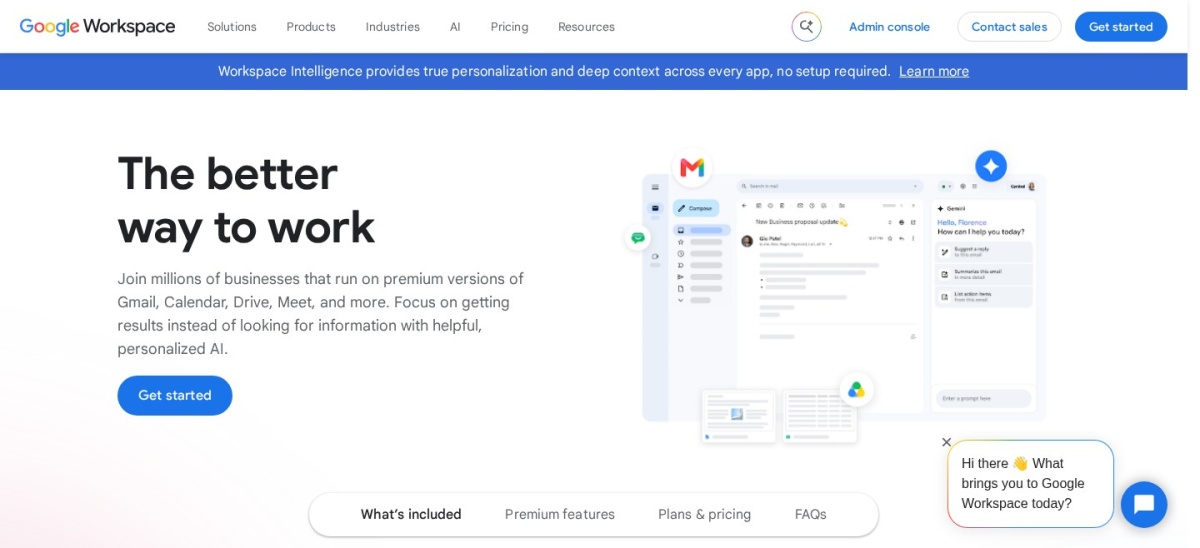
Google Workspace leads as the best overall Exchange replacement, with Gmail on your domain, shared calendars and Drive from $7 per user a month.
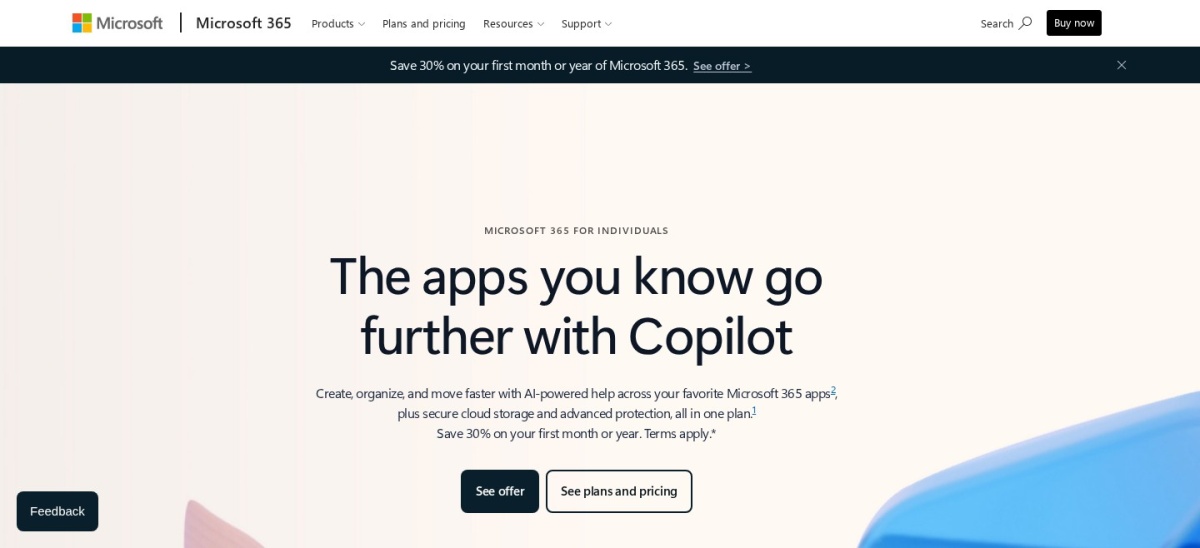
Microsoft 365 is the closest switch, since its mailboxes still run on Exchange Online, at the same $7 per user a month.
Zoho Mail is the cheapest hosted option, free for five users and $1 per user a month after that.
SmarterMail is the only self-hosted server with native MAPI and EWS, so Outlook needs no connector.
Four of the nine tools need a server of your own, so budget admin time as well as the license.
What are the best alternatives to Exchange?
Exchange Server support has ended for the 2016 and 2019 versions. Every team still on them needs a migration plan, and the choice is between a hosted suite and a server of their own.
Hosted suites win on admin. Google Workspace, Microsoft 365, Zoho Mail, Fastmail and Proton Mail need no server, patching or backups, while self-hosted tools trade that work for control.
Outlook compatibility decides the shortlist. Only SmarterMail speaks native MAPI and EWS, while Microsoft 365 keeps the real Exchange engine and the rest connect Outlook over IMAP or a connector.
Prices run from free to $7 a user a month. Zoho Mail is free for five users, IceWarp starts at $1.35 a user, and the two big suites both charge $7.
Google Workspace is a cloud productivity suite that replaces Exchange with Gmail on your own domain, plus Drive, Docs, Sheets, Meet and Chat. The Business Starter plan costs $7 per user a month on annual billing and includes 30 GB of pooled storage per user, shared calendars and a 14-day free trial.
The trade off is the browser-first design. The web apps are weaker than Microsoft's desktop versions, offline editing needs setup in advance, and the entry plan caps at 300 users. It suits teams that live in a browser and want the simplest move off an Exchange server.
What we like
Rated 4.6 out of 5 on G2 from more than 48,000 reviews
Gmail on your own domain with shared calendars
Docs, Drive, Meet and Chat in one subscription
Gemini AI included in Gmail and Docs
Watch out for
No desktop Office apps, browser apps are weaker offline
Trustpilot reviews skew low at 1.3 out of 5, mostly about billing and support
Microsoft 365 is the closest Exchange replacement because its mailboxes still run on Exchange Online, the same engine behind Outlook. The Business Basic plan costs $7 per user a month on annual billing and includes a 100 GB mailbox, Teams, web and mobile Office apps and 1 TB of OneDrive.
The trade off is that it is not really a switch of vendor. You keep Microsoft's admin model, prices rose in July 2026, and desktop Office apps need the $23.50 Standard plan with Copilot. It suits teams that want the move with the least change for Outlook users.
What we like
Rated 4.6 out of 5 on G2 from about 5,900 reviews
Same Exchange engine, so Outlook works as before
100 GB mailbox and 1 TB of OneDrive per user
Email-only Exchange Online Plan 1 costs $4 a user a month
Watch out for
No desktop Office apps on the Basic plan
Prices rose in July 2026, Basic from $6 to $7
Standard with Copilot adds desktop Office apps at $23.50 a user a monthVisit microsoft.com
03
Zoho Mail
4.4/5on G2 (730 reviews, checked Nov 2026)
Paid from$1/user/mo
Cheapest hosted switch
Cheapest planMail Lite, $1/user/mo
Free planUp to 5 users
Storage5 GB on Mail Lite
BillingAnnual billing only
zoho.com
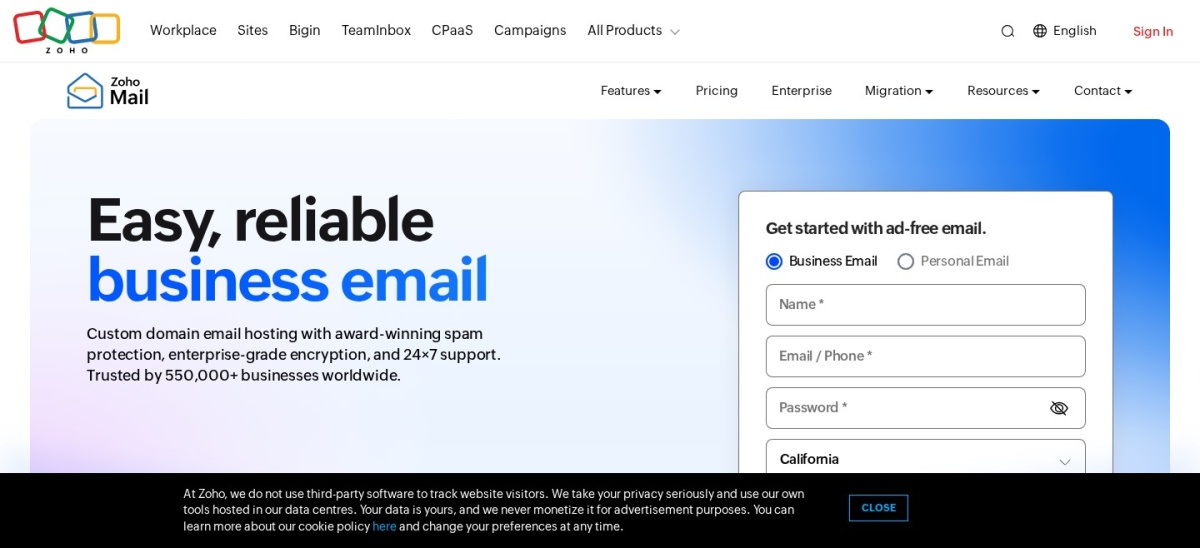
Zoho Mail homepage, captured Nov 2026.
Zoho Mail is a business email service with custom domains, calendars, tasks and admin controls that undercuts every hosted rival here. Its free plan covers up to 5 users with 5 GB each, and Mail Lite costs $1 per user a month billed annually with IMAP, POP and ActiveSync.
The trade off is the thin free plan. Free users lose IMAP, POP and ActiveSync, the admin console buries settings in submenus, and reviewers call support slow. It suits small teams that want the cheapest custom-domain mailbox and already use Zoho apps.
What we like
Rated 4.4 out of 5 on G2 from 730 reviews
Free plan covers up to 5 users on one domain
Cheapest paid plan in this list at $1 a user a month
IMAP, POP and ActiveSync on the paid plan
Watch out for
Free plan drops IMAP and ActiveSync
Admin console is cluttered and support is slow, per reviewers
Mail Premium adds 50 GB and eDiscovery at $4 a user a monthVisit zoho.com
04
Fastmail
4.2/5on G2 (17 reviews, checked Nov 2026)
Starts at$3/user/mo
Best focused hosted mail, no suite
Cheapest planBusiness Basic, $3/user/mo
Storage6 GB on Basic
Free trial30 days
Custom domainsStandard plan and up
fastmail.com
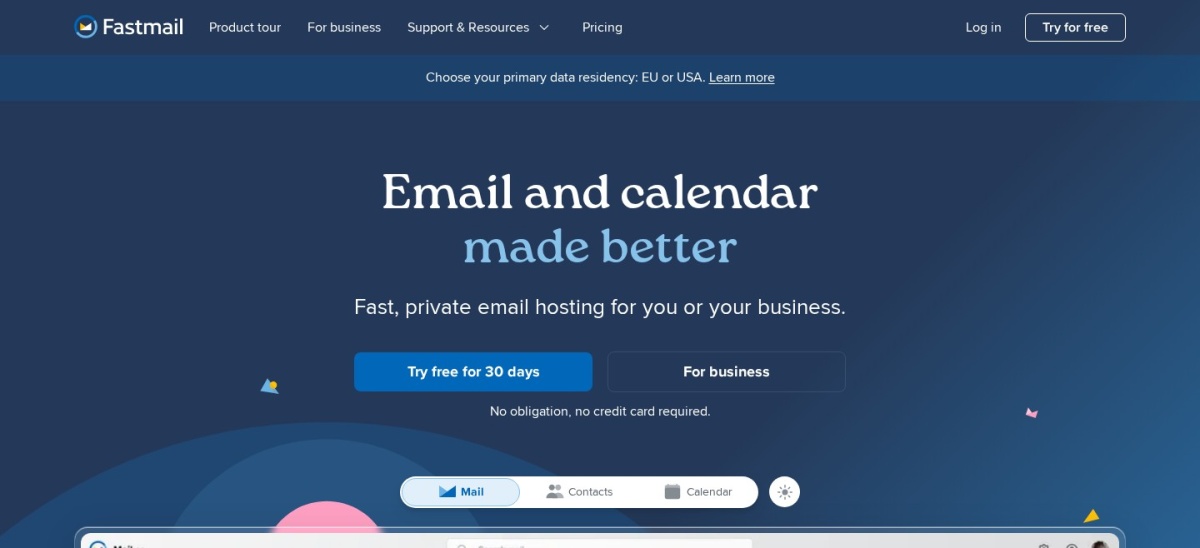
Fastmail homepage, captured Nov 2026.
Fastmail is an independent email, calendar and contacts service with no ads or tracking that suits teams that want mail without a bundled office suite. The Business Basic plan costs $3 per user a month billed annually, and Standard at $5 adds custom business addresses and 60 GB of storage.
The trade off is that it is mail only. There is no free tier after the 30-day trial, no document editing and no video meetings, so teams that need those buy a second tool. It suits companies that want a private, fast inbox and already have their office apps elsewhere.
What we like
Rated 4.9 out of 5 on Capterra, 4.2 on G2
No ads and no tracking, with Masked Email
Fast search and a clean, quick interface
30-day free trial on every plan
Watch out for
No free plan after the trial
Basic has no custom business addresses and only 6 GB
Standard adds custom domains and 60 GB at $5 a user a monthVisit fastmail.com
05
Proton Mail
4.6/5on G2 (494 reviews, checked Nov 2026)
Paid from$6.99/user/mo
Best for privacy-first teams
Cheapest planMail Essentials, $6.99/user/mo
Storage15 GB per user
Free trialYes
Custom domains3 on Essentials
proton.me
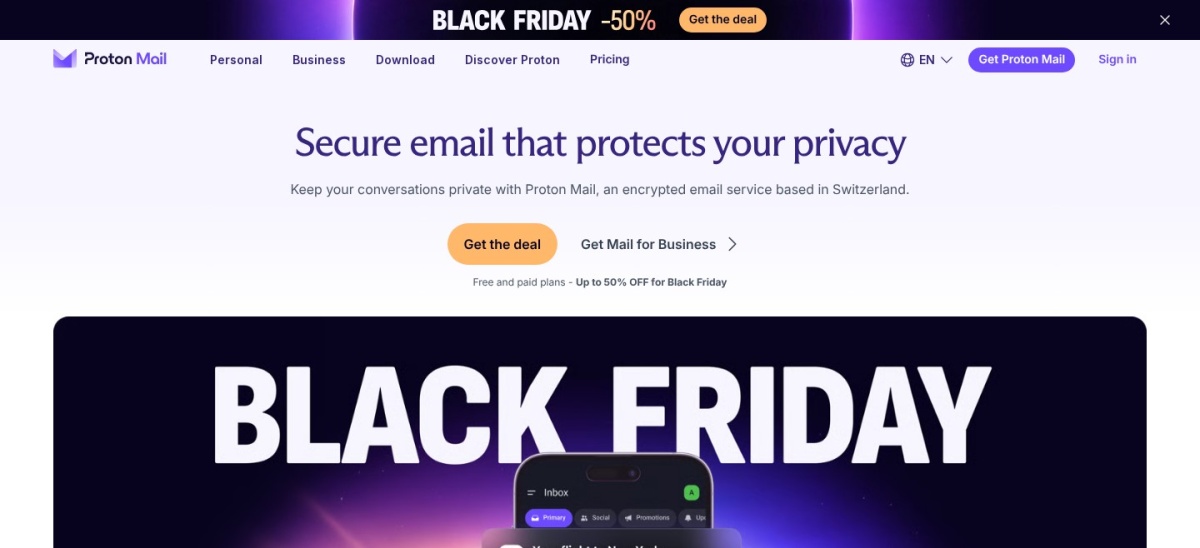
Proton Mail homepage, captured Nov 2026.
Proton Mail is an encrypted email service with business hosting, custom domains and private calendars that suits teams with a privacy requirement. Mail Essentials starts at $6.99 per user a month with annual billing and includes 15 GB of storage, 10 email addresses per user and 3 custom domains.
The trade off is the Bridge. Standard desktop email clients need Proton Mail Bridge, and the service holds a low 2 out of 5 Trustpilot rating with recurring complaints about support. It suits teams that rank encryption above a familiar Outlook-style workflow.
What we like
Rated 4.6 out of 5 on G2 from 494 reviews
Zero-access end-to-end encryption
Swiss privacy laws and no ads or tracking
Private calendars and 10 addresses per user
Watch out for
Desktop clients need Proton Mail Bridge
Trustpilot score is low at 2 out of 5, mostly support complaints
Mail Professional adds more storage at $9.99 a user a monthVisit proton.me
06
MDaemon
4.7/5on G2 (173 reviews, checked Nov 2026)
Starts at$360/yr
Best self-hosted value
Cheapest planOn-premise, from $360/yr
Hosted optionFrom $25/mo for 5 users
Free trial30 days
Runs onWindows
mdaemon.com
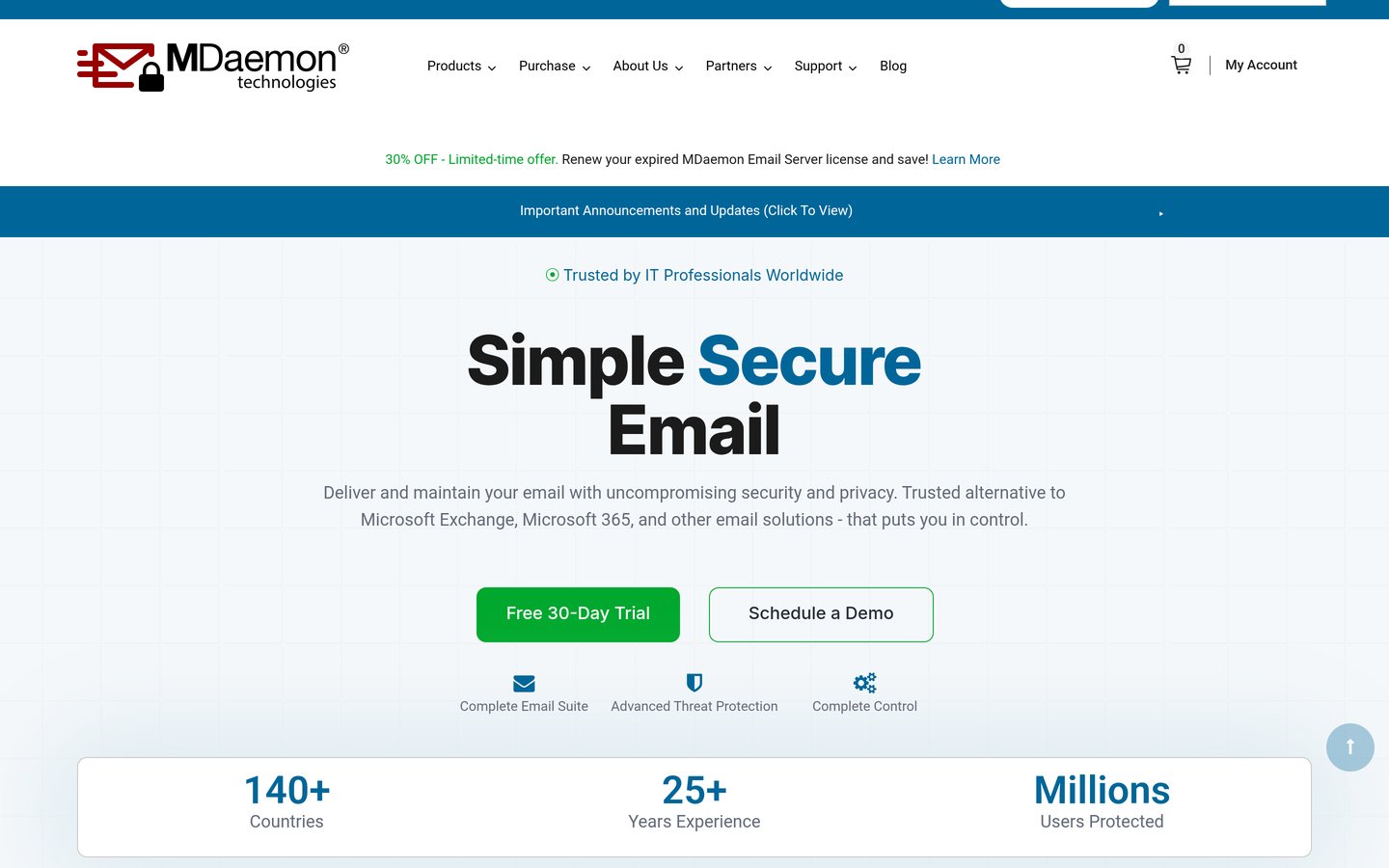
MDaemon homepage, captured Nov 2026.
MDaemon is a self-hosted email server for small and mid-sized businesses that want Exchange-style mail on their own hardware. It covers webmail, IMAP, calendars, mobile device management and account hijack detection, with an on-premise license from $360 a year and a hosted option from $25 a month for 5 users.
The trade off is the server work. You install, patch and back up the server yourself, and the entry price comes from a secondary source rather than the vendor's own page. It suits Windows shops that want their mail under their own roof at a low cost.
What we like
Highest G2 rating here at 4.7 out of 5 from 173 reviews
One of the first Exchange alternatives, running since 1996
Webmail, mobile device management and hijack detection included
Low per-user cost with no expensive administration
Watch out for
On-premise price rests on a secondary source, not the vendor page
Windows only, so Linux shops look elsewhere
A 100-user license costs about $1,200, per the vendor comparisonVisit mdaemon.com
07
SmarterMail
3.7/5on G2 (27 reviews, checked Nov 2026)
Paid from$550 (one-time)
Only server with native MAPI and EWS
Cheapest planProfessional, $550 one-time
Free edition1 domain, 10 mailboxes
Runs onWindows, Linux, Docker
Outlook syncNative MAPI and EWS
smartertools.com
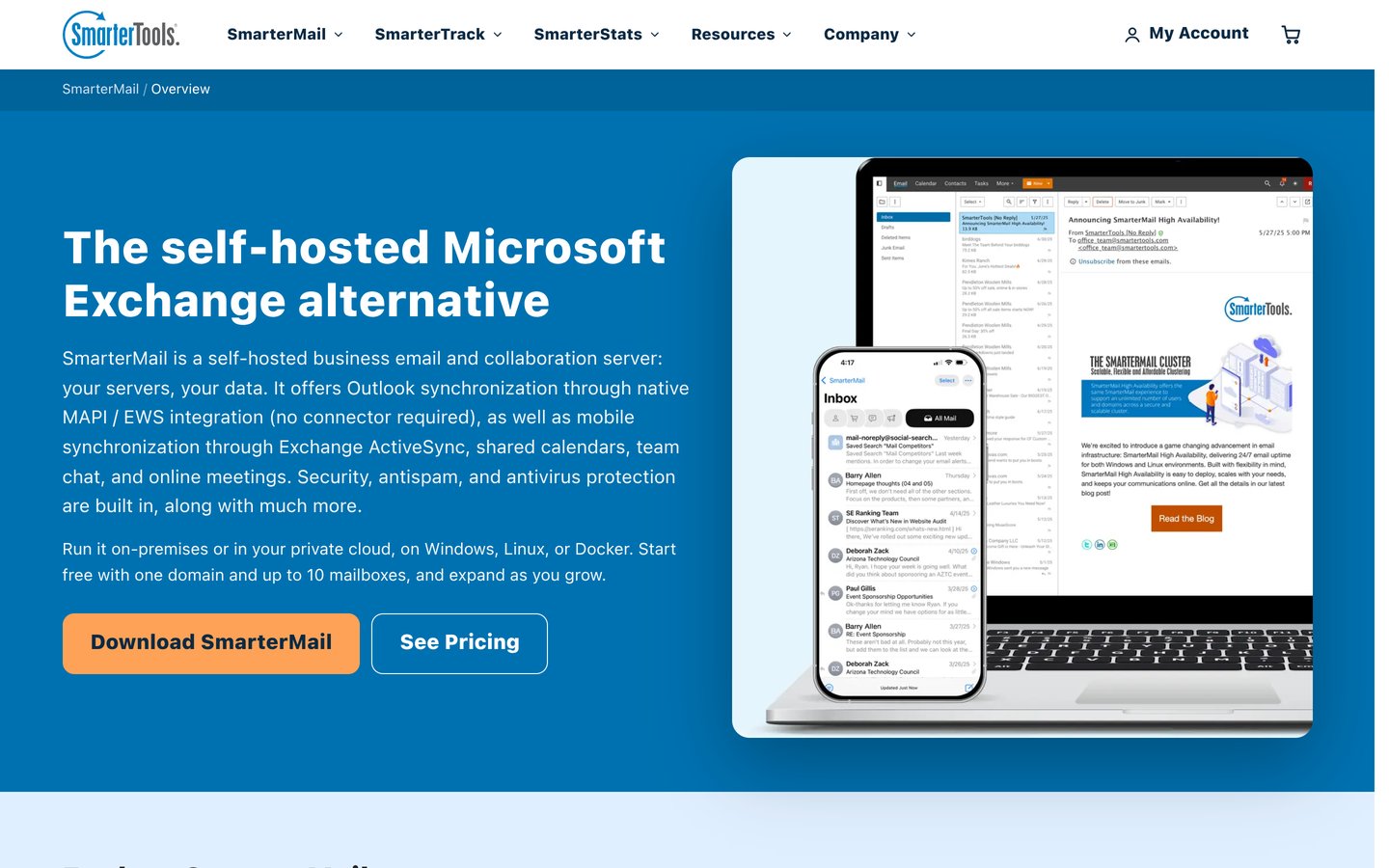
SmarterMail homepage, captured Nov 2026.
SmarterMail is a self-hosted email and collaboration server for Windows, Linux and Docker that speaks Outlook's own protocols. It is the only server here with native MAPI, EWS and ActiveSync, so Outlook connects without a connector on every PC, and a free edition covers one domain with 10 mailboxes.
The trade off is the rating and the add-ons. SmarterMail scores 3.7 out of 5 on G2, and Enterprise sync, archiving and failover cost extra on top of the license. It suits Outlook-heavy shops that want the most Exchange-like experience on their own server.
What we like
Only server here with native MAPI, EWS and ActiveSync, so Outlook needs no connector
Zimbra is an open-source email and collaboration suite for Linux-based organizations that want Exchange features without Microsoft licensing. The community edition is free and covers email, calendar, contacts, tasks and chat, while the paid Network Edition adds mobile ActiveSync, support and advanced anti-spam.
The trade off is support and polish. The free edition lacks ActiveSync and enterprise support, the paid edition has no published price, and reviewers rate it 3.6 out of 5 on G2. It suits Linux teams with in-house admins that want full control of their mail.
What we like
Open-source edition is free to run and customize
Email, calendar, contacts, tasks, chat and file sharing in one suite
Much cheaper than Exchange, per G2 reviewers
On-premises and cloud deployment options
Watch out for
No published price for the paid Network Edition
G2 rating is low at 3.6 out of 5 from 140 reviews
ActiveSync and support need the paid Network EditionVisit zimbra.com
09
IceWarp
4.3/5on G2 (19 reviews, checked Nov 2026)
Starts at$1.35/user/mo
Cheapest full suite, cloud or self-hosted
Cheapest planCore, $1.35/user/mo
Storage2 GB on Core
Free trial30 days
DeploymentCloud or self-hosted
icewarp.com
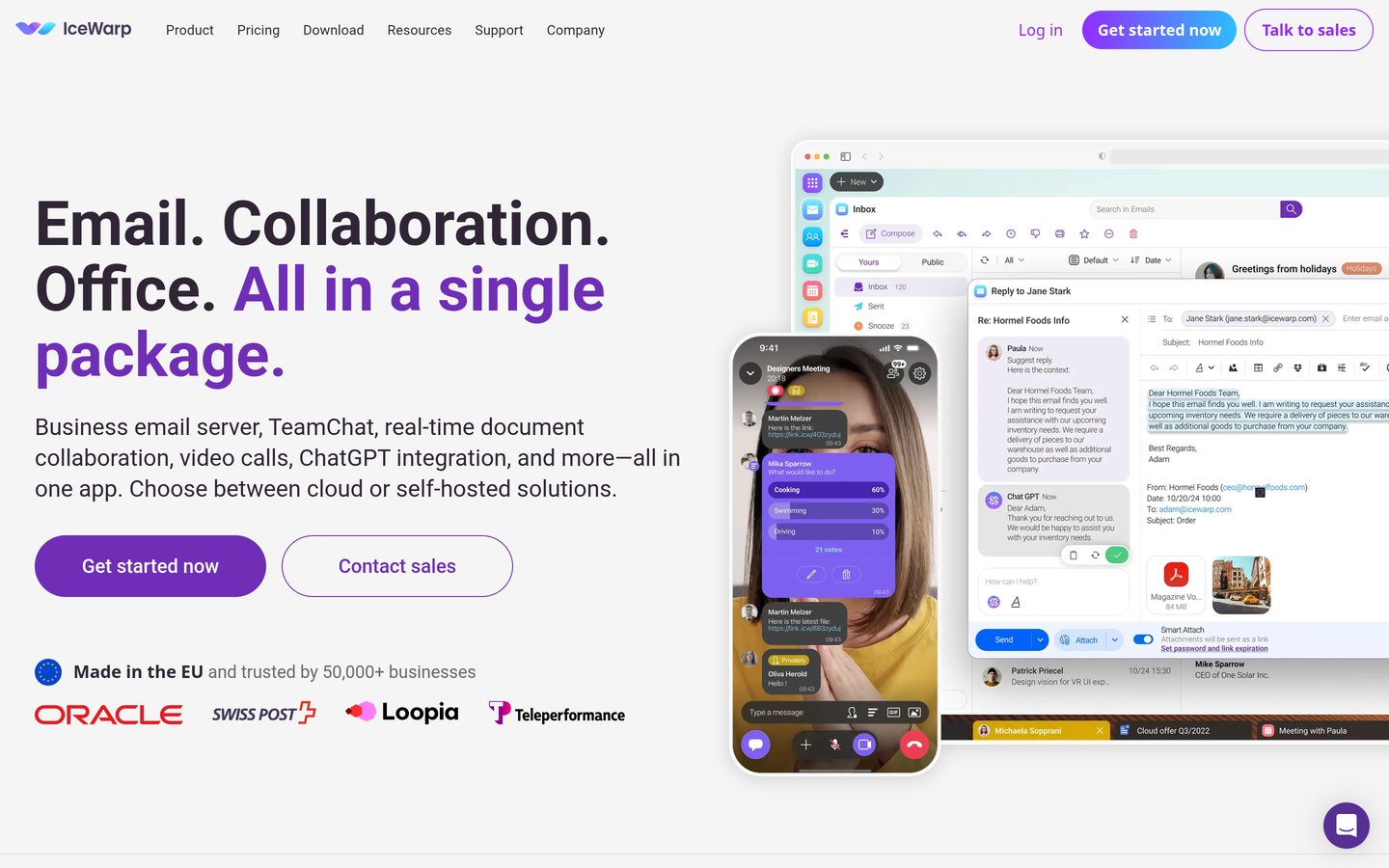
IceWarp homepage, captured Nov 2026.
IceWarp is a business email and collaboration suite from Prague that bundles mail, calendar, chat, files, documents and video conferencing in one window. The Core cloud plan costs $1.35 per user a month on annual billing, and the same suite can also run on your own servers.
The trade off is the thin entry plan. Core gives only 2 GB of mail and no ActiveSync, so most teams need Essential at $2.25 a user a month, and there is no free plan after the trial. It suits small teams that want one cheap suite instead of several tools.
What we like
Rated 4.3 out of 5 on G2 from 19 reviews
Email, calendar, chat, files, documents and video in one window
Cheapest suite here at $1.35 a user a month
Cloud or self-hosted deployment
Watch out for
Core has only 2 GB of mail and no ActiveSync
No free plan after the 30-day trial
Essential adds 50 GB and ActiveSync at $2.25 a user a monthVisit icewarp.com
What to check before leaving Exchange
Check how mailboxes migrate. Shared mailboxes, delegates, archives and public folders move differently on each tool, so test one mailbox first.
Ask what Outlook needs. Native MAPI and EWS keep Outlook working as before, while IMAP-only tools lose shared calendars and free-busy lookup.
Confirm the archive rules. Retention, eDiscovery and litigation hold sit on higher plans at most vendors, so check they are in the plan you buy.
How we chose
We started from the mail servers and hosted suites that reviewers and migration guides rank as Exchange replacements, then kept the nine with real mail, calendar and contacts support and a numeric G2 or Capterra rating.
Prices come from each vendor's pricing page, checked on 30 November 2026, except MDaemon, whose on-premise price we took from a secondary source, and Zimbra, whose paid edition is quoted. Ratings come from G2 on the same day. Where a vendor shows no price, the list says so instead of repeating a review-site estimate.
We left out tools without a numeric G2, Capterra or Trustpilot rating. No vendor paid for a place, and we do not claim hands-on testing for this list.
How to choose an alternative to Exchange
Start with where the mail will live, then match the tool to that choice.
Decide hosted or self-hosted. A hosted suite removes servers, patching and backups, while a self-hosted server keeps the data under your roof. Pick the model before the brand.
Test Outlook first. Connect Outlook to a trial mailbox and check shared calendars, free-busy lookup and delegates before you migrate the whole company.
Move one mailbox end to end. Migrate a real mailbox with its archive, shared folders and rules, and confirm nothing is lost before the rest follow.
Price the second year, not the first. Add storage upgrades, archiving, support renewals and any per-mailbox license, then compare the yearly total across your shortlist.
FAQ
What is the best alternative to Microsoft Exchange?
Google Workspace is the best alternative for most teams. It replaces Exchange with Gmail on your own domain, shared calendars, Drive and Meet from $7 per user a month, and it holds a 4.6/5 rating on G2 from more than 48,000 reviews.
Is Microsoft 365 an alternative to Exchange?
Yes, in practice it is the closest one. Microsoft 365 mailboxes run on Exchange Online, the same engine behind Outlook, so users keep the Outlook experience while Microsoft runs the server. Business Basic costs $7 per user a month, and email-only Exchange Online Plan 1 costs $4.
What is the cheapest alternative to Exchange?
Zoho Mail is the cheapest hosted switch, with a free plan for up to 5 users and Mail Lite at $1 per user a month. Among self-hosted servers, Zimbra's open-source edition is free, IceWarp starts at $1.35 a user a month, and SmarterMail's free edition covers 10 mailboxes.
Can I keep using Outlook with an Exchange alternative?
Yes, with the right pick. SmarterMail is the only self-hosted server here with native MAPI and EWS, so Outlook connects without a connector. Microsoft 365 keeps native Outlook support, while Google Workspace, Zoho Mail and Fastmail work through IMAP, CalDAV and their own sync tools.
Google Workspace vs Microsoft 365: which replaces Exchange better?
Google Workspace is better for teams that want a fresh start in the browser, with Gmail, Drive and Meet from $7 per user a month. Microsoft 365 is better for Outlook-heavy teams, since it keeps the Exchange engine, desktop Office apps on Standard, and the admin model your IT team already knows.
Is there a free alternative to Exchange?
Yes. Zimbra's open-source edition is free to run on your own Linux server, SmarterMail's free edition covers one domain with 10 mailboxes, and Zoho Mail is free for up to 5 users. All three need more setup than a hosted suite, and paid support costs extra.
SaaS SEO and WordPress specialist with about 8 years of experience. Rakib compares WordPress plugins, themes, hosting and software using public pricing, documentation and user reviews. See how we rank.