Best Email Hosting Service in 2026: 7 Tools Compared
WLWPLegible EditorsLast verified 22 Nov 2026How we rank10 min read
★ Short answer
Google Workspace is our top email hosting pick, with custom-domain Gmail, 30 GB pooled storage per user, and a 4.6/5 G2 rating from 48,324 reviews. Microsoft 365 suits Outlook-centered teams, while Zoho Mail offers a budget option at $1 per user per month billed annually.
How we make this list: we compare pricing pages, product documentation and public user reviews, then re-check every price before each update. No product paid for a place. Disclosure.
Google Workspace Business Starter costs $7/user/month annually and includes 30 GB pooled storage per user.
Microsoft 365 Business Basic costs $7/user/month annually, with Exchange email and web-based Office applications.
Zoho Mail offers a free plan for up to 5 users and Mail Lite at $1/user/month billed annually.
Hostinger Starter renews at $1.59/mailbox/month, with 5 GB storage and 5 email aliases.
Namecheap Private Email Launch renews at $14.88/year for 1 mailbox with 5 GB storage.
Proton Mail Essentials starts at $6.99/user/month annually, with 15 GB storage and 10 addresses per user.
What to look for in an email hosting service
Email hosting lets you send and receive messages using your own domain. Instead of a generic personal address, your team can use branded mailboxes, shared addresses, and business calendars.
Start with mailbox storage, custom-domain support, and security. A small mailbox may work for occasional correspondence, but teams handling large attachments need more capacity. Spam filtering, multifactor authentication, and reliable recovery options also matter.
Check how the provider charges. Some plans are priced per user, while others include several mailboxes for one fee. Long-term introductory offers can make basic hosting appear much cheaper than its ongoing renewal cost.
The other major decision is whether you want email alone or an office suite. Google Workspace and Microsoft 365 add collaboration applications, while services such as Zoho Mail and Namecheap can keep the starting cost lower.
Finally, verify migration tools, IMAP or desktop client support, aliases, and administrative controls. Moving a busy business inbox is easier when your provider supports importing old messages and preserving existing addresses.
Google Workspace is a business email and collaboration suite built around Gmail, Drive, Calendar, Meet, and Docs. Business Starter includes custom-domain Gmail, 30 GB pooled storage per user, Gemini assistance in Gmail, and video meetings for up to 100 participants.
The trade off is that Workspace costs more than standalone mailbox hosting and charges for each user. Business Starter costs $7 per user monthly with an annual commitment, excluding the temporary promotional discount. It suits businesses that want familiar Gmail inboxes connected to shared documents, calendars, and meetings.
What we like
Familiar Gmail interface with custom domains
Integrated Drive, Calendar, Docs, and Meet
Administrative security and account controls
Large G2 review base
Watch out for
More expensive than basic email-only hosting
Storage allowance is pooled
Advanced compliance features require higher plans
Business Standard increases pooled storage to 2 TB per user and adds mail merge, meeting recording, and expanded collaboration tools.Visit workspace.google.com
02
Microsoft 365
4.6/5on G2 (5,902 reviews, checked Nov 2026)
Starts at$7/mo
Best for businesses using Outlook and Office
Entry planBusiness Basic
Business emailExchange Online
Office applicationsWeb and mobile
Regular price$7/user/mo annually
microsoft.com
Microsoft 365 homepage, captured Nov 2026.
Microsoft 365 is a business productivity suite with hosted Exchange email, Outlook, OneDrive, and Office applications. Business Basic costs $7 per user monthly with annual billing and includes custom-domain email, cloud storage, and web and mobile versions of Word, Excel, and PowerPoint.
The trade off is that Business Basic does not include the full desktop Office applications, and more advanced security or device management requires higher tiers. It suits organizations already using Outlook, Teams, and Microsoft documents for everyday communication.
What we like
Exchange-based business email hosting
Strong Outlook and calendar integration
Office web applications included
Administrative and security management features
Watch out for
Desktop Office applications require an upgrade
Licensing options can be complicated
Advanced security requires higher plans
Business Standard adds desktop Office applications, while Business Premium adds advanced security and device management.Visit microsoft.com
03
Zoho Mail
4.4/5on G2 (730 reviews, checked Nov 2026)
Paid from$1/mo
Best for low-cost business email hosting
Free usersUp to 5
Free mailbox storage5 GB/user
Entry paid planMail Lite 5 GB
Regular price$1/user/mo annually
zoho.com
Zoho Mail homepage, captured Nov 2026.
Zoho Mail is a business email hosting platform with custom domains, calendars, tasks, and administrative controls. Its free plan supports up to 5 users with 5 GB storage each and one custom domain. Mail Lite starts at $1 per user monthly, billed annually.
The trade off is that the free plan does not include IMAP, POP, or ActiveSync, limiting third-party email client access. Mail Lite requires an annual subscription and provides a relatively small entry mailbox. It suits freelancers and growing teams that want branded email without paying for a full office suite.
What we like
Free custom-domain email for small teams
Low regular paid starting price
Built-in calendar and task tools
Paid plans support standard email clients
Watch out for
Free plan excludes IMAP and POP
Entry storage allowance is limited
Mail Lite requires annual billing
Mail Lite adds standard email client access and expanded administrative functionality; higher plans increase storage and email features.Visit zoho.com
04
Proton Mail
2/5on Trustpilot (1,833 reviews, checked Nov 2026)
Paid from$6.99/mo
Best for privacy-focused business email
Business entry planMail Essentials
Storage15 GB/user
Email addresses10/user
Regular price$6.99/user/mo annually
proton.me
Proton Mail homepage, captured Nov 2026.
Proton Mail is an encrypted email service with business hosting, custom domains, and private calendars. Mail Essentials starts at $6.99 per user monthly with annual billing and includes 15 GB storage, 10 email addresses per user, and support for 3 custom email domains.
The trade off is that standard desktop email clients require Proton Mail Bridge, and the service has a low 2.0/5 Trustpilot rating, with recurring complaints about support and account issues. It suits businesses prioritizing encrypted communication over conventional office-suite integrations.
What we like
End-to-end encryption between compatible users
Custom-domain support for business accounts
Encrypted calendar and privacy-focused applications
Multiple addresses per user
Watch out for
Low Trustpilot customer satisfaction rating
Desktop client integration requires Bridge
Higher cost than basic mailbox hosting
Workspace Standard adds more business collaboration services and substantially increases available cloud storage.Visit proton.me
05
Hostinger
4.6/5on Trustpilot (74,353 reviews, checked Nov 2026)
Starts at$1.59/mo
Best for affordable standalone mailboxes
Entry planStarter
Mailbox storage5 GB
Email aliases5
Renewal price$1.59/mo, 48-month term
hostinger.com
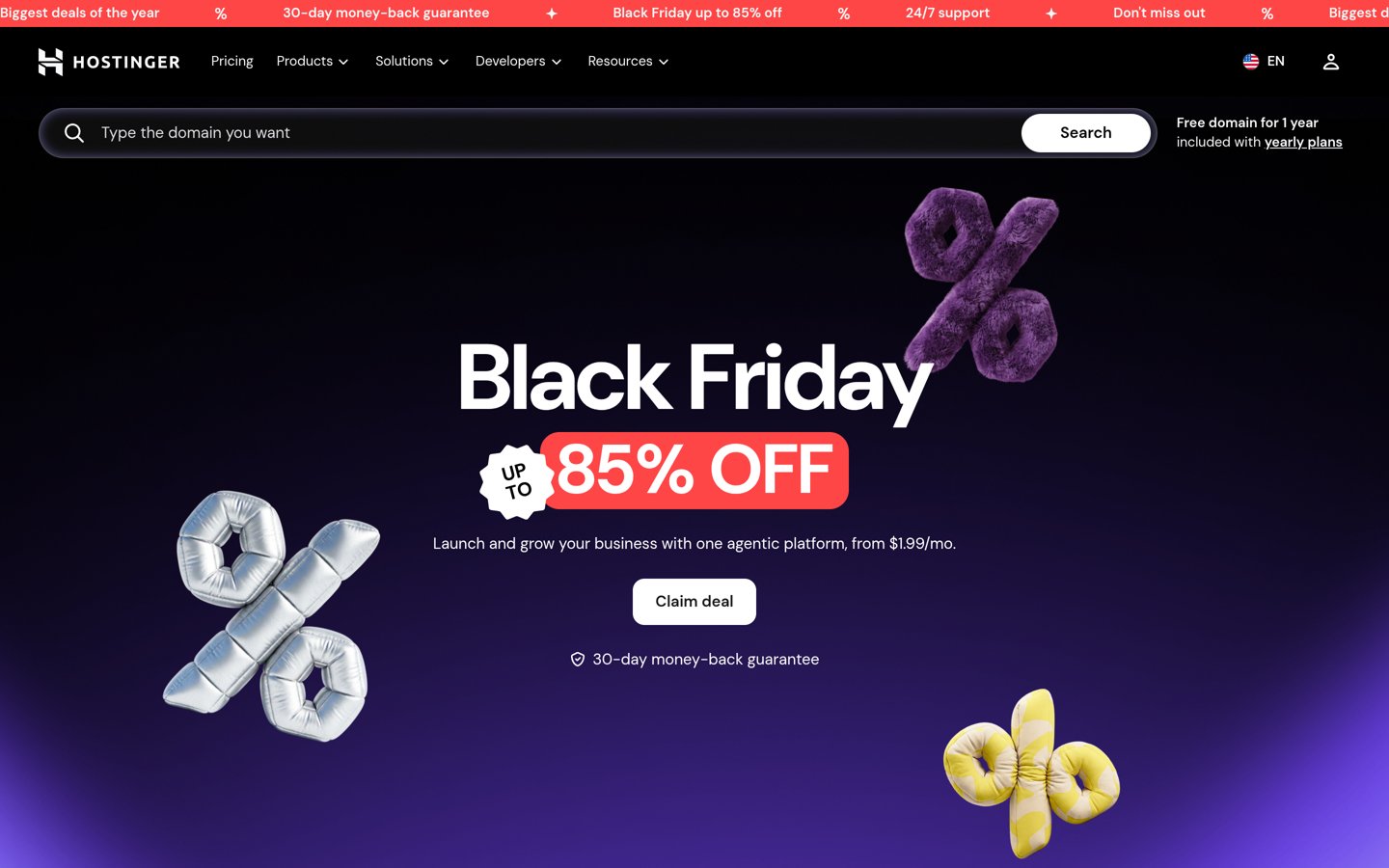
Hostinger homepage, captured Nov 2026.
Hostinger is a web and email hosting provider offering standalone business mailboxes with custom domains. Its Starter email plan provides 5 GB storage, 5 forwarding rules, and 5 aliases, alongside spam, virus, and phishing protection. The service also includes webmail and email migration features.
The trade off is the long commitment behind its lowest advertised promotional price. Starter is currently discounted to $0.39/month for a 48-month term and renews at $1.59/month for that term; the page also shows a $2.99 reference price. It suits budget-conscious businesses that need a basic branded mailbox.
What we like
Low published renewal rate for Starter
Custom-domain business mailboxes
Spam, virus, and phishing protection
Email migration and forwarding tools
Watch out for
Lowest promotional rate requires a long prepaid term
Standard increases storage to 20 GB and adds more aliases, forwarding rules, and AI-assisted email tools.Visit hostinger.com
06
Namecheap
4.2/5on Trustpilot (22,297 reviews, checked Nov 2026)
Starts at$14.88/yr
Best for simple domain-based email hosting
Entry planLaunch
Mailboxes1
Storage5 GB
Regular renewal$14.88/yr
namecheap.com
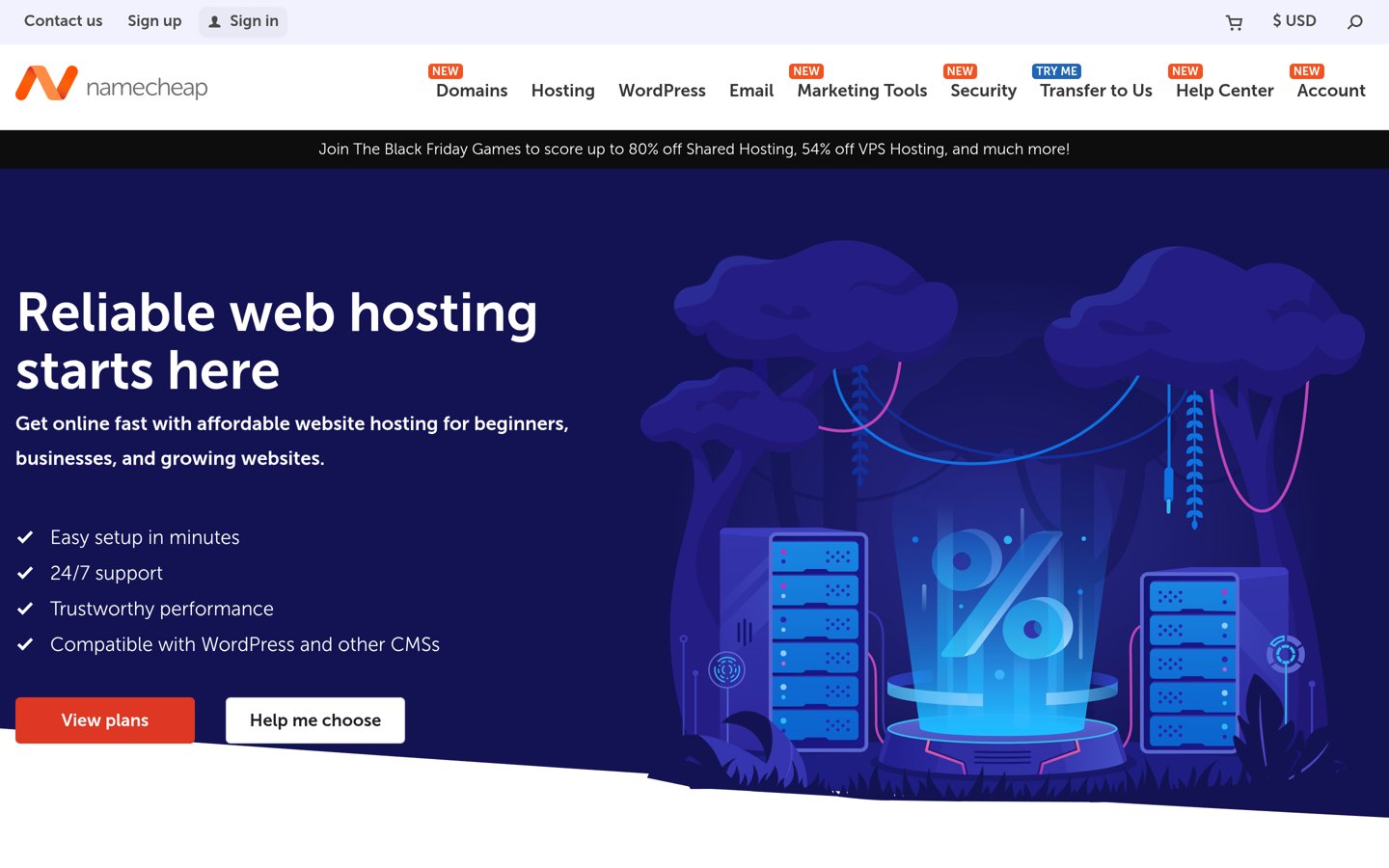
Namecheap homepage, captured Nov 2026.
Namecheap is a domain registrar and hosting provider with a standalone Private Email service. Its Launch plan includes 1 mailbox, 5 GB email storage, 10 aliases, webmail, calendar functionality, spam filtering, and two-factor authentication. The paid plan renews at $14.88 per year.
The trade off is that Launch includes only one mailbox and limited storage, so growing teams may need additional mailboxes or a larger plan. A free first-month trial is currently advertised. It suits freelancers and small website owners who want basic professional email without purchasing a larger productivity suite.
What we like
Low annual renewal price
Custom-domain email with aliases
Built-in webmail and calendar
Supports standard email clients
Watch out for
Only one mailbox included in Launch
Small entry storage allowance
Trustpilot rating covers the wider Namecheap company
Expand includes 3 mailboxes, 30 GB total email storage, and advanced storage encryption.Visit namecheap.com
07
IONOS
4.6/5on Trustpilot (46,009 reviews, checked Nov 2026)
Starts at$2/mo
Best for basic email hosting with a domain
Entry planMail Basic 1
Storage2 GB
Email accounts1
Renewal price$2/mo after introductory term
ionos.com
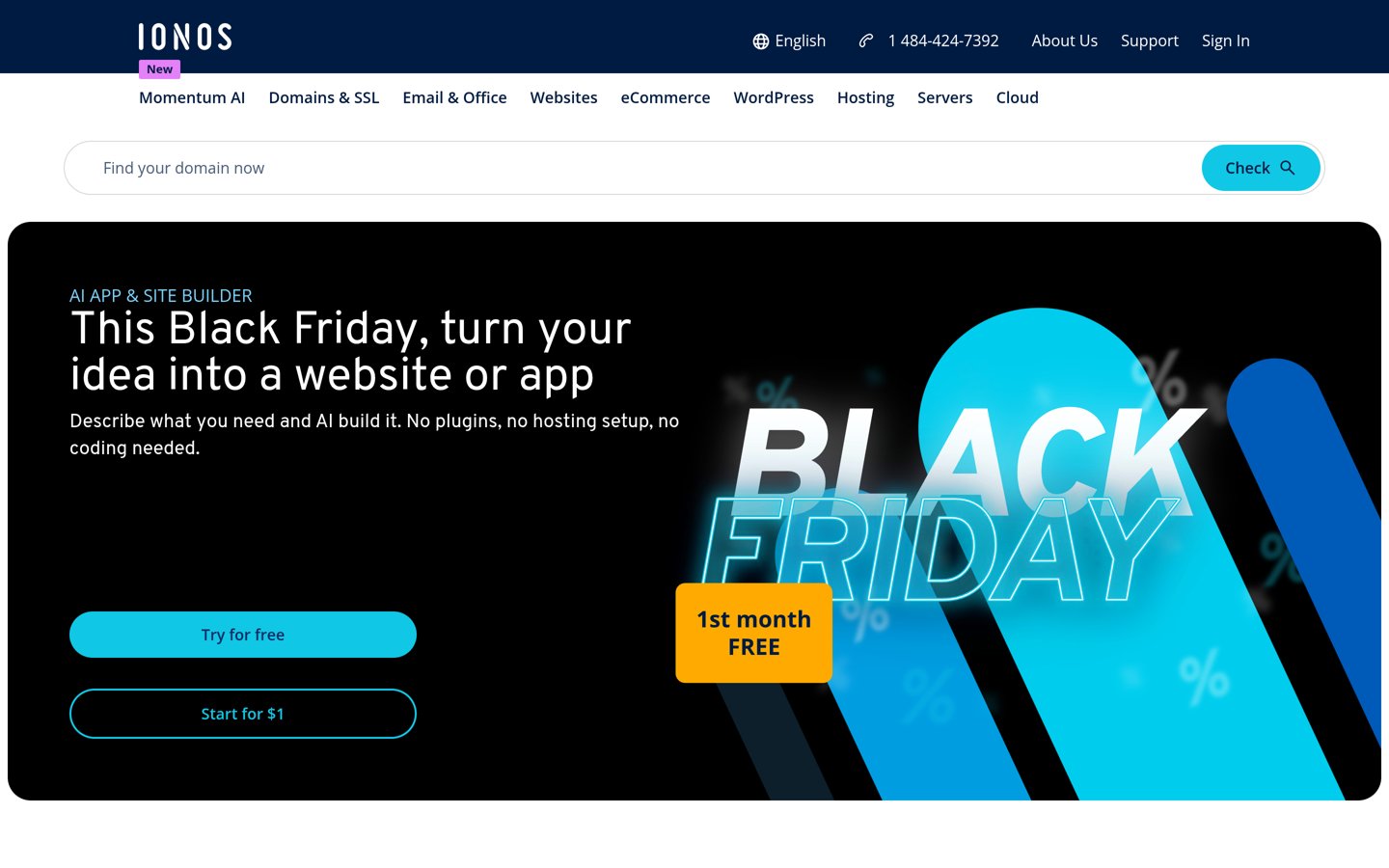
IONOS homepage, captured Nov 2026.
IONOS is a hosting and domain provider with dedicated business email packages. Mail Basic 1 includes one custom-domain mailbox, 2 GB storage, an eligible domain, spam filtering, webmail, scheduled sending, and access across devices.
The trade off is the small mailbox and term-dependent pricing. The current 3-year offer advertises $1.10/month, renewing at $2/month, while the pricing page also displays a $4 reference price. It suits individuals who want straightforward business email and an eligible domain in one package.
What we like
Eligible domain included with the email package
Basic spam filtering and webmail
Scheduled email sending
Support available around the clock
Watch out for
Only 2 GB storage in Mail Basic 1
Introductory pricing requires a long term
Trustpilot reviews include other IONOS services
Mail Business increases storage to 50 GB and adds more advanced business email capabilities.Visit ionos.com
Email hosting vs email marketing software
Email hosting and email marketing solve different problems. Hosting provides the mailbox behind an address on your domain, allowing employees to exchange everyday messages with customers and colleagues.
Email marketing software manages subscriber lists, newsletters, automated drip campaigns, and campaign reporting. Buying email hosting does not automatically give you a marketing automation platform.
A business may use Google Workspace or Zoho Mail for everyday correspondence and a separate marketing service for newsletters. Keeping these functions separate can also help with domain authentication and sending reputation.
What to check before moving business email
Before changing providers, inventory your mailboxes, aliases, forwarding rules, shared addresses, and calendars. Confirm that the new plan supports the same essential functions.
Check whether your host provides an import tool for existing email messages. Prepare the required domain DNS changes, including MX, SPF, DKIM, and DMARC settings.
Keep access to the previous mailbox during migration, verify that incoming and outgoing messages work, and confirm that important folders and contacts transferred before closing the old service.
How we chose
We shortlisted established email hosting providers offering professional custom-domain mailboxes, published subscription plans, and public customer reviews. We considered storage, productivity tools, encryption, account management, and the suitability of entry plans for small organizations.
The article uses 22 November 2026 as its editorial reference date. Official pricing and G2 or Trustpilot review pages were opened on 23 November 2026. Regular annual subscription prices and published renewal rates were preferred over temporary discounts. Company-wide Trustpilot ratings are identified where they do not represent email hosting alone.
We excluded services without a verifiable flat paid subscription price and products with inadequate public review evidence. We also avoided treating introductory discounts or per-message charges as regular plan prices. No vendor paid for a place, and we do not claim testing for this list.
How to choose the best email hosting service
Match your team's mailbox requirements, security needs, and existing software before selecting a hosting subscription.
Calculate the number of mailboxes you need. Count employees who require separate logins and identify shared addresses such as sales or support. Check whether aliases and forwarding addresses cost extra or are included with each mailbox.
Compare storage and email client compatibility. Estimate how much mail and attachment storage each user needs. Confirm whether the provider supports IMAP, desktop applications, calendar synchronization, and migration from your current service.
Review security and administrative features. Look for multifactor authentication, spam filtering, domain authentication, recovery options, and manageable user permissions. Teams handling sensitive messages may prefer stronger encryption and specialized security controls.
Calculate the regular annual cost. Multiply the normal per-user or per-mailbox subscription by the number of accounts required. Check renewal rates, minimum contract lengths, included storage, and whether you need separate subscriptions for documents or meetings.
FAQ
What is the best email hosting service in 2026?
Google Workspace is our overall recommendation for businesses that want custom-domain Gmail alongside calendars, documents, and meetings. Business Starter costs $7 per user monthly with annual billing. Microsoft 365 is a strong alternative for Outlook teams, while Zoho Mail offers a much cheaper email-focused plan.
What is the cheapest business email hosting service?
Zoho Mail Lite starts at $1 per user monthly with annual billing, while Namecheap Private Email Launch renews at $14.88 per year. Zoho Mail also offers a free plan for eligible small teams. Compare storage, aliases, and client compatibility before choosing by price alone.
Can I host business email for free?
Yes. Zoho Mail offers a free custom-domain email plan for up to 5 users, with 5 GB mailbox storage each. However, that plan excludes IMAP, POP, and ActiveSync. Free personal email accounts from other providers may not support using your business domain.
Is Google Workspace better than Microsoft 365 for email?
Google Workspace is a natural fit for teams comfortable with Gmail and Google collaboration tools. Microsoft 365 is often more suitable for businesses using Outlook, Exchange, and Microsoft Office applications. Both offer business email and administration tools, so the better choice depends on your existing workflow.
How much does professional email hosting cost?
Basic email hosting can start at $1 per user monthly with annual billing, while broader business productivity suites commonly cost more. Prices vary with mailbox storage, user count, features, and contract duration. Introductory discounts may be considerably lower than the ongoing subscription cost.
Do I need a domain name for business email hosting?
You need control of a domain to create branded addresses such as [email protected]. Some hosting providers include an eligible domain with selected plans, while others require you to purchase one separately. You must also configure DNS records so messages reach the correct email servers.
Can I transfer my existing business emails to another host?
Usually, yes. Many providers offer migration tools or support importing messages through standard email protocols. Before transferring, confirm that contacts, folders, calendars, and aliases are supported. Keep your previous account accessible until you verify that important messages and ongoing delivery work correctly.
Is Proton Mail suitable for business email?
Proton Mail is suitable for businesses that prioritize encrypted communication and privacy. Mail Essentials includes 15 GB storage and 10 addresses per user. However, its Trustpilot rating is low, and using conventional desktop email clients requires additional configuration through Proton Mail Bridge.