Best Email Drip Campaign Software in 2026: 8 Tools Compared
WLWPLegible EditorsLast verified 22 Nov 2026How we rank11 min read
★ Short answer
Sender is our top email drip campaign software pick because its free plan supports automation, 2,500 subscribers and 15,000 monthly emails, with a 4.8/5 G2 rating. MailerLite is a good alternative for straightforward nurture sequences, while Omnisend is better suited to ecommerce stores that need cart recovery and post-purchase workflows.
How we make this list: we compare pricing pages, product documentation and public user reviews, then re-check every price before each update. No product paid for a place. Disclosure.
Sender offers automation on its free plan for up to 2,500 subscribers and 15,000 emails monthly; Standard costs $9/month at its regular rate.
MailerLite earns 4.6/5 on G2 from 1,114 reviews and offers its Comfort plan starting at $12/month.
Omnisend supports ecommerce automation and starts at a regular $16/month for Standard, with a 4.6/5 G2 rating.
Kit supports up to 10,000 subscribers on its free Newsletter plan; Creator costs $39/month at the regular monthly rate.
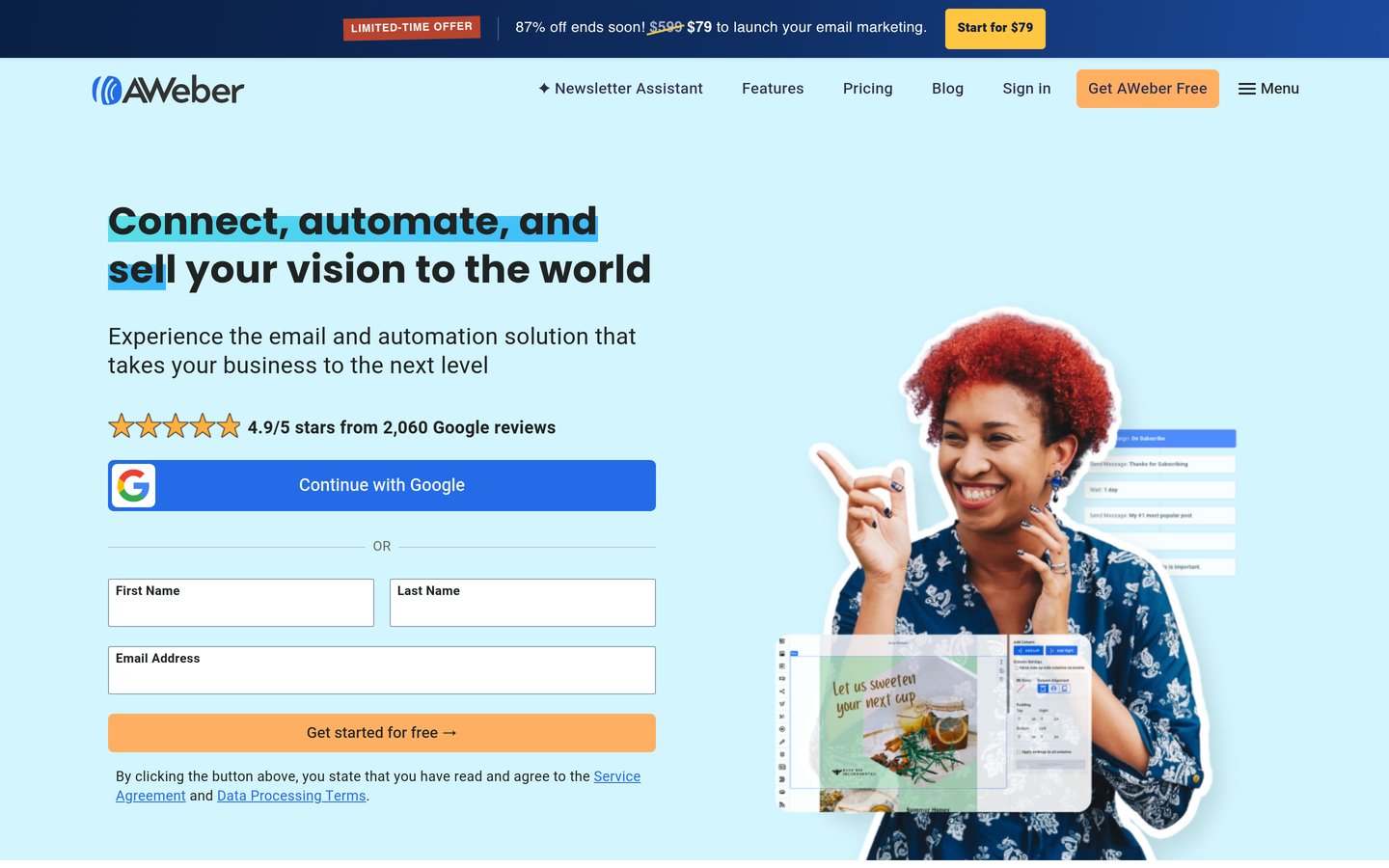
AWeber Lite costs $12.49/month billed annually and includes 3 email automations.
EmailOctopus Pro starts at $9/month billed annually, while Benchmark Email Pro starts at $12/month on monthly billing.
What matters when choosing email drip campaign software
Email drip campaigns are automated sequences that deliver messages after a subscriber joins a list, takes an action or reaches a specific point in a customer journey. Welcome emails, onboarding lessons, abandoned-cart reminders and re-engagement messages are common examples.
The most useful distinction is between time-based sequences and behavior-based workflows. Time-based sequences send messages after scheduled delays. Behavior-based workflows respond to actions such as clicking a link, purchasing a product or moving into another audience segment.
Look for a visual automation builder, adjustable sending delays, audience segmentation, signup forms and reporting. If you sell products online, prioritize purchase events, cart recovery and store integrations rather than newsletter design alone.
Check which automations are included in the cheapest plan. Some platforms allow basic sequences but reserve advanced branching, ecommerce triggers or additional workflows for higher tiers.
Finally, compare costs using the same subscriber count and billing period. Entry prices can look similar while contact allowances, sending limits and renewal terms differ substantially.
Sender is an email marketing platform with newsletters, signup forms, landing pages and automated workflows. Its free plan supports 2,500 subscribers, 15,000 monthly emails and email automation, making it suitable for welcome sequences and basic nurturing without an immediate subscription.
The trade off is that the free plan carries Sender branding and paid tiers expand team access, reporting and marketing features. Standard normally costs $9/month, although the pricing page currently advertises a temporary discount. It suits startups and small businesses that want useful automation before committing to a larger marketing platform.
What we like
Generous free subscriber and sending allowances
Email automation included without payment
Signup forms, landing pages and newsletters
Strong G2 rating from more than 300 reviews
Watch out for
Free emails include Sender branding
More advanced reporting requires upgrading
Paid pricing changes with audience size
Standard removes branding and adds A/B testing, more team seats and enhanced reporting.Visit sender.net
02
MailerLite
4.6/5on G2 (1,114 reviews, checked Nov 2026)
Paid from$12/mo
Best for simple welcome and nurture sequences
Automation builderVisual workflows
Entry paid planComfort
Landing pagesIncluded
Regular entry price$12/mo
mailerlite.com
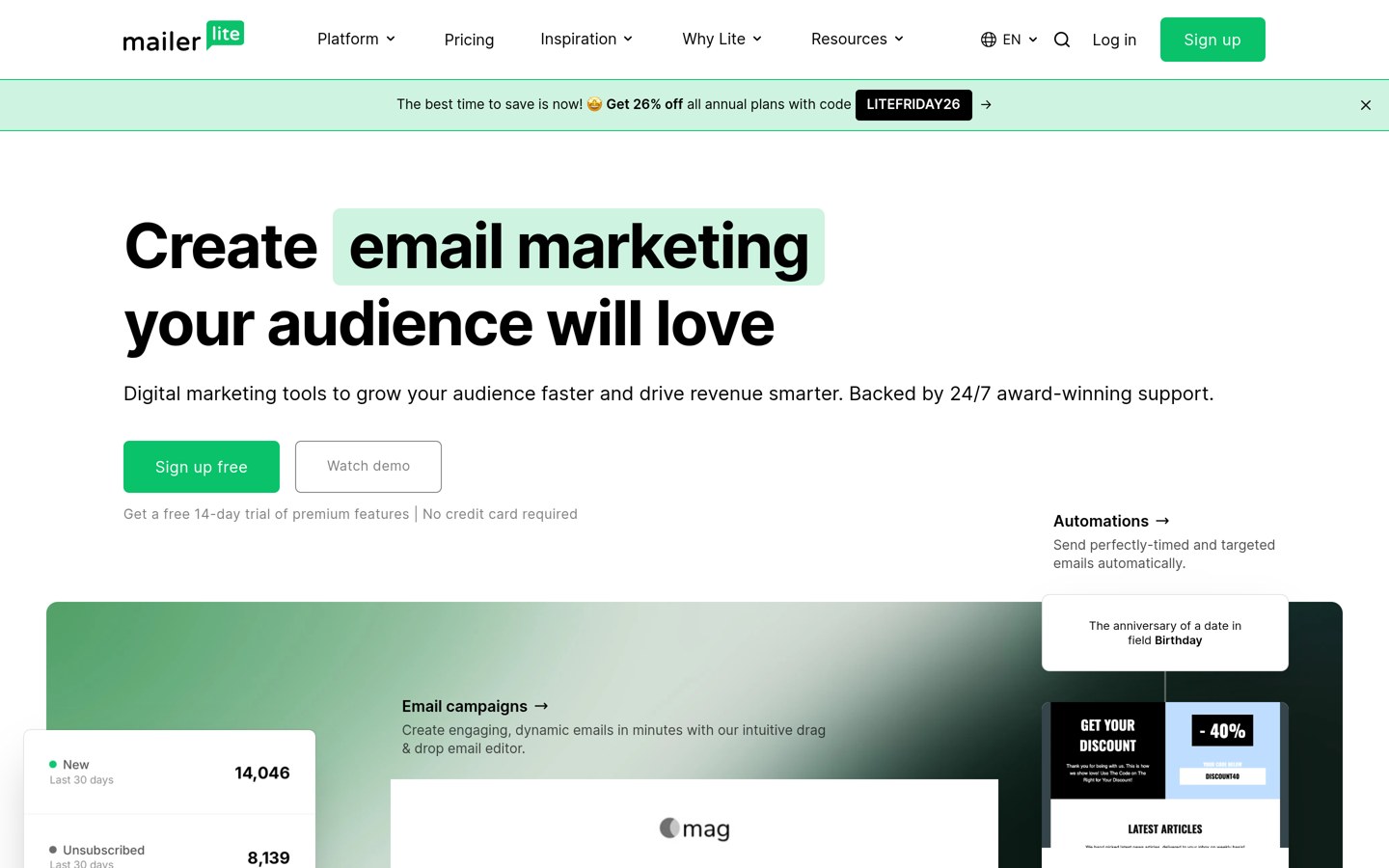
MailerLite homepage, captured Nov 2026.
MailerLite is an email marketing service built around an approachable editor, subscriber management and visual automations. Its free offering provides core email marketing features, while Comfort starts at $12/month and adds a broader collection of templates, campaign tools and automation features.
The trade off is that Comfort has limits on automation, forms and other resources, while the higher Power tier offers expanded allowances. Pricing increases with subscriber count. It suits bloggers, service businesses and small marketing teams that want to build scheduled nurture campaigns without managing complicated customer data.
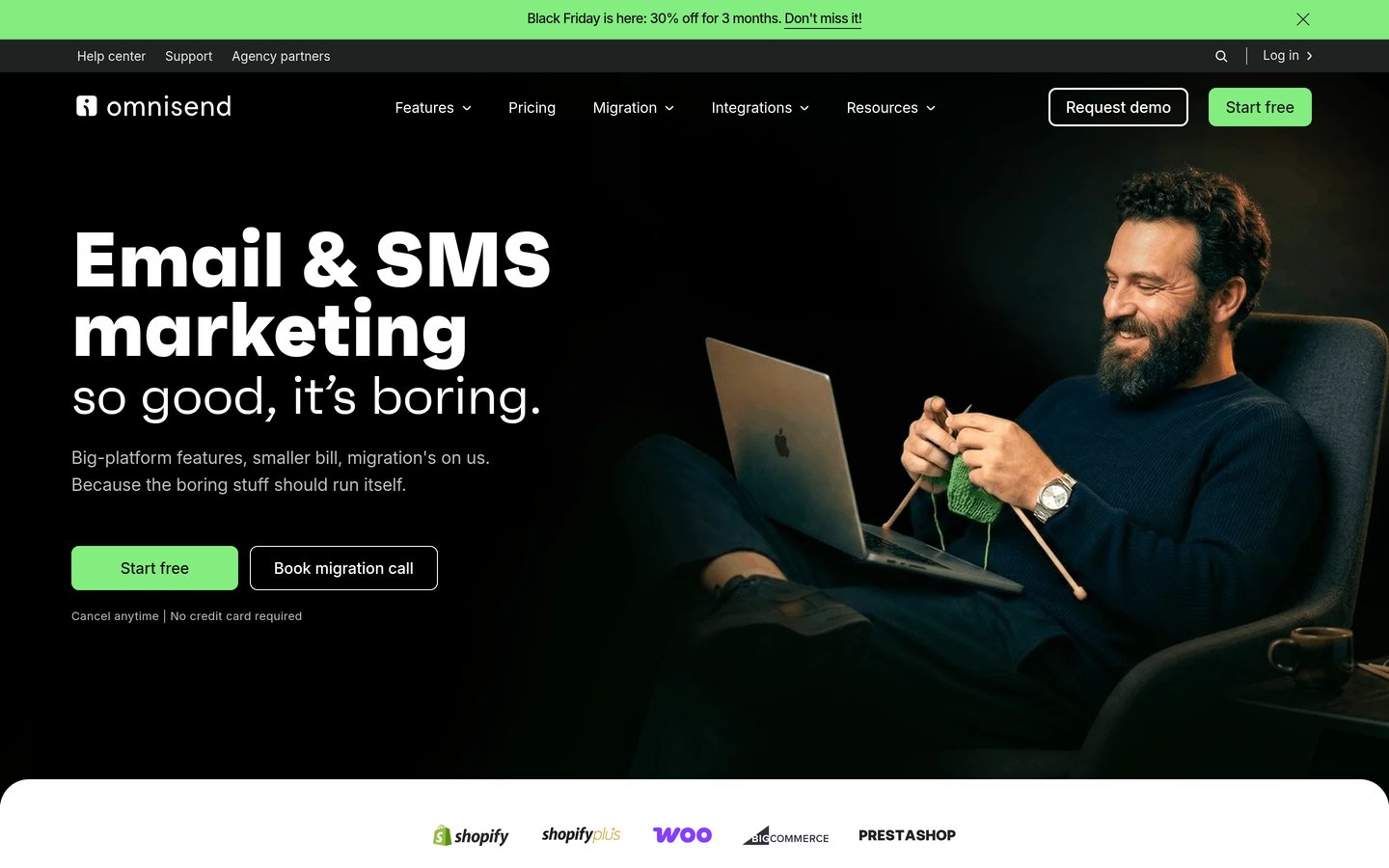
Omnisend is an ecommerce email and SMS marketing platform with automated welcome messages, cart abandonment sequences, post-purchase follow-ups and re-engagement workflows. Its free plan permits 250 contacts and 500 monthly emails, with access to automation features and store-focused marketing tools.
The trade off is that the free sending allowance is small, and Standard starts at a regular $16/month before temporary promotional discounts. Additional SMS sending has separate charges. It suits online stores that want purchase-related triggers and product-aware messaging rather than general newsletter automation.
What we like
Prebuilt ecommerce workflows
Email, SMS and web push automation
Free access to automation features
Store integrations and sales-oriented reporting
Watch out for
Free sending allowance is restrictive
SMS usage adds charges
Less relevant for businesses without ecommerce activity
Standard increases sending capacity and supports a growing store contact list.Visit omnisend.com
04
Kit
4.4/5on G2 (236 reviews, checked Nov 2026)
Paid from$39/mo
Best for creators selling content and courses
Free subscribersUp to 10,000
Free email broadcastsUnlimited
Paid automationUnlimited visual automations
Paid planCreator, $39/mo regular
kit.com
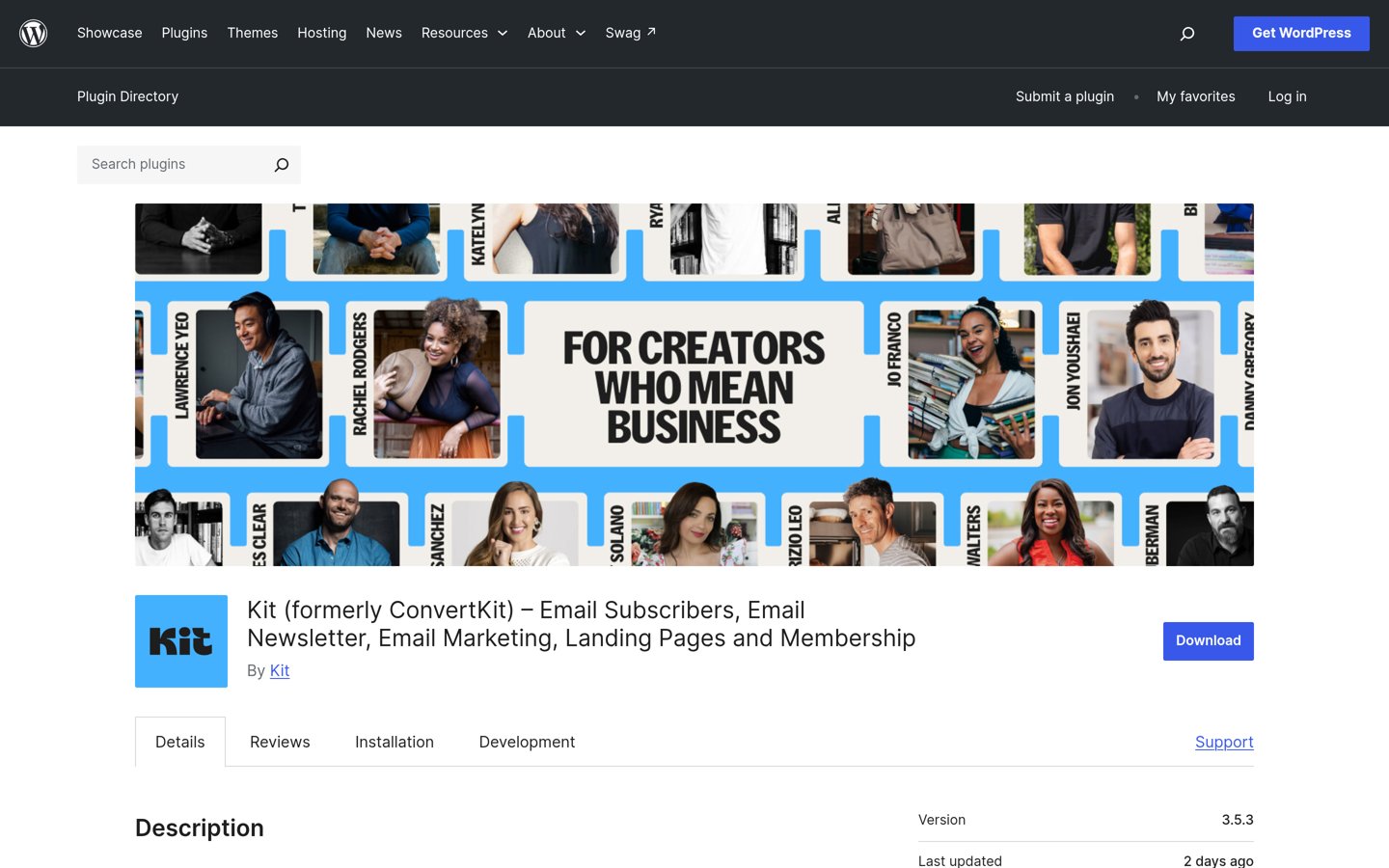
Kit homepage, captured Nov 2026.
Kit is an email marketing platform for creators, newsletter publishers, coaches and digital product sellers. Its free Newsletter plan accommodates up to 10,000 subscribers and includes unlimited email broadcasts, landing pages, forms, tagging and product-selling tools. Creator adds unlimited email sequences and visual automations.
The trade off is that advanced drip automation requires Creator, regularly priced at $39/month for the entry subscriber tier, rather than the temporary introductory offer. It suits creators who want email sequences tied to content, subscriptions and digital product sales.
What we like
Large free subscriber allowance
Unlimited broadcasts on the free plan
Visual automation and unlimited sequences on Creator
Built-in digital product and subscription tools
Watch out for
Full visual automation requires a paid plan
Higher starting price than budget newsletter platforms
Best for straightforward small-business autoresponders
Entry planLite
Lite automations3
Lite landing pages3
Entry price$12.49/mo billed yearly
aweber.com
AWeber homepage, captured Nov 2026.
AWeber is an established email marketing platform with autoresponders, signup forms, newsletters and landing pages. Its Lite plan costs $12.49/month billed annually and includes 3 email automations, 3 landing pages and support for scheduled email campaigns, with a free trial available.
The trade off is that Lite restricts automations, email lists and audience segmentation, while Plus costs $19.99/month billed annually for broader functionality. It suits small businesses, coaches and independent publishers that need conventional welcome and follow-up sequences without a complex workflow system.
What we like
Established email marketing service
Ready-made email campaign resources
Landing pages and automation in Lite
Higher tier supports unlimited automations
Watch out for
Lite restricts automation count
Limited segmentation on the cheapest plan
No permanent free tier confirmed on current pricing page
Plus expands automations, landing pages, segmentation and reporting while removing AWeber branding.Visit aweber.com
06
EmailOctopus
4.3/5on G2 (46 reviews, checked Nov 2026)
Paid from$9/mo
Best for low-cost email sequences
Free subscribers2,500
Free monthly emails10,000
Paid planPro
Paid price$9/mo billed yearly
emailoctopus.com
EmailOctopus homepage, captured Nov 2026.
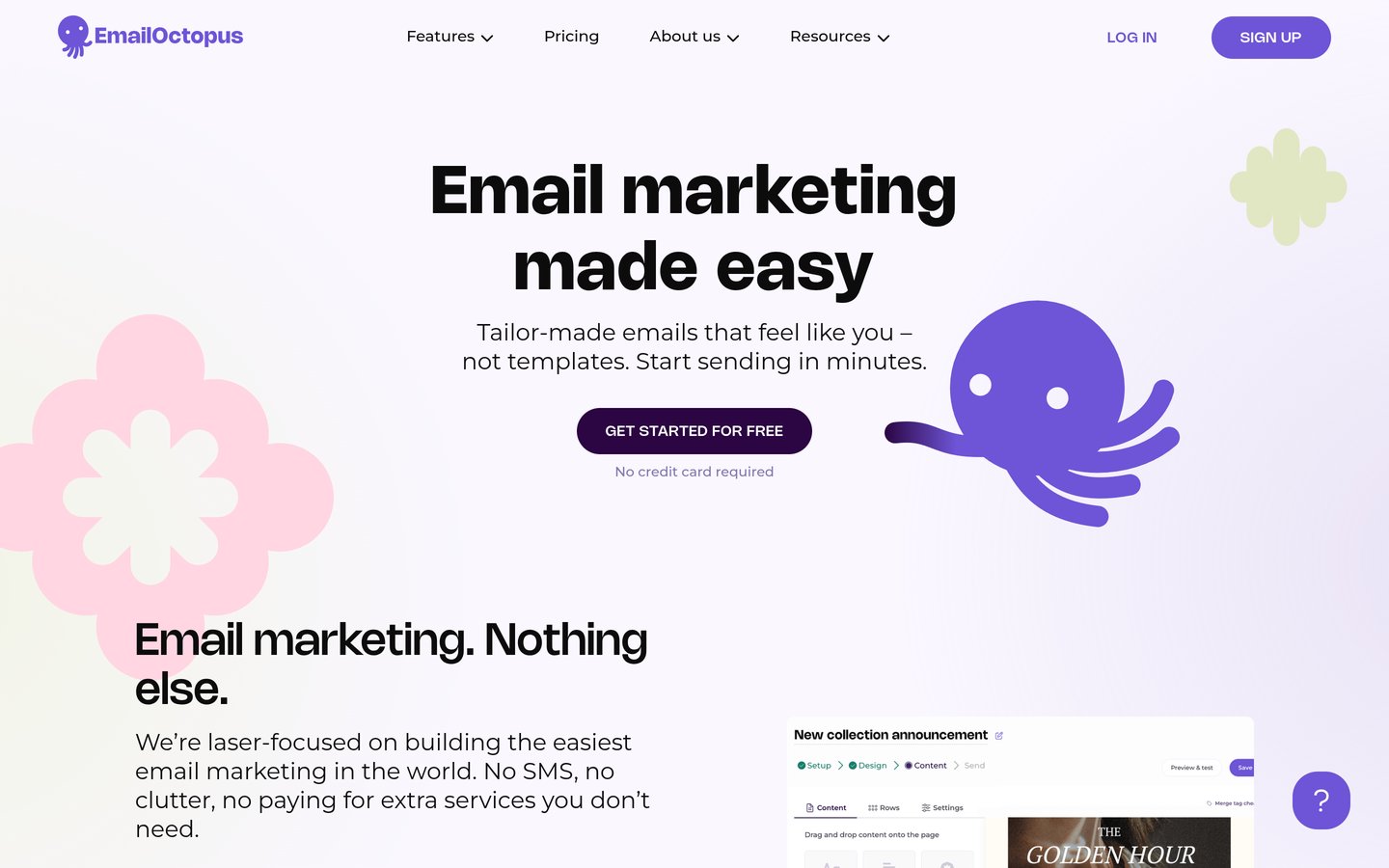
EmailOctopus is a lightweight email marketing platform for newsletters, subscriber management and automated follow-ups. Its free Starter plan allows 2,500 subscribers and 10,000 monthly emails, while Pro starts at $9/month billed annually and adds more control over email design and account management.
The trade off is that its automation and customer-data capabilities are simpler than those of dedicated ecommerce marketing platforms. Free accounts also display EmailOctopus branding and have shorter report retention. It suits small publishers and organizations that prioritize affordable subscriber communication and straightforward drip sequences.
What we like
Generous free contact allowance
Affordable Pro subscription
Straightforward email editor and subscriber management
Unlimited landing pages and forms on Pro
Watch out for
Less sophisticated behavior-based automation
Free reports have limited retention
Free emails display product branding
Pro removes branding, extends report retention and adds unlimited landing pages, forms and users.Visit emailoctopus.com
07
Constant Contact
4.1/5on G2 (7,616 reviews, checked Nov 2026)
Starts at$10.20/mo
Best for small-business email campaigns and support
Entry planLite
Lite automation1 template
Standard automation3 templates
Entry price$10.20/mo billed yearly
constantcontact.com
Constant Contact homepage, captured Nov 2026.
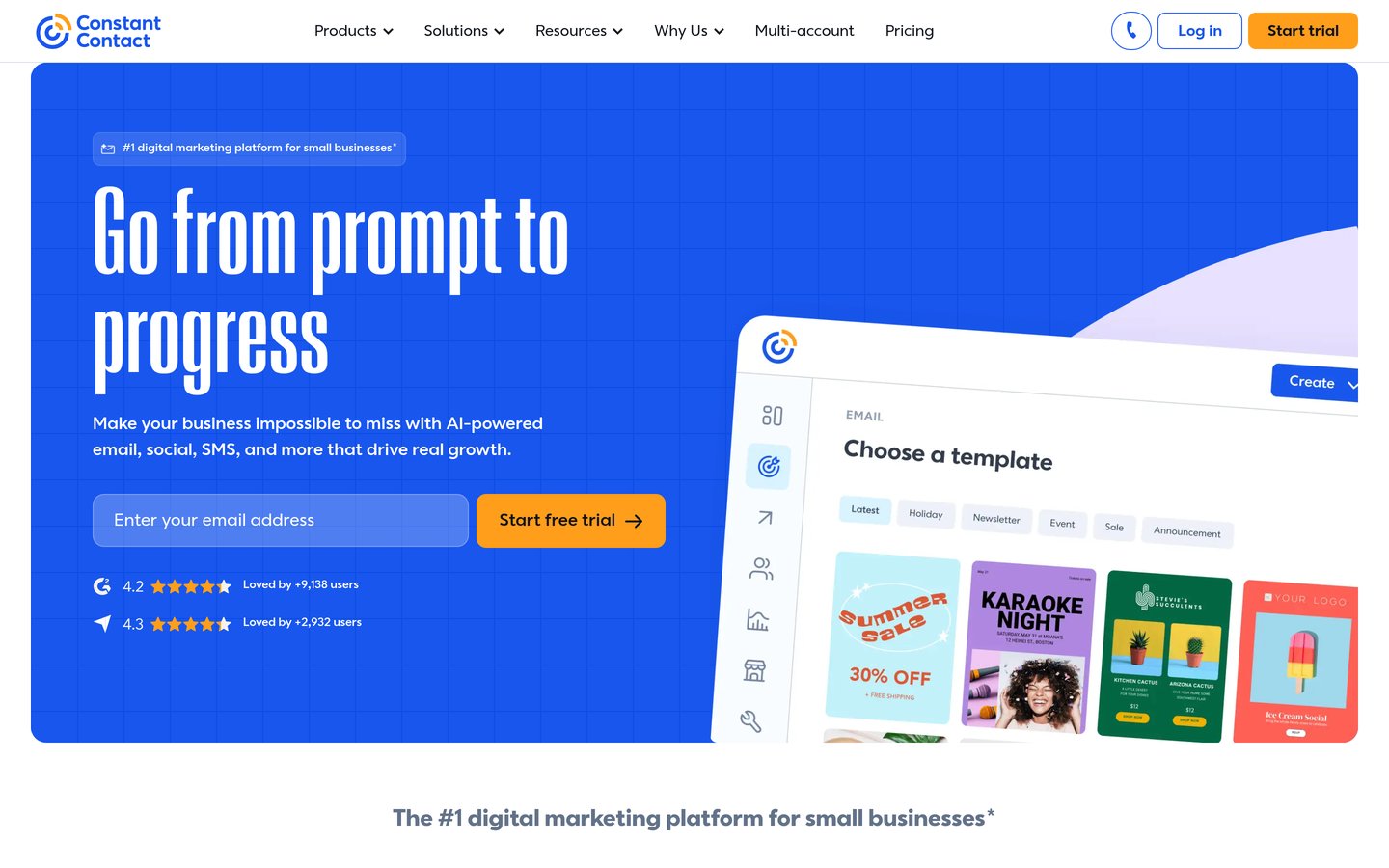
Constant Contact is an email marketing platform for small businesses with email editing, contact management, social marketing and automation. Its Lite plan starts at $10.20/month billed annually and includes a basic automation template, while Standard expands campaign automation and reporting.
The trade off is that Lite provides limited automation flexibility, and broader drip campaign workflows require higher tiers. Standard starts at $29.75/month billed annually, while Premium adds custom automations. It suits businesses prioritizing campaign creation, support and contact management over complicated workflow branching.
What we like
Established small-business marketing platform
Email and social campaign tools
Guided onboarding and support
Large public review base
Watch out for
Lite automation functionality is limited
Custom workflows require a higher tier
Contact and sending volume affect pricing
Standard adds more automation templates, campaign resends, audience segmentation and reporting.Visit constantcontact.com
08
Benchmark Email
4.3/5on G2 (123 reviews, checked Nov 2026)
Paid from$12/mo
Best for basic automated email responses
Free contacts500
Free monthly emails1,000
Paid planPro
Monthly price$12/mo
benchmarkemail.com
Benchmark Email homepage, captured Nov 2026.
Benchmark Email is an email marketing service focused on campaign creation, subscriber lists and automated responses. Its free plan includes 500 contacts and 1,000 monthly emails, while Pro starts at $12/month on monthly billing and adds automated responses, larger sending allowances and more account features.
The trade off is that the platform emphasizes basic email communication rather than advanced multi-branch customer journeys. Automation is a paid feature, and the starting plan's sending capacity scales with the contact tier. It suits smaller organizations that need straightforward follow-up emails and familiar campaign management tools.
What we like
Free entry plan
Drag-and-drop email editor
Automated responses on Pro
Clear basic subscriber management
Watch out for
Free plan excludes automated responses
Advanced behavioral automation is limited
Sending limits depend on the contact tier
Pro adds automated responses, more sending capacity, list verification and additional account features.Visit benchmarkemail.com
Email drip campaigns vs marketing automation
An email drip campaign usually follows a planned sequence. A subscriber receives a welcome email, waits, receives educational content and eventually gets a product recommendation or another call to action.
Marketing automation is broader. A workflow might change direction when someone visits a product page, makes a purchase or clicks a particular link.
For basic welcome campaigns, a straightforward sequence builder is enough. For ecommerce recovery or lead nurturing across several customer segments, a visual workflow builder with conditional logic provides more flexibility.
Sender and MailerLite cover straightforward nurturing at accessible prices. Omnisend focuses on store behavior, while Kit connects sequences with creator products and subscriber interests.
Email drip campaign pricing traps to avoid
The advertised starting price does not always represent the cost of running a useful automation. Some entry plans restrict workflow steps, automation templates or behavioral conditions.
Check whether plans charge by subscriber count, billable contacts or email sends. A platform may become more expensive when your list grows even if you send the same number of campaigns.
Separate introductory discounts from regular pricing. For example, Kit advertises a temporary discount on Creator, while Sender and Omnisend also display promotional offers. This comparison uses regular entry prices instead.
Compare the price of the tier containing the automation features you actually need, not simply the cheapest tier available.
How we chose
We reviewed established email marketing platforms that support automated messages, drip sequences or autoresponders. The shortlist emphasizes recognizable SaaS products with public G2 reviews, published pricing and relevant workflows for small businesses, creators or ecommerce teams.
Official vendor pricing pages and G2 review pages were reviewed for this November 2026 comparison, using 22 November 2026 as the article's reference date. We selected the cheapest identifiable paid subscription, excluded temporary introductory discounts and annualized monthly prices without adding promotional savings. Different billing periods and subscriber allowances are identified in individual listings.
We excluded tools whose current pricing pages did not expose a confirmable regular entry price, as well as products with insufficient public review evidence. We also avoided treating usage-based email charges as flat subscription prices. No vendor paid for a place, and we do not claim testing for this list.
How to choose email drip campaign software
Define the sequences you want to automate before comparing subscriptions. Then match the platform's triggers, subscriber allowances and reporting features to your marketing goals.
Start with your campaign triggers. Decide whether subscribers should enter a sequence after signup, a purchase, a link click or another action. Simple welcome emails need scheduled sequences, while behavioral campaigns require more detailed automation rules.
Check the automation limits on the cheapest plan. Review how many workflows, messages, delays and conditions you can create. A low entry price is less useful when the sequence you need requires a substantially more expensive tier.
Estimate your real subscriber and sending volume. Compare the same audience size across vendors and account for email-sending caps. Check whether unsubscribed contacts count toward billing and whether annual payment is required to get the advertised price.
Choose reporting that matches your goal. For newsletters, opens, clicks and unsubscribe trends may be enough. Online stores should prioritize purchase attribution, cart recovery reporting and customer segmentation. Lead generation teams may need engagement tracking and audience-level follow-up rules.
FAQ
What is the best email drip campaign software in 2026?
Sender is our overall pick for affordable email drip campaigns because it includes automation on a free plan supporting 2,500 subscribers and 15,000 monthly emails. MailerLite is a strong alternative for straightforward visual workflows, while Omnisend is a better fit for ecommerce-specific sequences.
Can I create an email drip campaign for free?
Yes. Sender offers email automation in its free plan, while MailerLite and Omnisend also provide free entry options with different limits. Check the available workflow triggers and sending allowances before choosing, since free plans may restrict more advanced automation or ongoing campaign volume.
What is the difference between a drip campaign and an autoresponder?
An autoresponder generally sends a message in response to an event, such as a new subscription. A drip campaign connects several messages into a planned sequence with delays between them. More advanced drip workflows can also adjust the sequence based on subscriber behavior.
Which email drip software is best for ecommerce?
Omnisend is a strong choice because it includes prebuilt workflows for abandoned carts, welcome emails, post-purchase messages and customer re-engagement. It also combines email, SMS and web push capabilities. Its free plan supports 250 contacts and 500 emails per month.
Which email drip platform is best for creators?
Kit is designed for newsletter writers, coaches, course creators and digital product sellers. Its free plan supports up to 10,000 subscribers, but unlimited visual automations and email sequences require Creator, which has a regular starting price of $39 per month.
How much does email drip campaign software cost?
In this comparison, entry paid plans range from $9 per month for Sender and EmailOctopus to $39 per month for Kit Creator. Some listed prices require annual payment, and many increase with subscriber count. Advanced workflows may require a higher plan than the cheapest published subscription.
How many emails should a drip campaign contain?
There is no universal sequence length. A welcome series might introduce the business, explain its value and suggest a useful next action. Longer onboarding or educational campaigns may need additional messages. Choose the number of emails based on the customer journey rather than filling an arbitrary schedule.
Can drip campaign software send emails when someone abandons a cart?
Yes, if the platform supports ecommerce event triggers and connects to your store. Omnisend includes abandoned-cart workflows, while other platforms may provide similar functionality through integrations or higher-tier automation. Confirm that the selected subscription supports the required event tracking before buying.
Do I need coding skills to create automated email sequences?
Usually not. Most platforms in this comparison provide email editors and automation interfaces that allow marketers to configure messages, delays and audience rules without writing code. More advanced integrations may still require technical setup, particularly when connecting custom applications or tracking specific website events.