Explainers · Explainer
Why WordPress Is Better Than Other CMS Platforms (and When It Isn't)
Short answer
WordPress is better than most other CMS platforms because it is free, open source and gives you full ownership of your site. Its huge plugin and theme ecosystem, strong SEO control and choice of hosting let a site grow from a blog to a store without switching systems, though it needs regular maintenance.
Key takeaways
- WordPress runs about 40% of all websites and close to 60% of known CMS sites.
- You own your content and can move hosts at any time.
- Tens of thousands of plugins cover almost any feature.
- Long-term costs are usually lower than hosted builders.
- The trade-off is that you handle updates, backups and security.
Why do so many people pick WordPress over other CMS platforms?
The short version is choice. WordPress lets you pick your host, your design, your features and your budget, and you can change any of them later without starting over.
Most other platforms ask you to accept one company's hosting, one company's pricing and one company's rules. That is fine for some sites, but it becomes a problem the day your needs change.
Scale also matters. According to W3Techs, WordPress runs roughly 40 percent of all websites and close to 60 percent of sites that use a known content management system.
That share has dipped a little since its peak, but no other CMS is close. Our CMS market share breakdown shows how far ahead it still sits.
Popularity alone does not make software good. It does, however, create the ecosystem of themes, plugins, developers and tutorials that makes WordPress practical for almost any project.
You own your site and your content
WordPress is free software released under the GNU General Public License family. You can download it, run it on any server, change it and move it whenever you like.
That matters more than most people expect. On a hosted builder, your site lives inside one company's account, and leaving often means rebuilding pages by hand.
With WordPress, your posts, pages, media and settings sit in a database and folder that you control. You can export them, back them up or copy the whole site to a new host in an afternoon.
If you are unsure what “open source” means in practice, our guide on whether WordPress is open source explains the license in plain words.
Ownership also protects you from sudden price rises or policy changes. If a host becomes too expensive, you move the site and keep everything.
The plugin and theme ecosystem is huge
The WordPress plugin directory lists tens of thousands of free plugins, and many more are sold commercially. Themes follow the same pattern.
This means most features are a search away. Contact forms, SEO tools, memberships, bookings, courses, multilingual content and online stores all exist as mature plugins.
Other systems have add-on stores too, but they are usually far smaller. When a feature is missing on a closed builder, you wait for the vendor or you go without.
There is a trade-off. More plugins mean more code to keep updated, and a poorly built plugin can slow a site down or open a security hole, so choose well-maintained ones and keep the list lean.
It grows from a blog to a full business site
WordPress started as a blogging tool, but today it powers company sites, news publishers, directories, learning platforms and stores.
For selling online, WooCommerce turns WordPress into a full store with products, carts, payments and shipping. You stay on the same platform as your content, which helps SEO and keeps everything in one dashboard.
The same site can start with five pages and grow to thousands without switching systems. Our guide on whether WordPress is good for a business website covers what that growth looks like.
Closed builders often hit limits as a site grows, such as caps on pages, products, bandwidth or custom code. With WordPress, the limit is usually your hosting plan, which you can upgrade.
Strong control over SEO
WordPress gives you clean, editable URLs, control over titles and meta descriptions, and full access to the HTML that search engines read.
SEO plugins add XML sitemaps, schema markup and redirect tools. You can also edit robots rules, canonical tags and page speed settings without asking a vendor for permission.
Hosted builders have improved a lot here, but they still decide how much you can change. Some lock parts of the page structure or limit redirects and code injection.
Good SEO still depends on content quality and site speed. WordPress simply gives you the controls; you have to use them well.
How WordPress compares with other popular CMS options
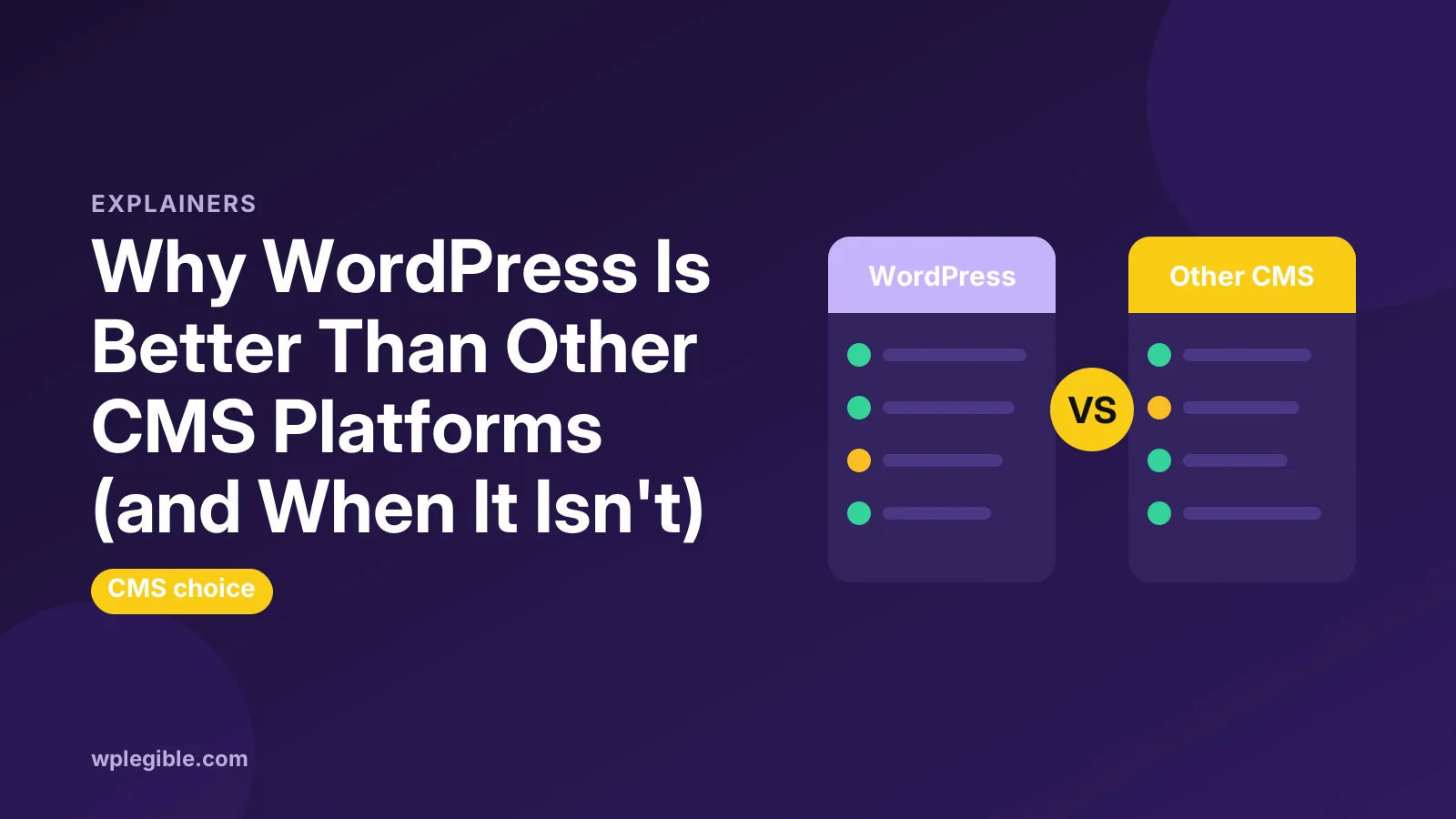
Every CMS has a sweet spot. The table below shows where WordPress tends to win and where others can be the better fit.
| CMS | Best for | Main limit compared with WordPress |
|---|---|---|
| Wix | Small sites built quickly | Hosted only, harder to move away |
| Squarespace | Design-led portfolios | Fewer extensions and less code access |
| Shopify | Store-first businesses | Monthly fees and app costs add up |
| Drupal | Complex enterprise data | Steeper learning curve, more developer time |
| Joomla | Multilingual community sites | Smaller ecosystem and fewer developers |
| HubSpot CMS | Marketing teams inside HubSpot | High cost and tied to one vendor |
For a deeper head-to-head with the most common open-source rival, read WordPress vs Drupal.
Joomla sits between the two in complexity, and our WordPress vs Joomla comparison covers its strengths.
If you are weighing a marketing suite, our comparison of WordPress vs HubSpot CMS looks at pricing and lock-in in more detail.
Lower long-term cost
The WordPress software is free. You pay for hosting, a domain and any premium themes or plugins you choose, and you can keep those costs low.
Hosted builders bundle hosting into a monthly fee, which feels simple at first. Over several years, and with paid apps added, the total often ends up higher.
WordPress hosting ranges from cheap shared plans to managed cloud servers. Our guide to WordPress hosting costs shows typical prices at each level.
The honest caveat is time. Someone has to handle updates, backups and security, either you or a paid service, so count that in the comparison.
A large community and hiring pool
Because so many sites use WordPress, it is easy to find help. There are forums, documentation, video courses, meetups and thousands of agencies and freelancers.
The official WordPress documentation covers the basics, and the developer handbooks cover themes, plugins and the REST API in depth.
For a business, this lowers risk. If your developer leaves, another one can pick up a standard WordPress site quickly, which is not always true for niche or custom systems.
Flexible for developers
Developers like WordPress because it is built on PHP and MySQL or MariaDB, two widely known technologies. It also ships with hooks, so code can change behaviour without editing core files.
The WordPress REST API lets other apps read and write content. That makes it possible to use WordPress as a back end for mobile apps or modern front ends.
This approach is called headless WordPress, and our guide on headless vs traditional WordPress explains when it is worth the extra work.
Security is manageable, not automatic
WordPress core has a dedicated security team and releases updates quickly. Minor security releases can install automatically on most sites.
Most real-world problems come from outdated plugins, weak passwords and cheap hosting rather than from core itself. Its popularity also makes it a common target for automated attacks.
With sensible habits, such as updates, backups, strong logins and a good host, a WordPress site can be very secure. Our guide on whether WordPress is secure lists the steps that matter most.
When another CMS may be the better choice
WordPress is not always the right answer. If you want a simple site live in an hour and never want to think about updates, a hosted builder can suit you better.
If you sell only products and want everything managed for you, a store-first platform may be easier. Very large organisations with complex data models sometimes prefer Drupal or an enterprise CMS.
The key question is how much control you need over the next few years. If the answer is “a lot”, WordPress usually wins. Our page on choosing WordPress over Wix walks through that decision for small businesses.
How to switch to WordPress from another CMS
Moving is easier than it looks. Most platforms let you export posts or products, and WordPress has importers for common formats.
Plan your URLs first so you can redirect old addresses to new ones and keep search rankings. Then rebuild the design with a theme and check every page before switching the domain.
If you are coming from Squarespace, our step-by-step guide on migrating from Squarespace to WordPress covers exports, images and redirects.
Frequently asked questions
Is WordPress the best CMS?
For most blogs, business sites and content-led stores, yes, because it combines ownership, flexibility and a huge ecosystem. Simple one-off sites or store-only businesses may prefer a hosted builder or a dedicated e-commerce platform.
Is WordPress better than Wix?
WordPress gives you more control, more plugins and the freedom to change hosts. Wix is faster to set up and handles maintenance for you, but moving away later is harder and features are limited to its app market.
Why do developers prefer WordPress?
It uses widely known PHP and MySQL, offers hooks to change behaviour without editing core files, and includes a REST API. A large community also means plenty of documentation and reusable code.
What are the disadvantages of WordPress?
You are responsible for updates, backups and security, and too many plugins can slow a site down. Quality also varies across third-party themes and plugins, so choosing well matters.
Is WordPress still popular?
Yes. Usage surveys from W3Techs still show WordPress far ahead of every other CMS, even though its share has dipped slightly from its peak in early 2025.
Sources
- Usage statistics of content management systems W3Techs
- GNU General Public License GNU Project
- Plugin directory WordPress.org
- REST API Handbook WordPress Developer Resources
- WooCommerce WooCommerce
Is your product missing, or something out of date?
Tell us what to add or correct. We read every note and reply when we need a source. A message does not buy a ranking.
Thanks — we review requests within 3 business days.
Related guides

About the editors
Researched from the primary sources listed above and checked against our editorial rules before publishing.