Explainers · Explainer
Why Choose WordPress Over Wix? Ownership, Flexibility and Growth
Short answer
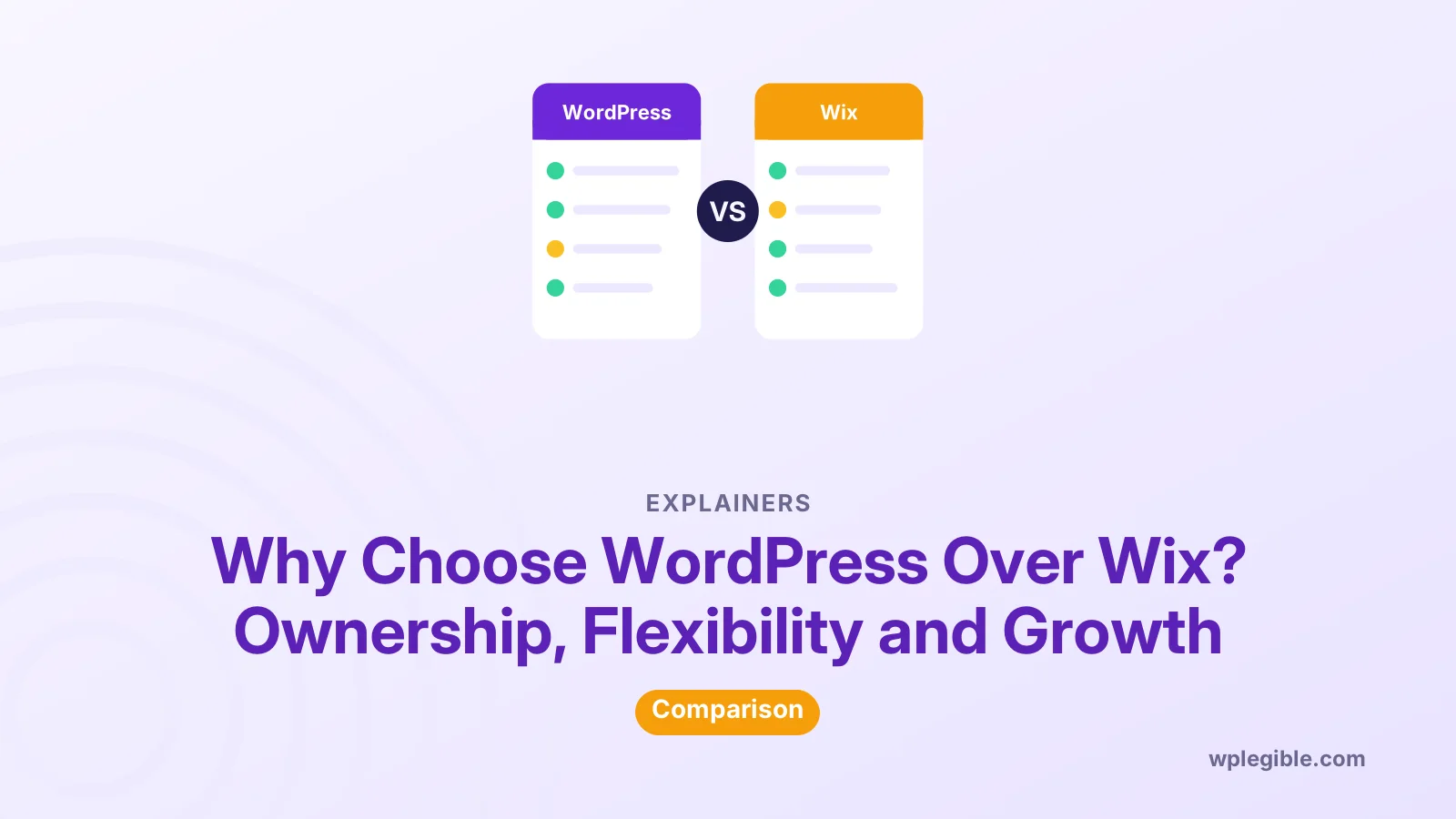
People choose WordPress over Wix mainly for ownership and flexibility. WordPress is open-source software you can host anywhere, extend with thousands of plugins and move freely, while Wix is a closed hosted platform where your site stays on Wix. Wix is simpler to start with and handles hosting for you, so the right choice depends on how much control you need.
Key takeaways
- WordPress is open source; you own and can move your whole site.
- Wix sites run only on Wix, which limits portability.
- WordPress offers far more plugins, themes and integrations.
- Wix is easier to start and includes hosting and maintenance.
- WordPress suits sites expected to grow; Wix suits quick, simple sites.
Why do people choose WordPress over Wix?
They choose WordPress for control: you own the software and data, choose your host, add almost any feature with plugins, and can move the site whenever you like.
Wix is a hosted website builder. It is quick to start and handles hosting, security and updates, but your site lives inside the Wix platform.
WordPress powers a much larger share of websites, according to W3Techs usage statistics, so help, developers and add-ons are easy to find.
Neither is best for everyone. The right choice depends on your goals, budget and skills.
What does owning your site mean?
With WordPress you can download every file and the full database, move them to any host and keep running exactly the same site, which a closed hosted builder does not allow.
WordPress is released under the GPL licence. The GNU GPL version 2 gives you the freedom to use, study, change and share the software.
Our explainer on whether WordPress is open source covers what that means in practice.
Ownership matters most when a business depends on its website for years.
It also protects you from platform changes. If a hosted builder changes prices or features, your options are limited; with WordPress you can switch host or tools.
How do features and flexibility compare?
WordPress has thousands of free and paid plugins and themes for almost any feature, while Wix offers its own apps and built-in tools that are easier but narrower.
The free WordPress plugin directory alone lists tens of thousands of plugins.
If you need something unusual, such as a custom booking flow or a special integration, WordPress usually has a plugin or a developer can build one.
Integrations with CRMs, email tools, payment providers and booking systems are widely available for WordPress, often from the services themselves.
Our guide on whether WordPress is easy to customize explains how far you can go without code.
Which is easier to use?
Wix is easier at the very start, with drag-and-drop editing and no hosting to set up, while WordPress takes a little longer to learn but becomes comfortable quickly.
WordPress's block editor and modern themes have made design much easier than it used to be.
Managed WordPress hosting removes much of the technical work, such as updates and backups.
Many hosts also install WordPress in one click, so the first setup takes minutes rather than hours.
Our explainer on whether WordPress is drag and drop shows what the editor can do.
How do costs compare?
Wix uses subscription plans that include hosting, while WordPress software is free and you pay separately for hosting, a domain and any premium plugins or themes.
A basic WordPress site can cost less, but premium plugins and developer help add up.
Our detailed comparison of WordPress vs Wix costs breaks down typical yearly spending for each.
Compare total cost over several years, not just the first month.
Remember to count your own time. Maintenance you do yourself is cheaper in money but not free.
Which is better for SEO?
Both can rank well, but WordPress gives more control over URLs, structured data, site speed and technical settings, which helps larger or more competitive sites.
Good SEO still comes from helpful content and a fast, clear site. Google's SEO Starter Guide applies to every platform.
Our explainer on WordPress SEO covers the main settings and plugins.
For a small local business with a few pages, the platform matters less than the content and local listings.
Which is better for online stores?
WordPress with WooCommerce offers more flexibility for products, payments, shipping and extensions, while Wix's store tools are simpler and fully managed.
Our guide on whether WordPress is good for ecommerce covers WooCommerce's strengths and costs.
Small shops with a handful of products may be perfectly served by Wix.
Stores expecting many products, complex shipping or custom features usually outgrow simple builders.
WooCommerce itself is free, with paid extensions for features such as subscriptions or advanced shipping.
Which is better for blogging?
WordPress started as blogging software and still offers stronger blogging tools, from categories and tags to editorial workflows and many writing plugins.
Our guide on whether WordPress is easy for blogging covers the writing experience.
Wix includes a blog too, which suits occasional posts on a business site.
Check how each platform handles post categories, scheduling and author roles before committing a big content plan.
If content is your main growth channel, WordPress gives more room to grow.
What are the downsides of WordPress?
WordPress needs hosting, updates, backups and security care, and poorly chosen plugins or themes can slow a site or cause conflicts.
These tasks are manageable, and many hosts automate them, but they are your responsibility.
Choose well-maintained plugins and keep the number small. Most WordPress problems trace back to too many or poorly maintained add-ons.
Our explainer on what WordPress hosting is explains the options from shared to managed hosting.
If you never want to think about maintenance, a hosted builder can be a fair trade-off.
When is Wix the better choice?
Wix suits people who want a simple site quickly, do not plan major growth, prefer one monthly bill and never want to handle hosting or updates.
Portfolio sites, event pages and small brochure sites often fit Wix well.
Be aware that moving away later usually means rebuilding the design on the new platform.
What about agencies and freelancers?
WordPress has a huge pool of developers, designers and agencies, so it is easier to find help or change providers without changing platforms.
That also means competitive prices for custom work, and less dependence on one company.
Can you move from Wix to WordPress later?
Yes, but there is no complete one-click move; content can be transferred with tools or by hand, while the design must be rebuilt in WordPress.
Our guide on migrating from Wix to WordPress covers the steps and redirects.
If you expect to switch eventually, starting on WordPress saves that work.
How should you decide?
List the features you need now and in two years, your budget over several years, and how much maintenance you are willing to do, then pick the platform that fits that list.
If ownership, flexibility and growth matter most, WordPress usually wins.
If speed of setup and simplicity matter most, Wix is a reasonable choice.
Whichever you choose, keep your content in a format you can reuse. Drafting important pages in a document first makes any future move easier.
Frequently asked questions
Why is WordPress better than Wix?
WordPress gives you ownership of your site, free choice of hosting, thousands of plugins and deeper technical control. Wix is simpler but keeps your site on its own platform.
Is Wix easier than WordPress?
Yes, at the start. Wix needs no hosting setup and has a simple editor. WordPress takes a little longer to learn but offers much more flexibility.
Is WordPress cheaper than Wix?
It can be. WordPress software is free, but you pay for hosting, a domain and premium add-ons. Compare total yearly costs for the features you need.
Can I move my Wix site to WordPress?
Yes, but the design must be rebuilt. Content can be moved with tools or manually, and redirects keep old links working.
Is WordPress better for SEO than Wix?
Both can rank well with good content. WordPress offers more control over technical SEO settings, which helps larger or more competitive sites grow.
Sources
- Usage statistics of content management systems W3Techs
- GNU General Public License, version 2 GNU Project
- Plugin directory WordPress.org
- SEO Starter Guide Google Search Central
Is your product missing, or something out of date?
Tell us what to add or correct. We read every note and reply when we need a source. A message does not buy a ranking.
Thanks — we review requests within 3 business days.
Related guides

About the editors
Researched from the primary sources listed above and checked against our editorial rules before publishing.