Setup & site building · Info
Is WordPress Drag and Drop? What the Editor Can and Can't Do
Short answer
Partly. The default WordPress block editor lets you drag blocks, images and patterns into place and rearrange them, but it is a block-based editor rather than a free-form canvas. For full visual drag-and-drop page design, most people add a page builder plugin such as Elementor, Beaver Builder or Divi.
Key takeaways
- The block editor supports dragging blocks, but layouts follow rows and columns.
- The Site Editor lets block themes edit headers, footers and templates visually.
- Page builders such as Elementor add a true visual drag-and-drop canvas.
- Drag and drop is easy to start with but can add weight and lock-in.
- Hosted builders like Wix are more free-form, with less flexibility overall.
Is WordPress a drag-and-drop website builder?
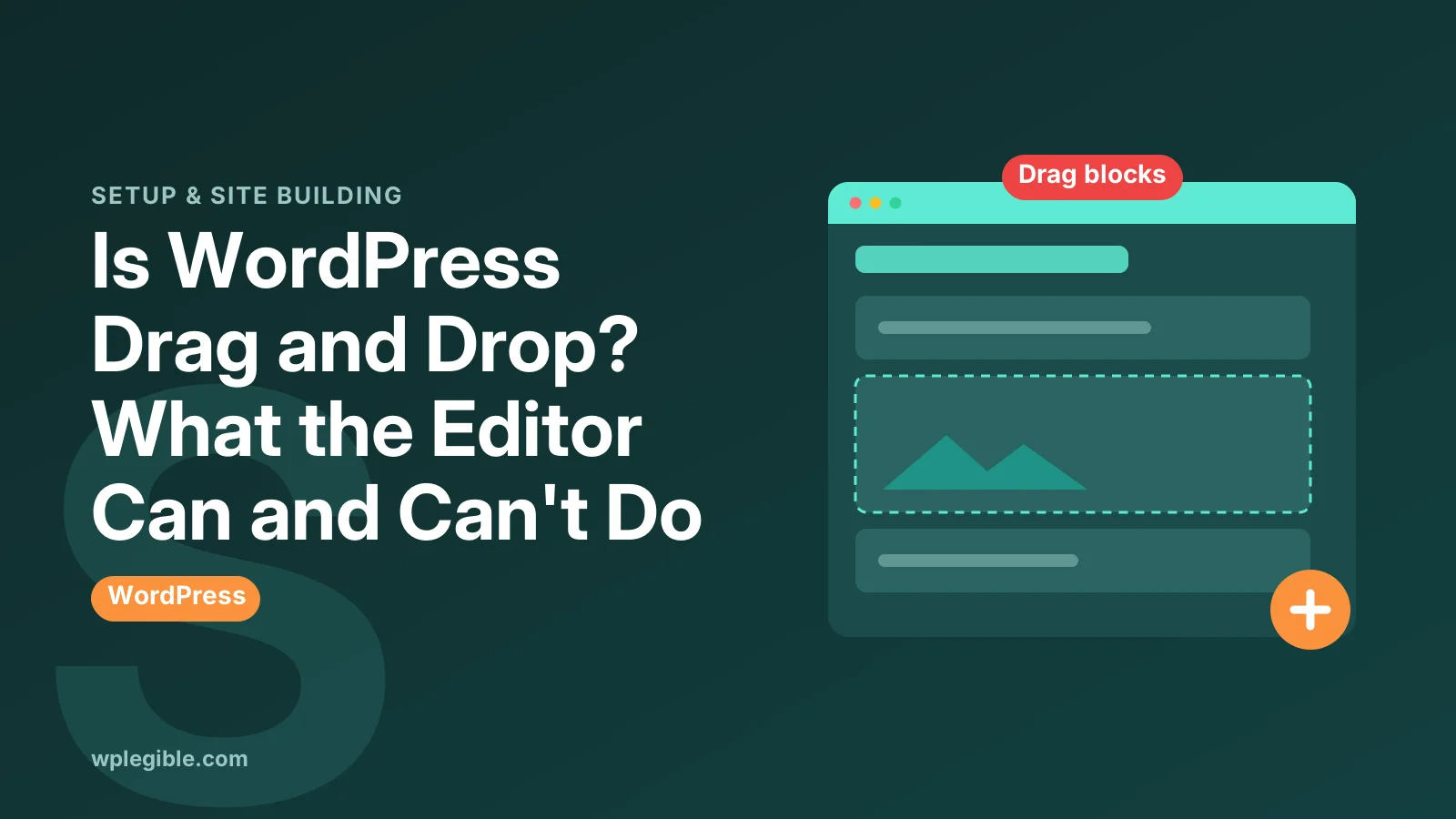
WordPress is partly drag and drop: its block editor lets you drag blocks into place, but layouts follow a structured flow of blocks, rows and columns rather than free placement anywhere on the page.
That difference matters. In WordPress you build pages by stacking blocks such as paragraphs, images, columns and buttons, then move them up, down or into groups.
You cannot drop an element at any exact pixel position by default. Content stays in a logical order that also works on phones.
The official block editor documentation explains how blocks are added, moved and arranged.
What can you drag in the block editor?
You can drag blocks by their handle, reorder them in List View, drop images and files from your computer straight into the editor, and drag patterns from the inserter onto the page.
Each selected block shows a small toolbar with a drag handle and up and down arrows. Use whichever feels easier.
List View shows the page as an outline. Dragging items there is the most precise way to move blocks into or out of groups and columns.
Multiple blocks can be moved together. Select them with Shift-click, then drag or use the arrows to move the whole group at once.
Dragging an image file from your desktop creates an Image block and uploads it to the Media Library at the same time.
Can you design whole pages visually without code?
Yes. With patterns, columns, groups and the style controls built into blocks, you can design complete pages visually, and block themes let you edit headers, footers and templates the same way.
Patterns are ready-made layouts. Insert one, then swap the text and images to make it your own.
You can also save your own designs as synced or unsynced patterns. That lets you reuse a layout across pages by dragging it in from the inserter.
Our guide on how to use block patterns in WordPress shows how to find and customise them.
The Site Editor, available with block themes, uses the same blocks for site-wide parts such as headers and footers.
How do block themes and classic themes differ here?
Block themes let you edit every part of the site in the visual Site Editor, while classic themes limit visual editing to post and page content plus Customizer settings and widgets.
If drag-and-drop editing of the whole site matters to you, choose a block theme.
Our comparison of block themes vs classic themes explains the trade-offs in more detail.
Many popular classic themes are built to pair with page builders instead. In that case the builder supplies the visual editing.
What do page builders add?
Page builder plugins add a live visual canvas with drag-and-drop widgets, detailed spacing and positioning controls, ready-made templates and, in many cases, theme building for headers, footers and archive pages.
Elementor is the best-known example. Our guide on using Elementor in WordPress walks through its editor.
The Elementor website describes its free plugin and the paid Pro features, such as the theme builder and form widgets.
Other builders such as Beaver Builder, Divi and Bricks take different approaches. Some focus on simplicity, others on developer-style control.
Is a page builder better than the block editor?
Not always. Page builders offer more visual freedom and templates, while the block editor is built in, lighter and easier to keep consistent, so the right choice depends on your design needs and skills.
| Feature | Block editor | Page builder |
|---|---|---|
| Cost | Free, built in | Free versions, paid upgrades |
| Design freedom | Good, structured | High |
| Page weight | Usually lighter | Often heavier |
| Learning curve | Low to medium | Low to medium |
| Lock-in | Low | Higher if you switch later |
For most blogs and business sites, the block editor plus a good block theme is enough.
Complex landing pages and agency designs are where builders often earn their place.
Does drag and drop slow a site down?
It can. Visual builders often add extra HTML, CSS and JavaScript, which may affect loading speed and Core Web Vitals, although modern builders and good caching reduce the impact.
Google's Core Web Vitals guide on web.dev explains the speed and stability measures that heavier pages can affect.
Keep layouts simple, avoid stacking many animation and slider widgets, and test pages on mobile before launch.
A fast host and a caching plugin help any editor choice, but they cannot fully hide a bloated page. Measure real pages with a speed test after building them.
The block editor usually produces leaner pages, but very heavy blocks plugins can add weight too.
What about lock-in when you switch?
Pages built with a page builder are usually stored in that builder's own format, so turning the builder off later can leave broken layouts or shortcodes that need rebuilding.
This is the biggest long-term cost of builders. Choose one you are comfortable keeping for years.
Block editor content is stored as standard HTML with small comments, so it stays readable if you change themes.
How does WordPress compare with Wix or Squarespace?
Hosted builders such as Wix offer freer drag-and-drop placement and handle hosting for you, while WordPress gives more control, plugins and ownership in exchange for a more structured editor.
If you want to own your site, move hosts freely and add almost any feature, WordPress wins.
Squarespace sits in between, with structured sections that are easy to arrange but less flexible than a full builder.
If you want a quick visual site with no maintenance, a hosted builder may feel simpler at first.
Can you control spacing and alignment visually?
Yes. Blocks offer padding, margin, block gap, width and alignment controls, and many show drag handles for spacing directly on the canvas.
These options depend on your theme. Block themes usually expose more design controls than older classic themes.
Is drag-and-drop editing accessible?
WordPress's editor also supports keyboard users with movers, List View and keyboard shortcuts, which matters because dragging alone is hard for some people.
The W3C's WCAG guidance on dragging movements explains why interfaces should offer an alternative to dragging.
The pages you build also need good contrast, headings and alt text. A visual editor does not make content accessible automatically.
Which option should beginners choose?
Start with the block editor and a block theme; if you hit clear design limits, try a page builder's free version before paying for anything.
Learn the basics first: patterns, groups, columns and List View solve most layout problems.
If you still prefer a builder, our comparison of Elementor free vs Pro helps you decide whether the paid version is needed.
Whichever you choose, keep the number of design plugins small. One editor approach per site is easier to maintain.
Frequently asked questions
Does WordPress have drag and drop?
Yes, in part. The block editor lets you drag blocks, images and patterns into place and reorder them, but layouts follow a structured block flow rather than free placement.
Do I need a page builder for WordPress?
No. The block editor with a block theme can build complete sites. A page builder helps if you want more visual freedom or ready-made templates.
Is Elementor drag and drop?
Yes. Elementor is a visual page builder where you drag widgets onto a live canvas and adjust spacing, styles and layout without writing code.
Can I edit headers and footers by dragging blocks?
With a block theme, yes. The Site Editor lets you edit headers, footers and templates using the same blocks as posts and pages.
Is WordPress harder than Wix for drag and drop?
WordPress is more structured, so free placement is easier in Wix. WordPress gives more control, plugins and ownership in return.
Sources
- WordPress block editor WordPress.org Documentation
- Elementor Elementor
- Web Vitals web.dev
- Understanding Dragging Movements W3C WAI
Is your product missing, or something out of date?
Tell us what to add or correct. We read every note and reply when we need a source. A message does not buy a ranking.
Thanks — we review requests within 3 business days.
Related guides
About the editors
Researched from the primary sources listed above and checked against our editorial rules before publishing.