Explainers · Explainer
What Is the Configuration File for WordPress? Explained
Short answer
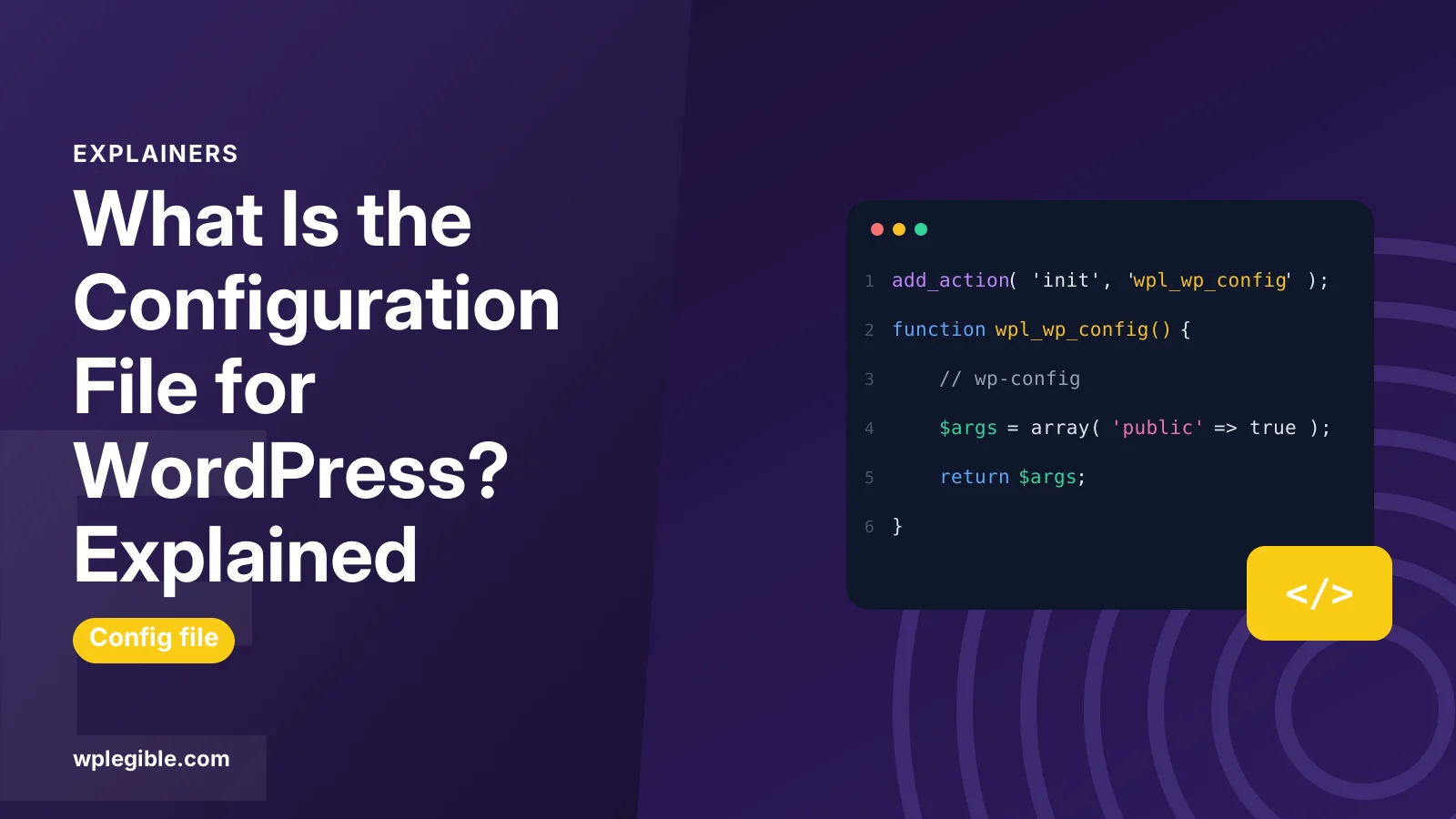
The WordPress configuration file is wp-config, a PHP file in the root folder of your site. It stores the database name, user, password and host, the security keys and salts, the table prefix and optional settings such as debugging and memory limits, and WordPress reads it on every page load.
Key takeaways
- wp-config.php is the main WordPress configuration file and lives in the site root.
- It is created from wp-config-sample.php during installation.
- It holds database details, security keys, the table prefix and debug settings.
- Custom constants go above the stop editing comment.
- Back it up before editing and protect it like a password.
What is the configuration file for WordPress?
The WordPress configuration file is wp-config.php, a PHP file in your site's root folder that stores database connection details, security keys, the table prefix and optional settings.
Every WordPress site has one. When someone visits a page, WordPress loads wp-config.php early to learn how to connect to the database and which settings to apply. Without it, WordPress cannot run and starts its setup screen instead.
The file is plain PHP made mostly of constant definitions. Each line uses PHP's define function to set a named value, such as the database name or whether debugging is on.
Where is wp-config.php located?
By default, wp-config.php sits in the root folder of your WordPress install, next to the wp-admin, wp-content and wp-includes folders.
On most hosts, that root folder is called public_html, www or htdocs, or a subfolder named after your domain. You can reach it with your host's file manager, FTP or SSH.
WordPress also looks one folder above the root. Some site owners move the file there as a small security step, which works as long as that folder is not itself a separate WordPress install.
Our guide on where to find wp-config.php in WordPress walks through finding it with common hosting tools.
How is wp-config.php created?
WordPress creates wp-config.php during installation from a template called wp-config-sample.php, filling in the database details you enter on the setup screen.
Fresh WordPress downloads do not include a wp-config.php file. They include wp-config-sample.php, which you can see in the WordPress source on GitHub.
During setup, the installer asks for your database name, username, password, host and table prefix. It then writes wp-config.php for you. If it cannot write files on your server, it shows the content so you can create the file by hand.
Many hosts with one-click installers create the file automatically. You may never see the setup screen at all.
What settings does wp-config.php contain?
A standard wp-config.php holds database settings, authentication keys and salts, the table prefix, the debug setting and a few lines that load WordPress.
| Section | Example constant or variable | What it does |
|---|---|---|
| Database name | DB_NAME | Name of the MySQL or MariaDB database |
| Database user | DB_USER | Username WordPress connects with |
| Database password | DB_PASSWORD | Password for that user |
| Database host | DB_HOST | Server address, often localhost |
| Character set | DB_CHARSET | Text encoding, usually utf8mb4 |
| Security keys and salts | AUTH_KEY and seven others | Secure login cookies |
| Table prefix | $table_prefix | Start of every table name, often wp_ |
| Debugging | WP_DEBUG | Shows or hides PHP errors |
| Absolute path | ABSPATH | Path to the WordPress folder |
The official guide to editing wp-config.php explains every standard section and many optional ones.
What do the database settings do?
The database settings tell WordPress which database to use and how to log in to it, so a wrong value here stops the whole site from loading.
If any of DB_NAME, DB_USER, DB_PASSWORD or DB_HOST is wrong, visitors see Error establishing a database connection. That is one of the most common reasons to open the file. Our guide on fixing the error establishing a database connection covers it step by step.
DB_HOST is usually localhost, but some hosts use a separate database server with its own address. Your hosting dashboard shows the right value.
If you are setting up a new site by hand, our guide on how to create a database for WordPress explains where these details come from.
What are the security keys and salts?
The keys and salts are eight long random strings that WordPress uses to encrypt information stored in login cookies, making them much harder to forge.
They have names such as AUTH_KEY, SECURE_AUTH_KEY, LOGGED_IN_KEY and NONCE_KEY, plus matching salts. You never need to remember them.
WordPress.org offers a secret key generator that creates a fresh set. Replacing the keys logs out every user, which is a useful step after a security incident.
What optional settings can you add?
You can add many optional constants to wp-config.php to control memory, debugging, revisions, file editing, URLs, cron and caching.
Some of the most common:
- WP_DEBUG and WP_DEBUG_LOG: turn on error reporting and save errors to a log file
- WP_MEMORY_LIMIT: raise the PHP memory WordPress asks for
- DISALLOW_FILE_EDIT: turn off the theme and plugin file editors in the dashboard
- WP_POST_REVISIONS: limit how many revisions each post keeps
- WP_HOME and WP_SITEURL: hard-code the site address
- DISABLE_WP_CRON: stop WordPress running scheduled tasks on page loads, usually paired with a server cron job
- WP_ENVIRONMENT_TYPE: mark a site as local, development, staging or production
Our guide on how to enable debug mode in WordPress shows the debug constants in practice.
If plugins run out of memory, our guide on how to increase the PHP memory limit explains WP_MEMORY_LIMIT and its limits.
Where should you add new settings in the file?
Add custom settings above the line that says to stop editing, because anything placed after WordPress loads may be ignored.
Near the bottom of the file you will see a comment along the lines of That's all, stop editing! Happy publishing. Below it, the file defines ABSPATH and loads wp-settings.php, which starts WordPress.
Constants must be defined before that point to take effect. Put each new define on its own line above the comment.
Is wp-config.php the only WordPress configuration file?
No, wp-config.php is the main WordPress configuration file, but server files such as .htaccess and php.ini or .user.ini also affect how your site runs.
| File | Controls | Who reads it |
|---|---|---|
| wp-config.php | WordPress settings and database access | WordPress |
| .htaccess | Permalinks, redirects, some security rules | Apache and LiteSpeed servers |
| php.ini or .user.ini | PHP limits such as upload size and memory | PHP |
| wp-settings.php | Loads WordPress core | WordPress core only; do not edit |
Nginx servers do not use .htaccess. Their rules live in server configuration files that your host usually manages.
How do you edit wp-config.php safely?
Download a backup copy first, edit with a plain-text code editor, change only what you need, and upload the file back with the same name.
Safe editing habits:
- Download the current file as a backup
- Use a code editor, not a word processor, so no hidden formatting gets added
- Keep the opening PHP tag at the very top with nothing before it
- Check every line ends with a semicolon and quotes are straight
- Upload and test the site right away
A single typo can take the site down with a PHP error. If that happens, restore your backup copy. If your host says it cannot save the file, see our guide on fixing unable to write to wp-config.php.
How do you protect wp-config.php?
Keep its file permissions strict, block direct web access, never share its contents, and keep backups of it out of public folders.
Because the file holds your database password and security keys, it is a common target. The WordPress hardening guide suggests tight permissions and other steps.
Practical tips:
- Use permissions that let only the owner read and write, as your host recommends
- Never paste the full file into support forums or chats
- Do not leave copies such as wp-config.php.bak in the public folder
- Turn off WP_DEBUG display on live sites so errors do not reveal paths
Treat this file like a password. Anyone who can read it can access your database.
Frequently asked questions
What is the name of the WordPress configuration file?
The file is called wp-config.php. It sits in the root folder of your WordPress install, alongside the wp-admin, wp-content and wp-includes folders, and can also be placed one folder above the root.
Can I edit wp-config.php from the WordPress dashboard?
Not with core WordPress. You need your host's file manager, FTP, SFTP or SSH. Some plugins can edit certain constants, but editing the file directly with a backup is the most reliable approach.
What happens if wp-config.php is deleted?
WordPress can no longer connect to its database and shows the setup screen as if it were a new install. Restore the file from a backup, or recreate it from the sample file with your database details.
Is it safe to share my wp-config.php file?
No. It contains your database password and security keys. Share only the specific line you need help with, and remove passwords and keys before posting anything in public forums.
What is wp-config-sample.php used for?
It is a template that ships with WordPress. The installer copies it to create wp-config.php with your details, or you can rename and edit it by hand when the automatic setup cannot write files.
Sources
- Editing wp-config.php WordPress Developer Resources
- Hardening WordPress WordPress Developer Resources
- wp-config-sample.php WordPress on GitHub
- WordPress secret key service WordPress.org API
- define PHP Manual
Is your product missing, or something out of date?
Tell us what to add or correct. We read every note and reply when we need a source. A message does not buy a ranking.
Thanks — we review requests within 3 business days.
Related guides

About the editors
Researched from the primary sources listed above and checked against our editorial rules before publishing.