Hosting · Guide
How to Add WordPress to a GoDaddy Domain (Any Host)
Short answer
To add WordPress to a GoDaddy domain, either point the domain at your WordPress host by changing its nameservers in GoDaddy, or keep GoDaddy's DNS and edit the A record for @ and the CNAME for www to your host's values. Then add the domain in your hosting account, install WordPress there, and turn on SSL once DNS has updated.
Key takeaways
- Your domain stays registered at GoDaddy; you only change where it points.
- Changing nameservers moves all DNS to your host, while editing A and CNAME records keeps DNS at GoDaddy.
- Before changing nameservers, copy any email records, or your email may stop working.
- Most DNS changes take effect within an hour but can take up to 48 hours worldwide.
- Install WordPress on the hosting side, then issue SSL once the domain points there.
What does it mean to add WordPress to a GoDaddy domain?
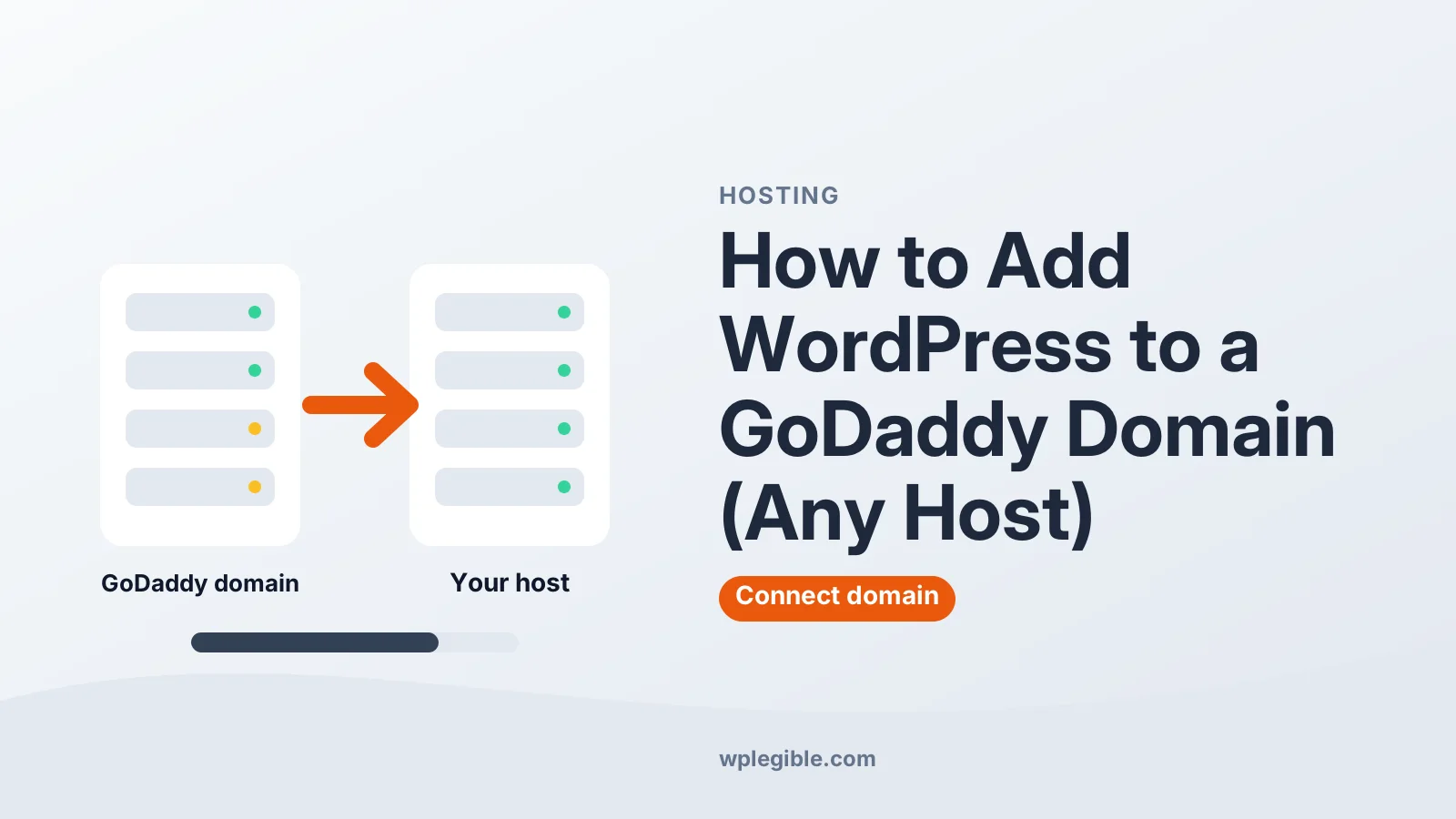
It means pointing a domain you registered at GoDaddy to the server where WordPress runs, so visitors who type your domain see your WordPress site.
The domain and the website are two separate things. GoDaddy is your registrar, which means it holds the domain name. Your WordPress site lives on a hosting server, which can be GoDaddy hosting or any other host.
You connect the two with DNS, the system that tells browsers which server answers for your domain. There are two ways to set that up, and you only need one.
If your hosting is also with GoDaddy and you installed WordPress there, the domain is often connected automatically. This guide focuses on connecting a GoDaddy domain to hosting somewhere else.
Should you change nameservers or edit DNS records?
Change nameservers if you want your host to manage all DNS; edit the A and CNAME records if you want to keep DNS and email settings at GoDaddy.
| Method | What changes | Best when |
|---|---|---|
| Change nameservers | All DNS moves to your host or CDN | You want one place to manage everything, or your host requires it |
| Edit A and CNAME records | Only the website records change | You use GoDaddy email or other services you want to keep untouched |
Nameservers are simpler, but they move every DNS record at once. GoDaddy warns that changing nameservers can break existing website or email connections, so copy your current records first.
Editing records is more precise and keeps email working, because you only change the records for the website.
How do you change GoDaddy nameservers to your host?
Sign in to your GoDaddy Domain Portfolio, select the domain, open DNS and then Nameservers, choose to use your own nameservers, enter the ones your host gave you and save.
Step by step:
- Find your host's nameservers in its welcome email or dashboard, usually two to four addresses
- Sign in to GoDaddy and open your Domain Portfolio
- Select the domain to open its Domain Settings page
- Select DNS, then Nameservers
- Choose the option to use your own nameservers and enter your host's values
- Save and confirm the warning
GoDaddy's help page on changing domain nameservers shows the current screens. If your domain has Domain Protection, GoDaddy asks you to verify your identity before saving.
After this change, you manage DNS at your host, not in GoDaddy. Recreate any email records, such as MX and TXT records, in your host's DNS before or right after switching.
How do you edit the A and CNAME records instead?
Keep GoDaddy's nameservers, then edit the A record for @ to your host's IP address and set the www record to point to your domain or the target your host provides.
Your host gives you an IP address for the server, and sometimes a hostname for www. Then:
- In your Domain Portfolio, select the domain and open DNS
- Find the A record with the name @ and select Edit
- Replace the value with your host's IP address and save
- Find the CNAME record with the name www and point it to your domain or your host's target
- Remove any extra A records for @ that still point to an old server
GoDaddy's guide to editing an A record explains each field. Note that the www version is usually a CNAME record, not an A record.
Leave MX, TXT and other email records alone unless your email provider tells you to change them.
How do you put WordPress on a subdomain of a GoDaddy domain?
Add an A record in GoDaddy's DNS with the subdomain as the name, such as blog or shop, pointing to your WordPress host's IP address, then add that subdomain in your hosting account.
This is useful when your main site runs elsewhere, for example on a store platform, and you want a WordPress blog at blog.yourdomain.com.
The steps are short:
- In GoDaddy, open the domain's DNS records and select Add New Record
- Choose type A, enter the subdomain prefix as the name, and your host's IP as the value
- Save the record
- In your hosting panel, add blog.yourdomain.com as a subdomain or add-on domain
- Install WordPress on that subdomain and turn on SSL once it resolves
Some hosts ask for a CNAME record for subdomains instead of an A record. Use whichever record type your host specifies.
Your main domain stays untouched, so email and the existing website keep working exactly as before.
How long does it take for the domain to point to WordPress?
Most DNS changes work within an hour, but they can take up to 48 hours to reach every network worldwide.
During that time, some visitors may see the old site and others the new one. That is normal and settles on its own.
You can check progress with a public DNS checker such as whatsmydns.net, which shows which IP address different regions see. Our guide on how long DNS propagation takes explains why it varies.
Avoid making more changes while you wait, even if the site looks unchanged at first. Changing records again can restart the delay and make problems harder to trace.
How do you install WordPress on the hosting side?
Add the GoDaddy domain to your hosting account, then use the host's one-click WordPress installer for that domain.
In most hosting panels, you first add the domain as the main domain or an add-on domain. That creates a folder for the site's files.
Then open the WordPress installer, choose the domain, set the admin username, password and email, and install. Our guide to creating a WordPress website for beginners covers the rest of the setup.
You can install WordPress before DNS finishes updating. Some hosts give you a temporary URL to build the site while you wait.
How do you add SSL after connecting the domain?
Once the domain points to your host, turn on the host's free SSL certificate, then make sure WordPress uses https in its site addresses.
SSL can only be issued after DNS resolves to the host, because the certificate authority checks that the domain really points there. If issuing fails at first, wait for DNS to finish and try again.
After the certificate is active, open Settings > General and make sure both addresses start with https. Our guide on installing an SSL certificate on WordPress covers redirects and common errors.
What if the domain still does not show your WordPress site?
Check that DNS points to the right IP, that the domain is added in your hosting account, and that no old A records, parking pages or forwarding rules are left at GoDaddy.
Common problems and fixes:
- GoDaddy parked page still shows: remove the parking or forwarding setting and old A records
- Host's default page shows: the domain is not linked to the WordPress folder in your hosting panel
- DNS_PROBE_FINISHED_NXDOMAIN: the domain is not resolving; see our guide to fixing DNS_PROBE_FINISHED_NXDOMAIN
- Security warning: SSL is not issued yet; wait for DNS and reissue
- Email stopped working: MX records were lost when nameservers changed; recreate them
If you are moving an existing site rather than starting fresh, see our wider guide on pointing a domain to WordPress hosting, which also covers migrations.
Should you transfer the domain away from GoDaddy?
You do not need to; a GoDaddy domain works with any WordPress host, though some people transfer to keep domain and hosting in one account or to change renewal costs.
Pointing the domain is enough for WordPress to work. Transferring is a separate decision about where you prefer to pay for and manage the domain.
If you do transfer later, turn off the transfer lock, get the transfer authorization code from GoDaddy and start the transfer at the new registrar. The ICANN guide to transferring domains explains the general rules.
Frequently asked questions
Can I use a GoDaddy domain with another WordPress host?
Yes. Keep the domain at GoDaddy and point it to your host by changing the nameservers or editing the A and CNAME records. No transfer is needed.
Will changing nameservers affect my GoDaddy email?
It can. After a nameserver change, DNS is managed at your host, so you must recreate the MX and TXT records your email needs there. Editing only the A and CNAME records avoids that.
How long does it take for a GoDaddy domain to connect to WordPress?
Most changes work within an hour, but DNS updates can take up to 48 hours to spread to every network. Use a DNS checker to see progress in different regions.
Do I need GoDaddy hosting to use WordPress with a GoDaddy domain?
No. Any host that supports WordPress works. Point the domain to that host's servers and install WordPress in your hosting account.
Why do I still see the GoDaddy parked page?
An old A record or a forwarding or parking setting is still active, or DNS has not updated yet. Remove the old settings, check the A record value and wait for propagation.
Sources
- Change my domain nameservers GoDaddy Help
- Edit an A record GoDaddy Help
- DNS propagation checker whatsmydns.net
- Domain name transfer FAQs ICANN
- Requirements WordPress.org
Is your product missing, or something out of date?
Tell us what to add or correct. We read every note and reply when we need a source. A message does not buy a ranking.
Thanks — we review requests within 3 business days.
Related guides
About the editors
Researched from the primary sources listed above and checked against our editorial rules before publishing.