Hosting · Info
Does IONOS Use WordPress? Builder vs WordPress Hosting Explained
Short answer
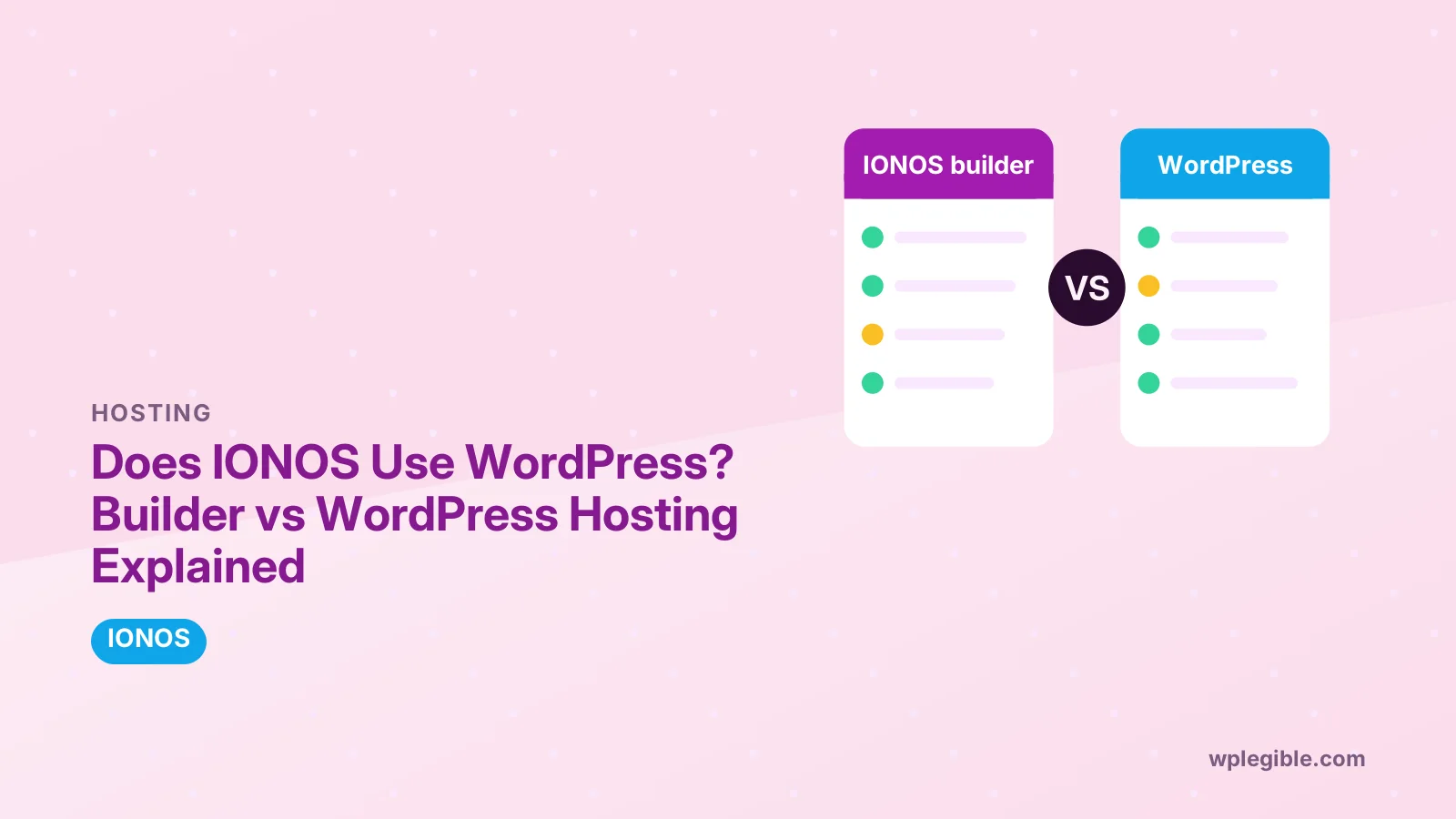
IONOS offers WordPress, but not every IONOS website runs on it. IONOS sells managed WordPress hosting with WordPress pre-installed, and separately its own website builder, MyWebsite, which is a different system. If you log in through an IONOS website editor rather than a WordPress dashboard at /wp-admin, your site is probably on the IONOS builder.
Key takeaways
- IONOS has two main ways to build a site: its own MyWebsite builder and managed WordPress hosting.
- MyWebsite is not WordPress; it uses IONOS's own editor and templates.
- IONOS's WordPress plans come with WordPress pre-installed and managed updates.
- You can tell which you have by checking your IONOS products list or trying /wp-admin on your domain.
- Moving from the IONOS builder to WordPress means rebuilding or copying content, not a one-click export.
Does IONOS use WordPress for its websites?
IONOS offers WordPress as one of its products, but its own website builder is a separate, non-WordPress system, so whether your site uses WordPress depends on which product you bought.
IONOS is a large hosting company that sells several ways to get a website online. Its product range includes MyWebsite builder plans, a design service and managed WordPress, which it presents as separate options.
Here is the short version:
| IONOS product | Is it WordPress? | Who it suits |
|---|---|---|
| MyWebsite builder plans | No, IONOS's own builder | Simple sites with no technical setup |
| Design Service | Built by IONOS for you | People who want the site made for them |
| Managed WordPress hosting | Yes | People who want WordPress with less upkeep |
| Web hosting or VPS | You can install WordPress yourself | People who want full control |
If you are deciding between the two approaches in general, our guide on whether WordPress is easy to use explains the trade-offs against all-in-one builders.
What is IONOS Managed WordPress?
IONOS Managed WordPress is a hosting plan where WordPress comes pre-installed and IONOS handles parts of the upkeep, such as updates, security scans and backups.
The IONOS WordPress hosting page lists features such as a Website Cockpit for WordPress, vulnerability scans and malware detection, and automatic backups, on shared Linux hosting that is isolated per site.
Because it is real WordPress, you get the normal dashboard, themes and plugins. You can move the site to another host later, just like any self-hosted WordPress site.
Plan features and limits change over time, so check the current plan details before you buy. Our guide on whether managed WordPress hosting is worth it explains what managed plans usually add.
What is the IONOS MyWebsite builder?
MyWebsite is IONOS's own drag-and-drop website builder with templates and hosting included; it is not WordPress and does not use WordPress themes or plugins.
It suits people who want a small site quickly and do not want to choose hosting, themes and plugins. The builder handles design, hosting and software updates for you in one place.
The trade-off is flexibility. You are limited to the features and templates IONOS provides, and you cannot install WordPress plugins to add new functions.
How can you tell whether your IONOS site uses WordPress?
Check the product name in your IONOS account, try opening your domain followed by /wp-admin, or look at your page source for wp-content paths.
Three quick checks:
- IONOS account: your product list shows either a WordPress product or a MyWebsite plan
- Login page: if yourdomain.com/wp-admin shows the WordPress login form, the site runs WordPress
- Page source: right-click the page, choose View Page Source and search for wp-content; WordPress sites almost always show it
If you edit the site through an IONOS editor rather than a WordPress dashboard, it is the IONOS builder.
Should you choose IONOS WordPress or the IONOS builder?
Choose WordPress if you want more features, plugins and the freedom to move hosts; choose the IONOS builder for a simple site you want to manage with the least effort.
Think about where the site is going:
- Small brochure site, little change expected: the builder is quicker to set up
- Blog, growing business site or online store: WordPress gives more room to grow
- Need specific features like bookings or memberships: WordPress plugins cover far more options
- Want to leave IONOS one day: WordPress sites move between hosts more easily
WordPress is the most widely used website software. W3Techs reports it runs 38.5% of all websites, which means more themes, plugins and help are available.
Can you move an IONOS builder site to WordPress?
Yes, but it means rebuilding the site in WordPress and copying the content across, because builder sites do not export as WordPress themes or plugins.
Plan the move in this order:
- Set up WordPress, either on IONOS Managed WordPress or another host
- Choose a theme and recreate your main page layouts
- Copy text and re-upload images from the old site
- Keep the same page URLs where you can, or add 301 redirects for changed ones
- Point your domain to the new WordPress site and check every page
Our guide to setting up 301 redirects in WordPress helps you keep search traffic when URLs change.
For a small site, this is often a day or two of work. Larger sites with many pages take longer, and some owners hire a developer for the move.
Can you move a WordPress site away from IONOS?
Yes, a WordPress site on IONOS can be moved to any other WordPress host by copying its files and database or using a migration plugin.
This is one advantage of choosing WordPress: you are not tied to one company. Back up the site, move it with a migration plugin or your new host's migration service, then point the domain.
The official guide to moving WordPress covers the manual method. Our guide to pointing a domain to WordPress hosting covers the DNS step.
Compare hosts before you move. Our WordPress hosting reviews look at speed, support and pricing across providers.
Is IONOS a good host for WordPress?
IONOS can run WordPress well for small sites, and whether it is the best fit depends on your needs for speed, support, server location and price after the first term.
Check the renewal price, not only the introductory price, and confirm where its servers are located relative to your visitors. Test support with a pre-sales question before you commit.
Before buying any WordPress plan, it helps to confirm a few practical details in writing:
- How many websites the plan allows, since many entry plans include only one
- Whether you get SSH, staging and full access to the files and database
- How backups work, how long they are kept and how you restore one
- Which PHP versions are available and how you switch between them
- Whether email accounts are included or sold separately
These details matter more over time than the headline price. A plan without staging or easy restores makes every update riskier, while a plan without file access makes moving away later harder.
If you already have a site on IONOS and it feels slow, measure it before blaming the host. Our guide on why a WordPress website is slow helps you separate hosting problems from theme and plugin problems.
Whichever host you choose, the WordPress software itself is the same free, open source system you can download from WordPress.org.
Frequently asked questions
Is the IONOS website builder WordPress?
No. The IONOS MyWebsite builder is IONOS's own website builder with its own editor and templates. IONOS sells WordPress separately as managed WordPress hosting.
Does IONOS install WordPress for you?
Yes. IONOS Managed WordPress plans come with WordPress pre-installed, and IONOS handles parts of the maintenance such as updates and security scans.
Can I use WordPress plugins on IONOS?
Yes, on IONOS WordPress hosting you can install WordPress plugins and themes as usual. The MyWebsite builder does not support WordPress plugins.
How do I log in to WordPress on IONOS?
Open your domain followed by /wp-admin, or use the WordPress login link in your IONOS account. If the WordPress login page does not appear, your site may be on the IONOS builder.
Can I switch from the IONOS builder to WordPress?
Yes, but you rebuild the site in WordPress and copy the content over. Keep the same URLs or add redirects so you do not lose search traffic.
Sources
- Hosting for WordPress IONOS
- Usage statistics of WordPress W3Techs
- Moving WordPress WordPress Developer Resources
- Download WordPress WordPress.org
Is your product missing, or something out of date?
Tell us what to add or correct. We read every note and reply when we need a source. A message does not buy a ranking.
Thanks — we review requests within 3 business days.
Related guides
About the editors
Researched from the primary sources listed above and checked against our editorial rules before publishing.