WP Super Cache Alternatives in 2026: 7 Best Tools Compared
WLWPLegible EditorsLast verified 22 Nov 2026How we rank12 min read
★ Short answer
WP Fastest Cache is the best WP Super Cache alternative for most WordPress sites, with 1 million-plus active installations, a 4.9/5 rating and a $49 lifetime upgrade. WP-Optimize is better for database cleanup and image compression, while W3 Total Cache offers more advanced caching controls.
How we make this list: we compare pricing pages, product documentation and public user reviews, then re-check every price before each update. No product paid for a place. Disclosure.
WP Fastest Cache has 1M+ active installs and a 4.9/5 WordPress.org rating, with a $49 one-time Premium license.
WP-Optimize combines page caching, image compression, database cleanup and minification. Premium starts at $49/year for 2 sites.
W3 Total Cache has 800,000+ active installs and offers advanced caching options. Pro costs $99/year per installation.
FlyingPress costs $59/year at its regular renewal price and includes cloud optimization, image conversion and Redis support.
Hummingbird has 70,000+ active installs. Its paid upgrade starts at $50/year as part of the WPMU DEV Pro suite.
NitroPack includes a free plan capped at 1,000 monthly pageviews and 1GB of CDN bandwidth; Starter costs $8/month on monthly billing.
What to look for in a WP Super Cache alternative
WP Super Cache focuses on serving static HTML pages instead of making WordPress generate each page for every visitor. That is useful, but caching alone does not address every cause of slow loading.
Look for page caching, automatic cache clearing and preloading first. These features reduce server work and help visitors receive recently updated content.
Next, consider CSS and JavaScript optimization, image compression and lazy loading. They can improve how quickly pages appear, although aggressive settings may interfere with themes, forms or interactive features.
Check hosting compatibility before switching. Some hosts already provide server-side caching, object caching or CDN integration. Adding overlapping caching layers can create stale pages and difficult troubleshooting.
Finally, compare free features with regular paid prices. A lifetime license can offer predictable costs, while cloud-based services may charge according to traffic and bandwidth.
4.9/5on WordPress.org (4,235 reviews, checked Nov 2026)
Paid from$49 one-time
Best overall WP Super Cache alternative
Page cachingFree, with preloading
File optimizationHTML, CSS and JavaScript
Premium license1 website, lifetime
Image credits10,000 with Premium
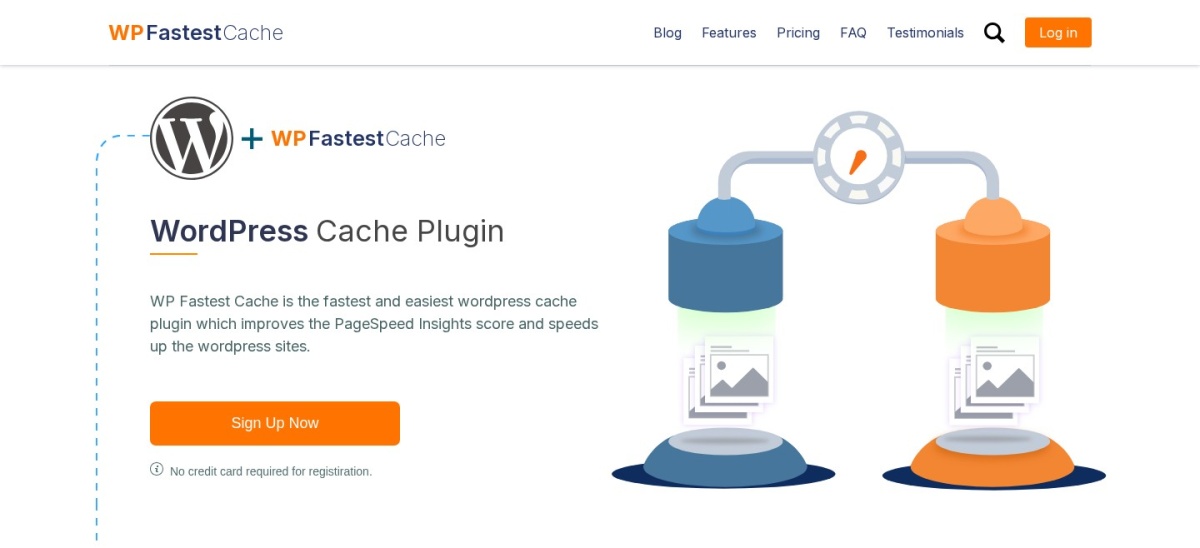
wpfastestcache.com
WP Fastest Cache homepage, captured Nov 2026.
WP Fastest Cache is a WordPress caching plugin with more than 1 million active installations and a 4.9/5 rating from 4,235 reviews. Its free version provides static page caching, cache preloading, GZIP compression, browser caching and basic file optimization. The settings are approachable for site owners who want a straightforward replacement for WP Super Cache.
The trade off is that advanced features such as image optimization, lazy loading, additional CSS and JavaScript controls and database cleanup require Premium, starting at $49 as a one-time purchase. It suits blogs, portfolios and small business websites that prioritize simple setup and predictable costs.
What we like
Highly rated at 4.9/5 on WordPress.org
Free page caching and cache preloading
One-time Premium payment instead of yearly renewal
Premium includes ongoing updates and support
Watch out for
Advanced image and database tools require Premium
Image optimization uses a credit allowance
Fewer advanced caching controls than W3 Total Cache
4.8/5on WordPress.org (2,617 reviews, checked Nov 2026)
Paid from$49/yr
Best for caching and database cleanup together
Page cachingIncluded free
Database cleanupIncluded free
Image compressionIncluded free
Premium license2 sites, $49/yr
teamupdraft.com
WP-Optimize homepage, captured Nov 2026.
WP-Optimize is an all-in-one WordPress performance plugin with more than 1 million active installations and a 4.8/5 rating. Its free version combines page caching, image compression, CSS and JavaScript minification and database cleaning. This makes it useful when a website needs more than the static page caching provided by WP Super Cache.
The trade off is that advanced features such as lazy loading, preloading key requests and more flexible cleanup schedules require Premium, which starts at $49 per year for up to 2 sites. It suits content-heavy websites that want caching and routine database maintenance in the same plugin.
What we like
Combines several optimization tasks in one plugin
Free database cleaning and image compression
Premium Starter covers 2 websites
Maintained by the team behind UpdraftPlus
Watch out for
Advanced preloading and cleanup controls require Premium
4.4/5on WordPress.org (5,420 reviews, checked Nov 2026)
Paid from$99/yr
Best for advanced caching configuration
Page cachingIncluded free
Object cachingSupported
CDN integrationSupported
Pro license1 installation, $99/yr
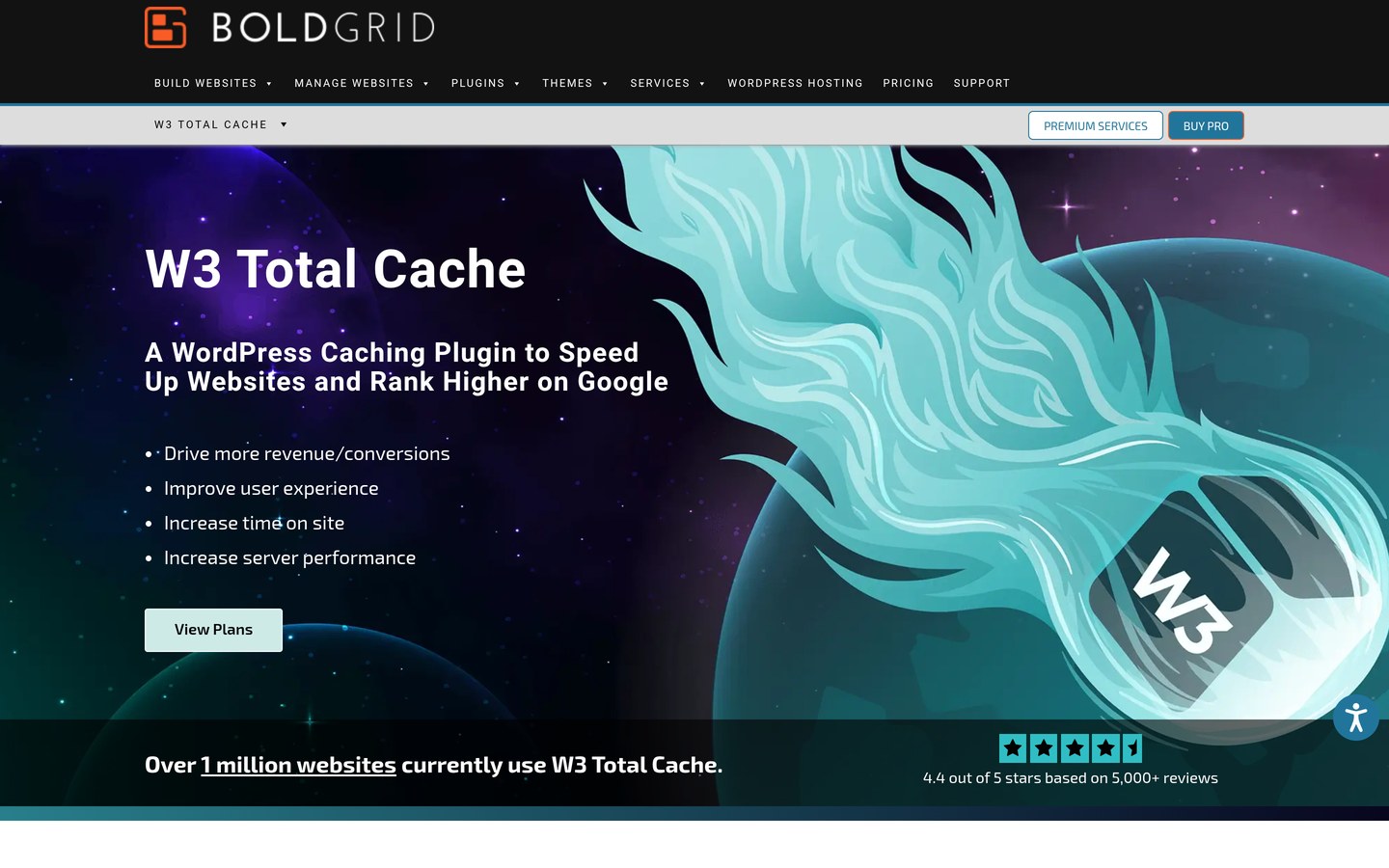
boldgrid.com
W3 Total Cache homepage, captured Nov 2026.
W3 Total Cache is a performance plugin with more than 800,000 active installations and a 4.4/5 WordPress.org rating. Its free version supports page caching, database and object caching, browser caching, minification and CDN integration. It gives administrators detailed control over how WordPress stores and delivers cached content.
The trade off is complexity: incorrect cache settings can cause stale content, compatibility issues or unnecessary server work, while Pro costs $99 per year per installation. It suits developers, technical site owners and businesses that need more granular configuration than WP Super Cache provides.
What we like
Detailed caching and CDN configuration
Supports several caching methods
Established plugin with extensive documentation
Free version covers core caching requirements
Watch out for
More complicated settings than beginner-focused plugins
Some caching methods depend on server configuration
Pro licensing applies per WordPress installation
Pro adds advanced optimization features, including expanded image and script tools.Visit boldgrid.com
04
FlyingPress
4.5/5on Trustpilot (321 reviews, checked Nov 2026)
Starts at$59/yr
Best premium option for Core Web Vitals
Page cachingIncluded
Cloud optimizationIncluded
Image formatsWebP and AVIF
Starter license1 website, $59/yr
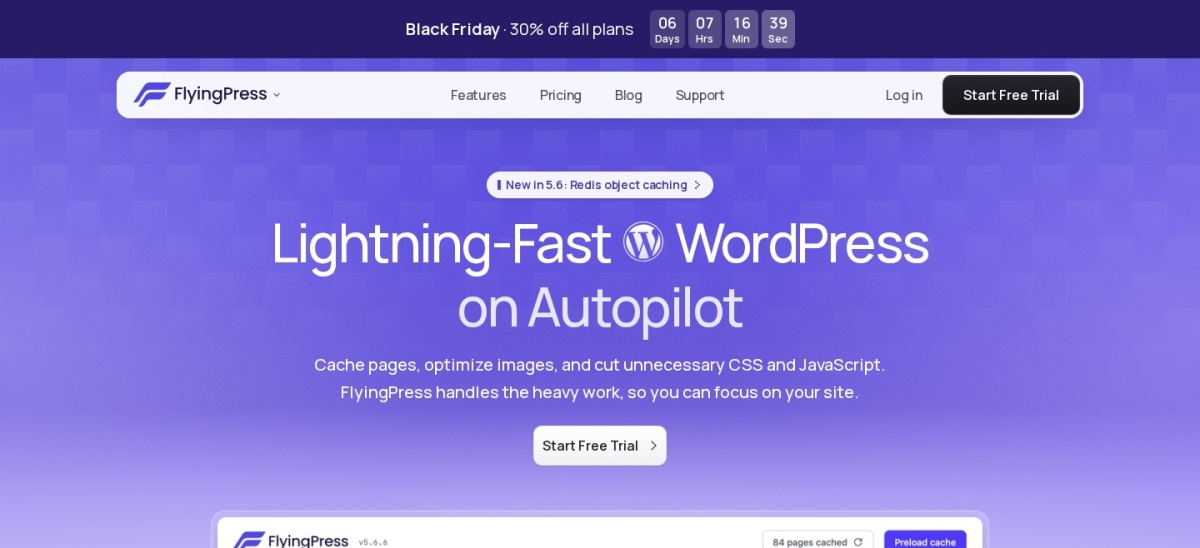
flyingpress.com
FlyingPress homepage, captured Nov 2026.
FlyingPress is a premium WordPress caching and optimization plugin with a 4.5/5 Trustpilot score from 321 reviews. Its Starter plan supports 1 website and includes page caching, cloud page optimization, image conversion, Core Web Vitals analytics and Redis object caching. It also provides cache preloading and optimization controls for critical page resources.
The trade off is that there is no permanent free plan: the regular Starter price is $59 per year, although the currently advertised first-year offer is $41.30 after a 14-day trial. It suits site owners who want caching, image optimization and performance monitoring in a single paid product.
What we like
Combines page caching and cloud optimization
WebP and AVIF image support
Real-user Core Web Vitals analytics
Includes Redis object caching on supported hosting
Paid plans include cloud optimization, image conversion and ongoing updates.Visit flyingpress.com
05
Hummingbird
4.7/5on WordPress.org (1,488 reviews, checked Nov 2026)
Paid from$50/yr
Best for performance reporting and optimization
Page cachingIncluded free
File optimizationCSS and JavaScript
Performance reportsAvailable
Pro Basic1 site, $50/yr
wpmudev.com
Hummingbird homepage, captured Nov 2026.
Hummingbird is a WordPress caching and speed optimization plugin from WPMU DEV, with more than 70,000 active installations and a 4.7/5 rating from 1,488 reviews. The free version provides caching, asset optimization, compression and performance analysis features. Its interface helps identify optimization opportunities beyond page caching.
The trade off is that advanced optimization capabilities, CDN resources and scheduled reporting are associated with paid features, with Pro Basic starting at $50 per year for 1 site. It suits website managers who value performance diagnostics and may also benefit from the wider WPMU DEV plugin suite.
What we like
Includes caching and performance diagnostics
Free CSS and JavaScript optimization options
Pro Basic includes the wider Pro plugin suite
Maintained by an established WordPress developer
Watch out for
Some advanced features require a paid subscription
Additional CDN capabilities depend on the subscription
May overlap with existing host optimization tools
Pro adds premium optimization tools and access to the WPMU DEV Pro suite.Visit wpmudev.com
06
SpeedyCache
4.4/5on WordPress.org (30 reviews, checked Nov 2026)
Paid from$39/yr
Best budget yearly caching upgrade
Page cachingFree, with preloading
CSS optimizationFree minification
Image optimizationPremium
Personal license1 site, $39/yr
speedycache.com
SpeedyCache homepage, captured Nov 2026.
SpeedyCache is a WordPress caching plugin from Softaculous with more than 500,000 active installations and a 4.4/5 WordPress.org rating. Its free version includes page caching, preloading, GZIP compression, browser caching, CSS minification and CDN integration. It also provides exclusions for pages and other content that should bypass caching.
The trade off is that image optimization, advanced JavaScript controls, lazy loading and other refinements need the Personal plan at $39 per year for 1 site. It suits smaller websites that want a lower-priced annual upgrade without adopting a traffic-based cloud caching service.
What we like
Free page caching and preloading
Affordable $39 yearly Premium entry plan
CDN integration and cache exclusions
Established developer and substantial install base
Watch out for
Smaller WordPress.org review sample than leading rivals
Advanced optimization features require Pro
Premium support depends on an active plan
Pro adds image optimization, lazy loading and advanced CSS and JavaScript controls.Visit speedycache.com
07
NitroPack
4.3/5on WordPress.org (311 reviews, checked Nov 2026)
Paid from$8/mo
Best for cloud caching and CDN delivery
Free pageviews1,000/month
Free CDN bandwidth1GB/month
Starter pageviews8,000/month
Starter CDN bandwidth5GB/month
nitropack.io
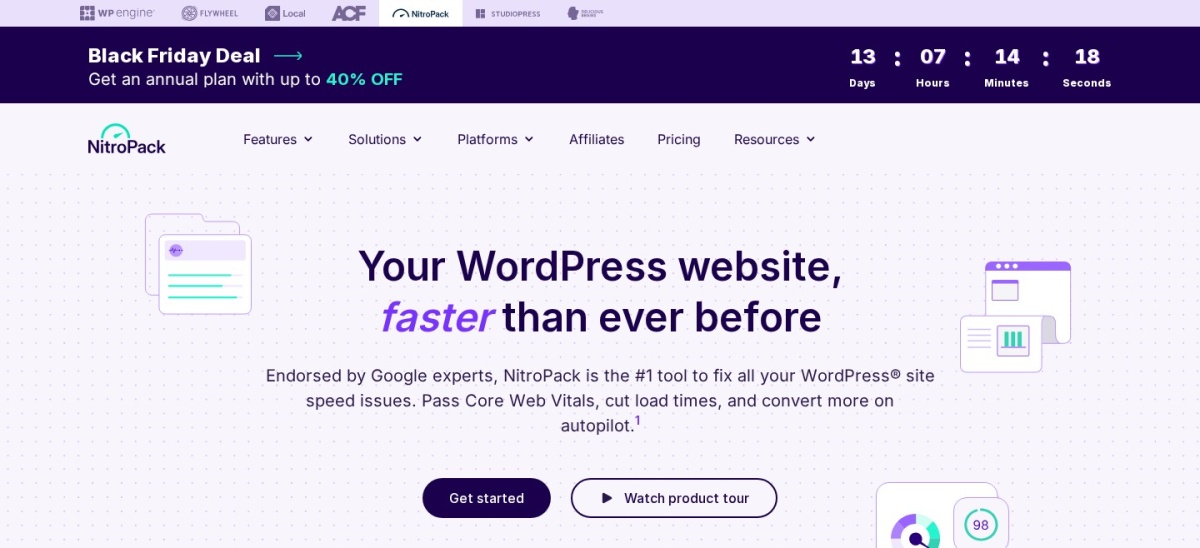
NitroPack homepage, captured Nov 2026.
NitroPack is a cloud-connected WordPress performance plugin with more than 80,000 active installations and a 4.3/5 rating from 311 reviews. Its free plan includes core caching and optimization features, limited to 1,000 pageviews and 1GB of CDN bandwidth per month. Paid plans expand these allowances and add more optimization capabilities.
The trade off is usage-based limits: Starter costs $8 per month on regular monthly billing, or $7 per month billed annually, and includes 8,000 monthly pageviews and 5GB of CDN bandwidth. It suits site owners who prefer managed optimization and understand how traffic allowances affect their costs.
What we like
Cloud-connected caching and optimization
Includes CDN delivery
Free plan available for low-traffic websites
Paid plans publish pageview and bandwidth allowances
Watch out for
Free plan has strict usage limits
Paid plans may need upgrading as traffic increases
Relies on an external optimization service
Some optimization capabilities require higher tiers
Starter increases pageviews and CDN bandwidth and adds advanced cache warmup.Visit nitropack.io
Free vs paid WP Super Cache alternatives
A free caching plugin is enough for many blogs and informational websites. WP Fastest Cache, WP-Optimize, W3 Total Cache, SpeedyCache and Hummingbird all offer free versions with page caching.
Paid tools become more attractive when you need image optimization, advanced script handling, cloud optimization, scheduled reporting or additional support.
The payment model matters. WP Fastest Cache offers a $49 one-time license, while WP-Optimize and other premium plugins use annual subscriptions.
For cloud services such as NitroPack, check both the subscription price and traffic allowance. A low entry price does not necessarily cover a growing website.
How to switch from WP Super Cache safely
Before installing a replacement, record your current caching settings and create a recent website backup.
Deactivate WP Super Cache and remove its existing cached files using the plugin's available cleanup controls. Follow its uninstall instructions instead of manually deleting unfamiliar configuration files.
Enable the replacement plugin's basic page cache first. Check the homepage, articles, forms, search results and any dynamic account or checkout pages.
Add CSS, JavaScript and image optimizations gradually. Check both desktop and mobile behavior after each change, and compare performance using consistent measurement conditions.
How we chose
We compared established WordPress caching and performance products using their documented features, WordPress.org listings, official vendor websites and public reviews. The shortlist emphasizes actively maintained products that provide credible alternatives to WP Super Cache.
Regular USD prices were checked on vendor pricing pages on 22 November 2026, with first-year promotions identified separately. WordPress.org ratings, review totals, active installation counts and FlyingPress Trustpilot feedback were checked on the same date.
We excluded plugins without a verifiable regular paid price, products with outdated WordPress.org maintenance and options that did not offer a sufficiently relevant caching replacement. No vendor paid for a place, and we do not claim testing for this list.
How to choose a WP Super Cache alternative
Start by identifying why you want to replace WP Super Cache, then match the missing features to your website and hosting setup.
Identify the caching features you need. If basic static page caching is enough, start with WP Fastest Cache. If you need object caching, detailed cache groups or more granular configuration, consider W3 Total Cache.
Check whether additional optimization is necessary. Review your image sizes, JavaScript loading, CSS delivery and database maintenance. WP-Optimize combines several cleanup tasks, while FlyingPress offers a broader premium optimization package.
Compare the complete regular cost. Distinguish one-time purchases from recurring subscriptions. Check how many sites a license covers and whether CDN bandwidth, image credits or traffic limits create additional costs.
Switch plugins without overlapping page caches. Deactivate the previous caching plugin, clear outdated cache files and activate the replacement. Verify dynamic pages before enabling advanced optimizations, especially on websites with forms, accounts or shopping carts.
FAQ
What is the best alternative to WP Super Cache?
WP Fastest Cache is our top choice for most WordPress websites. It offers free page caching, preloading, compression and basic optimization, with a 4.9/5 WordPress.org rating. Its $49 one-time Premium license is also attractive for owners who prefer not to pay a yearly subscription.
Is WP Fastest Cache better than WP Super Cache?
WP Fastest Cache offers more built-in optimization controls, including CSS and JavaScript handling, alongside basic page caching. WP Super Cache remains useful when simple static HTML delivery is the main requirement. The better choice depends on hosting compatibility, site complexity and the features you actually need.
Which WP Super Cache alternative is completely free?
WP Fastest Cache, W3 Total Cache, WP-Optimize, Hummingbird and SpeedyCache have usable free versions. They also sell paid upgrades. If you need caching without paying, compare the available free features rather than assuming every feature mentioned on a vendor's website is included.
Is WP-Optimize a good replacement for WP Super Cache?
Yes, particularly when the website also needs database cleanup and image compression. WP-Optimize combines those functions with page caching and file minification in its free version. Premium starts at $49 per year for up to 2 sites and adds more advanced optimization controls.
Is FlyingPress worth paying for?
FlyingPress may be worthwhile when you want caching, image optimization, cloud analysis and Core Web Vitals monitoring from one product. Its regular Starter price is $59 per year for 1 website. The decision should depend on whether these extra functions replace tools you already pay for.
Can I use WP Super Cache and W3 Total Cache together?
Running two full-page caching plugins together is generally unnecessary and may cause stale pages or conflicting cache rules. Choose one primary page cache. If your host also provides server caching, follow its integration guidance before enabling additional caching layers.
Does a caching plugin improve Core Web Vitals?
Caching can reduce server response times, but it does not automatically fix every Core Web Vitals issue. Large images, render-blocking resources, layout shifts and JavaScript execution may still affect loading and responsiveness. Plugins with additional optimization features can help address some of these issues.
Which WP Super Cache alternative is best for WooCommerce?
WP-Optimize, FlyingPress and W3 Total Cache are worth considering for stores, depending on their hosting environment and optimization requirements. The essential requirement is excluding personalized cart, checkout and account content from inappropriate caching. Test the complete purchasing process after changing cache settings.
What is the cheapest paid WP Super Cache alternative?
SpeedyCache has the lowest recurring entry price in this comparison at $39 per year for 1 site. WP Fastest Cache costs $49 as a one-time purchase, which may cost less over several years. Compare included features and site limits before deciding.