FlyingPress Alternatives in 2026: 7 Best Tools Compared
WLWPLegible EditorsLast verified 22 Nov 2026How we rank6 min read
★ Short answer
LiteSpeed Cache is the strongest overall FlyingPress alternative for sites on LiteSpeed or OpenLiteSpeed servers, offering full-page caching and optimization at no cost with a 4.8-star rating across 2,777 reviews. WP Rocket fits site owners who want straightforward defaults on any host, while Perfmatters suits developers trimming unnecessary scripts alongside an existing cache.
How we make this list: we compare pricing pages, product documentation and public user reviews, then re-check every price before each update. No product paid for a place. Disclosure.
LiteSpeed Cache has 7M+ active installs and 2,777 WordPress.org reviews averaging 4.8 out of 5 stars.
WP Rocket starts at $59/yr for 1 site at regular list price, matching FlyingPress's $59/yr starter tier.
Perfmatters starts at $24.95/yr for 1 site and focuses on per-page script control rather than page caching.
WP-Optimize combines database cleanup, caching, and compression with 2,617 WordPress.org reviews at 4.8 stars and paid plans from $49/yr.
WP Fastest Cache offers a one-time Bronze license at $49 for 1 site alongside a free core plugin with 4,234 reviews at 4.9 stars.
What to look for when replacing FlyingPress
FlyingPress combines page caching, CSS and JavaScript optimization, font controls, and media tuning in a single paid plugin. Replacing it starts with checking how your hosting stack handles caching so you do not layer redundant or conflicting tools on top of server-level caches.
Web server architecture matters first. LiteSpeed and OpenLiteSpeed servers can use server-level caching directly through LiteSpeed Cache, whereas Apache, NGINX, and managed hosts often pair a local cache plugin with host-level caching or a lightweight script manager.
Pricing models also differ sharply. Some plugins charge a flat annual license per site count, one offers a lifetime one-time fee, and cloud-based services meter usage by monthly pageviews and bandwidth.
Always review which add-ons cost extra, such as image compression, object caching, or full-site CDN delivery, before committing to an annual renewal.
4.8/5on WordPress.org (2,777 reviews, checked Nov 2026)
PriceFree
Best for LiteSpeed server caching
Active installs7M+
WP.org rating4.8 (2,777)
Entry priceFree
Server cacheLiteSpeed / OpenLiteSpeed
wordpress.org
LiteSpeed Cache homepage, captured Nov 2026.
LiteSpeed Cache is a WordPress speed plugin with 7M+ active installations and 2,777 WordPress.org reviews averaging 4.8 out of 5 stars. Its free core covers page caching, CSS and JavaScript optimization, and QUIC.cloud image and CDN integrations.
The trade off is that its server-level caching relies on LiteSpeed or OpenLiteSpeed web servers, and its large settings panel takes time to tune. It suits sites hosted on LiteSpeed infrastructure that want full caching without an annual plugin fee.
What we like
No paid plugin tier required for core caching and optimization
Supports private cache for logged-in users and WooCommerce
Includes image optimization and CDN options via QUIC.cloud
Watch out for
Server-level caching depends on LiteSpeed or OpenLiteSpeed hosting
Extensive settings menus can feel overwhelming for beginners
Core plugin features are free; optional QUIC.cloud services handle external cloud tasks.Visit wordpress.org
02
WP Rocket
4.6/5on Trustpilot (3,049 reviews, checked Nov 2026)
Starts at$59/yr
Best for quick default setup
Websites using it5M+ (vendor figure)
Regular price$59/yr (1 site)
Free planNo (14-day trial)
Cache typePage & browser cache
wp-rocket.me
WP Rocket homepage, captured Nov 2026.
WP Rocket is a commercial WordPress caching plugin that applies page caching, file minification, lazy loading, and cache preloading on activation. Its regular single-site license starts at $59/yr, with promotional pricing available during seasonal sales.
The trade off is that there is no permanent free tier, and image compression or a full-site CDN cost extra on top of the $59/yr single-site license. It suits site owners who want dependable defaults and straightforward setup.
What we like
Applies sensible caching and asset defaults right after activation
Includes cache preloading, database cleanup, and lazy loading
Works across standard WordPress hosts without server lock-in
Watch out for
No free version beyond a trial period
Image optimization and sitewide CDN add-ons require separate services or fees
Paid plans cover multi-site bundles, while separate add-ons handle image compression and full CDN delivery.Visit wp-rocket.me
03
Perfmatters
4.9/5on WordPress speed reviews (1,564 reviews, checked Nov 2026)
Starts at$24.95/yr
Best for per-page script control
Trusted sites185,000+
Entry price$24.95/yr (1 site)
Free planNo
Page cachingNot included
perfmatters.io
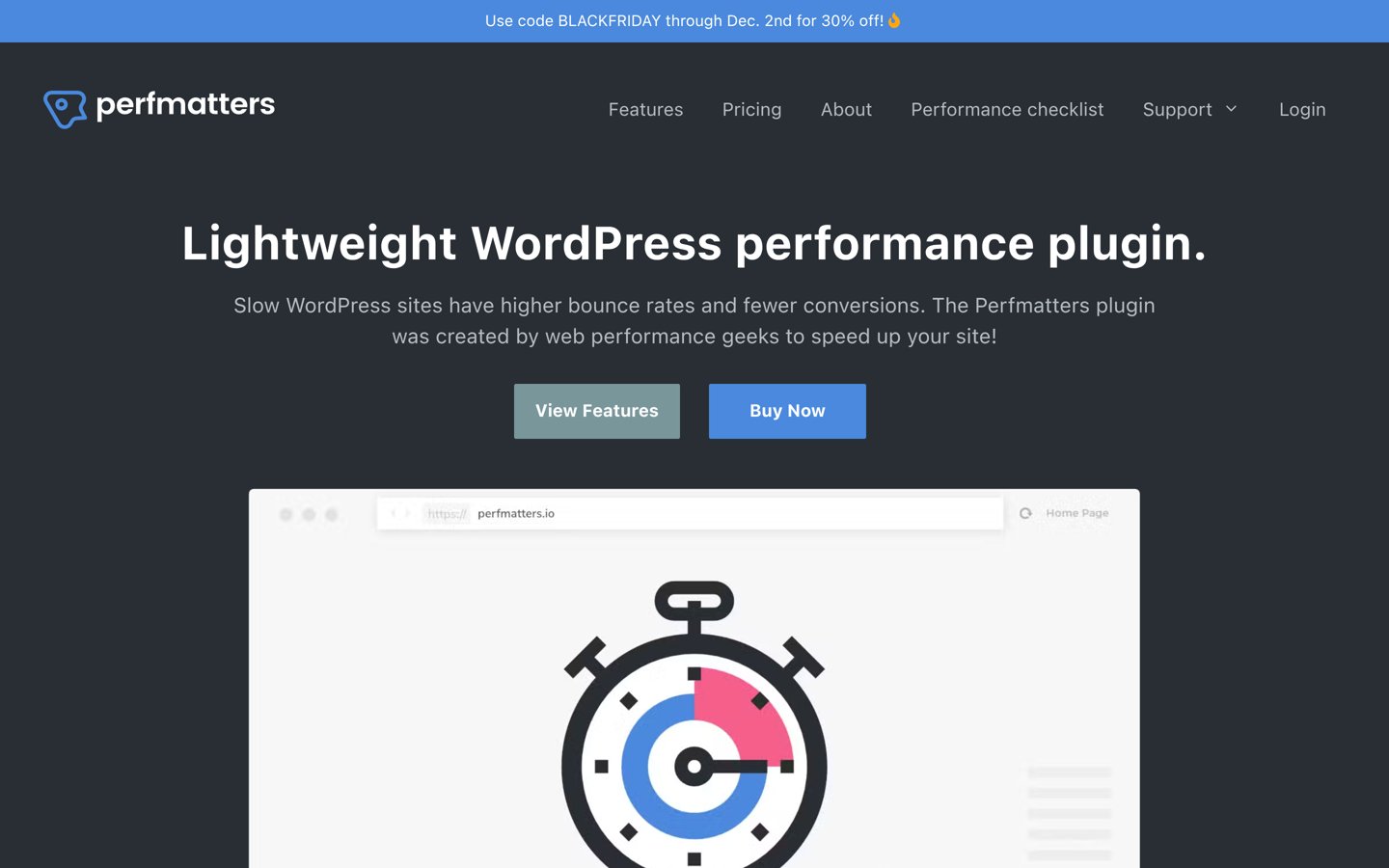
Perfmatters homepage, captured Nov 2026.
Perfmatters is a lightweight WordPress performance plugin used by 185,000+ websites that starts at $24.95/yr for one site. Its script manager lets you disable unused CSS and JavaScript on specific pages or post types.
The trade off is that it does not include page caching, image compression, or a CDN at $24.95/yr. It suits sites that already have caching in place and need granular script control.
What we like
Granular script and style disabling per page or post type
Low entry price at $24.95/yr for a single site
Pairs cleanly alongside existing page cache plugins or host caches
Watch out for
No built-in page caching or image optimization
No free tier to test before buying
Higher site tiers expand licenses to 3 sites or unlimited sites with multisite support.Visit perfmatters.io
04
WP-Optimize
4.8/5on WordPress.org (2,617 reviews, checked Nov 2026)
Paid from$49/yr
Best for database cleanup plus caching
Active installs1M+
WP.org rating4.8 (2,617)
Paid entry$49/yr (up to 2 sites)
Free planYes
wordpress.org
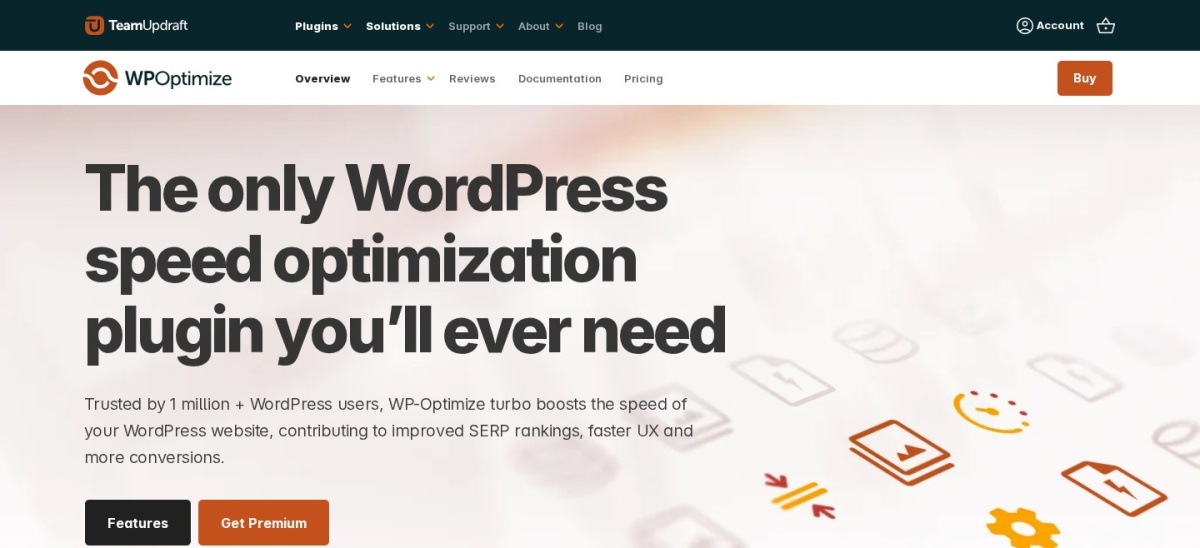
WP-Optimize homepage, captured Nov 2026.
WP-Optimize is a WordPress optimization plugin with 1M+ active installations and 2,617 WordPress.org reviews averaging 4.8 out of 5 stars. Its free version covers database cleanup, page caching, image compression, and minification, while paid plans start at $49/yr.
The trade off is that its asset optimization controls are less specialized than dedicated script managers at $49/yr. It suits sites with heavy post revisions, comments, or WooCommerce database tables.
What we like
Combines database cleaning, caching, minification, and image compression
Free version handles core cleanup and caching tasks
Paid Starter tier starts at $49/yr for up to two sites
Watch out for
Less granular per-page script unloading than dedicated asset managers
Database cleanup actions require care to avoid removing needed data
4.9/5on WordPress.org (4,234 reviews, checked Nov 2026)
Paid from$49 one-time
Best for one-time lifetime licensing
Active installs1M+
WP.org rating4.9 (4,234)
Paid entry$49 one-time (1 site)
Free planYes
wordpress.org
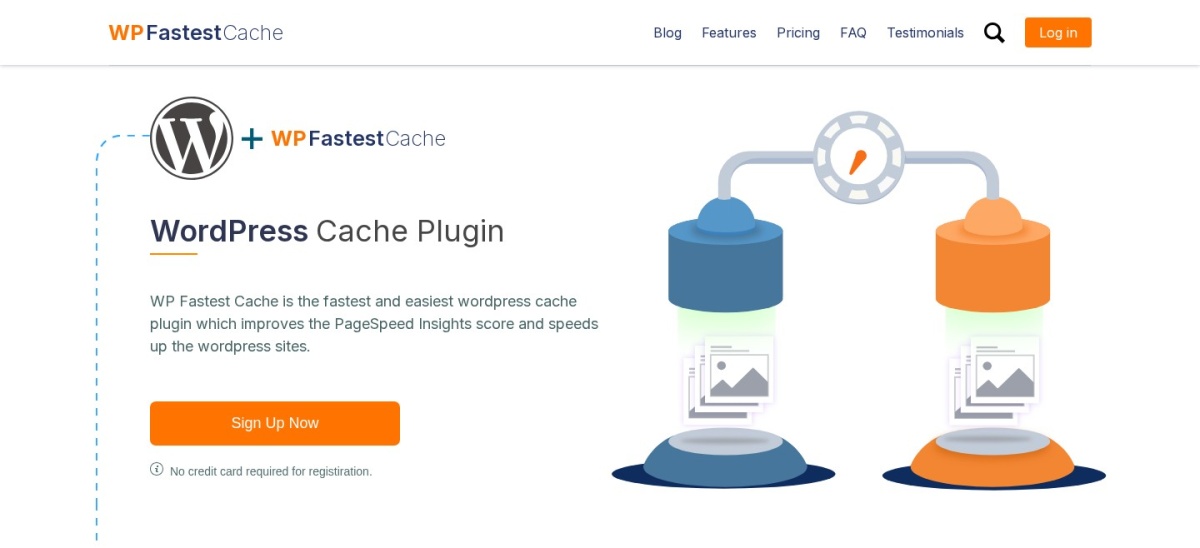
WP Fastest Cache homepage, captured Nov 2026.
WP Fastest Cache is a WordPress caching plugin with 1M+ active installations and 4,234 WordPress.org reviews averaging 4.9 out of 5 stars. The free plugin provides page caching, cache preloading, and CDN support, while the Bronze license costs $49 as a one-time fee.
The trade off is a simpler feature set than newer optimization suites at a $49 one-time price. It suits site owners who prefer a single upfront payment over recurring annual renewals.
What we like
4.9-star average across 4,234 WordPress.org reviews
Bronze license uses a $49 one-time fee instead of annual billing
Straightforward checkbox settings for page caching and preloading
Watch out for
Fewer advanced modern script-delay and CSS controls than newer tools
Multi-site one-time tiers step up quickly in price
Paid licenses add extra optimization features and image credits on top of the free core.Visit wordpress.org
06
Asset CleanUp
4.9/5on WordPress.org (1,559 reviews, checked Nov 2026)
Paid from$49/yr
Best for free page-level asset unloading
Active installs100,000+
WP.org rating4.9 (1,559)
Paid entry$49/yr (1 site)
Free planYes
wordpress.org
Asset CleanUp homepage, captured Nov 2026.
Asset CleanUp is a WordPress asset-management plugin with 100,000+ active installations and 1,559 WordPress.org reviews averaging 4.9 out of 5 stars. Its free version supports per-page CSS and JavaScript unloading plus Test Mode, while Pro starts at $49/yr.
The trade off is that it does not replace page caching and can take time to audit assets at $49/yr. It suits builders who want to trim unused scripts alongside a separate caching layer.
What we like
Includes Test Mode in the free version for safer rule testing
High 4.9-star rating across 1,559 WordPress.org reviews
Lets you unload page-builder or form assets where unused
Watch out for
Not a standalone page-caching plugin
Manual per-page auditing requires careful checking to avoid breaking layouts
Pro unlocks plugin-level unloading rules, archive rules, and additional script delivery controls.Visit wordpress.org
07
W3 Total Cache
4.4/5on WordPress.org (5,420 reviews, checked Nov 2026)
Paid from$99/yr
Best for granular server cache options
Active installs900,000+
WP.org rating4.4 (5,420)
Paid entry$99/yr (1 site)
Free planYes
wordpress.org
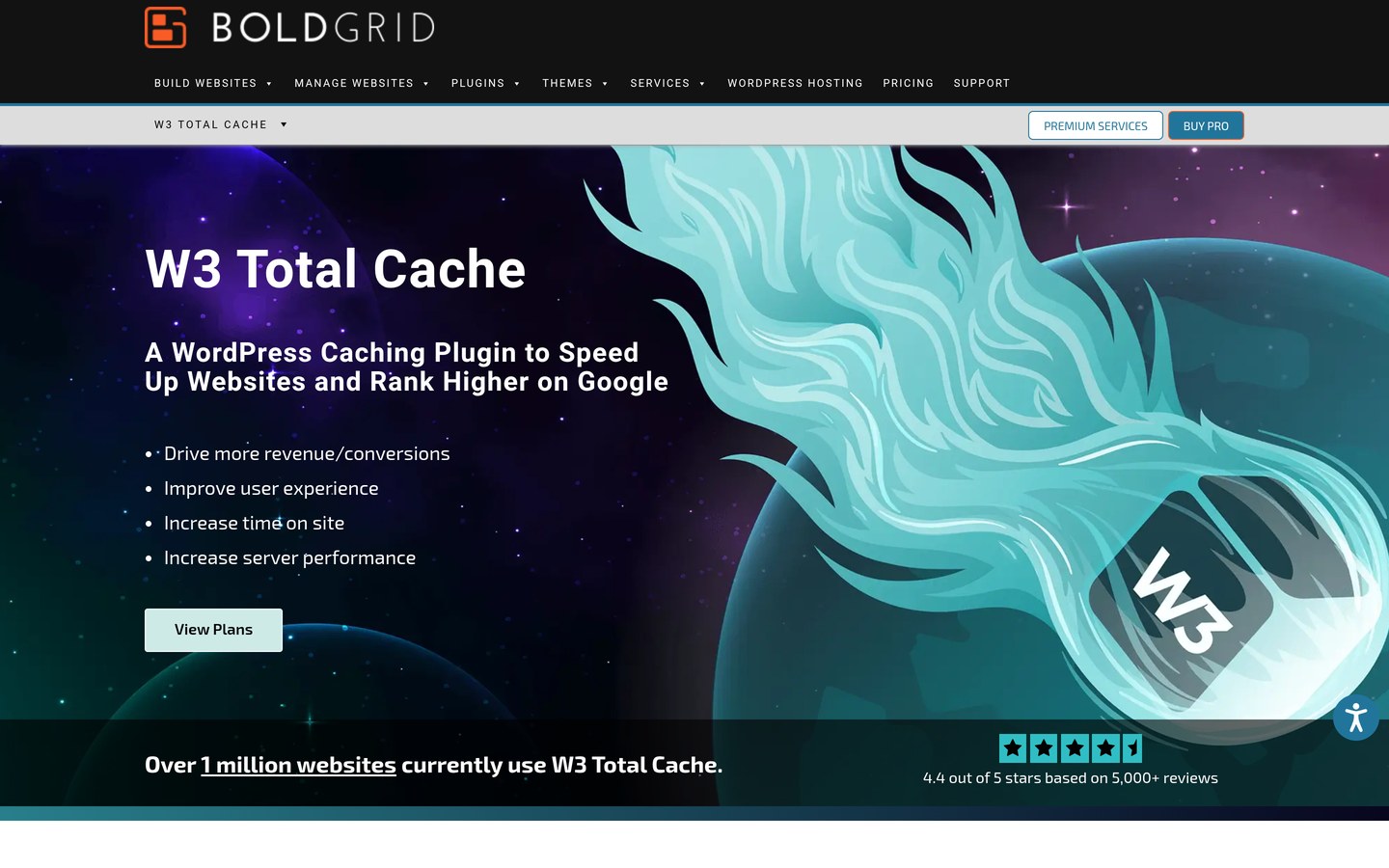
W3 Total Cache homepage, captured Nov 2026.
W3 Total Cache is a WordPress caching framework with 900,000+ active installations and 5,420 WordPress.org reviews averaging 4.4 out of 5 stars. Its free version provides page, browser, database, and object caching, while Pro starts at $99/yr.
The trade off is a steep configuration curve that can cause conflicts if misconfigured at $99/yr. It suits technical site owners who want low-level caching controls in a free core plugin.
What we like
Broad caching support including disk, object, database, and browser layers
Free core plugin available with no subscription required to start
Extensive CDN and server caching options for custom setups
Watch out for
Complex settings interface with higher risk of misconfiguration
Lower average rating at 4.4 stars compared with several peers
Pro adds Full Site Delivery, expanded WebP conversion limits, and additional caching extensions.Visit wordpress.org
Matching tools to your host stack
On LiteSpeed or OpenLiteSpeed hosting, server-level caching via LiteSpeed Cache avoids extra PHP overhead on cached requests. On NGINX or Apache hosts without server-level page caching, a plugin like WP Rocket or WP Fastest Cache handles static caching directly.
Managed WordPress hosts often already run server-side page caches. In those setups, disabling duplicate page caching and pairing a script manager like Perfmatters or Asset CleanUp with your host cache prevents redundant cache layers.
How we chose
We shortlisted established WordPress speed and caching plugins with active maintenance and public user reviews that serve as practical alternatives to FlyingPress.
All ratings, review counts, active install figures, and regular starting prices were checked on 22 Nov 2026 from WordPress.org listings, vendor pricing pages, and published comparison guides.
We excluded plugins with stale maintenance or unverified pricing pages on check day, and noted promotional discounts separately from regular list rates. No vendor paid for a place, and we do not claim testing for this list.
How to pick the right FlyingPress alternative
Follow four practical checks before switching your site speed plugin:
Check your web server and host cache first. Confirm whether your host already runs LiteSpeed, NGINX, or managed page caching so you avoid conflicting cache rules.
Separate page caching from script unloading. Decide whether you need full-page caching, per-page script disabling, or both paired together.
Compare regular renewals and add-on costs. Look past introductory sales to regular annual or one-time pricing plus any image or CDN extras.
Test changes gradually on key templates. Enable CSS and JavaScript tweaks one step at a time and check forms, menus, and checkout pages.
FAQ
Is LiteSpeed Cache free to use?
Yes, LiteSpeed Cache is free on WordPress.org with page caching, asset optimization, and QUIC.cloud options. Some optional QUIC.cloud services have usage limits or paid tiers depending on what you enable.
Does WP Rocket cost the same as FlyingPress?
At regular list pricing for one site, WP Rocket starts at $59/yr and FlyingPress also starts at $59/yr. Multi-site tiers and extra add-ons like image compression or full-site CDN delivery differ between the two.
Can I use Perfmatters or Asset CleanUp instead of a cache plugin?
They focus on disabling unused scripts and styles per page rather than serving full-page caches. Many sites pair them with a separate page cache or host-level caching.
Why do some speed plugins break site layouts?
Combining, minifying, or delaying CSS and JavaScript can interfere with themes, page builders, or third-party scripts. Enabling options incrementally and testing key pages helps catch issues early.
Should I run two caching plugins at the same time?
Avoid running two full page-caching plugins together because overlapping cache rules and asset rewrites often conflict. Disable and clear the old cache before activating a replacement.
Which option here has a one-time payment instead of annual billing?
WP Fastest Cache lists a Bronze one-time license starting at $49 for one site alongside its free core plugin. Other paid tools in this list use recurring annual subscriptions.