Autoptimize Alternatives in 2026: 7 Best Tools Compared
WLWPLegible EditorsLast verified 22 Nov 2026How we rank11 min read
★ Short answer
WP Rocket is the best Autoptimize alternative for most WordPress websites, combining caching, unused CSS removal and delayed JavaScript for $60/year. FlyingPress is a stronger fit for cloud-based page optimization, while Perfmatters offers granular script management for $24.95/year.
How we make this list: we compare pricing pages, product documentation and public user reviews, then re-check every price before each update. No product paid for a place. Disclosure.
WP Rocket leads as an all-in-one alternative, with a 4.6/5 Trustpilot rating from 3,050 reviews and regular pricing of $60/year.
FlyingPress costs $59/year for one website and includes caching, image optimization, cloud page optimization and Core Web Vitals analytics.
Perfmatters starts at $24.95/year and has a 4.9/5 Trustpilot rating from 117 reviews, but it does not include full-page caching.
WP-Optimize combines free CSS and JavaScript minification with caching, image compression and database cleanup. Premium starts at $49/year for 2 sites.
WP Fastest Cache has 1M+ active installations and a 4.9/5 WordPress.org rating, with Premium available for $49 one-time.
SpeedyCache offers free page caching and CSS optimization, with 500,000+ active installations and a $39/year Personal upgrade.
What to look for in an Autoptimize alternative
Autoptimize focuses on reducing and optimizing frontend resources, including HTML, CSS, JavaScript, images and fonts. The best replacement depends on whether you need similar resource optimization or a broader performance toolkit.
Start with CSS and JavaScript optimization. Look for minification, delayed script execution, deferred JavaScript, unused CSS removal and safe exclusions. These features can reduce render-blocking resources, although aggressive settings may disrupt interactive elements.
Next, decide whether you need page caching. Autoptimize's free plugin does not provide a complete page cache. Alternatives such as WP Rocket, FlyingPress and WP-Optimize combine caching with frontend optimization.
Consider how your website handles images, fonts and third-party scripts. A plugin with image compression, lazy loading and font optimization may reduce the need for separate performance extensions.
Finally, compare regular license prices and website allowances. Free plugins can be enough for basic optimization, while paid solutions offer more automation, advanced controls and technical support.
4.6/5on Trustpilot (3,050 reviews, checked Nov 2026)
Starts at$60/yr
Best Autoptimize alternative overall
CSS optimizationRemove unused CSS
JavaScriptDelay and defer
Page cachingIncluded
Paid planSingle, 1 website
wp-rocket.me
WP Rocket homepage, captured Nov 2026.
WP Rocket is a premium WordPress caching and performance plugin used by more than 5.6 million websites. Its Single license includes page caching, cache preloading, unused CSS removal, JavaScript delay and deferral, lazy loading and database optimization.
The trade off is that WP Rocket has no permanent free version and costs $60/year at its regular Single price, although a Black Friday promotion was displayed. Image compression and CDN delivery require separate services. It suits website owners who want frontend optimization and caching managed through one plugin.
What we like
Automatic page caching after activation
Unused CSS removal and delayed JavaScript
Cache preloading included
Database optimization and lazy loading
Established product with extensive documentation
Watch out for
No permanent free version
Image compression requires another service
CDN delivery is not included
Aggressive script settings can affect interactive content
The Single license includes all WP Rocket optimization features, updates and support.Visit wp-rocket.me
02
FlyingPress
4.7/5on Trustpilot (321 reviews, checked Nov 2026)
Starts at$59/yr
Best for Core Web Vitals optimization
Page cachingIncluded
Cloud optimizationIncluded
Image optimizationWebP and AVIF
Paid planStarter, 1 website
flyingpress.com
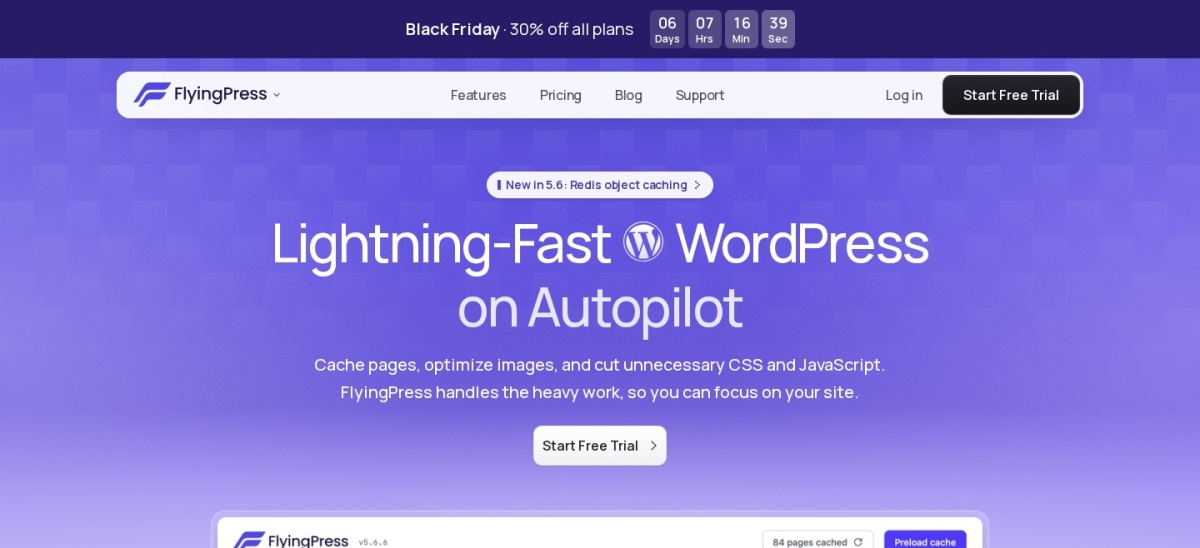
FlyingPress homepage, captured Nov 2026.
FlyingPress is a WordPress caching and optimization plugin with a 4.7/5 Trustpilot rating from 321 reviews. Its Starter plan includes page caching, cloud page optimization, image compression, WebP and AVIF conversion, Core Web Vitals analytics and Redis object caching support.
The trade off is that FlyingPress requires a paid subscription, regularly priced at $59/year after its promotional $41.30 first-year offer. Its optional CDN is a separate service. It suits performance-focused websites that need caching, CSS and JavaScript optimization, and image handling in one toolkit.
What we like
Integrated page caching and optimization
Cloud-assisted page optimization
WebP and AVIF image conversion
Core Web Vitals analytics included
All optimization features available on Starter
Watch out for
No permanent free plan
Optional CDN costs extra
Advanced optimization needs compatibility checks
Requires a subscription for ongoing updates
Starter includes all optimization features; higher tiers increase website allowances.Visit flyingpress.com
03
Perfmatters
4.9/5on Trustpilot (117 reviews, checked Nov 2026)
Starts at$24.95/yr
Best for granular script and resource management
Script ManagerIncluded
JavaScriptDelay and defer
Page cachingNot included
Paid planPersonal, 1 website
perfmatters.io
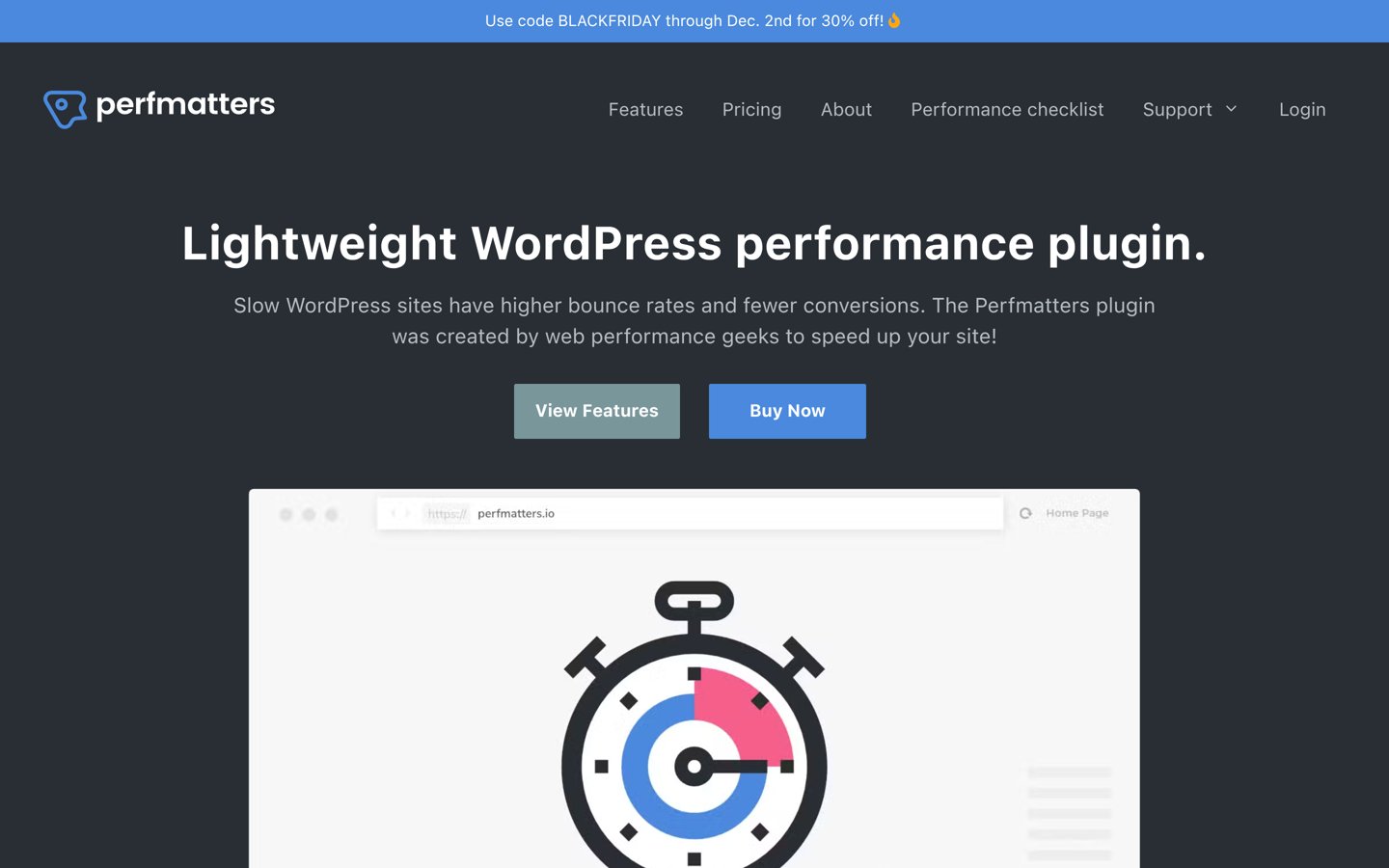
Perfmatters homepage, captured Nov 2026.
Perfmatters is a premium WordPress optimization plugin used on more than 185,000 websites, with a 4.9/5 Trustpilot rating from 117 reviews. Its Personal license includes Script Manager, JavaScript delay and deferral, CSS optimization, lazy loading, font optimization and controls for disabling unnecessary WordPress features.
The trade off is that Perfmatters does not generate a complete page cache, so it may need to work alongside another caching solution. Personal costs $24.95/year, with a separate Black Friday discount available. It suits developers who want precise control over scripts and page resources without replacing their existing caching system.
What we like
Granular per-page Script Manager
JavaScript delay and deferral
Controls for unnecessary WordPress features
Compatible with separate caching plugins
Lower annual license price than full caching suites
Watch out for
No built-in page caching
No permanent free version
CDN service is not included
Incorrect script exclusions can break page functionality
Personal includes the complete optimization toolkit; Business and Unlimited expand site coverage.Visit perfmatters.io
04
WP-Optimize
4.8/5on WordPress.org (2,617 reviews, checked Nov 2026)
Paid from$49/yr
Best free all-in-one optimization alternative
Free CSS and JSMinification
Page cachingIncluded
Image compressionIncluded
Paid planStarter, 2 websites
teamupdraft.com
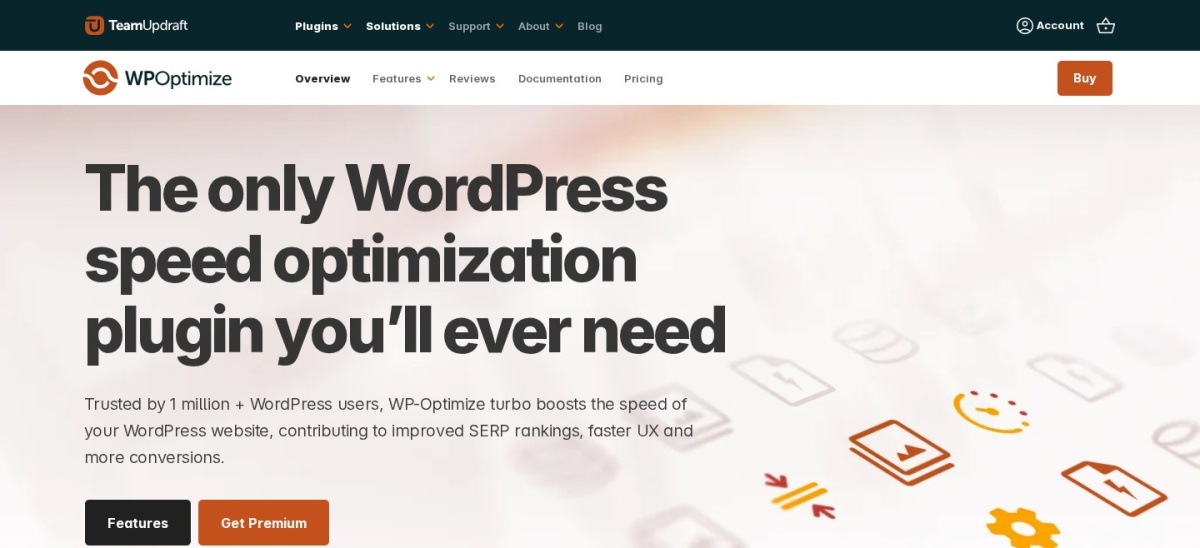
WP-Optimize homepage, captured Nov 2026.
WP-Optimize is a WordPress performance plugin with more than 1 million active installations and a 4.8/5 rating from 2,617 reviews. Its free version combines CSS and JavaScript minification, page caching, image compression and database cleanup, covering several optimization tasks that otherwise require separate plugins.
The trade off is that advanced cleanup schedules, lazy loading, key-request preloading and unused-image management require Premium, starting at $49/year for 2 websites. It suits bloggers and small businesses that want free frontend optimization alongside caching and database maintenance.
What we like
Free CSS and JavaScript minification
Page caching included
Image compression and database cleanup
More than 1 million active installations
Premium entry plan covers 2 websites
Watch out for
Some advanced optimization options require Premium
No bundled global CDN service
Less granular script management than Perfmatters
Database cleanup does not address every frontend bottleneck
4.9/5on WordPress.org (4,235 reviews, checked Nov 2026)
Paid from$49 one-time
Best for affordable lifetime optimization
Free page cachingStatic HTML cache
Free optimizationHTML and CSS minification
Premium paymentOne-time
Paid planBronze, 1 license
wpfastestcache.com
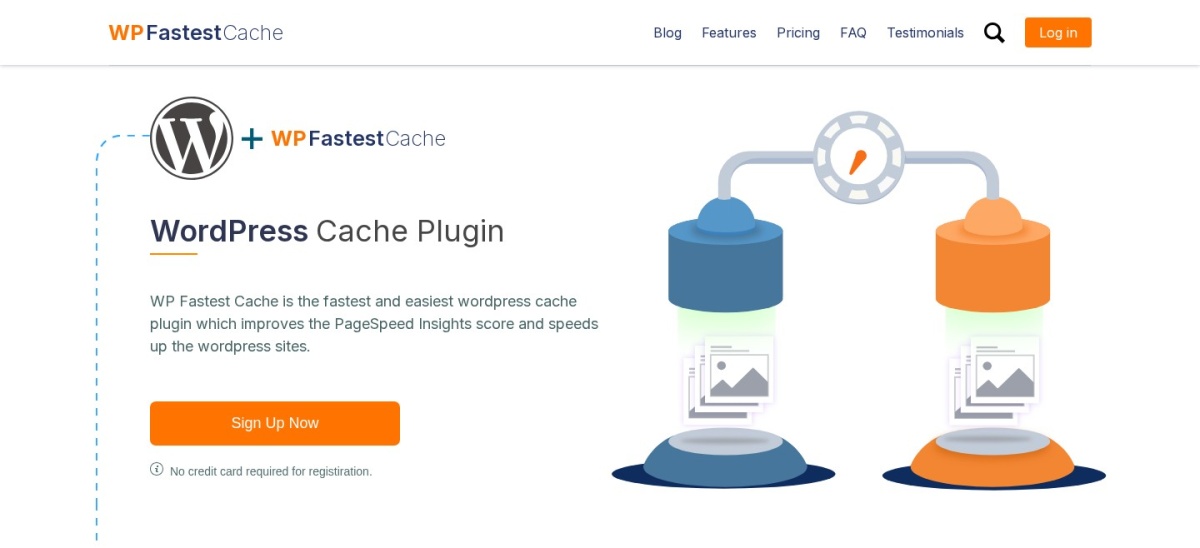
WP Fastest Cache homepage, captured Nov 2026.
WP Fastest Cache is a WordPress caching plugin with more than 1 million active installations and a 4.9/5 rating from 4,235 reviews. Its free version includes static HTML caching, cache preloading, HTML and CSS minification, GZIP compression and browser caching.
The trade off is that advanced JavaScript optimization, lazy loading, image conversion and database cleanup require Premium. The Bronze license costs $49 one-time for one website and includes ongoing updates and support. It suits website owners who want basic free optimization with an upgrade that does not require annual renewal.
What we like
Free page caching and CSS minification
4.9/5 WordPress.org rating
Premium available through a one-time payment
GZIP compression and browser caching
Advanced image and script features in Premium
Watch out for
JavaScript minification requires Premium
Image optimization is not included for free
No bundled global CDN
Less specialized CSS control than some alternatives
4.4/5on WordPress.org (5,420 reviews, checked Nov 2026)
Paid from$99/yr
Best for advanced caching and developer configuration
CSS and JSMinification
Page cachingIncluded
Object cachingIncluded
Paid planPro, 1 website
boldgrid.com
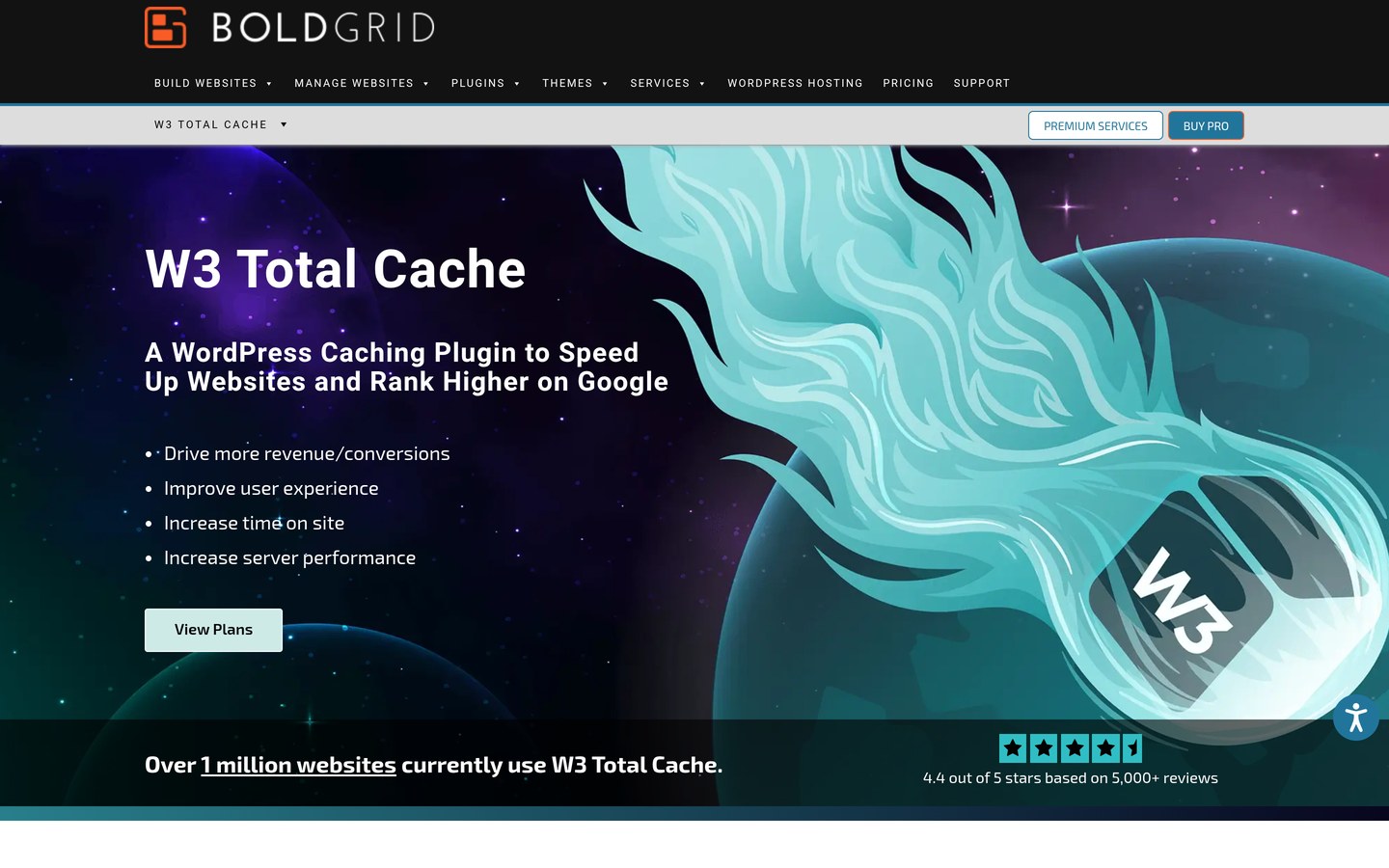
W3 Total Cache homepage, captured Nov 2026.
W3 Total Cache is a WordPress caching and performance plugin with more than 800,000 active installations and a 4.4/5 rating from 5,420 reviews. Its free version supports CSS and JavaScript minification, page caching, object caching, database caching, browser caching and CDN integration.
The trade off is that W3 Total Cache has more configuration options than simpler alternatives, and advanced resource controls require Pro at $99/year for one website. It suits developers and server administrators who want detailed control over multiple cache layers rather than relying on automatic optimization.
What we like
Free CSS and JavaScript minification
Multiple caching layers supported
Object and database caching options
CDN integration available
Detailed developer-oriented configuration
Watch out for
More complex configuration interface
Advanced CSS and JavaScript removal requires Pro
Incorrect cache settings can affect dynamic content
CDN subscriptions are separate
Pro adds advanced CSS and JavaScript removal, image conversion and additional caching controls.Visit boldgrid.com
07
SpeedyCache
4.4/5on WordPress.org (30 reviews, checked Nov 2026)
Paid from$39/yr
Best budget caching and minification alternative
Free CSSMinify and combine
Free JavaScriptCombine
Page cachingIncluded
Paid planPersonal, 1 website
speedycache.com
SpeedyCache homepage, captured Nov 2026.
SpeedyCache is a WordPress caching plugin developed by Softaculous, with more than 500,000 active installations and a 4.4/5 rating from 30 reviews. Its free version supports desktop page caching, cache preloading, CSS minification and combination, JavaScript combination, GZIP compression, browser caching and DNS prefetching.
The trade off is that advanced file and image optimization features require the Personal plan at $39/year for one website. Its public rating comes from a relatively small review sample. It suits budget-conscious users who need caching and basic frontend resource optimization without purchasing a larger suite.
What we like
Free CSS minification and combination
JavaScript combination available
Free page caching and preloading
500,000-plus active installations
Affordable annual Premium subscription
Watch out for
Smaller review sample than established competitors
Advanced features require Premium
No bundled managed global CDN
Fewer specialized script controls than Perfmatters
Personal unlocks Pro optimization features, updates and premium support.Visit speedycache.com
Autoptimize vs full WordPress caching plugins
Autoptimize primarily improves how frontend resources are processed and delivered. It can optimize HTML, CSS, JavaScript, images and fonts without replacing the website's underlying page cache.
WP Rocket and FlyingPress go further by combining page caching with CSS and JavaScript optimization. This can reduce the need for separate caching and frontend optimization plugins.
WP-Optimize, WP Fastest Cache and W3 Total Cache offer free caching alongside selected frontend features. They are useful when reducing server processing is as important as optimizing page resources.
Perfmatters takes a different approach. It focuses on controlling scripts, fonts and unnecessary WordPress functionality, making it a potential companion to an existing caching solution rather than a complete caching replacement.
How to replace Autoptimize safely
Create a fresh website backup before changing optimization plugins. Record which Autoptimize settings are enabled, especially CSS aggregation, JavaScript processing, font optimization and exclusions.
Disable overlapping Autoptimize features before activating equivalent settings in the replacement plugin. Running multiple CSS or JavaScript optimization systems can generate conflicting files and break page functionality.
Enable the replacement's features gradually. Start with minification and caching, then configure delayed JavaScript, unused CSS removal, image optimization and font settings.
Check navigation, forms, menus, checkout pages and interactive elements after each major change. Clear page, browser and CDN caches before comparing performance results.
How we chose
We compared established WordPress optimization products that address Autoptimize's core features, including CSS minification, JavaScript loading, font optimization and resource management. We also included broader caching solutions that can replace multiple performance plugins with one installation.
Prices and public ratings were checked on 22 November 2026 using official pricing pages, WordPress.org listings and Trustpilot reviews. WordPress.org supplied installation counts and ratings for directory-listed plugins, while vendor pages supplied regular license prices. Introductory promotions were excluded from annual price comparisons.
We excluded outdated plugins, products without confirmable official pricing and tools unrelated to frontend optimization. We also distinguished full caching plugins from resource optimizers that require a separate page cache. No vendor paid for a place, and this comparison is based on documentation and public reviews rather than original product testing.
How to choose the best Autoptimize alternative
Identify your website's performance bottlenecks, then compare plugins based on resource optimization, caching requirements, compatibility and regular licensing costs.
Determine which Autoptimize features matter most. Review whether you rely on CSS minification, JavaScript deferral, font optimization, lazy loading or image processing. Choose an alternative that covers the same requirements without introducing unnecessary features.
Check your existing caching setup. Find out whether your hosting provider already supplies page caching. If so, a frontend optimizer such as Perfmatters may be enough. Otherwise, consider WP Rocket, FlyingPress or a free caching plugin.
Compare script and CSS management options. Look for unused CSS removal, delayed JavaScript, file exclusions and per-page controls. These features can address render-blocking resources, but they should be configured carefully to preserve functionality.
Compare total costs and maintenance needs. Use regular renewal prices rather than temporary promotions. Include any CDN or image optimization subscriptions, website license limits and the time required to maintain the configuration.
FAQ
What is the best alternative to Autoptimize?
WP Rocket is our top Autoptimize alternative for most WordPress websites. It combines frontend optimization with full-page caching, cache preloading and database cleanup. Its regular Single license costs $60/year, making it suitable for users who prefer one comprehensive caching and optimization plugin.
What is the best free Autoptimize alternative?
WP-Optimize is a strong free alternative because it includes CSS and JavaScript minification, page caching, image compression and database cleanup. WP Fastest Cache is another option for free caching and basic file optimization, although some advanced JavaScript features require Premium.
Is WP Rocket better than Autoptimize?
WP Rocket offers a broader set of caching and performance features, including page caching and unused CSS removal. Autoptimize remains useful for focused frontend optimization, especially alongside existing server caching. The better choice depends on which features your hosting setup already provides.
Can Perfmatters replace Autoptimize?
Yes, Perfmatters can replace many Autoptimize functions, including JavaScript delay, CSS optimization, font optimization and lazy loading. It also offers detailed script management. However, it does not include full-page caching, so another solution may be necessary if your hosting does not provide a cache.
Can I use Autoptimize with WP Rocket?
The plugins can coexist, but enabling overlapping CSS, JavaScript and image optimization features is generally unnecessary. WP Rocket already includes many of those functions. If you use both, assign responsibilities carefully and avoid processing the same resources through multiple optimization systems.
Is FlyingPress a good replacement for Autoptimize?
FlyingPress is a strong choice when you want frontend optimization combined with page caching, cloud-assisted processing, image optimization and Core Web Vitals analytics. Its Starter plan regularly costs $59/year. It is particularly relevant when you want to consolidate separate optimization functions.
Which Autoptimize alternative has a lifetime license?
WP Fastest Cache offers a Premium Bronze license for $49 one-time, covering one website. Its free version already provides page caching and basic file optimization, while Premium adds additional JavaScript, image and database features. Check its capabilities against your current Autoptimize configuration.
Will replacing Autoptimize improve Core Web Vitals?
Replacing Autoptimize does not automatically improve Core Web Vitals. Performance depends on your theme, hosting, images, scripts and existing settings. A replacement may offer better controls for your particular bottlenecks, but compare real-user metrics and website functionality before deciding whether the change helped.
Do I need both a caching plugin and a JavaScript optimization plugin?
Not necessarily. WP Rocket, FlyingPress and several free caching plugins provide JavaScript optimization alongside page caching. A separate resource optimizer can still be useful when your caching system lacks detailed script controls. Avoid duplicating minification and delay functions across plugins.