WordPress is the best website builder for blogs for most writers, with a free plan and a Personal plan that adds a custom domain and removes ads. Wix suits bloggers who want drag-and-drop design, while Squarespace fits writers who value polished templates.
How we make this list: we compare pricing pages, product documentation and public user reviews, then re-check every price before each update. No product paid for a place. Disclosure.
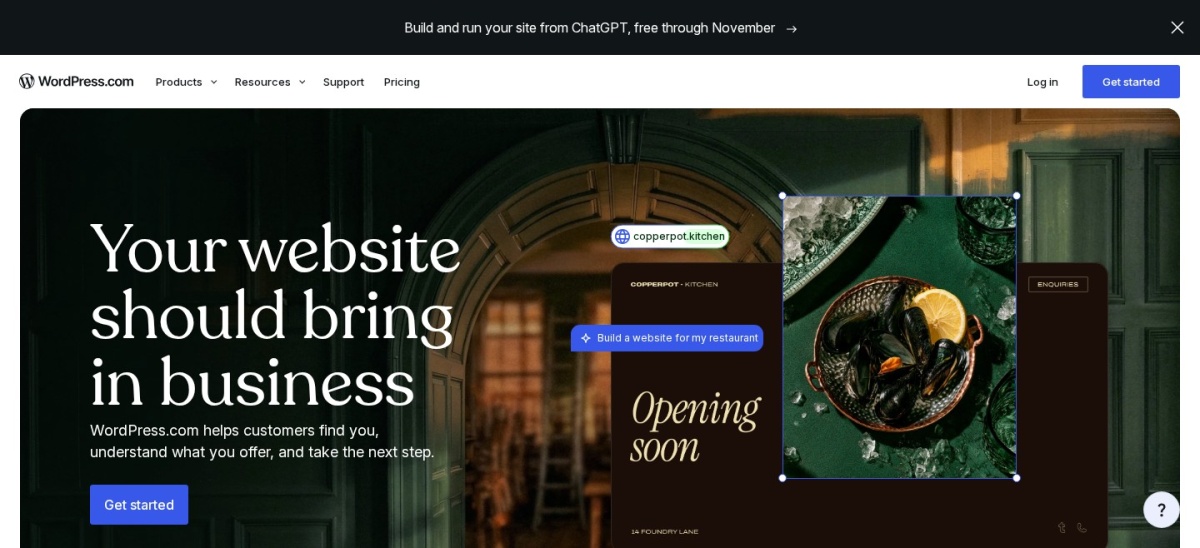
WordPress.com is the cheapest way to a custom-domain blog, at $4 a month billed yearly in year one.
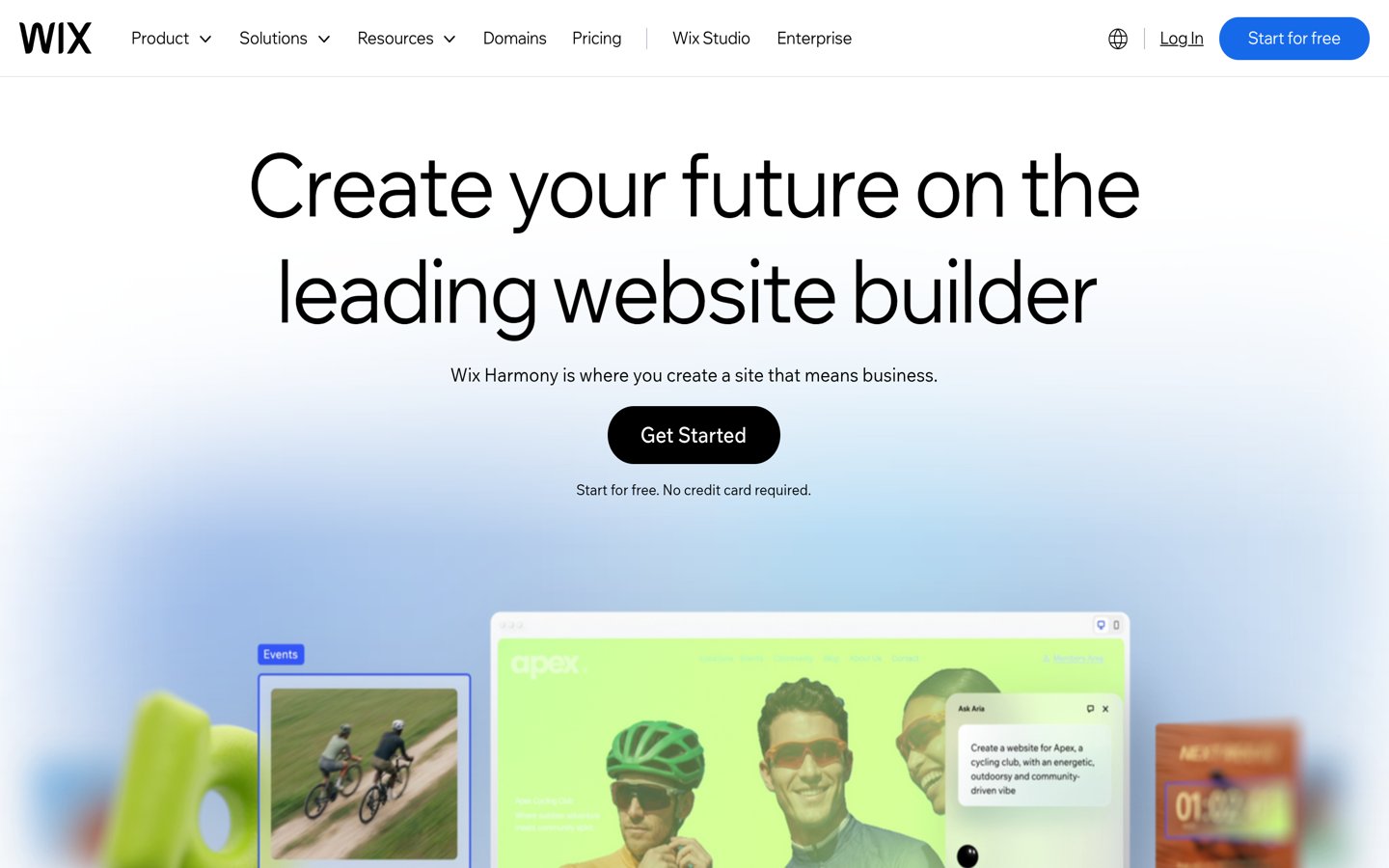
Wix is the easiest visual builder here, with a free plan and Light at $17 a month.
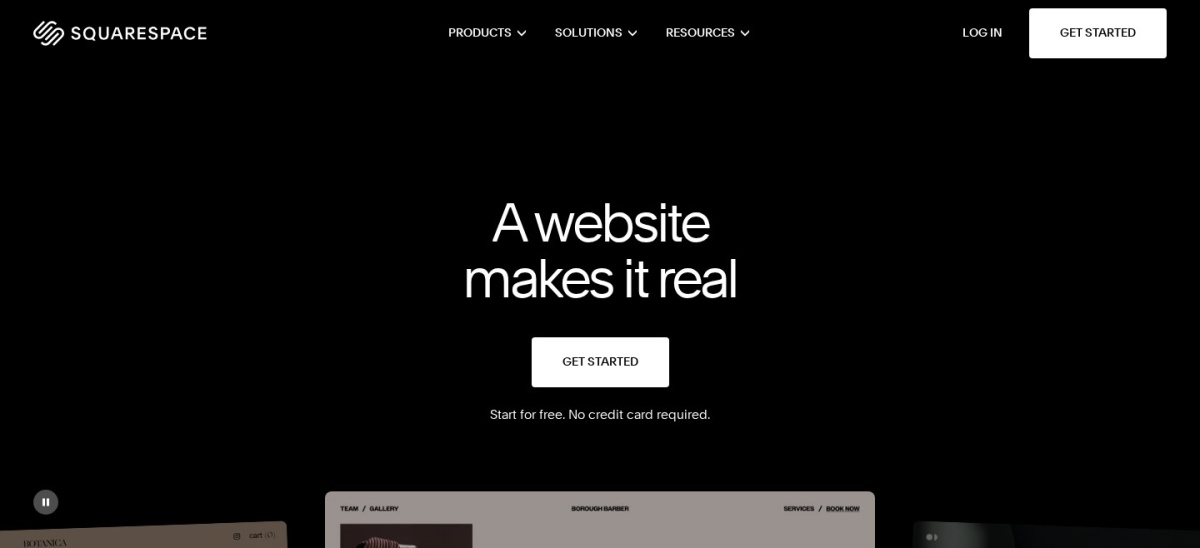
Squarespace has the best-looking templates, but there is no free plan, only a 14-day trial.
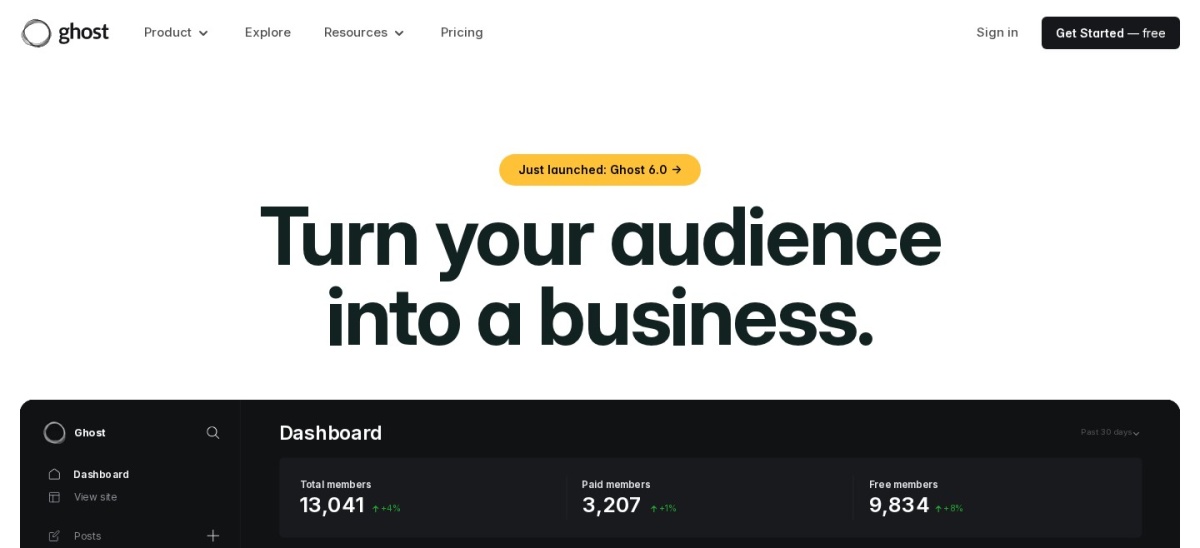
Ghost is the only pick with newsletters and paid memberships built in, from $18 a month.
Framer and GoDaddy are the cheapest paid plans after WordPress.com, at $10 and $9.99 a month.
How do you choose website builders for blogs?
Start with the editor you will enjoy writing in. A blog lives or dies on how often you post, so the writing experience matters more than the template gallery.
Price the plan you will actually use, not the headline. Free plans carry ads or a branded domain, and the cheapest paid plan is the one that removes both.
Check the blogging tools, not just the builder. Scheduling, categories, comments, SEO controls and email capture decide whether a blog can grow an audience.
Think about leaving. Some builders export posts cleanly and some do not, so a cheap start can turn expensive if you outgrow the platform.
WordPress.com is the hosted version of WordPress, run by Automattic, and the most proven home for a blog. The free plan gives unlimited pages and posts on a WordPress address with ads, while Personal adds a custom domain, 6 GB of storage and no ads, plus plugins and premium themes.
The trade off is the price ladder. Personal costs $4 a month billed yearly in year one and renews at $5, and the Business plan climbs to $25 a month. It suits bloggers who want the WordPress editor, a huge theme library, and hosting they never have to manage.
Wix is a drag-and-drop builder with a built-in blog app, so a new blog can go live in an afternoon. The free plan covers a Wix subdomain site with ads, while Light adds a custom domain, removes Wix ads and gives 2 GB of storage for $17 a month billed yearly.
The trade off is cost creep. Light is enough for a simple blog, but selling, email marketing and extra storage each push you to higher plans, and monthly billing jumps to $24. It suits bloggers who want visual design control without touching code.
Squarespace is a design-led builder whose templates make a new blog look finished from day one. Basic costs $19 a month billed yearly and includes a free custom domain for a year, unlimited bandwidth and storage, built-in SEO tools and a blog with scheduling and categories.
The trade off is flexibility. There is no free plan, only a 14-day trial, and the editor is more structured than Wix, so unusual layouts take more work. It suits writers and photographers who want a beautiful blog with little design effort.
Ghost is an open-source publishing platform built around posts, newsletters and paid memberships. Ghost(Pro) Starter costs $18 a month billed yearly for hosting, a custom domain option and up to 1,000 members, and Ghost takes no cut of membership revenue.
The trade off is scope. Ghost has no drag-and-drop page builder and no app store, and the price rises as your member count grows. It suits independent writers who want a fast blog with email and subscriptions built in.
Webflow is a visual builder that turns designs into production websites, with a content system for blogs. The free Starter plan covers two pages on a webflow.io address, while Basic adds a custom domain and 150 pages for $14 a month billed yearly.
The trade off is that blogging needs the CMS plan. Basic has no content collections, so a real blog starts at $23 a month, and the learning curve is steeper than Wix. It suits designers who want pixel-level control over every post layout.
Framer is a design tool turned publisher, with a Figma-like canvas, a built-in content system and fast hosting. The free plan publishes on a Framer domain, while Basic adds a custom domain, unlimited pages and analytics for $10 a month billed yearly.
The trade off is blogging depth. Framer handles posts and collections well, but it has fewer blogging plugins and no payments, and its billing has drawn complaints. It suits designers who want animated, modern blogs without code.
Hostinger is a hosting company whose AI website builder builds a blog from a short prompt, with hosting and a domain included. Premium renews at $10.99 a month after a cheaper first term, with 20 GB of storage, weekly backups and a free domain for a year.
The trade off is the renewal jump. The first-term price is far lower than the renewal rate, and support on Premium runs through a chatbot. It suits budget bloggers who want hosting and a builder in one cheap bundle.
GoDaddy is a domain registrar whose Airo builder turns a few answers into a finished blog in minutes. The free plan covers a site on a GoDaddy domain, while Basic adds a custom domain and removes branding for $9.99 a month billed yearly.
The trade off is flexibility. Templates and layouts are narrower than Wix or Squarespace, and moving a GoDaddy site elsewhere is hard. It suits bloggers who already own a GoDaddy domain and want the fastest possible launch.
Duda is a builder made for agencies and freelancers who run blogs for clients. Basic costs $19 a month billed yearly and includes a blog, client billing, team seats and white-label options, with hosting and SSL included.
The trade off is the audience. Duda is priced and built for people managing several sites, so a single personal blog pays for agency features it may not use. It suits freelancers who build and bill client blogs.
Free plans are fine for testing an idea. You get a working blog on a branded domain, but visitors see ads and the address carries the builder name.
A paid plan buys two things: your own domain and no ads. For most blogs that is the whole upgrade, and it costs from $4 a month.
Paid plans also unlock storage, plugins and email tools. If you plan to earn from the blog, start paid so readers never see the free-plan limits.
How we chose
We started from the website builders bloggers actually use, then kept nine with a real blogging tool, a free plan or trial, and a published price. Each one was checked against its vendor pricing page and its G2 review listing on 30 November 2026.
Prices are the cheapest paid plan in US dollars, billed yearly where the vendor shows an annual rate. WordPress.com Personal is $4 a month in year one and renews at $5, and Hostinger Premium is listed at its $10.99 renewal rate because the first-term price is a sale.
We left out builders without a blogging tool and single-page tools that cannot run a real blog. No vendor paid for a place, and we do not claim hands-on testing for this list.
How to choose a website builder for blogs
Start with how you write, then check the price of the plan you will keep.
Write a test post first. Use the free plan or trial to publish one real post, then judge the editor, the themes and the mobile result before paying.
Price the plan with a custom domain. A blog on your own domain looks serious and keeps its links if you move, so compare the cheapest plan that includes one.
Check the blogging tools. Look for scheduling, categories, comments, SEO settings and an email list, since these decide whether the blog can grow.
Test the exit. Check that posts export cleanly before you commit, because moving a blog with no export is a rebuild, not a move.
FAQ
What is the best website builder for blogs in 2026?
WordPress.com is the best website builder for blogs for most writers. Its free plan covers unlimited posts, and Personal adds a custom domain and removes ads for $4 a month billed yearly in year one.
Which website builder for blogs is free?
WordPress.com, Wix, Webflow, Ghost, Framer and GoDaddy all offer a free plan. WordPress.com and Wix give the most complete free blogging start, though both show ads and use a branded domain until you upgrade.
How much does a website builder for blogs cost?
A custom-domain blog costs from $4 a month on WordPress.com Personal in year one, billed yearly. Most builders sit between $10 and $19 a month, while Ghost starts at $18 and Squarespace at $19.
Is Wix or Squarespace better for blogs?
Wix is better if you want drag-and-drop freedom and a free plan to start with. Squarespace is better if you want polished templates and a blog that looks finished with little design work.
Which website builder is best for a blog that earns money?
Ghost is the strongest pick for earning from readers, since newsletters and paid memberships are built in and it takes no cut of revenue. WordPress.com suits blogs that earn from ads, affiliates or a store instead.
Can I move my blog to another builder later?
It depends on the builder. WordPress.com and Ghost export posts cleanly, while Wix and GoDaddy make moving harder. Check the export options before you publish much, so a future move stays a move and not a rebuild.
SaaS SEO and WordPress specialist with about 8 years of experience. Rakib compares WordPress plugins, themes, hosting and software using public pricing, documentation and user reviews. See how we rank.