Framer is the best Webflow alternative for designers, with a visual editor and CMS from ten dollars a month and the highest rating in this list. WordPress suits owners who want full control and no lock-in, while Wix is the fastest way for a small business to get a polished site live.
How we make this list: we compare pricing pages, product documentation and public user reviews, then re-check every price before each update. No product paid for a place. Disclosure.
Framer is the closest Webflow match for designers, from $10 a month with a 4.5 G2 rating.
WordPress is the only tool here that is free software with full export and no lock-in.
Wix is the fastest start for small businesses, with 900+ templates from $17 a month.
Webflow-style stacked pricing applies to Framer too, so count sites and editor seats before you commit.
Bubble is the only tool here that builds real web apps, from $32 a month.
How do you choose between Webflow alternatives?
Webflow is a design-led builder, so the first question is how much design control you actually need. Framer matches it most closely, while simpler builders trade control for speed.
Ownership is the second question. WordPress is free software you own outright, with the whole site exportable, while Framer, Wix and Squarespace keep your design inside their platform.
Price stacks up differently from the headline. Webflow charges per site plus workspace seats, and Framer charges per site plus editors, so count the total for every site and every editor before you commit.
The cheapest start is rarely the cheapest year. Check renewal prices, bandwidth limits and CMS caps, since a builder that fits a landing page may not fit a blog with hundreds of posts.
Framer is a visual website builder for designers and marketing teams shipping high-design landing pages and product sites. Basic costs $10 a month billed yearly for 30 pages and 1,000 CMS items, with a free plan that includes 500 AI credits to try and 1 GB of bandwidth.
The trade off is lock-in and scale. There is no code export, so leaving means rebuilding, and each extra editor costs more on top of the site plan. It suits designers and SaaS teams that want Webflow-style control with a faster editor.
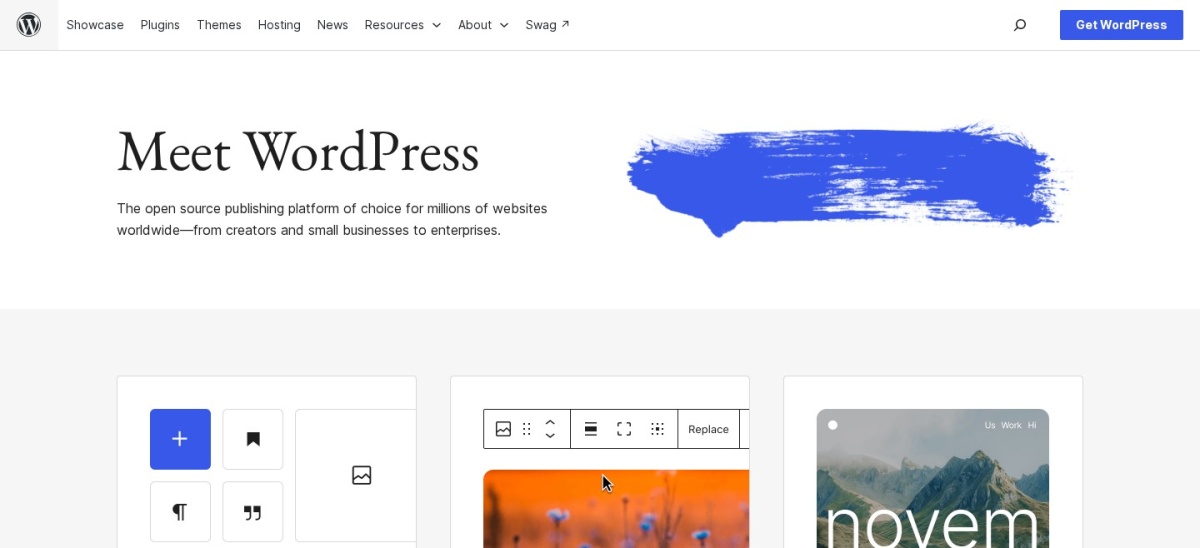
WordPress is the free, open-source software behind about 43 percent of all websites. It gives you full ownership of your content, themes and database, with the largest plugin catalogue anywhere, and you can move the whole site to any host.
The trade off is that hosting, maintenance and security are yours to arrange. You pay for hosting and a domain separately, and a page builder such as Elementor is usually needed to match Webflow's visual editing. It suits owners who want control and no lock-in.
What we like
Free software with full export and no lock-in
Powers about 43 percent of all websites
Largest plugin and theme catalogue anywhere
Largest G2 review base here, 9,545 reviews
Watch out for
Hosting, updates and security are your job
Needs a page builder for visual editing
No official support; help comes from the community
Best for small businesses that want a site live fast
Free planYes
Paid planLight, $17/mo
Templates900+
Custom domainLight plan and up
wix.com
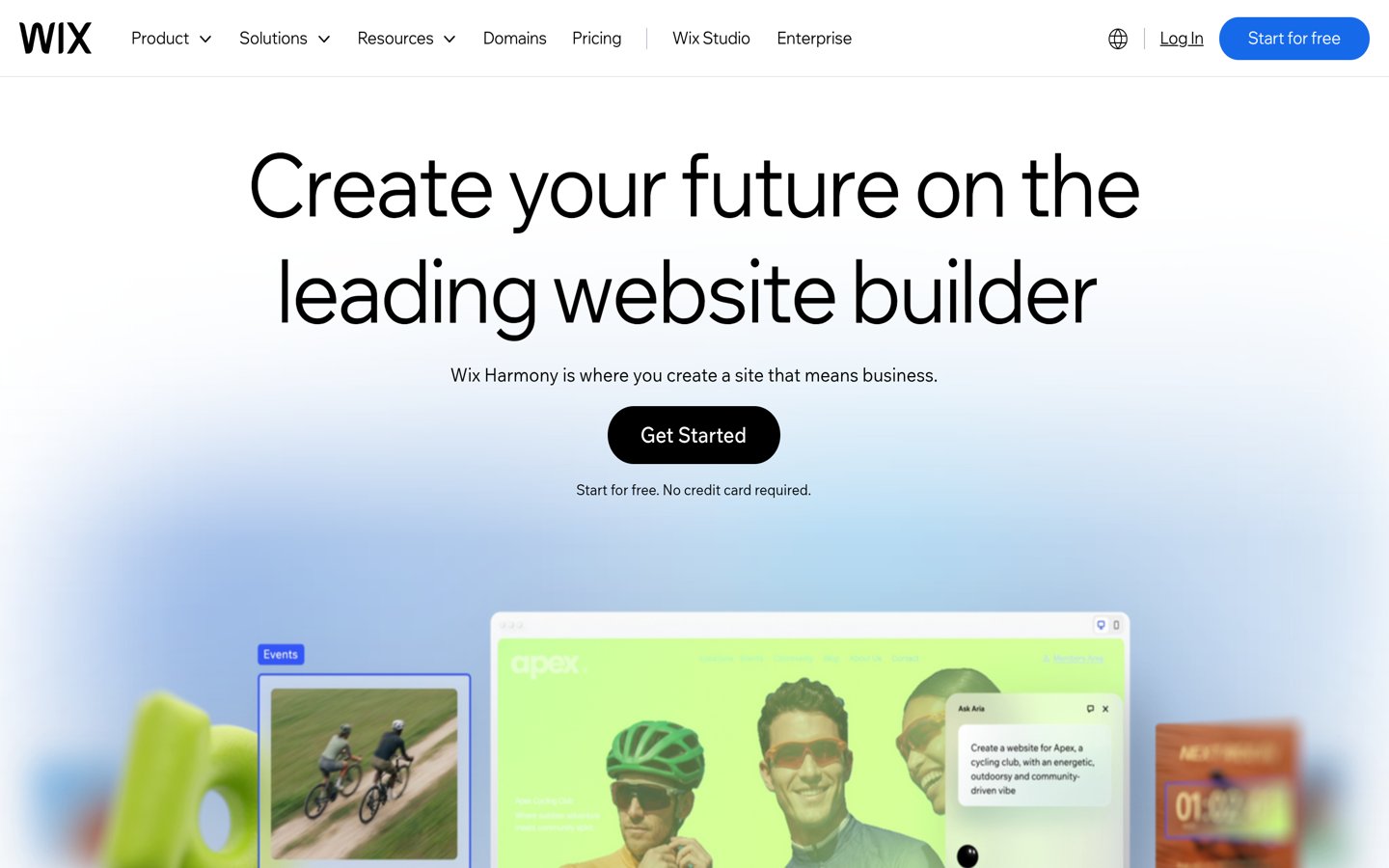
Wix homepage, captured Nov 2026.
Wix is the website builder most small businesses reach for first, with more than 900 free templates, a drag-and-drop editor and built-in marketing tools. The free plan covers a basic site, while Light at $17 a month adds a custom domain and removes Wix branding.
The trade off is control and exit. You cannot export a Wix site to another platform, and selling needs Core at $29 a month. It suits small businesses and solo owners who want a polished site live this week.
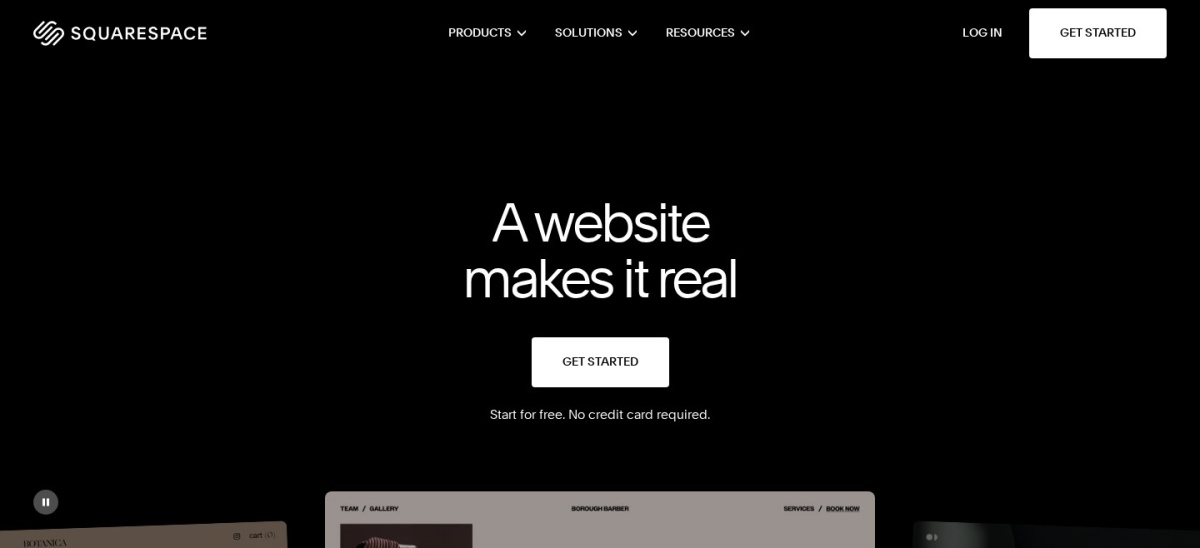
Squarespace is a design-led builder with some of the best-looking templates in this list, covering portfolios, stores and small business sites. Personal costs $19 a month billed annually, with a free domain for a year, and the editor keeps design decisions simple.
The trade off is flexibility. There is no free plan, only a trial, and moving a Squarespace site elsewhere exports content only, not the design. It suits solo founders and creatives who want polish without decisions.
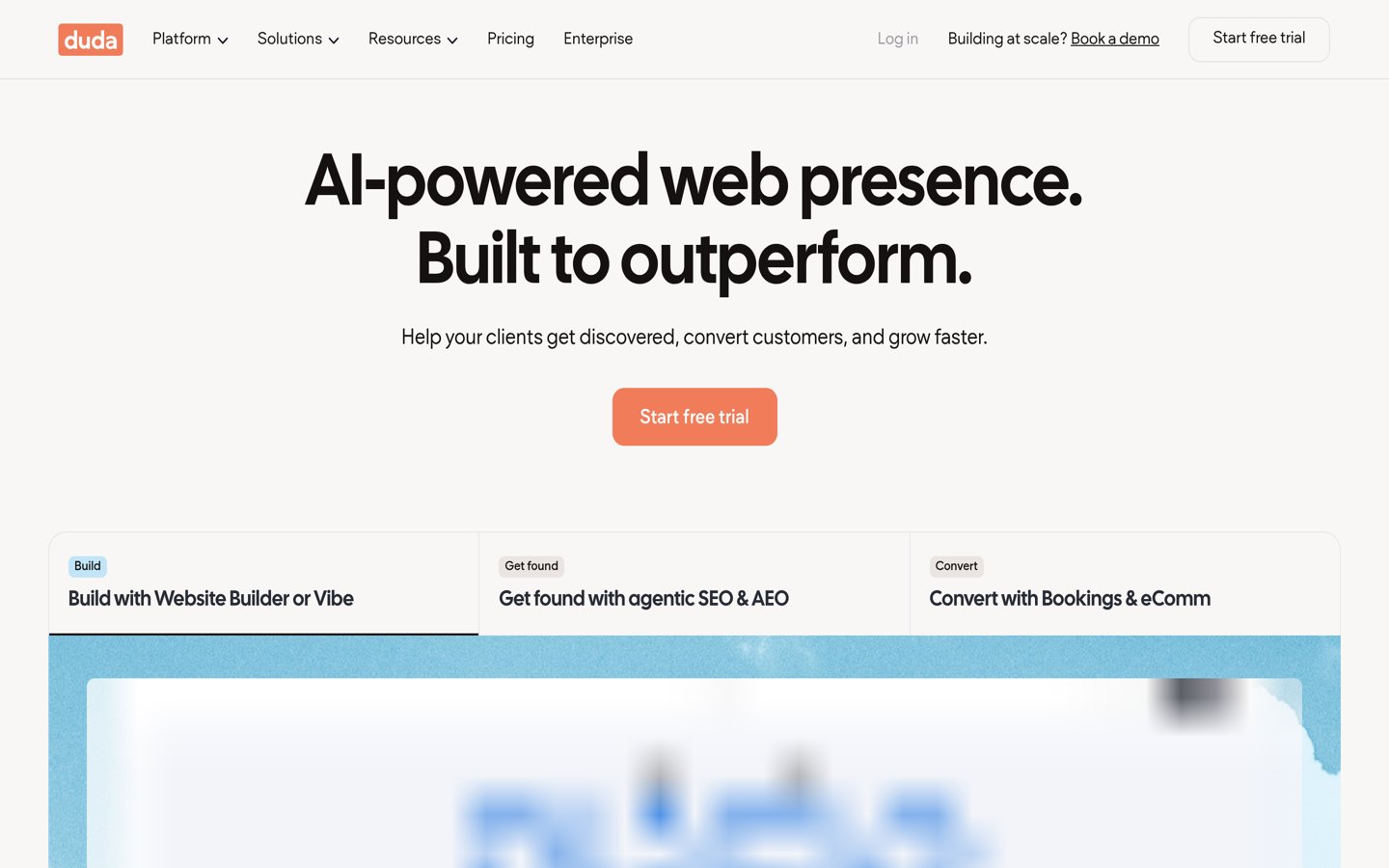
Duda is a website builder built for agencies and web professionals, with white labelling, client permissions and a dashboard for managing many sites at once. Basic costs $19 a month per site, with Team at $29 and Agency at $52 for four sites.
The trade off is price for single sites. Agencies save time across many clients, but one site costs more than Wix or Framer, and there is no free plan, only a 14-day trial. It suits agencies that build and manage sites for clients.
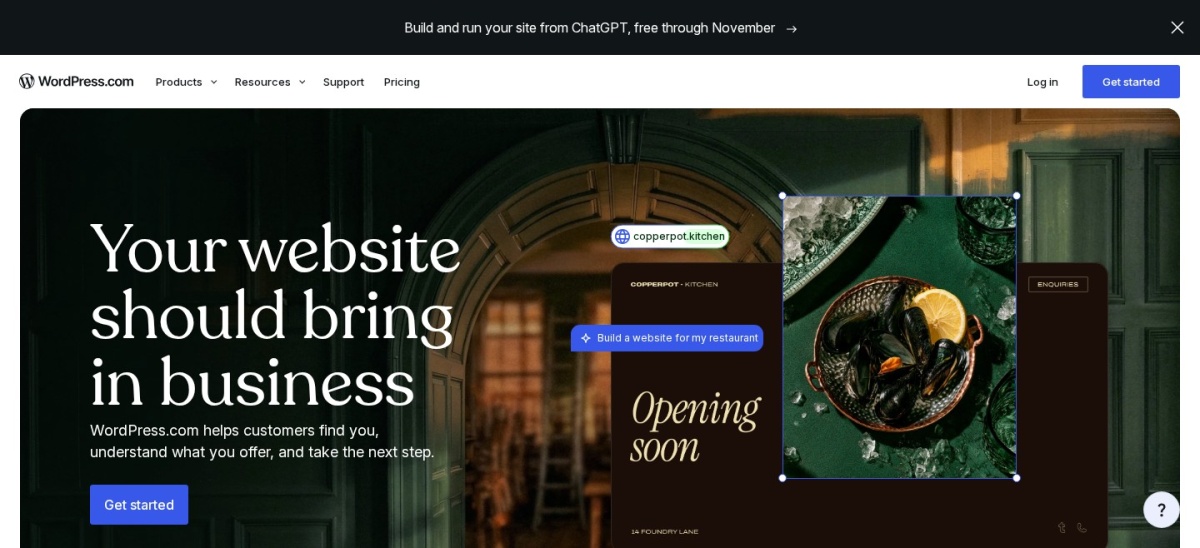
WordPress.com is the hosted version of WordPress, with managed hosting, security and updates included. Its Personal plan starts at $4 a month billed annually, and the free plan covers a basic site on a WordPress subdomain, with no plugins on the free tier.
The trade off is the same as WordPress itself: plugins need the $25 Business plan, and the editor is simpler than Webflow's canvas. It suits bloggers and content sites that want managed WordPress without running a server.
Shopify is the ecommerce platform most stores choose, with themes, payments, inventory and apps in one place. Basic costs $29 a month and covers an online store with unlimited products, while the app store adds whatever the core lacks.
The trade off is that it is a store first and a design tool second. The editor is simpler than Webflow's canvas, and apps and transaction fees add to the bill. It suits anyone whose site exists mainly to sell.
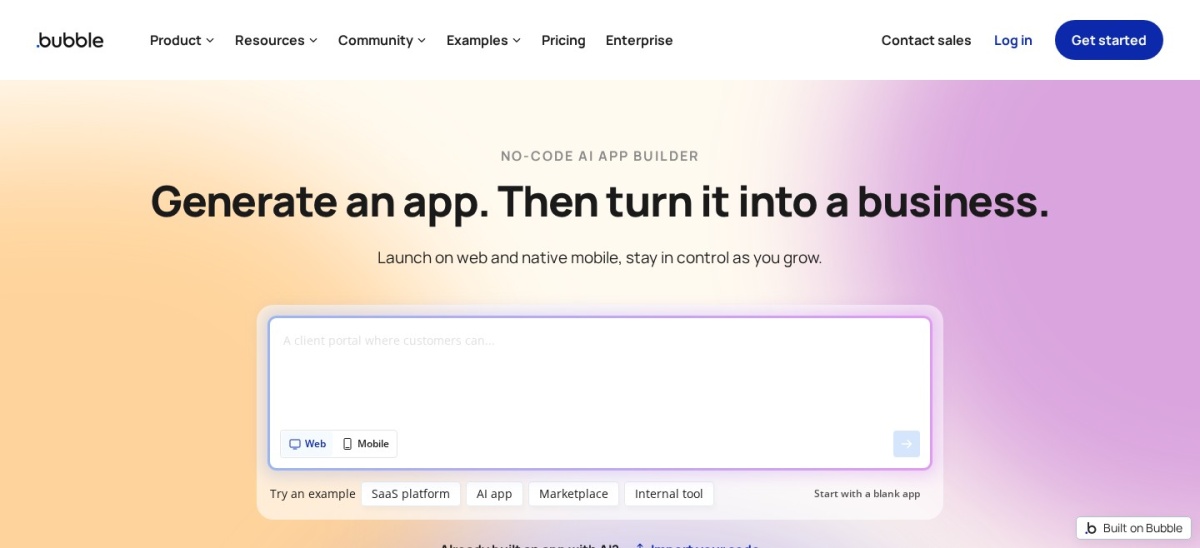
Bubble is the only tool here that builds real web apps, with a visual editor, database and workflows for logins, payments and dashboards. Starter costs $32 a month billed annually for web-only apps, with a free plan to learn the tool.
The trade off is the learning curve and the price model. Bubble takes longer to learn than a site builder, and workload-based pricing can rise as your app grows. It suits founders building an app, not just a marketing site.
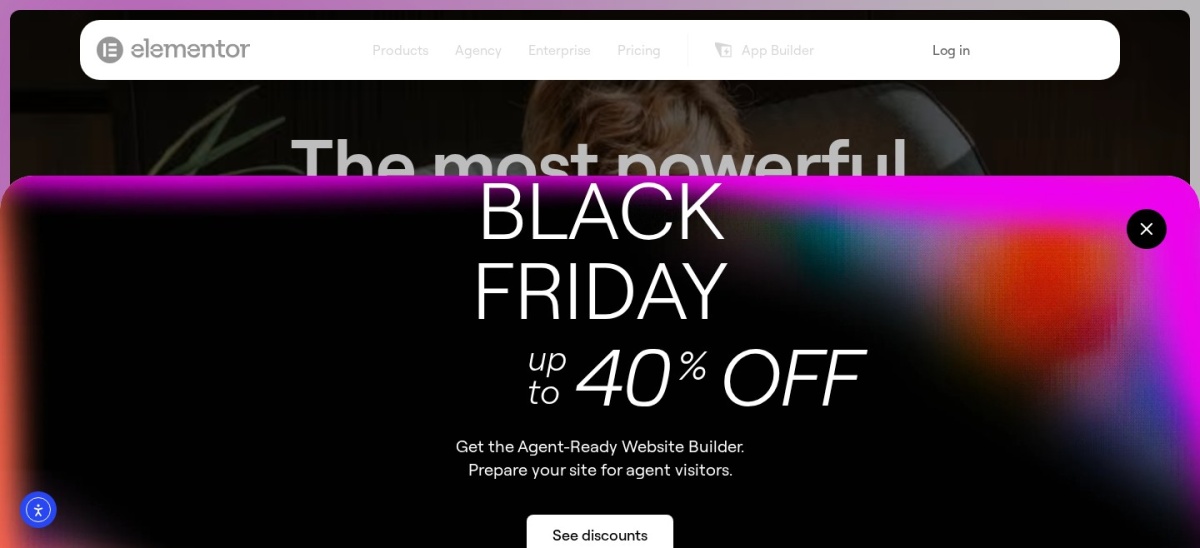
Elementor is a visual page builder for WordPress that brings drag-and-drop design to the free software. The free plugin covers basic pages, while Essential costs $59 a year for one site and adds the theme builder, forms and popups.
The trade off is that it needs WordPress and hosting underneath, so the total cost is the $59 licence plus hosting. It suits WordPress owners who want Webflow-style editing without leaving WordPress.
Webflow sites do not export cleanly to another builder. You can export HTML and CSS, but the CMS content and interactions need rebuilding by hand.
Framer has no code export either, so moving from Webflow to Framer trades one closed platform for another, with a faster editor as the payoff.
WordPress is the only tool here with full export. Its themes, content and database move with you, which is why teams worried about lock-in pick it.
Before you switch, list the Webflow features you use daily, then check each one against the new tool, since CMS limits and form handling differ most.
How we chose
We started from the website builders most often named as Webflow replacements in 2026 comparisons, then kept those with a verifiable G2 rating and published pricing.
Prices come from each vendor's pricing page, checked on 29 November 2026, and ratings and review counts come from G2 on the same day. Where a vendor shows a sale, the list shows the regular price.
We left out builders with no public rating and tools that only build apps. No vendor paid for a place, and we do not claim hands-on testing for this list.
How to choose a Webflow alternative
Start with the sites you actually build, then match the tool to that work.
List the Webflow features you use daily. CMS collections, interactions, forms and hosting matter most, since those are the parts that differ between builders.
Decide how much lock-in you accept. WordPress exports everything, while Framer, Wix and Squarespace keep your design in their platform, so pick ownership if you may move.
Add up the whole year, not the headline price. Count every site, editor seat and add-on, and check renewal prices, since intro prices often rise after the first term.
Build one real page before you pay. Use the free plan or trial to rebuild a page you already have, and check that the CMS, forms and mobile layout behave as you need.
FAQ
What is the best Webflow alternative in 2026?
Framer is the best Webflow alternative for designers, with a visual canvas, CMS and hosting from $10 a month and a 4.5 out of 5 G2 rating. WordPress is the best pick if you want full ownership and no lock-in.
Is Framer cheaper than Webflow?
Yes, at the entry level. Framer Basic costs $10 a month billed yearly, while Webflow Basic costs $15 a month billed yearly. Both charge per site, and Framer adds editor seats while Webflow adds workspace seats, so compare the total for your team.
Can I move my Webflow site to another builder?
You can export the HTML and CSS, but not the CMS content, forms or interactions, so a move means rebuilding those parts. WordPress is the only tool here that imports and exports the whole site, which is why it is the usual escape route.
Which Webflow alternative is best for beginners?
Wix is the easiest start, with more than 900 templates and a drag-and-drop editor from $17 a month. Squarespace is the best-looking option for a portfolio or small business site, from $19 a month.
Is WordPress really free compared to Webflow?
The WordPress software is free, but you still pay for hosting, a domain and usually a theme or builder, so a small site often costs $5 to $15 a month all in. WordPress.com Personal costs $4 a month and includes hosting.
Framer vs Wix: which is better than Webflow?
Framer is better for design-led marketing sites and landing pages, with finer control over layout and animation. Wix is better for small businesses that want a site live fast with bookings, payments and marketing built in.
SaaS SEO and WordPress specialist with about 8 years of experience. Rakib compares WordPress plugins, themes, hosting and software using public pricing, documentation and user reviews. See how we rank.