Best Website Development Software in 2026: 9 Tools Compared
WLWPLegible EditorsLast verified 24 Nov 2026How we rank8 min read
★ Short answer
Webflow is the best website development software for most teams, with a visual editor that outputs real code, a proper CMS and hosting from $15 a month. WordPress is the best free option, and Wix is the fastest way for a small business to get a site live.
How we make this list: we compare pricing pages, product documentation and public user reviews, then re-check every price before each update. No product paid for a place. Disclosure.
Webflow is the best all-round pick for designer-built sites, with a visual editor, CMS and hosting from $15 a month.
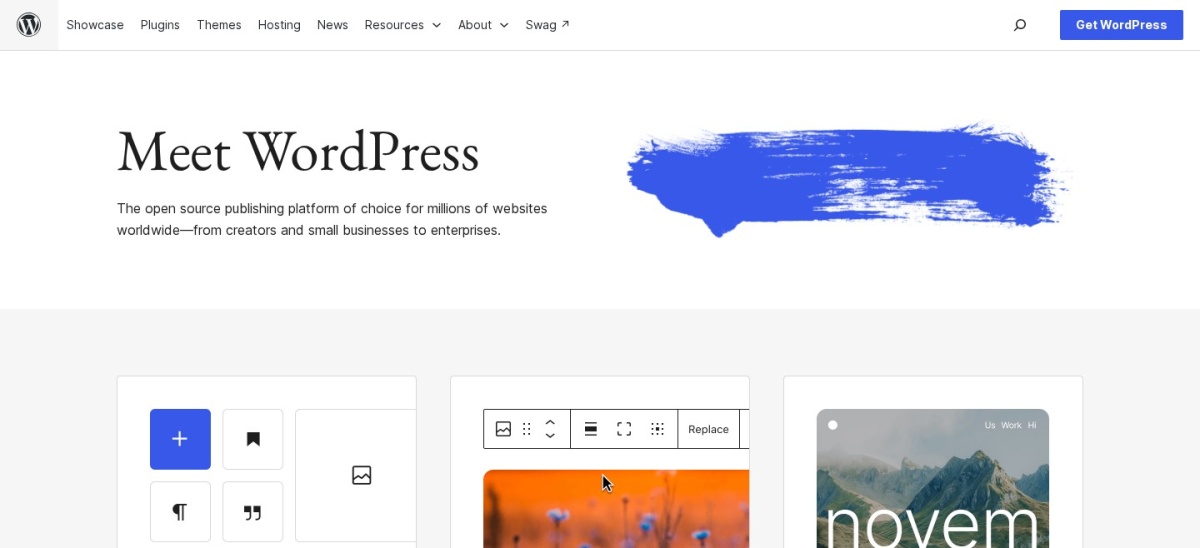
WordPress is free software with full ownership and the largest plugin catalogue, but hosting and maintenance are separate.
Wix is the fastest way for a small business to get a polished site live, from $17 a month with a free plan.
Framer Basic at $10 a month is the cheapest paid site plan, and Elementor Pro costs $59 a year for one WordPress site.
Bubble is the only tool here that builds real web apps, with Starter for web-only apps at $32 a month billed annually.
What website development software should cover
Website development software covers everything from drag-and-drop builders to no-code app platforms. The right pick depends on what the site has to do: a brochure site, a blog, a store or a full web app.
All-in-one builders such as Wix and Squarespace include hosting, templates and support in one subscription. Open-source WordPress is free software, but hosting, security and updates are your job or your host's.
Designer tools such as Webflow and Framer give far more control over layout, animation and content structure, but they ask for more learning time and charge per site.
Prices here are the cheapest paid plan on annual billing, checked in November 2026. Free plans are real on most tools, but custom domains, CMS features and e-commerce usually need a paid plan.
Webflow is a visual website builder that turns designs into production websites with real HTML, CSS and JavaScript. The Designer gives pixel-level control, the CMS handles blogs and case studies, and hosting, SSL and a global CDN are included in the site plan.
The trade off is the learning curve and the two-axis billing. Basic costs $15 a month billed yearly with no CMS, and Premium with the CMS costs $25 a month, while team seats are billed separately. It suits designers and marketing teams that want a custom site without writing code.
WordPress is the free, open-source software behind about 43% of all websites. It gives full ownership of the site, the content and the data, with more than 60,000 plugins covering forms, SEO, booking, membership and e-commerce through WooCommerce.
The trade off is that you run it yourself. The software is free, but hosting costs roughly $5 to $50 a month, and you handle updates, security and backups unless your host does. It suits content-heavy sites, blogs and anyone who wants to own the site outright.
Best for small businesses that want a site live fast
Free planYes
Entry planLight, $17/mo billed yearly
App market800+ apps
Storage2 GB on Light
wix.com
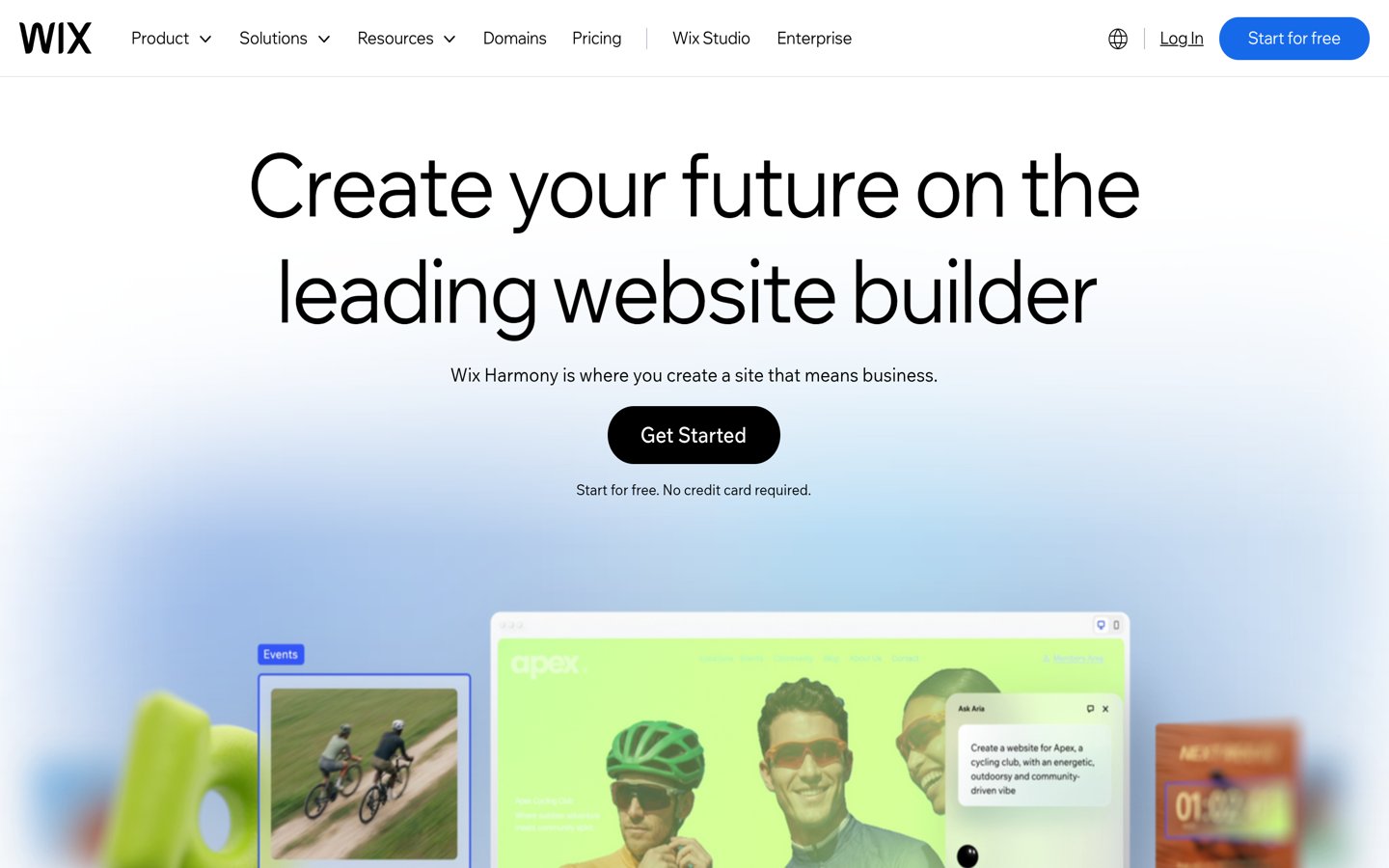
Wix homepage, captured Nov 2026.
Wix is an all-in-one website builder for small businesses and solo owners. Pick a template or let the AI builder generate a site, drag elements anywhere, and add bookings, a store or a blog from the app market without touching code.
The trade off is design freedom with limits. Light costs $17 a month billed annually for a custom domain, but selling needs Core at $29 a month, and moving a Wix site elsewhere is hard. It suits owners who want a polished site live this week without technical help.
What we like
Fastest path to a live small-business site
Free plan to start
Large app market for bookings and stores
AI builder generates a first draft
Watch out for
Selling needs the $29 Core plan
Hard to move a site off Wix
Templates cannot be switched after publishing
Core adds e-commerce, bookings and 50 GB storageVisit wix.com
04
Squarespace
4.4/5on G2 (1,133 reviews, checked Nov 2026)
Starts at$19/mo
Best design-led templates
Free planNo, 14-day trial
Entry planBasic, $19/mo billed yearly
TemplatesDesign-led, curated
CommerceBuilt in, with fees on Basic
squarespace.com
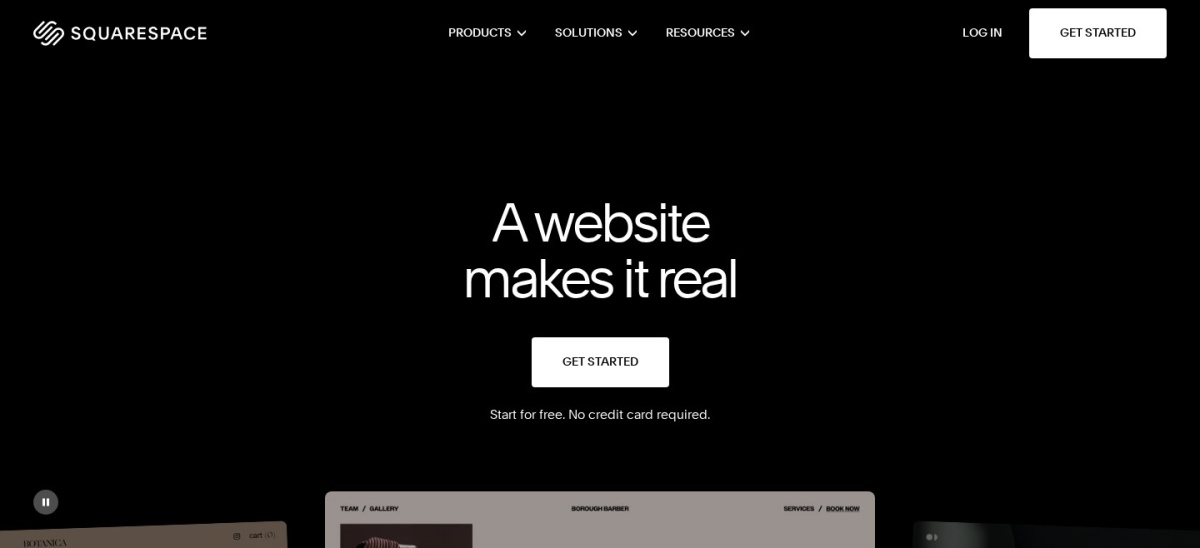
Squarespace homepage, captured Nov 2026.
Squarespace is a design-led website builder for creatives, studios, restaurants and service businesses. Its templates look professionally art-directed out of the box, with strong typography and spacing, and blogging, scheduling and commerce are built in.
The trade off is less flexibility than Wix or WordPress. Basic costs $19 a month billed annually and covers a polished site with blogging and basic commerce, but there is no free plan, only a 14-day trial. It suits businesses where the site itself is part of the brand.
Framer is a visual website builder for designers and marketing teams shipping high-design landing pages and product sites. Design in Figma-style tools, add animations and interactions, and publish to fast hosting with built-in analytics and SEO controls.
The trade off is the per-site pricing. Basic costs $10 a month billed yearly for 30 pages and 1,000 CMS items, and each extra editor costs $20 a month. It suits designers who want a site that looks designed and loads fast, without a developer.
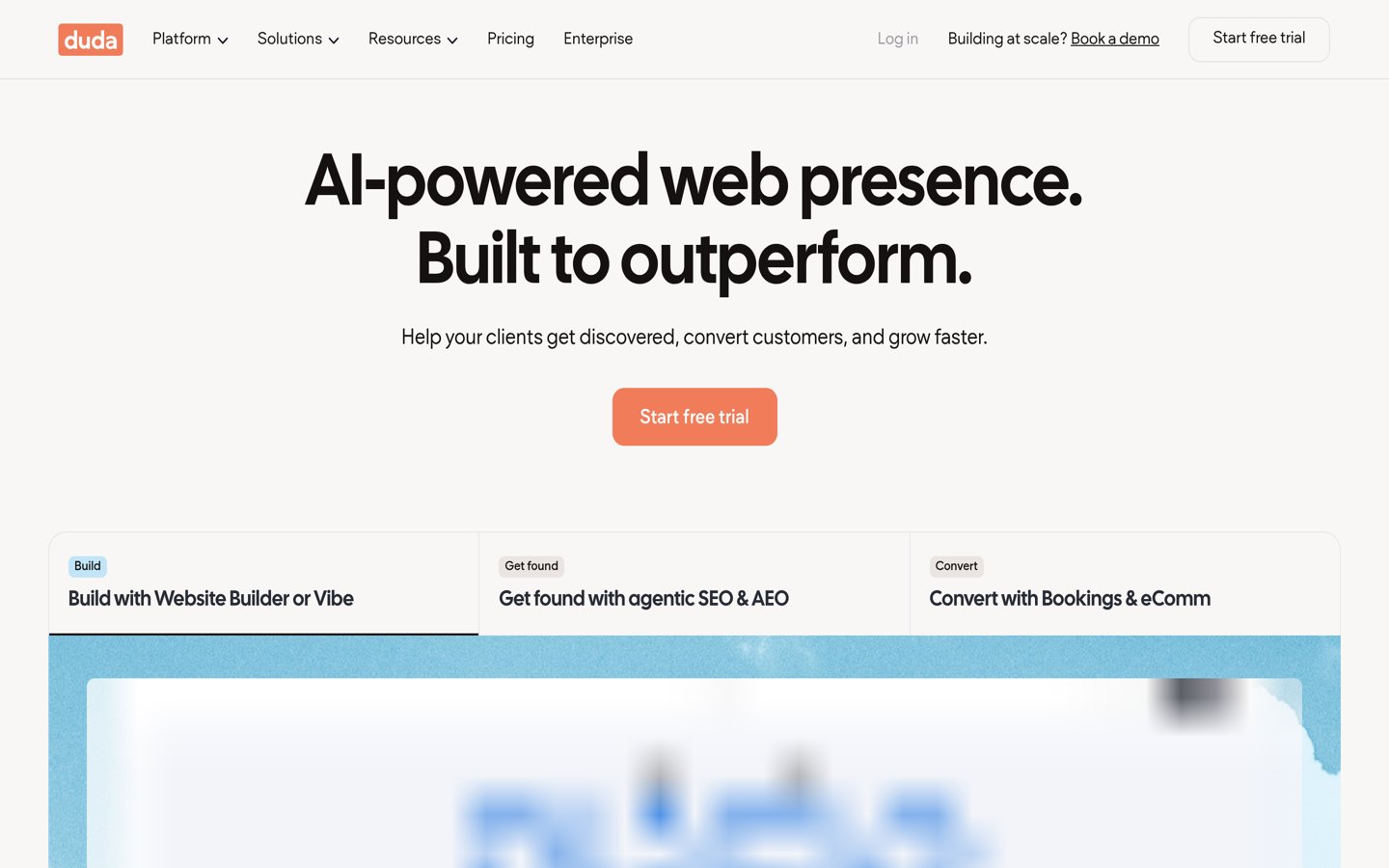
Duda is a website builder for agencies and freelancers who build sites for clients. It covers responsive design, client management, reusable templates and sections, white-labeling and team collaboration, with hosting on AWS included in every plan.
The trade off is the price rise and the agency focus. Basic costs $19 a month billed annually for one site, after an October 2026 price change, and there is no free plan, only a 14-day trial. It suits agencies that build many client sites and want white-label tools.
What we like
Built for agencies and client work
White-labeling on higher plans
Reusable templates and sections
Highest G2 rating in this list at 4.6
Watch out for
No free plan, only a 14-day trial
Prices rose in October 2026
Extra sites cost more per month
Agency adds 4 sites, 6 seats and priority supportVisit duda.co
07
Elementor
4.4/5on G2 (421 reviews, checked Nov 2026)
Paid from$59/yr
Best visual builder for WordPress
Free planYes
Entry planPro, $59/yr for 1 site
Active installs10 million+
WordPress.org rating4.5 out of 5
elementor.com
Elementor homepage, captured Nov 2026.
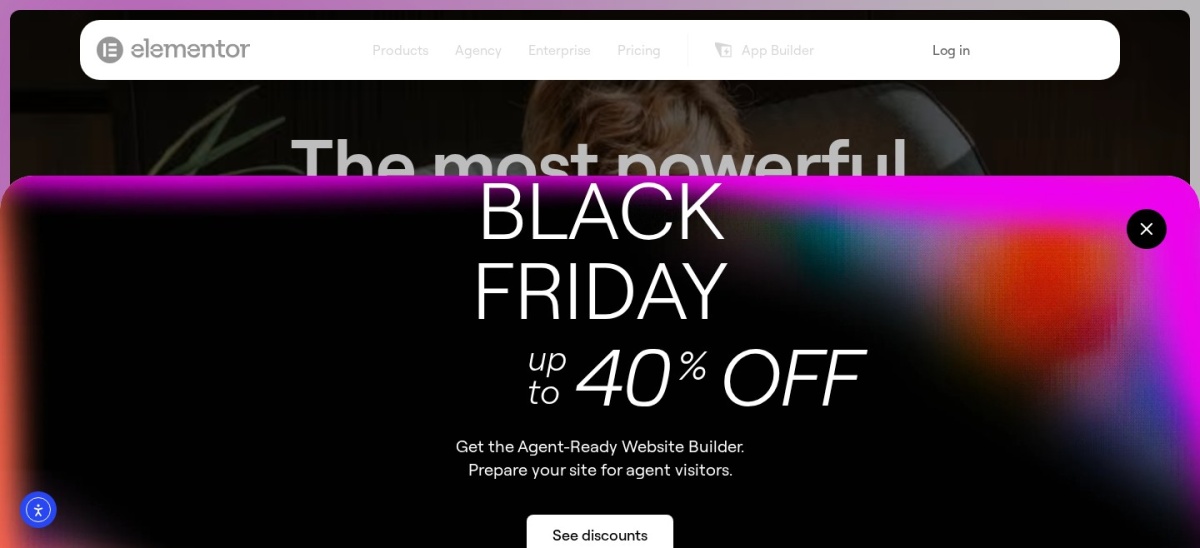
Elementor is a visual page builder plugin for WordPress, used on more than 10 million sites. Drag sections, widgets and templates onto the page, design headers and footers with the Theme Builder, and publish without writing code.
The trade off is that it needs WordPress and a paid plan for the best parts. The free plugin covers the core builder, and Pro costs $59 a year for one site with the Theme Builder and form builder. It suits WordPress users who want visual design without changing themes.
Shopify is an e-commerce platform that also builds the website around the store. It covers product pages, checkout, payments, shipping, taxes and discounts, with themes and an app store for everything from subscriptions to print on demand.
The trade off is that it is a store first. Basic costs $29 a month billed annually, and payment processing fees plus paid apps add to the bill. It suits businesses whose site exists mainly to sell physical products with shipping and tax to manage.
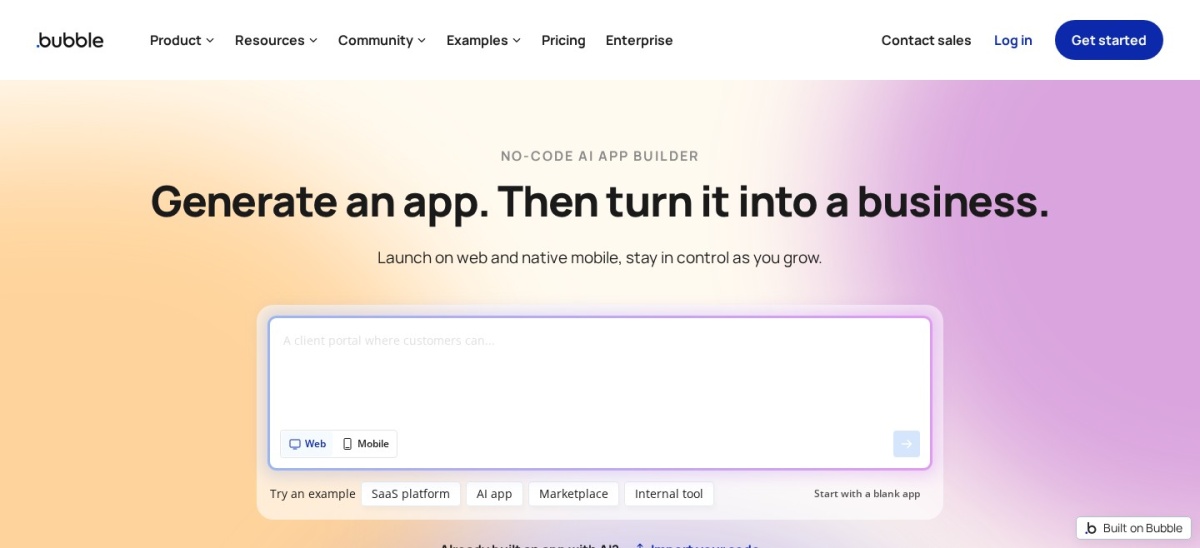
Bubble is a no-code platform for building web apps, not just websites. It combines a visual editor, a workflow engine and a built-in database, so founders can launch marketplaces, directories and SaaS products without writing code.
The trade off is price and complexity. Starter for web-only apps costs $32 a month billed annually, and the bill is driven by workload units that measure server work. It suits founders building a real web app who want to launch without a developer.
What we like
Builds real web apps, not just pages
Visual editor plus database and workflows
Free plan for learning and prototyping
Large plugin and template marketplace
Watch out for
Workload-unit billing is hard to predict
Starter price rose in October 2026
Learning curve is steep for complex apps
Growth adds more capacity, editors and version controlVisit bubble.io
Free vs paid: what you give up
Free plans are genuinely useful for learning and prototyping. Webflow Starter, Wix free, Framer free and Bubble free all let you build and preview a site before paying.
The first thing a paid plan buys is a custom domain. Free plans publish on a vendor subdomain with vendor branding, which is fine for a draft but not for a business site.
The second thing is the CMS. Webflow Basic has no CMS at all, so blogs and case studies need Premium at $25 a month. Framer Basic includes 1,000 CMS items.
The third is selling. Wix needs Core at $29 a month to take payments, and Shopify needs Basic at $29 a month. Budget for the plan that matches the job, not the cheapest one.
How we chose
We started from the website builders and development tools with published pricing and public reviews on G2 or WordPress.org, then kept those with a useful free plan or a clear entry price.
Prices come from each vendor's pricing page, checked in November 2026. Ratings and review counts come from G2 on the same period. Where a vendor shows a sale, the list shows the regular price.
We left out code-only editors and frameworks, which need a developer, and tools with no published price. No vendor paid for a place, and we do not claim hands-on testing for this list.
How to choose website development software
Start with what the site has to do, then price the plan that actually does it.
Decide what the site has to do. A brochure site needs a builder, a blog needs a CMS, a store needs checkout, and a web app needs Bubble or a developer.
Check the free plan limits first. Custom domains, CMS items and e-commerce usually need a paid plan. Build a draft on the free plan and see what it blocks.
Price the plan that fits, not the cheapest. Webflow Premium, Wix Core and Shopify Basic are the plans most sites actually end up on, and each costs more than the entry tier.
Publish one real page before you commit. Build the homepage and one content page, connect the domain and check speed on mobile. If that flow works, the tool fits your team.
FAQ
What is the best website development software?
Webflow is the best website development software for most teams. Its visual editor outputs real code, the Premium plan adds a proper CMS, and hosting starts at $15 a month billed yearly. It is rated 4.4 out of 5 on G2.
Is there free website development software?
Yes. WordPress software is free, and Webflow, Wix, Framer, Elementor and Bubble all offer free plans. The limits are usually custom domains, CMS items and e-commerce, so check those before you choose.
What is the cheapest website builder?
Framer Basic is the cheapest paid site plan at $10 a month billed yearly, followed by Webflow Basic at $15 and Wix Light at $17. Elementor Pro costs $59 a year for one WordPress site.
Should I use WordPress or a builder like Wix?
Use Wix or Squarespace if you want a site live fast with no technical work. Use WordPress if you want full ownership, the largest plugin catalogue and no ceiling on what the site can become.
What is the difference between Webflow and Framer?
Webflow is stronger for content-heavy marketing sites with a CMS, while Framer is faster for high-design landing pages and product sites. Webflow Basic costs $15 a month and Framer Basic $10 a month billed yearly.
Can I build a web app without code?
Yes. Bubble lets you build marketplaces, directories and SaaS products with a visual editor, workflows and a built-in database. Starter for web-only apps costs $32 a month billed annually.