Best Web Content Management Software in 2026: 9 Tools Compared
WLWPLegible EditorsLast verified 24 Nov 2026How we rank13 min read
★ Short answer
WordPress is the best web content management software for most sites: free, open-source software rated 4.4/5 on G2 from more than 9,500 reviews. Pick Webflow for design-led sites and HubSpot Content Hub if you want the CMS and CRM in one place.
How we make this list: we compare pricing pages, product documentation and public user reviews, then re-check every price before each update. No product paid for a place. Disclosure.
WordPress is the top pick: free, open-source software rated 4.4/5 on G2 from 9,557 reviews, with no licence fee.
Webflow Premium now costs $25 a month billed yearly, up from the old $23 CMS plan, and it is the best design-led option.
Sanity is the highest rated at 4.7/5 on G2, with a free plan covering 20 seats and Growth at $15 per seat a month.
Contentful is the most expensive entry here at $300 a month for Lite, while Ghost Starter is the cheapest paid plan at $9 a month.
Seven of the nine tools have a free plan. Squarespace and HubSpot Content Hub do not, starting at $16 and $20 a month.
What to look for in web content management software
A content management system is where pages, blog posts, images and menus live. Editors should be able to publish without asking a developer, and the site should stay fast as content grows.
There are three shapes. Hosted builders such as Webflow and Squarespace bundle hosting and editing. Self-hosted software such as WordPress is free to install, and you arrange hosting. Headless tools such as Sanity and Contentful store content and send it to any front end through an API.
Price is hard to compare directly. Some tools charge per site, some per seat and some per member, so check what the cheapest paid plan actually includes. Our CMS market share guide shows how the wider market divides between these approaches.
Ratings help, but check the review count too. Ghost scores 4.0/5 on G2 from only 40 reviews, while WordPress scores 4.4/5 from more than 9,500, so the second figure is a much firmer signal.
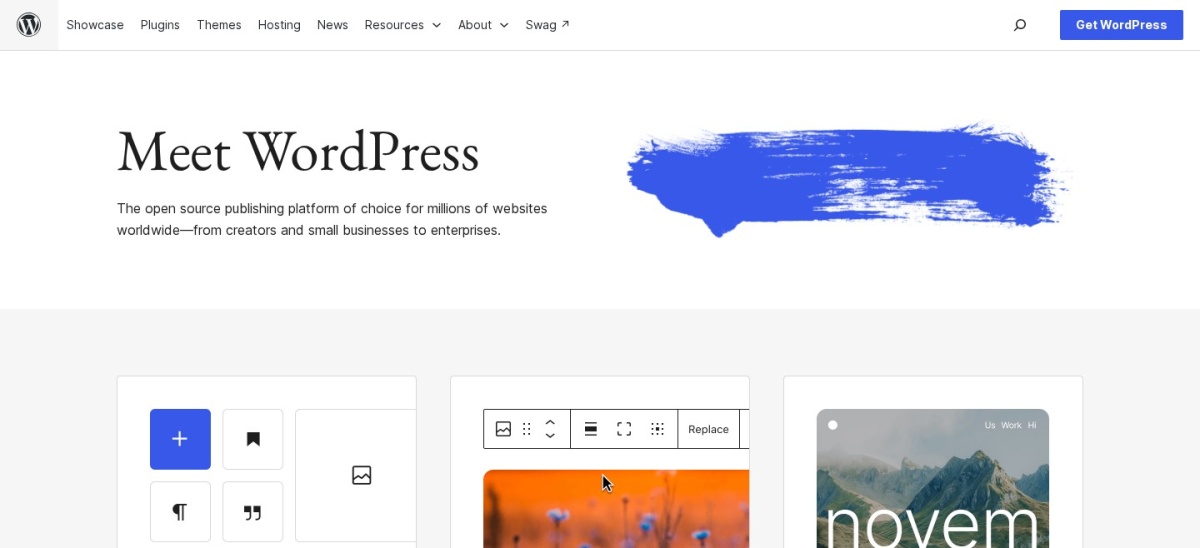
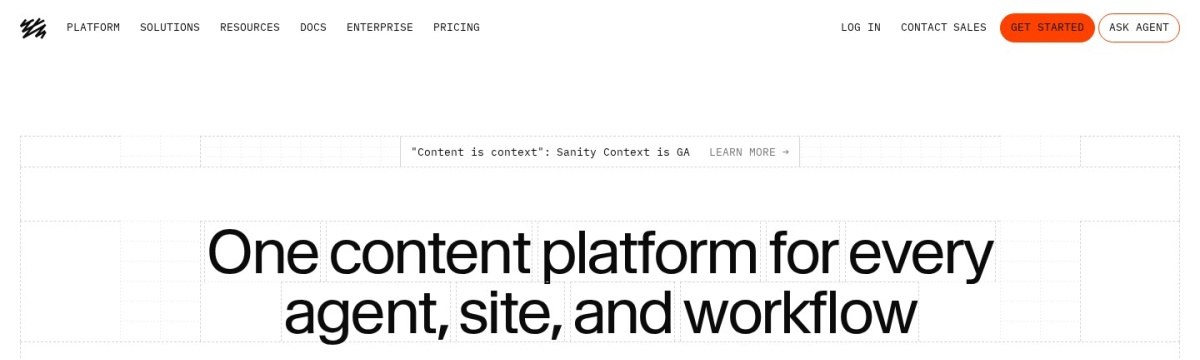
WordPress is free, open-source software that runs blogs, business sites, stores and large publisher sites from the same block editor. You install it on hosting of your choice, pick a theme, and add plugins for forms, SEO, memberships or online selling.
The trade off is maintenance. You handle updates, backups and security yourself or pay a host to do it, and a site with many plugins needs regular care. It suits almost any site where you want full control and no licence fee.
What we like
Free software with no licence fee
Largest theme and plugin ecosystem
Rated 4.4/5 on G2 from 9,557 reviews
Runs anything from a blog to a large store
Watch out for
You arrange and pay for hosting separately
Updates, backups and security are your job
Plugin-heavy sites need regular care
Paid costs are hosting, a domain and any premium themes or pluginsVisit wordpress.org
02
Webflow
4.4/5on G2 (997 reviews, checked Nov 2026)
Paid from$25/mo
Best for design-led websites
Free planYes, Starter
Paid planPremium, $25/mo
Site searchOn Premium
EditorVisual, no code
webflow.com
Webflow homepage, captured Nov 2026.
Webflow is a visual website builder with a CMS and hosting built in. Designers build pages on a canvas, editors change text and images in the CMS, and the site runs on Webflow hosting with a custom domain and SSL.
The trade off is price and change. The CMS plan is now called Premium at $25 a month billed yearly, up from $23, and the learning curve is steeper than a simple builder. It suits design-led marketing sites and blogs that want custom layouts without code.
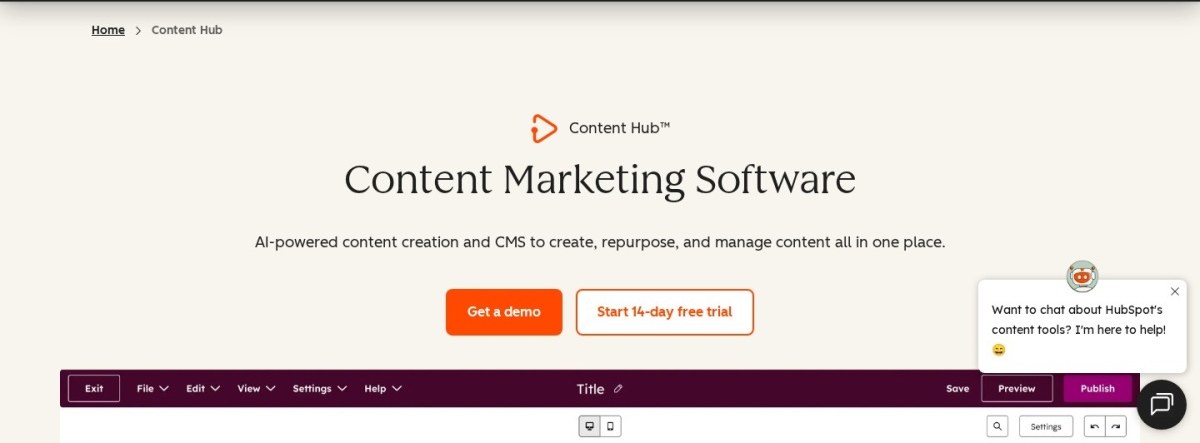
HubSpot Content Hub is a CMS built on the HubSpot CRM, so pages, blog posts, landing pages and forms share the same contact data. Starter includes a drag-and-drop editor, premium hosting, live chat and the content library, with HubSpot branding removed.
The trade off is cost as you grow. Starter is $20 a month, but A/B testing, smart content and adaptive testing sit on Professional, so the bill climbs with the features. It suits marketing teams that already use HubSpot and want one login for content and contacts.
What we like
CMS, CRM and marketing in one place
Rated 4.5/5 on G2 from 2,205 reviews
Drag-and-drop editor with premium hosting
Contact data shared across pages and forms
Watch out for
A/B testing needs Professional
Costs climb as features are added
Less design freedom than Webflow
Professional adds A/B testing, smart content and adaptive testingVisit hubspot.com
04
Squarespace
4.4/5on G2 (1,137 reviews, checked Nov 2026)
Starts at$16/mo
Best for polished sites with no designer
Paid planBasic, $16/mo
Free planNo, 14-day trial
Custom domainFree for a year
BlogBuilt in
squarespace.com
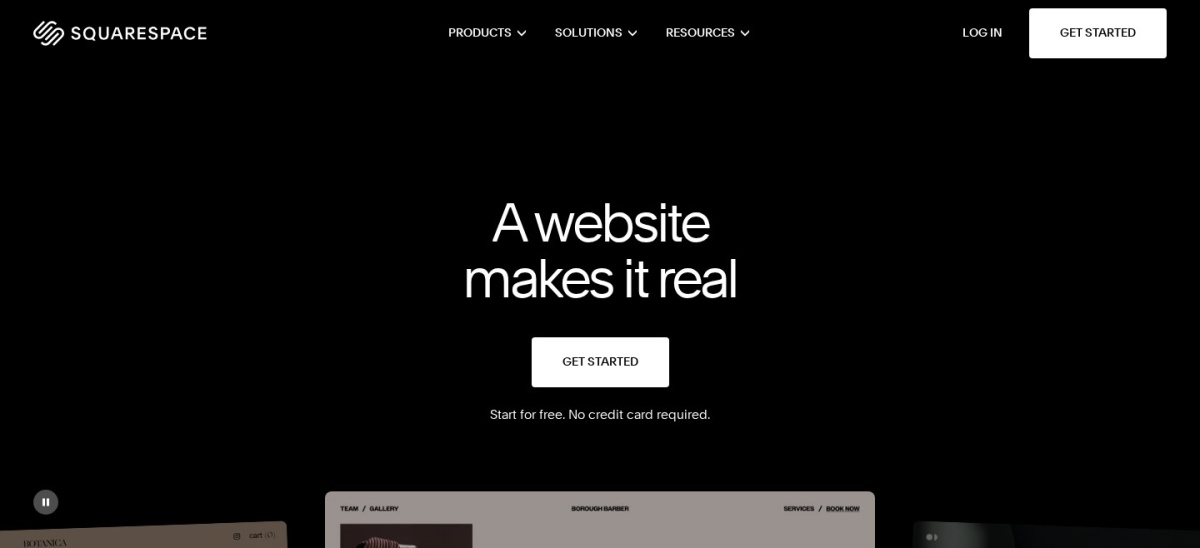
Squarespace homepage, captured Nov 2026.
Squarespace is an all-in-one website builder that bundles hosting, SSL, a content delivery network and a domain name into every plan. The Basic plan at $16 a month billed yearly covers a site, portfolio or blog with design-led templates and built-in analytics.
The trade off is flexibility. There is no free plan, only a 14-day trial, and selling needs a higher plan or a transaction fee, so costs rise with a store. It suits small businesses, creators and portfolios that want a polished site fast.
Sanity is a headless CMS that keeps content models as code in the repository, so schemas go through pull requests and deploy with the application. Editors get real-time multiplayer editing and live previews, and the Free plan covers 20 seats, 10,000 documents and 100 GB of bandwidth a month.
The trade off is the gap to Enterprise. The Media Library and governance features sit on the custom Enterprise plan, and editors depend on developers for structural changes. It suits engineering-led teams that want the CMS under version control.
Contentful is an API-first headless CMS that stores content once and delivers it to websites, apps, email and screens through REST and GraphQL APIs. The Free plan covers 10 users, 2 locales and 100,000 API calls a month, while Lite at $300 a month adds scheduled publishing, live collaboration and comments for 20 users.
The trade off is the jump between plans. Lite still includes only a Starter Space, and AI Actions, personalization and SSO sit on the custom Enterprise plan, so costs climb as API calls and locales grow. It suits teams building a composable stack who want a proven content layer with a published price.
What we like
Most widely adopted headless CMS in this list
Free plan plus a published $300-a-month Lite plan
Scheduled publishing and live collaboration on Lite
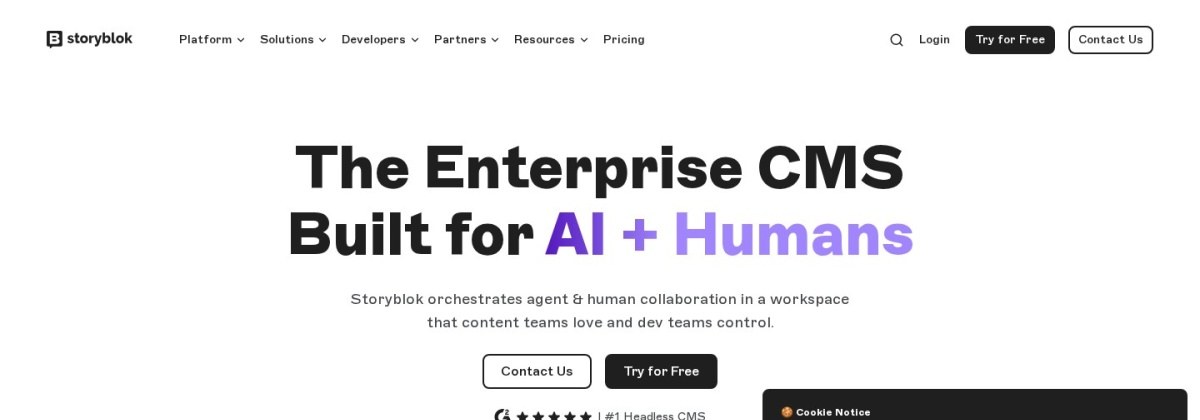
Storyblok is the headless CMS that marketers like, because its visual editor lets them build pages from reusable blocks and see the result live without asking a developer. Growth costs $99 a month, or $90.75 billed annually, with 1 million API requests and 400 GB of traffic.
The trade off is that component schemas are defined in the interface rather than in code, so keeping them in step with the frontend takes discipline. Bandwidth caps and Enterprise-only features such as S3 backups can force a big plan jump. It suits marketing teams that want visual editing on a headless CMS.
What we like
Visual editor marketers can use without developers
Rated 4.5/5 on G2 from 633 reviews
Growth includes 1M API requests and 400 GB traffic
45-day Growth Plus trial, plus a free Starter plan
Watch out for
Schemas live in the UI, not in code
Bandwidth limits can force a plan jump
Reviewers report slow support on production incidents
Framer is a design-led website builder with a built-in CMS, so designers draw the site and editors fill it with content. The free plan includes 10 CMS collections, 1,000 pages and one free locale, and paid plans add a custom domain, more collections and AI credits.
The trade off is that Framer is built for marketing sites and landing pages, not for shops or complex apps, so bigger projects outgrow it. It suits designers and small teams who want a polished site live fast without code.
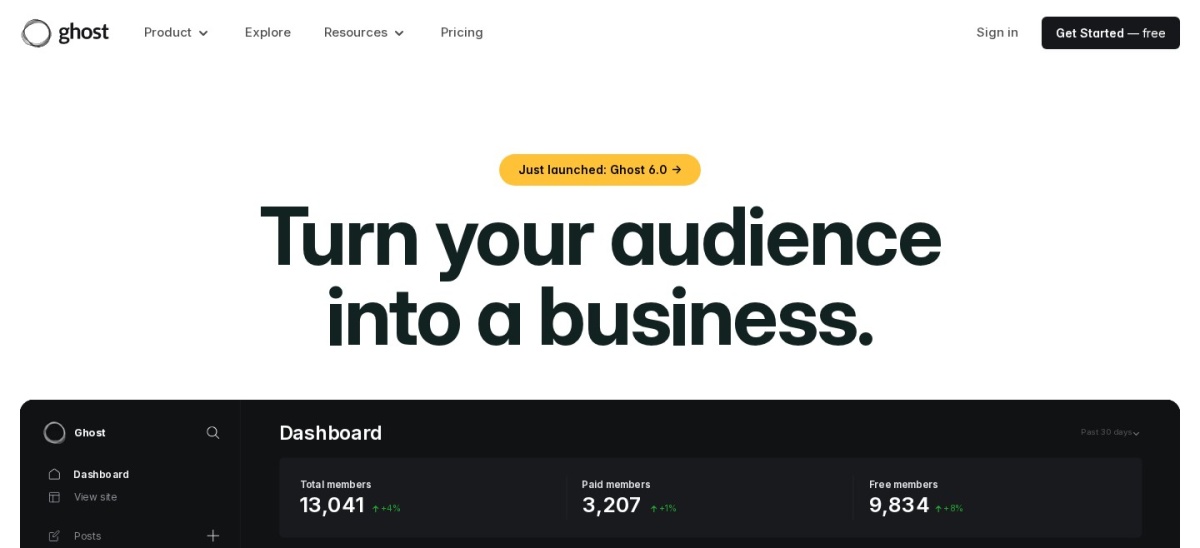
Ghost is an open-source publishing platform built for blogs, newsletters and paid memberships. The editor is plain and fast, members and email delivery are built in, and Ghost takes no cut of membership revenue. Ghost(Pro) Starter costs $9 a month billed yearly for up to 500 members.
The trade off is scope. Ghost is a publishing tool, not a general website builder, so shops and complex page layouts need another tool or custom work. It suits writers and publishers who want a fast blog with newsletters and paid members in one place.
What we like
Fast, plain editor built for publishing
Memberships and newsletters built in
Cheapest paid plan in this list at $9 a month
Open source, with no revenue cut on members
Watch out for
Lowest G2 rating here at 4.0/5, from 40 reviews
Not a general website builder
Starter covers only 1 staff user
Creator and Team plans add more members and staff usersVisit ghost.org
Hosted vs self-hosted vs headless: which route fits
Hosted builders fit teams that want one bill and no maintenance. Webflow, Squarespace and HubSpot Content Hub run the hosting, so editors publish and the vendor keeps the site up.
Self-hosted software fits teams that want full control and no licence fee. WordPress is free to install, but hosting, updates and backups are your job or your host's job.
Headless tools fit teams that already have developers and a front end. Sanity, Contentful and Storyblok deliver content through an API, so the same entry can feed a website, an app and an email campaign.
If you run WordPress and want the headless route, read our headless WordPress guide before you split the front end from the CMS.
How we chose
We started from the tools buyers shortlist most often for general web content management in 2026: the hosted builders, the free open-source platforms, the headless CMSs and the publishing-first option, Ghost.
Prices come from each vendor's pricing page, checked on 24 November 2026, except where noted in the draft notes. Ratings and review counts come from G2 on the same day. Where a vendor shows a sale, the list shows the regular price.
We left out enterprise-only suites with no published price and tools aimed at one niche. No vendor paid for a place, and we do not claim hands-on testing for this list.
How to choose web content management software
Start with who edits content every day, then check what your team already runs.
Count the editors and the content types. A small blog needs one editor and a few page types. Many authors, approvers and languages need roles, workflows and a plan that covers them.
Decide who hosts and maintains the site. Hosted tools bundle that work into the bill. Self-hosted WordPress is free software, but hosting and updates are a separate cost.
Check the cheapest paid plan, not the headline. Per-site, per-seat and per-member pricing land very differently. Work out the yearly cost for your team size before you shortlist.
Try the editor before you commit. Most of these tools have a free plan or trial. Publish a real page, add an image and change a menu, and see how long it takes.
FAQ
What is the best web content management software?
WordPress is the best pick for most sites: free, open-source software rated 4.4/5 on G2 from 9,557 reviews, with no licence fee. Webflow is best for design-led sites, and HubSpot Content Hub is best if you want the CMS and CRM together.
Which CMS is best for beginners?
Squarespace is the easiest way to get a polished site live without a designer, at $16 a month billed yearly. WordPress is free but needs hosting and more setup, so it suits beginners who are willing to learn.
What is the cheapest web CMS?
WordPress is free to install, with hosting as the only required cost. Among hosted plans, Ghost Starter at $9 a month billed yearly is the cheapest paid plan in this list.
What is a headless CMS?
A headless CMS stores content and delivers it through an API to any front end, instead of rendering the pages itself. Sanity, Contentful and Storyblok work this way, so one entry can feed a website, an app and other channels.
Is WordPress free?
Yes, the WordPress software itself is free and open source. You still pay for hosting, a domain name and any premium themes or plugins you choose.
Which CMS is best for SEO?
Any of these tools can rank well with good content and clean pages. WordPress has the deepest SEO plugin ecosystem, while Webflow gives designers direct control over page structure and metadata.