Miro is the best visual planning software tool, with an infinite canvas, a free plan with three editable boards, plus top marks from more than 8,000 reviewers. Lucidchart suits teams that want diagrams and visuals in one suite, while Mural fits facilitated workshops.
How we make this list: we compare pricing pages, product documentation and public user reviews, then re-check every price before each update. No product paid for a place. Disclosure.
Miro leads with the widest board library, a free plan and a 4.7 rating from 8,159 G2 reviewers.
Lucidchart is the diagramming pick, with Individual at $9 a month billed yearly and 8,614 G2 reviews.
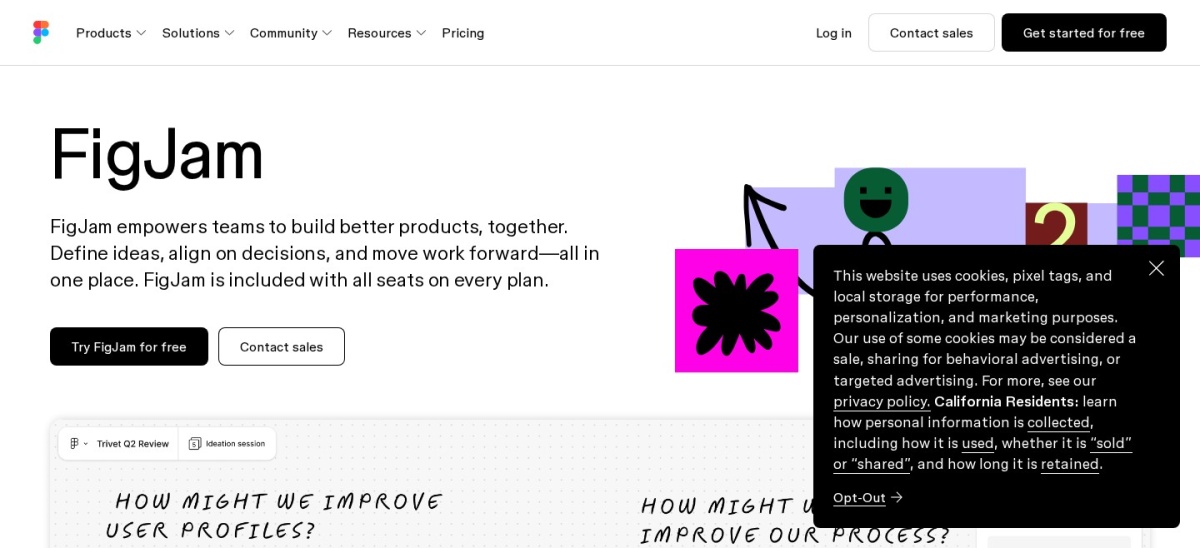
FigJam is the cheapest paid seat at $3 an editor a month, and viewers join free.
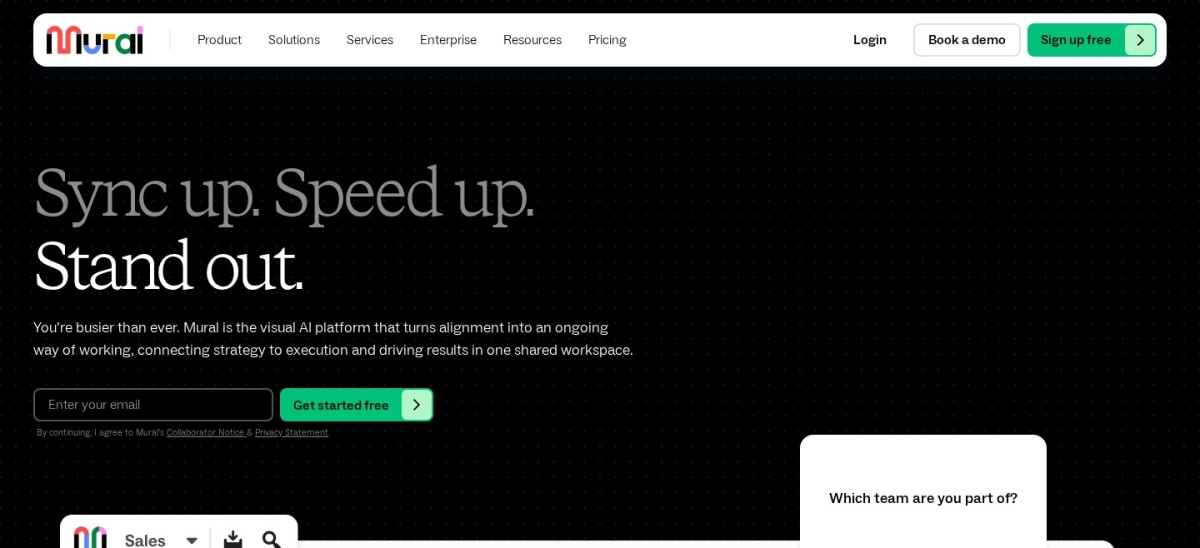
Mural is the workshop pick, with timers, voting and private rooms from $9.99 a member a month.
MindMeister charges in euros, and Boardmix's 4.5 rating rests on only 22 reviews, so read the fine print before choosing.
What are visual planning software tools, and how do you choose them?
Visual planning software turns plans into pictures. Teams map projects, processes and ideas on shared boards and diagrams instead of long documents, so everyone sees the same plan at a glance.
Whiteboards and diagram tools are not the same thing. A whiteboard is a freeform canvas for brainstorming and workshops, while a diagram tool draws structured flowcharts, org charts and process maps. The best pick in this guide, Miro, does both, but most tools lean one way.
The free plan decides the real cost. Miro, Mural and Lucidchart all give three free boards or documents, which is enough to test but not to run a team. Our guide to the best whiteboard software compares the free plans in more detail.
Price per seat is the number that matters. A $5 seat looks cheap until the team grows to 20, so multiply the per-seat price by your team size and check whether viewers are free before comparing tools.
List prices in each vendor's currency, checked Nov 2026
FigJamFREE$36
CreatelyFREE$60
BoardmixFREE$60
MindMeisterFREE€72
MiroFREE$96
LucidchartFREE$108
LucidsparkFREE$108
MuralFREE$120
WhimsicalFREE$120
The 9 best visual planning software tools
01
Miro
4.7/5on G2 (8,159 reviews, checked Nov 2026)
Paid from$8/member/mo
Best overall visual planning tool
Free plan3 editable boards
Paid planStarter, $8/member/mo
BoardsUnlimited on paid plans
Trial14-day Business trial
miro.com
Miro homepage, captured Nov 2026.
Miro is the best-known online whiteboard, built for teams that plan visually together in real time. The infinite canvas holds sticky notes, diagrams, wireframes and documents on one board, with a free plan that gives three editable boards and a Starter plan at $8 a member a month when billed annually.
The trade off is that the free plan is small. Three editable boards run out fast on an active team, and the Business plan at $20 a member a month is where most of the advanced features live. It suits product, design and workshop teams that live on shared boards.
Lucidchart is a diagramming tool for teams that need flowcharts, org charts, ER diagrams and process maps drawn to a professional standard. It pairs a clean drawing canvas with data linking, so diagrams can pull live data from spreadsheets and update automatically.
The trade off is the free plan. Three editable documents with about 60 shapes each run out fast, and the Team plan at $10 a user a month needs at least three seats. It suits teams that document processes and systems visually.
Mural is a visual collaboration tool built for facilitated workshops and design thinking sessions. Facilitators get timers, voting, private rooms and hundreds of templates, with a free plan that gives three editable murals and a Team+ plan at $9.99 a member a month billed annually.
The trade off is the price jump. Business at $17.99 a member a month is where most facilitation features live, and the free plan is thin for regular workshops. It suits design, research and agile teams that run structured sessions.
FigJam is Figma's whiteboard, built for design teams that sketch, brainstorm and plan next to their Figma files. Sticky notes, stamps, widgets and simple diagrams sit on an infinite canvas, and viewers can join any board for free while only editors pay.
The trade off is depth. FigJam is simpler than Miro or Mural, with fewer templates and no native diagramming depth, and some sources list the Professional seat at $5 rather than $3. It suits teams already paying for Figma who want one tool for everything.
Whimsical is a fast visual workspace for flowcharts, wireframes, sticky notes and docs in one place. Its clean, minimal canvas makes diagrams in minutes, with a free plan for personal use and a Pro plan at $10 an editor a month billed annually.
The trade off is scale. Whimsical is built for speed rather than enterprise workshops, and the review base is thin at just over 100 G2 reviews. It suits small teams and startups that want diagrams without the learning curve.
Lucidspark is Lucid's virtual whiteboard, built for brainstorming and planning that later becomes a diagram. Sticky notes, freehand drawing and breakout boards sit on an infinite canvas, and boards move into Lucidchart when the team is ready to formalise them.
The trade off is the smaller ecosystem. Lucidspark has fewer templates and integrations than Miro, and its Individual price was read from a review listing rather than the vendor pricing page. It suits teams already using Lucidchart who want a matching whiteboard.
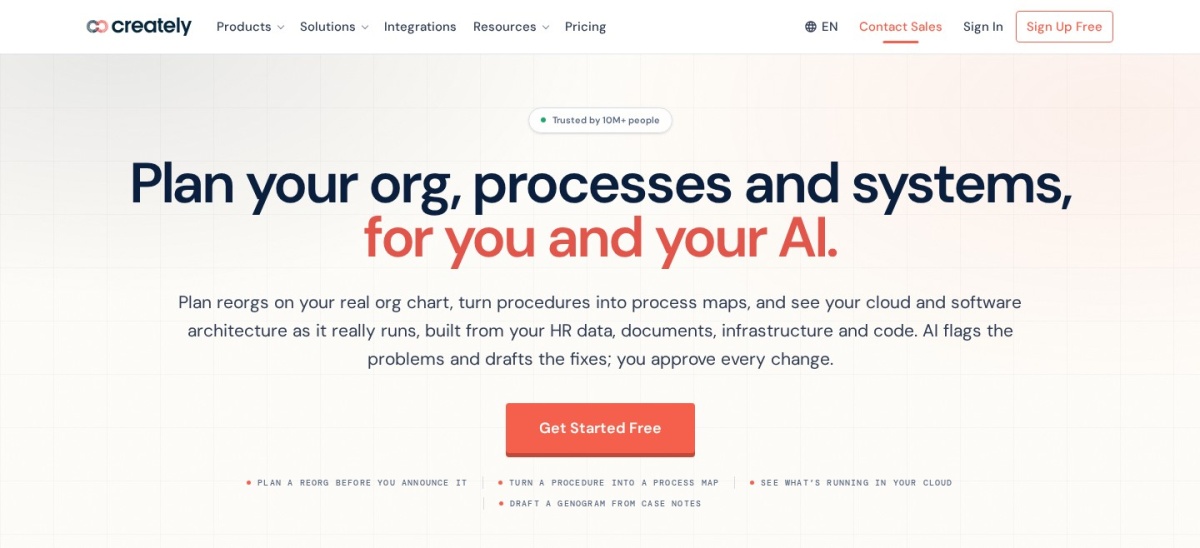
Creately is a visual workspace for diagrams, whiteboards and data, with more than 50 diagram types from flowcharts to org charts. The free plan gives 45 shapes per diagram, and the Personal plan at $5 a month is one of the cheapest paid plans here.
The trade off is polish. Creately's interface is busier than Whimsical or FigJam, and one source reports prices are no longer shown on its plans page. It suits small teams that want many diagram types for very little money.
MindMeister is a dedicated mind mapping tool for teams that plan visually as branching maps rather than boards. It covers brainstorming, project planning and note taking, with a free plan for three mind maps and a Personal plan at €6 a user a month.
The trade off is scope and currency. MindMeister does mind maps and little else, and its prices are in euros, so the dollar cost moves with the exchange rate. It suits teams that think in maps and want a focused tool.
Boardmix is a budget whiteboard from the team behind Edraw, built for teams that want Miro-style boards at a lower price. The infinite canvas covers brainstorming, diagrams and presentations, with a free plan and a Starter plan at $5 a member a month billed annually.
The trade off is the thin review base. Boardmix has only 22 G2 reviews, the fewest here, so its 4.5 rating rests on very little evidence. It suits cost-conscious teams willing to try a newer tool.
Choose a whiteboard when the work is open-ended. Brainstorms, retrospectives, design workshops and journey mapping all need a freeform canvas where anyone can add a note anywhere.
Choose a diagram tool when the output has a fixed shape. Flowcharts, org charts, network diagrams and ER diagrams need connectors, grids and shape libraries that a whiteboard cannot match.
Many teams end up with both. Miro covers the whiteboard side and Lucidchart the diagram side, and Lucidspark exists precisely to bridge the two inside the Lucid suite.
How we chose
We started from the whiteboard and diagram tools with the largest G2 and Capterra review bases, then kept the nine with a clear visual planning use and a public rating.
Prices come from each vendor's pricing page, checked on 30 November 2026, or, where the page hides its figures, from review listings that read the vendor page. Ratings and review counts come from G2 or Capterra on the same day.
We left out tools with no reliable public rating. No vendor paid for a place, and we do not claim hands-on testing for this list.
How to choose visual planning software
Match the tool to the work: workshops, diagrams or quick sketches.
Decide whiteboard or diagram first. Miro, Mural and FigJam are whiteboards for workshops and brainstorming. Lucidchart, Creately and MindMeister are diagram tools for structured maps. Pick the shape of your work before the brand.
Count editors, not viewers. Most tools charge only for editors, so a 20-person team may need only five paid seats. FigJam and Miro both let viewers join free, which changes the real bill.
Test the free plan with a real session. Run one actual workshop or draw one real process map on the free plan. Three free boards are enough to learn whether the canvas fits your team.
Check the export and integration list. Boards that cannot export to PDF or PNG trap your work, and a tool without Slack, Teams or Jira links will sit apart from the rest of your stack.
FAQ
What are the best visual planning software tools?
Miro is the best overall pick, with an infinite canvas, a free plan with three editable boards and a 4.7 rating from 8,159 G2 reviewers. Lucidchart is the better choice for structured diagrams, and Mural leads for facilitated workshops.
How much does visual planning software cost?
Paid plans start at $3 an editor a month with FigJam and $5 with Creately and Boardmix. Miro starts at $8 a member a month billed annually, Lucidchart at $9 a month and Mural at $9.99 a member. Every tool here has a free plan.
Is there free visual planning software?
Yes. Every tool in this list has a free plan, though most limit you to three boards or documents. Miro, Mural and Lucidchart all give three free editable boards or documents, and FigJam gives three free files.
What is the difference between Miro and Lucidchart?
Miro is a whiteboard for freeform planning, workshops and brainstorming on an infinite canvas. Lucidchart is a diagramming tool for structured flowcharts, org charts and process maps. Teams that need both often pair Miro with Lucidchart or use Lucidspark.
Which visual planning tool is best for workshops?
Mural is the best pick for workshops, with timers, voting, private breakout rooms and hundreds of facilitation templates. Miro is a close second with a wider template library, while FigJam suits quick design-team sessions.
Is FigJam really $3 a month?
Figma lists the Collab seat at $3 an editor a month billed annually, but some review sites list the Professional seat at $5. The $3 figure is the Collab seat on Figma's pricing page, and the $5 figure appears in G2's pricing listing, so check the plan name before buying.
SaaS SEO and WordPress specialist with about 8 years of experience. Rakib compares WordPress plugins, themes, hosting and software using public pricing, documentation and user reviews. See how we rank.