VMware Workstation Pro is the best VirtualBox alternative for most people: it is now free for all uses and rated 4.5 out of 5 on G2 from 140 reviews. Mac users should pick free VMware Fusion Pro or Parallels Desktop, while Hyper-V suits Windows-only setups.
How we make this list: we compare pricing pages, product documentation and public user reviews, then re-check every price before each update. No product paid for a place. Disclosure.
VMware Workstation Pro and Fusion Pro are both free for all uses now, after Broadcom dropped licence fees.
Parallels Desktop is the only paid desktop pick here at $99.99 a year, with a 14-day trial and no free plan.
Hyper-V costs nothing extra on Windows 11 Pro, but it only runs on Windows hosts.
Proxmox VE, QEMU and KVM are free and open source, but they need more setup than the desktop tools.
CrossOver is not a full VM: it runs some Windows apps on Mac and Linux without Windows, from $74 a year.
What should you look for in VirtualBox alternatives?
Your host operating system decides most of the list. Mac users choose between Fusion Pro and Parallels, Windows users get Hyper-V for free, and Linux users get KVM built in.
Free does not mean weak here. Six of the eight tools cost nothing, and the two VMware desktop hypervisors were paid products until Broadcom made them free.
The real cost is often the guest licence, not the hypervisor. Windows guests need a Windows licence in every tool on this list, and our guide on installing WordPress on Windows shows the kind of Windows workload people test in a VM.
Server tools and desktop tools solve different problems. Proxmox VE and KVM run whole labs on dedicated hardware, while Workstation Pro, Fusion Pro and Parallels run VMs beside your everyday apps.
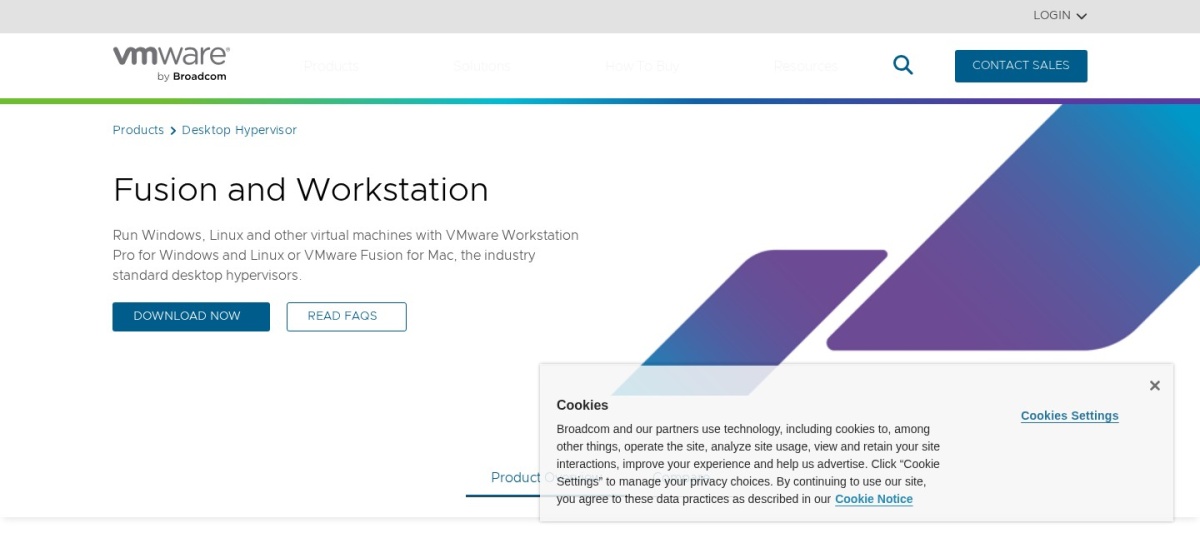
VMware Workstation Pro homepage, captured Nov 2026.
VMware Workstation Pro is the closest desktop replacement for VirtualBox, running Windows and Linux virtual machines on Windows and Linux hosts. It is now free for personal, educational and commercial use, with no licence key, and includes snapshots, clones, virtual networking and shared folders.
The trade off is support and downloads. Broadcom sells no support contracts for Workstation Pro, and downloads need a Broadcom Support Portal account with an export-compliance check. It suits developers and IT staff who want a polished desktop hypervisor without paying for it.
VMware Fusion Pro is the Mac twin of Workstation Pro, running Windows and Linux guests on Intel and Apple silicon Macs. It is free for personal, educational and commercial use, with no licence key, and includes snapshots, clones and virtual networking.
The trade off is the same as Workstation Pro: no paid support, and downloads go through the Broadcom Support Portal, which reviewers call slow to navigate. It suits Mac users who want a full desktop hypervisor for free and can live without vendor help.
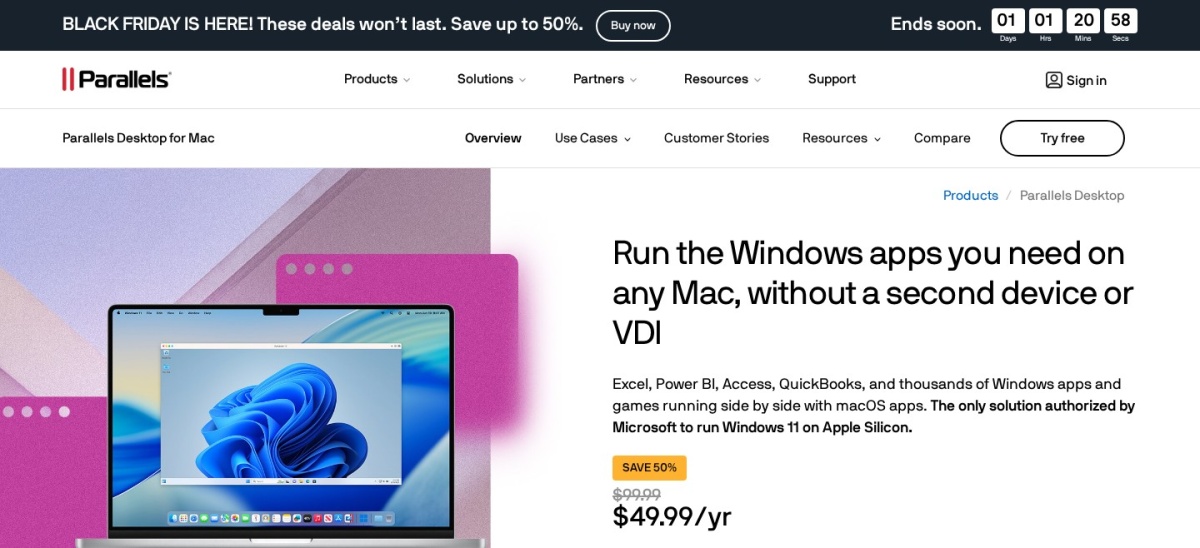
Parallels Desktop is the easiest way to run Windows on a Mac, with Windows apps sitting beside Mac apps in Coherence mode. The Standard edition costs $99.99 a year, and Microsoft names Parallels as the authorised way to run Windows 11 on Apple silicon.
The trade off is the subscription. Standard is capped at 8 GB of virtual RAM and 4 virtual CPUs per VM, and a Windows licence costs extra. A seasonal sale was cutting the first year to $49.99 when checked, but the regular price is $99.99. It suits Mac users who run Windows apps every day.
What we like
Smoothest Windows-on-Mac experience
Authorised by Microsoft for Windows 11 on Apple silicon
Microsoft Hyper-V is the hypervisor built into Windows 10 and 11 Pro, so Windows users pay nothing extra to run virtual machines. It runs Windows and Linux guests, supports snapshots called checkpoints, and manages VMs through Hyper-V Manager and PowerShell.
The trade off is platform lock-in. Hyper-V runs only on Windows hosts, the interface feels dated next to Workstation Pro, and macOS guests are not supported. It suits Windows users who need a solid free hypervisor and never leave the Microsoft ecosystem.
What we like
No extra cost on Windows Pro
Checkpoints, live migration and replication included
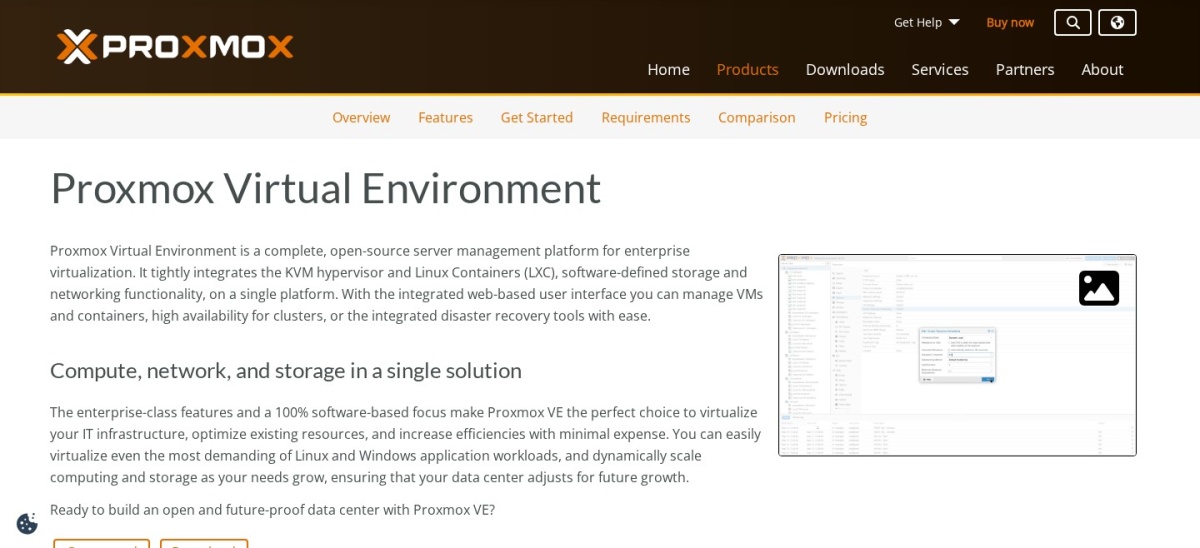
Proxmox VE is a free, open-source server platform that runs virtual machines and containers through a web interface. It combines KVM virtualization with LXC containers, built-in clustering, backups and high availability, all without licence fees.
The trade off is that it is a server tool, not a desktop app. Proxmox VE takes over a whole machine, and its interface expects Linux and networking knowledge. It suits home labs and small teams that want a free server hypervisor.
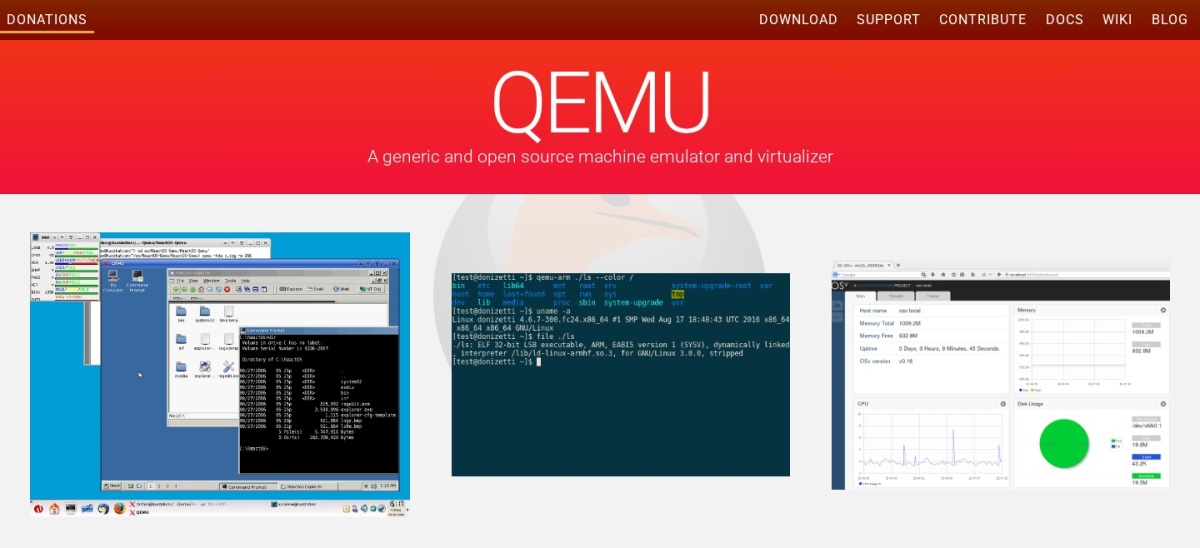
QEMU is a free, open-source machine emulator and virtualizer that runs guest systems on Linux, macOS and Windows. Paired with an accelerator such as KVM it runs guests at near-native speed, and on its own it can emulate entirely different processor architectures.
The trade off is usability. QEMU is mainly a command-line tool with no polished desktop interface, so most people use it through a front end such as virt-manager or UTM. It suits developers and engineers who need emulation or scripted VMs.
What we like
Free and open source
Emulates many processor architectures
Powers UTM, Proxmox VE and others
Watch out for
Command line first, no friendly GUI
Steep learning curve for beginners
Documentation is dense
Add virt-manager or UTM for a graphical front endVisit qemu.org
07
KVM
4.5/5on Gartner Peer Insights (68 reviews, checked Nov 2026)
PriceFree
Best Linux-native hypervisor
Host OSLinux with Intel VT or AMD-V
GuestsLinux and Windows
Managementvirt-manager, Cockpit, CLI
LicenceFree, open source (GPL)
linux-kvm.org
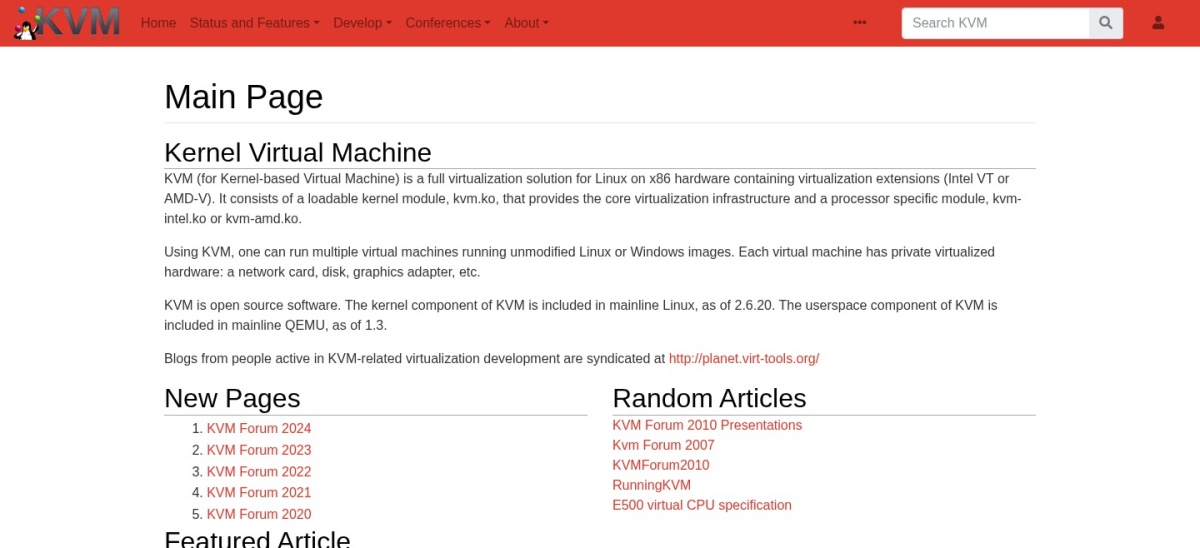
KVM homepage, captured Nov 2026.
KVM is the hypervisor built into the Linux kernel, turning any Linux machine with Intel VT or AMD-V into a virtualization host. It runs Linux and Windows guests at near-native speed and underpins Proxmox VE, Red Hat Virtualization and most Linux clouds.
The trade off is that KVM on its own has no desktop app. You manage it through tools such as virt-manager or Cockpit, or from the command line, and setup expects Linux skills. It suits Linux users and admins who want the fastest free route.
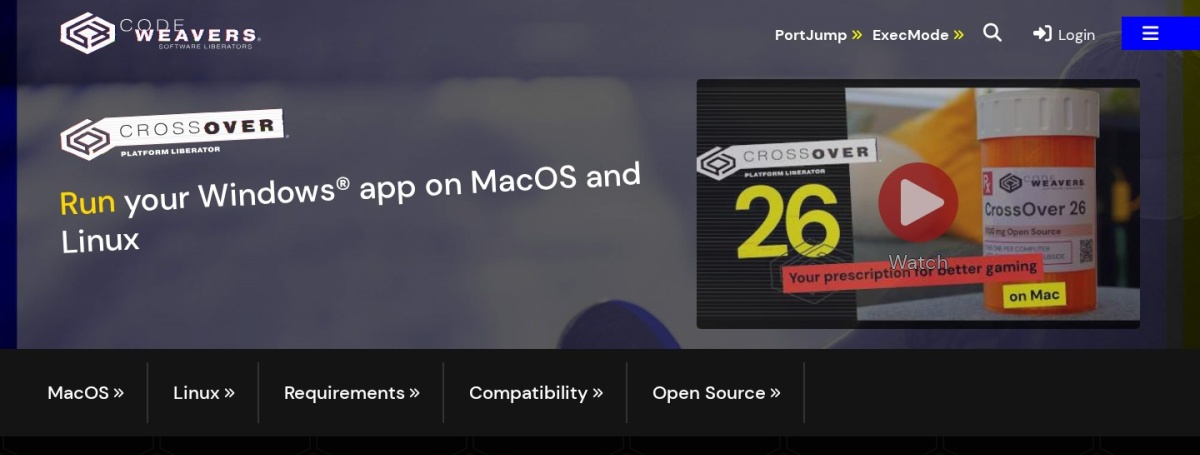
CrossOver is a compatibility layer from CodeWeavers that runs many Windows applications and games on macOS and Linux without installing Windows at all. CrossOver+ costs $74 a year for 12 months of support and updates, with a 14-day free trial.
The trade off is compatibility. CrossOver runs many, but not all, Windows apps, and anything it cannot run leaves you without a fallback VM. It suits people who need one or two Windows programs and want to skip Windows entirely.
Six of the eight tools here cost nothing. The free desktop hypervisors from VMware and the built-in Hyper-V cover most home and work use.
Paid tools buy polish and support. Parallels Desktop is the smoothest Windows-on-Mac setup, and CrossOver skips Windows entirely, but both charge every year.
Server tools stay free because the money is in support. Proxmox VE, QEMU and KVM cost nothing to run; you only pay if you want a support contract.
A Windows licence is the hidden cost. Parallels, Fusion Pro and Workstation Pro all need one for Windows guests, and it is sold separately.
How we chose
We started from the desktop and server hypervisors most often named as VirtualBox replacements, then kept the eight with a public rating and a price we could verify.
Prices come from each vendor's pricing page, checked on 29 November 2026. Ratings come from G2 on the same day, except KVM, which uses Gartner Peer Insights. Where a vendor shows a sale, the list shows the regular price.
We left out tools with no public rating, including UTM, GNOME Boxes and VirtualBuddy, and server tools with no published price, such as XenServer. No vendor paid for a place, and we do not claim hands-on testing for this list.
How to choose a VirtualBox alternative
Start with your host operating system, then decide how much you want to pay.
Match the tool to your host OS. Fusion Pro and Parallels are the Mac options, Hyper-V needs Windows Pro, and KVM needs Linux. Workstation Pro, QEMU and CrossOver cover more than one host.
Decide whether you need Windows at all. If you only need one or two Windows programs on a Mac, try CrossOver first. If you need a full Windows desktop, pick a real hypervisor.
Try the free tools before paying. Workstation Pro, Fusion Pro and Hyper-V cost nothing, so test your workload on one of them before spending $99.99 a year on Parallels.
Check the guest you need is supported. Windows 11 needs TPM 2.0 support, macOS guests only run on Apple hardware, and some Linux distributions need specific settings. Confirm your exact guest before switching.
FAQ
What is the best VirtualBox alternative in 2026?
VMware Workstation Pro is the best VirtualBox alternative for most people. It is now free for all uses, runs Windows and Linux guests, and is rated 4.5 out of 5 on G2 from 140 reviews.
Is there a free alternative to VirtualBox?
Yes, several. VMware Workstation Pro and Fusion Pro are free for all uses, Hyper-V is included with Windows 11 Pro, and Proxmox VE, QEMU and KVM are free and open source.
What is the best VirtualBox alternative for Mac?
VMware Fusion Pro is the best free option for Mac, and Parallels Desktop is the best paid one. Fusion Pro costs nothing and runs Windows 11 on Apple silicon, while Parallels at $99.99 a year is smoother.
How much does Parallels Desktop cost?
Parallels Desktop Standard costs $99.99 a year as a subscription, or $219.99 once for the current version. Pro costs $119.99 a year and Business costs $149.99 a year, and a Windows licence is extra.
Is VMware Workstation Pro really free now?
Yes. Broadcom made Workstation Pro free for personal, educational and commercial use, with no licence key. The catch is support: there is no paid support, and downloads need a Broadcom account.
VMware Workstation Pro vs Parallels Desktop: which is better?
Workstation Pro wins on price and platform, since it is free and runs on Windows and Linux, while Parallels wins on ease for Mac users. Pick Workstation Pro on Windows or Linux, and Parallels if you run Windows apps on a Mac daily.
SaaS SEO and WordPress specialist with about 8 years of experience. Rakib compares WordPress plugins, themes, hosting and software using public pricing, documentation and user reviews. See how we rank.