Maze is the best UX research tool for most product teams, with rapid unmoderated tests and prototype testing from 99 dollars a month. UserTesting suits enterprises that need video feedback at scale, while Dovetail fits teams that need a central home for interview analysis.
How we make this list: we compare pricing pages, product documentation and public user reviews, then re-check every price before each update. No product paid for a place. Disclosure.
Maze leads for most teams at $99 a month, with a free plan and a 4.5 G2 rating from 111 reviews.
Hotjar is the cheapest paid entry here at $39 a month, with a 4.7 Capterra rating from 517 reviews.
UserTesting suits enterprises with a 7 million-plus participant panel, but it is custom-priced.
Dovetail Bronze costs $4,800 a year and fits teams that need a central home for interview analysis.
Six of the nine tools offer a free plan, so most teams can run a real study before paying.
How do you choose a UX research tool?
UX research tools split into two jobs: running tests with real users, and turning the recordings and transcripts into findings. The best teams pick one tool for each job, not one tool for everything.
Entry prices run $39 to $199 a month for most of this list, while UserTesting and Dovetail Enterprise are quote-only and Dovetail Bronze starts at $4,800 a year.
Free plans are genuinely useful here. Maze, Hotjar, Lyssna, Optimal Workshop, Sprig and Great Question all offer one, and several cover a few real studies a month.
Video feedback costs the most. UserTesting and Lookback charge a premium for moderated video, while unmoderated tools such as Maze and Lyssna run studies for a fraction of the price.
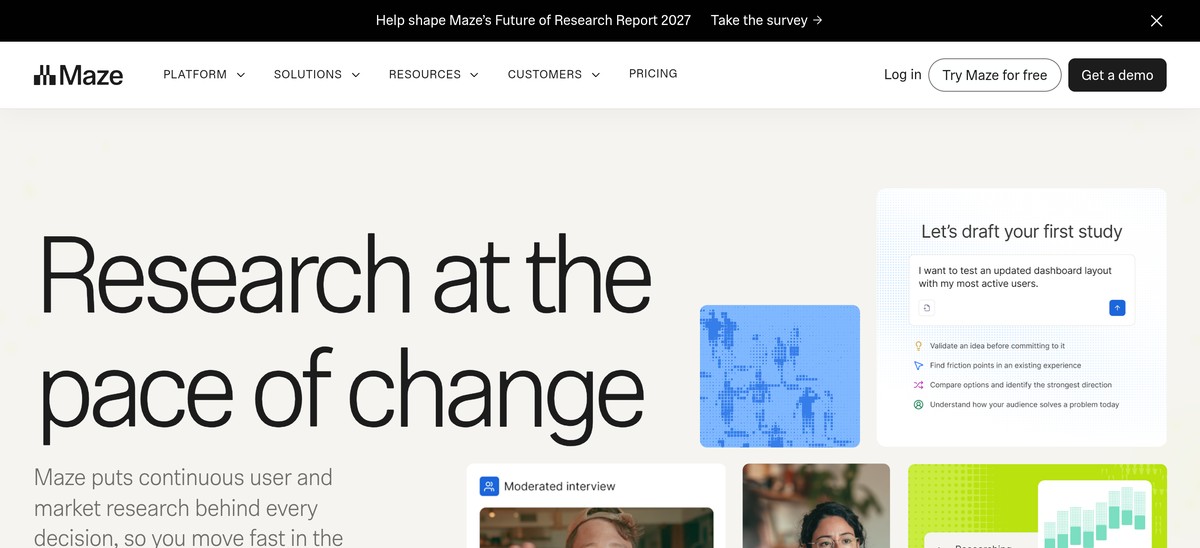
Maze is a rapid testing platform for product teams, covering unmoderated studies, prototype testing, card sorting and surveys in one place. It runs tests with its own participant panel or with your own users, and the AI report turns raw answers into findings fast.
The trade off is depth. Maze is built for speed, so teams that need live moderated interviews or deep analysis will still want a second tool beside it. It suits product teams that test early and often, with Starter at $99 a month.
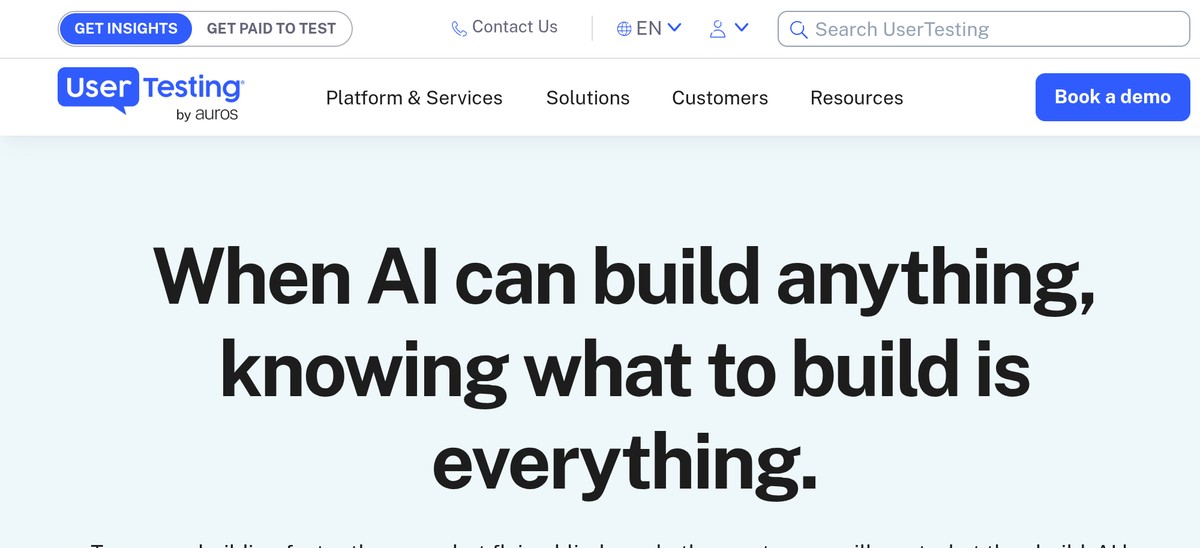
UserTesting is the largest video-based research platform, with moderated and unmoderated studies, screen recordings and a panel of more than 7 million participants. Its AI analysis tags themes across video feedback, and enterprise teams run hundreds of studies a year on it.
The trade off is price. UserTesting is custom-priced with no public list price, and it is built for enterprise budgets rather than small teams. It suits large product and research teams that need video feedback at scale.
Dovetail is a customer insights hub where teams store, search and analyze interviews, feedback and survey data in one place. Its AI tags themes, highlights and video clips, and Bronze starts at $4,800 a year for up to 5 users plus credits.
The trade off is that older per-user prices no longer apply. The current platform pricing is a yearly bundle, and the free plan covers only a single user with 100 minutes of transcription. It suits teams that run many interviews and need one home for the findings.
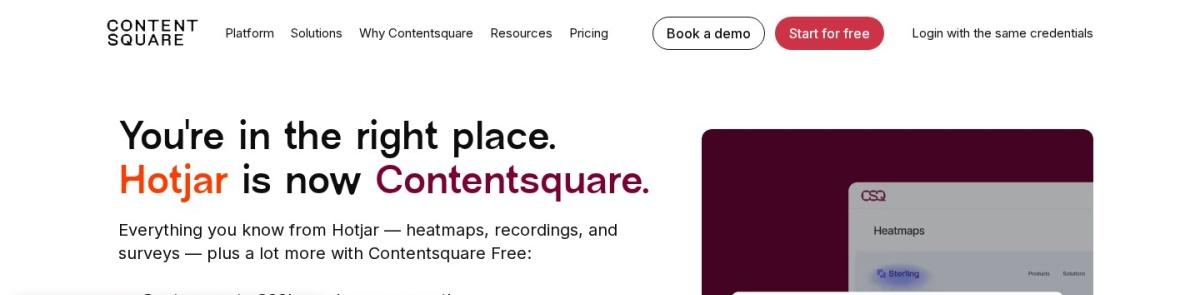
Hotjar is the cheapest paid entry here, pairing heatmaps, session recordings and surveys in one tool. The Observe Plus and Growth plan costs $39 a month, and the free plan covers basic heatmaps and recordings for small sites.
The trade off is that Hotjar observes behavior rather than running structured research. It shows where users struggle but not why, so teams pair it with a test tool for the full picture. It suits small teams that want cheap behavioral data.
4.5/5on G2 (Not published reviews, checked Nov 2026)
Paid from$166/mo
Best for unmoderated testing on a budget
Entry planGrowth, $166/mo annual
Free planYes
PanelYes, recruiting
Test types5-second, card sort
lyssna.com
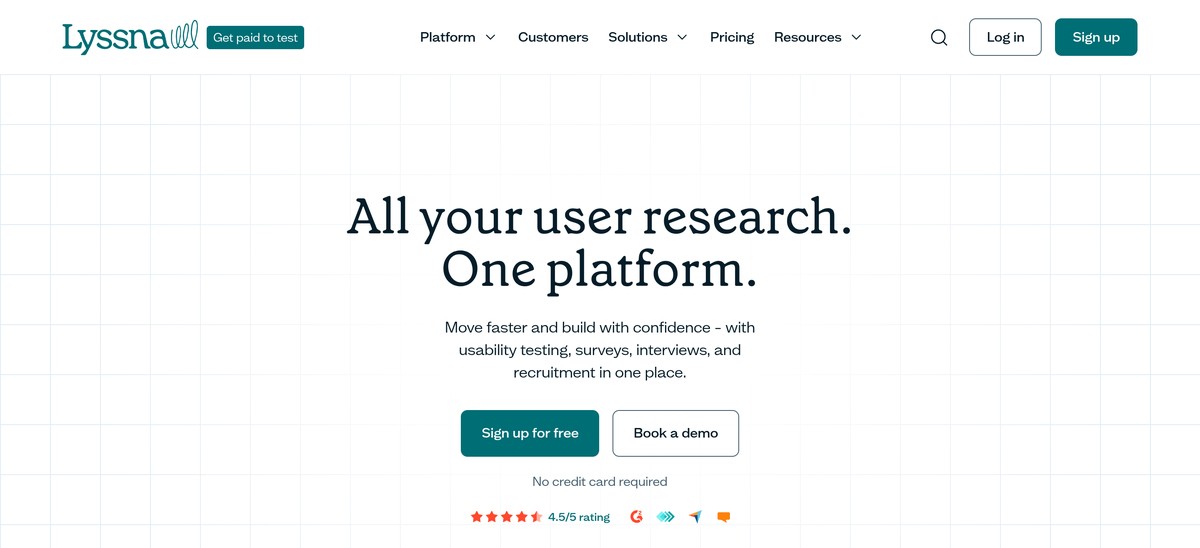
Lyssna homepage, captured Nov 2026.
Lyssna is an unmoderated research platform for prototype tests, five-second tests, card sorting and first-click tests, with participant recruiting built in. Growth costs $166 a month on annual billing, or $199 month to month, and the free plan covers basic testing.
The trade off is that Lyssna is unmoderated only. Teams that need live interviews will need a second tool, and the rating is 4.5 on G2 with some sources listing 4.4. It suits teams that run quick tests every week.
Optimal Workshop is a research suite built around information architecture, with card sorting, tree testing, first-click tests and surveys in one place. Starter costs $199 a month on annual billing, and the free plan covers basic card sorts and tree tests.
The trade off is scope. It is the strongest tool here for navigation and structure, but it does not run moderated video or prototype tests the way Maze does. It suits teams that need to fix navigation and information architecture.
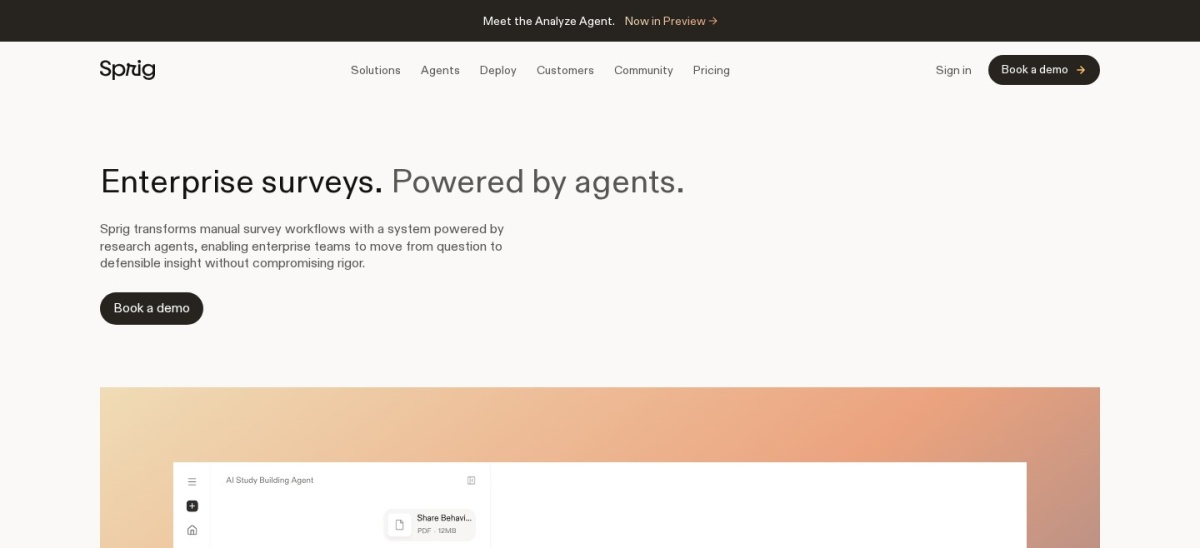
Sprig is an AI survey platform for enterprise teams, with agents that build studies, analyze responses and turn manual survey workflows into defensible insight. Its Analyze Agent is now in preview, and paid plans start from about $175 a month with a free plan for basic use.
The trade off is the enterprise tilt. The homepage now pitches enterprise surveys powered by agents, so small teams may find the platform heavier than Maze or Lyssna. It suits enterprise teams that run many surveys and want AI to do the heavy lifting.
4.7/5on G2 (Not published reviews, checked Nov 2026)
Paid from$129/seat/mo
Best for panel recruiting and interviews
Entry plan$129/seat/mo
Free planYes
PanelYes, recruiting
ResearchInterviews, surveys
greatquestion.co
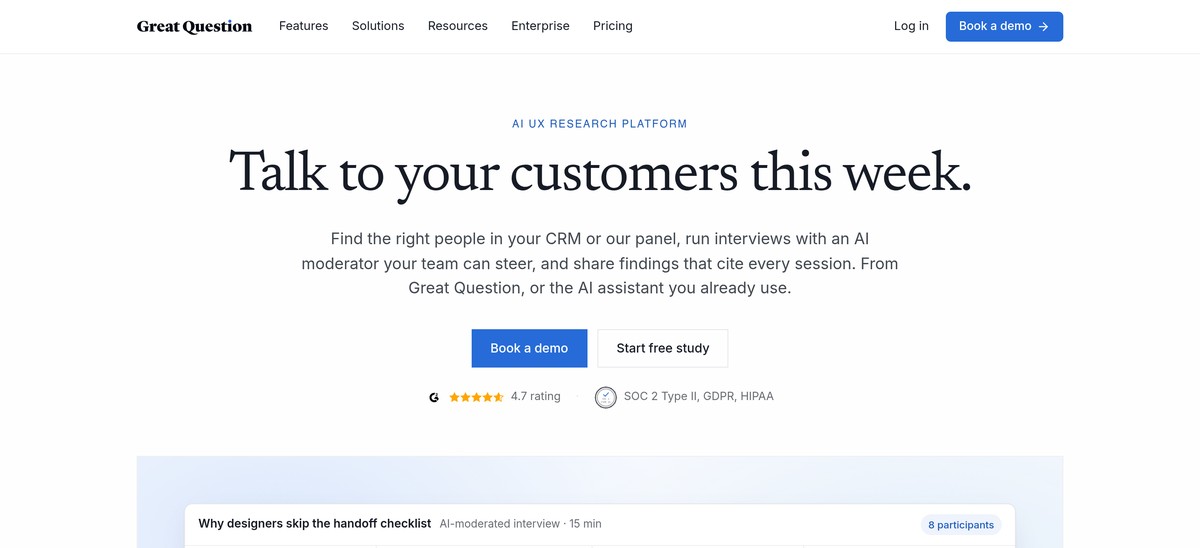
Great Question homepage, captured Nov 2026.
Great Question is a research platform that recruits participants, runs interviews and surveys, and stores the findings in one place. Self-serve starts at $129 per seat a month, or $1,290 per seat a year, and the free plan covers basic recruiting and research.
The trade off is per-seat pricing. At $129 a seat a month the cost adds up fast as the team grows, and the review base is thin on G2. It suits teams that need their own panel and interview workflow in one tool.
4.3/5on G2 (Not published reviews, checked Nov 2026)
Starts at$299/yr
Best for live moderated sessions
Entry planFreelance, $299/yr
Sessions10 on Freelance
MethodModerated, live
Free planNo, paid only
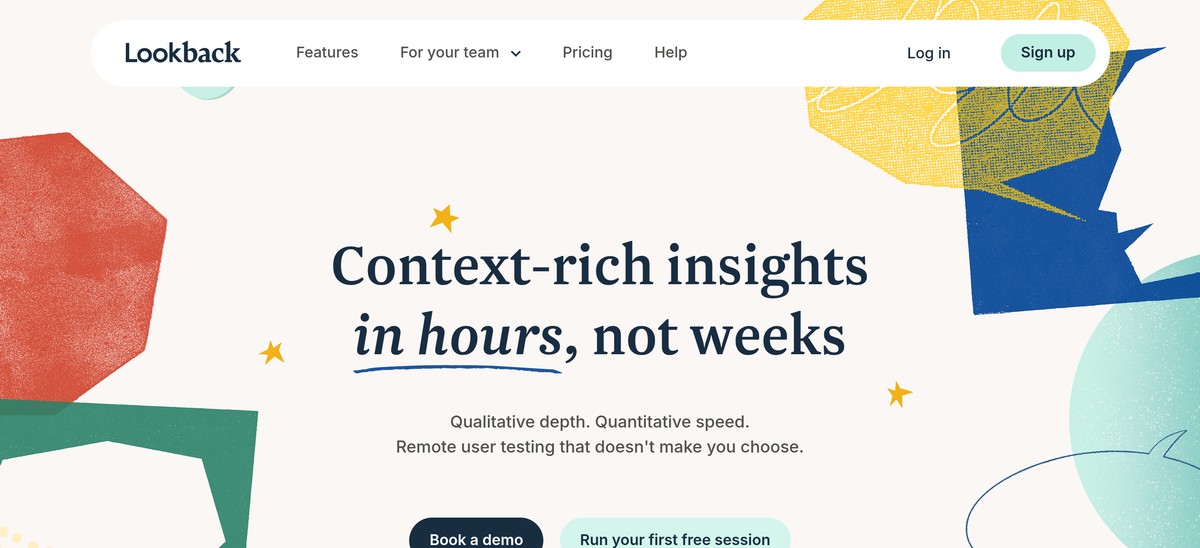
lookback.com
Lookback homepage, captured Nov 2026.
Lookback is a moderated research tool for live interviews and usability sessions, with recording, notes and sharing built in. Freelance costs $299 a year for 10 sessions, and teams run live sessions with participants on any device.
The trade off is the review base and the rating spread. Lookback is rated 4.3 out of 5 on G2, while one source lists 3.4 on Capterra, and there is no free plan. It suits researchers who run live moderated sessions every week.
Unmoderated tests run on their own, with users completing tasks and answering questions without a researcher present. Maze, Lyssna, Optimal Workshop and Sprig run this way and start from $39 to $199 a month.
Moderated research puts a researcher in the session, live or over video, and costs far more. UserTesting and Lookback charge custom prices for moderated work, and Lookback Freelance starts at $299 a year for 10 sessions.
Most teams should start unmoderated. Run five to ten quick tests, fix what breaks, then book moderated sessions only for the questions unmoderated tests cannot answer.
Dovetail and Great Question sit between the two. They store and analyze interview data from any source, so they pair with either testing style.
How we chose
We started from the UX research tools most often shortlisted in 2026 guides, then kept the nine with a G2 or Capterra rating and a real research role.
Prices come from each vendor pricing page where it loaded today, checked on 30 November 2026, or from November 2026 guides where the vendor page blocked a direct read. Ratings come from G2 or Capterra on the same day.
We left out general survey tools with no research depth and tools with no public rating to check against. No vendor paid for a place, and we do not claim hands-on testing for this list.
How to choose a UX research tool
Start with the question you need answered, then match the method and the budget.
Name the question first. Decide whether you need usability fixes, concept feedback or interview themes, because each points at a different tool.
Match the method to the budget. Pick unmoderated tests for speed and cost, and save moderated video for questions only a live session can answer.
Check the panel and free plan. Confirm the tool can recruit your audience or lets you bring your own users, and use the free plan for a first real study.
Run one study end to end. Test one flow with five real users, then check the analysis and sharing before you commit the team.
FAQ
What is the best UX research tool in 2026?
Maze is the best UX research tool for most product teams, with rapid unmoderated tests and prototype testing from $99 a month. UserTesting suits enterprises that need video feedback at scale, while Dovetail fits interview analysis.
How much do UX research tools cost?
Most tools here start at $39 to $199 a month, with Maze at $99 and Hotjar at $39. Dovetail Bronze costs $4,800 a year, and UserTesting is custom-priced for enterprise teams.
Is there a free UX research tool?
Yes. Maze, Hotjar, Lyssna, Optimal Workshop, Sprig and Great Question all offer free plans, and several cover a few real studies a month before you need to pay.
Maze vs UserTesting: which is better?
Maze suits product teams that want fast unmoderated tests and prototype feedback from $99 a month. UserTesting suits enterprises that need moderated video feedback at scale with a 7 million-plus participant panel.
What is the best UX research tool for small teams?
Maze is the best for small teams, with a free plan and Starter at $99 a month. Hotjar at $39 a month and Lyssna are strong cheaper options for heatmaps and unmoderated tests.
Do I need a separate tool for interview analysis?
Yes, if you run many interviews. Dovetail and Great Question store transcripts, tag themes and surface highlights, which spreadsheets and notes cannot do once sessions pile up.
How many participants do I need for a UX test?
Five participants surface most usability problems in a single round, and ten is a safe number for a first study. Most tools here recruit from a panel or let you bring your own users.
SaaS SEO and WordPress specialist with about 8 years of experience. Rakib compares WordPress plugins, themes, hosting and software using public pricing, documentation and user reviews. See how we rank.