Toggl Track is the top productivity tracking software for most teams, with a one-click timer people actually start and a free plan for up to three users. Clockify is the cheapest paid option for unlimited free users, while RescueTime suits individuals who want automatic tracking and focus sessions.
How we make this list: we compare pricing pages, product documentation and public user reviews, then re-check every price before each update. No product paid for a place. Disclosure.
Toggl Track leads for teams that bill by the hour, with a one-click timer and Starter at $9 a user a month.
Clockify is the cheapest paid plan here at $3.99 a user a month, with a free plan for unlimited users.
RescueTime is the only tool built mainly for individuals, with automatic tracking and distraction blocking from $7 a month.
Timely holds the highest G2 rating in this list at 4.8 out of 5, but it has no free plan.
All 9 tools cost between $3.99 and $10.80 a user a month on annual billing, so the choice comes down to tracking style, not price.
How do you choose the top productivity tracking software?
Productivity tracking software shows where work hours actually go: which apps and sites staff use, how long tasks take, and when focus drops. The best tools turn that record into better estimates and fairer invoices.
The first choice is manual or automatic. Manual timers like Toggl Track and Clockify give staff control over what gets logged, while automatic tools like RescueTime, Timely and DeskTime record activity in the background and cut forgotten entries.
Free plans are generous here. Clockify covers unlimited users free, Toggl Track covers up to three users, and Harvest, Everhour and Hubstaff each cover a small team or a single user at no cost.
Privacy is the second dividing line. Tools with screenshots and activity scores, such as Hubstaff and Time Doctor, need clear team policies before rollout, while Toggl Track and RescueTime take an explicit anti-surveillance stance.
Prices cluster between $4 and $11 a user a month, so compare the annual rate, not the monthly one. Monthly billing adds roughly a quarter to most of these plans.
Toggl Track is a time tracker built around a one-click timer that lives in the menu bar, browser extension and phone, so logging hours takes a second. The free plan covers up to 3 users with timers, tasks, boards, estimates and personal reports, and the vendor says more than 70,000 companies use it.
The trade off is depth. Starter at $9 a user a month adds billable rates, project estimates and saved reports, while timesheet approvals and profitability reports need Premium at $16. It suits freelancers and small teams that want tracking staff will actually keep doing.
4.8/5on Capterra (9,271 reviews, checked Nov 2026)
Paid from$3.99/mo
Best for the cheapest paid plan
Free planUnlimited users
Automatic trackingNo, manual timers
InvoicingStandard plan
Paid planBasic, $3.99/user/mo
clockify.me
Clockify homepage, captured Nov 2026.
Clockify is a time tracker and timesheet tool with a free plan for unlimited users, which no rival here matches. The free version covers timers, timesheets, projects, clients and reports, and it holds 4.8 out of 5 on Capterra from more than 9,000 reviews, the largest review base in this list.
The trade off is that the cheapest paid plan is basic. Basic at $3.99 a user a month adds time audits, project rates and bulk editing, while invoicing needs Standard at $5.49 and screenshots need Pro at $7.99. It suits small teams that want the lowest possible bill.
RescueTime is an automatic productivity tracker for individuals that records app and website use in the background, then scores the day and shows where attention went. The free Lite plan covers basic tracking, and Solo Focus at $7 a month on annual billing adds Focus Sessions with distraction blocking, goals and detailed reports.
The trade off is team depth. Solo plans cover one person, and team features start with Team Focus at $10 a user a month, so it is not a payroll or invoicing tool. It suits freelancers and knowledge workers who want an honest picture of their own day.
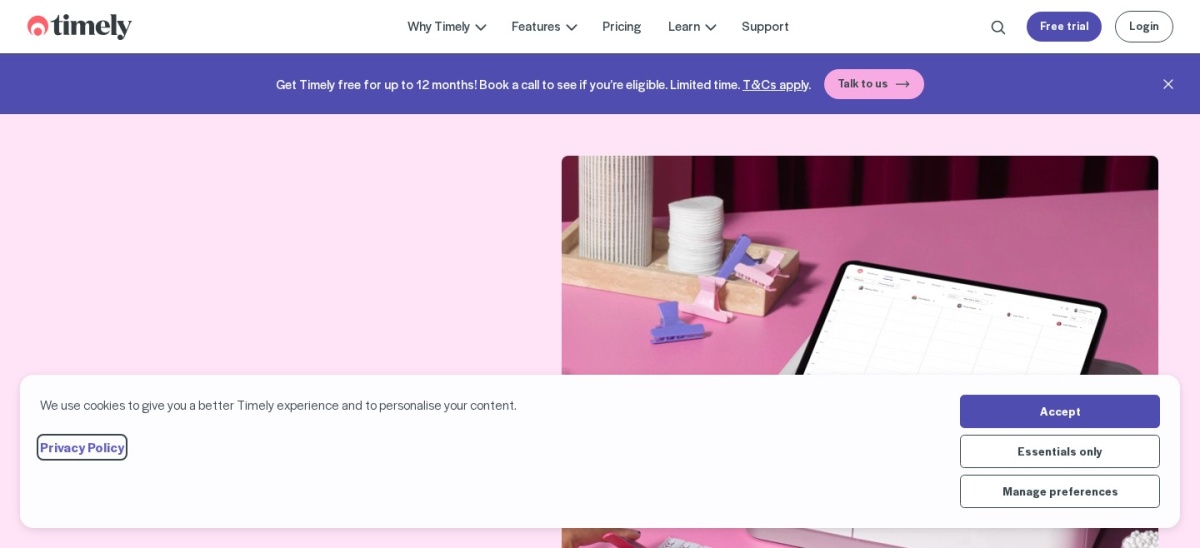
Timely is an automatic time tracker that records work in the background and drafts timesheets with AI, so staff fill in far fewer entries by hand. The Starter plan costs $9 per user a month on annual billing and covers up to 5 users and 20 projects, with budgets and billable rates on every plan.
The trade off is price and the lack of a free plan. Starter is $11 a user a month on monthly billing, Premium rises to $16 on annual billing for unlimited projects, and a sixth user forces the whole team onto Premium. It suits teams that lose billable hours to forgotten timesheets.
Harvest is a time tracker built for service businesses that bill by the hour, with invoicing and expense tracking in the same login. The free plan covers one user and two projects, and Pro at $10.80 a user a month on annual billing adds unlimited projects, budgets, expenses and full invoicing with QuickBooks and Xero sync.
The trade off is scope and price. Harvest is the most expensive tool in this list, its reporting is simpler than Everhour or Timely, and it is not a full project management tool. It suits consultants who want clean invoices from tracked hours without a second app.
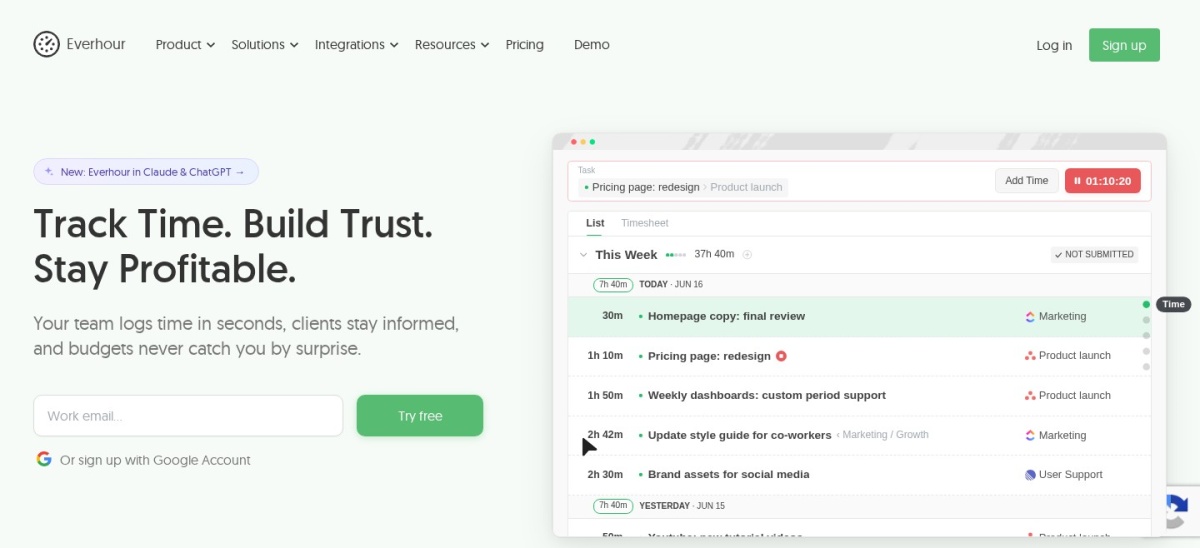
Everhour is a time tracker that lives inside Asana, Trello, Basecamp and other project tools, so staff log hours without leaving their board. A free plan covers up to 5 users with unlimited time tracking and projects, and the Lite plan at $6 a user a month adds the integrations that make it useful.
The trade off is that the best features cost more. Billing, budgeting, invoicing, time approval and screenshots sit on the Team plan at $10 a user a month, and the free plan lacks the connectivity that drives its value. It suits agencies that already live in Asana or Trello.
Hubstaff is a time tracker for remote and field teams that pairs activity levels with screenshots, app use and optional GPS. Starter costs $4.99 per user a month billed annually, with a two-seat minimum, and payroll, invoicing and scheduling sit in the same login.
The trade off is the monitoring feel. Screenshots and activity scores can feel like surveillance to staff, so teams need clear policies before switching it on, and scheduling and payroll need the Team plan at $10. It suits agencies and field teams that bill by the hour and need proof of work.
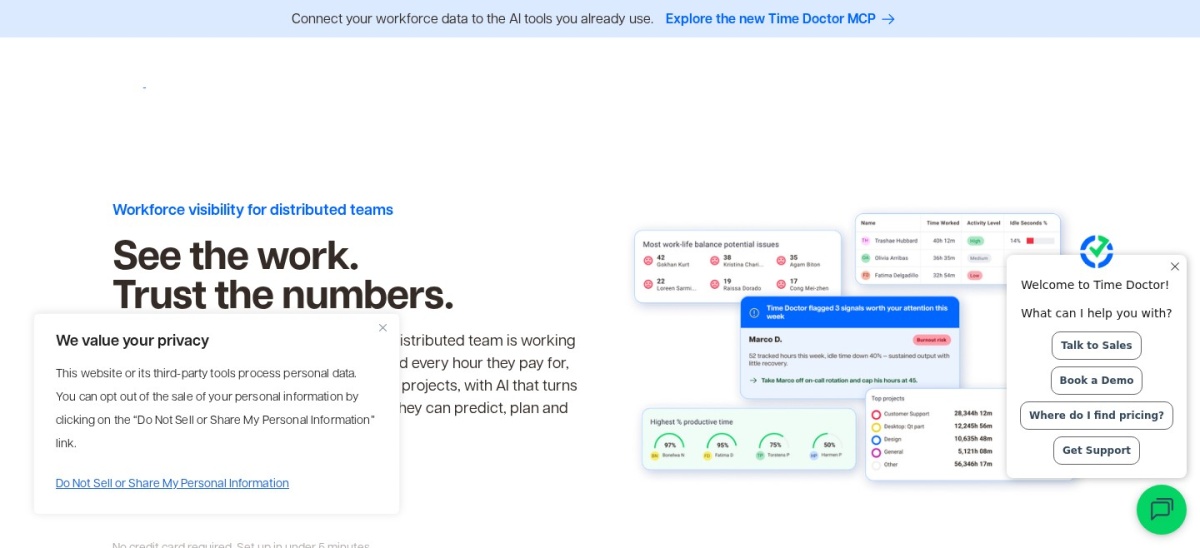
Time Doctor is a time tracking and productivity tool that records work hours, screenshots, web and app use, then nudges staff when they drift to distracting sites. Basic costs $6.67 per user a month billed annually, with payroll built in and three months of history.
The trade off is the trial. Time Doctor has no free plan, only a 14-day trial, and screenshot monitoring needs team buy-in to work, while scheduling and payroll integrations need Standard at $11.67. It suits remote teams that want gentle distraction alerts alongside time tracking.
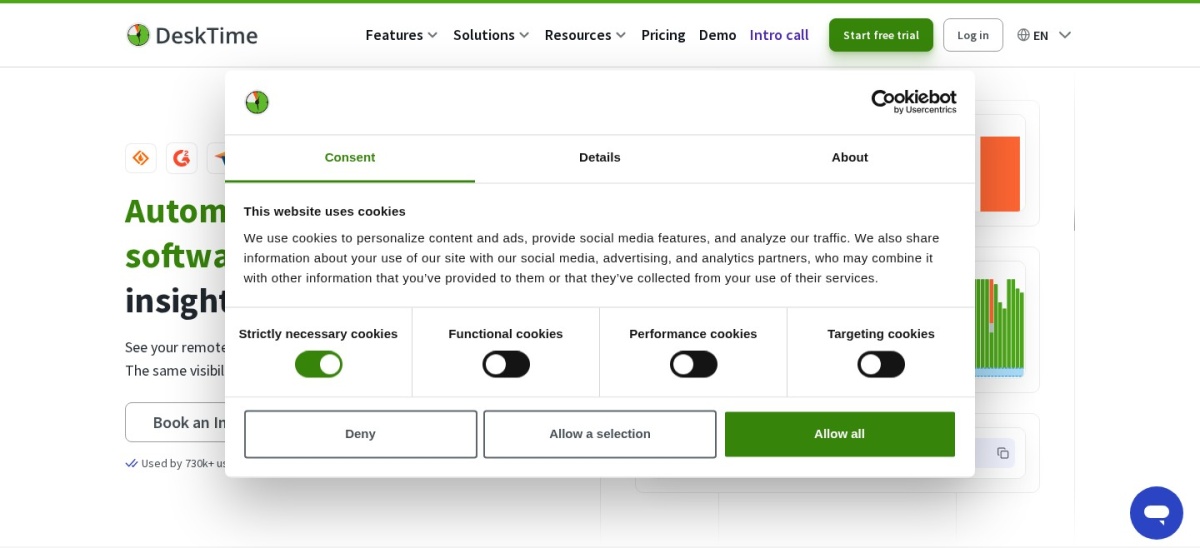
DeskTime is an automatic time tracker that logs app and website use, idle time and project time without manual timers. Pro costs $6.42 per user a month billed annually, and a free plan covers a single user, with project and cost tracking that shows what each project really costs.
The trade off is reporting depth. DeskTime holds 4.5 out of 5 on G2 from about 400 reviews, and its reporting is simpler than ActivTrak or Insightful, while screenshots need Premium at $9.17. It suits small teams that want automatic tracking without setting up timers.
Free plans cover the basics well here. Clockify covers unlimited users free, Toggl Track covers three, and Harvest, Everhour and Hubstaff each cover a small team or a single user at no cost.
Paid plans mostly add billing and proof. Billable rates, invoicing, screenshots and approvals sit behind the cheapest paid plan, which runs from $3.99 to $10.80 a user a month.
If you bill clients by the hour, a paid plan usually pays for itself with one recovered hour a month. Our guide to the best time tracking software for consultants shows how the maths works.
Automatic tracking is the one feature worth paying for if timesheets keep coming in late. Timely, DeskTime and RescueTime record the day without anyone pressing start.
How we chose
We started from the most reviewed productivity tracking tools on G2 and Capterra, then kept nine with a verifiable rating, a published price and a real free plan or trial.
Prices come from each vendor pricing page or a vendor-listed directory price, checked on 29 November 2026. Ratings and review counts come from G2 or Capterra on the same day. Where a vendor shows a sale, the list shows the regular price.
We left out tools with no verifiable rating and heavy surveillance suites that belong in employee monitoring, not general productivity tracking. No vendor paid for a place, and we do not claim hands-on testing for this list.
How to choose productivity tracking software
Start with how your team actually works, then pick the tracking style that fits it.
Decide manual or automatic. Manual timers suit teams that bill by task and want control. Automatic tracking suits teams that forget timers and lose billable hours.
Check the free plan first. Clockify covers unlimited users free and Toggl Track covers three. If the free plan covers your team, run it for a month before paying.
Compare the annual rate, not the monthly one. Monthly billing adds roughly a quarter to most plans here, so a $9 plan can cost $12 month to month.
Agree the privacy rules before rollout. Tell staff what is tracked, whether screenshots are on, and who sees the data. See our guide to the best employee monitoring software for the surveillance end of the spectrum.
FAQ
What is the top productivity tracking software in 2026?
Toggl Track is the top productivity tracking software for most teams. Its one-click timer is the one people actually start, it is rated highly on G2, and Starter costs $9 a user a month with a free plan for up to three users.
What is the cheapest productivity tracking software?
Clockify is the cheapest option here. Its free plan covers unlimited users, and the cheapest paid plan, Basic, costs $3.99 a user a month on annual billing, well under every rival in this list.
Is there a free productivity tracking software?
Yes. Clockify is free for unlimited users, Toggl Track is free for up to three users, and Harvest, Everhour, Hubstaff and DeskTime each offer a free plan for one to five users.
Which productivity tracking software is best for beginners?
Toggl Track is the easiest starting point. Its timer takes one click, the free plan covers small teams, and there is no setup beyond creating projects and inviting the team.
Which is better, Toggl Track or Clockify?
Toggl Track is better for teams that want a timer people actually use and simple billable rates. Clockify is better for teams that want the lowest bill, with a free plan for unlimited users and a paid plan from $3.99 a user a month.
Which is better, Toggl Track or Timely?
Toggl Track is better for teams that want a simple manual timer and a free plan. Timely is better for teams that lose billable hours to forgotten timesheets, since it records work automatically and drafts timesheets, but it has no free plan.
SaaS SEO and WordPress specialist with about 8 years of experience. Rakib compares WordPress plugins, themes, hosting and software using public pricing, documentation and user reviews. See how we rank.