Canva is the top image cropping software for most people, with preset crop sizes for every social feed on its free plan. Adobe Photoshop suits pixel-exact work, while Pixlr is the cheapest paid route for quick browser crops.
How we make this list: we compare pricing pages, product documentation and public user reviews, then re-check every price before each update. No product paid for a place. Disclosure.
Canva leads at 4.7 out of 5 on G2 from 7,643 reviews, with preset crop sizes for every social feed on its free plan.
Pixlr Plus is the cheapest paid plan here at $23.88 a year, with ad-free editing and unlimited saves.
Adobe Photoshop is the professional standard, with pixel-exact crops inside a full editor from $19.99 a month.
Photopea is the only pick that opens layered PSD files in a browser, with a free ad-supported plan.
GIMP and Photopea give you pro-grade cropping free, while paid plans run from $23.88 to $239.88 a year.
How do you choose the top image cropping software?
Start with the output size. Social crops need preset ratios for each feed, while print crops need exact pixel dimensions and high-resolution export.
Decide how much editing surrounds the crop. Canva, Fotor and BeFunky crop inside a design tool, while Photopea and GIMP suit precise single-image work.
Check batch work before you pay. Fotor Pro and BeFunky Plus batch-process folders, so cropping fifty product photos takes minutes instead of an afternoon.
Mind the export limits. Free plans often cap resolution or add watermarks, so check the export quality on the free plan before you commit to a paid one.
Canva is a browser design tool with a crop tool built into every canvas, plus preset sizes for Instagram, Facebook, X, YouTube and more. The free plan covers cropping on any canvas, and Pro costs $120 a year with premium templates, brand kits and background removal.
The trade off is precision. Canva crops inside a design, not as a standalone file, so exact pixel sizes for print take extra steps. It suits creators who crop photos as part of making social graphics.
Adobe Photoshop is the professional standard for cropping, with pixel-exact control, guides, layers and print-ready export. The Photography plan costs $19.99 a month and includes Photoshop, Lightroom and 1TB of storage.
The trade off is overkill. Photoshop is a full editor with a learning curve, and there is no free plan, only a 7-day trial. It suits designers and photographers who need exact crops inside a bigger workflow.
Pixlr is a browser photo editor with a dedicated crop tool, preset ratios and a free plan that needs no account. Plus costs $1.99 a month billed yearly, or $2.49 billed monthly, and removes ads, adds unlimited saves and 80 AI credits a month.
The trade off is depth. Pixlr is fast for quick crops but cannot match Photoshop for layered, print-grade work. It suits anyone who wants a free, no-account crop tool in the browser.
Fotor is an online photo editor with a crop tool, preset ratios, one-click enhancement and batch editing for a whole set of photos at once. The free Basic plan covers simple crops and collages, and Pro costs $39.99 a year, or $8.99 a month, with 100 AI credits a month and high-resolution exports.
The trade off is the free tier. Free exports are watermarked and batch processing needs Pro, so heavy users pay. It suits social creators who crop photo sets in bulk.
Photopea is a browser editor that opens layered PSD, AI, Sketch and XD files with a full crop tool, guides and precise pixel control. The free plan is ad-supported, and Premium costs $5 a month with no ads, more undo steps and cloud storage.
The trade off is polish. Photopea looks and feels like an old desktop editor, and the free plan shows ads. It suits designers who receive PSD files and need Photoshop-style cropping without a subscription.
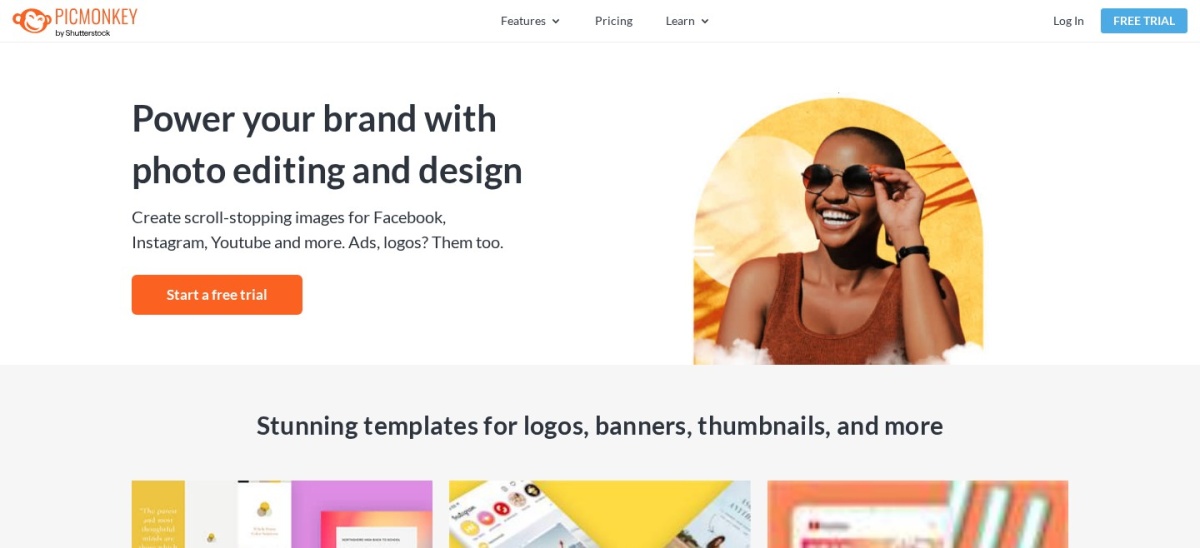
PicMonkey is a browser photo editor built for simple, photo-first cropping with templates, touch-up tools and collages. There is no free plan, only a trial, and Basic costs $72 a year with unlimited exports and cloud storage.
The trade off is the paywall. Every export needs a paid plan, and the tool cannot match Photoshop for layered work. It suits small businesses that want simple photo edits without a learning curve.
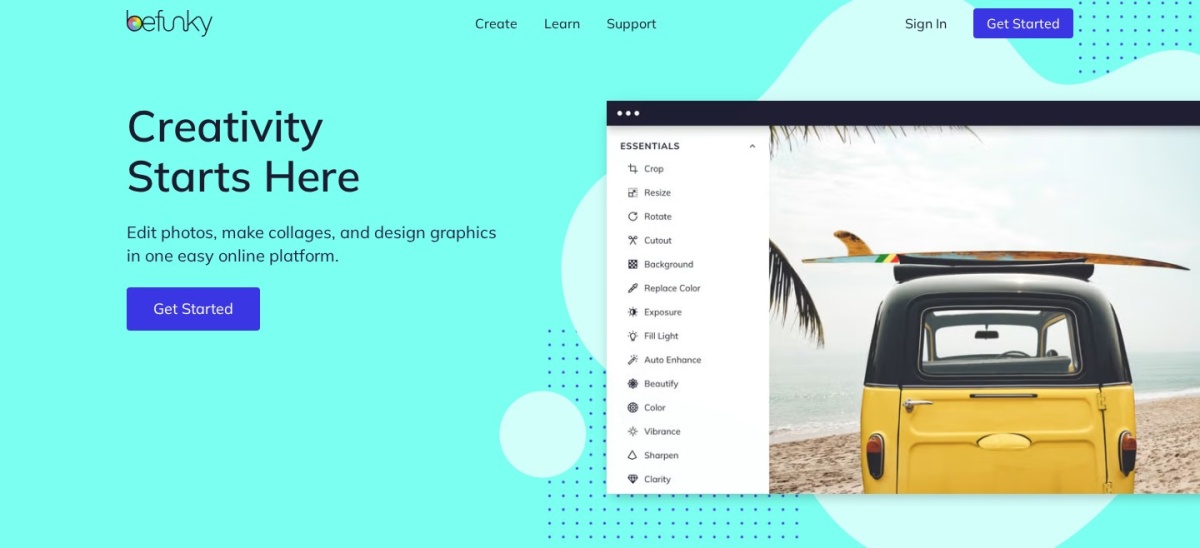
BeFunky is a browser creative platform with a photo editor, collage maker and graphic designer in one place. The free plan covers cropping, filters and collages, and Plus costs $6.99 a month billed yearly with batch editing and an ad-free editor.
The trade off is the rating. BeFunky holds 4.3 out of 5 on G2 from only 106 reviews, the second-thinnest base here. It suits creators who want cropping plus collages and design in one tab.
Snappa is a browser design tool for quick social graphics, thumbnails and ads, with preset canvas sizes for every platform. The free plan allows 3 downloads a month, and Pro costs $10 a month billed yearly with unlimited downloads, background removal and resizing.
The trade off is review depth. Snappa holds 4.6 out of 5 on G2 from only 41 reviews, and it cannot do layered photo editing. It suits marketers who crop images into social sizes fast.
GIMP is a free, open-source desktop photo editor with pro-grade cropping, guides, layers and precise pixel control. There is no paid plan at all, and version 3 brought a long-overdue interface refresh.
The trade off is the learning curve. GIMP does not hold your hand, and simple tasks can hide behind unfamiliar menus until you learn them. It suits users who want pro-grade cropping free on the desktop.
Social feeds each want a different shape. Instagram posts crop to 1:1, portraits to 4:5, and stories to 9:16, so a tool with presets saves constant rework.
Banners and headers are wide. YouTube banners crop to 16:9, and website heroes often need a custom ratio, so a freeform crop matters as much as presets.
Print needs pixels, not ratios. A 300 DPI print crop needs exact pixel dimensions, which is where Photoshop, Photopea and GIMP beat template tools.
Batch crops need one ratio for many files. Fotor and BeFunky apply the same crop to a folder, so product photos stay consistent without opening each one.
How we chose
We started from the image cropping tools with published pricing and a public G2 rating, then kept 9 that cover browser editors, desktop editors and batch work.
Prices come from each vendor's pricing page, checked on 29 November 2026. Ratings and review counts come from G2 on the same day. Where a vendor shows a sale, the list shows the regular price.
We left out tools with no verifiable G2, Capterra or Trustpilot rating, including iLoveIMG. No vendor paid for a place, and we do not claim hands-on testing for this list.
How to choose the top image cropping software
Start with where the cropped image ends up, then check the export limits.
List your output sizes first. Social posts, banners and print need different ratios, so pick a tool with presets for the sizes you use most.
Crop one image on the free plan. Check whether exports are full resolution and watermark-free before you pay for anything.
Check batch work if you crop in bulk. Fotor and BeFunky crop whole folders at once, while Canva and Photopea work one image at a time.
Match precision to the job. Template tools suit social graphics, while Photoshop, Photopea and GIMP suit pixel-exact print work.
FAQ
What is the best image cropping software in 2026?
Canva is the best image cropping software for most people in 2026. Its free plan includes preset crop sizes for Instagram, Facebook, X and YouTube, and it holds a 4.7 out of 5 G2 rating from 7,643 reviews.
What is the cheapest image cropping software?
Pixlr Plus is the cheapest paid plan here at $23.88 a year, with ad-free editing and unlimited saves. GIMP and Photopea are free, with Photopea Premium at $60 a year for an ad-free, faster editor.
Is there a free image cropping tool?
Yes. Canva, Pixlr, Fotor, Photopea, BeFunky, Snappa and GIMP all have free plans that include cropping. PicMonkey and Photoshop are the only picks here with no free plan, only a trial.
Canva vs Photoshop: which is better for cropping?
Canva is better for fast social crops, with preset sizes for every feed and no learning curve. Photoshop is better for pixel-exact crops, layered files and print work, but costs $19.99 a month and needs training.
Which tool is best for batch cropping?
Fotor Pro is the best pick for batch cropping, applying the same crop to a whole folder at once from $39.99 a year. BeFunky Plus also batches on paid plans, while Canva and Photopea crop one image at a time.
Can I crop a PSD file without Photoshop?
Yes. Photopea opens layered PSD files in a browser with a full crop tool, guides and precise pixel control, free with ads. GIMP also opens PSD files on the desktop, free and open source.
SaaS SEO and WordPress specialist with about 8 years of experience. Rakib compares WordPress plugins, themes, hosting and software using public pricing, documentation and user reviews. See how we rank.