Canva is the best image cropper app for most people, with a free plan that covers cropping with preset sizes for every social feed and a 4.7 out of 5 rating on G2 from 7,643 reviews. Pick Pixlr for the cheapest paid plan at $23.88 a year, or Adobe Express for a lower-priced design tool with one-click resizing.
How we make this list: we compare pricing pages, product documentation and public user reviews, then re-check every price before each update. No product paid for a place. Disclosure.
Canva leads at 4.7/5 on G2 from 7,643 reviews, with preset crop sizes for every social feed on its free plan.
Pixlr Plus is the cheapest paid plan here at $23.88 a year, with ad-free editing and unlimited saves.
Adobe Express Premium costs $9.99 a month and adds one-click resizing plus 250 AI credits a month.
Photopea is the only pick that opens layered PSD files in a browser, with a free ad-supported plan.
PicMonkey has no free plan, only a trial, so every export needs a paid Basic plan from $72 a year.
What makes a good image cropper app
A cropper app should do more than cut pixels. The good ones offer preset ratios for social feeds, lock the ratio while you drag, and export at full resolution without adding a watermark.
Free plans cover basic cropping in most of these tools. The paid plans mostly add batch cropping, one-click resizing to many sizes at once, and higher export quality.
If you crop for WordPress, size matters as much as shape. Our guide on how to crop an image in WordPress shows the built-in cropper and when an app does the job better.
Check the export rules before you commit. Some free plans cap downloads, add watermarks, or limit you to a few crops a month.
Canva is a browser design tool with a crop tool built into every canvas, plus preset sizes for Instagram, Facebook, X, YouTube and more. The free plan covers cropping, resizing to a new canvas size, and thousands of templates, while Pro adds Magic Resize, which reflows one design into many sizes at once.
The trade off is price. Pro costs $144 a year, or $18 a month billed monthly, which is the joint-highest annual price in this list. It suits marketers and creators who crop images as part of full social posts, not as a one-off task.
Adobe Express is a browser design tool from Adobe with a crop tool and one-click resizing across social sizes. The free plan covers basic editing and templates, and Premium at $9.99 a month adds 200 million-plus stock assets, more than 30,000 fonts, 250 generative AI credits a month and 100GB of storage.
The trade off is that the free plan is thin. Resizing to many sizes at once, brand kits and the full stock library sit behind Premium, and the free plan watermarks some exports. It suits people already in the Adobe ecosystem who want a cheaper design tool than Canva Pro.
Pixlr is a browser photo editor with a dedicated crop tool, preset ratios and a free plan that needs no account. Plus costs $1.99 a month billed yearly, or $2.49 billed monthly, and removes ads, adds unlimited saves and 80 AI credits a month.
The trade off is polish. The free plan shows ads and caps AI use, and the editor feels busier than Canva or Adobe Express. It suits anyone who wants the cheapest ad-free cropper and does not need templates or brand tools.
Fotor is an online photo editor with a crop tool, preset ratios, one-click enhancement and batch editing for a whole set of photos at once. The free Basic plan covers simple crops and collages, and Pro costs $39.99 a year, or $8.99 a month, with 100 AI credits a month and high-resolution exports.
The trade off is the free plan. Exports carry a watermark and cap resolution, and ads sit through the workspace. It suits sellers and creators who crop and touch up photo sets for a store or social feed.
Photopea is a browser editor that opens layered PSD, AI, Sketch and XD files with a full crop tool, guides and precise pixel controls. Every editing feature is free with ads, and Premium costs $50 a year, or $5 for 30 days, to remove ads and add 5GB of storage.
The trade off is the learning curve. The Photoshop-style layout takes longer to learn than Canva, and free users see ads and get 0.5GB of storage. It suits designers who crop layered files without installing desktop software.
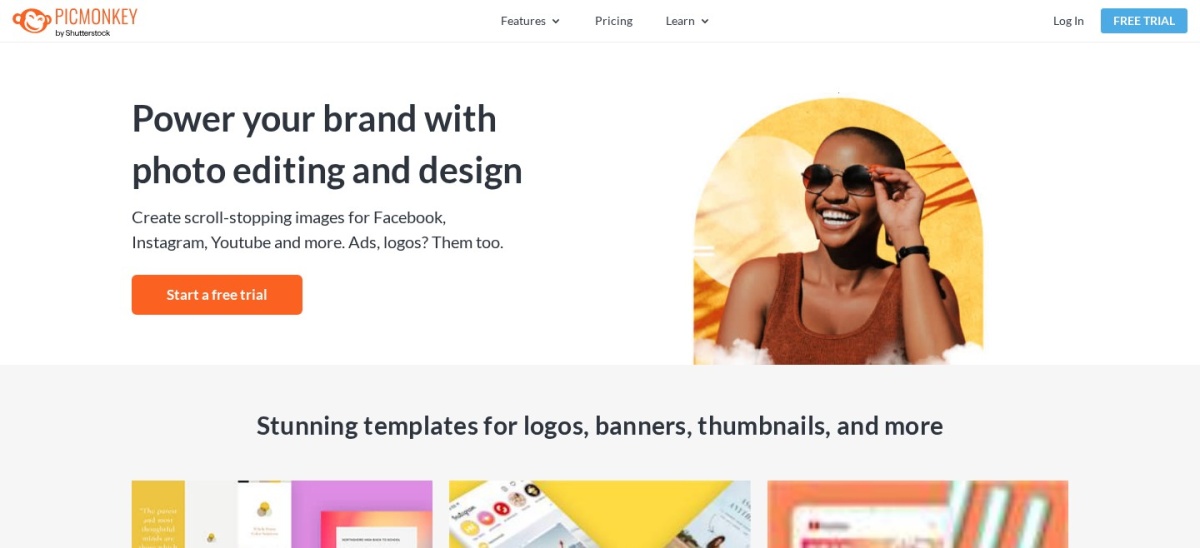
PicMonkey is a photo-first design tool with a crop tool, preset sizes and touch-up tools aimed at marketers and sellers. There is no free plan, only a trial, and Basic starts at $72 a year billed annually, or $7.99 a month, with templates, effects and photo editing.
The trade off is the paywall. You cannot export anything without paying, and Smart Resize needs the Pro plan at $12.99 a month. It suits small businesses that want a simple photo editor and will pay from day one.
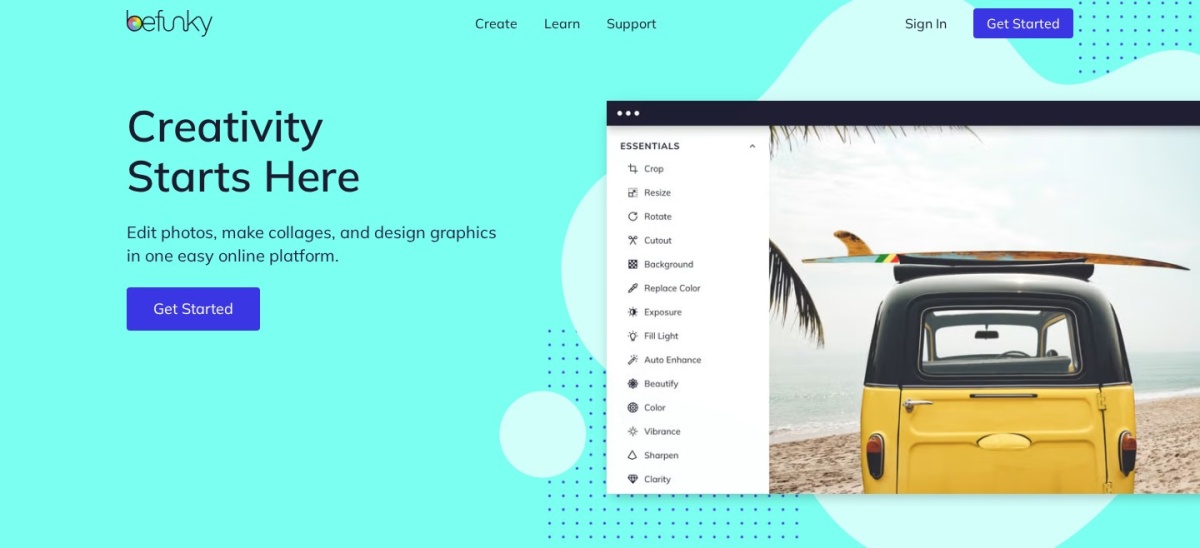
BeFunky is a browser photo editor and collage maker with a crop tool, preset ratios and Smart Resize for social sizes. The free plan covers basic editing, and Plus costs $83.88 a year, or $14.99 a month, with premium tools, 1,000 AI credits a month and full-resolution exports.
The trade off is the monthly price. At $14.99 billed monthly, Plus is the dearest monthly plan in this list, and batch AI editing needs Pro at $149.88 a year. It suits creators who edit photos first and crop second.
Snappa is a browser design tool built for speed, with preset sizes for social feeds, a crop tool and stock photos in one small editor. The free plan gives 10 image credits a month, and Pro costs $120 a year, or $15 a month, with 3,000 credits a year up front.
The trade off is the credit system. Every graphic you create uses a credit, so heavy users must watch the balance or buy top-ups. It suits solo marketers who need a few cropped graphics a day without learning a full editor.
VistaCreate is a browser design tool with a crop tool, preset social sizes and animated templates. The free Starter plan covers basic designs, and Pro costs $120 a year, or $13 a month, with 200,000-plus templates, 170 million-plus assets and room for up to 10 team members.
The trade off is quality. Templates and stock vary more than Canva's, and the editor has fewer photo tools than Fotor or BeFunky. It suits small teams who crop and post together and want one plan for everyone.
Free plans crop well. Every free plan here except PicMonkey covers basic cropping with preset ratios.
Paid plans mostly add speed and volume. You get batch cropping, one-click resizing to many sizes, and higher-resolution exports without watermarks.
If you crop a few images a week, a free plan is enough. Our guide on how to properly size images in WordPress covers the sizes that matter once the crop is done.
For a store or a feed that posts daily, the cheapest paid plans start at $23.88 a year, which is less than most stock photo packs.
How we chose
We started from the image cropper apps with the largest review counts on G2, then kept those with a working crop tool and a clear free or paid plan.
Prices come from each vendor's pricing page, checked on 25 November 2026. Ratings and review counts come from G2 on the same day. Where a vendor shows a sale, the list shows the regular price.
We left out tools with no public rating, including iLoveIMG, which has no G2, Capterra or Trustpilot rating with enough reviews. No vendor paid for a place, and we do not claim to have used these tools ourselves.
How to choose an image cropper app
Start with where your images end up, then match the tool to that job.
Pick your main output size. A social feed needs preset ratios, while a store needs exact pixel sizes. Choose a tool that lists your sizes as presets.
Check the free export rules. Some free plans watermark exports or cap downloads. Crop one image and export it before you commit to a tool.
Count how many images you crop each week. A few a week fits a free plan. Daily batches need batch cropping or one-click resizing, which are usually paid features.
Try the resize step, not just the crop. Cropping one size is easy. Resizing the same image for five feeds is where paid plans earn their price. See how to resize a product image in WooCommerce for the sizing side.
FAQ
What is the best image cropper app?
Canva is the best image cropper app for most people. Its free plan covers cropping with preset sizes for every major social feed, and it holds a 4.7 out of 5 rating on G2 from 7,643 reviews. Pro adds Magic Resize for $144 a year.
What is the cheapest image cropper app?
Pixlr is the cheapest paid option here. Plus costs $1.99 a month billed yearly, or $23.88 a year, and removes ads while adding unlimited saves. The free plan still covers basic cropping with ads.
Is there a free image cropper app?
Yes. Canva, Adobe Express, Pixlr, Fotor, Photopea, BeFunky, Snappa and VistaCreate all have free plans that cover basic cropping. PicMonkey is the exception, with a trial only and no free plan.
Can I crop images in bulk?
Yes, with the right plan. Fotor Pro offers batch editing for whole photo sets, while Canva Pro and Adobe Express Premium resize one design into many sizes at once. Free plans in this list usually crop one image at a time.
Do free cropper apps add watermarks?
Some do. Fotor's free plan watermarks exports, and Adobe Express watermarks some free exports. Canva, Pixlr, Photopea, Snappa and VistaCreate export free crops without a watermark on their basic plans.
Which cropper app opens Photoshop files?
Photopea opens layered PSD, AI, Sketch and XD files in a browser at no cost, with ads on the free plan. It is the only tool in this list that works as a Photoshop stand-in for cropping layered files.
SaaS SEO and WordPress specialist with about 8 years of experience. Rakib compares WordPress plugins, themes, hosting and software using public pricing, documentation and user reviews. See how we rank.