QuickBooks Online has the strongest invoice features in accounting software, with unlimited invoicing, recurring billing and payment links from its entry plan. FreshBooks is the easiest invoicing-first pick for freelancers, while Xero suits teams that add users without extra seat fees.
How we make this list: we compare pricing pages, product documentation and public user reviews, then re-check every price before each update. No product paid for a place. Disclosure.
QuickBooks Online has the widest invoice feature set, with unlimited invoicing from $38 a month and batch invoicing on Advanced.
FreshBooks is the easiest invoicing-first pick, with automated reminders and scheduled late fees on every plan.
Xero Early caps invoices at 20 a month, so most teams need Growing at $59 a month for unlimited invoicing.
Wave and Zoho Books both invoice free, and Square Invoices adds free recurring invoices with in-person card payments.
Invoice Ninja Pro at $14 a month is the cheapest paid plan here, with free self-hosting for owners who run their own server.
How do you judge the top invoice features in accounting software?
Recurring billing is the feature that saves the most time. If you bill the same clients every month, automated recurring invoices and reminders matter more than any other invoice feature.
Payment links decide how fast you get paid. Invoices that accept cards or bank transfers directly, with reminders when they are overdue, close faster than invoices sent as plain PDFs.
Free plans are real here, but they cap something. QuickBooks Free allows 2 invoices a month, Zoho Books free ends above $50,000 in revenue, and Invoice Ninja free covers 5 clients, so count your volume before you commit.
Watch the per-transaction fees, not just the monthly price. Wave charges 2.9 percent plus 60 cents per card payment on its free plan, and Square charges 3.3 percent plus 30 cents, so fees can cost more than the subscription.
The 9 best accounting software tools for invoice features
01
QuickBooks Online
4/5on G2 (3,871 reviews, checked Nov 2026)
Paid from$38/mo
Best invoice features overall
Cheapest planSimple Start, $38/mo
Free planYes, 2 invoices a month
Recurring invoicesYes
Batch invoicingAdvanced plan only
quickbooks.intuit.com
QuickBooks Online homepage, captured Nov 2026.
QuickBooks Online is the most complete accounting tool in this list, and its invoice features start on the entry plan. Simple Start at $38 a month includes unlimited invoicing with payment links for cards and bank transfers, plus status updates and reminders. The free plan covers 2 invoices a month for a single user.
The trade off is price. Simple Start covers one user, and batch invoicing waits for Advanced at $340 a month, so growing teams pay more for the headline features. It suits businesses that want invoicing, expenses and bank feeds in one place with the largest network of accountants.
FreshBooks is an invoicing-first accounting tool built for freelancers and service businesses. Lite at $23 a month covers unlimited invoices and estimates for up to 5 billable clients, with automated recurring invoices, late payment reminders and scheduled late fees. Clients pay by card, bank transfer or digital wallet.
The trade off is the client cap. Lite covers only 5 billable clients, so Plus at $43 a month is the real starting point once the client list grows, and there is no free plan. It suits freelancers who bill by the hour and want time tracking beside every invoice.
Xero is cloud accounting with strong invoicing for teams that keep adding users, since no plan charges per seat. Early at $27 a month covers quotes and up to 20 invoices a month, with online payments, bank feeds and sales tax handling. Growing at $59 a month lifts the cap to unlimited invoices, quotes and bills.
The trade off is the Early cap. Twenty invoices a month is tight for a busy business, so most teams need Growing, and multi-currency waits for Established at $97 a month. It suits small businesses that want unlimited users and more than 1,000 integrations.
Zoho Books is a full accounting tool with a genuinely useful free plan for tiny businesses. Free covers businesses under $50,000 in annual revenue, with invoicing, expenses and estimates. Standard at $20 a month adds 3 users, 5,000 invoices a year and automatic bank feeds, and removes Zoho branding from invoices.
The trade off is the free-plan ceiling. Once revenue passes $50,000 a year, a paid plan is required, and multi-currency waits for Professional at $50 a month. It suits small businesses that want a free start and room to grow inside Zoho.
What we like
Free plan for businesses under $50,000 revenue
Standard removes Zoho branding from invoices
5,000 invoices a year on Standard
4.4 G2 rating from 335 reviews
Watch out for
Free plan ends above $50,000 revenue
Multi-currency needs Professional at $50 a month
Payroll is limited compared with US rivals
Professional adds multi-currency and 10,000 invoicesVisit zoho.com
05
Wave
4.3/5on G2 (328 reviews, checked Nov 2026)
Paid from$19/mo
Best free invoicing for solo owners
Cheapest planPro, $19/mo
Free planYes, unlimited invoices
Card fee2.9% + 60c
Bank auto-importPro plan only
waveapps.com
Wave homepage, captured Nov 2026.
Wave is free accounting software for freelancers and solo owners, and invoicing is the strongest part of the free plan. Starter costs $0 and covers unlimited invoices, estimates and bills, with your logo and brand colours on every invoice. Clients pay online by card or bank transfer, with payment fees per transaction.
The trade off is automation. Automatic bank imports, receipt scanning and automated late payment reminders need Pro at $19 a month, and card payments cost 2.9 percent plus 60 cents per transaction on the free plan. It suits solo owners who mainly send invoices and track expenses.
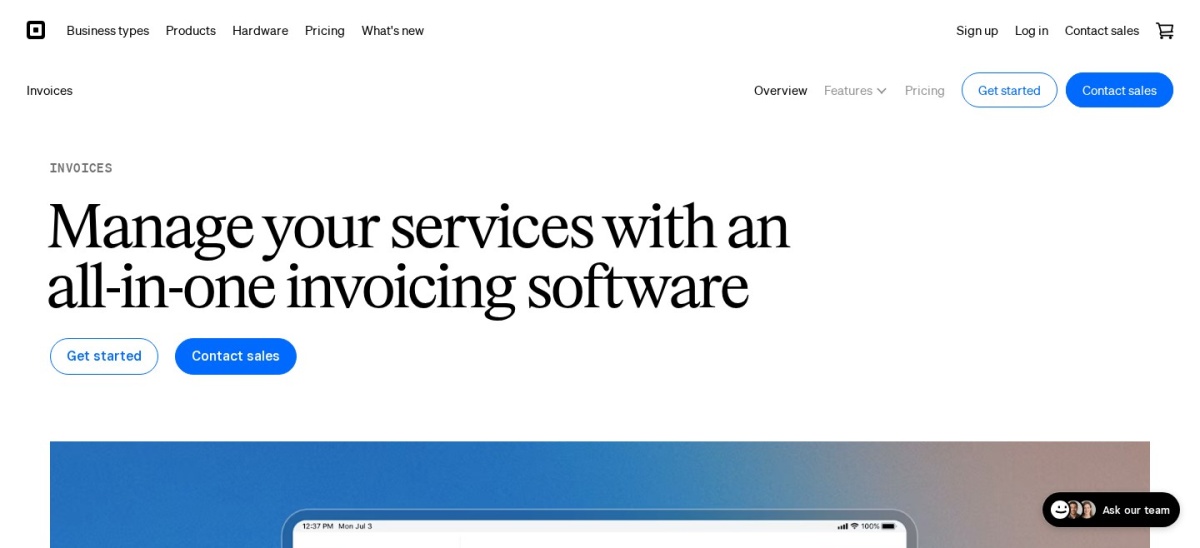
Square Invoices is the invoicing tool inside Square, built for businesses that also take payments in person. The free plan covers unlimited invoices, estimates and recurring invoices, with automatic reminders and late fees. The Square app sends an invoice by email, text or link and tracks when it is viewed and paid.
The trade off is processing cost. Online card payments cost 3.3 percent plus 30 cents on the free plan, and Plus at $20 a month only cuts that to 2.9 percent plus 30 cents. It suits shops and services that invoice on the go and take cards face to face.
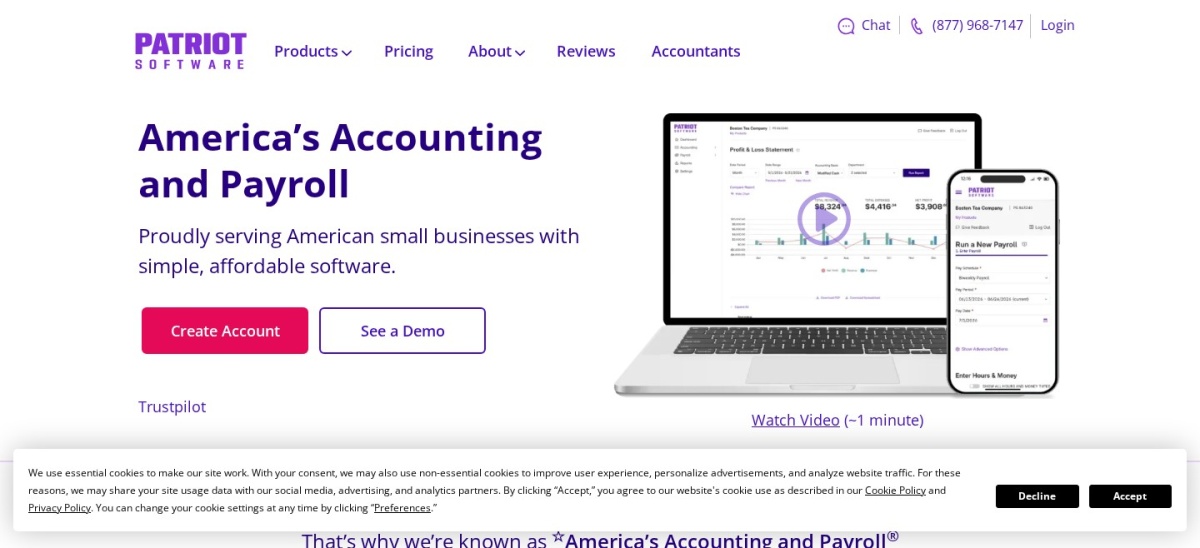
Patriot Accounting is straightforward US accounting with flat monthly pricing and unlimited users on every plan. Basic at $20 a month covers unlimited customers, invoices and vendors, with automatic bank imports, account reconciliation and credit card payment acceptance. Payroll is a separate add-on from the same vendor.
The trade off is recurring billing. Estimates, recurring invoices and receipt management wait for Premium at $30 a month, so Basic suits businesses that send one-off invoices. It suits small US businesses that want simple books and payroll from one vendor.
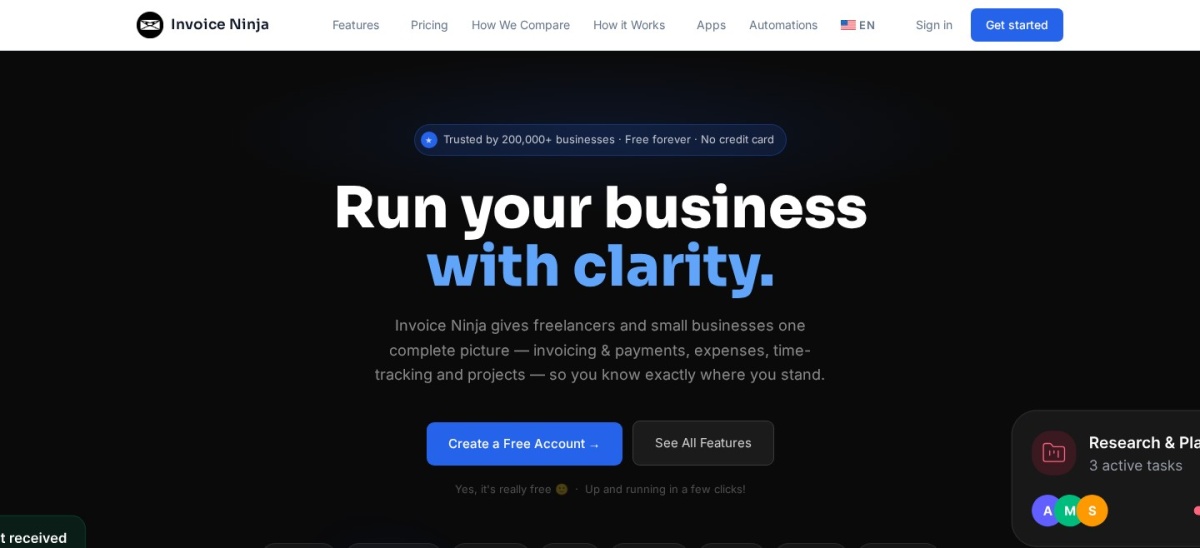
Invoice Ninja is an open-source invoicing platform for freelancers and small firms, available hosted or self-hosted. The hosted free plan covers up to 5 clients with unlimited invoices, quotes and payment gateway connections. Pro adds unlimited clients, white-labeling, a custom branding URL and recurring invoices.
The trade off is polish. Reviewers praise the value and flexibility but describe a technical interface, mixed support and a small review base of 22 on G2. It suits budget-minded freelancers who want to self-host or white-label their invoices.
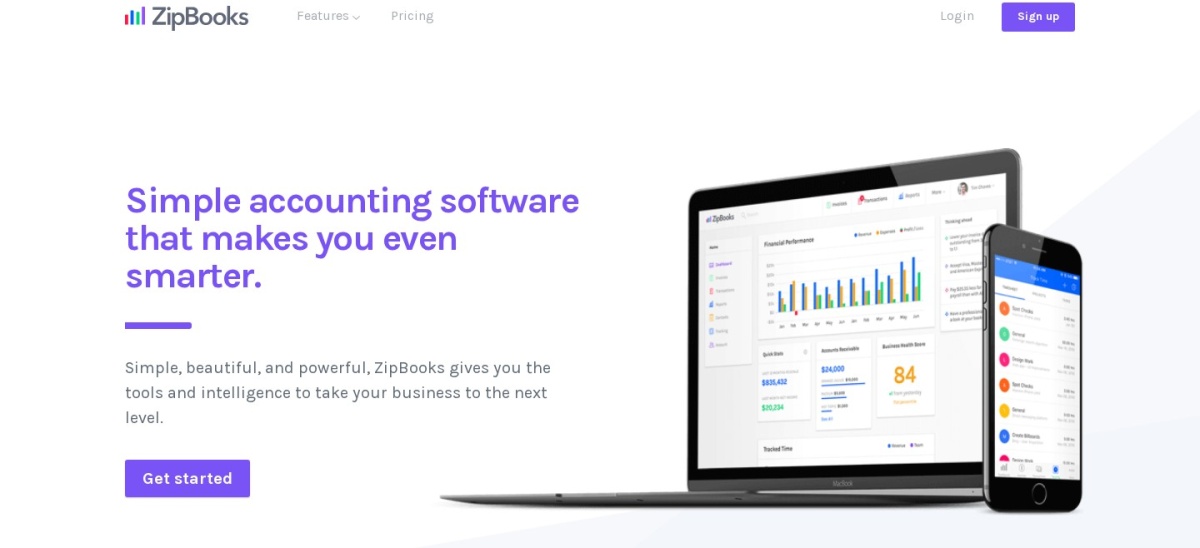
ZipBooks is a free-first accounting tool for very small teams, with invoicing at its core. The free plan covers invoicing with payment links, expense tracking and basic reports, and Smarter at $15 a month is the second-cheapest paid plan in this list.
The trade off is depth. ZipBooks has the smallest review base in this list at 86 G2 reviews, and its reporting and integrations are thinner than QuickBooks or Xero. It suits tiny teams that want free invoicing now and a cheap paid step later.
Free plans cover the basics well. Most include invoicing, estimates and payment links, and Square even adds recurring invoices and late fees for free.
Paid plans mostly add automation and scale. Recurring billing, batch invoicing, branded invoices without a vendor footer and higher invoice limits sit behind the paywall.
If you send fewer than 20 invoices a month, a free plan may be enough. Above that, the cheapest paid plans here start at $14 a month, and the jump buys reminders, automation and room to grow.
How we chose
We started from the accounting tools with the largest G2 review bases and the most complete invoicing, then kept nine that cover free plans, freelancers and growing teams. Every tool here sends invoices, accepts online payments and offers recurring billing on at least one plan.
Prices come from each vendor's pricing page or November 2026 pricing roundups that re-checked those pages, checked on 29 November 2026. QuickBooks prices were read on the official pricing page today. Ratings and review counts come from G2 on the same day.
We left out tools with no verifiable rating and tools whose US product was retired, including Sage Accounting. No vendor paid for a place, and we do not claim hands-on testing for this list.
How to choose accounting software for invoicing
Count your monthly invoices first, then check what each plan caps.
Count your invoices per month. If you send fewer than 20, Xero Early or a free plan may fit. Above that, you need unlimited invoicing from Growing, FreshBooks Plus or a free plan without caps.
Check whether recurring billing is included. FreshBooks, Xero and Square include it early, while Patriot keeps it for Premium. If you bill the same clients monthly, do not pay for a plan without it.
Add up the payment fees. Card fees of around 3 percent apply on top of every subscription here. At high volumes, a cheaper card rate can matter more than the monthly price.
Try the free plan or trial before you pay. Wave, Zoho Books, Square and Invoice Ninja all invoice free, so send a real invoice and check the reminders, branding and payment flow first.
FAQ
What are the top invoice features in accounting software?
The top invoice features are recurring billing, payment links, automated reminders, late fees and batch invoicing. QuickBooks Online covers the widest set, FreshBooks automates reminders and late fees best, and Square Invoices offers recurring invoices and late fees free.
What is the cheapest accounting software with good invoice features?
Invoice Ninja Pro at $14 a month is the cheapest paid plan here, with unlimited clients and white-label invoices. Wave and Zoho Books both invoice free, and ZipBooks Smarter costs $15 a month.
Does QuickBooks Online include recurring invoices?
Yes. QuickBooks Online includes recurring invoices and payment reminders from Simple Start at $38 a month. Batch invoicing is the feature that waits for Advanced at $340 a month.
Which accounting software is best for freelancers who invoice clients?
FreshBooks is the best invoicing-first pick for freelancers, with unlimited invoices, automated reminders and time tracking from Lite at $23 a month. Wave is the best free option if you send simple invoices.
Is there really free accounting software with invoicing?
Yes. Wave Starter, Zoho Books free and Square Invoices all send invoices free, and Invoice Ninja free covers 5 clients. Each caps something, such as invoice volume, revenue or client count, so check the limits first.
QuickBooks Online vs FreshBooks: which invoices better?
QuickBooks Online wins on breadth, with batch invoicing, progress invoicing and the largest accountant network. FreshBooks wins on ease, with simpler invoices, automated late fees and a client portal that freelancers find faster to use.
SaaS SEO and WordPress specialist with about 8 years of experience. Rakib compares WordPress plugins, themes, hosting and software using public pricing, documentation and user reviews. See how we rank.