For top flyer design software online, Canva is the best pick for most people, with the largest template library and a free plan that covers everyday flyers. PosterMyWall is the better pick for event flyers and local marketing, while Adobe Express suits anyone who wants Adobe-quality templates and fonts.
How we make this list: we compare pricing pages, product documentation and public user reviews, then re-check every price before each update. No product paid for a place. Disclosure.
Canva leads with the largest template library and a free plan; Pro costs $120 a year.
PosterMyWall is the flyer specialist here, with Premium at $109 a year and event pages built in.
Adobe Express Premium costs $9.99 a month and brings Adobe Stock assets and Firefly AI tools.
VistaCreate Pro covers up to 10 seats for one flat $120 a year, the best team value here.
PicMonkey has no free plan, only a 7-day trial, but Basic is the cheapest paid plan at $7.99 a month.
How do you choose top flyer design software online?
A good flyer tool starts with templates. Look for a library of flyer layouts for your exact use, whether that is a sale, a gig, a menu or a school event, so you are editing rather than designing from a blank page.
The free plan decides most choices. Some tools let you download finished flyers for free, while others only let you build and then charge for the download, so check the export rules before you spend an hour on a design.
Print quality matters for paper flyers. A tool should export high-resolution files or PDF, and a built-in print service saves a trip to the print shop when you need a stack of flyers fast.
Price spreads are wide here. Paid plans in this list run from $7.99 a month to $12.25 a month, and the cheapest plan is not always the best value once you count seats, stock photos and brand tools.
Canva is an online design tool with a large library of flyer templates for events, sales, menus and community notices. The free plan covers thousands of templates, stock photos and basic editing, and designs can be shared as links or downloaded for print.
The trade off is that premium templates, the brand kit, background remover and Magic Resize sit behind Pro at $120 a year. It suits small businesses and event organisers who make flyers every week and want one tool for design, social posts and print.
What we like
Huge flyer template library
Free plan covers most everyday flyers
Print ordering built in
Easy sharing and team comments
Watch out for
Premium templates need Pro
Print delivery adds cost and time
Pro adds the brand kit, premium assets and Magic ResizeVisit canva.com
02
PosterMyWall
4.7/5on G2 (71 reviews, checked Nov 2026)
Paid from$109/yr
Best for flyers, posters and event marketing
Flyer templates4M+ templates
Email marketing3,000 sends a month on Premium
Event pagesUnlimited on Premium
Free planYes, with limits
postermywall.com
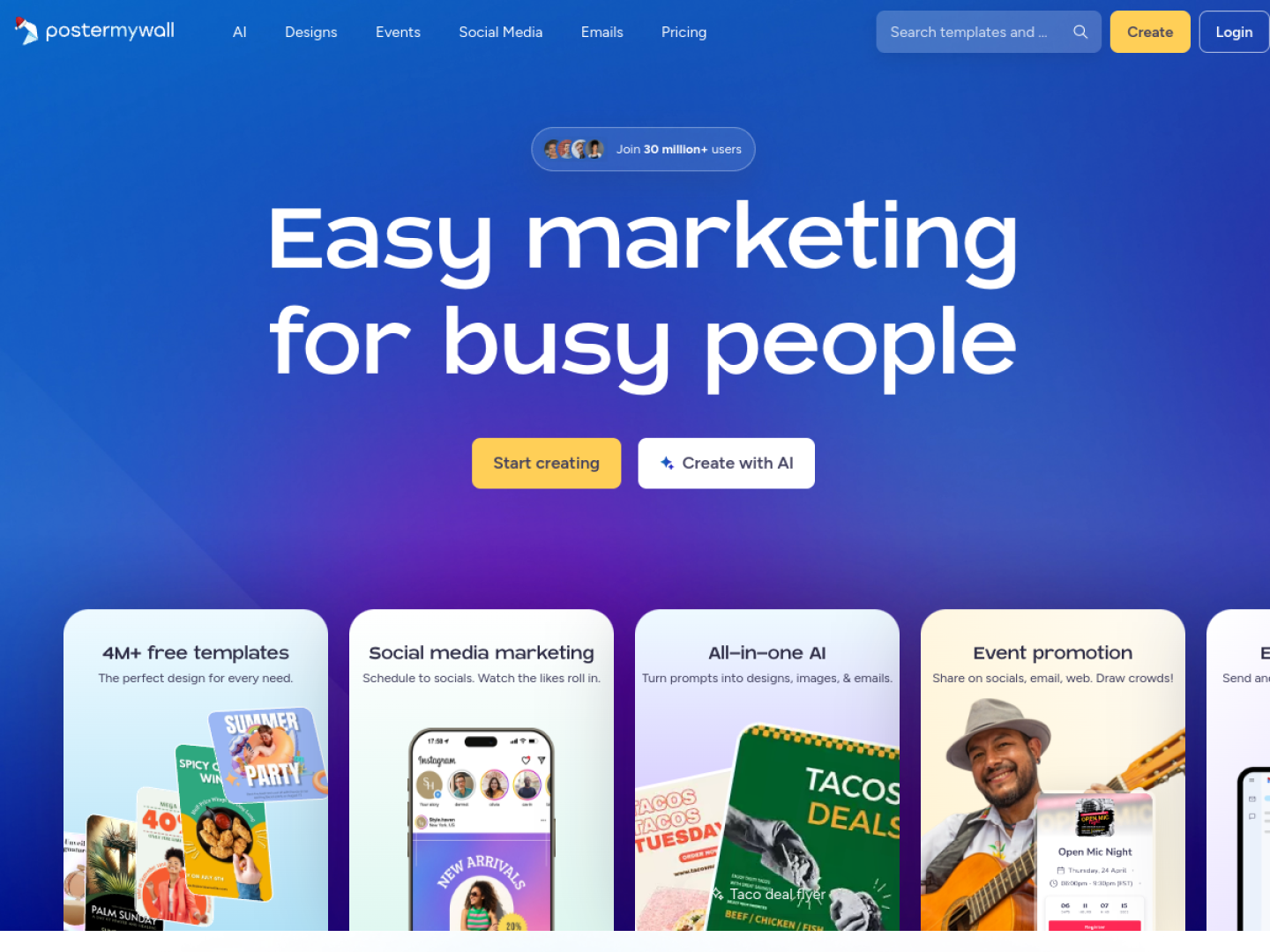
PosterMyWall homepage, captured Nov 2026.
PosterMyWall is a flyer-first design tool built for local marketing, with more than 4 million templates for flyers, posters, social posts and emails. The free plan covers standard downloads and event pages, and Premium adds unlimited high-quality downloads, AI tools and scheduling.
The trade off is polish. The editor is simpler than Canva and the free plan limits high-quality downloads, so heavy users need Premium at $109 a year. It suits restaurants, churches, schools and small venues that promote events every week.
Adobe Express is Adobe's online design app for quick flyers, social posts and ads, with templates, fonts and stock photos from Adobe Stock. The free plan includes more than 100,000 templates, basic editing and 5GB of storage, and Premium unlocks the full asset library.
The trade off is price over time. Premium costs $9.99 a month with no yearly discount shown, so a year costs about $120. It suits marketers already using Adobe tools who want polished flyers without opening Photoshop.
What we like
Strong template and font quality
Firefly AI image tools on Premium
200M+ stock assets on Premium
Watch out for
No annual discount on Premium
Fewer flyer-specific tools than PosterMyWall
Premium adds the full stock library and brand kitsVisit adobe.com
04
Venngage
4.7/5on G2 (137 reviews, checked Nov 2026)
Paid from$10/mo
Best for data-rich flyers and reports
Flyer templatesYes, plus infographics
Charts and dataBuilt-in chart tools
PNG exportPremium plan
Free plan5 designs
venngage.com
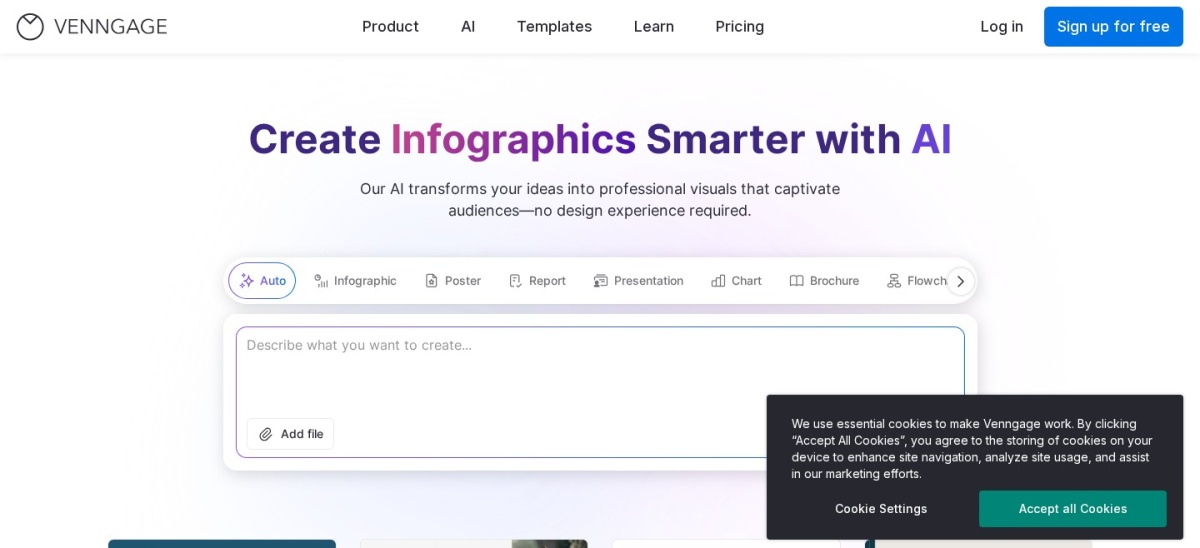
Venngage homepage, captured Nov 2026.
Venngage is an online design tool for infographics, reports and flyers that need charts, icons and data. The free plan allows 5 designs and 5 image uploads, and Premium at $10 a month billed yearly unlocks unlimited designs, premium templates and PNG downloads.
The trade off is the free plan. Five designs with no downloads is only enough to try the editor, so real flyer work needs Premium. It suits nonprofits, educators and marketers who put numbers and charts on their flyers.
VistaCreate is an online design tool with a free Starter plan and one paid tier, Pro, that covers up to 10 seats for a flat $10 a month billed yearly. The free plan includes more than 50,000 templates and no download cap, and Pro adds premium assets, the resizer and scheduling.
The trade off is stability. Reviewers praise the price but report freezes and slow exports more often than with Canva. It suits small teams that share one design subscription and make flyers, social posts and ads together.
Snappa is a small online design tool for fast static graphics, including flyers, social posts and thumbnails. The free plan includes every template and stock photo with 3 downloads a month, and Pro at $10 a month billed yearly adds unlimited downloads, custom fonts and background removal.
The trade off is scope. Snappa exports JPG and PNG only, with no video, animation or PDF output, so print-heavy flyer work may need another tool. It suits solo owners who want a finished graphic in minutes.
Visme is an online design platform for flyers, presentations, infographics and reports, with data widgets and brand controls. The free Basic plan allows unlimited projects but no downloads, and Starter at $12.25 a month billed yearly unlocks JPG, PNG and PDF downloads and removes the watermark.
The trade off is the free plan. You can build a flyer for free but cannot download it, so the first paid plan is the real starting point. It suits marketers and consultants who keep flyers, decks and reports in one branded system.
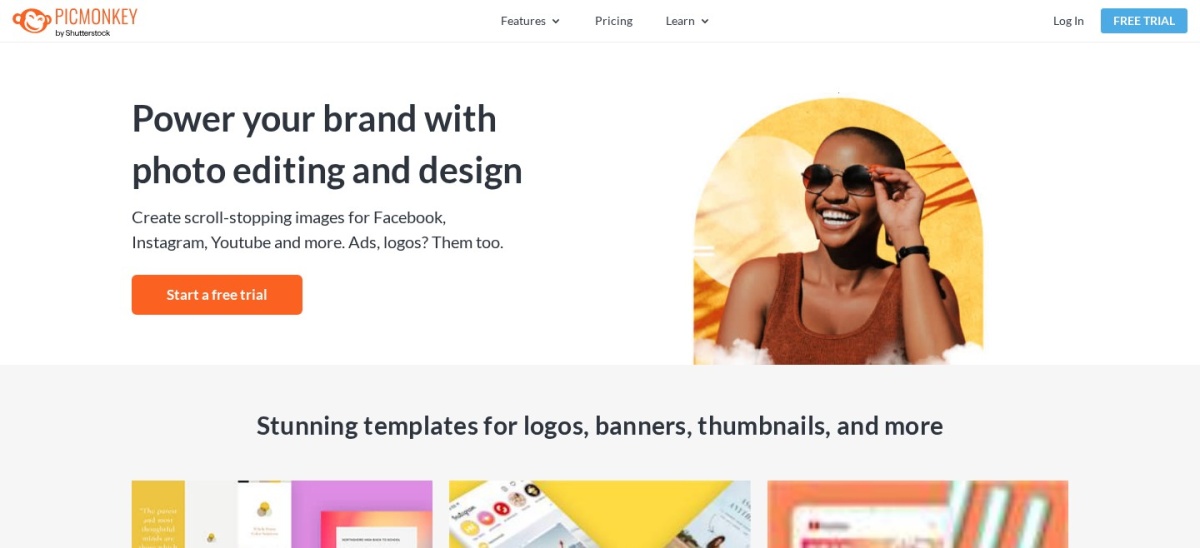
PicMonkey is a browser-based photo editor and design tool from Shutterstock, with flyer templates, touch-up tools and effects. There is no free plan, only a 7-day trial, and Basic starts at $7.99 a month with templates, effects and storage, while Pro adds background removal and stock photos.
The trade off is the missing free plan. You cannot keep using PicMonkey without paying, which makes it a poor fit for occasional flyers. It suits small businesses that edit photos and design flyers in the same place every week.
Free plans cover everyday flyers well. Most include templates, stock photos and basic editing, and Canva, PosterMyWall and VistaCreate all let you download finished work without paying.
Paid plans mostly add premium assets and brand control. You get more templates, stock photos, fonts and brand kits, plus tools such as background removal and one-click resize.
The biggest gap is downloads. Visme lets you build for free but not download, and Snappa caps free downloads at 3 a month, so check the export rules before you commit to a design.
For a business that prints flyers every week, a paid plan often costs less than one hour of a designer's time. Start free, and upgrade when a locked template or a download limit slows you down.
How we chose
We started from the online design tools most often recommended for flyers, then kept the eight with a flyer template library, an online editor and a verifiable rating on G2.
Prices come from each vendor's pricing page or from G2 pricing data quoting the vendor, checked on 29 November 2026. Ratings and review counts come from G2 on the same day. Where a vendor shows a sale, the list shows the regular price.
We left out desktop-only design software and tools with no verifiable rating. No vendor paid for a place, and we do not claim hands-on testing for this list.
How to choose flyer design software online
Start with how often you make flyers, then match the tool to that rhythm.
Count your flyers per month. One flyer a month fits a free plan. Weekly flyers justify a paid plan with unlimited downloads.
Check the download rules. Make sure the free plan lets you download high-resolution files or PDF before you build anything.
Try the template library first. Search for your exact event or business type. If the templates fit, the editor matters less.
Weigh print against social. Paper flyers need high-resolution or PDF export, while social flyers need quick resizing and scheduling.
FAQ
What is the best flyer design software online in 2026?
Canva is the best flyer design software online for most people in 2026. It has the largest template library, a free plan that covers everyday flyers, and built-in print ordering, while PosterMyWall is the better pick for event flyers.
How much does flyer design software cost?
Paid plans in this list cost from $7.99 a month for PicMonkey Basic to $12.25 a month for Visme Starter on yearly billing. Canva Pro costs $120 a year, PosterMyWall Premium $109 a year, and most other tools sit at $120 a year.
Is there free flyer design software online?
Yes. Canva, PosterMyWall, Adobe Express, Venngage, VistaCreate, Snappa and Visme all offer free plans. Canva and VistaCreate are the most generous, since both let you download finished flyers without paying.
Which flyer design software is best for beginners?
Canva is the easiest starting point for beginners, with a simple editor and thousands of flyer templates. Snappa is even simpler if you only need quick static graphics, while PosterMyWall suits beginners who market local events.
Canva vs PosterMyWall: which is better for flyers?
Canva wins on template range, polish and print options, while PosterMyWall wins for event marketing because it adds email campaigns, event pages and ticket sales in one plan. Choose Canva for general flyers and PosterMyWall for events.
Can I print flyers made with online design software?
Yes. Most tools in this list export high-resolution JPG or PNG, and Visme and Canva also export PDF for print. Canva offers built-in print ordering, while other tools need a local print shop for paper copies.
SaaS SEO and WordPress specialist with about 8 years of experience. Rakib compares WordPress plugins, themes, hosting and software using public pricing, documentation and user reviews. See how we rank.