Best Banner Design Software in 2026: 7 Tools Compared
WLWPLegible EditorsLast verified 22 Nov 2026How we rank13 min read
★ Short answer
Canva is our top banner design software for most users, offering 1.6 million-plus free templates and Pro at $18 per month. Adobe Express is better for affordable branded marketing banners, while The Brief specializes in animated HTML5 advertising banners and multi-format campaign production.
How we make this list: we compare pricing pages, product documentation and public user reviews, then re-check every price before each update. No product paid for a place. Disclosure.
Canva Pro costs $216/year at its regular monthly rate and unlocks 3.6M+ templates, 141M+ design elements and 5 Brand Kits.
Adobe Express Premium costs $119.88/year and includes 250 monthly AI credits, 430M+ creative assets and one-click resizing.
The Brief Pro costs $468/year on monthly billing and includes 5,000+ templates, HTML5 exports, animation and 5 Brand Kits.
VistaCreate Pro costs $120/year at $10/month and includes 200K+ templates, 170M+ creative assets and 100 monthly AI image generations.
Snappa Pro costs $120/year with annual billing and includes 3,000 annual image credits, compared with 10 monthly credits on Free.
Piktochart Pro costs $120/year with annual billing and includes 500 AI credits, 5M+ premium graphics and 100GB storage.
What to look for in banner design software
Banner design software helps businesses create website headers, display advertisements, promotional graphics, social media covers and campaign visuals. The right application depends on the banner format, destination and level of design customization required.
Start with banner dimensions and resizing. Advertising platforms, websites and social networks use different image sizes. Software with custom dimensions and reusable layouts can reduce the time spent rebuilding similar designs.
Consider whether you need static or animated banners. Most general graphic design editors handle PNG and JPG graphics, while specialist advertising platforms also support GIF, HTML5 and video formats. HTML5 support is especially relevant for animated display advertising.
Templates, typography, image libraries and Brand Kits help maintain visual consistency. For agencies, shared brand assets and collaboration controls become important when producing campaigns for multiple clients.
Finally, compare export options, AI allowances and subscription terms. Free software may restrict downloads or premium assets, while higher-priced tools can offer automation, campaign variations and advanced advertising formats.
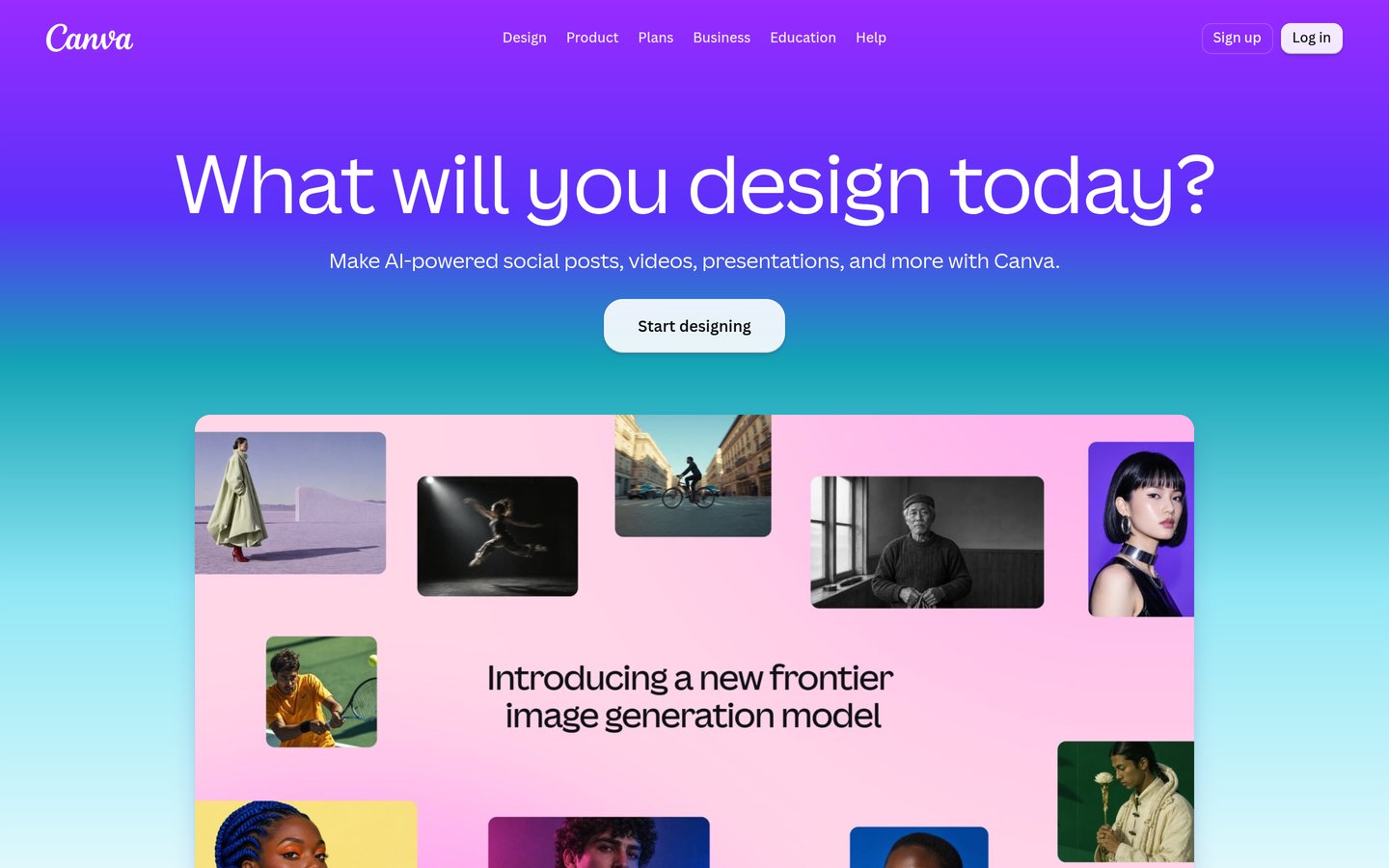
Canva is a visual design platform for creating website banners, social media covers, promotional graphics and advertisements. Its free plan includes 1.6 million-plus templates, 4.7 million-plus elements and custom dimensions. Pro costs $18 monthly and adds 3.6 million-plus templates, 141 million-plus elements, five Brand Kits and expanded AI design features.
The trade off is that advanced AI tools have shared usage allowances, and Canva is less specialized for HTML5 advertising banners. Business costs $25 per person monthly and expands brand management and collaboration. It suits marketers, bloggers and small businesses creating static promotional banners across different channels.
What we like
Extensive free banner templates
Custom dimensions and resizing tools
AI-assisted image and design creation
Brand Kits and reusable visual assets
Supports static and animated social graphics
Watch out for
Advanced AI tools have usage limits
Not a dedicated HTML5 advertising platform
Advanced team controls require Business
Pro unlocks premium templates, assets, resizing and expanded AI features.Visit canva.com
02
Adobe Express
4.4/5on G2 (1,109 reviews, checked Nov 2026)
Paid from$9.99/mo
Best affordable banner editor for marketers
Entry paid planPremium
AI credits250/month
Creative assets430M+
Cloud storage100GB
adobe.com
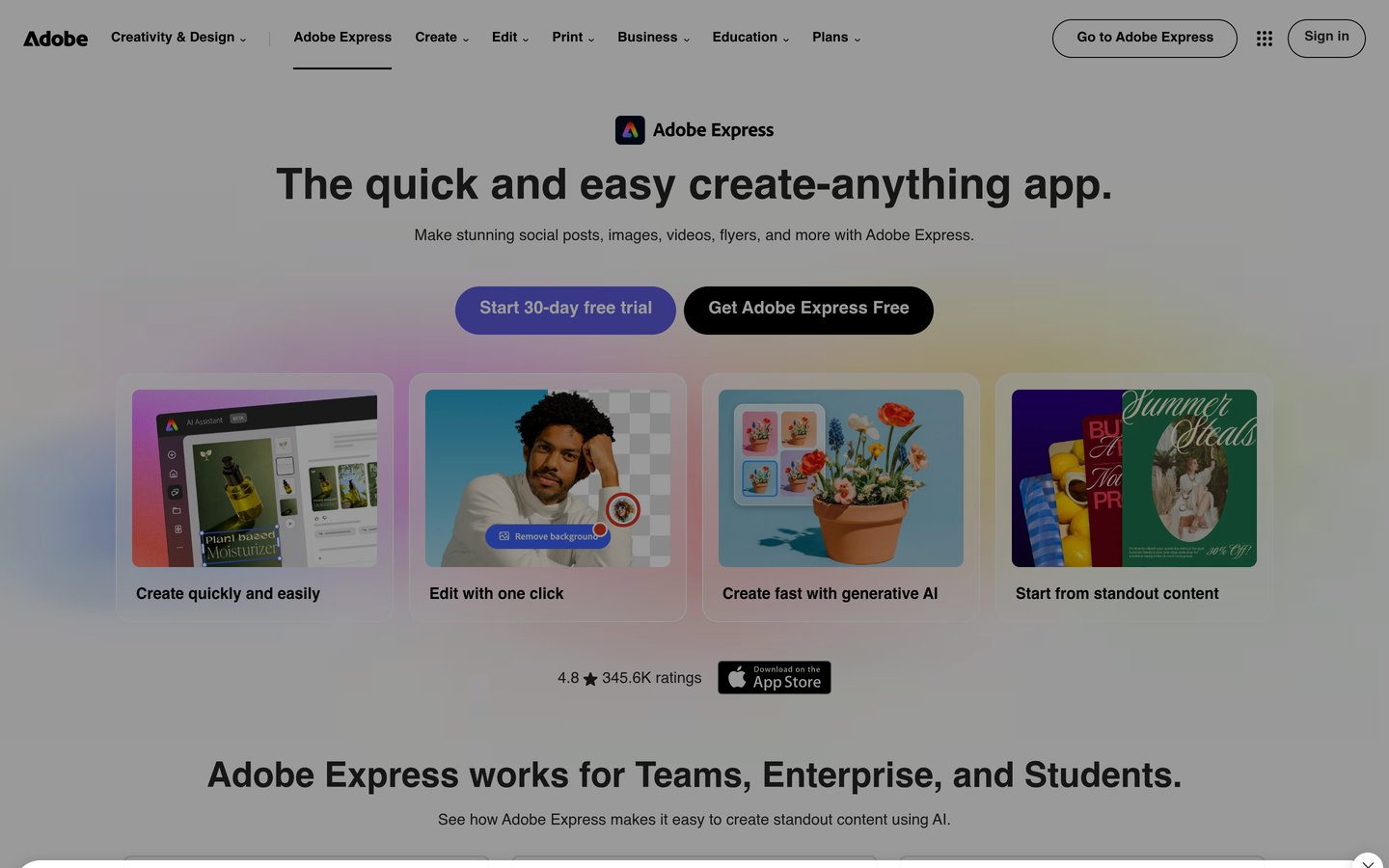
Adobe Express homepage, captured Nov 2026.
Adobe Express is a graphic design application for creating banners, posters, advertisements and social media graphics. Its free plan includes templates and basic editing. Premium costs $9.99 monthly and adds 250 generative credits, 430 million-plus creative assets, more than 30,000 fonts, Brand Kits and one-click resizing.
The trade off is that generative AI credits are limited, and complex vector editing or advanced advertising production may require other applications. Premium includes a 30-day trial, after which subscription billing applies unless canceled. It suits marketers who need branded static banners and straightforward creative editing.
What we like
Affordable regular subscription price
One-click banner resizing
Large Adobe Stock asset library
Firefly-powered AI editing
Brand Kits and content scheduling
Watch out for
AI generation has monthly credit limits
Advanced vector work requires other tools
Not focused on HTML5 ad production
Premium adds stock assets, AI credits, advanced editing and Brand Kits.Visit adobe.com
The Brief is an advertising creative platform, formerly Creatopy, designed for producing static, animated and HTML5 banners. Pro costs $39 monthly and includes an ad editor, 5,000-plus templates, AI image and copy generation, resizing, animation, five Brand Kits and 250GB storage. A seven-day trial is available.
The trade off is that advanced ad serving, direct publishing and larger campaign automation capabilities require Ultra or team subscriptions. The provider also advertises introductory discounts that are excluded from this comparison. It suits advertising agencies and marketers producing display ads in multiple sizes and formats.
What we like
Dedicated HTML5 banner creation
Animation timeline and smart resizing
Multiple advertising export formats
AI image and copy generation
Brand controls and campaign variations
Watch out for
More expensive than general banner editors
Advanced publishing requires higher plans
Smaller G2 review sample
Pro includes HTML5 exports and animation; Ultra adds ad serving, publishing and localization.Visit thebrief.ai
04
VistaCreate
4.5/5on G2 (170 reviews, checked Nov 2026)
Paid from$10/mo
Best for branded social media and promotional banners
Entry paid planPro
Design templates200K+
Creative assets170M+
Team membersUp to 10
create.vista.com
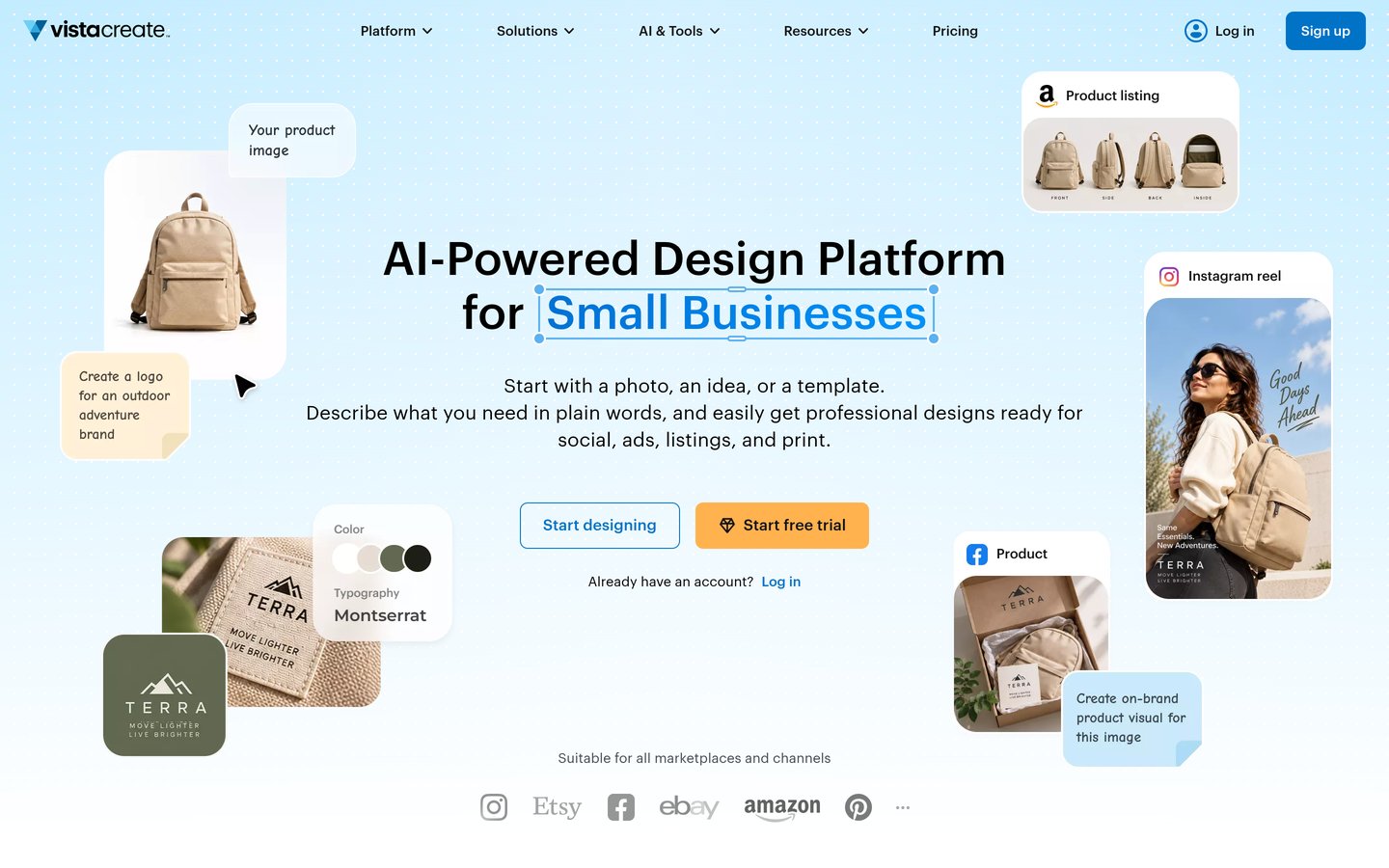
VistaCreate homepage, captured Nov 2026.
VistaCreate is a graphic design platform for social media banners, website headers, posters and promotional graphics. Its free Starter plan includes an editor and basic templates. Pro costs $10 monthly and adds 200,000-plus templates, 170 million-plus creative assets, unlimited Brand Kits, 100 monthly AI image generations and collaboration for up to 10 members.
The trade off is that AI image generation has monthly limits, and the platform is less suited to specialized HTML5 advertising production. Advanced editing also requires Pro. It suits small teams that need consistent branding and shared access without purchasing a complex professional design suite.
What we like
Large premium template library
Unlimited Brand Kits on Pro
Team collaboration included
AI image generation and editing
One-click resizing and HD downloads
Watch out for
AI image generation is limited monthly
Not a dedicated HTML5 advertising tool
Advanced editing requires Pro
Pro adds premium assets, unlimited Brand Kits, collaboration and advanced AI editing.Visit create.vista.com
05
Snappa
4.6/5on G2 (40 reviews, checked Nov 2026)
Paid from$120/yr
Best for simple static banner production
Entry paid planPro
Monthly billing$15
Annual billing$120
Annual credits3,000
snappa.com
Snappa homepage, captured Nov 2026.
Snappa is a browser-based graphic design tool for producing website headers, advertising banners and social media images. Its free plan includes 10 image credits monthly, while Pro costs $120 annually and provides 3,000 credits at the start of the subscription. Both plans provide access to the same design features.
The trade off is that Snappa counts image creation through credits, making its allowances important for frequent production. Its monthly Pro subscription costs $15, compared with the lower annual equivalent. It suits bloggers and small marketing teams that mainly produce static graphics and prefer a straightforward editor.
What we like
Simple editor for static banners
Ready-made social and advertising dimensions
Free plan available
Annual credits provided upfront
Clear regular subscription pricing
Watch out for
Image creation consumes credits
Less suitable for animated HTML5 ads
Smaller asset and feature ecosystem than larger editors
Pro increases creation capacity to 3,000 annual credits and supports credit top-ups.Visit snappa.com
06
Visme
4.5/5on G2 (512 reviews, checked Nov 2026)
Paid from$12.25/mo
Best for promotional banners and visual campaigns
Entry paid planStarter
Annual billing$12.25/month
Free planBasic
Team planFrom $24.75/month annually
visme.co
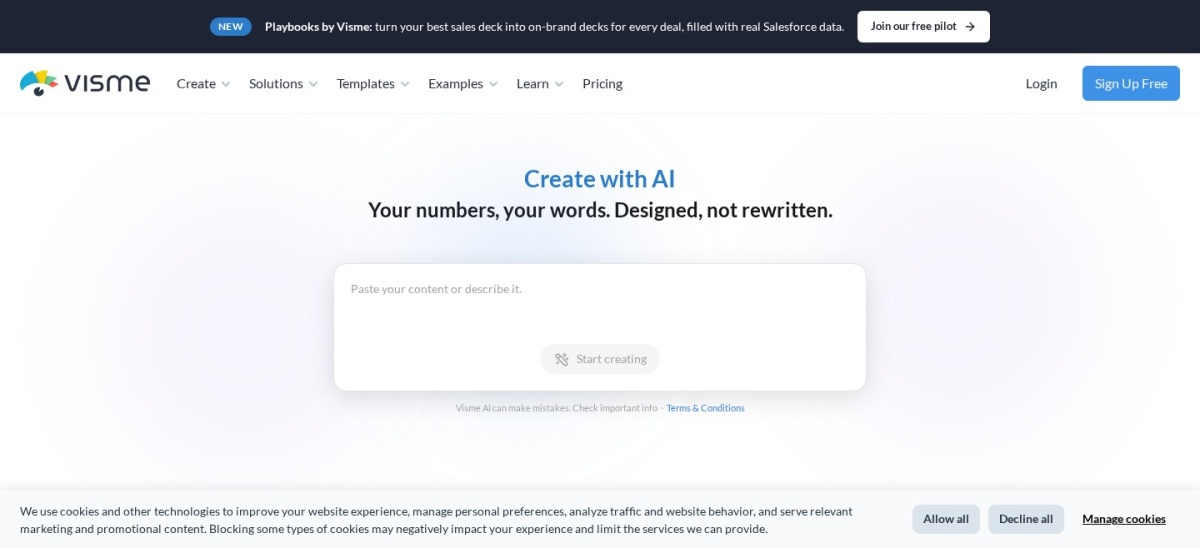
Visme homepage, captured Nov 2026.
Visme is a visual content creation platform for promotional banners, presentations, reports, infographics and marketing materials. Its free Basic plan includes templates and limited design tools. Starter costs $12.25 monthly with annual billing and unlocks premium templates, additional download options and expanded visual content features.
The trade off is that advanced brand governance, analytics and team collaboration are concentrated in higher subscriptions. Its broader visual communication focus also makes it less specialized for HTML5 advertising. It suits businesses producing banners alongside presentations, reports and data-driven marketing graphics.
What we like
Creates banners and other marketing materials
Free design plan available
Supports charts and data visualization
Premium templates and download options
Advanced brand management on higher plans
Watch out for
Advanced brand controls require upgrades
Less specialized for HTML5 advertising
Team subscriptions cost more
Starter adds premium design resources and downloads; higher plans add analytics and brand governance.Visit visme.co
07
Piktochart
4.4/5on G2 (162 reviews, checked Nov 2026)
Paid from$120/yr
Best for informational and data-driven banners
Entry paid planPro
Annual billing$10/month
AI credits500
Cloud storage100GB
piktochart.com
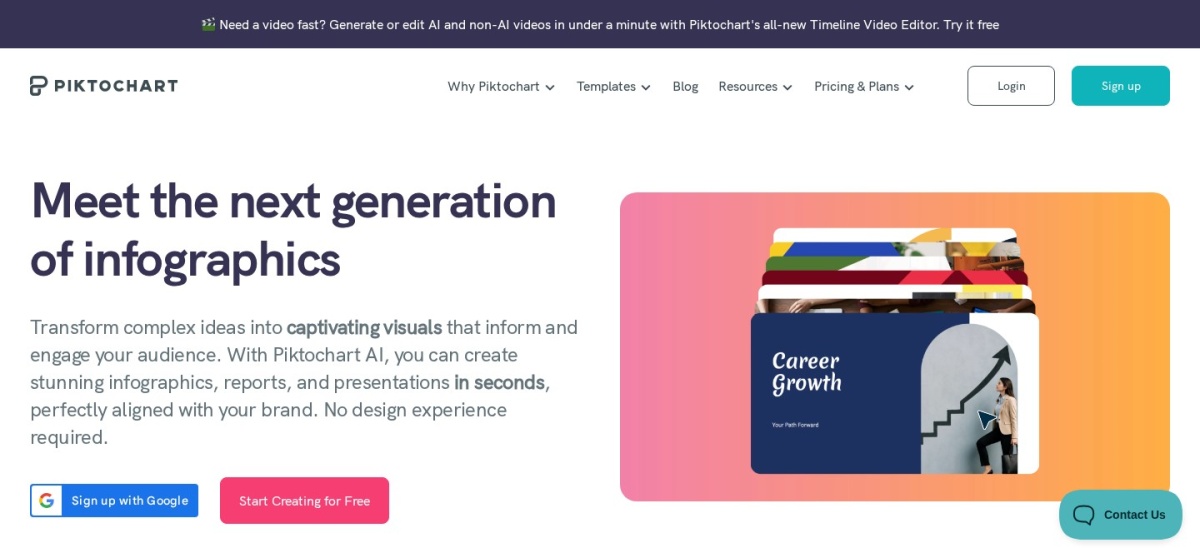
Piktochart homepage, captured Nov 2026.
Piktochart is an online design platform for infographics, promotional banners, posters and information-rich marketing visuals. Its free plan provides 60 AI credits and limited downloads. Pro costs $120 annually and includes 500 AI credits, five million-plus premium graphics, unlimited PNG downloads, transparent backgrounds and 100GB storage.
The trade off is that advanced branding and additional export formats require Business at $204 annually. Piktochart also focuses more on informational graphics than animated display advertising. It suits marketers, educators and organizations creating banners that combine messages, statistics and explanatory visuals.
What we like
AI-assisted visual content generation
Large icon and illustration library
Unlimited PNG downloads on Pro
Transparent background exports
Suitable for information-rich graphics
Watch out for
Advanced brand controls require Business
Less suitable for animated HTML5 ads
AI credits are limited by plan
Pro adds premium graphics and unlimited PNG downloads; Business adds advanced branding and more export formats.Visit piktochart.com
Should you use static, animated or HTML5 banners?
Static banners are typically exported as PNG, JPG or WebP images. They are suitable for website headers, social media covers, email graphics and many promotional placements.
Animated banners introduce motion through GIF, video or HTML5 formats. These can communicate additional messages or draw attention, but their suitability depends on the publishing platform and campaign requirements.
Canva, Adobe Express, VistaCreate and Snappa are practical options for static designs. The Brief specializes in advertising formats, including HTML5, GIF and MP4 exports.
HTML5 advertising banners can support animation and interactive creative elements, but publishers and advertising platforms impose their own technical requirements. Check file size, dimensions, animation duration and accepted formats before designing.
For most small websites, static banners offer simpler implementation. Animated or HTML5 banners become more relevant when a campaign specifically requires motion, multiple messages or advertising network compatibility.
How to create banners that communicate clearly
Begin with one clear objective. A banner might introduce a promotion, explain a product benefit, encourage registration or direct attention to important information.
Use a clear visual hierarchy. The main message should be easy to identify, while supporting text and calls to action should remain readable at the banner's intended display size.
Choose images and colors that reinforce the message. Strong contrast helps with readability, but excessive decorative elements can distract from the main purpose.
Prepare separate layouts for different placements rather than assuming every resized version will work automatically. Wide website headers and compact social advertisements often require different text arrangements.
Review accessibility, spelling, logo positioning and export quality before publishing. For advertising campaigns, measure actual performance instead of assuming that a more elaborate design will produce better results.
How we chose
We selected established banner design platforms covering static graphics, website headers, social media covers, informational visuals and animated display advertising. The comparison focuses on documented editing tools, templates, resizing, export formats, branding features and practical production workflows.
Official pricing pages and G2 review profiles were checked on 22 Nov 2026. We used regular published entry prices rather than temporary promotional offers, converting monthly subscriptions to yearly equivalents. Annual billing discounts are identified where applicable, and G2 ratings reflect public customer reviews rather than independently measured design performance.
We excluded products without confirmable entry pricing, discontinued banner editors and tools lacking clear relevance to banner production. We also avoided treating general graphic design features as equivalent to specialized HTML5 advertising capabilities. No vendor paid for a place, and we do not claim testing for this list.
How to choose the best banner design software
Identify where your banners will appear and what formats those placements require. Then compare software using these four steps.
Choose the right banner format. Determine whether you need static website banners, social media covers or animated display advertisements. General design platforms work well for ordinary PNG and JPG graphics, while specialist advertising software is more appropriate when HTML5 exports or advanced animation are essential.
Check dimensions and resizing features. Look for custom canvas sizes, preset dimensions and the ability to reuse designs across different placements. Automatic resizing can reduce repetitive work, but review each output for cropped images, unreadable text and misplaced calls to action.
Evaluate templates and brand consistency. Compare template libraries, fonts, stock assets and Brand Kits. Agencies and businesses managing multiple brands should consider shared assets, reusable templates and collaboration permissions. The design editor should make updating campaign graphics straightforward.
Calculate regular annual costs. Compare the complete subscription rather than introductory offers. Adobe Express Premium totals $119.88 annually, Snappa Pro costs $120 annually and Canva Pro totals $216 at its regular monthly price. Also review credit limits, required upgrades and export restrictions.
FAQ
What is the best banner design software in 2026?
Canva is our overall choice because it offers extensive templates, custom dimensions, AI tools and an accessible visual editor. Adobe Express provides a lower-priced paid alternative, while The Brief is more suitable for animated HTML5 advertising banners and multi-format campaign production.
Can I create banners for free?
Yes. Canva, Adobe Express, VistaCreate, Snappa, Visme and Piktochart offer free plans. These allow users to create different types of graphics, although templates, AI allowances and downloads may be restricted. Check the exported file options before relying on a free plan for commercial campaigns.
Which software is best for HTML5 banner ads?
The Brief is the strongest specialist option in this comparison. Its Pro subscription supports HTML5 exports, animation, smart resizing and several other advertising formats. General graphic design editors may produce static or animated graphics but do not necessarily support production-ready HTML5 advertising files.
How much does banner design software cost?
Regular paid subscriptions vary by product. Adobe Express Premium costs $9.99 monthly, VistaCreate Pro costs $10 monthly and Snappa Pro costs $120 annually. Specialist advertising software costs more, with The Brief Pro listed at $39 monthly. Free plans are available from several general-purpose editors.
What is the difference between Canva and Adobe Express?
Canva emphasizes an extensive template ecosystem, broad visual content creation and brand management. Adobe Express combines banner templates, AI editing and Adobe creative assets at a lower regular monthly subscription price. Both support custom dimensions and resizing, making them suitable for ordinary marketing banners.
Can banner design software resize ads automatically?
Yes, several products provide resizing tools. Canva, Adobe Express, VistaCreate and The Brief support adapting designs to different formats. However, automatic resizing may produce awkward text placement or image cropping, so each banner should be checked before exporting or publishing.
What banner file format should I use?
PNG is useful for graphics requiring sharp text or transparency, while JPG is suitable for photographic banners. WebP can provide efficient image delivery when supported. GIF and MP4 are options for motion, while HTML5 is used for certain animated advertising placements. Always follow the destination platform's requirements.
Is banner design software suitable for beginners?
Yes. Template-based applications such as Canva, Adobe Express and Snappa are approachable for users without professional design experience. They provide layouts, fonts, images and editing controls that reduce the need to start from scratch. Specialist advertising platforms may require additional familiarity with export specifications.
Can AI design banners automatically?
AI-assisted tools can generate design concepts, text, images and layouts from prompts. Canva, Adobe Express, VistaCreate and The Brief provide relevant AI capabilities. Generated banners still need manual review for readability, brand accuracy, product claims, licensing and correct dimensions before publication.