TablePress Alternatives in 2026: 7 Best Tools Compared
WLWPLegible EditorsLast verified 22 Nov 2026How we rank5 min read
★ Short answer
Ninja Tables leads this list with 70,000+ active installations and both a spreadsheet-style builder and drag-and-drop mode. WP Table Builder suits visual comparison and pricing cards, while Flexible Table Block fits lightweight block-editor tables.
How we make this list: we compare pricing pages, product documentation and public user reviews, then re-check every price before each update. No product paid for a place. Disclosure.
Ninja Tables runs on 70,000+ sites with a 4.6 out of 5 rating across 472 WordPress.org reviews.
WP Table Builder holds a 4.8 out of 5 rating from 681 reviews on 50,000+ active installations.
Flexible Table Block is a free Gutenberg block option with a 4.9 out of 5 rating on 40,000+ sites.
wpDataTables supports 60,000+ sites with database and spreadsheet table features and a 4.5 rating across 449 reviews.
Data Tables Generator by Supsystic covers 10,000+ sites with spreadsheet formulas and a 4.7 rating from 497 reviews.
What to look for when replacing TablePress
Sites moving away from TablePress usually need either a visual drag-and-drop layout for comparison and pricing cards, live syncing with external spreadsheets or databases, or a native block-editor workflow. Some plugins focus on static or semi-static display tables, while others handle form entries or charts alongside rows and columns.
Check whether your tables rely on manual editing, CSV and spreadsheet imports, or dynamic sources like WooCommerce products and form submissions. A plugin built for form entries or data charts solves a different problem than a drag-and-drop comparison table builder.
Review how each plugin handles mobile responsiveness, search, sorting, and pagination on your theme. Keeping unnecessary scripts off pages that do not use complex tables helps keep front-end pages fast.
Compare entry-level paid plans against what the free WordPress.org version already covers. Many sites can stay on a free tier if they only need basic rows, columns, and simple styling.
4.6/5on WordPress.org (472 reviews, checked Nov 2026)
Paid from$79/yr
Best for all-around data, pricing, and product tables
Active installs70,000+
WP.org rating4.6 / 5 (472)
Free versionYes
Starting paid plan$79/yr
ninjatables.com
Ninja Tables homepage, captured Nov 2026.
Ninja Tables is a WordPress table builder supporting manual tables, drag-and-drop creation, CSV or JSON import, and 70,000+ active installations. Its free WordPress.org plugin includes responsive tables, search, table templates, and cell merging in drag-and-drop mode.
The trade off is that advanced integrations such as Google Sheets sync, custom SQL queries, and WooCommerce tables sit behind paid plans starting at $79 per year. It suits site owners who want one plugin for data tables, pricing layouts, and product comparisons.
What we like
Offers both standard data tables and a drag-and-drop builder mode
Includes responsive behavior and CSV/JSON import on the free plugin
Holds a 4.6 out of 5 rating across 472 WordPress.org reviews
Watch out for
Google Sheets and SQL data connections require a paid tier
Many interface options can feel busy for simple lists
Paid plans add Google Sheets sync, WooCommerce and post tables, SQL queries, and extra styling.Visit ninjatables.com
02
WP Table Builder
4.8/5on WordPress.org (681 reviews, checked Nov 2026)
Paid from$39/yr
Best for visual drag-and-drop comparison and pricing tables
Active installs50,000+
WP.org rating4.8 / 5 (681)
Free versionYes
Starting paid plan$39/yr
wptablebuilder.com
WP Table Builder homepage, captured Nov 2026.
WP Table Builder is a drag-and-drop WordPress table plugin with 50,000+ active installations and a 4.8 out of 5 rating from 681 reviews. Its free version lets users place elements such as text, images, lists, buttons, and star ratings into table cells.
The trade off is that extra templates, advanced elements, and lifetime options cost extra, starting at $39 per year for the single-site plan. It suits bloggers and affiliate or product sites building visual comparison and pricing tables.
What we like
Visual element placement works well for buttons, lists, and ratings
Strong 4.8 out of 5 rating across 681 reviews on WordPress.org
Entry annual pricing starts at $39 per year
Watch out for
Less geared toward heavy database queries than spreadsheet plugins
Template and element expansions require upgrading to Pro
Paid plans add prebuilt templates, additional elements, and annual or lifetime licensing options.Visit wptablebuilder.com
03
Flexible Table Block
4.9/5on WordPress.org (34 reviews, checked Nov 2026)
PriceFree
Best for native Gutenberg block tables with merged cells
Active installs40,000+
WP.org rating4.9 / 5 (34)
Free versionYes
Paid planNone listed
wordpress.org
Flexible Table Block homepage, captured Nov 2026.
Flexible Table Block is a WordPress block-editor plugin running on 40,000+ active installations with a 4.9 out of 5 rating across 34 reviews. It extends block table editing with cell merging, splitting, global style defaults, and mobile stacking or scrolling options.
The trade off is that it stays focused on block-editor tables without complex data-table engines, charts, or spreadsheet sync, with no paid plan listed. It suits editors who want clean native block tables without extra dashboard bloat.
What we like
Built directly for the WordPress block editor with global defaults
Supports merging and splitting cells plus mobile display controls
High 4.9 out of 5 rating across 34 WordPress.org reviews
Watch out for
No spreadsheet sync or heavy database table features
Smaller review count on WordPress.org than older table suites
Available as a free WordPress.org block plugin with no paid tier listed.Visit wordpress.org
04
wpDataTables
4.5/5on WordPress.org (449 reviews, checked Nov 2026)
Paid from$59/yr
Best for large datasets, charts, and database-driven tables
Active installs60,000+
WP.org rating4.5 / 5 (449)
Free versionYes
Starting paid plan$59/yr
wpdatatables.com
wpDataTables homepage, captured Nov 2026.
wpDataTables is a WordPress data table and chart plugin with 60,000+ active installations and a 4.5 out of 5 rating across 449 reviews. Its free version lets you build responsive tables and charts with sorting, search, and basic data sources.
The trade off is that deeper spreadsheet, database query, and chart capabilities require paid plans starting at $59 per year, and setup takes more care than simple static tables. It suits sites displaying large catalogs, metrics, or structured datasets.
What we like
Handles structured tables alongside charts on 60,000+ sites
Supports sorting, search, and responsive layouts out of the box
Includes a free WordPress.org version to test basic tables
Watch out for
More configuration overhead than lightweight block table tools
Some reviews note mixed feedback on support and edge-case bugs
Paid plans expand data source connections, editing options, and chart and table controls.Visit wpdatatables.com
05
Data Tables Generator by Supsystic
4.7/5on WordPress.org (497 reviews, checked Nov 2026)
Paid from$49/yr
Best for spreadsheet formulas and pricing table modes
Active installs10,000+
WP.org rating4.7 / 5 (497)
Free versionYes
Starting paid plan$49/yr
supsystic.com
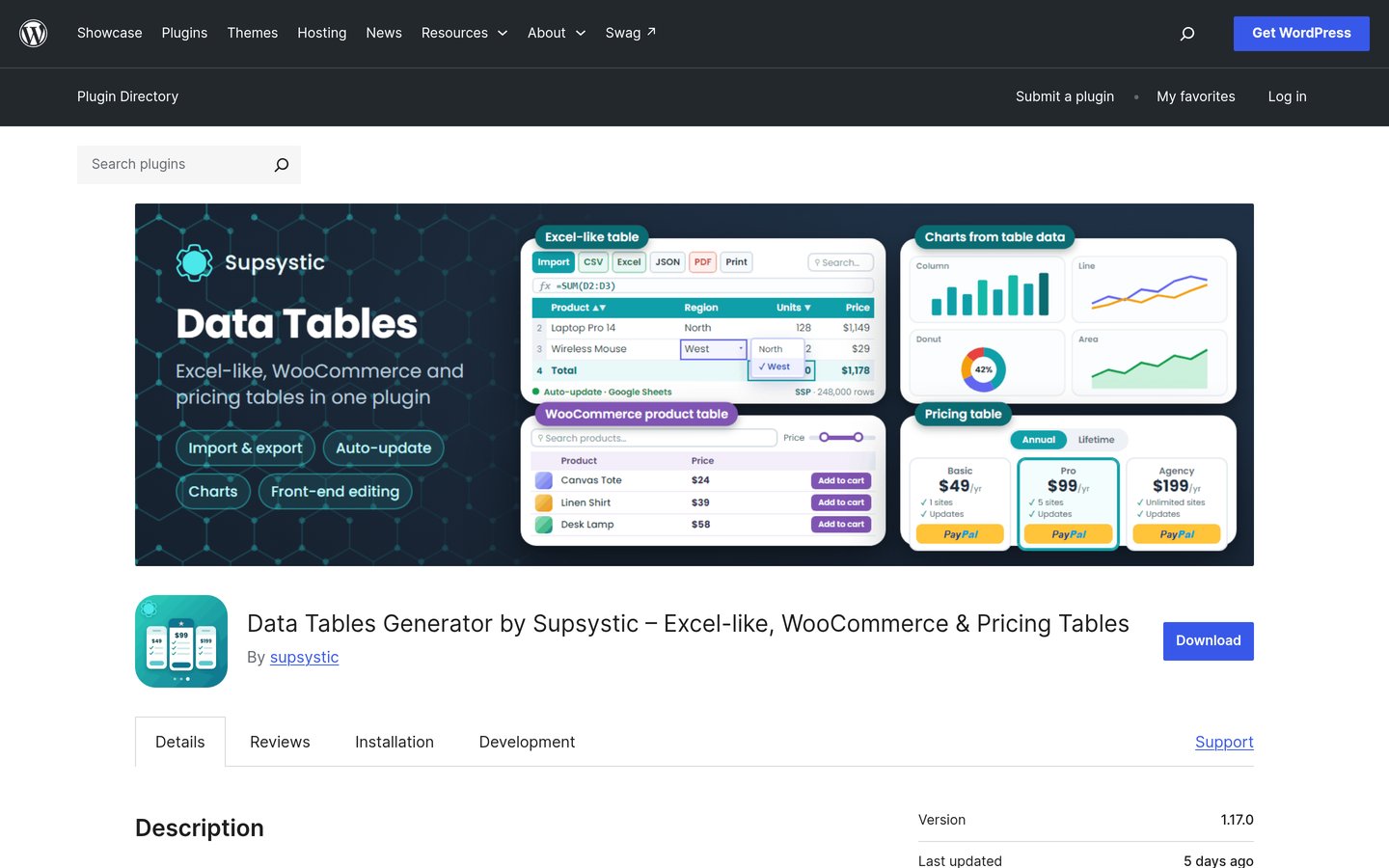
Data Tables Generator by Supsystic homepage, captured Nov 2026.
Data Tables Generator by Supsystic is a WordPress table plugin with 10,000+ active installations and a 4.7 out of 5 rating from 497 reviews. Its free version supports spreadsheet-style editing, formulas, sorting, search, pagination, and pricing table layouts.
The trade off is that extra themes, live source syncing, and extended export options sit on paid tiers starting at $49 per year. It suits sites that want spreadsheet formulas and pricing or product table modes in one plugin.
What we like
Supports formulas, sorting, search, and pagination in the free version
Covers data tables, pricing tables, and WooCommerce product tables
Rated 4.7 out of 5 across 497 WordPress.org reviews
Watch out for
Smaller active install base than Ninja Tables or wpDataTables
Additional themes and sync features require a paid upgrade
Paid plans add more themes, external data sync options, and extra table features.Visit supsystic.com
06
Tablesome
4.8/5on WordPress.org (89 reviews, checked Nov 2026)
Paid from$49/yr
Best for displaying and automating form entries in tables
Active installs7,000+
WP.org rating4.8 / 5 (89)
Free versionYes
Starting paid plan$49/yr
tablesomewp.com
Tablesome homepage, captured Nov 2026.
Tablesome is a WordPress table and form-automation plugin with 7,000+ active installations and a 4.8 out of 5 rating across 89 reviews. It lets site owners store form submissions in tables, display entries on the frontend, and connect popular WordPress form plugins.
The trade off is that extra workflow actions, frontend editing, and multi-site licenses require paid plans starting at $49 per year. It suits sites whose main table need is capturing and showing form submissions.
What we like
Connects tables directly with major WordPress form plugins
Strong 4.8 out of 5 rating across 89 WordPress.org reviews
Starter annual pricing begins at $49 per year
Watch out for
Narrower focus than general-purpose spreadsheet or visual builders
Fewer total reviews than long-running table plugins
Paid plans add frontend editing, extra column types, and broader workflow integrations.Visit tablesomewp.com
07
Visualizer
4.4/5on WordPress.org (174 reviews, checked Nov 2026)
Paid from$99/yr
Best for pairing interactive charts with tables
Active installs20,000+
WP.org rating4.4 / 5 (174)
Free versionYes
Starting paid plan$99/yr
themeisle.com
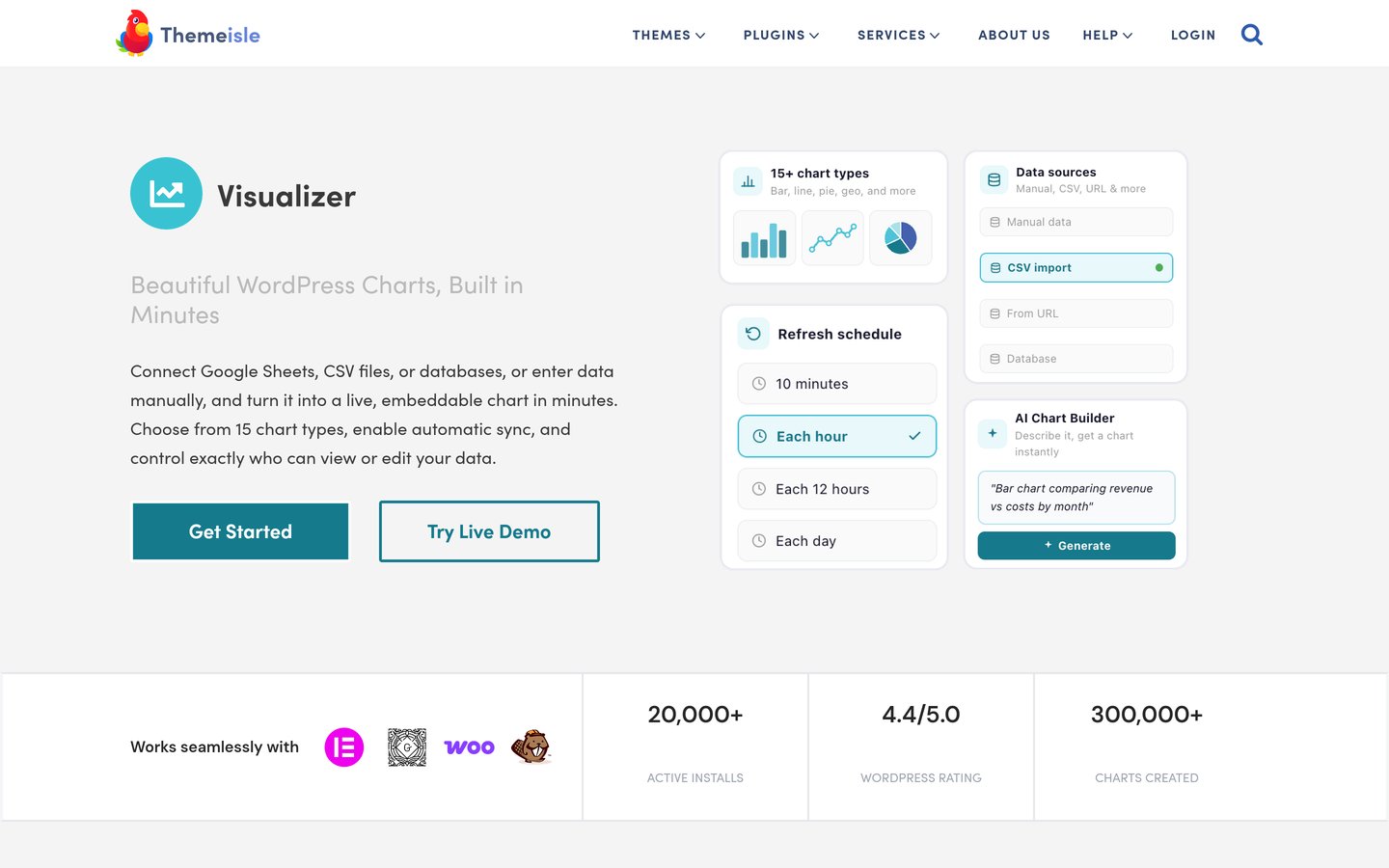
Visualizer homepage, captured Nov 2026.
Visualizer is a WordPress tables and charts plugin by Themeisle with 20,000+ active installations and a 4.4 out of 5 rating across 174 reviews. Its free version provides core chart types and table embeds for presenting structured figures.
The trade off is that automated external sync, extra chart types, and broader data imports sit behind paid plans starting at $99 per year. It suits sites that want charts alongside tables rather than spreadsheet-first table editing.
What we like
Combines data tables with interactive charts in one plugin
Runs on 20,000+ active installations with regular updates
Includes a free WordPress.org version for basic charts and tables
Watch out for
Entry paid plan starts higher than several single-site table rivals
Lower rating at 4.4 out of 5 across 174 reviews
Paid plans add extra chart types, automated data source syncing, and expanded permissions.Visit themeisle.com
How we chose
We gathered active WordPress table and data-display plugins from WordPress.org directory listings and vendor documentation, focusing on tools with established installations and recent maintenance.
Every WordPress.org rating, review count, active install figure, and regular paid starting price was checked on 22 Nov 2026 from official directory and vendor pages.
We excluded plugins that were closed, unmaintained over the past year, lacked verifiable pricing details, or had minimal adoption. No vendor paid for a place, and we do not claim testing for this list.
How to choose the right TablePress alternative
Follow four practical checks before migrating your tables.
Match the builder to your table format. Pick a visual drag-and-drop builder for pricing and comparison cards, or a data-table plugin for searchable rows, filters, and large datasets.
Check how your data enters the site. Confirm whether you edit manually in WordPress, import CSV files, sync external sheets or databases, or pull entries from forms.
Test mobile layout behavior early. Make sure long columns stack, scroll, or collapse cleanly on smaller screens without breaking your theme spacing.
Start on the free tier first. Verify core layout and search behavior in the free version before paying for extras like external syncing or multi-site licenses.
FAQ
What is the closest free alternative to TablePress?
Ninja Tables and Data Tables Generator by Supsystic both offer free WordPress.org versions with table creation, sorting, search, and responsive options, while Flexible Table Block fits block-editor tables without paid tiers.
Which plugin is best for visual comparison and pricing tables?
WP Table Builder focuses on drag-and-drop visual elements like buttons, lists, images, and ratings, which makes it well suited to comparison and pricing layouts.
Which option fits large datasets and charts best?
wpDataTables and Visualizer are built around structured data and charts, making them practical when you want data visualization alongside searchable or filterable tables.
Can I display form submissions in a table?
Tablesome is designed around capturing form entries and displaying table views, making it a strong fit when your table data comes from forms.
Should I always buy a paid plan right away?
No, starting with each plugin's free version lets you check compatibility with your theme and block or page builder before paying for extra integrations or site licenses.