Best WordPress Spanish Translation Plugins in 2026: 7 Tools Compared
WLWPLegible EditorsLast verified 22 Nov 2026How we rank8 min read
★ Short answer
TranslatePress is the best WordPress Spanish translation plugin for most sites, offering visual front-end editing and 400,000+ active installs on WordPress.org. Choose Polylang for free post-based management across 900,000+ sites, or GTranslate for fast automatic translation.
How we make this list: we compare pricing pages, product documentation and public user reviews, then re-check every price before each update. No product paid for a place. Disclosure.
TranslatePress lets you edit Spanish translations directly on the live page and stores strings locally in your database.
Polylang runs on 900,000+ sites and keeps a free core tier with unlimited languages for manual translation.
GTranslate carries 900,000+ active installs and a 4.9/5 rating across 4,958 reviews for browser-side and cloud translation.
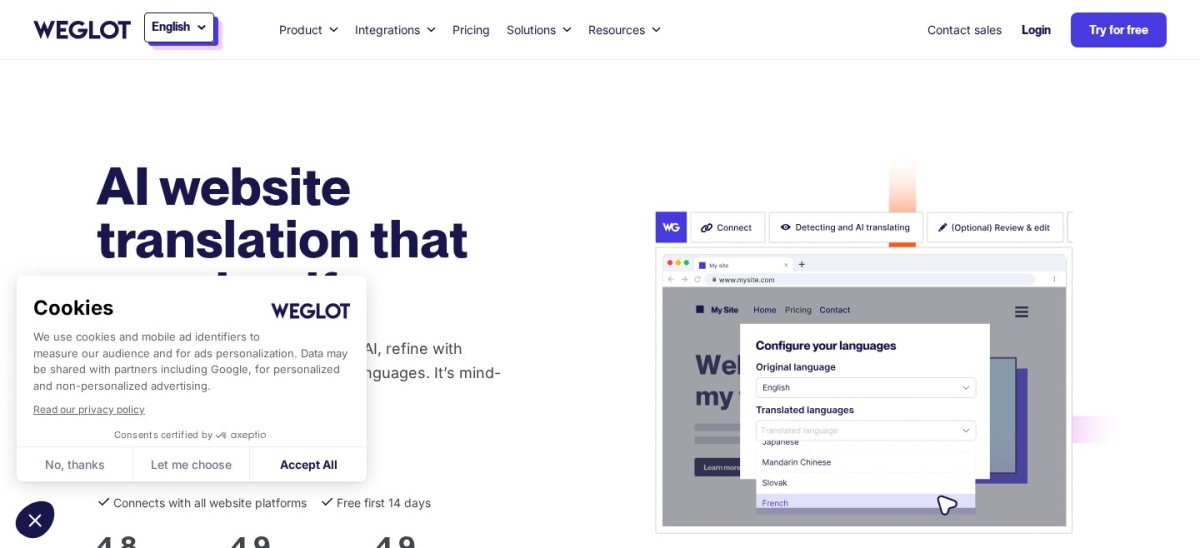
Weglot uses a cloud proxy with 50,000+ active installs, starting with a free tier up to 2,000 words and 1 translated language.
WPML is a paid-only plugin starting at EUR 39/year with 1,000,000+ installs and deep WooCommerce support.
Loco Translate focuses on theme and plugin PO/MO/POT files inside the dashboard rather than full post localization.
What to look for in a Spanish translation plugin
Spanish has regional variations across Spain, Mexico, Colombia, Argentina, Chile, and Venezuela. Check whether your plugin supports regional Spanish locales or lets you edit wording for your target audience.
Decide between local database storage and cloud translation services. Local plugins keep translations in your WordPress database, while cloud tools off-load translation and caching to external servers.
Search indexing matters if you want Spanish traffic from Google. Many free tiers omit translated URL slugs, metadata, or dedicated language URLs unless you upgrade.
If you run WooCommerce, check whether product descriptions, checkout text, and customer emails translate cleanly. Some tools require a higher tier or add-on for store-wide coverage.
4.7/5on WordPress.org (1,672 reviews, checked Nov 2026)
Paid fromEUR 99/yr
Best for visual front-end editing
StorageLocal WordPress database
Free tier1 extra language + 2,000 AI words
Entry paid planPersonal at EUR 99/yr (1 site)
SEO featuresSEO Pack addon on paid plans
translatepress.com
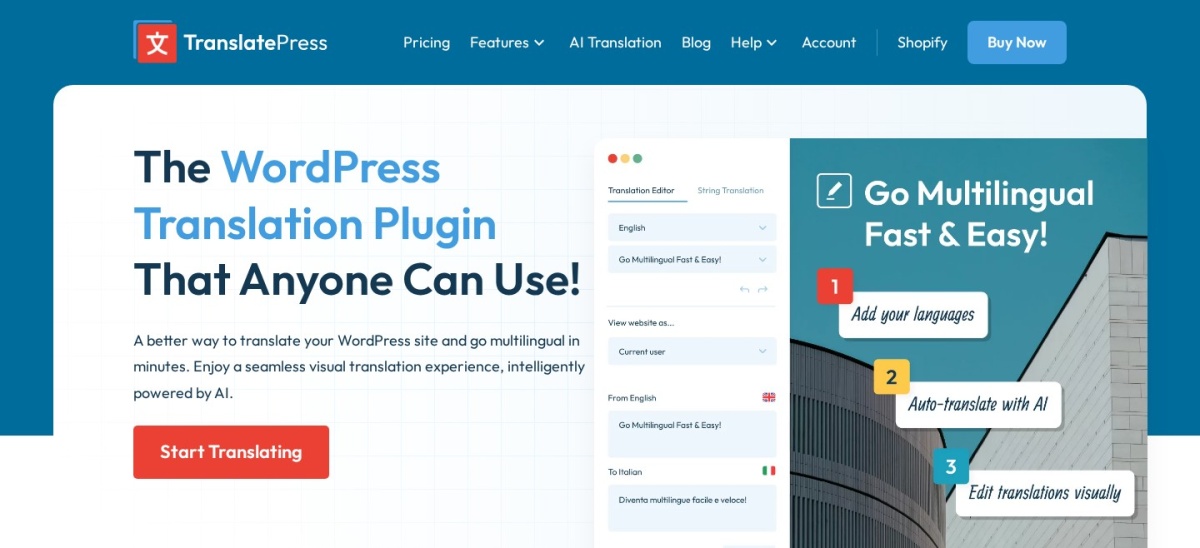
TranslatePress homepage, captured Nov 2026.
TranslatePress is a visual WordPress translation plugin with 400,000+ active installs and a 4.7/5 rating from 1,672 WordPress.org reviews. Its free version supports manual translation into one extra language and includes a 2,000-word TranslatePress AI allowance.
The trade off is that translating slugs, SEO metadata, and extra languages requires a paid plan starting at EUR 99/year for 1 site with 50K AI words. It suits site owners who want to click and edit Spanish text directly on the page.
What we like
Edit translated strings directly on the live front-end page
Stores translations locally in your own database
Includes a 2,000-word free AI translation allowance on the core plugin
Works with WooCommerce, custom post types, and page builders
Watch out for
Free version limits you to one additional language
SEO metadata and URL slug translation require a paid license
Paid plans start at EUR 99/year (Personal), adding 50K AI words, extra languages, and the SEO Pack addon.Visit translatepress.com
02
Polylang
4.7/5on WordPress.org (3,010 reviews, checked Nov 2026)
Paid fromEUR 99/yr
Best free post-based workflow
WorkflowSeparate post/page per language
Free tierUnlimited languages, manual translation
Entry paid planPolylang Pro from EUR 99/yr
WooCommerceSeparate addon or Business Pack (EUR 139/yr)
polylang.pro
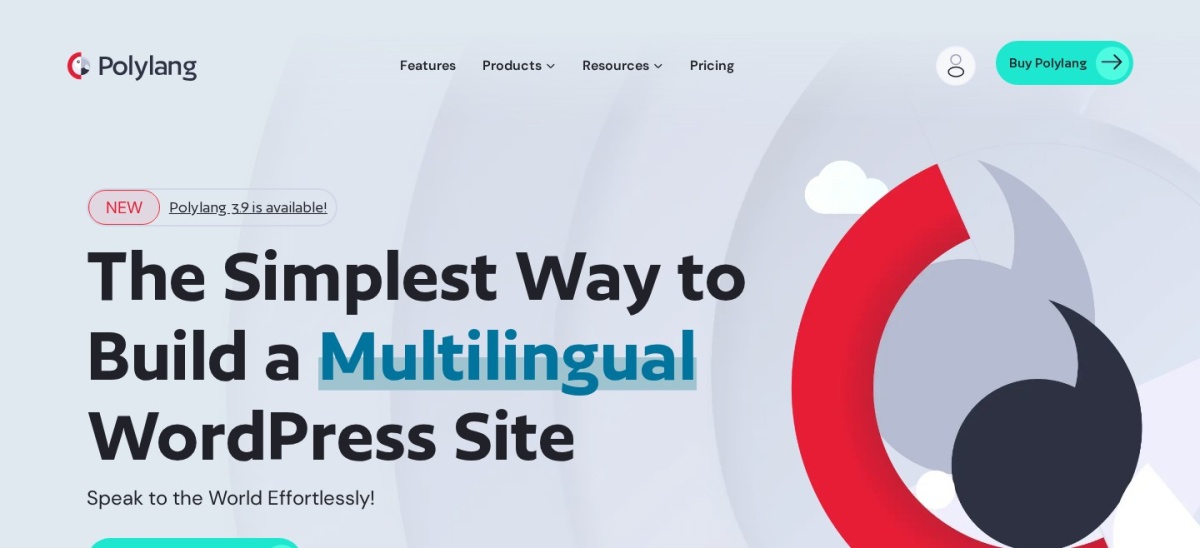
Polylang homepage, captured Nov 2026.
Polylang is a WordPress localization plugin with 900,000+ active installs and a 4.7/5 rating across 3,010 reviews. The free plugin lets you create translated posts, pages, categories, and menus across any number of languages without paying.
The trade off is that automatic machine translation and URL slug translation require Polylang Pro starting at EUR 99/year, and WooCommerce needs a separate addon. It suits writers and teams who prefer managing each language version as its own post.
What we like
Free core version supports unlimited languages for manual translation
Uses core WordPress taxonomies without adding heavy external dependencies
Supports Spanish regional locales including Spain, Mexico, Colombia, and Argentina
Offers dedicated WooCommerce translation via a paid addon or bundle
Watch out for
Requires separate posts or pages rather than an inline front-end editor
WooCommerce support is not included in the free plugin
Polylang Pro starts at EUR 99/year, adding DeepL integration, slug translation, and Site Editor support.Visit polylang.pro
03
GTranslate
4.9/5on WordPress.org (4,958 reviews, checked Nov 2026)
Paid from$120/yr
Best for fast automatic translation
Languages103 languages including Spanish
Free tierFree service for eligible non-commercial use
Entry paid planBilingual from $120/yr billed yearly
SEO URLsSubdirectories or subdomains on paid plans
gtranslate.io
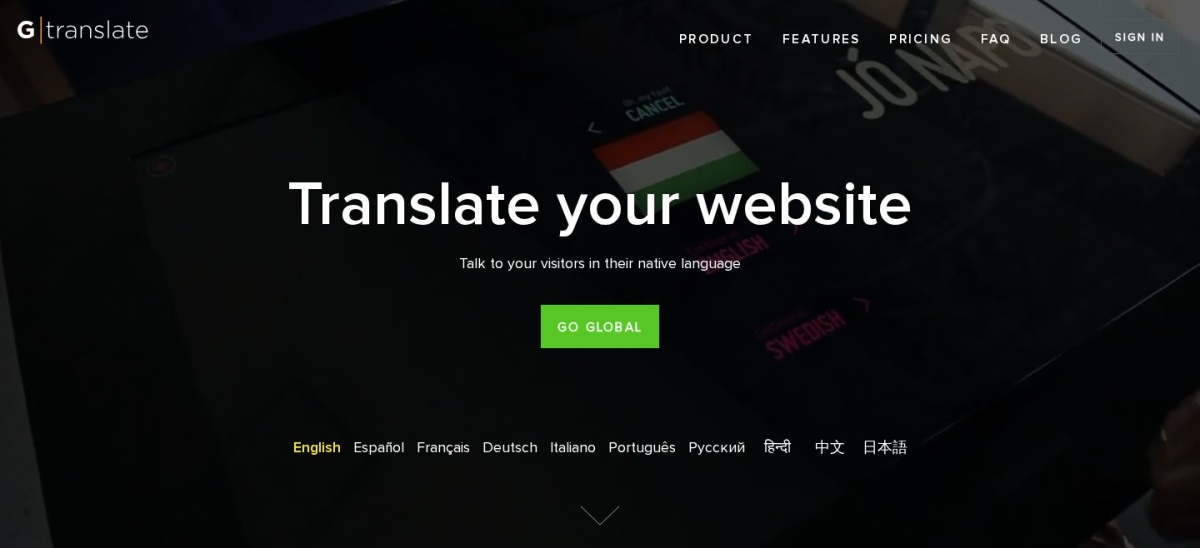
GTranslate homepage, captured Nov 2026.
GTranslate is a website translation plugin and cloud service holding 900,000+ active installs and a 4.9/5 rating from 4,958 reviews. Its free version adds a language selector and translates pages automatically using Google Translate for eligible non-commercial sites.
The trade off is that commercial sites require a paid plan, and search engine friendly URLs or manual translation edits sit behind paid tiers starting at $120/year. It suits sites that want quick automatic Spanish translations with cloud delivery.
What we like
High 4.9/5 rating across nearly 5,000 WordPress.org reviews
Cloud-based delivery reduces load on your WordPress hosting
Paid plans include unlimited words and translated pageviews
Watch out for
Free translation service is restricted to non-commercial and eligible use
Search engine indexing URLs and manual editing require a paid plan
Paid Bilingual plans start at $120/year billed yearly (EUR 9.99/month billed monthly), adding multilingual SEO and editing.Visit gtranslate.io
04
Weglot
4.8/5on WordPress.org (1,940 reviews, checked Nov 2026)
Paid from$170/yr
Best turnkey cloud translation workflow
Free tier2,000 words, 1 translated language
Entry paid planStarter at $170/yr (10,000 words, 1 language)
SEO & URLsAutomatic hreflang and translated URLs
Data storageStored on Weglot cloud servers
weglot.com
Weglot homepage, captured Nov 2026.
Weglot is a cloud-based translation plugin with 50,000+ active installs and a 4.8/5 rating across 1,940 reviews. Its free plan covers up to 2,000 total translated words and 1 language, including a visual editor and hreflang tags.
The trade off is word-count pricing that climbs quickly as content grows, with Starter starting at $170/year for 10,000 words. It suits businesses that want fast setup, visual editing, and hosted translation management.
What we like
Fast setup with automatic content detection and hreflang tags
Visual editor lets you review translated text in context
Supports Spanish regional variants including Spain, Mexico, Colombia, and Argentina
Watch out for
Word limits can become costly for large blogs or catalogs
Translations live on Weglot servers rather than your local database
Starter costs $170/year (or $17/month billed monthly) for 10,000 words and 1 language.Visit weglot.com
05
ConveyThis
4.4/5on WordPress.org (145 reviews, checked Nov 2026)
Paid from$120/yr
Best generous free word allowance
Free tier10,000 words, 1 language, 2,500 views/mo
Entry paid planStarter at $120/yr (60,000 words, 1 language)
Languages200+ languages including Spanish variants
EditingVisual editor and glossary tools
conveythis.com
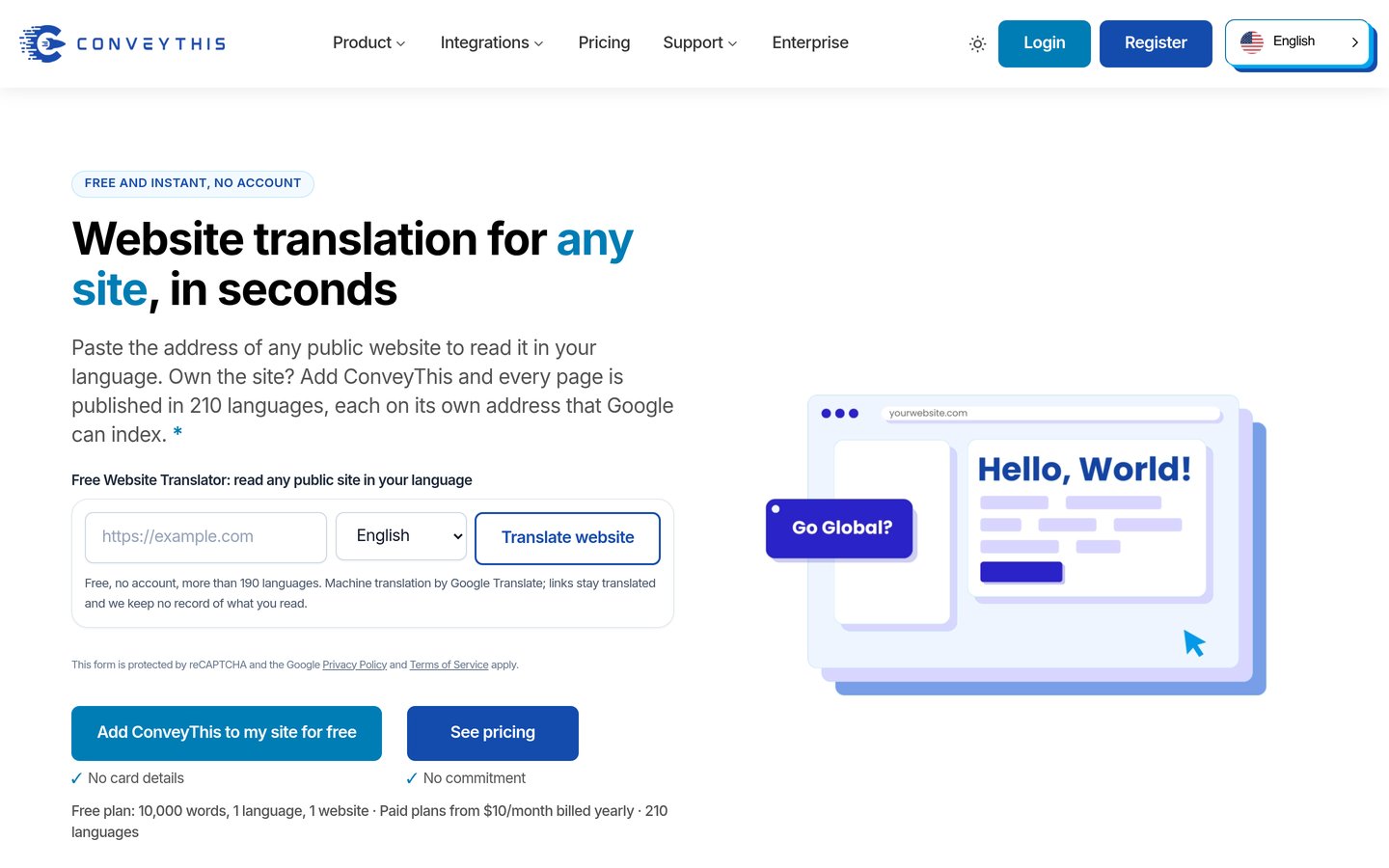
ConveyThis homepage, captured Nov 2026.
ConveyThis is a cloud translation plugin with 1,000+ active installs and a 4.4/5 rating from 145 WordPress.org reviews. Its free plan includes up to 10,000 translated words, 1 language, and 2,500 monthly translated page views.
The trade off is limits on both word count and monthly translated page views, with Starter at $120/year billed yearly. It suits small sites testing Spanish translation on a free tier before upgrading.
What we like
Free plan allows up to 10,000 words and 1 language
Includes a visual editor, glossary, and language switcher
Supports regional Spanish options such as Spain, Mexico, and the US
Watch out for
Paid plans restrict both word count and monthly page views
Lower review score than several competing plugins on WordPress.org
Starter costs $120/year billed yearly ($10/month) for 60,000 words and 15,000 monthly page views.Visit conveythis.com
06
wpLingua
4.9/5on WordPress.org (33 reviews, checked Nov 2026)
Paid fromEUR 120/yr
Best unlimited-word pricing model
Word limitUnlimited words across plans
Free tier1 language for non-commercial sites
Entry paid planStarter at EUR 120/yr (1 commercial language)
MultisiteNot compatible with WordPress Multisite
wplingua.com
wpLingua homepage, captured Nov 2026.
wpLingua is an automatic translation plugin with 1,000+ active installs and a 4.9/5 rating across 33 WordPress.org reviews. It translates one language for free on non-commercial sites with no word count cap.
The trade off is that commercial sites require a paid plan starting at EUR 120/year for one language, and it does not support Multisite. It suits content-heavy sites with many words that want flat language-based pricing.
What we like
No word count limits on free or paid plans
Free first language for qualifying non-commercial websites
Includes dictionary rules, exclusion rules, and slug translation
Watch out for
Smaller review count on WordPress.org than older plugins
Not compatible with WordPress Multisite installations
Starter is EUR 120/year per commercial site for 1 language, while Premium is EUR 240/year for 2 to 24 languages.Visit wplingua.com
07
WPML
4.2/5on WordPress.org (100 reviews, checked Nov 2026)
Starts atEUR 39/yr
Best for complex sites and WooCommerce
Free versionNone (paid plans only)
Entry paid planMultilingual Blog at EUR 39/yr
WooCommerceIncluded on Multilingual CMS (EUR 99/yr)
Translation enginePTC AI plus DeepL, Google, Microsoft
wpml.org
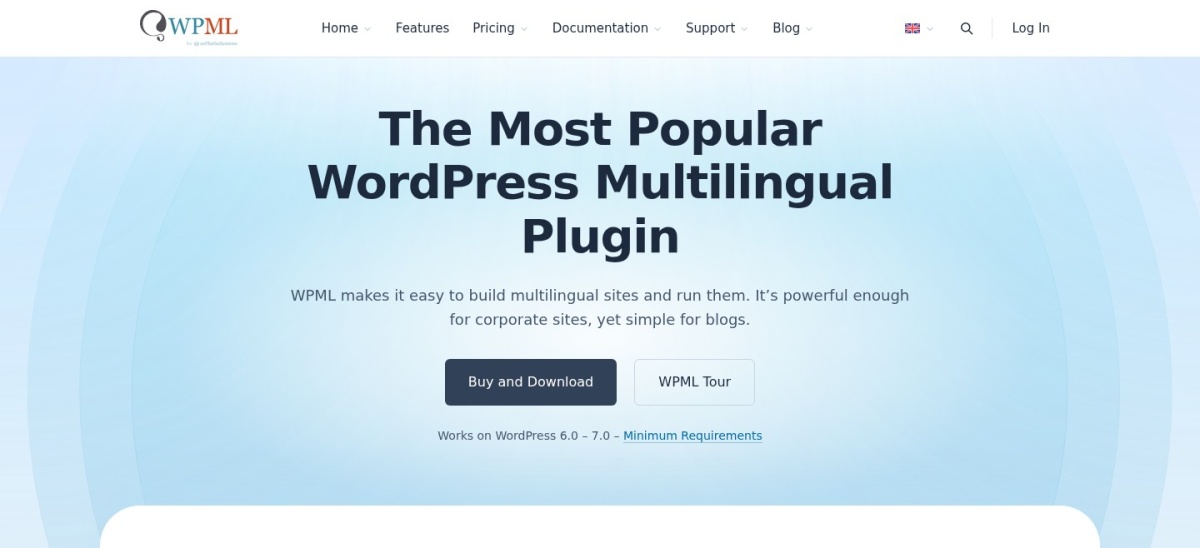
WPML homepage, captured Nov 2026.
WPML is a commercial multilingual plugin suite with 1,000,000+ active installs and a 4.2/5 rating on WooCommerce Multilingual. Its entry Multilingual Blog plan starts at EUR 39/year for 1 production site.
The trade off is that there is no free version, and features like WooCommerce support, string translation, and page builders require Multilingual CMS at EUR 99/year. It suits complex sites, teams, and multilingual stores.
What we like
Low entry price at EUR 39/year for basic blog translation
Deep WooCommerce integration and multi-currency support on CMS plans
Supports AI translation credits and translation team workflows
Watch out for
No free tier available to test on a live site
Basic blog tier lacks string translation, page builders, and WooCommerce
Multilingual Blog starts at EUR 39/year, while Multilingual CMS is EUR 99/year and includes 22,500 AI translation words.Visit wpml.org
Manual vs. automatic Spanish translation
Automatic machine and AI translation gets Spanish pages live quickly, which helps when launching a large catalog or blog. However, idioms, product tone, and regional Spanish terms often need human review before publishing.
A mixed workflow works well for most sites: generate initial Spanish drafts with AI or machine translation, then edit key pages, headings, and checkout strings by hand.
How we chose
We gathered established WordPress translation plugins from the WordPress.org directory and vendor documentation, checking active installs, ratings, and core localization features.
All active install counts, review figures, ratings, and starting regular prices were checked on 22 Nov 2026 from official WordPress.org listings and vendor pricing pages.
We excluded plugins that lacked clear public pricing or recent maintenance, and noted regional differences in Spanish support where relevant. No vendor paid for a place, and we do not claim testing for this list.
How to pick the right Spanish plugin for your site
Follow four practical steps to match a translation plugin to your content volume and budget.
Check whether you need one or multiple languages. Some free tiers limit you to one extra language, while others cap total translated words or restrict commercial sites.
Decide where translations should live. Local database plugins keep data inside WordPress, while cloud services handle translation and caching off-site.
Verify SEO URL and metadata support. If Spanish search traffic matters, confirm how the plugin handles language URLs, hreflang tags, slugs, and meta descriptions.
Check store and builder compatibility. Test or verify compatibility with WooCommerce, custom post types, and your page builder before committing to an annual plan.
FAQ
Which WordPress translation plugin is best for Spanish?
TranslatePress is a top choice for visual front-end editing, while Polylang fits manual post-based workflows and GTranslate suits fast automatic translation.
Can I translate a WordPress site into Spanish for free?
Yes, several plugins offer free versions, including Polylang, TranslatePress, GTranslate, Weglot, and ConveyThis, though word, language, or commercial limits may apply.
Do plugins support different Spanish dialects like Spain and Mexico?
Yes, several tools list regional Spanish variants such as Spanish (Spain), Spanish (Mexico), Spanish (Colombia), and Spanish (Argentina).
Should I store Spanish translations locally or in the cloud?
Local storage keeps everything inside your WordPress database, while cloud tools reduce local server work at the cost of ongoing usage quotas.
Do I need a paid plan for Spanish SEO?
Paid tiers often add translated URL slugs, metadata controls, or dedicated language URLs that help search engines index Spanish pages.
What happens if I cancel a paid translation subscription?
Policies vary by vendor: some keep existing translations active while stopping updates or new automatic translations, while cloud services may pause translated views.