MaintainX is the best software for tracking property maintenance history for most teams, with a free Basic plan and top marks from more than 1,500 G2 reviews. Pick Limble for structured preventive maintenance records, and UpKeep when your technicians work mostly from a phone.
How we make this list: we compare pricing pages, product documentation and public user reviews, then re-check every price before each update. No product paid for a place. Disclosure.
MaintainX leads at $20 per user a month billed annually, with a free Basic plan and a 4.8 G2 rating from 1,512 reviews.
Limble matches that 4.8 rating and puts MTBF and MTTR reporting on every tier, from about $28 per user a month.
UpKeep starts at $24 per user a month, but PM scheduling and parts need the $55 Premium plan.
Fiix has the most generous free plan in the list, with 25 active PMs and unlimited work orders.
Flat pricing wins past about 15 technicians: Fracttal at $195 a month and eWorkOrders at $380 a month.
How should you pick software for tracking property maintenance history?
A property maintenance history is only useful if every repair, inspection and part is recorded in the same place. Spreadsheets lose work orders, but a CMMS keeps the full timeline for each asset, from install to replacement.
The history itself is the product. A tool earns its place when it logs who did the work, what parts were used and what it cost, then turns that record into the next preventive maintenance schedule.
Mobile access decides whether the record stays complete. Technicians record work properly when they can close a job from a phone on site, with photos attached, instead of typing notes up later.
Pricing splits into two models. Our maintenance software guide shows per-user plans from $20 to $75 a month, while flat-fee tools suit larger crews because the bill does not grow with headcount.
The 8 best software tools for tracking property maintenance history
01
MaintainX
4.8/5on G2 (1,512 reviews, checked Nov 2026)
Paid from$20/user/mo
Best software for tracking property maintenance history overall
Entry paid planEssential, $20/user/mo
Free planBasic, $0, unlimited work orders
Parts and purchasingPremium, $65/user/mo
Mobile appiOS and Android, offline mode
getmaintainx.com
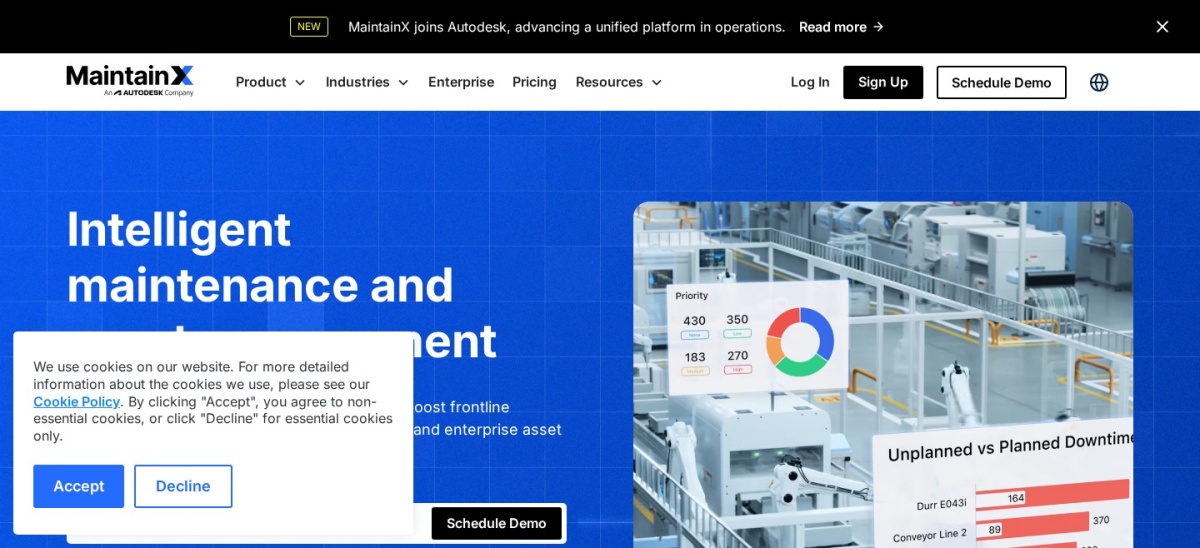
MaintainX homepage, captured Nov 2026.
MaintainX is a mobile-first maintenance platform for frontline teams, now part of Autodesk after its acquisition closed in August 2026. The free Basic plan covers unlimited work orders, procedures and requester users, plus real-time messaging. Essential adds unlimited repeating work orders at $20 per user a month billed annually.
The trade off is the jump to Premium. Parts inventory, purchase orders, meter-based maintenance and the open API cost $65 per user a month, more than three times Essential. It suits property teams that want fast adoption and a free starting point.
Best for structured preventive maintenance records
Entry paid planStandard, about $28/user/mo
Pricing modelCustom quote via calculator
ReportingMTBF and MTTR on every tier
Mobile appiOS and Android with offline mode
limblecmms.com
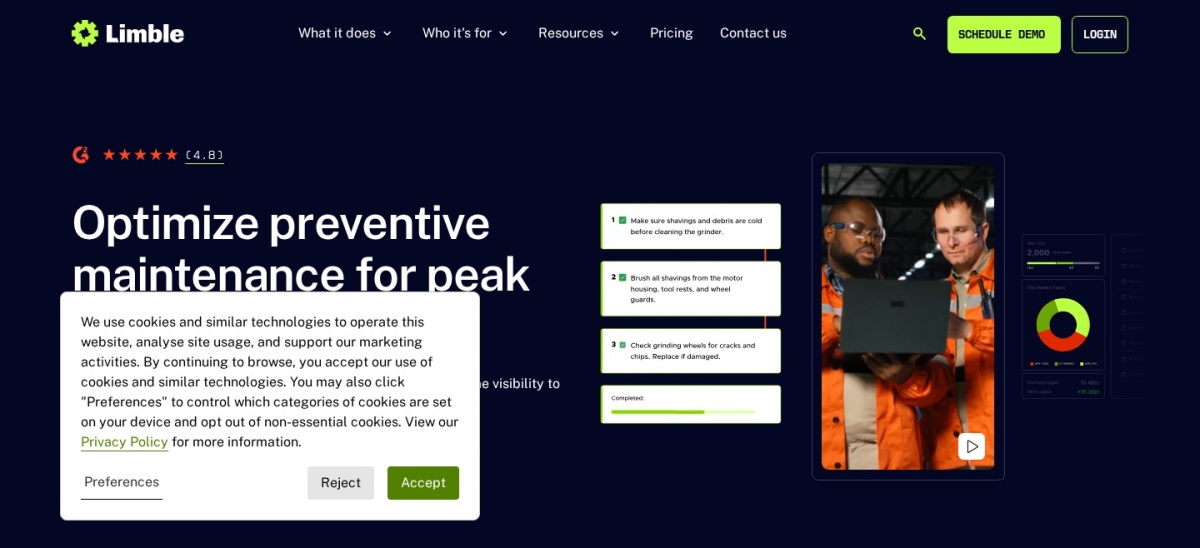
Limble homepage, captured Nov 2026.
Limble is a modern CMMS built around structured preventive maintenance, asset hierarchies and parts control, with technicians working from a phone app with offline mode. It holds a 4.8 out of 5 G2 rating from 682 reviews and puts MTBF and MTTR reporting on every tier, so the history behind each asset is easy to read.
The trade off is pricing. Limble runs a custom quote through its pricing calculator and publishes no plan rates, with third-party reports putting Standard near $28 per user a month. It suits property portfolios that need disciplined PM schedules and clear asset records.
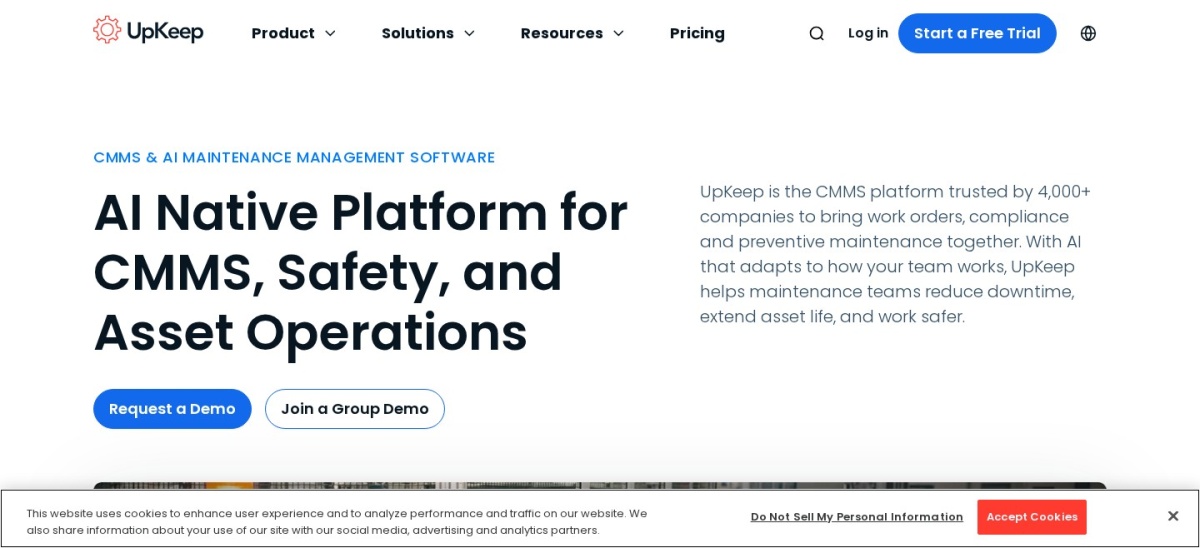
UpKeep is a mobile-first CMMS used by more than 4,000 companies, covering work orders, assets and preventive maintenance. Essential costs $24 per user a month and includes unlimited work orders, unlimited locations, asset management and barcode scanning. Requester, view-only and vendor users are free.
The trade off is tier gating. PM scheduling, parts and inventory, and time tracking start at Premium for $55 per user a month, while offline mode, the API and workflow automation sit on quote-only plans. It suits single-site and small multi-site teams that live on their phones.
What we like
Unlimited work orders and locations on Essential
Nova AI credits included on every plan
Requester and view-only users are free
Used by more than 4,000 companies
Watch out for
PM scheduling needs the $55 Premium plan
No free plan, only a trial
Offline mode is on quote-only plans
Premium adds PM scheduling and parts at $55 a user a monthVisit upkeep.com
04
Fiix
4.6/5on G2 (476 reviews, checked Nov 2026)
Paid from$45/user/mo
Best for industrial property and plant teams
Entry paid planBasic, $45/user/mo
Free planYes, 25 active PMs
Professional plan$75/user/mo
OwnerRockwell Automation
fiixsoftware.com
Fiix homepage, captured Nov 2026.
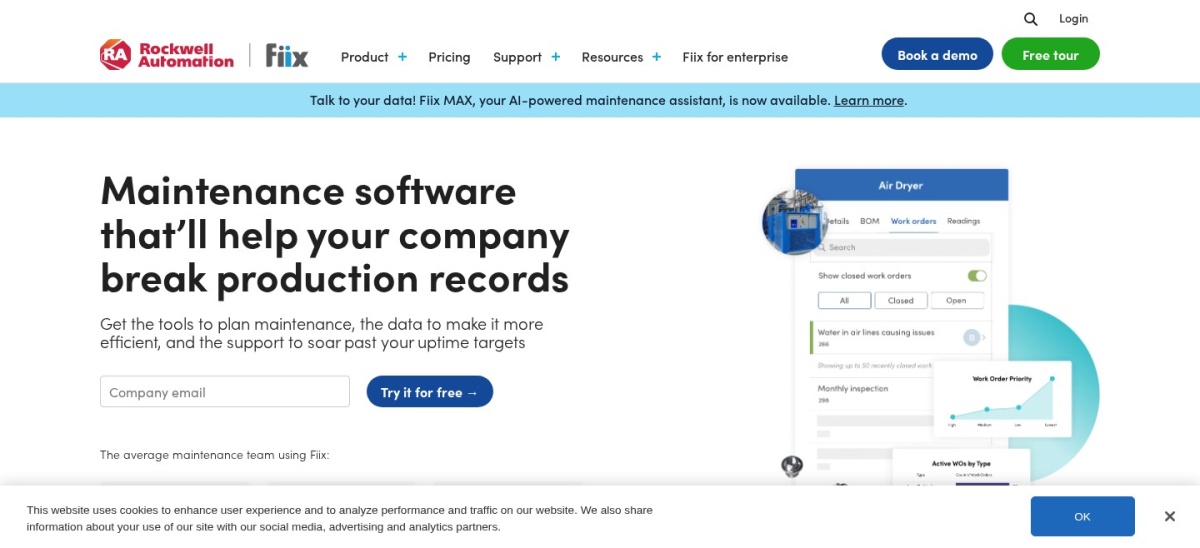
Fiix is a CMMS from Rockwell Automation with a free plan covering 25 active preventive maintenance schedules and unlimited work orders. Basic costs $45 per user a month, Professional costs $75, and the platform covers work orders, rotating assets, spare parts inventory and API connections for teams that run equipment-heavy properties.
The trade off is the paid tiers. The free plan is generous, but scheduling depth, failure codes and the API sit on Professional or quote-only Enterprise. It suits industrial and asset-heavy property teams that want a no-cost pilot first.
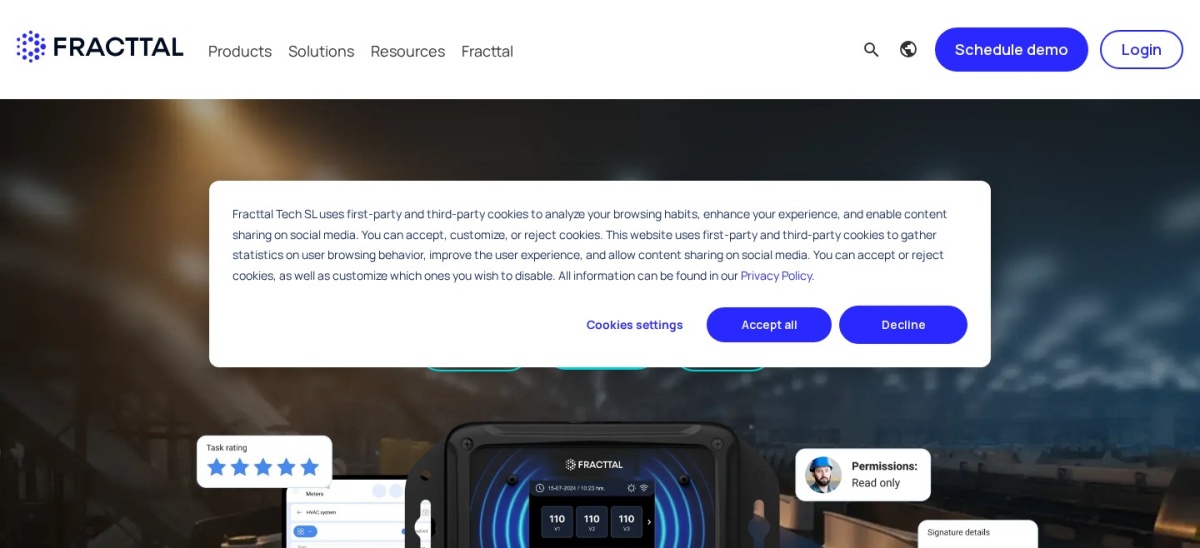
Fracttal is a CMMS that charges one flat monthly fee of $195 a month instead of billing per user, which makes the bill predictable as a crew grows. It covers work orders, assets, preventive maintenance and reporting, and holds a 4.6 out of 5 G2 rating from 601 reviews.
The trade off is the starting price. A team of two pays the same $195 as a team of twenty, so very small crews pay more per head than on MaintainX or UpKeep. It suits property teams past about 15 technicians that want one flat bill.
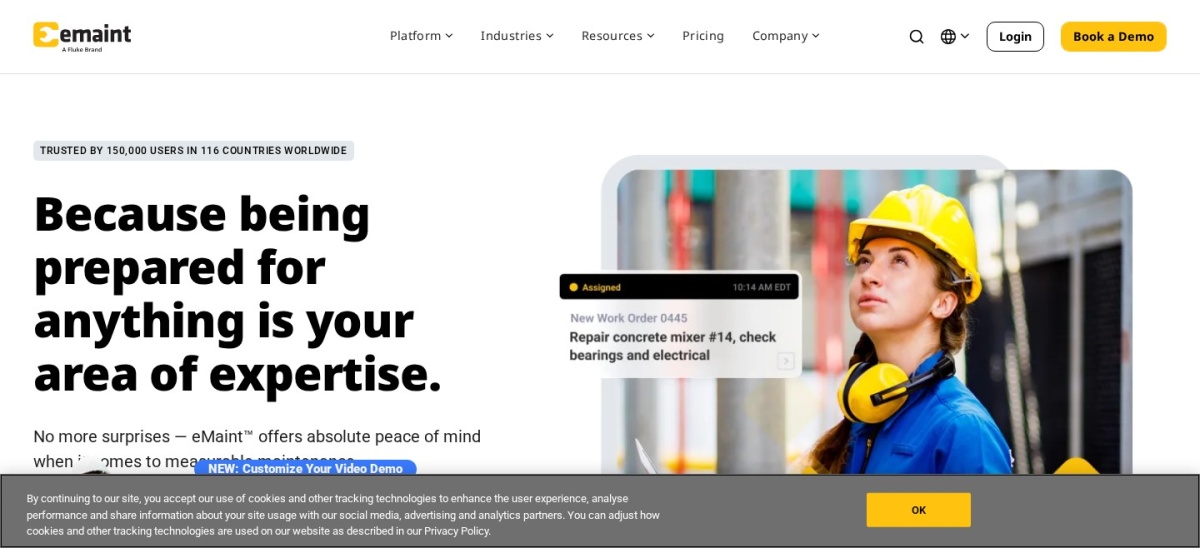
eMaint is a CMMS from Fluke known for work orders and customizability, holding a 4.5 out of 5 G2 rating from 276 reviews. Teams can shape forms, fields and workflows around their own property portfolio, so the history record matches the way the crew already works.
The trade off is price transparency. eMaint publishes no plan rates and sells by quote, so budgeting needs a sales call and the total depends on users and modules. It suits larger property operations that need a tailored record more than a quick start.
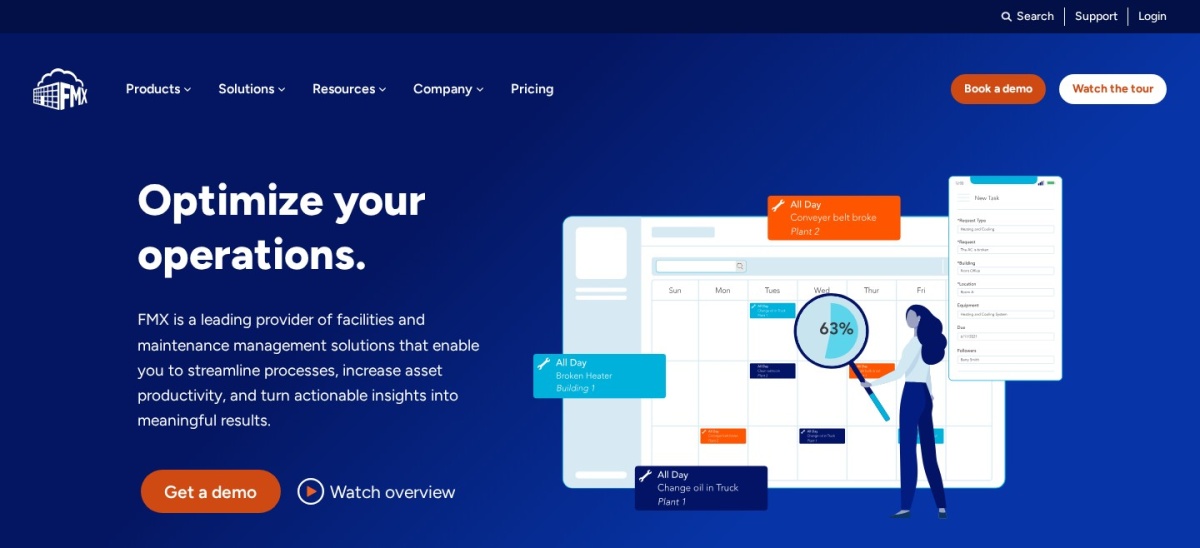
FMX is a facility and workplace platform that bundles maintenance with room, field and event scheduling, aimed at schools, campuses and public facilities. It holds a 4.7 out of 5 Capterra rating from 454 reviews, with work requests, preventive maintenance on a visual calendar, and inventory and purchasing in one place.
The trade off is price transparency. FMX quotes per organization based on users, modules and workflows, so there is no published rate to budget against, and each module adds to the quote. It suits education and government teams that run maintenance and shared spaces together.
What we like
Scheduling and maintenance in one tool
Visual calendar for PMs and events
4.7 Capterra rating from 454 reviews
Requesters and vendors are free
Watch out for
Quote-only pricing, no published rates
Each module adds to the total
Built for education more than private portfolios
K-12 pricing is by student enrollment with unlimited usersVisit gofmx.com
08
eWorkOrders
4.9/5on G2 (32 reviews, checked Nov 2026)
Starts at$380/mo
Best for flat-rate unlimited users
Pricing modelFlat $380 a month, Starter
UsersUnlimited on flat plans
Advanced plan$480 a month
Best forProperty and government facilities
eworkorders.com
eWorkOrders homepage, captured Nov 2026.
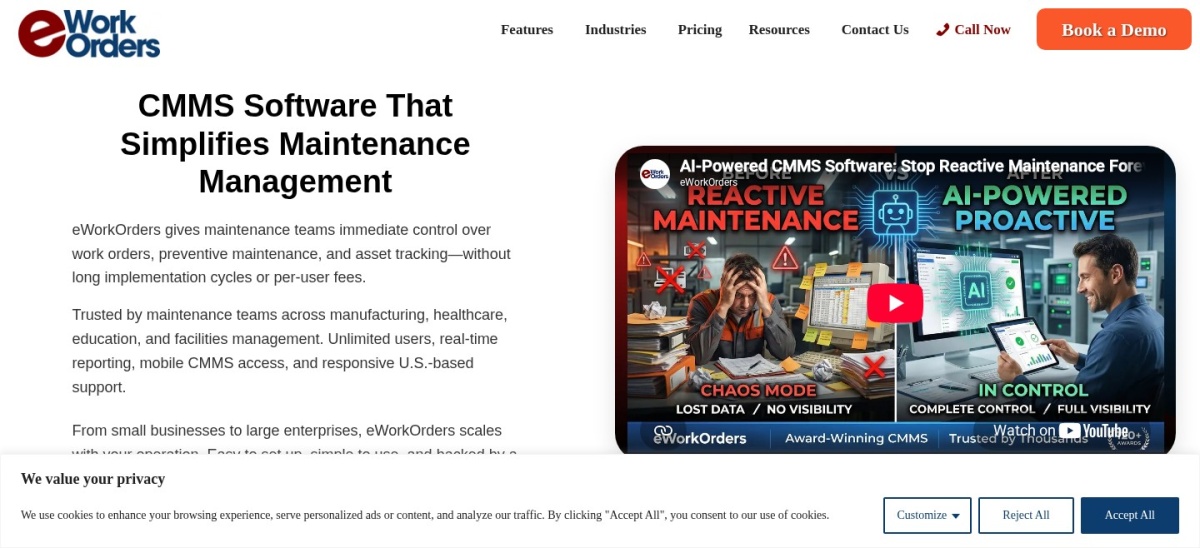
eWorkOrders is a web-based CMMS built for property management, real estate and government facilities, charging a flat $380 a month for its Starter plan with unlimited users. It holds the highest G2 rating in this list at 4.9 out of 5, though from only 32 reviews, and includes reporting on every plan.
The trade off is the entry cost. A small crew pays $380 a month before adding a single technician, and the Advanced plan costs $480 a month. It suits property portfolios that want every staff member in the system without counting seats.
Every completed job should record the asset, the problem, the fix, the technician, the parts used and the cost. Without those fields the history cannot answer the question that matters: is this asset worth repairing again.
Preventive maintenance turns history into savings. When the record shows a pump failing every 14 months, the schedule can replace the seal at month 12 instead of paying for an emergency callout.
Photos and meter readings make the record trustworthy. A photo of the repair and a meter reading at close-out prove the work happened and give the next technician a baseline to compare against.
How we chose
We started from the CMMS platforms buyers shortlist for property portfolios, then kept the eight with a G2 or Capterra rating and a published price or a flat fee. Ratings and prices were checked on 30 November 2026.
Prices are list rates in US dollars. MaintainX, UpKeep and Fiix publish per-user rates, Limble quotes custom pricing, and Fracttal and eWorkOrders charge flat monthly fees. Where a vendor page shows no figure, the list says so.
We left out tools with no public rating and tools built only for manufacturing plants. No vendor paid for a place, and we do not claim hands-on testing for this list.
How to choose property maintenance history software
Start with the assets you already own, then pick the tool that records their history with the least friction.
List your properties and assets first. Count buildings, units and equipment before you buy. Per-user pricing suits small crews, while flat fees win past about 15 technicians.
Check the free plan limits. MaintainX Basic and the Fiix free plan both cap procedures or PMs. Confirm the cap covers your monthly job count before you commit.
Test the phone app on site. Have a technician close a real job from the field, with photos. If the app is slow or confusing, the history will stay incomplete.
Confirm who pays for a seat. Requester and view-only users are free on several tools here. Only technicians and admins usually need a paid licence.
FAQ
What is the best software for tracking property maintenance history?
MaintainX is the best software for tracking property maintenance history for most teams. Its free Basic plan covers unlimited work orders, and Essential costs $20 per user a month billed annually, with a 4.8 out of 5 G2 rating.
How much does property maintenance software cost?
Published per-user prices run from $20 to $75 a month, with MaintainX at $20, UpKeep at $24 and Fiix at $45. Flat-fee tools charge $195 to $480 a month no matter how many technicians use them.
Is there a free plan for tracking maintenance history?
Yes. MaintainX has a free Basic plan with unlimited work orders, and Fiix has a free plan with 25 active preventive maintenance schedules. Both let a small team start recording history without paying.
Which tool is best for property portfolios with many sites?
Limble is best for multi-site property portfolios, with asset hierarchies, parts control and MTBF and MTTR reporting on every tier. MaintainX keeps multi-site reporting and global parts on its quote-only Enterprise plan.
Do I need a CMMS or will a spreadsheet work?
A spreadsheet works for one building and one technician, but it breaks when several people log work. A CMMS keeps one timeline per asset, links parts and costs to each job, and schedules the next visit automatically.
MaintainX or UpKeep for property maintenance?
MaintainX wins on price and its free plan, at $20 per user a month against UpKeep's $24, and both hold a strong G2 rating. UpKeep adds Nova AI credits on every plan, while MaintainX is easier for new technicians to adopt.
SaaS SEO and WordPress specialist with about 8 years of experience. Rakib compares WordPress plugins, themes, hosting and software using public pricing, documentation and user reviews. See how we rank.