MaintainX is the best overall work order software, backed by a 4.8 out of 5 rating across 1,605 G2 reviews and a free Basic tier with unlimited work orders. For small teams wanting flat budget pricing, Coast starts at $1.80 per user per month, while Jobber fits field service contractors starting at $29 per month.
How we make this list: we compare pricing pages, product documentation and public user reviews, then re-check every price before each update. No product paid for a place. Disclosure.
MaintainX holds a 4.8/5 rating on G2 (1,605 reviews) and offers unlimited work orders on its $0 Basic plan, scaling to $20/user/mo billed annually.
Coast delivers the lowest paid entry tier at $1.80/user/mo billed annually ($2/user/mo monthly) alongside a free plan with up to 5 repeating work orders.
UpKeep starts at $24/user/mo on Essential, though recurring preventive maintenance scheduling requires upgrading to Premium at $55/user/mo.
Click Maint removes tier confusion with a single Professional plan at $35/user/mo billed annually ($42/user/mo monthly) and unlimited free requesters.
Fiix by Rockwell Automation includes 25 active preventive maintenance schedules on its free tier, with Basic paid plans starting at $45/user/mo.
Jobber and Housecall Pro target external home and commercial contractors with flat single-user entry plans at $29/mo and $59/mo billed annually.
What to look for in work order software
Work order software replaces paper tickets, whiteboards, and spreadsheets with a central system to assign, track, and close maintenance or service jobs. Most platforms split into two distinct camps: Computerized Maintenance Management Systems (CMMS) built for internal facility and plant teams, and field service management (FSM) tools built for contractors billing external clients.
The biggest cost trap in this category is seat licensing. Maintenance platforms typically charge per technician login every month, while letting non-technical staff submit requests through free requester accounts. Field service apps often bundle one to five seats into a base tier, then charge extra for additional dispatchers or crew members.
Feature gating also separates entry plans from usable daily workflows. Several vendors advertise low starter prices or free tiers but cap recurring preventive maintenance schedules, limit photo attachments, or lock spare parts inventory and purchase orders behind mid-tier upgrades.
For home service businesses needing online booking
$59/mo
No free plan
4.3/5
Price ladder: cheapest paid plan per year
List prices, USD, checked Nov 2026
CoastFREE$22
MaintainXFREE$240
UpKeep$288
Jobber$348
Click Maint$420
FiixFREE$540
Housecall Pro$708
The 7 best work order software tools
01
MaintainX
4.8/5on G2 (1,605 reviews, checked Nov 2026)
Paid from$20/mo
Best overall work order and maintenance software
Entry paid plan$20/user/mo (billed annually)
Free tierBasic ($0, unlimited work orders)
Requester seatsUnlimited free requesters
Billing modelPer full user per month
getmaintainx.com
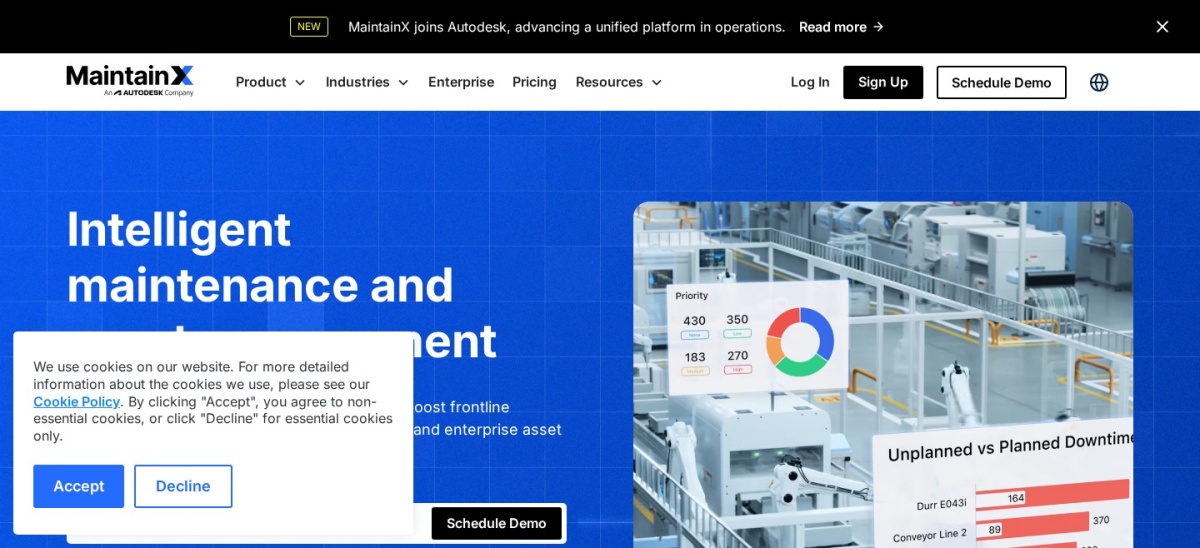
MaintainX homepage, captured Nov 2026.
MaintainX is a mobile-first work order and asset maintenance platform used by over 15,000 companies. Its free Basic tier includes unlimited work orders, unlimited assets, unlimited requester accounts, and real-time team messaging, though it caps repeating work orders at 2 and attached images at 5 per month.
The trade off is that spare parts inventory, purchase orders, and meter-based triggers sit on the Premium tier at $65 per user per month billed annually, rather than the $20 Essential plan ($25 monthly). It suits facility and manufacturing teams wanting fast mobile adoption.
What we like
Free forever Basic plan with unlimited work orders and requester users
Built-in real-time chat inside individual work orders
High 4.8/5 user score across 1,605 G2 reviews
QR code scanning and digital procedure checklists on mobile
Watch out for
Free plan caps image uploads at 5 work orders per month
Parts inventory and purchase orders require the $65/user/mo Premium plan
Per-seat costs add up quickly for large technician rosters
Essential ($20/user/mo annual) unlocks unlimited recurring work orders and unlimited image attachments.Visit getmaintainx.com
02
Coast
4.6/5on G2 (97 reviews, checked Nov 2026)
Paid from$1.80/mo
Best low-cost work order tracking for small teams
Entry paid plan$1.80/user/mo (billed annually)
Free tierFree ($0, 5 repeating work orders)
Monthly rate$2/user/mo on Starter
Billing modelPer user per month
coastapp.com
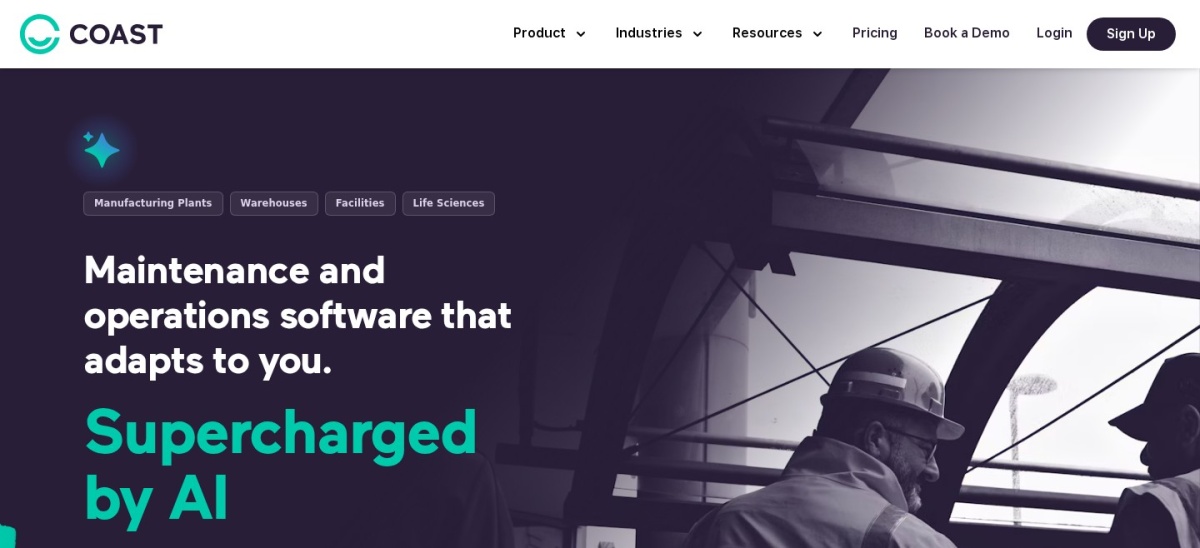
Coast homepage, captured Nov 2026.
Coast is a lightweight work order and shift communication app built for deskless teams in hospitality, retail, and property upkeep. Its Free tier provides unlimited work orders and up to 5 active repeating work orders at $0, while Starter costs $1.80 per user per month billed annually ($2 monthly).
The trade off is that Coast lacks deep industrial asset hierarchies, meter-based preventive triggers, and complex spare parts warehousing found in full CMMS suites. It suits small operations moving off text messages and paper clipboards on a tight budget.
What we like
Lowest published paid starting price at $1.80/user/mo billed annually
Free tier includes 5 repeating work orders and unlimited basic tickets
Fast same-day setup with minimal training for frontline staff
Watch out for
Lacks advanced industrial asset reliability and meter-based maintenance
Custom reports and full dashboards require the Pro tier ($3.60/user/mo annual)
Fewer native ERP and sensor integrations than enterprise CMMS tools
Starter ($1.80/user/mo annual) adds unlimited history and 5 workflow automations.Visit coastapp.com
03
UpKeep
4.5/5on G2 (1,119 reviews, checked Nov 2026)
Starts at$24/mo
Best AI-assisted work order management
Entry paid plan$24/user/mo (Essential)
Free tierNone (free trial available)
PM schedulingStarts on Premium ($55/user/mo)
Billing modelPer user per month
upkeep.com
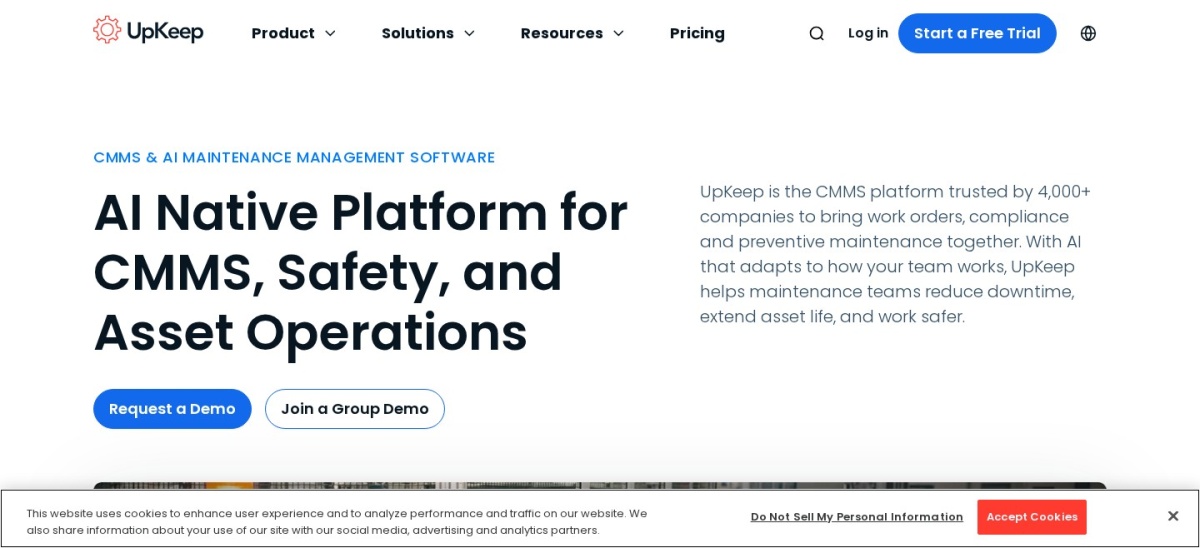
UpKeep homepage, captured Nov 2026.
UpKeep is a cloud CMMS and asset operations platform offering unlimited work orders, unlimited locations, barcode scanning, and 250 monthly Nova AI credits on its $24 per user per month Essential plan. View-only and requester users do not require paid seats.
The trade off is that Essential omits preventive maintenance scheduling, custom checklists, and parts inventory, pushing most teams to Premium at $55 per user per month. It suits maintenance departments that want AI-assisted work order creation and structured onboarding.
What we like
Includes Nova AI work order assistant at the $24/user/mo entry tier
Unlimited work orders, assets, and locations on all paid plans
Strong G2 track record with 1,119 verified user reviews
Watch out for
No forever-free tier available
Preventive maintenance scheduling and inventory require the $55/user/mo Premium plan
Mobile offline mode and full analytics history require quote-only Professional
Premium ($55/user/mo) unlocks preventive maintenance scheduling, parts inventory, and 30-day analytics.Visit upkeep.com
04
Click Maint
4.7/5on G2 (108 reviews, checked Nov 2026)
Starts at$35/mo
Best single-plan pricing without feature gating
Entry paid plan$35/user/mo (billed annually)
Free tierNone (30-day free trial)
Monthly rate$42/user/mo
Requester seatsUnlimited free requesters
clickmaint.com
Click Maint homepage, captured Nov 2026.
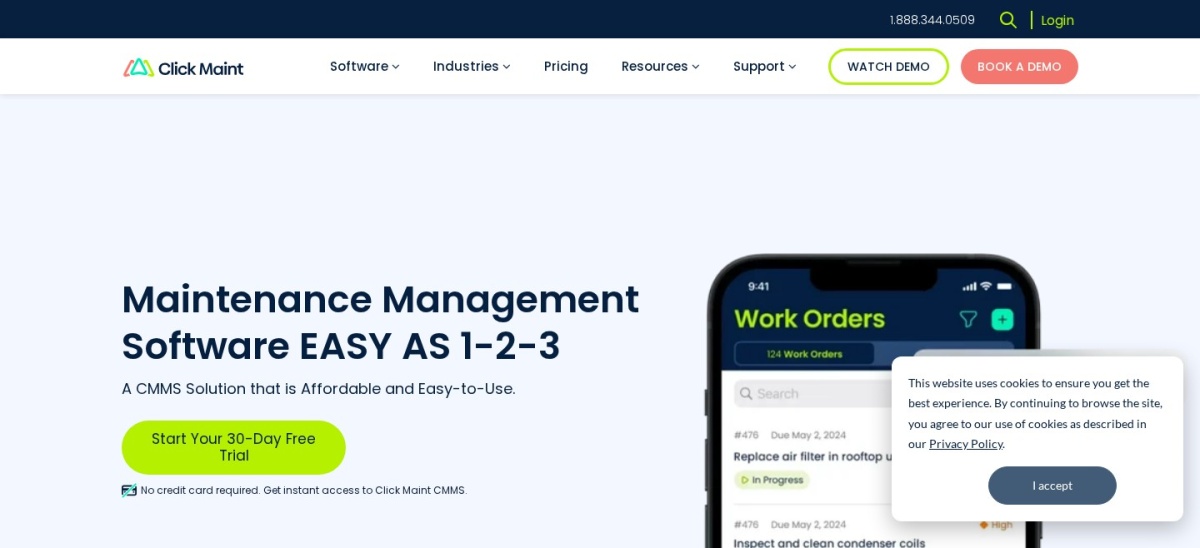
Click Maint is a web and mobile CMMS built around one Professional plan priced at $35 per user per month billed annually ($42 monthly). Every paid seat includes unlimited work orders, preventive maintenance automation, parts inventory, QR code request portals, and unlimited free requester logins.
The trade off is that there is no forever-free tier or stripped-down starter plan if you only need basic reactive ticketing. It suits small and mid-sized facility teams that want predictable pricing without upsell walls.
What we like
Single Professional tier includes all core CMMS modules with zero upsells
Unlimited free requester accounts and public QR request portals
High 4.7/5 rating on G2 with praise for responsive support
Watch out for
No free plan after the 30-day trial ends
Higher starting price than MaintainX Essential or Coast for simple ticketing
Fewer advanced industrial IoT connectors than enterprise platforms
Professional ($35/user/mo annual) includes all work order, PM, inventory, and reporting features.Visit clickmaint.com
05
Fiix
4.6/5on G2 (491 reviews, checked Nov 2026)
Paid from$45/mo
Best for manufacturing plants using Rockwell Automation
Entry paid plan$45/user/mo (Basic)
Free tierFree ($0, up to 25 active PMs)
Mid-tier plan$75/user/mo (Professional)
Billing modelPer user per month
fiixsoftware.com
Fiix homepage, captured Nov 2026.
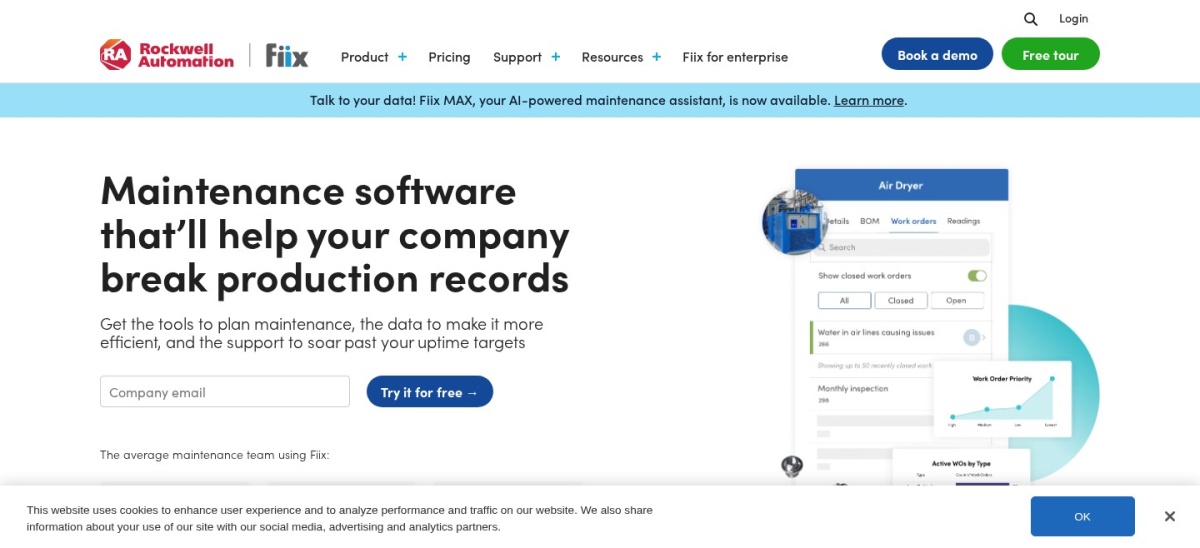
Fiix is an industrial maintenance platform owned by Rockwell Automation that tracks work orders, parts inventory, and equipment reliability. Its Free tier covers unlimited work orders, unlimited work requests, and up to 25 active preventive maintenance schedules, while Basic starts at $45 per user per month.
The trade off is that Basic omits multi-site management, nested PMs, and purchasing workflows, which require Professional at $75 per user per month. It suits manufacturing plants that need structured asset hierarchies and industrial ecosystem support.
What we like
Generous free plan allowing up to 25 active preventive maintenance schedules
Strong asset hierarchy, downtime tracking, and parts inventory controls
Backed by Rockwell Automation for industrial plant environments
Watch out for
Paid Basic tier starts higher than MaintainX and UpKeep at $45/user/mo
Multi-site management and purchasing require the $75/user/mo Professional tier
Interface has a steeper learning curve for non-technical staff
Basic ($45/user/mo) removes the 25-PM cap and unlocks standard reports and pass/fail inspections.Visit fiixsoftware.com
06
Jobber
4.6/5on G2 (558 reviews, checked Nov 2026)
Starts at$29/mo
Best work order and billing software for field contractors
Billing modelTiered flat brackets + $29/mo extra user
getjobber.com
Jobber homepage, captured Nov 2026.
Jobber is a field service work order platform built for external contractors in HVAC, plumbing, cleaning, and landscaping. Its Core plan for 1 user renews at $29 per month billed annually ($49 monthly, with an introductory $21/mo first-year offer) and covers job scheduling, quoting, invoicing, and online payments.
The trade off is that Jobber focuses on customer billing rather than internal factory asset trees, and multi-user Connect plans renew at $149 per month annually for up to 5 users. It suits mobile service businesses dispatching crews to client sites.
What we like
End-to-end workflow from client quote to work order dispatch and card payment
Route optimization and GPS tracking require upgrading from Core to Connect
Not designed for internal plant equipment maintenance or spare parts rooms
Connect ($149/mo regular annual rate for 5 users) adds crew routing, GPS tracking, and QuickBooks sync.Visit getjobber.com
07
Housecall Pro
4.3/5on G2 (213 reviews, checked Nov 2026)
Starts at$59/mo
Best for home service businesses needing online booking
Entry paid plan$59/mo (billed annually, 1 user)
Free tierNone (14-day free trial)
Team plan$149/mo billed annually (up to 5 users)
Billing modelTiered brackets (1, 5, or 8 users)
housecallpro.com
Housecall Pro homepage, captured Nov 2026.
Housecall Pro is a field service work order and dispatching platform for home and commercial service contractors. Its Basic plan costs $59 per month billed annually ($79 monthly, with promotional 50% off 3-month offers) for 1 user, bundling scheduling, dispatching, estimates, mobile invoicing, and online booking.
The trade off is that QuickBooks Online sync, job checklists, and employee GPS tracking require the Essentials tier at $149 per month billed annually for up to 5 users. It suits residential service operators prioritizing customer booking and automated review requests.
What we like
Includes 24/7 online customer booking and automated review requests on Basic
Mobile check deposit and integrated field card payments out of the box
Bundles up to 5 users on Essentials at $149/mo billed annually
Watch out for
Highest entry price among single-user plans at $59/mo billed annually
QuickBooks sync and custom checklists are excluded from the Basic tier
No forever-free plan
Essentials ($149/mo annual for 5 users) adds QuickBooks Online sync, GPS tracking, and checklist automations.Visit housecallpro.com
Internal maintenance (CMMS) vs. field service work orders
Before comparing per-seat prices, confirm whether your team maintains internal assets or bills external customers. Platforms like MaintainX, UpKeep, Click Maint, and Fiix are built around equipment histories, preventive maintenance calendars, and spare parts rooms, offering free requester accounts so facility staff can report broken gear without consuming paid technician licenses.
By contrast, Jobber and Housecall Pro center on customer estimates, dispatch maps, and credit card collection. Using a CMMS for residential contracting leaves you without customer invoicing, while using a field service app for a factory floor leaves you without asset downtime metrics or preventive meter triggers.
How we chose
We built this list by comparing established work order management platforms across both internal facility maintenance (CMMS) and external field service software, prioritizing vendors with transparent, publicly published pricing and active G2 review profiles.
All prices, plan limits, G2 ratings, and review counts were verified directly on official vendor pricing pages and G2 product listings on 22 Nov 2026, using regular annual billing rates converted to yearly USD equivalents.
We excluded enterprise platforms that hide all pricing behind mandatory sales quotes—including Limble, eMaint, Fracttal, and ServiceTitan—as well as tools with fewer than 20 verified G2 reviews. No vendor paid for a place, and we do not claim testing for this list.
How to choose work order software
Follow four practical checks before committing your technicians to a yearly subscription.
Match the tool to internal assets or external billing. Pick a CMMS like MaintainX or Fiix if you track equipment uptime and preventive schedules, or choose Jobber or Housecall Pro if your workflow starts with a customer quote and ends with an invoice.
Count paid technician seats separately from requesters. Verify that operators, tenants, or front-desk staff can submit work requests via a free portal or QR code without counting against your paid monthly user total.
Check where preventive maintenance and parts sit. Many entry plans cover reactive work orders only; confirm whether recurring schedules, checklists, and spare parts inventory require upgrading to a mid-tier plan.
Verify mobile offline access for dead zones. If technicians work in basements, mechanical rooms, or rural job sites, confirm offline mobile syncing is included in your chosen tier rather than locked behind Enterprise pricing.
FAQ
What is the best free work order software?
MaintainX offers the strongest free plan for most teams, providing unlimited work orders, unlimited assets, and unlimited free requester users on its Basic tier. If you need more recurring preventive maintenance schedules at zero cost, Fiix includes up to 25 active PMs on its free plan.
How much does work order software typically cost?
Published per-user CMMS plans range from $1.80 per user per month billed annually for Coast Starter up to $45 per user per month for Fiix Basic. Field service tools for external contractors typically price by team brackets, starting around $29 per month annually for a solo Jobber user.
Do all employees need a paid license to submit work orders?
No. Most modern CMMS platforms—including MaintainX, UpKeep, Click Maint, and Fiix—allow unlimited requester or view-only accounts at no cost so staff can submit tickets and check status updates while only technicians and managers use paid seats.
What is the difference between a CMMS and field service software?
A CMMS manages internal facilities, machinery, preventive maintenance schedules, and spare parts inventory. Field service software manages external customer appointments, route dispatch, estimates, and invoice payments for mobile contractors.
Why are Limble and eMaint missing from this comparison?
Both Limble and eMaint currently require prospects to use a custom price calculator or request a sales quote rather than publishing flat self-serve plan prices on their websites, so we excluded them under our transparent pricing rule.
SaaS SEO and WordPress specialist with about 8 years of experience. Rakib compares WordPress plugins, themes, hosting and software using public pricing, documentation and user reviews. See how we rank.