Scribe is the top pick for fast step-by-step SOP capture with a 4.7 rating across 1,021 G2 reviews and a free plan. Mitti suits inspection-heavy teams with a free tier for up to 10 users, while Tulip fits connected shop-floor apps starting at $100 per interface per month.
How we make this list: we compare pricing pages, product documentation and public user reviews, then re-check every price before each update. No product paid for a place. Disclosure.
Scribe holds a 4.7/5 rating on G2 from 1,021 reviews and offers a free Basic plan up to 10 guides.
Mitti (by SafetyCulture) offers a free plan for up to 10 users and starts paid plans at $24/seat/month billed annually.
Waybook holds a 4.9/5 rating on Capterra from 56 reviews and starts Core at $139/month billed annually for 10 seats.
Whale holds a 4.8/5 rating on G2 from 214 reviews with a free plan for 1 creator and up to 10 members.
SweetProcess starts at $495/year for up to 5 users or $99/month for up to 10 users with all features included.
What to look for in work instructions software
Work instructions software ranges from browser capture tools that document software workflows to connected platforms that guide frontline workers on mobile devices or shop-floor stations. The right choice depends on whether your team documents digital procedures, runs safety and quality inspections, or tracks training completion.
Pricing models vary widely across vendors. Some tools charge per seat or per creator, while others charge per active interface or bundle a fixed number of users into a base subscription.
Check how each tool handles updates, permissions, and media before committing. Features such as version history, quizzes or read acknowledgments, offline mobile access, and ERP or MES integrations matter most once a library grows.
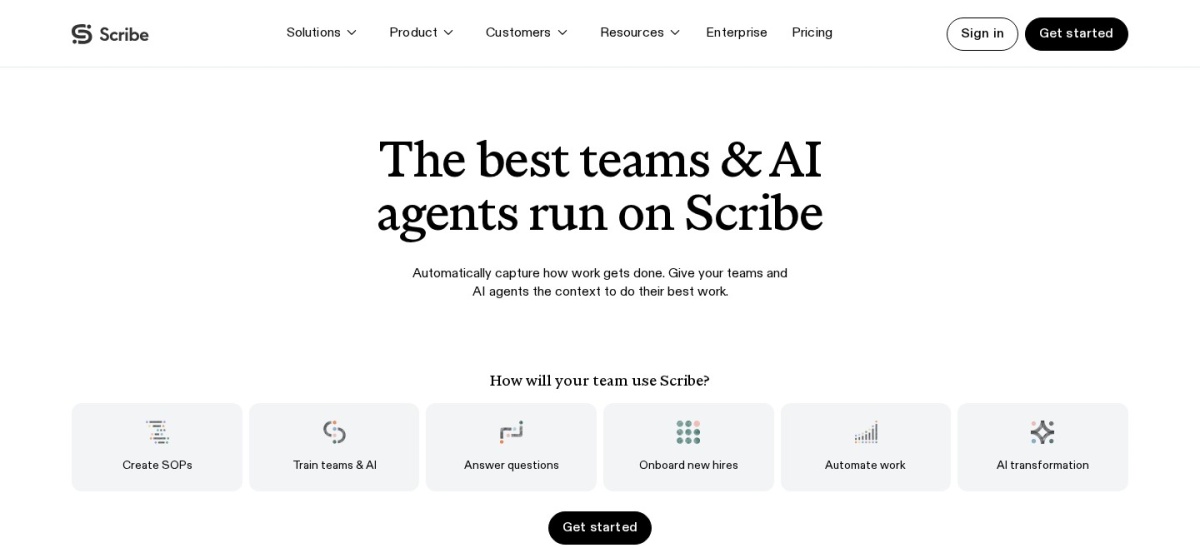
Scribe is a process capture tool that records clicks and screens to generate step-by-step written guides. Its free Basic plan lets users create and share up to 10 browser guides.
The trade off is that desktop app capture, custom branding, and PDF or Markdown exports require a paid plan starting at $25 per seat per month billed annually, or $300 per year. It suits teams that document software tasks and onboarding steps quickly.
What we like
Captures browser workflows automatically with screenshots
Free Basic plan supports up to 10 guides
Exports to PDF, HTML, and Markdown on paid tiers
High 4.7/5 rating across 1,021 G2 reviews
Watch out for
Free plan caps guides at 10 and lacks desktop capture
Automated step capture can include extra clicks that need cleanup
Best for inspections, checklists, and field audits
Free planUp to 10 users
Free templates5 active templates
Premium annual$24/seat/mo
Premium monthly$29/seat/mo
mitti.com
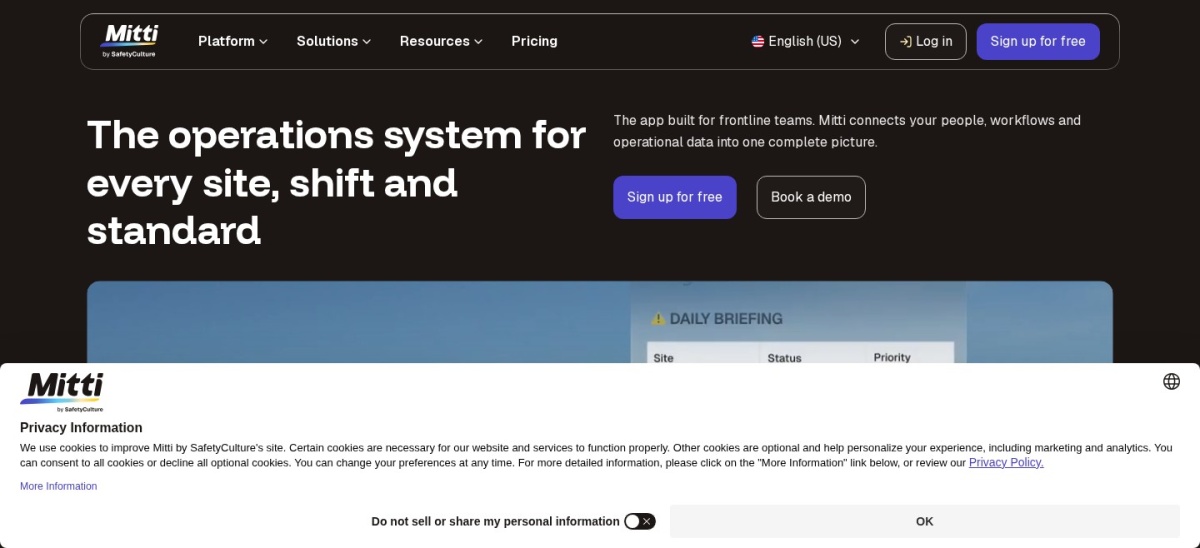
Mitti homepage, captured Nov 2026.
Mitti (by SafetyCulture) is an operations, inspection, and training platform used for checklists, audits, and frontline reporting. Its Free plan supports up to 10 users with 5 active inspection templates and up to 300 AI credits per seat per month.
The trade off is that unlimited templates, SSO, and advanced analytics start on Premium at $24 per seat per month billed annually, or $288 per seat per year. It suits safety, quality, and field teams running repeatable checklists.
What we like
Free plan available for small teams up to 10 users
Strong mobile photo and issue reporting for field inspections
4.6/5 rating across 486 G2 reviews
Watch out for
Free tier limits accounts to 5 active inspection templates
Per-seat costs add up as frontline headcount grows
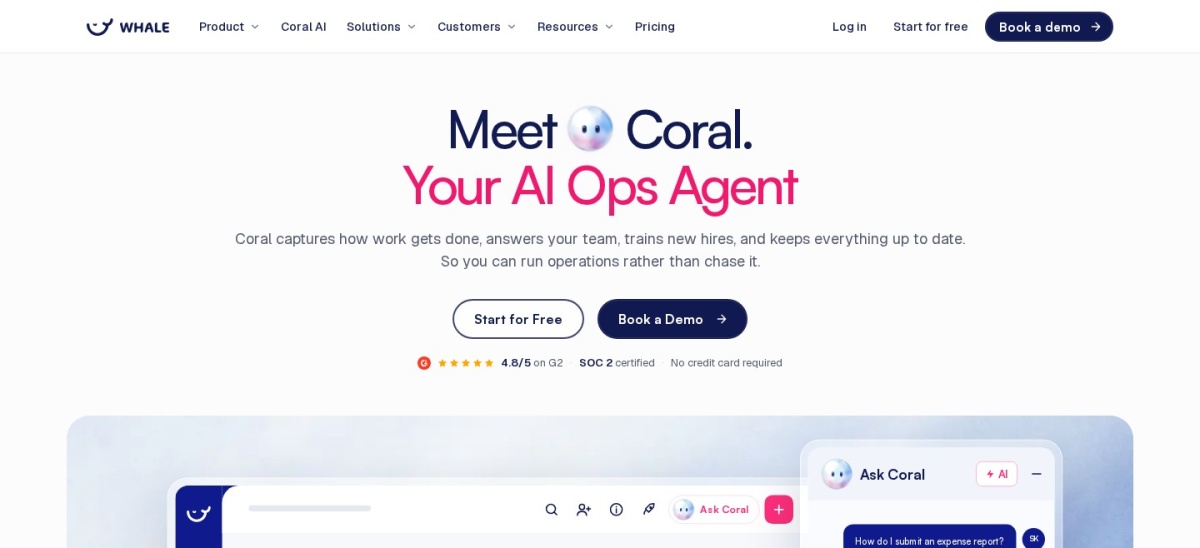
Whale is a process documentation and training platform with screen recording, checklists, and AI search. Its Free plan includes 1 creator, up to 10 members, and up to 20 playbook items.
The trade off is that Scale starts at $20 per month billed yearly, or $240 per year, with extra creators billed above the included seats. It suits growing teams that pair procedures with training flows and quizzes.
What we like
Free plan available for 1 creator and up to 10 members
Includes screen recording, checklists, and Coral AI search
4.8/5 rating across 214 G2 reviews
Watch out for
Free plan caps workspace content at 20 playbook items
PDF and Word exports require a paid subscription
Scale unlocks unlimited documentation, training flows, AI quizzes, and PDF/Word exports.Visit usewhale.io
04
SweetProcess
4.8/5on Capterra (1,080 reviews, checked Nov 2026)
Starts at$495/yr
Best for flat-feature SOPs and recurring tasks
Small team annual$495/yr (up to 5 users)
Standard annual$990/yr (up to 10 users)
Standard monthly$99/mo (up to 10 users)
Free trial14 days, no credit card
sweetprocess.com
SweetProcess homepage, captured Nov 2026.
SweetProcess is a procedure and workflow platform for writing SOPs, building flowcharts, and assigning recurring tasks. Its small team annual plan costs $495 per year for up to 5 users with full features included.
The trade off is that there is no permanent free plan, and teams up to 10 users pay $990 per year or $99 per month. It suits small and mid-sized teams that want all features unlocked without plan tiers.
What we like
Includes all platform features across plans without tier gates
Supports procedures, policies, flowcharts, and task tracking
4.8/5 rating across 1,080 Capterra reviews
Watch out for
No free plan after the 14-day trial
Additional users above plan limits add $50/year or $5/month each
Paid plans provide unlimited procedures, processes, policies, flowcharts, and task assignments.Visit sweetprocess.com
05
Waybook
4.9/5on Capterra (56 reviews, checked Nov 2026)
Starts at$1,668/yr
Best for role-based playbooks and onboarding paths
Core annual$139/mo (10 seats)
Extra Core seat+$3/mo billed annually
Pro annual$229/mo (10 seats)
Free trial7 days
waybook.com
Waybook homepage, captured Nov 2026.
Waybook is a playbook and onboarding platform for organizing SOPs, learning paths, and completion tracking. Core starts at $139 per month billed annually for 10 seats, or $1,668 per year.
The trade off is that approval workflows, audit logs, and SSO require the Pro plan at $229 per month billed annually for 10 seats. It suits teams centralizing company manuals and onboarding steps.
What we like
Includes 10 seats in the Core base price with per-seat add-ons
Combines SOPs, learning paths, quizzes, and progress tracking
4.9/5 rating across 56 Capterra reviews
Watch out for
No permanent free tier beyond a 7-day trial
Approval workflows and audit logs sit on higher-tier plans
Paid plans provide unlimited documents, learning paths, quizzes, mobile access, and AI search.Visit waybook.com
06
Tulip
4.5/5on G2 (38 reviews, checked Nov 2026)
Starts at$1,200/yr
Best for interactive manufacturing and station apps
Essentials annual$100/mo per interface
Minimum10 interfaces
Professional annual$250/mo per interface
Max EssentialsUp to 50 interfaces
tulip.co
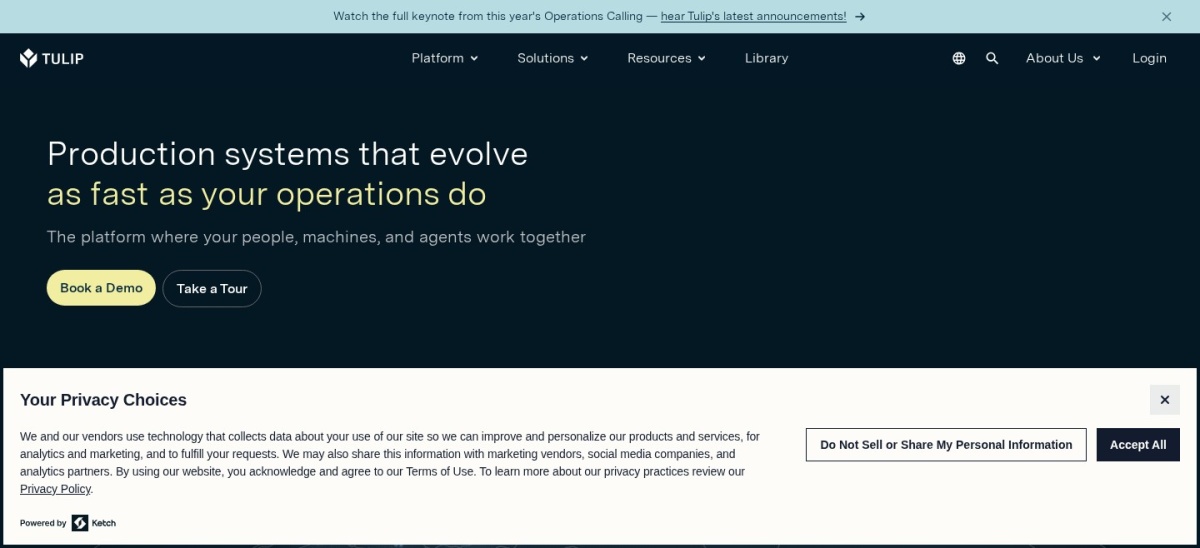
Tulip homepage, captured Nov 2026.
Tulip is a frontline operations platform for building interactive work instructions, assembly apps, and quality workflows. Essentials starts at $100 per month per interface billed annually, or $1,200 per interface per year.
The trade off is a 10-interface minimum and higher cost on Professional at $250 per month per interface billed annually. It suits manufacturing and regulated teams connecting stations and devices.
What we like
Priced by active interface rather than named operator seats
Supports apps across touchscreens, tablets, desktops, and wearables
4.5/5 rating across 38 G2 reviews
Watch out for
10-interface minimum raises entry cost for small deployments
Advanced connectors and SSO require the Professional tier
Essentials includes no-code app building, tables, analytics, and up to 50 interfaces.Visit tulip.co
07
Canvas Envision
4.6/5on G2 (12 reviews, checked Nov 2026)
Starts at$2,004/yr
Best for 3D CAD and engineering work instructions
Envision Core annual$167/author/mo
Annual billing$2,000.00/year per author
Output formatsRaster, vector, PDF
Operator deliveryEnvision Pro (custom quote)
canvasenvision.com
Canvas Envision homepage, captured Nov 2026.
Canvas Envision turns 3D CAD models, images, and text into visual work instructions and technical manuals. Envision Core costs $167 per author per month billed annually, or $2,000.00 per year.
The trade off is that Envision Core focuses on authoring and static publishing, while interactive operator delivery uses Envision Pro by quote. It suits engineering and technical publishing teams working from CAD files.
What we like
Built to convert 3D CAD models and engineering data into instructions
Supports template control and raster, vector, and PDF exports
4.6/5 rating across 12 G2 reviews
Watch out for
Higher per-author price than general SOP documentation tools
Interactive operator delivery requires quoting Envision Pro
Envision Core includes no-code authoring, AI agents, and static raster, vector, and PDF publishing.Visit canvasenvision.com
How we chose
We selected established work instructions and SOP tools across software capture, field inspections, training playbooks, and manufacturing workflows using vendor documentation and public review directories.
All pricing and review figures were checked on 22 Nov 2026 from official pricing pages and review listings, using regular starting paid rates rather than temporary discounts.
We excluded platforms without publicly listed starting prices or verified review counts on the pages opened, so every listed price and rating is directly grounded. No vendor paid for a place, and we do not claim testing for this list.
How to choose work instructions software
Follow four practical steps to match a platform to your team.
Map where workers execute the steps. Choose screen-capture SOP tools for software tasks, mobile inspection apps for field audits, or station platforms for shop-floor assembly.
Check how seats and devices are billed. Compare per-seat, per-creator, bundled-user, and per-interface pricing against your actual headcount and turnover.
Verify accountability and revision controls. Confirm whether you need version history, formal approvals, quizzes, or read confirmations to keep procedures accurate.
Test exports and exit paths early. Check whether you can export PDFs, Word docs, or Markdown so your procedures remain portable if your stack changes.
FAQ
What is work instructions software?
Work instructions software helps teams create, share, and follow step-by-step procedures for tasks, inspections, and operations. Depending on the tool, guides can include screenshots, checklists, 3D visuals, or training tracking.
Is there free work instructions software?
Yes. Scribe, Mitti, and Whale each offer a free plan with usage limits such as guide or template caps or user limits.
How does per-interface pricing differ from per-user pricing?
Per-user pricing charges based on accounts or creators, whereas per-interface pricing charges for active devices or stations running apps. Per-interface models can fit shared stations with many rotating operators.
Should small teams pick a flat-rate SOP tool or a per-seat tool?
Small teams often start with a free plan or a low-seat tier like Scribe or Mitti. Flat-rate or bundled-user plans can become more predictable as team size grows.
What is the difference between SOP capture and frontline execution?
SOP capture tools focus on recording steps and sharing guides quickly, while frontline execution tools support station apps, inspections, or role-based training tracking.
SaaS SEO and WordPress specialist with about 8 years of experience. Rakib compares WordPress plugins, themes, hosting and software using public pricing, documentation and user reviews. See how we rank.