Jobber is the best job management software for most trade businesses, with quotes, scheduling, invoicing and payments in one app from 49 dollars a month. ServiceM8 is the cheapest paid start at 29 dollars a month, while ServiceTitan suits larger contractors that need deep reporting and a custom price.
How we make this list: we compare pricing pages, product documentation and public user reviews, then re-check every price before each update. No product paid for a place. Disclosure.
Jobber is the best all-round pick for small and growing trade businesses.
ServiceM8 is the cheapest paid start at $29 a month, priced by jobs not users.
ServiceTitan, JobNimbus and mHelpDesk sell by quote only, so budget after a sales call.
Workiz and Fieldwire include free plans; check the job and user caps before you rely on them.
Per-user pricing gets expensive fast, so cost the plan for your full crew, not one tech.
What job management software for trades should cover
Job management software for trades covers the whole job, from the first quote to the final payment. A good tool books the job, sends a tech to the site, tracks the work, and invoices the customer without retyping anything. It should also keep customer details, job history and messages in one place, so anyone in the office can answer a call about a past visit.
Pricing in this market is messy. Some tools charge per user, some charge by job volume, and the largest ones sell by quote only. A $29 plan that covers one user costs far more at ten techs than a $60 flat plan that covers five, so always work out the cost for your actual crew size before you compare headline prices.
Most tools in this list offer a free plan or a 14-day trial, so a small shop can start without paying. Free plans usually cap jobs or users, and the cap is what forces the upgrade. Check the cap first, then check whether the tool syncs with QuickBooks or Xero, because bookkeeping you retype by hand is the most common regret.
Mobile apps matter more here than in most software categories, since techs work from a phone on site. Look for offline access, photo uploads, signatures and GPS tracking, and test the app on a real job before you commit. A tool that looks good on a desktop demo can frustrate a tech who uses it all day.
The 9 best job management software for trades tools
01
Jobber
4.6/5on G2 (530 reviews, checked Nov 2026)
Starts at$49/mo
Best job management software overall
Free planNo, 14-day trial
Cheapest paid planCore, $49/mo
Users on Core1 included
Extra users$29/mo each
getjobber.com
Jobber homepage, captured Nov 2026.
Jobber is job management software for home service and trade businesses, covering quotes, scheduling, dispatch, invoicing and payments in one app. Core costs $49 a month billed monthly, or $29 a month billed annually, for one user, and extra users cost $29 a month each. It holds 4.6 out of 5 on G2 from 530 reviews.
The trade off is per-user pricing. A five-tech crew pays $49 a month for the first user plus $29 for each extra seat on Core, so the bill grows with every hire, and the price book and advanced automations need Connect at $139 a month. It suits small and growing crews that want one simple system.
Housecall Pro is all-in-one software for home service businesses, with online booking, scheduling, dispatch, estimates, invoicing and payments. Basic costs $79 a month billed monthly, or $59 a month billed annually, for one user, and the vendor says more than 200,000 pros use it. It holds 4.3 out of 5 on G2 from 211 reviews.
The trade off is the jump between tiers. Basic covers a single user, Essentials costs $189 a month for five users, and MAX costs $329 a month for eight, so a growing team pays much more for routes, GPS tracking and the sales proposal tool. It suits home service teams that take most bookings by phone and online.
What we like
Online booking, scheduling and dispatch in one place
ServiceTitan is enterprise field service software for large contractors, with dispatch, a flat-rate price book, CRM, marketing and reporting in one platform. Pricing is by quote only, with contractors reporting roughly $245 to $500 per technician a month and a 12 month contract. It holds 4.5 out of 5 on G2 from 356 reviews.
The trade off is cost and commitment. There is no published price list, no free plan and no trial, and reported implementation fees run from $5,000 to $50,000, so a small shop cannot budget without a sales call. It suits contractors with dozens of techs that need the reporting depth.
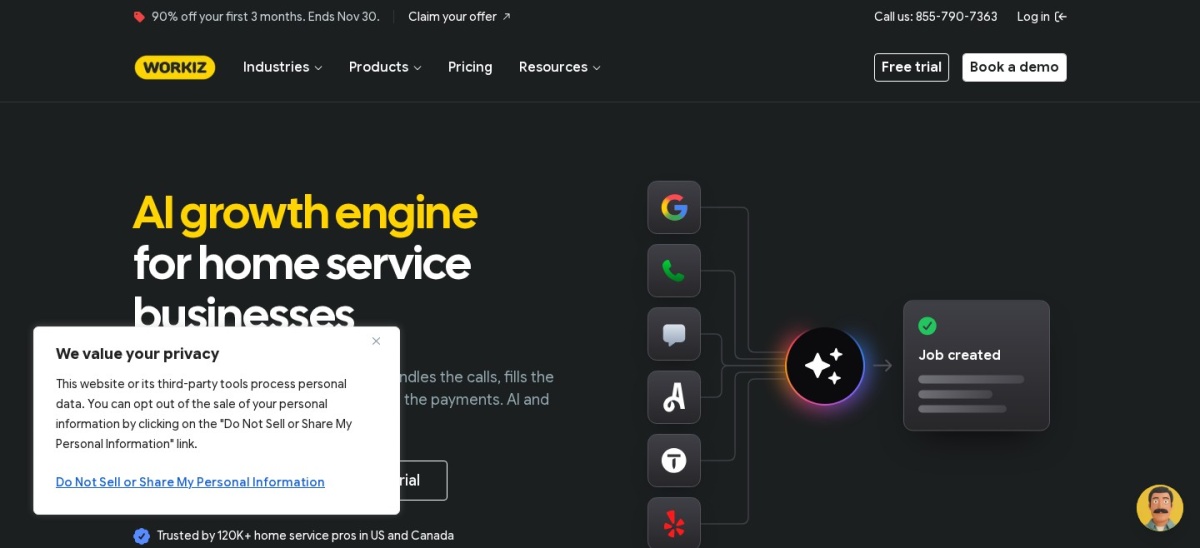
Workiz is field service software for home service companies that live on phone calls, with scheduling, online booking, invoicing, payments and a built-in phone system. The free Lite tier covers 2 users and 20 jobs a month, and paid Kickstart starts at $225 a month for the first 3 users. It holds 4.5 out of 5 on G2 from 239 reviews.
The trade off is the paid jump. The free tier is genuinely useful for a two-person shop, but Kickstart at $225 a month is a big step up, and the vendor site shows request pricing rather than a public list. It suits call-driven teams that want a phone system built into the job software.
What we like
Free Lite tier for two users
Built-in phone system and AI dispatcher
Scheduling, invoicing and payments in one app
Strong automations on higher tiers
Watch out for
Paid plans start at $225 a month
Pricing by quote on the vendor site
Free tier caps at 20 jobs a month
Standard and Pro tiers add more users and automationsVisit workiz.com
05
ServiceM8
4.5/5on Capterra (300 reviews, checked Nov 2026)
Paid from$29/mo
Cheapest paid start with unlimited users
Free planYes, 30 jobs a month
Cheapest paid planStarter, $29/mo
Users on StarterUnlimited
Jobs on Starter50 a month
servicem8.com
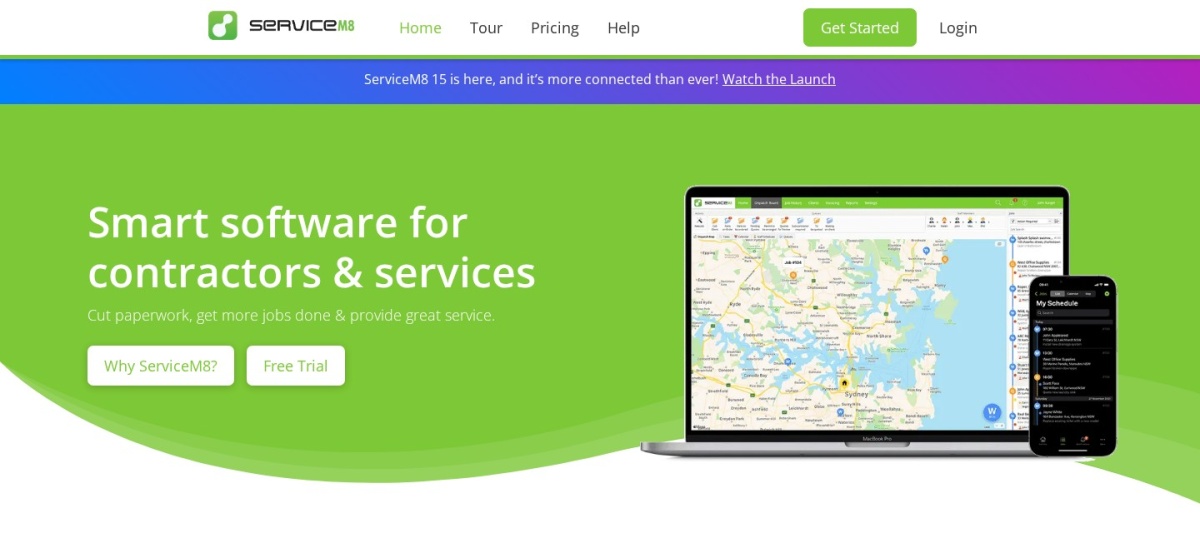
ServiceM8 homepage, captured Nov 2026.
ServiceM8 is job management software for small trade shops that prices by jobs, not seats. The free plan covers 1 user and 30 jobs a month, and Starter at $29 a month includes unlimited users and 50 jobs a month, with scheduling, quotes, invoicing and payments. It holds 4.5 out of 5 on Capterra from more than 300 reviews.
The trade off is the job cap. Growing at $79 a month raises the cap to 150 jobs, Premium at $149 reaches 500, and Premium Plus at $349 covers 1,500 or more, so a busy shop outgrows the cheap tiers fast. It suits solo operators and small crews that want the lowest possible bill.
Fieldwire is jobsite management software from Hilti, built around construction drawings, tasks and punch lists. The free Basic plan covers 5 users, 3 projects and 100 sheets, with plan viewing, task management, photos and checklists. Pro at $39 a month per user billed annually adds reports, exports and unlimited projects. It holds 4.5 out of 5 on G2 from 586 reviews.
The trade off is per-user pricing. Every invited user is a paid seat, so a 10-person crew pays $390 a month on Pro, and RFIs, submittals and budgets need Business Plus at $89 a month per user billed annually. It suits construction crews that live in drawings and punch lists.
JobNimbus is job management software built for roofing and exterior contractors, with CRM, scheduling, invoicing and payments in one app. It does not publish prices, and third parties report entry prices from $225 a month, with a 14-day free trial. It holds 4.6 out of 5 on G2 from more than 80 reviews.
The trade off is pricing transparency. With no public price list, a small shop cannot compare JobNimbus against Jobber or Housecall Pro without a sales call, and reported figures vary. It suits roofing and exterior crews that want a trade-specific CRM.
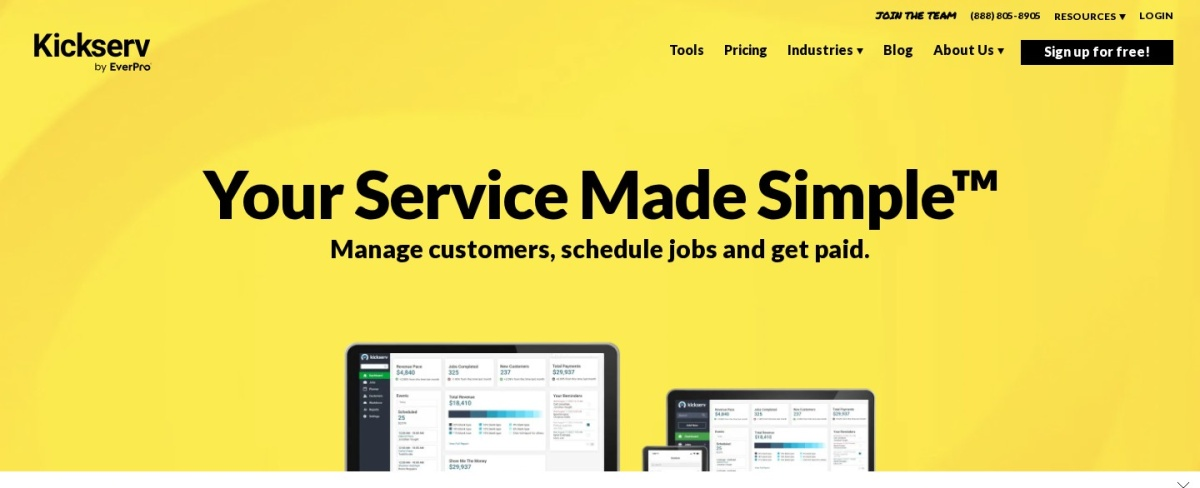
Kickserv is simple field service software for small crews, with online scheduling, estimates, job pipeline, invoicing and a customer portal. Start costs $60 a month for 5 users, with Run at $119 for 10 users and Scale at $199 for 20. It holds 4.5 out of 5 on G2 from 181 reviews.
The trade off is depth. Kickserv keeps the feature set small on purpose, so crews that want automations, a built-in phone system or advanced reporting outgrow it, and the user cap on each tier forces a jump at 6 users. It suits small crews that want a known bill and simple software.
mHelpDesk is veteran field service software with deep native features: lead management, workflow automation, inventory tracking, scheduling, dispatch and a customer portal. It does not publish prices, and third parties report entry prices from about $208 a month billed annually. It holds 4.0 out of 5 on G2 from 146 reviews.
The trade off is age and opacity. The interface looks dated next to Jobber and Housecall Pro, reviewers report slow loading at peak times, and renewal prices have jumped sharply for some customers. It suits rural crews that need offline mobile work and deep QuickBooks sync.
Free plans cover the basics well. ServiceM8, Fieldwire and Workiz all let you run real jobs for nothing, with caps on jobs, users or projects.
Paid plans mostly add capacity and users. ServiceM8 Starter raises the cap to 50 jobs a month, Fieldwire Pro removes the project limit, and Jobber Core adds a paid seat for each new hire.
If you run more than 30 jobs a month, budget $29 to $79 a month for a paid plan. Larger crews pay $60 to $225 a month, and the quote-only tools start higher still.
Start free where you can, then pay when a cap actually bites. Moving job history later costs an afternoon, while paying for capacity you never use costs money every month.
How we chose
We compared nine established job management tools for trades, starting with the ones trade businesses actually use: Jobber, Housecall Pro, ServiceTitan, Workiz, ServiceM8, Fieldwire, JobNimbus, Kickserv and mHelpDesk. Every tool here has a public review profile on G2 or Capterra, and we checked each rating and review count on 26 November 2026.
Prices come from the vendor pricing pages we opened on 26 November 2026, or from the vendor stating that pricing is by quote. Jobber at 49 dollars a month and Housecall Pro at 79 dollars a month were confirmed on their own pricing pages today, and the 50 percent launch discounts shown there were ignored in favour of the regular prices.
We ranked the tools by overall fit for a typical trade business, not by rating alone. A high score from a handful of reviews counts for less than a solid score from hundreds, and a cheap plan that caps jobs at 30 a month suits a solo operator but not a five-tech crew.
How to choose job management software for trades
Start with how many techs and jobs you actually handle, then check the cap that will bite first.
Count your techs and your monthly jobs. Per-user plans multiply with every hire, while job-volume plans cap at a monthly total. Work out both numbers before you shortlist anything.
Check the free plan or trial cap. ServiceM8 gives 30 jobs a month free, Fieldwire gives 5 users and 3 projects, and Workiz caps its free tier at 2 users. Pick the cap that fits your real volume.
Test the mobile app on a real job. Send a quote, book the visit, take photos on site and invoice from the phone. If the app is slow or needs a signal everywhere, your techs will stop using it.
Look at the yearly total, not the monthly headline. Introductory discounts end after a few months, extra users add up, and quote-only tools hide the real cost until a sales call. Compare the full-year cost for your crew.
FAQ
What is the best job management software for trades?
Jobber is the best pick for most trade businesses, with quotes, scheduling, invoicing and payments in one app from 49 dollars a month. It is rated 4.6 out of 5 on G2 from 530 reviews, and its per-user pricing stays simple for crews of one to ten techs.
What is the cheapest job management software for trades?
ServiceM8 is the cheapest paid start at 29 dollars a month for 50 jobs, with unlimited users on every paid plan and a free plan for 30 jobs a month. Workiz and Fieldwire also offer free plans, but their paid tiers start higher than ServiceM8.
Does ServiceTitan publish its pricing?
No, ServiceTitan sells by quote only and does not publish plan prices on its website. Contractors report roughly 245 to 500 dollars per technician a month, with a 12 month contract and an implementation fee, so you need a sales call to get a firm number.
Is there free job management software for trades?
Yes. ServiceM8 has a free plan for one user and 30 jobs a month, Fieldwire has a free plan for 5 users and 3 projects, and Workiz has a free Lite tier for 2 users. Free plans cap jobs, users or projects, so check the limit before you build your business on one.
Do these tools work with QuickBooks?
Yes, most of them do. Jobber, Housecall Pro, ServiceTitan, ServiceM8, Fieldwire and Kickserv all sync with QuickBooks Online, and several also support QuickBooks Desktop or Xero. Check the exact sync on the plan you buy, since some integrations sit on higher tiers.
How much does Jobber cost per month?
Jobber Core costs 49 dollars a month billed monthly, or 29 dollars a month billed annually, for one user. Extra users cost 29 dollars a month each, Connect starts at 139 dollars a month and Grow at 199 dollars a month, so a bigger crew pays more.
What is the difference between Jobber and Housecall Pro?
Both cover quotes, scheduling, invoicing and payments, but Jobber starts cheaper at 49 dollars a month for one user against 79 dollars for Housecall Pro Basic. Housecall Pro includes more users on its higher tiers and a built-in phone system, while Jobber is simpler to set up for a small crew.
Can I use job management software on my phone?
Yes, every tool in this list has a mobile app for iOS and Android, and most work offline so techs can keep going without a signal. Fieldwire and ServiceM8 are built around the phone first, while ServiceTitan and mHelpDesk add GPS tracking and offline modes for larger crews.
SaaS SEO and WordPress specialist with about 8 years of experience. Rakib compares WordPress plugins, themes, hosting and software using public pricing, documentation and user reviews. See how we rank.