Best Maintenance Software in 2026: 9 Tools Compared
WLWPLegible EditorsLast verified 23 Nov 2026How we rank13 min read
★ Short answer
MaintainX is the best maintenance software for most teams, with a free Basic plan and Essential at $20 per user a month, rated 4.8 out of 5 on G2. Pick Limble for structured preventive maintenance, UpKeep for AI-led work orders, or eWorkOrders if a flat monthly fee beats per-user pricing.
How we make this list: we compare pricing pages, product documentation and public user reviews, then re-check every price before each update. No product paid for a place. Disclosure.
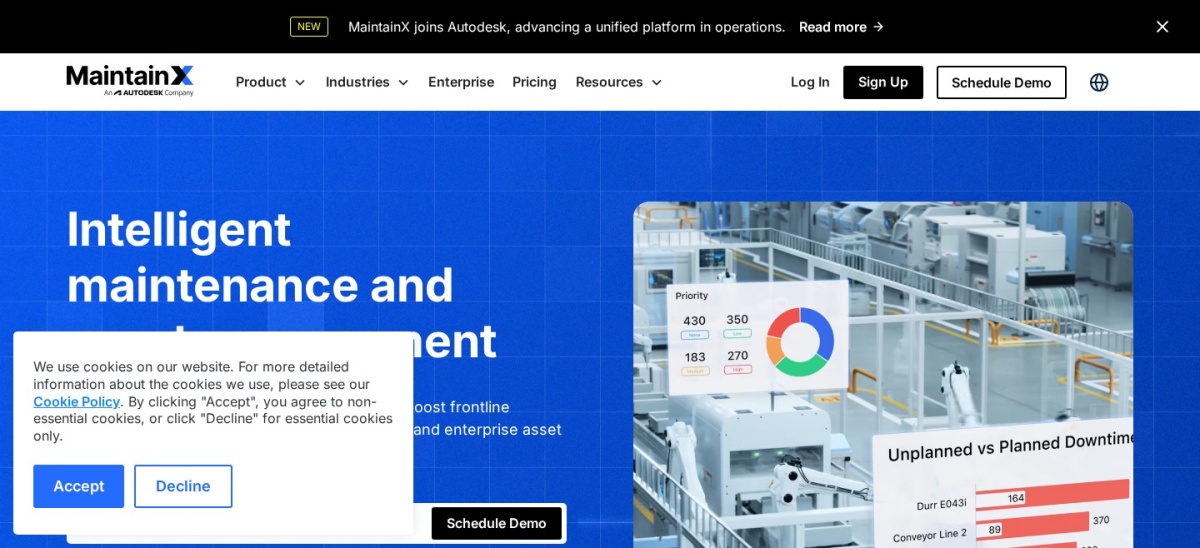
MaintainX leads at $20 per user a month billed annually, with a free Basic plan and a 4.8 G2 rating from 1,553 reviews.
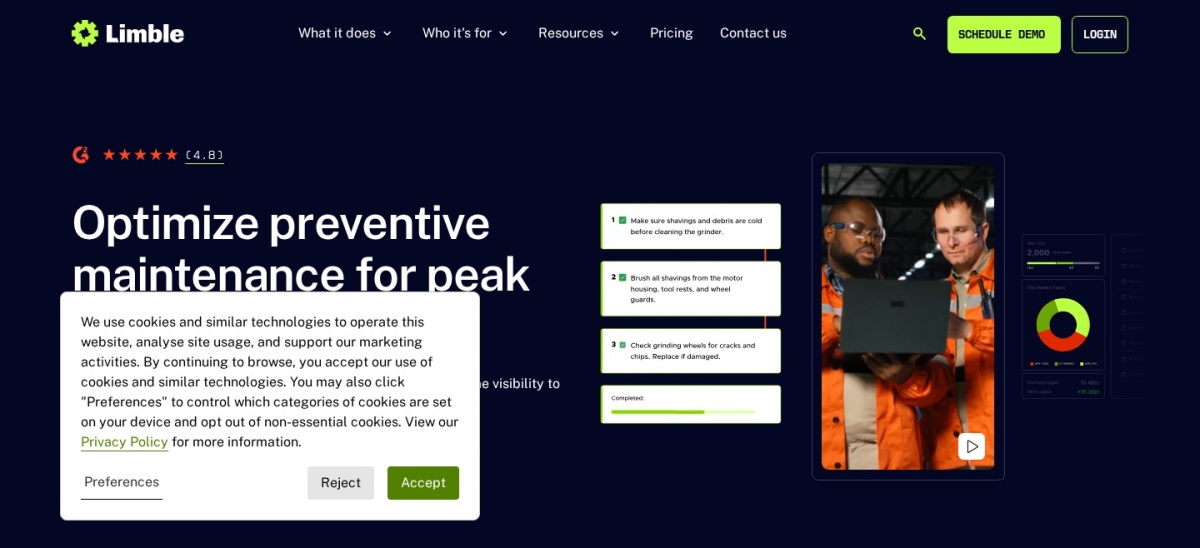
Limble matches that 4.8 rating and puts MTBF and MTTR reporting on every tier, from $28 per user a month.
UpKeep starts at $24 per user a month, but PM scheduling and parts need the $55 Premium plan.
Fiix has the most generous free plan in the list, with 25 active PMs and unlimited work orders.
Flat pricing wins past about 15 technicians: Fracttal at $195 a month and eWorkOrders at $380 a month for unlimited users.
What maintenance software should cover
Maintenance software, often called CMMS software, replaces spreadsheets and paper with work orders, preventive maintenance schedules, asset records and parts lists. A technician sees the next job on a phone, and a manager sees which assets keep breaking.
The first choice is how you pay. Most tools in this list charge per user a month, from $20 to $75, while Fracttal and eWorkOrders charge one flat monthly fee. Count every technician, admin and manager who needs a login, since requesters are usually free.
Downtime is the cost that justifies the software. Our website downtime statistics show how fast an outage adds up, and a planned PM schedule is the cheapest way to cut unplanned stops.
Free plans are real here. MaintainX, Limble, Fiix and Coast all let a small team start without paying, but parts, purchasing and APIs usually sit on paid tiers. Check what each paid tier unlocks before you commit.
MaintainX is a mobile-first maintenance platform for frontline teams, now part of Autodesk after its acquisition closed in August 2026. The free Basic plan covers unlimited work orders, procedures and requester users, plus real-time messaging. Essential adds unlimited repeating work orders at $20 per user a month billed annually.
The trade off is the jump to Premium. Parts inventory, purchase orders, meter-based maintenance and the open API cost $65 per user a month, more than three times Essential. It suits small and mid-size teams that want technicians to adopt the tool fast.
Limble is a cloud CMMS built around structured preventive maintenance, asset hierarchies and parts control. Its free plan covers core work orders and asset tracking, and Standard adds work requests, dashboards and analytics at $28 per user a month. Technicians work from a phone, with offline mode included.
The trade off is pricing transparency. The pricing page uses a calculator rather than listing every plan price, and Premium+ costs $69 per user a month. It suits plants that run many scheduled PMs and want MTBF and MTTR reporting on every tier.
What we like
4.8 G2 rating from 702 reviews
MTBF and MTTR reporting on every tier
Offline mobile app for technicians
Free plan to start
Watch out for
Prices come from a calculator, not a plain list
Premium+ costs $69 per user a month
Implementation averages about 2 months per G2
Premium+ adds inventory, time tracking and purchase ordersVisit limble.com
03
UpKeep
4.5/5on G2 (1,097 reviews, checked Nov 2026)
Starts at$24/mo
Best for AI-led work orders
Free planNo, free trial
Entry paid planEssential, $24/user/mo
PM schedulingPremium, $55/user/mo
Free usersRequesters and viewers
upkeep.com
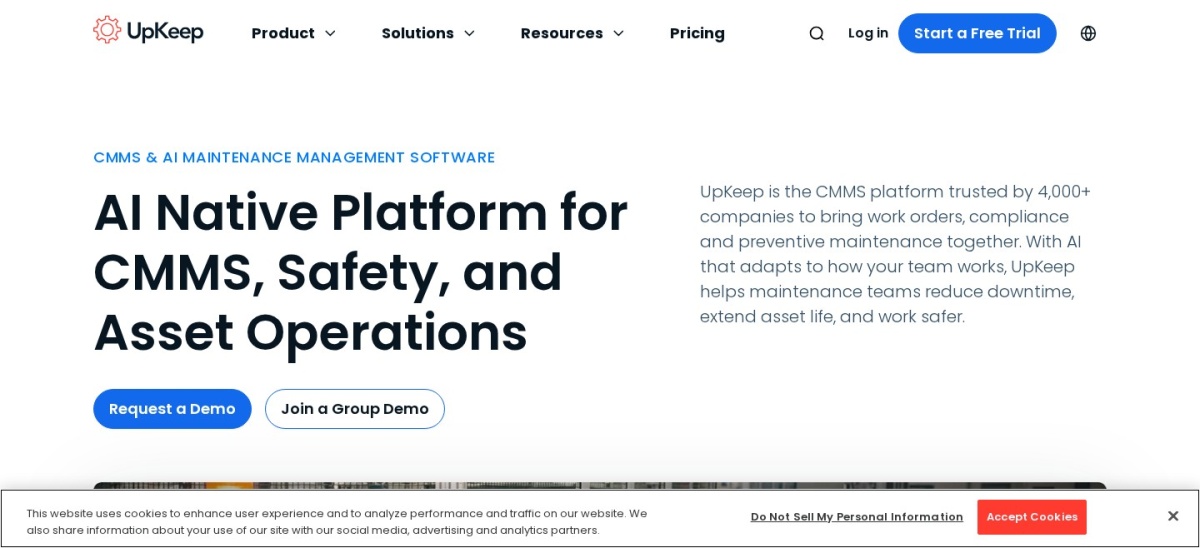
UpKeep homepage, captured Nov 2026.
UpKeep is a mobile-first CMMS used by more than 4,000 companies, covering work orders, assets and preventive maintenance. Essential costs $24 per user a month and includes unlimited work orders, unlimited locations, asset management and barcode scanning. Requester, view-only and vendor users are free.
The trade off is tier gating. PM scheduling, parts and inventory, and time tracking start at Premium for $55 per user a month, while offline mode, the API and workflow automation sit on quote-only plans. It suits small teams moving from spreadsheets to scheduled maintenance.
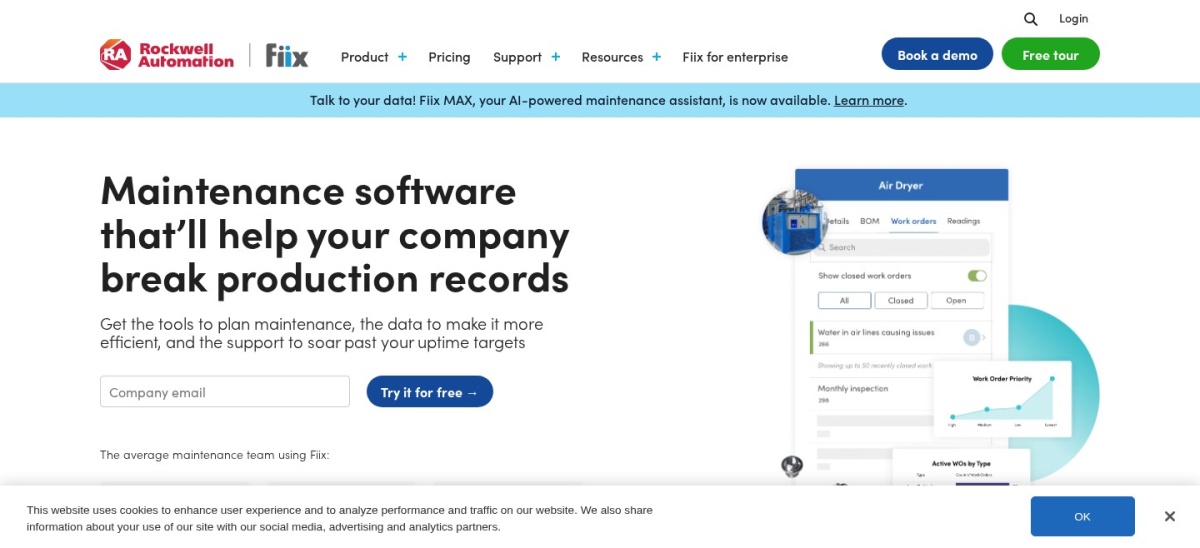
Fiix is a CMMS from Rockwell Automation for industrial and multi-site teams. The free plan covers 25 active PMs, unlimited work orders and service requests, asset management and the mobile app. Basic adds unlimited PMs, reporting and resource-based scheduling at $45 per user a month.
The trade off is the price step. Multi-site management, purchasing and the Fiix Foresight AI engine need Professional at $75 per user a month, and API integrations sit on Enterprise. It suits growing industrial teams that need scheduling depth and ERP links.
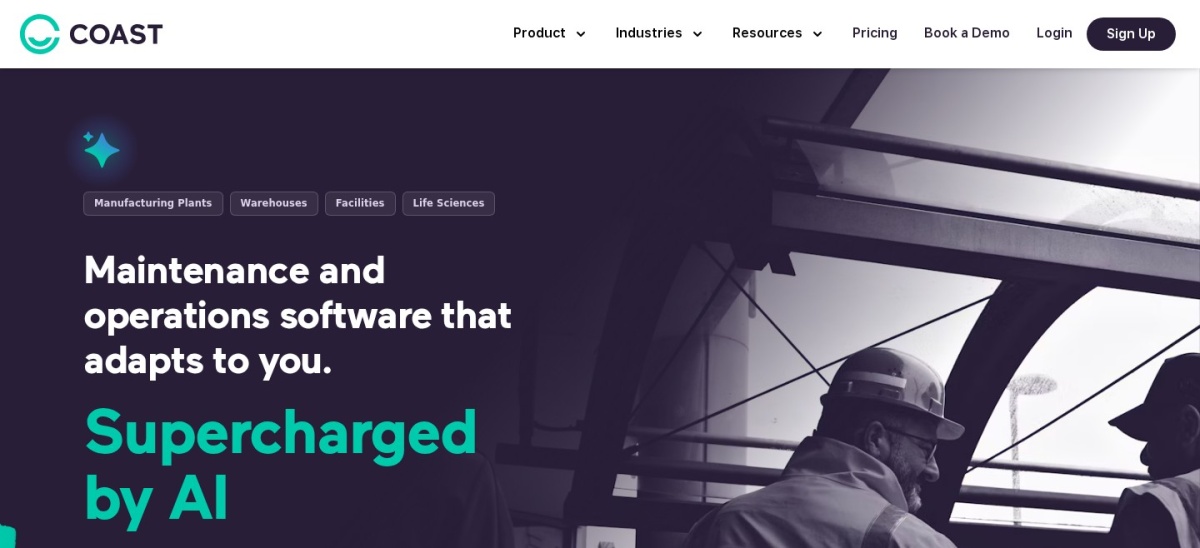
Coast is a simple mobile-first CMMS for small teams that mainly need work orders and team chat in one place. The free plan includes unlimited work orders and real-time messaging, with 5 repeating work orders. Starter adds unlimited history and repeating work orders at $25 per user a month.
The trade off is depth. Coast is lighter on asset and inventory features than full CMMS platforms, and its G2 review base is small at 13 reviews. It suits small teams that want fast setup and a low starting price.
Predictive maintenanceSensor data and auto work orders
Mobile offlineYes, plant-floor app
mvpone.com
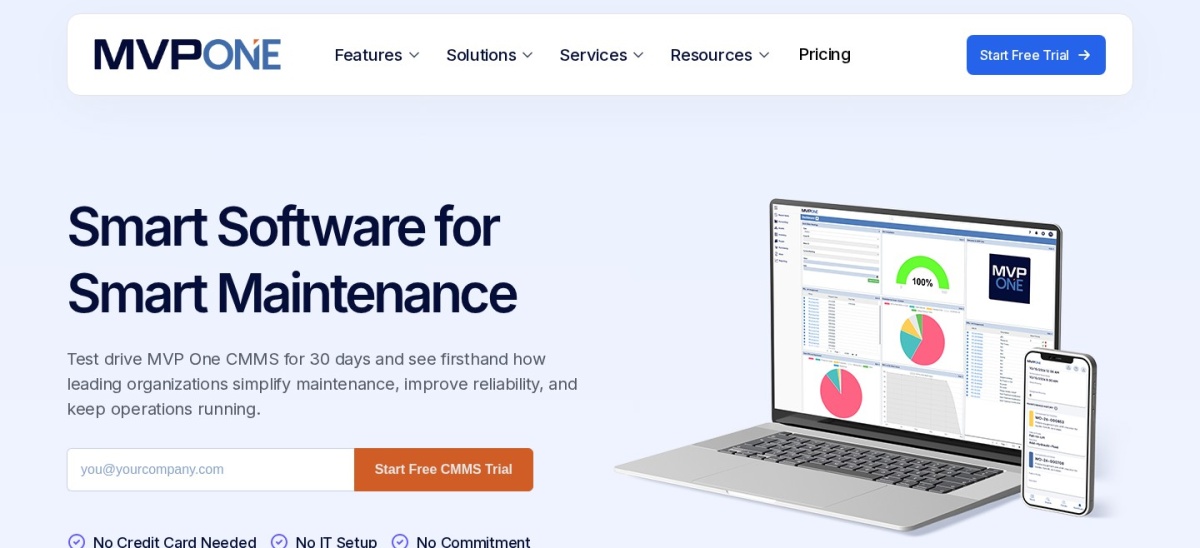
MVP One homepage, captured Nov 2026.
MVP One is a CMMS and EAM platform for industrial maintenance teams, in use since 2000. Essential costs $20 per named user a month and covers mobile access, PM scheduling, inventory tracking, alerts and reporting. Premium adds live chat support, custom roles and scheduled reports at $50 per user a month.
The trade off is the top end. REST APIs, single sign-on, custom report building and multi-site management sit on the Elite and Enterprise tiers, which are priced by quote. It suits mid-size plants that want customisable PMs and strong support.
What we like
$20 entry price per named user
Predictive maintenance with sensor data
Offline mobile app for the plant floor
High support scores on G2
Watch out for
No free plan, trial only
APIs and SSO need quoted tiers
Smaller review base than the leaders
Premium adds live chat, custom roles and scheduled reportsVisit mvpone.com
07
Click Maint
4.7/5on G2 (108 reviews, checked Nov 2026)
Starts at$35/mo
Best single-plan simplicity
Free planNo, 30-day trial
Paid planProfessional, $35/user/mo
Feature gatingNone, one plan
Mobile appiOS and Android
clickmaint.com
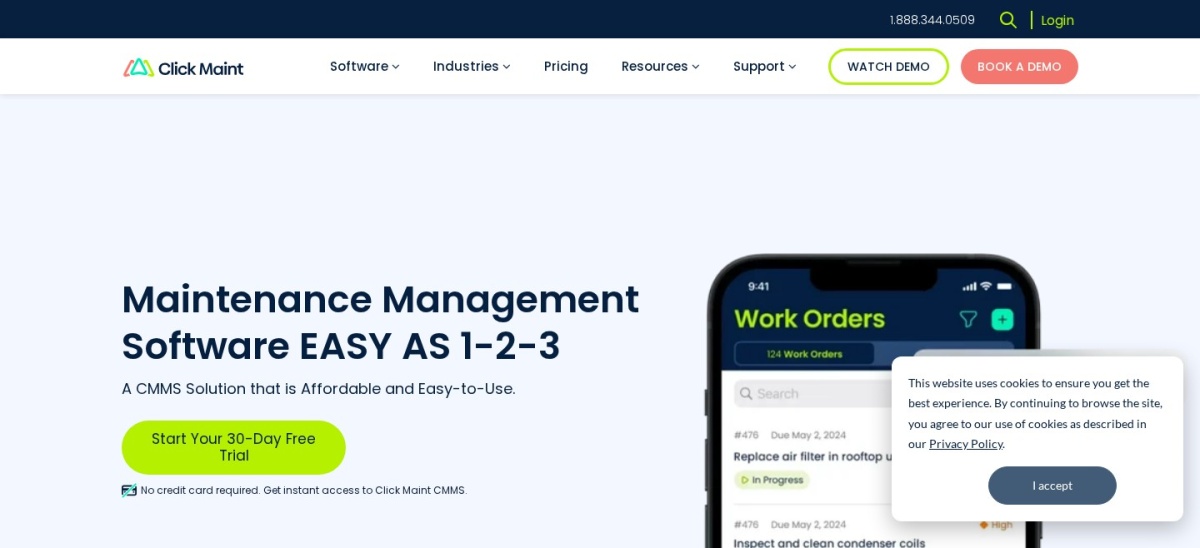
Click Maint homepage, captured Nov 2026.
Click Maint is a CMMS with a single Professional plan, so every feature comes at one price. The plan costs $35 per user a month billed annually and covers work orders, preventive maintenance, asset management, inventory, the mobile app and API access. A 30-day free trial needs no credit card.
The trade off is choice. There is no cheaper tier for very small teams and no free plan, so a team of two pays the same per-user rate as a team of fifty. It suits small teams that want a simple tool with no upsell tiers.
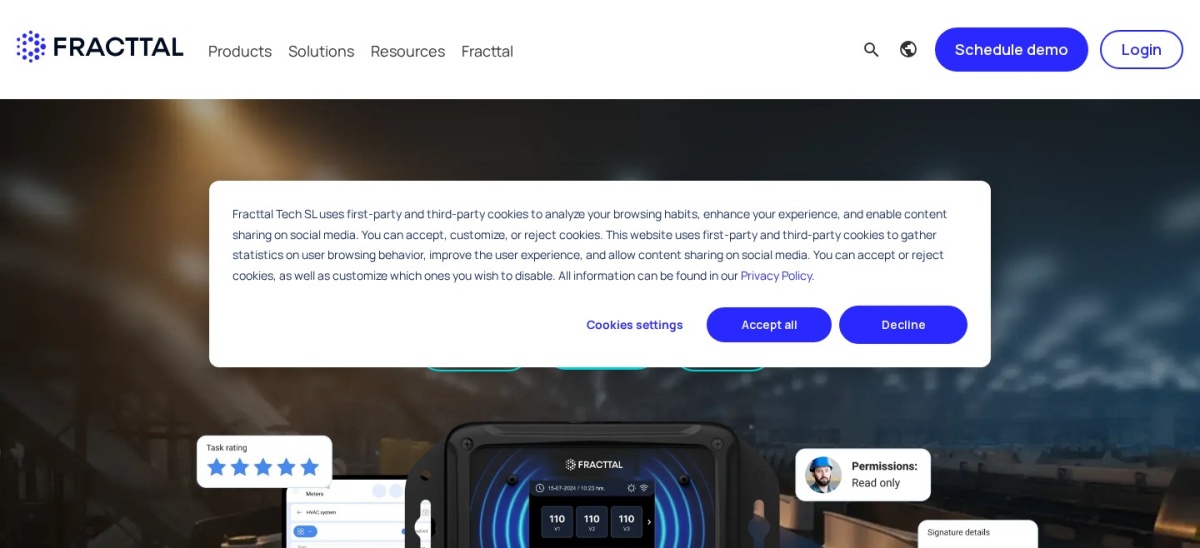
Fracttal One is a cloud asset management platform for work orders, preventive maintenance and inventory control. Basic costs $195 a month flat rather than per user, which suits teams with many occasional users. A free-forever plan with limited features is also listed.
The trade off is verification. The $195 figure comes from third-party listings rather than a public vendor price page, so confirm it before budgeting. It suits small businesses that want central asset records without per-seat maths.
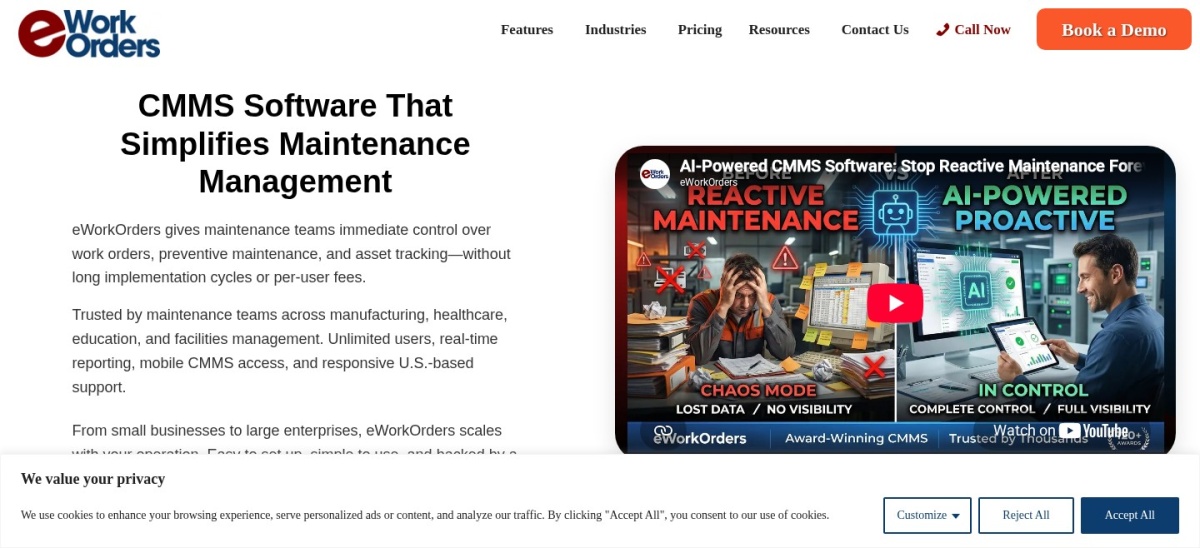
eWorkOrders is a CMMS with flat monthly pricing for unlimited users, in use for more than 30 years. Starter costs $380 a month and covers work orders, preventive maintenance, assets and inventory with no per-seat fees. Requesters can submit work through a no-login form.
The trade off is the starting bill. A team under 10 technicians pays more than on a $20 per-user plan, and the 4.9 G2 rating rests on only 32 reviews. It suits teams past 15 technicians where flat pricing beats per-user maths.
Per-user pricing is cheaper for small teams. Ten technicians on MaintainX Essential cost $200 a month billed annually, and ten on UpKeep Essential cost $240.
Flat pricing wins as the team grows. Twenty technicians on MaintainX Essential cost $400 a month, while eWorkOrders stays at $380 a month for unlimited users.
Watch the licence definition too. Some tools charge for every login, others let requesters and viewers in free, which can halve the bill.
How we chose
We started from the CMMS tools that appear most often in G2 and Capterra rankings for maintenance software, then kept nine with published prices or a clear flat fee and a public review base.
Prices come from each vendor's pricing page or cost guide, checked on 23 November 2026, with G2 and Capterra ratings read the same day. Where a vendor shows a sale, the list shows the regular price.
We left out tools with no verifiable price or rating, and Hippo CMMS, which is being replaced by Eptura Asset. No vendor paid for a place, and we do not claim to have used these tools ourselves.
How to choose maintenance software
Start with your team size and how much of the work is planned, then test the shortlist on a real job.
Count the people who need a login. Technicians, admins and managers usually need paid seats, while requesters and viewers are often free. That count decides whether per-user or flat pricing wins.
List the features you cannot skip. Work orders and PM scheduling are standard, but parts, purchasing, offline mode and APIs sit on higher tiers. Match the tier to the list, not the headline price.
Run one real job end to end. Raise a request, assign it, close it and check the report before you pay for a year. If the mobile app feels slow in the field, the team will stop using it.
Check the exit cost. Ask how to export assets, history and parts data, and what the contract renewal price is, before you sign.
FAQ
What is the best maintenance software?
MaintainX is the best pick for most teams. Its free Basic plan covers unlimited work orders, Essential costs $20 per user a month billed annually, and it holds a 4.8 out of 5 rating on G2 from 1,553 reviews.
What is CMMS software?
CMMS stands for computerised maintenance management system. It organises work orders, preventive maintenance schedules, asset records and spare parts in one place, so teams stop tracking repairs in spreadsheets.
How much does maintenance software cost?
Published per-user prices in this list run from $20 to $75 a month, and flat plans run from $195 to $480 a month. Most tools also offer a free plan or a free trial, so a small team can start without paying.
Is there free maintenance software?
Yes. MaintainX, Limble, Fiix and Coast all have free plans with unlimited work orders, though parts, purchasing and reporting usually need a paid tier. Fracttal also lists a free-forever plan with limited features.
Per-user or flat pricing: which is cheaper?
Per-user pricing is cheaper for small teams, while flat pricing wins past about 15 technicians. Twenty technicians on MaintainX Essential cost $400 a month, but eWorkOrders stays at $380 a month for unlimited users.
Do I need a CMMS or a spreadsheet?
A spreadsheet works until jobs, assets and parts grow past a handful. A CMMS adds scheduled PMs, asset history, mobile access and reports, which matter once missed maintenance starts causing downtime.