MaintainX leads for mobile-first work orders and preventive maintenance, earning a 4.8 out of 5 rating across 1,605 G2 reviews. UpKeep fits teams moving from reactive fixes to scheduled maintenance, while Limble stands out for ease of use and vendor tracking.
How we make this list: we compare pricing pages, product documentation and public user reviews, then re-check every price before each update. No product paid for a place. Disclosure.
MaintainX starts at $240/yr per user ($20/mo billed annually) on Essential with a free Basic plan.
UpKeep starts at $288/yr per user ($24/mo) on Essential and offers optional setup packages from $500 to $5,000.
Limble holds a 4.8/5 score across 703 G2 reviews with strong marks for onboarding and preventive maintenance.
Fiix includes a free tier with 25 active preventive maintenance tasks and paid plans starting at $540/yr per user ($45/mo).
Coast offers a free plan and paid plans starting at $240/yr per user ($20/mo) on Capterra.
What to look for in facility management software
Facility teams use computer maintenance management systems (CMMS) and operations platforms to log work orders, schedule preventive maintenance, and track equipment history across buildings. Clear asset records help reduce unplanned downtime and keep repair costs visible.
Most maintenance platforms price per licensed technician or manager while keeping external work requesters free. Check whether features like spare parts inventory, purchase orders, and meter-based schedules sit on entry tiers or require higher plans.
Mobile usability matters when technicians work on plant floors, roofs, or basements. Look at offline access, photo attachments, and QR or barcode scanning so field updates match desktop records.
If you manage multi-site portfolios, check for multi-location roll-ups, reporting depth, and API or accounting integrations. Also factor in optional onboarding fees and annual versus monthly billing terms before committing.
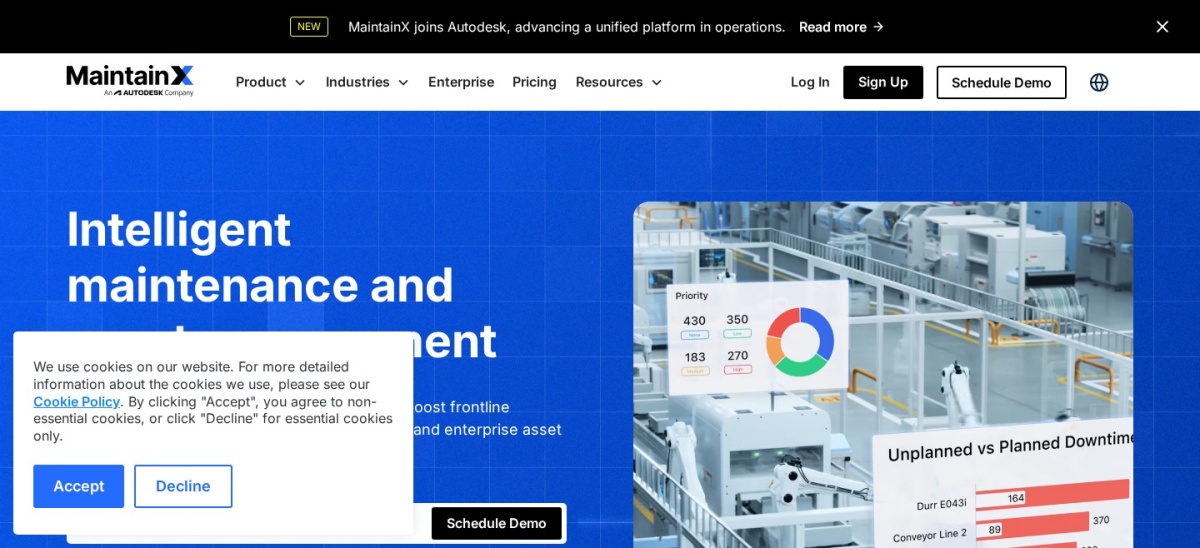
MaintainX is a mobile-first maintenance and work order platform with a free Basic plan and free requester accounts. Free Basic caps attached procedures at 2 per month, attached images at 5 per month, and advanced analytics history at 1 month.
The trade off is that parts inventory, purchase orders, and meter-based preventive maintenance require the $65/user/mo annual plan ($240/yr per user on Essential). It suits frontline facility crews that want fast mobile checklists and clear work order chat.
What we like
Free Basic plan with free work requester seats
Strong mobile workflow and inspection checklists
Transparent published annual and monthly pricing
Watch out for
Usage caps on procedures, images, and analytics in Basic
Inventory, purchasing, and API sit on higher tiers
Essential at $240/yr per user adds unlimited work orders and 3 months of analytics.Visit getmaintainx.com
02
UpKeep
4.5/5on G2 (1,119 reviews, checked Nov 2026)
Starts at$288/yr
Best for moving from reactive to planned work
Entry paid rate$24/user/mo Essential
Preventive maint.Premium ($55/user/mo)
Setup options$500 to $5,000 packages
G2 rating4.5/5 (1,119 reviews)
upkeep.com
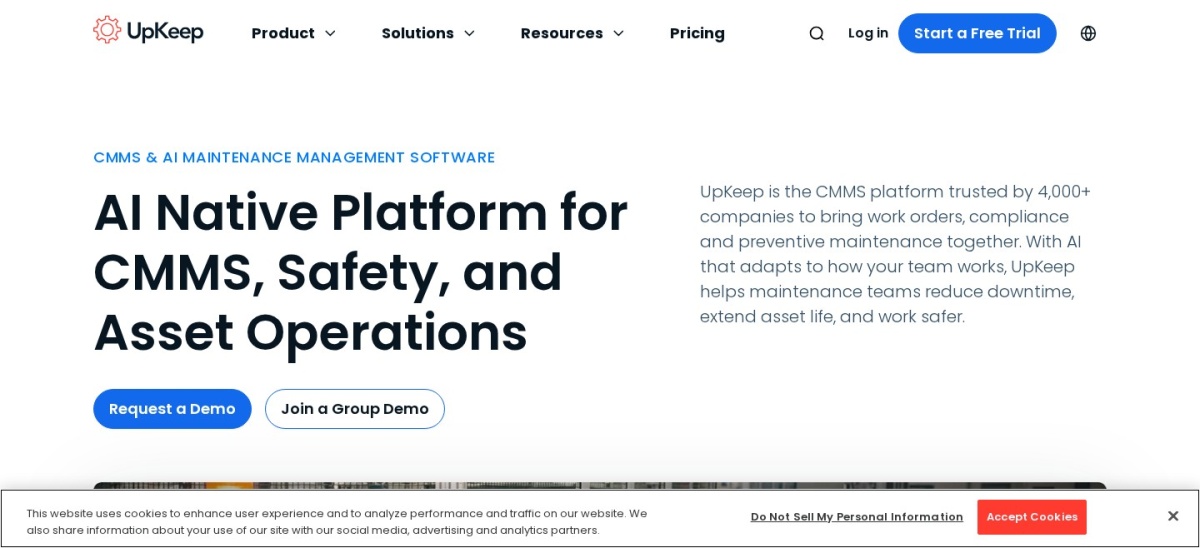
UpKeep homepage, captured Nov 2026.
UpKeep is a mobile CMMS built for facility teams organizing work orders, locations, and inspections from smartphones. Its Essential plan starts at $24/user/mo ($288/yr per user) with unlimited work orders, unlimited locations, and 250 monthly Nova AI credits.
The trade off is that preventive maintenance scheduling and parts management start on Premium at $55/user/mo, and offline mobile access sits on custom-quoted tiers. It suits small teams digitizing reactive work orders and QR-code asset tracking.
What we like
Unlimited work orders and locations on Essential
QR code asset lookup and photo-backed inspections
Clear optional training and onboarding packages
Watch out for
Preventive maintenance scheduling requires upgrading to Premium
No free ongoing tier listed on the pricing page
Premium at $55/user/mo adds preventive maintenance scheduling, parts tracking, and 500–750 monthly AI credits.Visit upkeep.com
03
Limble
4.8/5on G2 (703 reviews, checked Nov 2026)
Starts at$336/yr
Best for easy setup and vendor management
Reported entry rate~$28/user/mo Standard
Vendor & POsPremium+ (~$55–$69/user/mo)
RequestersFree work request links
G2 rating4.8/5 (703 reviews)
limblecmms.com
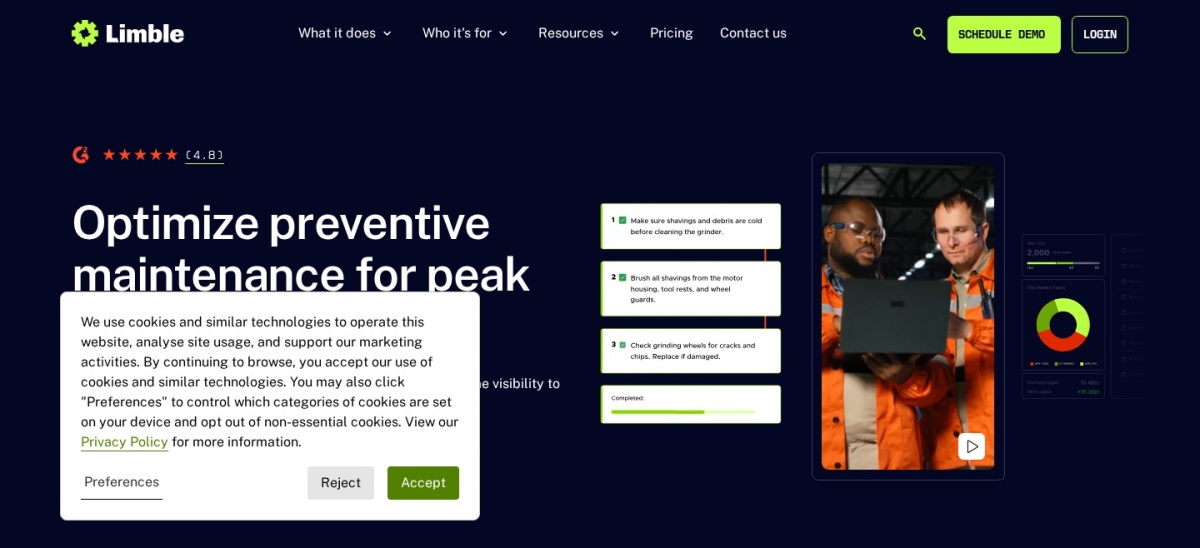
Limble homepage, captured Nov 2026.
Limble is a maintenance management platform known for straightforward scheduling, equipment history logs, and responsive customer support. Third-party pricing guides report Standard around $28/user/mo ($336/yr per user) with calculator-based quotes.
The trade off is that Limble uses a quote calculator rather than a fixed public price list, and spare parts or purchase orders sit on higher tiers. It suits facility teams that value fast onboarding and structured preventive maintenance routines.
What we like
High marks for usability and fast team adoption
Strong preventive maintenance and equipment history logs
Responsive support and customer success guidance
Watch out for
Exact pricing requires a calculator or sales quote
Advanced inventory, POs, and API sit on upper plans
Higher tiers add spare parts inventory, vendor and purchase order tracking, meter PMs, and API access.Visit limblecmms.com
04
Fiix
4.6/5on G2 (491 reviews, checked Nov 2026)
Paid from$540/yr
Best for asset-heavy and industrial facilities
Entry paid rate$45/user/mo Basic
Free tierUp to 25 active PMs
Multi-site & POsProfessional ($75/user/mo)
G2 rating4.6/5 (491 reviews)
fiixsoftware.com
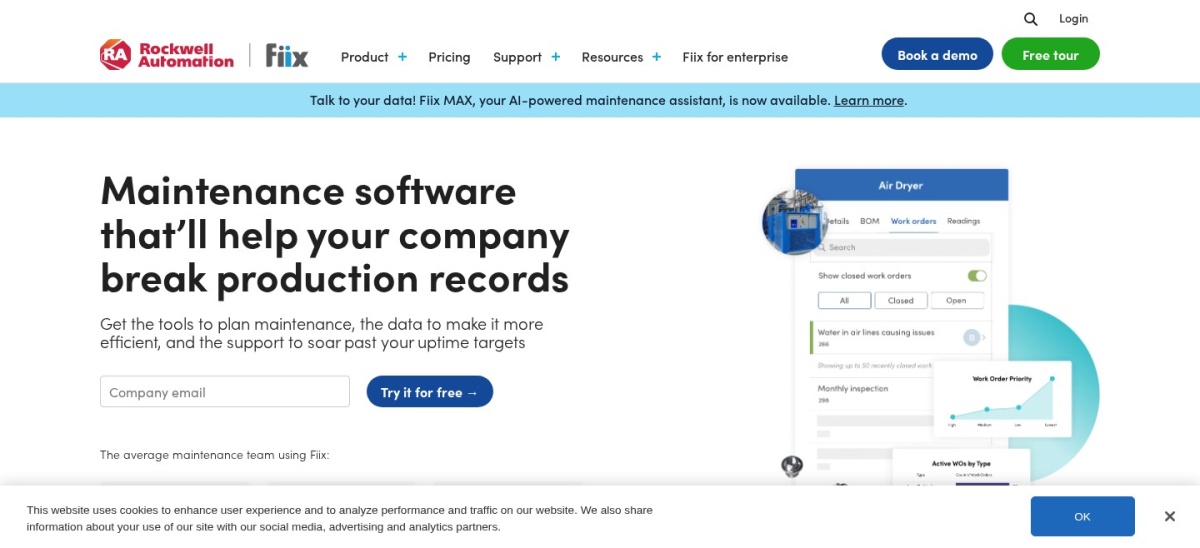
Fiix homepage, captured Nov 2026.
Fiix is an asset-centered CMMS from Rockwell Automation that tracks equipment hierarchies, parts inventory, and work orders. Its free plan includes up to 25 active preventive maintenance tasks, work orders, mobile access, and QR or barcode scanning.
The trade off is that Basic costs $45/user/mo ($540/yr per user) and multi-site management requires Professional at $75/user/mo. It suits plants and facility operations with heavy equipment and structured maintenance schedules.
What we like
Free starter tier with 25 active PMs and parts tracking
Detailed asset history, calendars, and barcode scanning
Flexible monthly or annual billing with no setup fee
Watch out for
Per-user pricing climbs quickly for larger crews
Multi-site tools and purchasing sit above Basic
Basic at $540/yr per user unlocks unlimited PMs, reporting, resource scheduling, and inspections.Visit fiixsoftware.com
05
Coast
4.7/5on Capterra (101 reviews, checked Nov 2026)
Paid from$240/yr
Best for simple task and team tracking
Entry paid rate$20/user/mo Starter
Free tierFree plan available
Higher paid tierPro ($49/user/mo)
Capterra rating4.7/5 (101 reviews)
coastapp.com
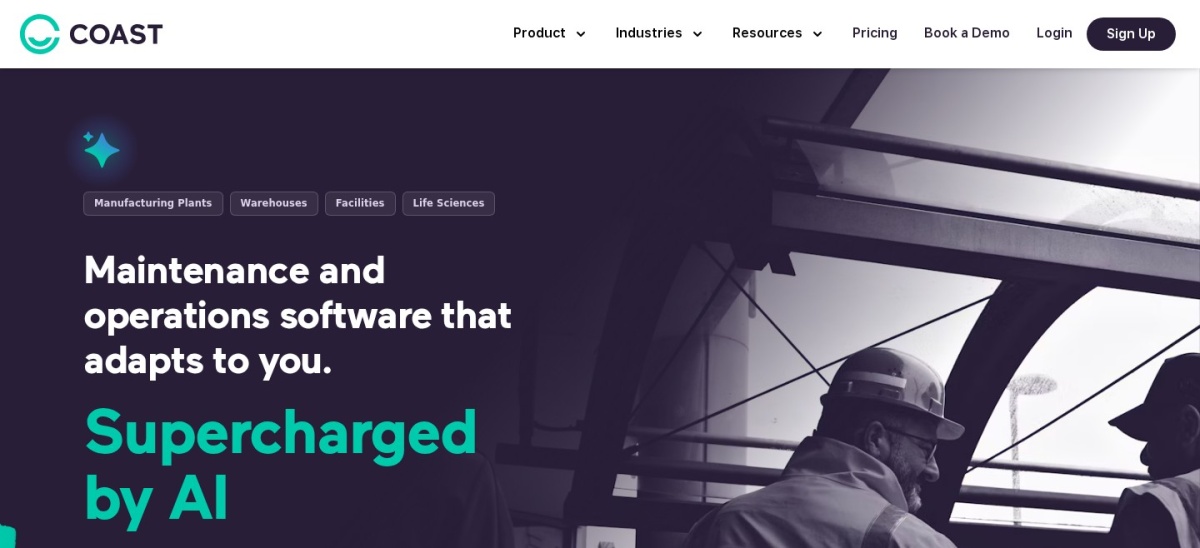
Coast homepage, captured Nov 2026.
Coast is a task, checklist, and maintenance tracking app with a free plan and straightforward team workflows. Capterra lists Starter at $20/user/mo ($240/yr per user) and Pro at $49/user/mo for broader reporting and custom workflows.
The trade off is that initial asset and template configuration can take time, and free seats have permission limits. It suits smaller facility and operations teams that want simple task tracking without heavy enterprise modules.
What we like
Free plan available to test team task workflows
Low entry pricing starting at $20/user/mo on Capterra
Fast notifications and clean mobile task tracking
Watch out for
Limited role permissions on the free tier
Setup and template configuration can take extra effort
Starter adds expanded team collaboration tools, while Pro adds deeper reports and custom workflows.Visit coastapp.com
06
Jobber
4.6/5on G2 (558 reviews, checked Nov 2026)
Starts at$348/yr
Best for service contractors and field crews
Entry paid rate$29/mo annual (1 user)
Accounting syncStarts at Connect ($99/mo)
Extra seats$29/mo per additional user
G2 rating4.6/5 (558 reviews)
getjobber.com
Jobber homepage, captured Nov 2026.
Jobber is a field service platform built around job scheduling, dispatch, client quotes, and invoicing. Its annual Core plan starts at $29/mo for one user ($348/yr).
The trade off is that adding seats, accounting sync, or card payment processing quickly raises monthly costs. It suits facility maintenance contractors and service crews rather than in-house multi-building asset teams.
What we like
Straightforward job scheduling, dispatch, and invoicing
Automated client reminders and online payment tools
Easy setup for small service businesses
Watch out for
Accounting integrations and multi-user bands cost more
Built for service businesses rather than campus asset trees
Higher plans unlock multi-user bands, QuickBooks Online and Xero sync, time tracking, and marketing tools.Visit getjobber.com
07
eWorkOrders
4.9/5on G2 (32 reviews, checked Nov 2026)
Starts at$4,560/yr
Best for flat-rate unlimited-user work orders
Entry paid rate$380/mo flat (unlimited users)
Next tier$480/mo flat Advanced
Enterprise$45–$120/user (5-user min)
G2 rating4.9/5 (32 reviews)
eworkorders.com
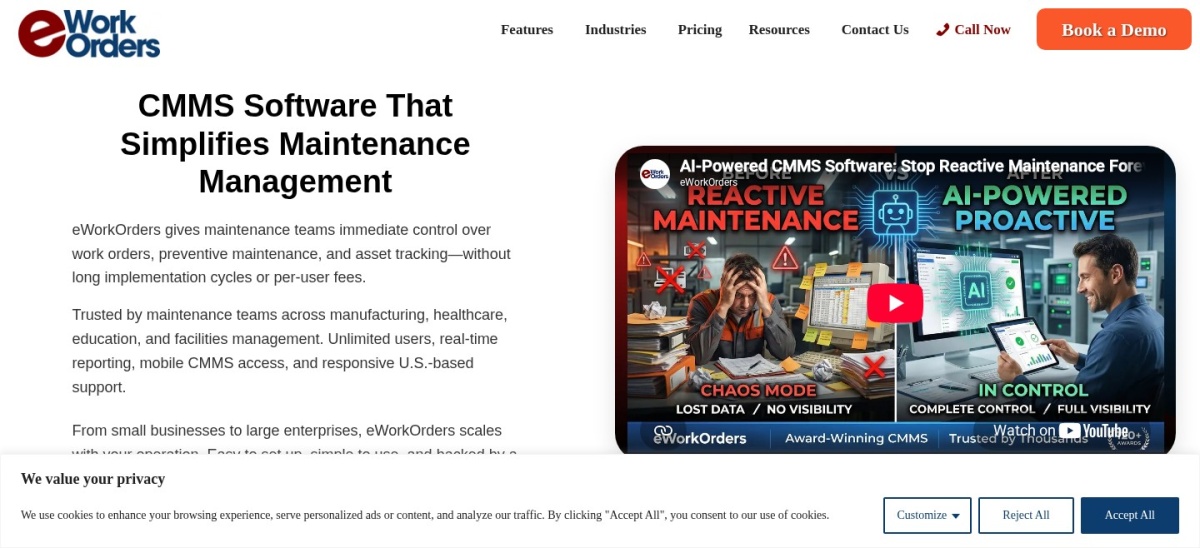
eWorkOrders homepage, captured Nov 2026.
eWorkOrders is a cloud CMMS covering work orders, preventive maintenance, assets, and spare parts inventory. Its monthly Starter plan is $380/mo flat ($4,560/yr) with unlimited users.
The trade off is a higher monthly base price than per-seat entry tools, while Enterprise shifts to $45–$120/user with a five-user minimum. It suits growing teams with many staff logins that prefer flat-rate starter pricing.
What we like
Flat $380/mo Starter rate includes unlimited users
Covers work orders, PMs, assets, and spare parts
High review score with helpful onboarding support
Watch out for
Higher upfront monthly cost for very small teams
Smaller review count on G2 than larger rivals
Advanced at $480/mo flat expands mobile tools, and Enterprise adds custom pricing for larger operations.Visit eworkorders.com
How per-user and flat pricing affect facility budgets
Per-user pricing works well when only a handful of technicians log in and everyone else submits requests through a free portal. Once headcount grows, multiplying a monthly seat rate across technicians, supervisors, and planners adds up fast.
Flat-rate tiers like eWorkOrders Starter ($380/mo for unlimited users) can make more sense when many staff members need direct system access. Always check whether view-only users, requesters, and setup packages are billed separately.
How we chose
We selected established facility management and CMMS tools from software directories and vendor product pages, focusing on platforms with active maintenance workflows and verified buyer reviews.
We checked pricing and review numbers on 22 Nov 2026 using official vendor pricing pages, G2, and Capterra listings, listing the lowest published paid tier converted to an annual figure where applicable.
We skipped tools without published starting prices or clear current maintenance workflows, and we excluded discontinued products. No vendor paid for a place, and we do not claim testing for this list.
How to choose the right facility management software
Follow four practical steps to match a platform to your buildings and crew:
List your daily maintenance tasks first. Decide whether you mostly need reactive work orders, recurring preventive maintenance schedules, spare parts tracking, or multi-site reporting.
Count who needs full logins versus request access. Separate technicians and managers who update jobs from staff who only submit repair requests or view status.
Check field usability on phones and tablets. Make sure technicians can attach photos, scan asset tags, and complete checklists easily while moving around the facility.
Calculate full annual cost before signing. Compare annual versus monthly billing, seat add-ons, and optional setup or training packages.
FAQ
What is the difference between facility management software and a CMMS?
Facility management software can cover space planning, leases, and building operations broadly, while a CMMS focuses heavily on maintenance work orders, assets, and preventive schedules. Many modern platforms combine both workflows in one place.
Are external repair requesters usually free?
Many maintenance tools let staff or tenants submit work requests for free while charging only for licensed technicians, planners, or administrators. Always verify seat rules on the plan you pick.
Do small facility teams need paid software right away?
Small teams starting out can often test work orders or basic checklists on a free tier such as MaintainX Basic or Fiix Free. Upgrading makes sense when you hit feature limits or need fuller history and scheduling.
Why do prices jump on higher CMMS tiers?
Lower tiers often cover basic work orders and simple schedules, while higher tiers add spare parts inventory, purchase orders, meter-based maintenance, or multi-site roll-ups. Paying for unused modules can inflate your budget quickly.
Should we pick annual or monthly billing?
Annual billing usually lowers the per-user rate compared to monthly billing, though monthly plans offer flexibility if your headcount changes. Check contract terms before paying upfront.
What if we hire outside contractors instead of in-house technicians?
If you dispatch external service crews, quote jobs, and send client invoices, a field service platform like Jobber may fit better than an internal asset CMMS. Compare your actual daily workflow before deciding.
SaaS SEO and WordPress specialist with about 8 years of experience. Rakib compares WordPress plugins, themes, hosting and software using public pricing, documentation and user reviews. See how we rank.