Jobber is the best software for growing home service business teams, because its Core plan starts at forty-nine dollars a month for one user with quoting, scheduling and invoicing included. Housecall Pro suits firms that want a bigger feature set, while Service Fusion fits larger crews that need unlimited users.
How we make this list: we compare pricing pages, product documentation and public user reviews, then re-check every price before each update. No product paid for a place. Disclosure.
Jobber leads at $49 a month for one user, with quoting, scheduling and invoicing included.
Housecall Pro offers the deepest feature set at this price, from $79 a month.
Service Fusion and Kickserv suit bigger crews: unlimited users, or five users for $60 a month.
ServiceTitan, Workiz and FieldEdge are quote-only, so budget on a sales call, not a list price.
ServiceM8 has the only free plan here, covering 30 jobs a month for one user.
What should a growing home service business look for in software?
A growing home service business outgrows spreadsheets fast. Jobs, quotes, schedules, invoices and payments all need one place, or the office spends its day chasing paperwork instead of booking work.
The cheapest honest start is usually a per-user tool with a free trial. Jobber at $49 a month and Housecall Pro at $79 cover a one-person firm well, while ServiceM8 costs nothing until the job count grows.
Crew size changes the maths. Per-user pricing looks cheap for one technician and expensive for ten, which is why Service Fusion's unlimited users and Kickserv's per-team pricing matter for bigger firms.
Three of the biggest names here publish no prices at all. Quote-only tools can still be worth a demo, but a growing firm should shortlist on published prices first and treat quotes as a second step.
The 9 best software tools for growing a home service business
01
Jobber
4.6/5on Capterra (1,487 reviews, checked Nov 2026)
Starts at$49/mo
Best all-round pick for growing firms
Core plan$49 a month, 1 user
UsersExtra users $29 a month
Trial14 days
PlansCore to Plus, $49 to $499
getjobber.com
Jobber homepage, captured Nov 2026.
Jobber is a field service platform built for home service businesses that are growing past pen-and-paper scheduling. The Core plan costs $49 a month for one user and covers quoting, scheduling, invoicing and payments, with Connect, Grow and Plus adding more users and automation. It is the most rounded starting point here, because almost every job workflow a small firm needs is included from the first plan.
The trade off is the per-user cost as the team grows. Extra users cost $29 a month each, and the higher plans climb to $499 a month, so a larger crew pays noticeably more than the headline price. The current half-price promotion also ends on 30 November, so buyers should budget on the regular $49 figure, not the sale price.
4.7/5on Capterra (2,700 reviews, checked Nov 2026)
Starts at$79/mo
Best feature depth for the price
Basic plan$79 a month, 1 user
UsersEssentials covers 5 users
Trial14 days
PlansBasic to MAX, $79 to $329
housecallpro.com
Housecall Pro homepage, captured Nov 2026.
Housecall Pro is a field service platform for home service companies that want dispatching, estimates, invoicing and payments in one place. The Basic plan costs $79 a month for one user, while Essentials at $189 covers five users and MAX at $329 covers eight. It is the deepest feature set at this price point, with online booking, review requests and a customer portal included.
The trade off is that the low headline price covers only one user, so a real crew pays more once extra seats are added. The three-month half-price promotion also hides the regular cost, and some firms find the add-on pricing for extras such as marketing tools pushes the monthly bill higher than expected.
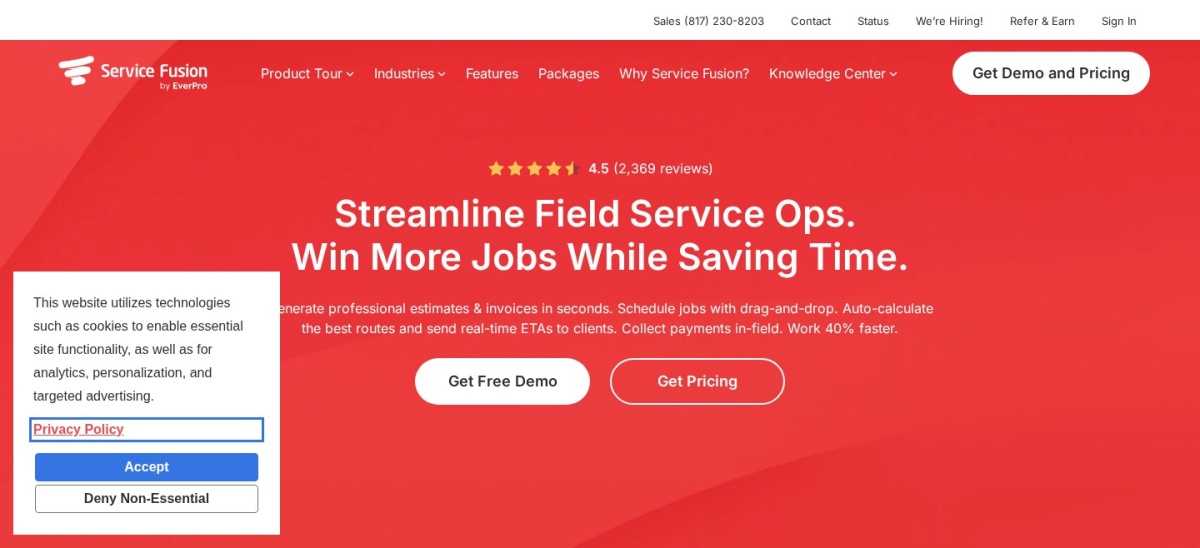
Service Fusion is a field service platform for larger home service crews, and its selling point is simple: every plan includes unlimited users. The Starter plan costs $259 a month, Plus costs $399 and Pro costs $649, all with scheduling, dispatching, estimates and invoicing. For a firm with many technicians, the flat monthly fee can work out cheaper than per-user rivals.
The trade off is the starting price. At $259 a month it costs more than Jobber or Housecall Pro for a one-person firm, and the value only appears once the crew is big enough that per-user pricing would cost more. Smaller firms should run the numbers on their actual headcount before choosing it.
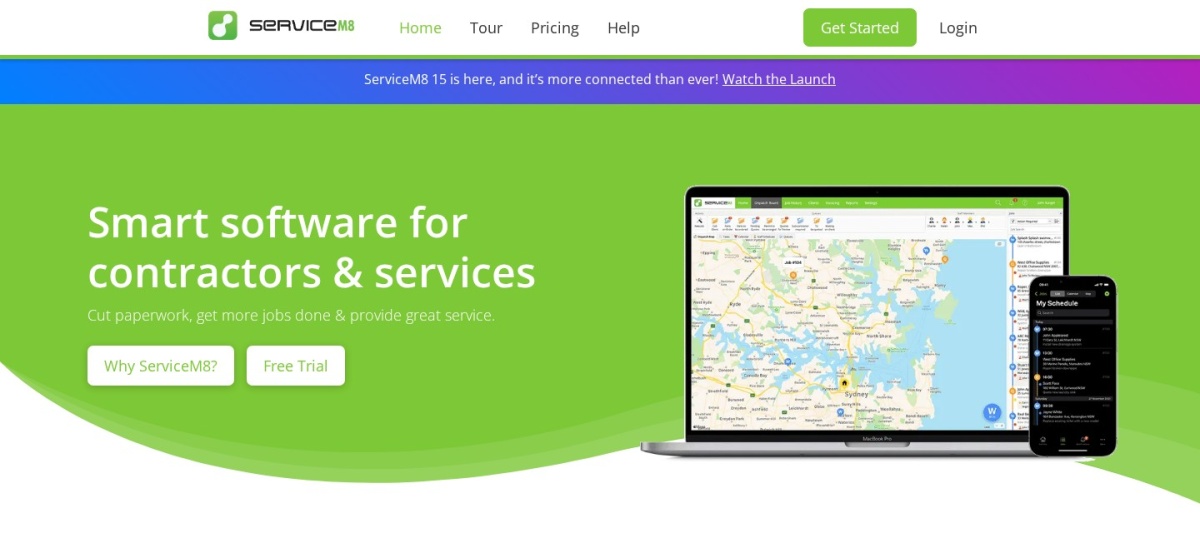
ServiceM8 is a job management app for small home service firms, built around jobs, quotes, scheduling and invoicing. The free plan covers 30 jobs a month for one user, and Starter costs $29 a month for 50 jobs with unlimited users. It is the cheapest real start on this list for a one-person firm that wants proper job tracking without paying anything at first.
The trade off is that the $29 figure was not visible in our read of the vendor pricing page, which renders its prices with scripts, so it rests on other November reads of the same page. The job caps also mean a busy firm outgrows the cheaper tiers quickly, pushing it toward the $79 Growing or $149 Premium plans.
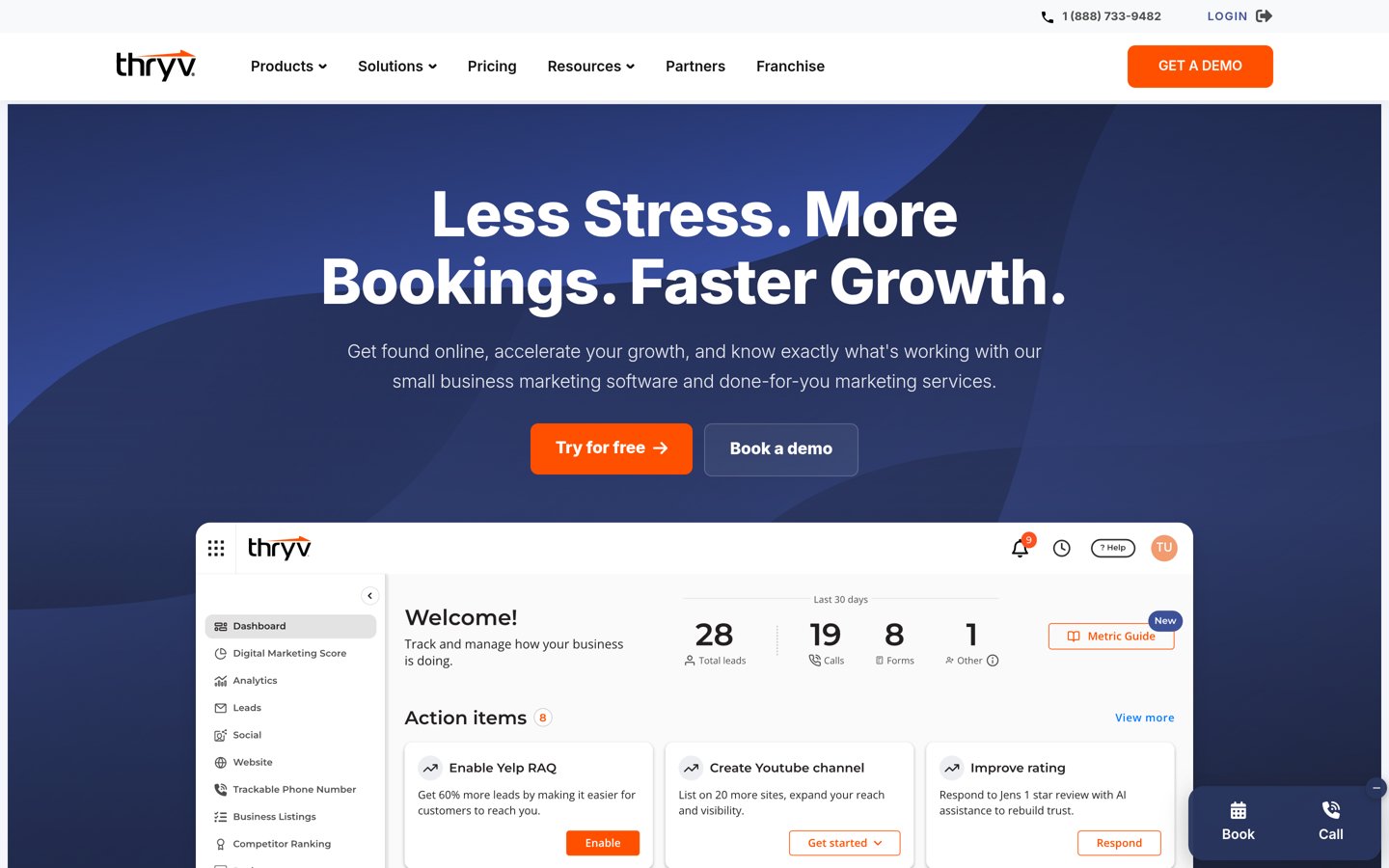
Thryv is an all-in-one platform that pairs business management with marketing, covering listings, reviews, a website builder and scheduling alongside payments. The Starter plan costs $99 a month for one user, and Signature costs $399 for five users with social media and search tools. It suits firms that want customers to find them as well as jobs managed.
The trade off is the mandatory six-month term and the marketing focus. Thryv is less of a pure job scheduler than Jobber or ServiceM8, and the Starter plan is thin on scheduling depth. A firm that mainly needs dispatching and invoicing will get more for less elsewhere.
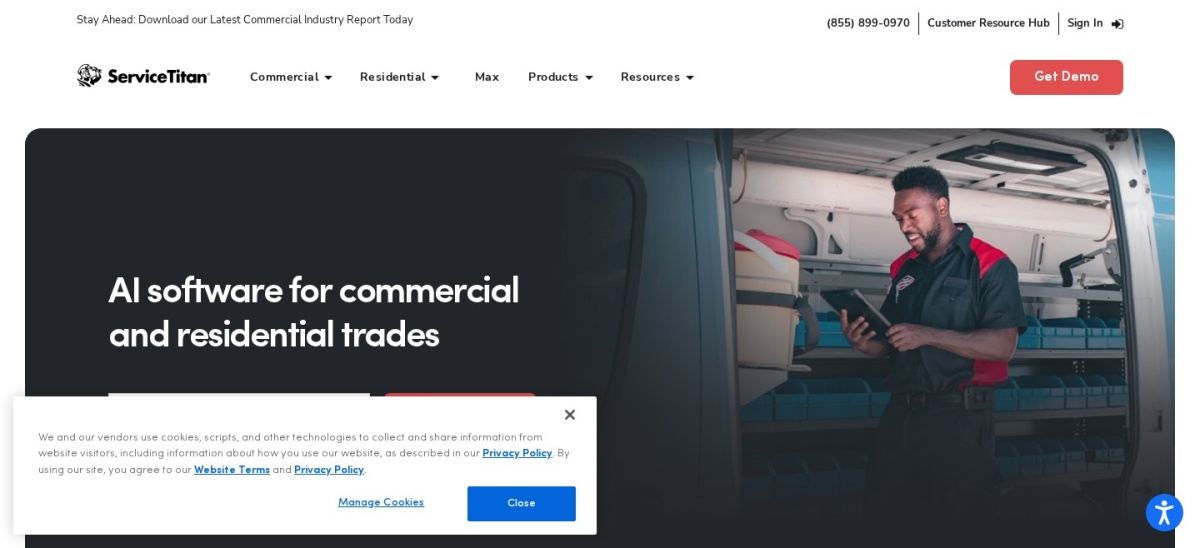
ServiceTitan is the enterprise field service platform for large home service companies, covering scheduling, dispatching, estimates, invoicing, payroll and marketing in one system. It is built for firms with many technicians and several branches, with reporting and automation that smaller tools do not offer. Growth-stage firms often move to it once Jobber-style tools stop scaling.
The trade off is that pricing is by quote only, charged per technician, and no rates are published anywhere official. Third-party figures of a few hundred dollars per technician a month are unverified, so a firm cannot budget for ServiceTitan without a sales conversation. It is a destination platform, not a first purchase.
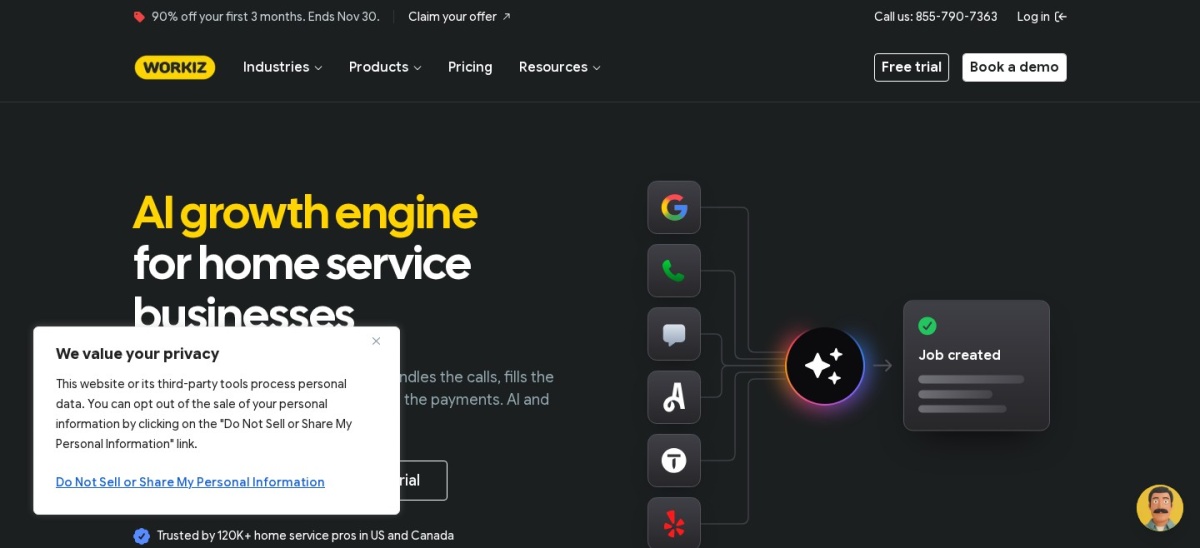
Workiz is a field service platform for home service firms, covering scheduling, dispatching, invoicing, payments and customer messages. It used to publish prices, but since August 2026 the plans have been quote-only, so buyers now start with a demo and a sales call. The product itself is well rated, with a 4.4 score on Capterra from 218 reviews.
The trade off is the missing price. A growing firm cannot compare Workiz against Jobber's $49 without a quote, and the earlier published range of a few hundred dollars a month for five users was withdrawn. That makes it hard to shortlist on value, even though the product earns good reviews.
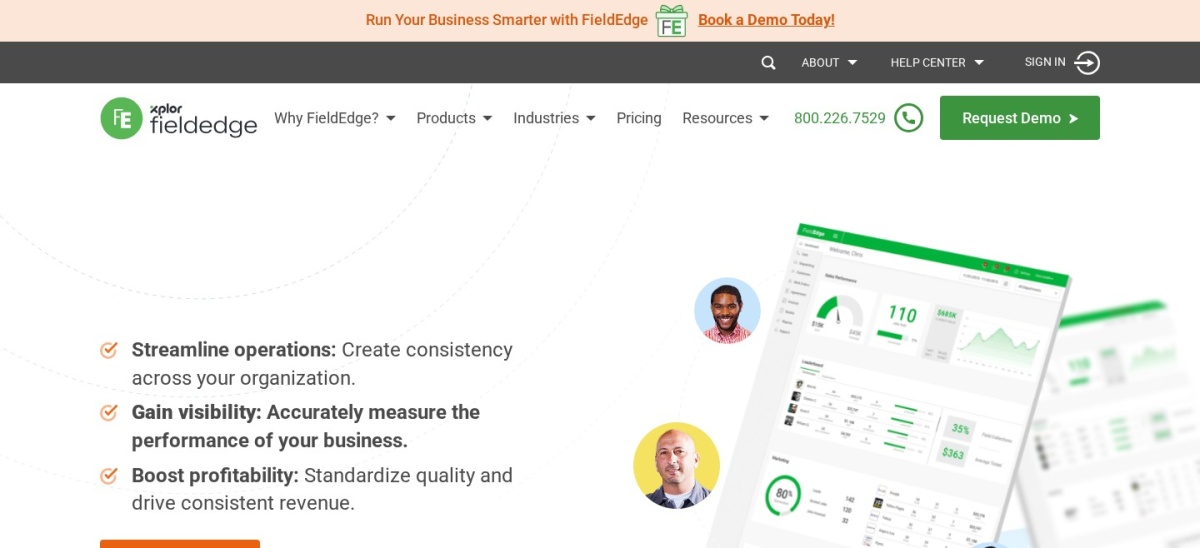
FieldEdge is a field service platform aimed at HVAC, plumbing and electrical firms, pairing dispatching with a customer database, pricebook and QuickBooks integration. Its three plans, Select, Premier and Elite, all show request-pricing buttons rather than figures. It suits trade firms that want dispatching tied closely to customer history and flat-rate pricing.
The trade off is the quote-only model and the third-party price talk. Reported figures of about $100 per office user plus $125 per technician a month are not from the vendor, so a firm cannot budget on them. FieldEdge is worth a demo for trade firms, but not a blind shortlist pick on price.
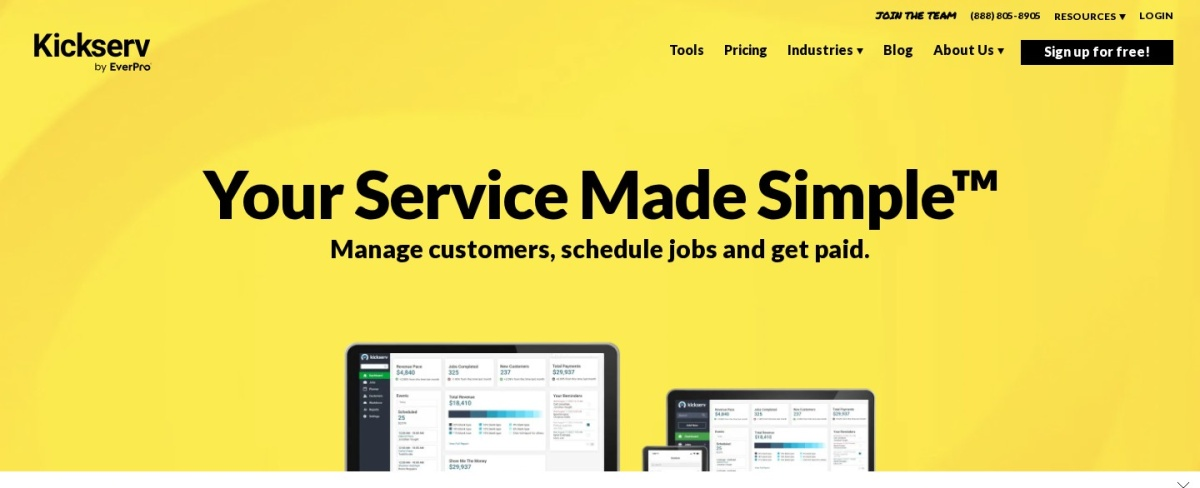
Kickserv is a field service platform for small teams, priced per team rather than per user. The Start plan costs $60 a month for five users and covers job scheduling, reminders, time tracking and QuickBooks Online, while Run costs $119 for ten users with dispatch mapping and GPS check-ins. For a five-person crew it undercuts most per-user rivals.
The trade off is scale. Kickserv is built for small teams, and the top Scale plan covers only 20 users, so larger firms will outgrow it. The annual discount also cuts 20 percent off, which means the monthly figure here is the higher price, and buyers should check the annual rate before comparing.
Per-user pricing looks cheap at first. Jobber at $49 and Housecall Pro at $79 cover one user, but every extra technician adds $29 or more a month.
Flat pricing suits bigger crews. Service Fusion charges $259 a month for unlimited users, and Kickserv charges $60 for five, so the bill stays flat as the team grows.
Count heads before choosing. A one-person firm should pick per-user pricing, while a ten-person crew should price the flat options first.
How we chose
We started from every field service tool with a G2 or Capterra listing and a real home service audience, then kept those a growing firm could buy or trial. Tools aimed only at restaurants or retail were left out, as were tools with no review presence.
Prices come from each vendor's pricing page, checked on 30 November 2026. Ratings come from G2 or Capterra on the same day. Where a vendor shows a sale, the list shows the regular price, and where a vendor quotes only, the list says so rather than repeating a third-party figure.
No vendor paid for a place, and we do not claim hands-on testing for this list. We ranked published prices first, put the quote-only enterprise tools last, and flagged every price we could not confirm on the vendor's own page.
How to choose software for a growing home service business
Count your technicians first, then match the pricing model to that number.
Count technicians and jobs. One user suits Jobber or Housecall Pro; ten or more suits unlimited-user or per-team pricing.
List the jobs you actually do. Quoting, dispatching, invoicing and payments matter most; marketing tools are a bonus, not a core need.
Try the free plan or trial. Run a real week of jobs through the trial before paying, and check the mobile app your techs will use.
Price the second year, not the first. Promotions end, so budget on the regular monthly figure and ask what extra users cost.
FAQ
What is the best software for growing a home service business?
Jobber is the best all-round pick for most growing firms, because its $49 Core plan covers quoting, scheduling, invoicing and payments for one user. Housecall Pro suits firms that want more features, while Service Fusion fits larger crews with unlimited users. The right pick depends mostly on crew size.
How much does home service business software cost?
Paid plans start at $29 a month for ServiceM8 Starter and $49 for Jobber Core, while Housecall Pro starts at $79 and Service Fusion at $259. ServiceTitan, Workiz and FieldEdge are quote-only, so their cost depends on technicians and the plan quoted.
Is there free software for a home service business?
Yes. ServiceM8 offers a free plan for one user covering 30 jobs a month, which suits a one-person firm starting out. The other tools here offer 14-day trials rather than free plans, and the enterprise platforms are quote-only with no free tier.
Jobber vs Housecall Pro: which is better?
Jobber is better for a firm that wants the cleanest all-round workflow at the lowest starting price, at $49 a month for one user. Housecall Pro is better for firms that want a bigger feature set, including online booking and a customer portal, from $79 a month. Both are well rated.
Why do some tools not publish prices?
Large platforms such as ServiceTitan, Workiz and FieldEdge price per technician or per firm, so they quote after a demo. That makes comparison harder, and third-party price figures are often stale, so a growing firm should shortlist on published prices and request quotes only for the finalists.
What features matter most for a growing firm?
Scheduling, dispatching, quoting, invoicing and payments matter most, because they cover the whole job from booking to cash. A mobile app for technicians, online booking and QuickBooks integration are the next priorities, while marketing add-ons can wait until the core workflow runs well.
SaaS SEO and WordPress specialist with about 8 years of experience. Rakib compares WordPress plugins, themes, hosting and software using public pricing, documentation and user reviews. See how we rank.