vMix is the best software for hybrid conference production, offering a $60 lifetime entry license and advanced editions with remote speaker integration and multicamera switching. Choose OBS Studio for free, customizable broadcast production or RingCentral Events for conferences requiring integrated registration, virtual networking and onsite attendee management.
How we make this list: we compare pricing pages, product documentation and public user reviews, then re-check every price before each update. No product paid for a place. Disclosure.
vMix starts at $60 for a lifetime Basic HD license, while its $350 HD edition supports up to 1,000 inputs and one remote caller.
OBS Studio is completely free, supports unlimited scenes and holds a 4.6/5 G2 rating from 141 reviews.
RingCentral Events starts at $99 per organizer/month with annual billing, but dedicated hybrid and onsite event functionality requires the $199 Pro+ subscription.
Restream offers free broadcasting to two destinations, while its $19 monthly Standard plan supports three destinations without Restream branding.
Ecamm Live costs $192 annually for Standard and $384 annually for Pro, with a 4.8/5 Capterra rating from 174 reviews.
XSplit Broadcaster costs $59.99 annually for commercial use, while Riverside's live streaming Grow subscription costs $408 annually.
What should software for hybrid conference production include?
Hybrid conference production connects physical stage activity with remote participation. Production software must combine camera feeds, microphones, presentation slides and remote speakers into a broadcast that online attendees can follow.
Video production and event management are separate requirements. Tools such as vMix and OBS Studio control the broadcast, while RingCentral Events manages registration, virtual venues, attendee participation and hybrid event administration.
Audio quality is often more important than additional camera angles. Production teams need separate audio controls, suitable microphones and echo prevention when remote speakers interact with an audience inside the venue.
The cheapest software license may not support your complete production requirements. Remote guest inputs, higher streaming resolutions, custom branding, simultaneous destinations and onsite event features can require more expensive subscriptions.
Reliable hybrid conferences need a backup plan. Local recordings, alternative internet connections, spare presentation files and contingency communication channels help production teams respond when a live feed or remote participant connection fails.
Best for professional multicamera conference production
Entry editionBasic HD
Basic HD total inputs4
Basic HD camera inputs3
Operating systemWindows
vmix.com
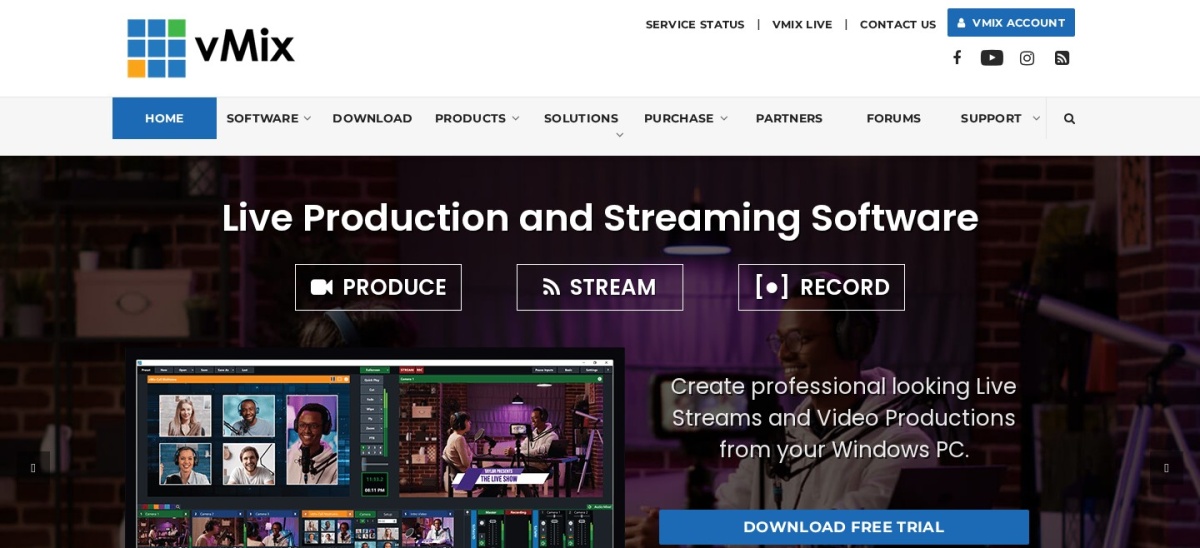
vMix homepage, captured Nov 2026.
vMix is a Windows-based video production application that combines cameras, microphones, presentations, graphics and remote participants into live broadcasts. Its Basic HD lifetime license costs $60 and supports four total inputs, including up to three camera or NDI inputs. Production teams can simultaneously display, record and stream their conference program.
The trade off is that Basic HD lacks integrated remote caller functionality and has a limited input allowance. The $350 HD edition expands capacity to 1,000 inputs and introduces one remote caller, while more advanced editions support additional guests. It suits conference production teams that require detailed control over their stage and broadcast feeds.
What we like
Lifetime licenses available
Detailed control over cameras, presentations and graphics
Integrated remote speaker functionality on higher editions
Supports professional audiovisual production workflows
Simultaneous recording and broadcasting capabilities
Watch out for
Windows-only production environment
Basic HD has limited inputs and no integrated remote callers
HD adds more inputs and remote calling; Pro supports more complex multicamera productions.Visit vmix.com
02
OBS Studio
4.6/5on G2 (141 reviews, checked Nov 2026)
PriceFree
Best for free hybrid conference broadcasting
Software licenseFree and open source
Operating systemsWindows, macOS and Linux
Scene allowanceUnlimited
Audio controlsSource-level mixer and filters
obsproject.com
OBS Studio homepage, captured Nov 2026.
OBS Studio is a free and open-source broadcasting and recording application that lets conference producers combine cameras, presentation windows, graphics and audio sources. It supports unlimited scenes, configurable transitions and individual audio source controls. Its current G2 rating is 4.6 from 141 reviews.
The trade off is that the free application requires manual configuration for remote speakers, simultaneous streaming destinations and advanced hybrid conference workflows. There is no paid OBS subscription that automatically resolves these requirements. It suits budget-conscious conference organizers with technically capable production employees or external audiovisual specialists.
What we like
No software licensing costs
Unlimited production scenes
Available across major desktop operating systems
Customizable audio mixing and video layouts
Extensive plugin and community resources
Watch out for
Requires more technical configuration than browser-based studios
All core production and recording features are available without a paid subscription.Visit obsproject.com
03
RingCentral Events
4.5/5on G2 (1,030 reviews, checked Nov 2026)
Starts at$99/mo
Best for integrated hybrid conference management
Entry planEvents Pro
Dedicated hybrid event plan$199/organizer/month
RegistrationsUnlimited, subject to usage policy
Billing basisPer organizer
ringcentral.com
RingCentral Events homepage, captured Nov 2026.
RingCentral Events is an event management platform combining conference registration, virtual stages, networking areas, attendee engagement and production capabilities. Events Pro costs $99 per organizer per month with annual billing and includes unlimited virtual events and registrations, subject to its acceptable use policy. The platform holds a 4.5 G2 rating from 1,030 reviews.
The trade off is that the $99 entry subscription covers virtual events and webinars rather than dedicated onsite and hybrid event management. Events Pro+ costs $199 per organizer monthly with annual billing and adds hybrid functionality and additional integrations. It suits conference organizers that need attendee administration and production within a connected event platform.
What we like
Integrated event registration and ticketing
Virtual stages, networking and exhibition spaces
Unlimited event registrations under published usage terms
Production studio functionality
Detailed attendee reporting and event analytics
Watch out for
Dedicated hybrid functionality requires Pro+
Per-organizer pricing increases costs for larger teams
Professional venue audiovisual equipment remains necessary
Events Pro+ adds onsite and hybrid events, expanded integrations and content repurposing.Visit ringcentral.com
04
Restream
4.5/5on G2 (85 reviews, checked Nov 2026)
Paid from$19/mo
Best for distributing conferences across multiple destinations
Free streaming destinations2
Standard destinations3
Professional subscription$49/month
Production workflowBrowser studio or external encoder
restream.io
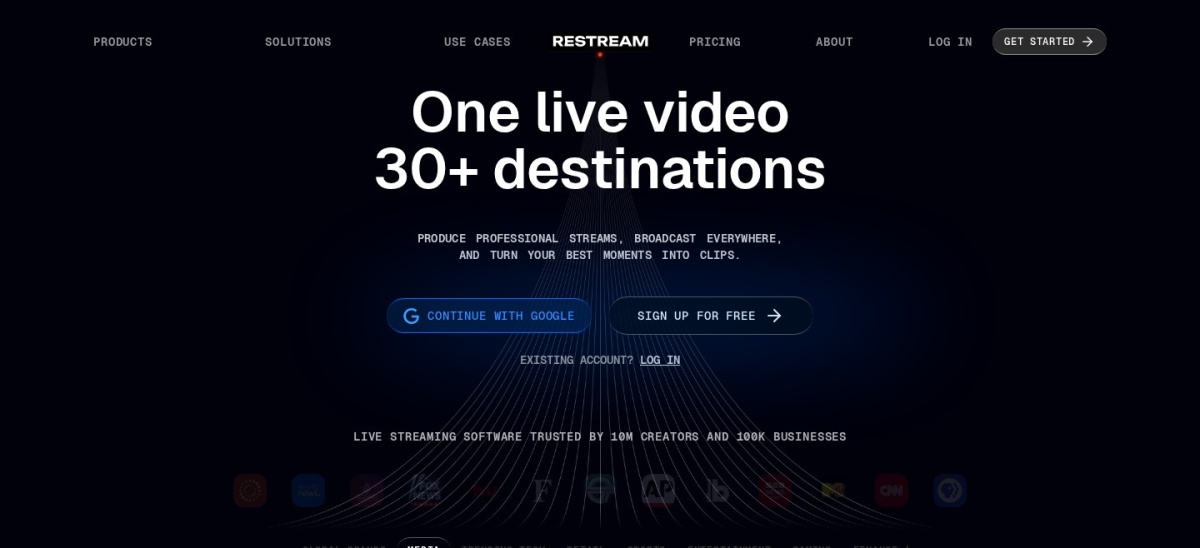
Restream homepage, captured Nov 2026.
Restream is a cloud broadcasting platform that distributes conference video feeds to multiple destinations from a browser studio or external production software. Its free subscription supports two simultaneous channels, while Standard costs $19 per month and supports three channels without Restream branding. Production teams can connect compatible applications such as OBS Studio and vMix.
The trade off is that Full HD streaming and additional simultaneous destinations require Professional at $49 per month. Private webinar functionality is sold separately, and the exact annual subscription amount was not displayed reliably in the retrieved pricing comparison. It suits conferences that need broad online distribution rather than complete event registration and onsite management.
What we like
Free broadcasting to multiple destinations
Compatible with external conference production applications
Browser-based guest and presentation workflows
Centralized distribution reduces separate encoding requirements
Standard removes branding and adds a destination; Professional enables Full HD streaming.Visit restream.io
05
Ecamm Live
4.8/5on Capterra (174 reviews, checked Nov 2026)
Starts at$16/mo
Best for Mac-based conference production teams
Entry subscriptionStandard
Annual Standard price$192
Annual Pro price$384
Free trial14 days
ecamm.com
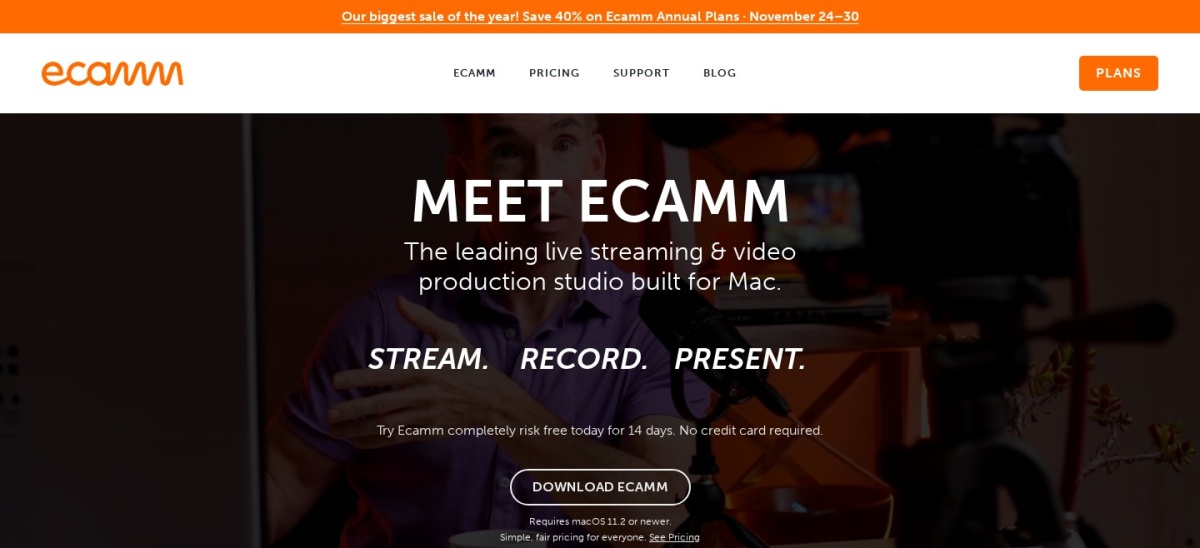
Ecamm Live homepage, captured Nov 2026.
Ecamm Live is a Mac-based video production studio that combines camera switching, screen sharing, branded graphics, recording and broadcasting. Its Standard subscription costs $16 per month with annual billing, totaling $192 annually, and supports streaming to up to 10 destinations. Capterra reports a 4.8 rating from 174 reviews.
The trade off is that advanced production features require Pro, which costs $32 per month with annual billing or $384 annually. The software also requires a compatible Mac, limiting deployment flexibility for Windows-based audiovisual teams. It suits conference producers who want a dedicated desktop studio with configurable scenes and direct control over their presentations.
What we like
Dedicated Mac production interface
Custom graphics and branded overlays
Multiple camera and screen-sharing workflows
Automatic recording capabilities
Strong Capterra rating with an established review sample
Watch out for
Unavailable for Windows and Linux
Advanced guest and production features require Pro
No permanent free subscription
Standard adds branded broadcasting and recording, while Pro expands advanced production capabilities.Visit ecamm.com
06
Riverside
4.8/5on G2 (1,761 reviews, checked Nov 2026)
Paid from$24/mo
Best for recording remote conference speakers
Free video resolution720p
Entry paid planPro
Pro annual subscription$288
Grow live streaming plan$408/year
riverside.com
Riverside homepage, captured Nov 2026.
Riverside is a video recording, live streaming and editing platform designed to capture high-quality content from local and remote participants. Its free plan includes limited separate-track recording, while Pro costs $288 annually and supports recordings up to 4K. The platform holds a 4.8 G2 rating from 1,761 reviews.
The trade off is that the $288 Pro subscription emphasizes recording and editing, while Full HD live streaming, custom streaming destinations and backstage speaker management require Grow at $408 annually. It suits conference organizers who need reusable speaker recordings, remote interviews and post-event content alongside their live broadcast production.
What we like
Separate audio and video recording tracks
Local participant recording reduces dependence on streamed quality
Text-based editing and content repurposing
Remote speaker workflows
Large independent review sample
Watch out for
Dedicated live streaming features require Grow
Free recordings have resolution and branding restrictions
Not a complete conference registration or venue management system
Pro expands recording quality; Grow adds Full HD streaming and backstage speaker management.Visit riverside.com
07
XSplit Broadcaster
3.9/5on G2 (23 reviews, checked Nov 2026)
Paid from$59.99/yr
Best for affordable Windows broadcast production
Free streaming resolution720p
Premium monthly subscription$14.99
Regular lifetime license$199.99
Operating systemWindows
xsplit.com
XSplit Broadcaster homepage, captured Nov 2026.
XSplit Broadcaster is a Windows video production application for combining camera feeds, screen captures, presentations and graphics into live streams or recordings. Its free version supports watermark-free broadcasting up to 720p, while Premium costs $59.99 annually and provides commercial-use licensing. Production teams can prepare scenes before switching them into the live program.
The trade off is that commercial conferences require Premium, even when the free edition provides sufficient technical functionality. The regular lifetime license costs $199.99, although a temporary Black Friday and Cyber Monday promotion advertises $79.99. It suits smaller Windows-based conference production teams seeking affordable commercial broadcasting software.
What we like
Affordable regular annual subscription
Lifetime commercial license available
Preview-based scene preparation
Supports camera feeds and presentation captures
Multiple audio tracks available for recordings
Watch out for
Commercial use requires Premium
Windows-only application
Lower G2 rating than other selected production tools
Conference registration requires separate software
Premium unlocks commercial use and expanded broadcasting capabilities.Visit xsplit.com
What is the difference between hybrid conference production and event management software?
Production software controls what attendees see and hear. It combines cameras, slides, microphones, remote speakers, videos and graphics into a coordinated broadcast. vMix, OBS Studio and Ecamm Live primarily address this audiovisual production requirement.
Event management software controls how attendees register, access sessions and participate. RingCentral Events provides registration, virtual stages, networking and attendee analytics, with dedicated onsite and hybrid features available through Events Pro+.
Streaming distribution software connects the finished broadcast with online audiences. Restream can receive a production feed and distribute it to several streaming destinations without requiring producers to configure every destination independently.
Larger hybrid conferences may need applications from several categories. A production team can use a desktop switcher for the venue feed, an event platform for attendee access and a recording application for high-quality post-event materials.
How much should you budget for hybrid conference production software?
Software licensing can be inexpensive when production employees already have suitable equipment. OBS Studio has no licensing fee, vMix Basic HD costs $60 once, and XSplit Premium costs $59.99 annually.
Remote speakers can increase production software requirements. vMix HD costs $350 and supports one integrated remote caller, while more advanced editions expand remote participant capacity. Riverside Grow costs $408 annually and adds backstage speaker management.
Dedicated event administration introduces another subscription category. RingCentral Events Pro+ costs $199 per organizer monthly with annual billing, bringing its annual software expense to $2,388 per organizer.
Software prices exclude cameras, microphones, capture equipment, audio mixers, production computers, internet connectivity and staffing. The price ladder counts perpetual licenses as first-year expenses rather than recurring annual charges. Restream's displayed regular monthly price is annualized because its exact annual rate could not be confirmed.
How we chose
We selected established live production, recording, streaming distribution and hybrid event management products from vendor documentation and independent software review categories. Rankings prioritize audiovisual control, remote speaker workflows, conference suitability, transparent pricing and public customer review evidence.
We opened official pricing or licensing pages and G2 or Capterra review pages on 30 Nov 2026. Regular prices exclude temporary promotions, and paid feature requirements are distinguished from entry subscriptions. Restream uses its confirmed regular monthly rate because its annual pricing table did not render usable amounts.
We excluded quote-only platforms and products that could not provide a confirmed public price for a relevant use case. StreamYard was excluded because its published individual subscriptions restrict organizational use and its business pricing requires a quotation. No vendor paid for a place, and we do not claim testing for this list.
How to choose software for your hybrid conference production
Map your conference production requirements, remote speaker workflows, online audience experience and equipment budget before selecting software.
Identify every audiovisual input and output. List stage cameras, microphones, presentation computers, remote speakers, prerecorded videos and display screens. Confirm that your chosen production software supports the necessary input capacity, audio routing and simultaneous outputs. Entry-level production licenses may be insufficient for complex conferences.
Separate broadcast production from attendee administration. Determine whether you need registration, ticketing, attendee networking and virtual session access alongside video production. vMix and OBS Studio focus on audiovisual delivery, while RingCentral Events provides a broader event administration environment. Some conferences benefit from combining both categories.
Calculate the full cost of required features. Compare commercial licensing, remote guest allowances, streaming resolution, destination limits and organizer subscriptions. Review whether advanced features require higher plans. Include hardware, connectivity, venue equipment and production employees rather than treating the software subscription as the entire event budget.
Rehearse remote and onsite production workflows. Conduct a technical rehearsal using the actual venue equipment, presentation files, microphones and remote speaker connections. Check audio synchronization, echo prevention, camera switching, recording and backup procedures. Assign clear responsibilities to production employees and event moderators before attendees arrive.
FAQ
What is the best software for hybrid conference production in 2026?
vMix is the best overall production software for hybrid conferences requiring multicamera switching, graphics and remote speaker integration. Its Basic HD license costs $60 once, although remote calling requires higher editions. OBS Studio is the best free alternative, while RingCentral Events provides integrated attendee management.
What is the best free software for hybrid conference production?
OBS Studio is the best free option because it provides unlimited scenes, audiovisual mixing, recording and configurable broadcasting workflows without a paid license. Remote conference speakers and multiple streaming destinations may require additional configuration or integrations, particularly when producing complex events with several simultaneous participants.
Is vMix or OBS Studio better for hybrid conferences?
vMix is better for production teams that need integrated remote calling, advanced input management and professional audiovisual workflows. OBS Studio is preferable when minimizing software licensing expenses is important and technical employees can configure the necessary integrations. Both can produce and record conference broadcasts.
How much does hybrid conference production software cost?
Hybrid conference production software ranges from completely free tools such as OBS Studio to paid production and event management platforms. vMix starts at $60 once, Ecamm Live costs $192 annually, and RingCentral Events Pro+ costs $2,388 annually per organizer for dedicated hybrid event functionality.
Which hybrid conference production software is best for beginners?
Restream is a practical starting point for beginners who want browser-based production and distribution without configuring a complex desktop broadcast environment. Ecamm Live is another option for Mac users who prefer dedicated production software. Professional conferences still require appropriate rehearsal, equipment and technical preparation.
Can hybrid conference production software include remote speakers?
Yes, vMix supports integrated remote speakers through vMix Call on eligible editions, while Riverside provides remote participant recording and backstage management through appropriate subscriptions. OBS Studio can also incorporate remote speakers using external meeting applications or compatible integrations, although this requires more manual configuration.
What software is best for recording hybrid conference sessions?
Riverside is particularly suitable for remote speaker recordings because it captures separate participant audio and video tracks for later editing. vMix and OBS Studio can record the combined conference production feed. Choose according to whether you need individual speaker recordings or a completed broadcast recording.
Can hybrid conference software stream to YouTube and LinkedIn simultaneously?
Yes, Restream supports simultaneous distribution to multiple streaming destinations and provides two destinations on its free subscription. Its Standard subscription costs $19 monthly and supports three destinations. Conference producers must also confirm that their destination accounts meet the relevant platform streaming requirements.
Do hybrid conferences need separate registration and production software?
Not always, but separate applications are useful when conferences require advanced audiovisual production alongside detailed attendee administration. RingCentral Events combines registration and production capabilities, while dedicated tools such as vMix offer greater broadcast control. Complex conferences may benefit from connecting both types of software.
SaaS SEO and WordPress specialist with about 8 years of experience. Rakib compares WordPress plugins, themes, hosting and software using public pricing, documentation and user reviews. See how we rank.