Superhuman is the best of the Shortwave alternatives for most heavy email users, with keyboard shortcuts, a split inbox and AI drafting, rated 4.7 out of 5 on G2 from 1,323 reviews. Pick Spark for a free plan that works on any provider, or Missive if a team shares one inbox.
How we make this list: we compare pricing pages, product documentation and public user reviews, then re-check every price before each update. No product paid for a place. Disclosure.
Superhuman is the closest match to Shortwave: fast, keyboard-first and AI-assisted, but $30 a month with no free plan.
Spark is the best free Shortwave alternative, with a smart inbox and unlimited accounts at no cost.
Missive at $14 a user a month is the cheapest shared inbox here; Front starts at $25 a seat and caps Starter at 10 seats.
SaneBox has the highest G2 rating in this list at 4.8 out of 5, and it tidies your inbox without a new client.
Canary Mail is the cheapest paid plan at $36 a year, while Superhuman at $360 a year is the most expensive.
How do you choose the best Shortwave alternatives?
Shortwave is a Gmail-only AI inbox. Its assistant searches years of mail, drafts replies and summarises long threads, with Pro at $18 a seat a month.
People usually leave it for one of three reasons: they want the same speed on Outlook, they want a shared inbox the whole team can work in, or they want a free plan with fewer limits.
Where your mail lives decides the shortlist. Superhuman covers Gmail and Outlook, while Spark, Canary Mail, Missive, Spike and Proton Mail also cover iCloud, Yahoo or IMAP accounts. HEY needs its own address, so it means starting over.
The entry price is rarely the real price. The cheapest plan often limits seats, accounts or AI use, and the upgrade that removes the cap can cost two or three times as much. Our guide on setting up email with WordPress hosting covers the mail setup side if that is still undecided.
Superhuman is a keyboard-first email client for Gmail and Outlook that sorts mail with AI triage, splits the inbox into focused sections and drafts replies in your voice. Starter costs $30 a month, or $25 a month billed yearly, and adds read statuses, snippets, send later and a built-in calendar.
The trade off is price. There is no free plan, only a 14-day trial, and the fuller AI features such as Auto Drafts sit on Business at $40 a month. It suits heavy email users who will learn the shortcuts and want the fastest way through a large inbox.
What we like
Keyboard shortcuts and split inboxes speed up triage
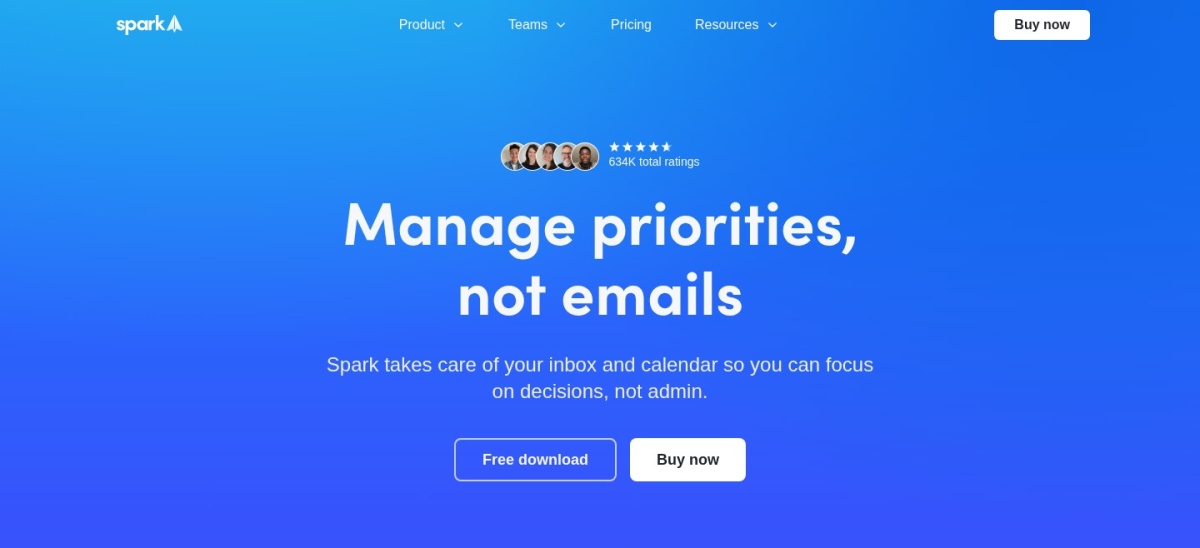
Spark is a cross-platform email client for Mac, Windows, iOS and Android that sorts important mail to the top with a smart inbox. The free plan covers unlimited accounts, scheduling and snooze, and Plus at $10 a user a month adds the AI assistant and 40 AI meeting notes a month.
The trade off is depth. Spark has no shared inbox on Plus and its AI is thinner than Shortwave's assistant, so it replaces the inbox but not the deep AI search. It suits people who want a fast, free client across Gmail, Outlook and iCloud.
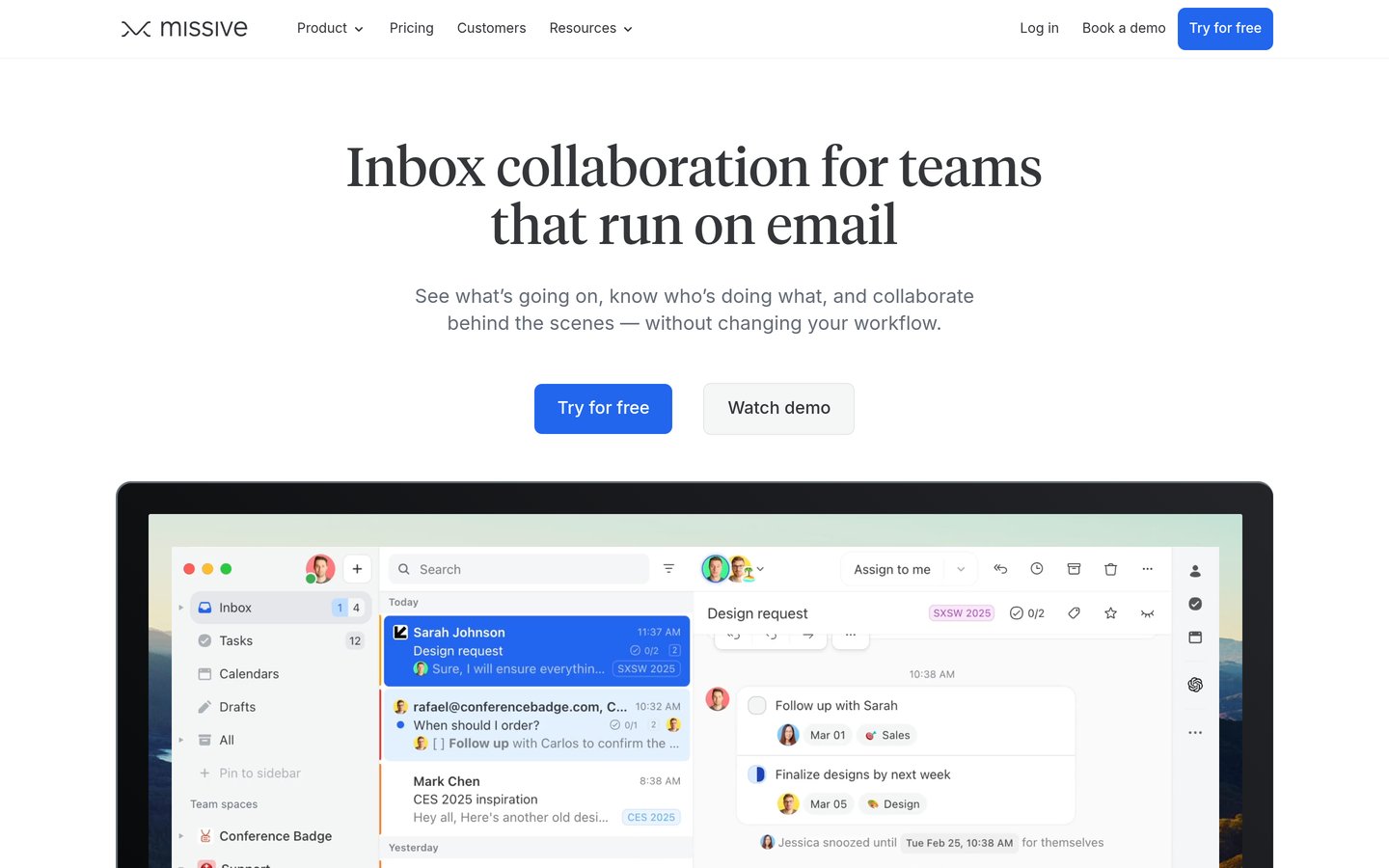
Missive is a shared inbox and team email client that lets a team work shared addresses together without forwarding. The free plan covers up to 3 users with a 15-day message history, and Starter at $14 a user a month billed yearly adds unlimited history for teams of up to 5.
The trade off is integrations. Starter has no integrations or API access, so rules, automations and app connections need Productive at $24 a user a month. It suits small teams that answer the same mailbox together and want to stop forwarding mail around.
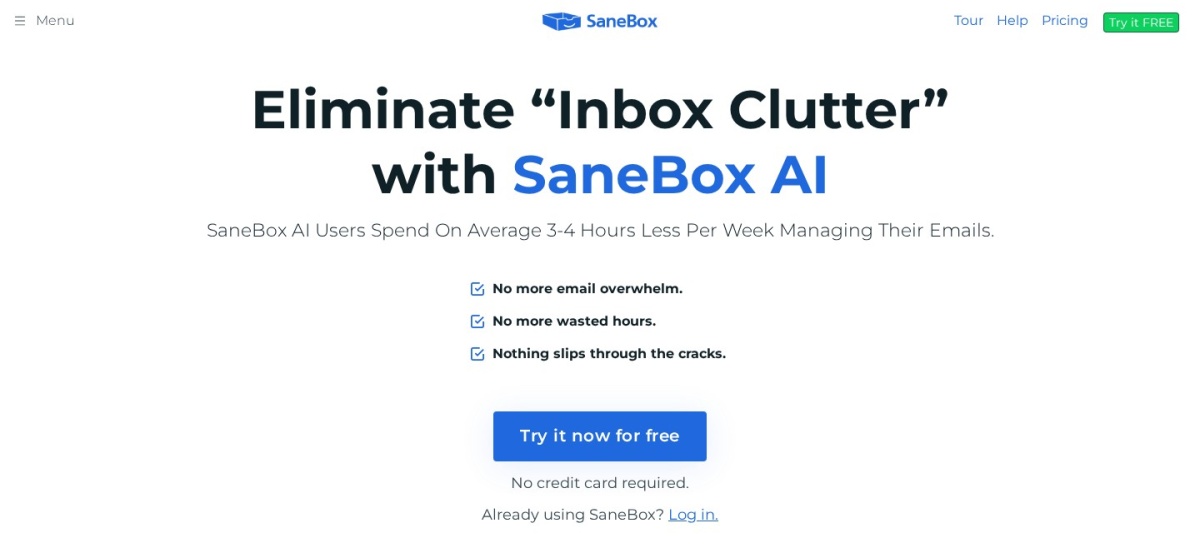
SaneBox is an AI email filter that sits on top of Gmail, Outlook or any other inbox and moves unimportant mail out of the way. Snack costs $5.42 a month billed yearly for 1 account and 2 features, with snooze and reminders on higher plans.
The trade off is scope. SaneBox only organises mail, so it does not draft, summarise or search the way Shortwave does. It suits people who like their current client and only want a quieter inbox.
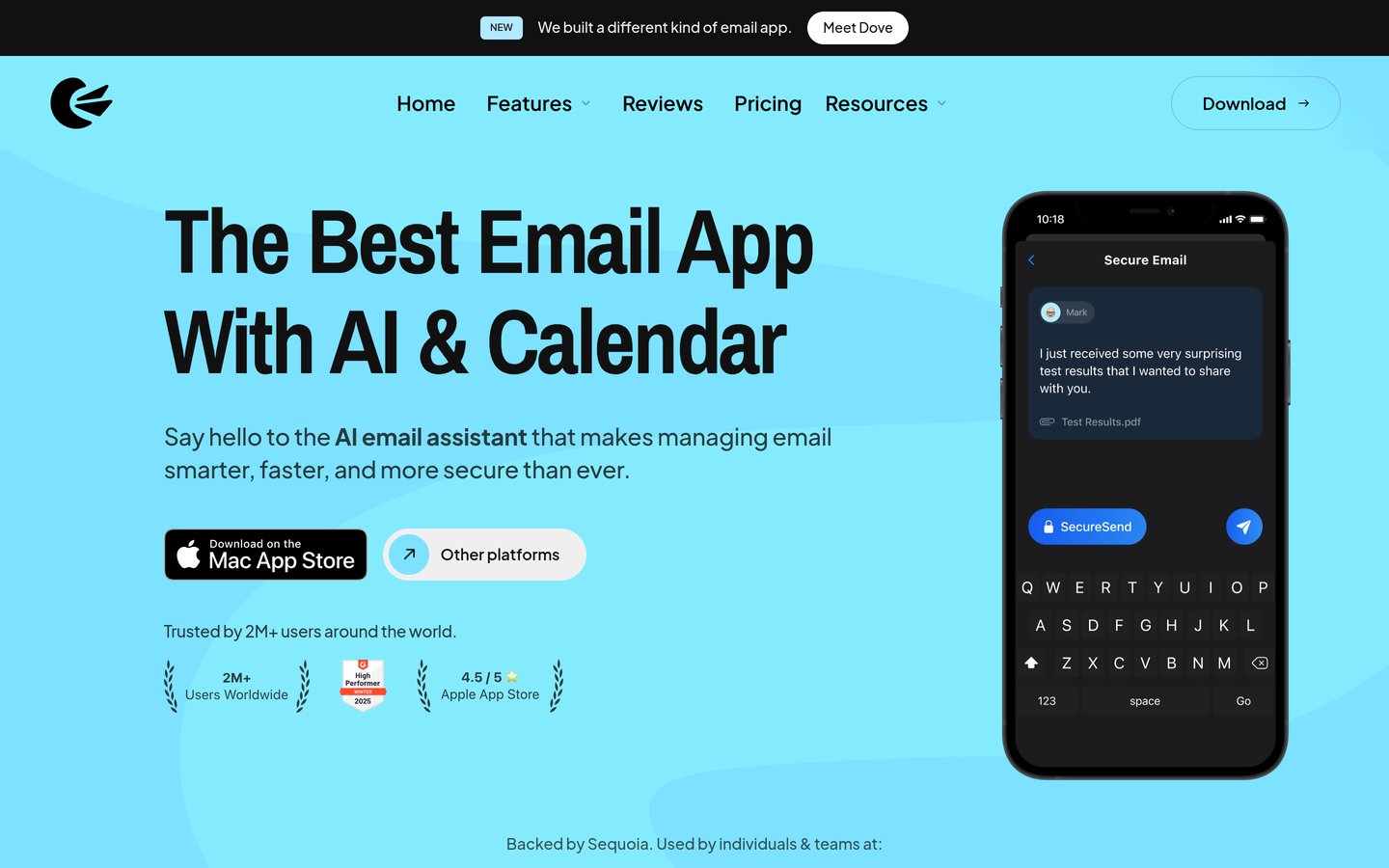
Canary Mail puts Gmail, Outlook, Microsoft 365, Exchange, iCloud, Yahoo and any IMAP account in one inbox, with an on-device AI Copilot. The free plan covers the basics, and Growth at $36 a year adds the Copilot, read receipts, Send Later and a calendar.
The trade off is polish. Its G2 review base is small at 53 reviews, and recent app-store reviewers report slow loading and sync problems. It suits privacy-minded users who want cheap AI across every provider.
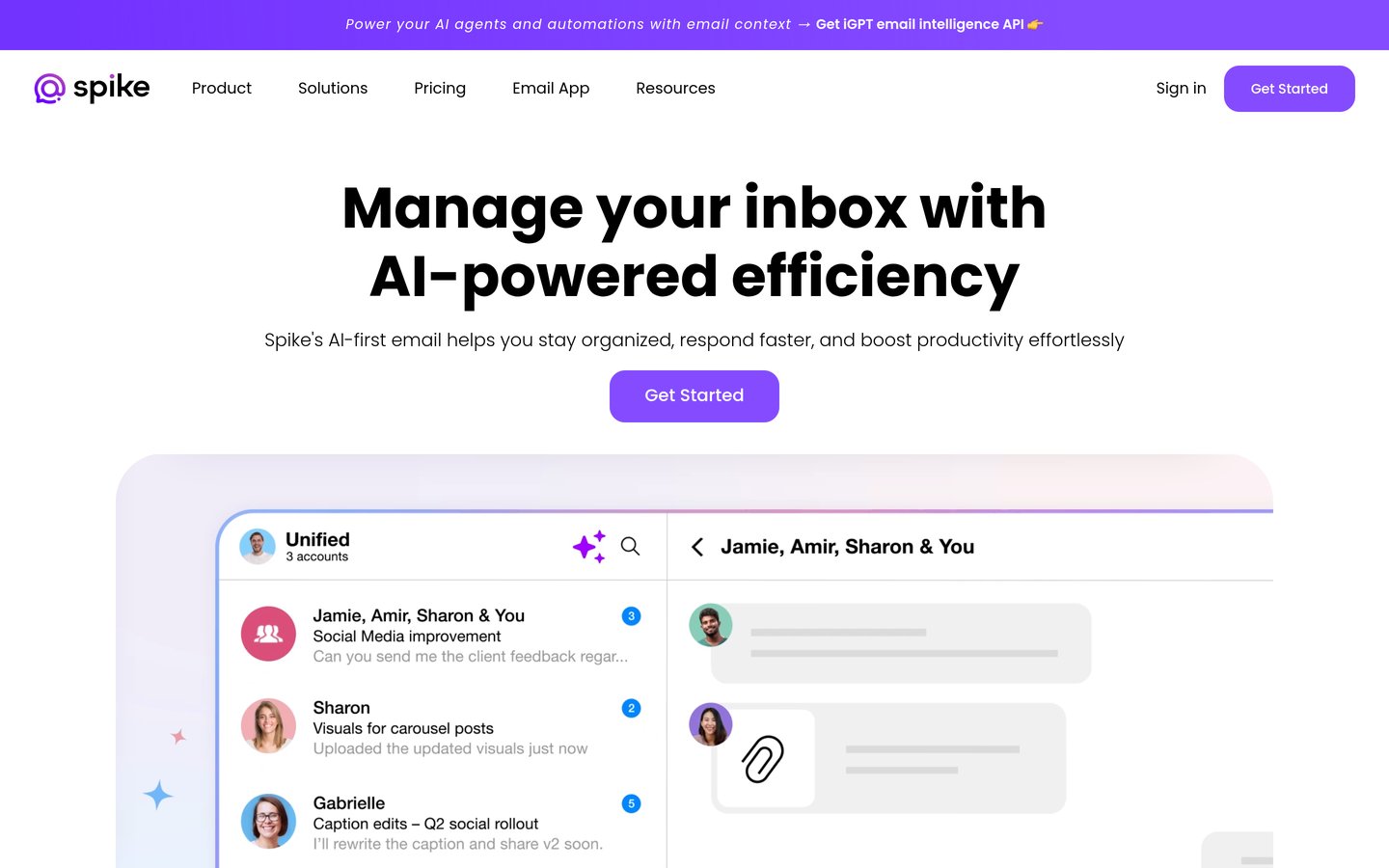
Spike turns email threads into chat-style conversations and adds team chat, notes, tasks and calls in the same app. The free plan covers limited accounts and search history, and Pro at $5 a user a month supports up to 3 accounts with 5 GB of storage and AI features.
The trade off is AI depth. Spike has AI features but no AI search across years of mail like Shortwave, and extra addresses need Ultimate at $10 a month. It suits small teams that want email to feel like chat.
What we like
Chat-style threads make long chains easy to follow
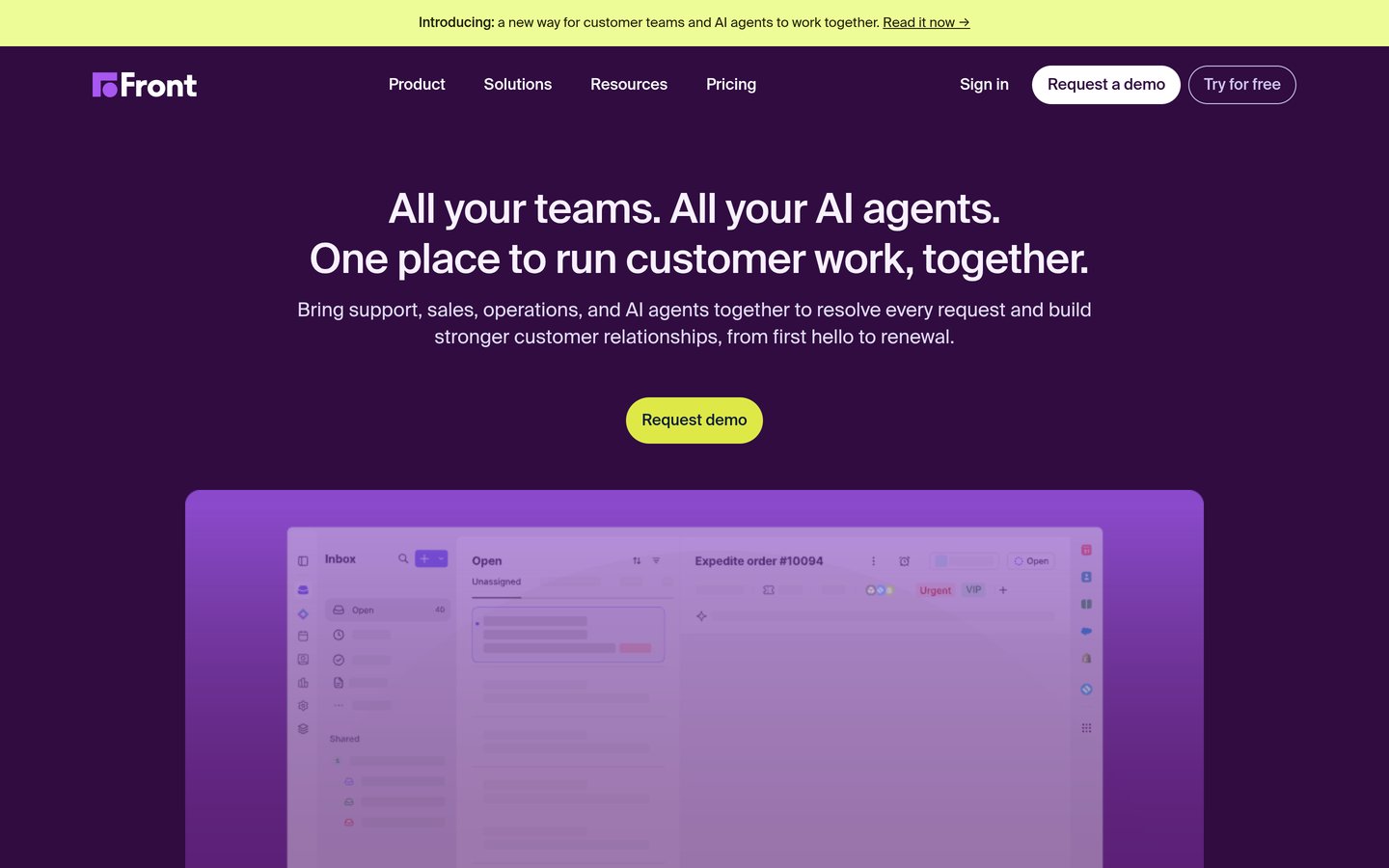
Front is a shared inbox platform for teams that handle customer mail together, with assignments, internal comments, @mentions and automation rules. Starter costs $25 a seat a month billed yearly and covers shared inboxes, basic analytics and a no-code knowledge base.
The trade off is the seat cap. Starter stops at 10 seats, and AI features such as Copilot cost extra on Starter and Professional, so growing teams face a jump to Professional at $65 a seat. It suits support and operations teams that live in shared inboxes all day.
Proton Mail is an encrypted email service built so Proton itself cannot read stored mail, with tracker blocking and a calendar in the same account. The free plan covers 1 address with up to 1 GB of storage, and Mail Plus at $4.99 a month adds 15 GB, 10 addresses and a custom domain.
The trade off is that it is a provider, not a client for your existing Gmail. Mail Plus costs $3.99 a month billed yearly, but the free plan is small and desktop-app access needs a paid plan. It suits users who want to leave Gmail entirely.
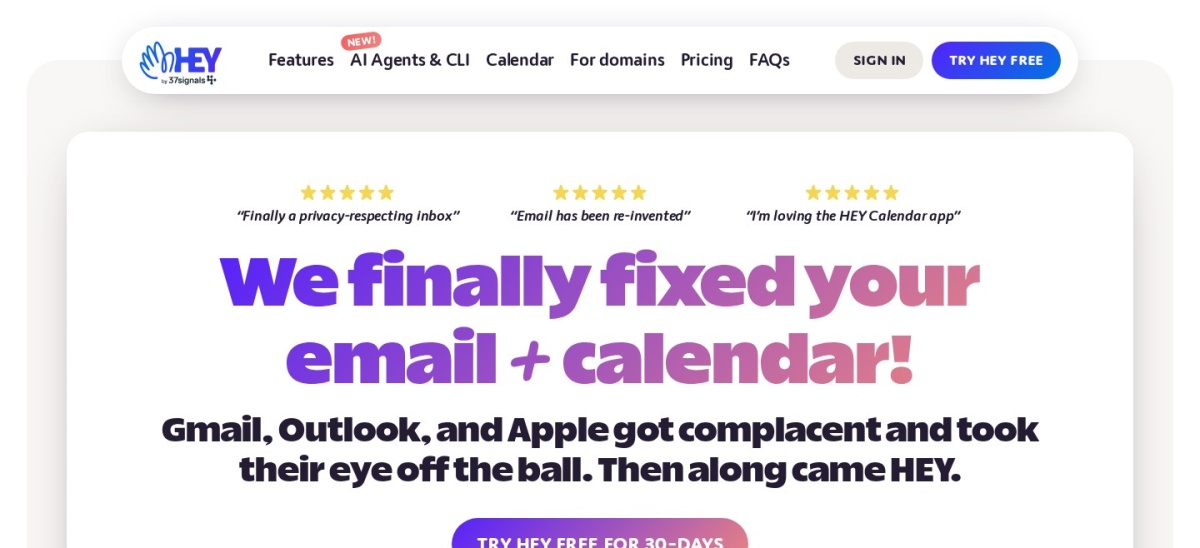
HEY is an email service from the Basecamp team that screens every new sender before mail reaches the inbox. HEY for You costs $99 a year and includes an @hey.com address, HEY Calendar, 100 GB of storage and apps for every major platform.
The trade off is starting over. HEY has no IMAP, so no other email app can open it, and your existing Gmail address does not carry over. It suits people who want a firm screen on who can reach them and will pay yearly for it.
What we like
Screener blocks unknown senders first
Clean, opinionated inbox design
No ads and no tracking pixels
Watch out for
Needs a new @hey.com address
No IMAP, so other apps cannot open it
Lowest G2 rating here, 3.9 from 14 reviews
HEY for Domains adds a custom domain at $12 a monthVisit hey.com
Gmail-only tools need a second look
Shortwave works only with Gmail, so anyone with an Outlook or iCloud mailbox already needs a second app. Superhuman covers Gmail and Outlook, which is the smallest step up.
Spark, Canary Mail, Missive, Spike and Proton Mail go further and cover iCloud, Yahoo or IMAP accounts too. HEY is the odd one out: it needs its own address and cannot open any existing mailbox.
If your team mixes Gmail and Outlook, shortlist Superhuman, Spark or Missive first. A cheap Gmail-only tool costs more than a pricier one once you add a second app to cover Outlook.
How we chose
We started from the tools most often named as Shortwave replacements in 2026 roundups, then kept nine established products with a public price and a public G2 rating.
Prices come from each vendor's pricing page, checked on 29 November 2026. Ratings and review counts come from G2 on the same day. Where a vendor shows a sale, the list shows the regular price.
We left out tools with no public rating on G2, Capterra or Trustpilot, and tools that publish no price. Shortwave itself is not in the list, since it is the product being replaced. No vendor paid for a place, and we do not claim hands-on testing for this list.
How to choose a Shortwave alternative
Start with where your mail lives, then match the tool to the job.
Check whether you live in Gmail or Outlook. Shortwave is Gmail-only, so Outlook users should shortlist Superhuman, Spark, Missive or Front instead.
Decide if you need a team inbox or just a faster one. Shared inboxes need Missive or Front. If you only want speed and AI help, Superhuman, Spark or Canary Mail costs less.
Count the seats before you compare prices. Per-seat prices add up fast. Front caps Starter at 10 seats and Missive caps Starter at 5 users, so check the cap before you commit a team.
Try the free plan before you pay. Most tools here have a free plan or a 14-day trial. Run your real triage workflow through it for a week before moving the team.
FAQ
What are the best Shortwave alternatives?
Superhuman is the best Shortwave alternative for most heavy email users, with keyboard shortcuts, a split inbox and AI drafting, rated 4.7 out of 5 on G2 from 1,323 reviews. Spark is the best free option, and Missive is the best pick for teams sharing one inbox.
What is the cheapest Shortwave alternative?
Canary Mail is the cheapest paid plan at $36 a year for Growth, which adds its AI Copilot. Spike is the cheapest per month at $5 a user a month, and Spark, Missive, Canary Mail and Proton Mail all have free plans.
Is there a free Shortwave alternative?
Yes. Spark, Missive, Canary Mail, Spike and Proton Mail all have free plans. The free plans are limited, though: Missive keeps only 15 days of history, and Proton Mail's free plan has only up to 1 GB of storage.
Which Shortwave alternative is best for beginners or a small team?
Spark is the easiest start for a solo user, with a free plan and a smart inbox that sorts mail on its own. Missive is the best pick for a small team, with a free plan for up to 3 users and Starter at $14 a user a month for teams of up to 5.
Superhuman or Spark: which is the better Shortwave alternative?
Superhuman is better if you want the fastest inbox and AI drafting, at $30 a month, but it has no free plan and works only with Gmail and Outlook. Spark is better if you want a free plan and support for iCloud and IMAP accounts, with Plus at $10 a month.
Do any Shortwave alternatives work outside Gmail?
Yes. Superhuman works with Gmail and Outlook, Spark also covers iCloud and IMAP, and Missive, Spike and Canary Mail connect to Gmail, Outlook and other providers. HEY needs its own address, and Proton Mail is a separate provider rather than a client for Gmail.
SaaS SEO and WordPress specialist with about 8 years of experience. Rakib compares WordPress plugins, themes, hosting and software using public pricing, documentation and user reviews. See how we rank.