Microsoft Teams is the best Skype alternative for most people: it is the free successor Microsoft moved Skype users to, and its Essentials plan costs $4 per user a month. Zoom suits meetings with outside guests, while WhatsApp is the free pick for personal and family calls.
How we make this list: we compare pricing pages, product documentation and public user reviews, then re-check every price before each update. No product paid for a place. Disclosure.
Microsoft retired Skype on 5 May 2025 and moved users to Teams Free, which gives 60-minute group meetings for up to 100 people.
Teams Essentials costs $4 per user a month, the cheapest paid plan in this list; Zoom Pro now costs $14.16 a month on annual billing.
Eight of the nine tools have a free plan that covers video calls, and WhatsApp and Viber cost nothing for app-to-app calls.
Only Viber Out and RingCentral replace Skype's calls to real phone numbers; the meeting apps do not dial landlines on their own.
Google Meet is free with a Google account, but recording needs Business Standard at $14 per user a month.
How do you choose among Skype alternatives?
Skype did two jobs, and no single replacement does both. Meeting apps cover video calls and chat, while calls to ordinary phone numbers now need a separate phone service.
Start with what you used Skype for. Personal calls and family chats fit WhatsApp, Telegram or Viber, while work meetings fit Teams, Zoom or Google Meet.
Check the free plan first. Teams, Zoom, Google Meet, WhatsApp, Telegram, Discord, Viber and Webex all let you call free, so most former Skype users may never need to pay.
Price matters once you pay. Paid plans here run from $2.99 a month for Discord Nitro Basic to $20 a month for RingCentral Core, and monthly billing costs more than annual billing on Zoom, Webex and RingCentral.
If you used a Skype Number, note that a meeting app alone cannot replace it. For a real phone number you need a phone service such as RingCentral or Viber Out.
Microsoft Teams is the free successor Microsoft moved Skype users to when Skype retired on 5 May 2025. The free plan covers chat, file sharing and group meetings of up to 60 minutes for 100 people, and former Skype users can sign in with the same Microsoft account.
The trade off is phone calling. Teams Free does not include a Skype Number or paid calls to landlines, so former Skype phone users need a separate phone service. Essentials costs $4 per user a month and extends meetings to 30 hours for 300 people. It suits anyone already using Microsoft 365 or Outlook.
What we like
Microsoft's own Skype successor, with contacts and chats carried over
Generous free plan for meetings and chat
Cheapest paid plan in this list at $4 per user a month
Watch out for
No Skype Number or landline calling in the free plan
Heavier app than WhatsApp or Google Meet for quick personal calls
Essentials adds 30-hour meetings and 10 GB of storage per userVisit microsoft.com
02
Zoom
4.5/5on G2 (56,560 reviews, checked Nov 2026)
Paid from$14.16/mo
Best video meetings for outside guests
Free group meetings40 min, 100 people
Pro plan$14.16/user/mo
Meeting lengthUp to 30 hours
ParticipantsUp to 100
zoom.us
Zoom homepage, captured Nov 2026.
Zoom is the best-known video meeting tool, and its free Basic plan covers unlimited one-to-one meetings plus group meetings of up to 40 minutes for 100 people. Guests join from a link with no account, which is why it works well for client calls, interviews and classes.
The trade off is price. Pro now costs $14.16 per user a month on annual billing, or $16.99 billed monthly, after a price rise from the older $13.33 annual rate. Pro removes the 40-minute limit and adds cloud recording and AI meeting summaries. It suits freelancers and small teams that meet people outside the company.
What we like
Guests join from a link with no account needed
Reliable video and screen sharing for client calls
Free plan covers unlimited one-to-one meetings
Watch out for
Free group meetings stop at 40 minutes
Pro costs more than Teams Essentials or Google Meet Starter
Pro adds 30-hour meetings, cloud recording and AI summariesVisit zoom.us
03
Google Meet
4.5/5on Capterra (12,079 reviews, checked Nov 2026)
Paid from$7/mo
Best for Google Workspace users
Free group meetings60 min, 100 people
Business Starter$7/user/mo
Meeting lengthUp to 24 hours
ParticipantsUp to 100
meet.google.com
Google Meet homepage, captured Nov 2026.
Google Meet is the video calling tool inside Google Workspace, and it is free with any Google account. Free group meetings run for up to 60 minutes with 100 people, and calls start from Gmail or Calendar with no download in a browser.
The trade off is recording. Business Starter costs $7 per user a month but does not include recording or noise cancellation, which arrive with Business Standard at $14 per user a month. It suits households and teams that already live in Gmail, Calendar and Drive.
What we like
Free with any Google account, no download needed
Starts from Gmail and Calendar in one click
Longer free group meetings than Zoom at 60 minutes
Watch out for
Recording needs the $14 Business Standard plan
Fewer meeting controls than Zoom or Teams
Business Standard adds recording, noise cancellation and 150 peopleVisit meet.google.com
04
WhatsApp
4.7/5on Capterra (16,488 reviews, checked Nov 2026)
PriceFree
Best free calls for family and friends
PriceFree
Group video callsYes
End-to-end encryptionYes
Desktop and web appsYes
whatsapp.com
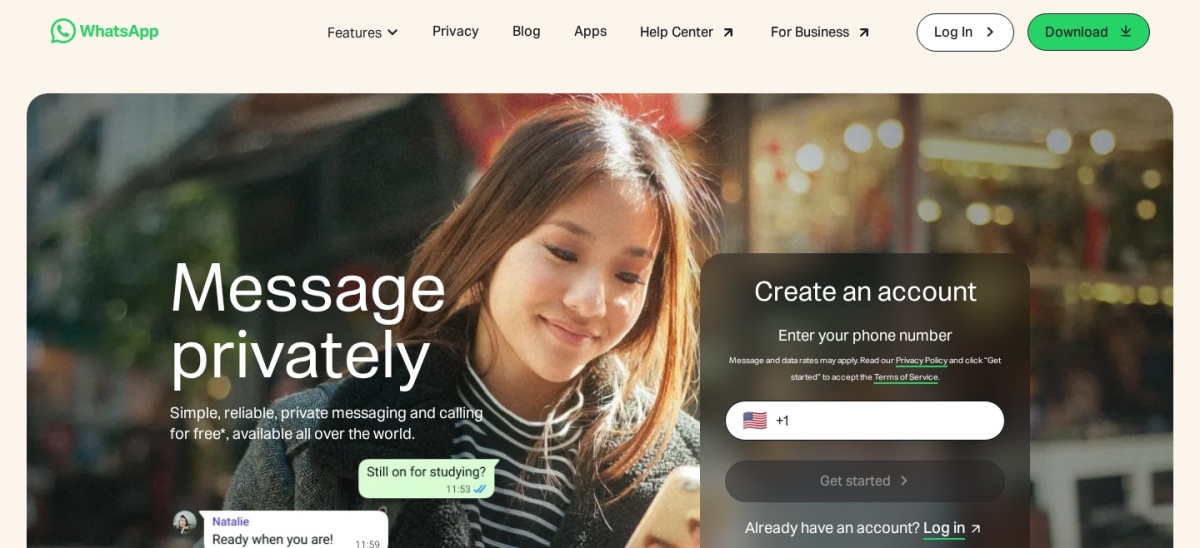
WhatsApp homepage, captured Nov 2026.
WhatsApp is the closest free replacement for Skype's personal calls. Messaging, voice calls and video calls are free, chats and calls are end-to-end encrypted, and group video calls work on phone, desktop and web for people who already have the app.
The trade off is that it is a personal app, not a meeting tool. There are no meeting links, scheduling or recording, and you cannot call someone who does not use WhatsApp. It suits family calls, friends and one-to-one chats with clients who already use it.
What we like
Completely free for calls and messages
Almost everyone you call already has it installed
End-to-end encryption on chats and calls
Watch out for
Needs a phone number to sign up
No meeting links, scheduling or recording
WhatsApp Business adds catalogues and labels for small sellersVisit whatsapp.com
05
Telegram
4.7/5on Capterra (6,440 reviews, checked Nov 2026)
Paid from$4.99/mo
Best free messaging for large groups
Group sizeUp to 200,000 members
Free file uploadsUp to 2 GB
Premium plan$4.99/mo
Voice and video callsYes
telegram.org
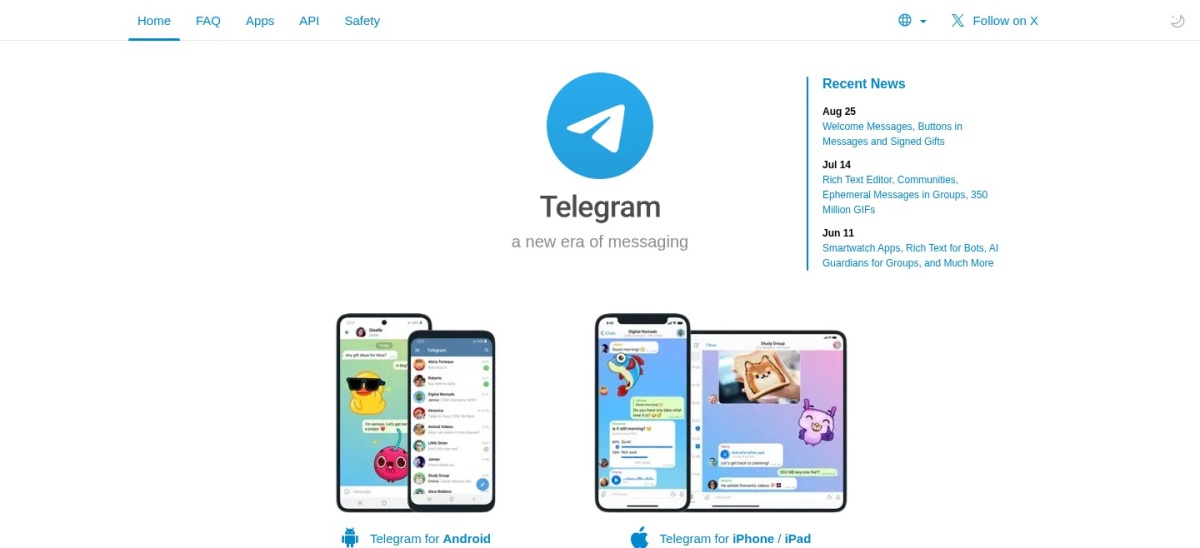
Telegram homepage, captured Nov 2026.
Telegram is a free cloud messaging app with voice and video calls, groups of up to 200,000 members, channels for broadcasts and bots for automation. Messages sync across phone and desktop, and free accounts can send files up to 2 GB.
The trade off is privacy by default. Only Secret Chats are end-to-end encrypted, while ordinary chats and groups are not, and large public groups attract spam. Premium costs $4.99 a month for 4 GB uploads and faster downloads. It suits large communities and distributed groups.
What we like
Groups of up to 200,000 members with channels and bots
Syncs across every device at once
Free 2 GB file sharing
Watch out for
Only Secret Chats are end-to-end encrypted
Needs a phone number to sign up
Premium adds 4 GB uploads, faster downloads and extra featuresVisit telegram.org
06
Discord
4.6/5on Capterra (535 reviews, checked Nov 2026)
Paid from$2.99/mo
Best always-on voice rooms for groups
Voice channelsAlways on
Screen sharingYes
Nitro Basic$2.99/mo
Free video callsYes
discord.com
Discord homepage, captured Nov 2026.
Discord is a free chat app built around servers with text channels, voice channels and video calls. Friends can drop into a voice channel without scheduling a meeting, share screens and stream, which makes it a natural home for gaming groups and hobby communities.
The trade off is that it is built for communities, not business. There are no calendar invites, meeting recordings or business admin controls, and the interface can confuse newcomers. Nitro Basic costs $2.99 a month for custom emoji and larger uploads. It suits friend groups and communities that talk every day.
What we like
Free voice rooms with no scheduling needed
Screen sharing and streaming built in
Cheapest paid upgrade here after the free tools
Watch out for
No calendar invites or meeting recordings
Community layout can confuse business users
Nitro adds custom emoji, larger uploads and server boostsVisit discord.com
07
Viber
4.4/5on Capterra (4,064 reviews, checked Nov 2026)
PriceFree
Best for cheap calls to real phone numbers
App-to-app callsFree
Viber OutCalls to landlines
Group video callsUp to 60 people
Group chatsUp to 250 members
viber.com
Viber homepage, captured Nov 2026.
Viber is a free messaging and calling app with end-to-end encryption, group video calls for up to 60 people and group chats of up to 250 members. Viber Out calls landlines and mobiles in many countries, with subscriptions from $1.99 a month in the US or pay-as-you-go credit.
The trade off is the free experience. The free version shows ads, and the Viber Plus plan that removes them has no published price, so you must check it in the app. It suits international family calls, especially to relatives who do not use a smartphone app.
What we like
Free app-to-app calls and messages worldwide
Viber Out reaches landlines and mobiles
Group video calls for up to 60 people
Watch out for
Free version shows ads
Viber Plus price is not published on its website
Viber Out adds paid calls to landlines and mobilesVisit viber.com
08
Cisco Webex
4.2/5on G2 (18,926 reviews, checked Nov 2026)
Paid from$12/mo
Best enterprise-grade security pick
Free meetings40 min, 100 people
Meet plan$12/user/mo
Meeting lengthUp to 24 hours
ParticipantsUp to 200
webex.com
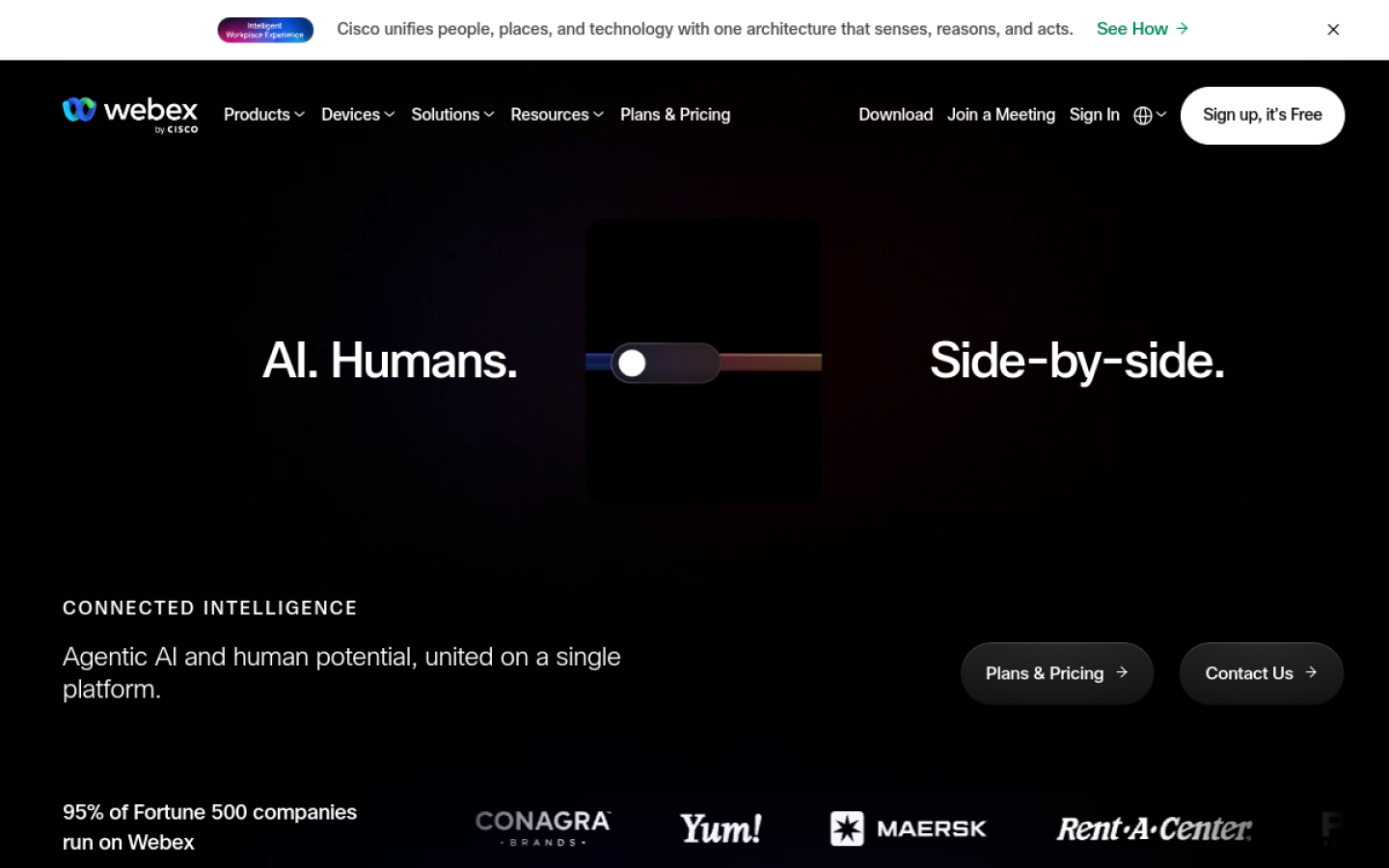
Cisco Webex homepage, captured Nov 2026.
Cisco Webex is a business meetings, calling and messaging platform with a free plan for 40-minute meetings of up to 100 people. The Meet plan costs $12 per user a month on annual billing and adds 24-hour meetings, 200 attendees, 10 GB of cloud recording and an AI assistant.
The trade off is cost and weight. Monthly billing raises Meet to $14.50 per user a month, and the app feels heavier than Zoom or Google Meet for quick calls. The Suite plan adds a business phone number with unlimited domestic calls. It suits larger organisations and teams already using Cisco.
What we like
Enterprise security and admin controls
Meetings, messaging and calling in one platform
Free plan for 40-minute meetings
Watch out for
Monthly billing costs $14.50, not $12
Heavier setup than Zoom or Google Meet
Suite adds a business phone number and unlimited domestic callsVisit webex.com
09
RingCentral RingEX
4.2/5on G2 (1,434 reviews, checked Nov 2026)
Starts at$20/mo
Best phone system that also does video
Free planNo, 14-day trial
Core plan$20/user/mo
CallingUnlimited US/Canada
SMS per user25 a month on Core
ringcentral.com
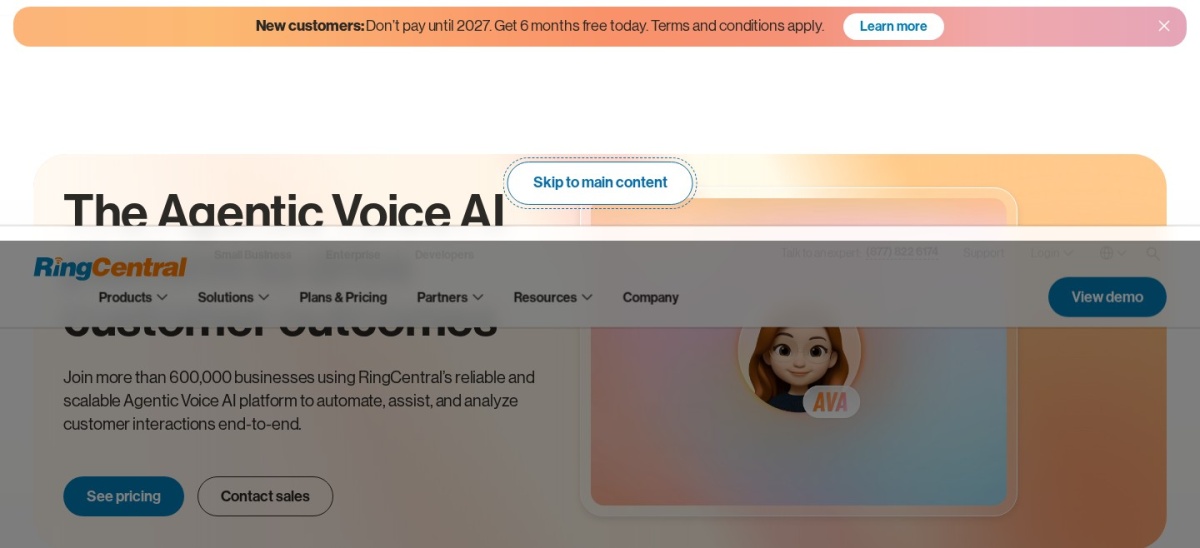
RingCentral RingEX homepage, captured Nov 2026.
RingCentral RingEX is a business phone system that also covers video meetings and team messaging. Core costs $20 per user a month on annual billing and includes a business phone number, unlimited domestic calling in the US and Canada, 100 toll-free minutes and an AI assistant for call notes.
The trade off is price and commitment. There is no free plan, only a 14-day trial, and monthly billing raises Core to $30 per user a month. It suits small businesses that used Skype mainly as a phone service and now need a proper business number.
What we like
A real business phone number with unlimited domestic calls
Skype sold Skype Numbers and credit for calls to landlines and mobiles. None of the meeting apps in this list sells a phone number on its own.
Viber Out is the closest cheap option for personal use, with subscriptions from $1.99 a month in the US or credit bought as needed.
Businesses that need a published number should look at RingCentral RingEX, which includes a business number from $20 per user a month, or Webex Suite, which adds calling to meetings.
Our guide on embedding a video in WordPress shows how to put video calls and recordings on a site once you have picked a tool.
How we chose
We started from the tools former Skype users search for most, then kept nine established apps that cover video meetings, messaging and calls to phone numbers.
Prices come from each vendor's pricing page, checked on 29 November 2026, and show the regular price, not a sale price. Ratings come from G2 and Capterra on the same day.
We left out Skype itself because Microsoft retired it on 5 May 2025. No vendor paid for a place, and we do not claim to have used these tools ourselves for this list.
How to choose a Skype alternative
Match the tool to what you used Skype for, then check the free plan before you pay.
List what you used Skype for. Personal calls need a free app such as WhatsApp or Viber, while work meetings need Teams, Zoom or Google Meet.
Check whether you need a phone number. If you called landlines, only Viber Out or a phone system such as RingCentral replaces that part of Skype.
Try the free plan with your usual contacts. See whether the people you call already use the app, and whether group calls and screen sharing work for you.
Compare the paid plan on annual billing. Monthly billing costs more on Zoom, Webex and RingCentral, so read the annual price before you decide.
FAQ
What is the best Skype alternative in 2026?
Microsoft Teams is the best Skype alternative for most people. It is the free successor Microsoft moved Skype users to, it covers chat and video meetings, and its Essentials plan costs $4 per user a month.
What happened to Skype?
Microsoft retired consumer Skype on 5 May 2025 after announcing the shutdown on 28 February 2025. Users could sign in to Teams Free with their Skype account, and their contacts and chats carried over.
Which Skype alternative is free?
Microsoft Teams, Zoom, Google Meet, WhatsApp, Telegram, Discord, Viber and Webex all have free plans. WhatsApp and Viber cost nothing for app-to-app calls, while Teams is the only free option from Microsoft itself.
Which Skype alternative is best for international calls?
Viber is the best cheap option for calls to real phone numbers, through Viber Out subscriptions from $1.99 a month in the US. For free app-to-app calls abroad, WhatsApp is the simplest pick because most contacts already have it.
Which Skype alternative is best for small teams?
Microsoft Teams is the best pick for small teams, because the free plan covers 60-minute group meetings and Essentials costs $4 per user a month. Google Meet is the best choice if your team already uses Gmail and Google Workspace.
Is Microsoft Teams or Zoom better as a Skype replacement?
Teams is better for most former Skype users because it is Microsoft's official successor, it is free, and its paid plan costs $4 per user a month. Zoom is better when most of your meetings include outside guests, because they can join from a link with no account.
Can I still call a landline after Skype shut down?
Yes, but not with a meeting app alone. Viber Out calls landlines and mobiles for a low subscription or credit, and RingCentral RingEX gives a business a phone number with unlimited domestic calls from $20 per user a month.
SaaS SEO and WordPress specialist with about 8 years of experience. Rakib compares WordPress plugins, themes, hosting and software using public pricing, documentation and user reviews. See how we rank.