Mixmax is the best Polymail alternative for most sales teams, with sequences, open and click tracking and meeting scheduling inside Gmail, rated 4.6 out of 5 on G2 from $29 a user a month. Pick Superhuman for inbox speed, or Missive if a team shares one inbox.
How we make this list: we compare pricing pages, product documentation and public user reviews, then re-check every price before each update. No product paid for a place. Disclosure.
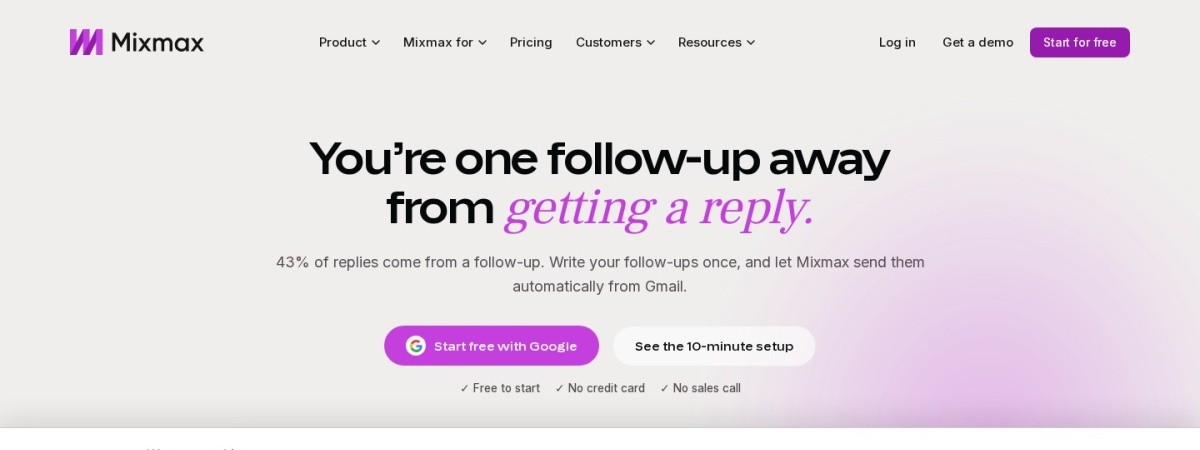
Mixmax is the closest direct replacement: sequences, tracking and templates inside Gmail from $29 a user a month.
Boomerang is the cheapest step at $4.98 a month, but it covers scheduling and reminders, not full sequences.
Missive at $14 a user a month is the cheapest shared inbox; Front starts at $25 a seat and caps Starter at 10 seats.
Superhuman is the fastest client here, but $30 a month with no free plan makes it the priciest single inbox.
Shortwave works only with Gmail, and Streak's CRM starts at $49 a user a month, the highest price in this list.
How do you pick the right Polymail alternatives for your team?
Polymail is an email client built for sales professionals, with open and click tracking, follow-up reminders, send later, message templates and light automated sequences. Its Basic plan costs $10 a month and Premium costs $24 a month.
People usually leave it for one of three reasons: they want a faster inbox, a shared inbox the whole team can work in, or stronger sequences for outreach. The right replacement depends on which of those three you need most.
Where your mail lives decides the shortlist. Mixmax, Shortwave, Streak and Boomerang work only in Gmail, so Outlook teams should shortlist Yesware, Superhuman or Missive instead. Our guide on setting up email with WordPress hosting covers the mail setup side if that is still undecided.
The entry price is rarely the real price. The cheapest plan often limits recipients, seats or history, and the upgrade that removes the cap can cost two or three times as much.
Mixmax is a sales engagement layer that lives inside Gmail and Outlook, adding the tracking, templates and sequences Polymail users rely on. The paid plan starts at $29 a user a month billed yearly and covers 100 recipients a month, with open and click tracking, send later, reminders and one-click meeting scheduling.
The trade off is the recipient cap. The $29 plan covers 100 recipients a month, so heavy outbound needs a higher tier, and there is no standalone email client, since it works inside Gmail or Outlook. It suits sales teams that want Polymail's workflow without leaving the inbox they already use.
What we like
Sequences, tracking and templates in one Gmail layer
Superhuman is a keyboard-first email client for Gmail and Outlook that sorts mail with AI triage, splits the inbox into focused sections and drafts replies in your voice. Starter costs $30 a month and adds read statuses, snippets, send later and a built-in calendar.
The trade off is price. There is no free plan, only a 14-day trial, and the fuller AI features such as Auto Drafts sit on Business at $40 a month. It suits heavy email users who will learn the shortcuts and want the fastest way through a large inbox.
What we like
Keyboard shortcuts and split inboxes speed up triage
Missive is a shared inbox and team email client that lets a team work shared addresses together without forwarding. The free plan covers up to 3 users with a 15-day message history, and Starter at $14 a user a month billed yearly adds unlimited history for teams of up to 5.
The trade off is integrations. Starter has no integrations or API access, so rules, automations and app connections need Productive at $24 a user a month. It suits small teams that answer the same mailbox together and want to stop forwarding mail around.
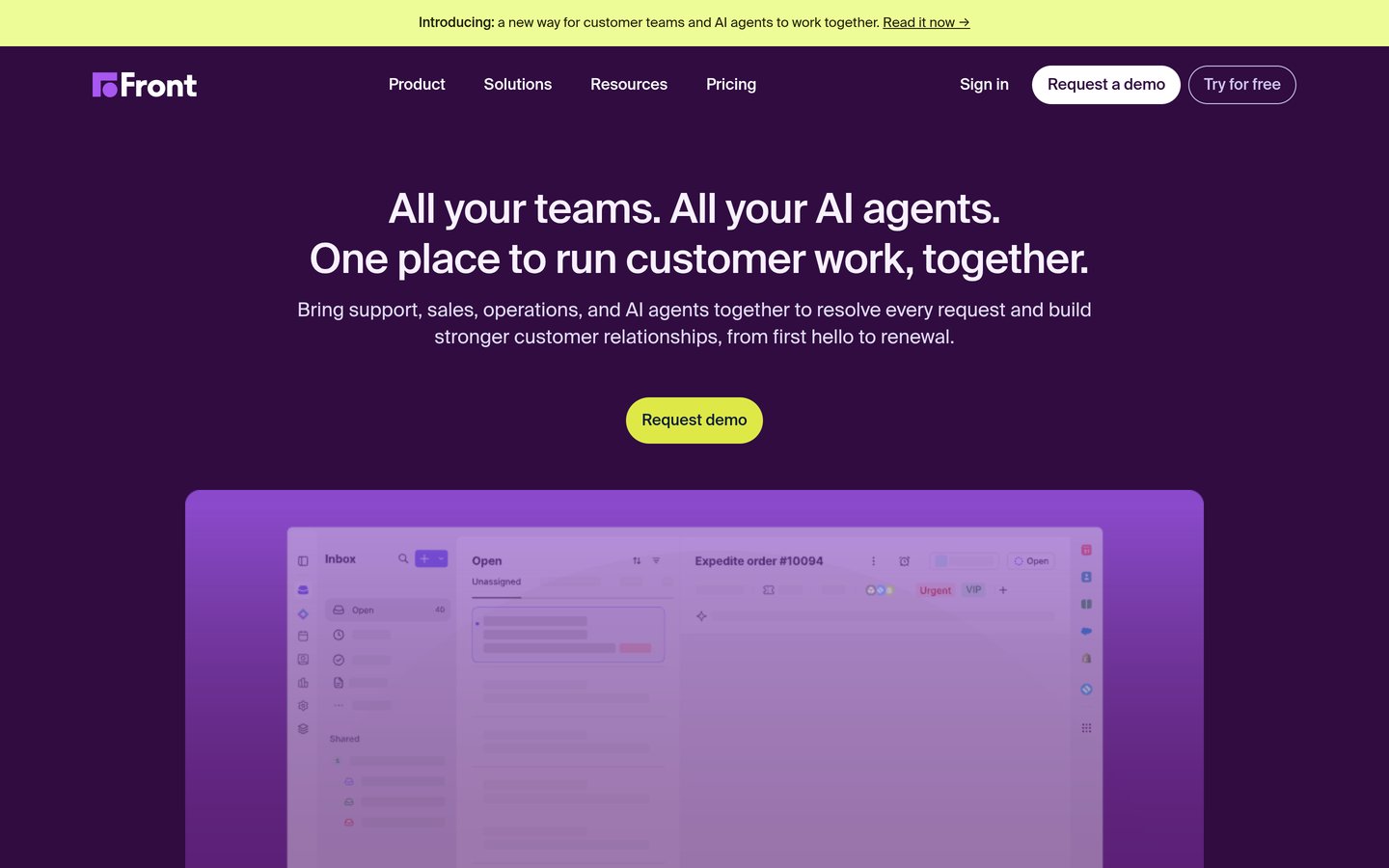
Front is a shared inbox platform for teams that handle customer mail together, with assignments, internal comments, @mentions and automation rules. Starter costs $25 a seat a month billed yearly and covers shared inboxes, basic analytics and a no-code knowledge base.
The trade off is the seat cap. Starter stops at 10 seats, and AI features such as Copilot cost extra on Starter and Professional, so growing teams face a jump to Professional at $65 a seat. It suits support and operations teams that live in shared inboxes all day.
Spark is a cross-platform email client for Mac, Windows, iOS and Android that sorts important mail to the top with a smart inbox. The free plan covers unlimited accounts, scheduling and snooze, and Plus at $10 a user a month adds the AI assistant and 40 AI meeting notes a month.
The trade off is depth. Spark has no sequences or sales pipeline, so it replaces Polymail's inbox but not its outreach workflow, and its G2 review base is small at 61 reviews. It suits people who want a fast, free client across Gmail, Outlook and iCloud.
Shortwave is an AI email client built for Gmail and Google Workspace, with AI search across years of mail, drafting, summaries and follow-up reminders. The free plan covers 90 days of AI search history, and Pro at $18 a seat a month extends it to 3 years with more AI usage.
The trade off is scope. Shortwave works only with Gmail, billing is monthly with no annual discount, and AI filters start on Business at $30 a seat. It suits Gmail users who want to ask questions across their whole inbox history.
Yesware is an email tracking and outreach add-on for Gmail and Outlook that shows opens and attachment views, with templates and meeting scheduling. The free plan covers 10 campaign recipients a month, and Pro at $15 a seat a month billed yearly adds unlimited tracking and personal reports.
The trade off is the cap. Pro limits campaigns to 20 recipients a month, so real outreach needs Premium at $35 a seat, and recent G2 reviews report weaker support since the Vendasta acquisition. It suits solo reps who mainly need reliable open tracking.
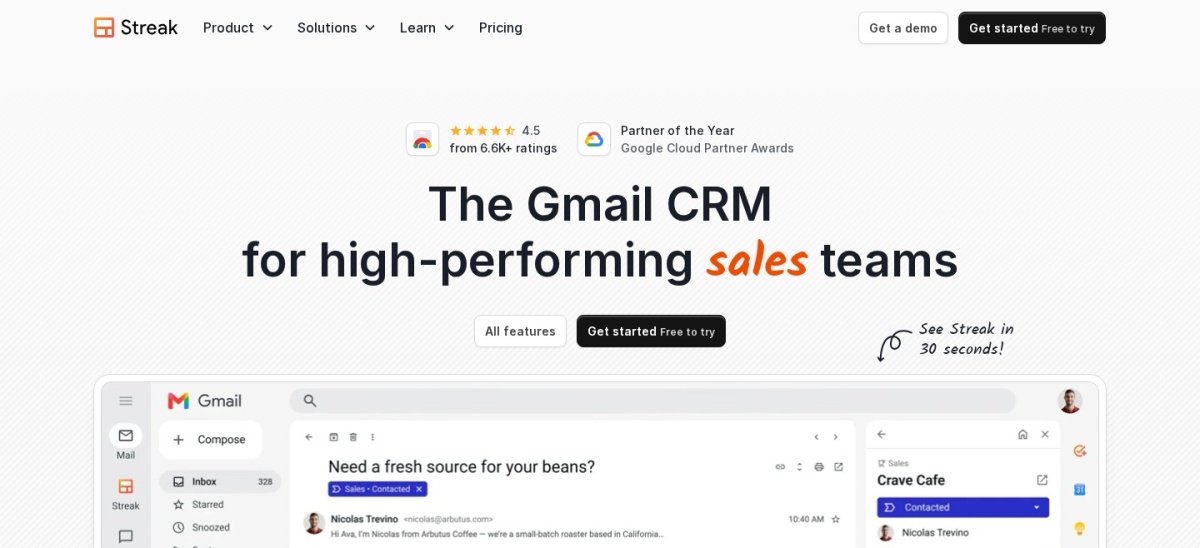
Streak is a CRM that runs inside Gmail, turning email threads into deals on pipelines with mail merge, shared pipelines and email tracking. The free plan covers email tools only, and Pro at $49 a user a month billed yearly adds unlimited pipelines and records with 20 AI credits a month.
The trade off is price. The CRM starts at $49 a user a month, the highest price in this list, and automations and integrations need Pro+ at $69. It suits small teams that run a sales pipeline without leaving Gmail.
Boomerang is a Gmail add-on for scheduling mail, setting follow-up reminders and letting people book meetings without leaving the inbox. The free Basic plan covers 10 message credits a month, while Personal at $4.98 a month billed yearly adds unlimited credits and mobile apps.
The trade off is reach. Personal works only with personal Gmail addresses, so Workspace users need Pro at $14.98 a month, and there are no sequences or shared inboxes. It suits solo users who want Polymail's scheduling and reminders at the lowest price here.
Four tools in this list work only in Gmail: Mixmax, Shortwave, Streak and Boomerang. That is fine if your whole team is on Gmail or Google Workspace, but it rules them out the moment one key mailbox is on Outlook.
The cross-platform options are Superhuman, Spark, Missive, Front and Yesware. Superhuman and Yesware cover Gmail and Outlook, while Spark also covers iCloud and IMAP accounts.
If you are switching because Polymail dropped a platform you use, check the supported mail providers before the price. A cheap Gmail-only tool costs more than a pricier one once you add a second app to cover Outlook.
How we chose
We started from the tools most often named as Polymail replacements in 2026 roundups, then kept nine established products with a public price and a public rating.
Prices come from each vendor's pricing page, checked in late November 2026, with Mixmax re-checked on 29 November 2026. Ratings and review counts come from G2. Where a vendor shows a sale, the list shows the regular price.
We left out tools that publish no price and tools with no public rating. No vendor paid for a place, and we do not claim to have used these tools ourselves.
How to choose a Polymail alternative
Start with where your mail lives, then match the tool to the job.
Check whether you live in Gmail or Outlook. Mixmax, Shortwave, Streak and Boomerang work only in Gmail, so Outlook teams should shortlist Yesware, Superhuman or Missive.
Decide if you need sequences or just tracking. Sequences need Mixmax, Yesware or Streak. If you only want to know when mail is opened, Boomerang or Yesware costs far less.
Count the seats before you compare prices. Per-seat prices add up fast. Front caps Starter at 10 seats and Missive caps Starter at 5 users, so check the cap before you commit a team.
Try the free plan before you pay. Most tools here have a free plan or a 14-day trial. Run your real follow-up workflow through it for a week before moving the team.
FAQ
What is the best Polymail alternative?
Mixmax is the best Polymail alternative for most sales teams. It adds sequences, open and click tracking, templates and meeting scheduling inside Gmail, and it is rated 4.6 out of 5 on G2 from 1,461 reviews.
What is the cheapest Polymail alternative?
Boomerang is the cheapest at $4.98 a month billed yearly for its Personal plan. It covers send later, follow-up reminders and meeting booking, but it has no sequences or shared inbox, so it fits solo users best.
Is there a free Polymail alternative?
Yes. Spark, Shortwave, Missive, Mixmax, Yesware, Streak and Boomerang all have free plans. The free plans are limited, though: Missive keeps only 15 days of history, and Streak's free plan has no CRM pipelines.
Which Polymail alternative is best for beginners or a small team?
Missive is the best pick for a small team, with a free plan for up to 3 users and Starter at $14 a user a month for teams of up to 5. Solo users who only need scheduling and reminders can start free with Boomerang or Spark instead.
Mixmax or Superhuman: which is the better Polymail alternative?
Mixmax is better if you want sequences, tracking and templates inside Gmail, from $29 a user a month. Superhuman is better if you want the fastest inbox and AI drafting, at $30 a month, but it has no sequences or free plan.
Does Superhuman work with Outlook?
Yes. Superhuman works with Gmail and Outlook, including Microsoft 365 accounts. Its Starter plan costs $30 a month, and there is no free plan, only a 14-day trial.
Which Polymail alternative is best for a team inbox?
Missive is the cheapest shared inbox at $14 a user a month, and it fits small teams of up to 5 on Starter. Front is the stronger pick for larger teams, starting at $25 a seat a month with more automation and analytics.
Do any Polymail alternatives work outside Gmail?
Yes. Superhuman and Yesware work with Gmail and Outlook, Spark also covers iCloud and IMAP, and Missive and Front connect to Gmail, Outlook and other providers. Mixmax, Shortwave, Streak and Boomerang are Gmail-only.
SaaS SEO and WordPress specialist with about 8 years of experience. Rakib compares WordPress plugins, themes, hosting and software using public pricing, documentation and user reviews. See how we rank.