GitLab Self-Managed is the best self hosted git server software for most teams, pairing a free Community Edition with built-in CI/CD and a 4.5/5 G2 rating from 901 reviews. Pick Gitea if you want a free, lightweight server, or GitHub Enterprise Server if your team already lives on GitHub.
How we make this list: we compare pricing pages, product documentation and public user reviews, then re-check every price before each update. No product paid for a place. Disclosure.
GitLab Self-Managed is the most complete self-hosted option, with CI/CD, a container registry and issue boards built in.
Gitea, Gogs, Gerrit and SourceHut cost nothing to self-host, and GitLab and RhodeCode both offer free community editions.
Paid seats run from $6 a user a month for Azure DevOps Server to $29 for GitLab Premium.
Bitbucket Data Center starts at $2,300 a year for 25 users, with no free self-hosted tier.
Gitea runs on about 1 GB of RAM, while GitLab documents 16 GB as the baseline for a single node.
How do you choose self hosted git server software?
Self-hosting puts your code on hardware you control. A self hosted git server software install keeps repositories, user accounts and history on your own server, so no vendor can change the terms, read the code or shut the service down.
The hardware you need varies more than the price. Gitea documents 1 GB of RAM as enough for a small team, while GitLab documents 16 GB as the baseline for a single-node install, so check the install docs before you rent a server.
Seven of the nine picks have a free edition or a free tier, and the paid seats that do exist run from $6 a user a month for Azure DevOps Server to $29 for GitLab Premium, with Bitbucket Data Center starting at $2,300 a year for 25 users.
Pick the workflow before the tool. If your team lives in pull requests, Gitea, GitLab or GitHub Enterprise Server will feel familiar, while SourceHut and Gerrit suit teams that prefer email threads or formal patchset review. If you have not picked a server yet, our VPS guide explains what a VPS is and what to look for.
GitLab Self-Managed is a complete DevOps platform you run on your own server, with Git hosting, built-in CI/CD, a container registry and issue boards in one install. The free Community Edition covers repos, merge requests and pipelines, and it is rated 4.5 out of 5 on G2 from 901 reviews.
The trade off is size and price. GitLab documents 16 GB of RAM as the baseline for a single-node install, and the paid Premium tier costs $29 per user a month. It suits teams that want one platform for code, pipelines and security instead of stitching tools together.
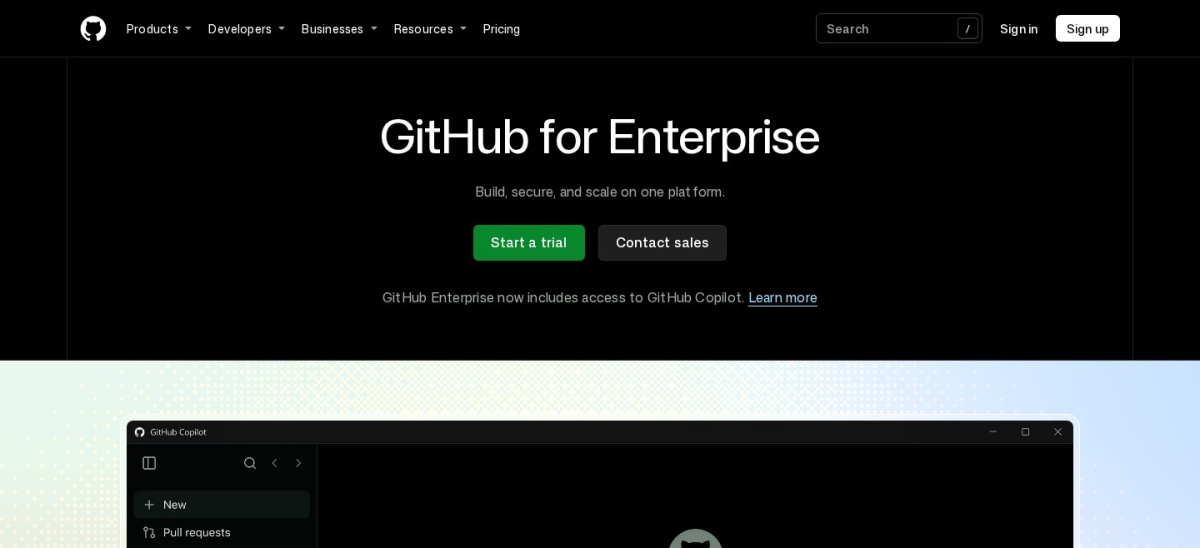
GitHub Enterprise Server homepage, captured Nov 2026.
GitHub Enterprise Server is GitHub's self-hosted edition, running the same pull requests, Actions and code review your developers already know on your own infrastructure. Enterprise costs $21 per user a month and now includes access to GitHub Copilot, and GitHub is rated 4.7 out of 5 on G2 from 2,114 reviews.
The trade off is cost and lock-in. There is no free self-hosted tier, and the licence is priced per user, so a large team pays $252 per user a year before add-ons. It suits organisations standardised on GitHub that need SAML single sign-on, audit logs and advanced security on their own servers.
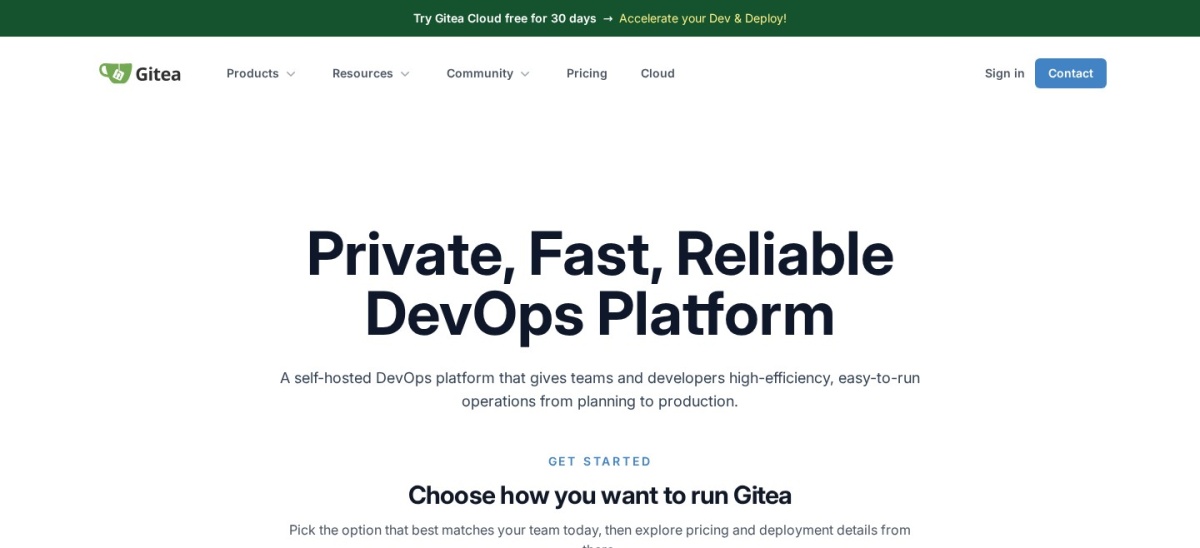
Gitea is a free, open-source Git service written in Go that installs as a single binary and runs on about 1 GB of RAM. It covers repositories, pull requests, issues, a package registry and Gitea Actions CI, and it is rated 4.7 out of 5 on G2 from 17 reviews.
The trade off is scope. Gitea has no built-in advanced security scanning or enterprise support contract, and its small G2 review base means less public feedback than GitLab or GitHub. It suits small teams, homelabs and anyone who wants a GitHub-style forge on a small server.
What we like
Completely free with no paid self-host tier
Runs on a small VPS or Raspberry Pi
GitHub Actions-compatible CI built in
Watch out for
No enterprise support contract
Only 17 G2 reviews, a thin public record
Self-hosting is free; paid cloud hosting is separateVisit gitea.io
04
Bitbucket Data Center
4.4/5on G2 (1,018 reviews, checked Nov 2026)
Starts at$2,300/yr
Best for Atlassian and Jira teams
Free editionNo self-host free tier
Built-in CI/CDYes, Pipelines
Jira integrationNative
Paid planData Center, $2,300/yr
bitbucket.org
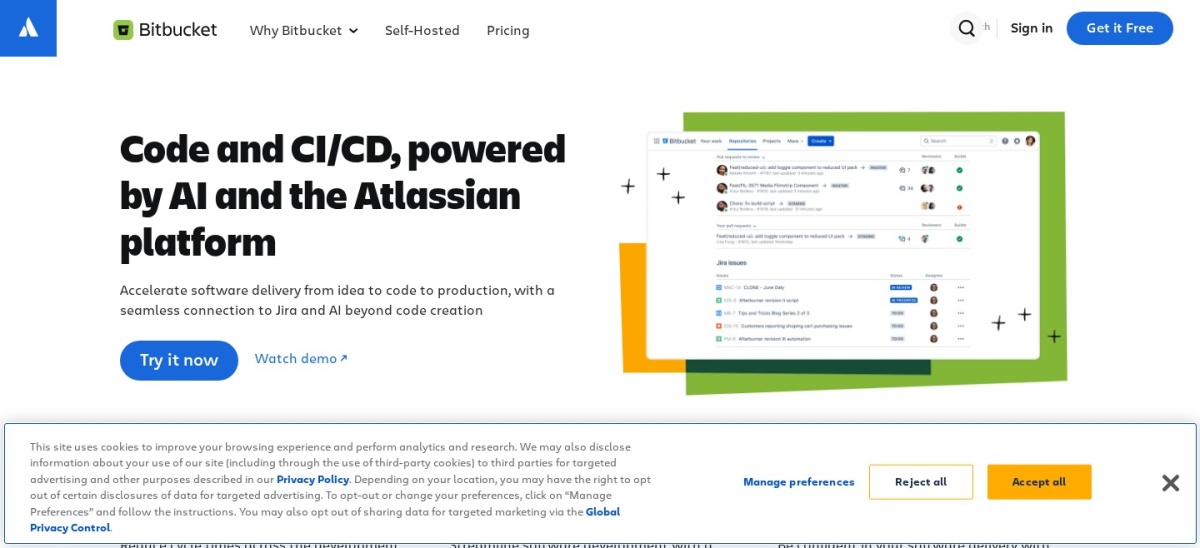
Bitbucket Data Center homepage, captured Nov 2026.
Bitbucket Data Center is Atlassian's self-hosted Git platform, sold as an annual licence for teams that run Jira and Confluence. It adds clustering for high availability, smart mirroring and native links from code to Jira issues, and Bitbucket is rated 4.4 out of 5 on G2 from 1,018 reviews.
The trade off is the entry price. The smallest licence costs $2,300 a year for 25 users, and there is no free self-hosted tier, so small teams pay for seats they may not use. It suits Atlassian shops that need Git, Jira and Confluence to work as one system on their own servers.
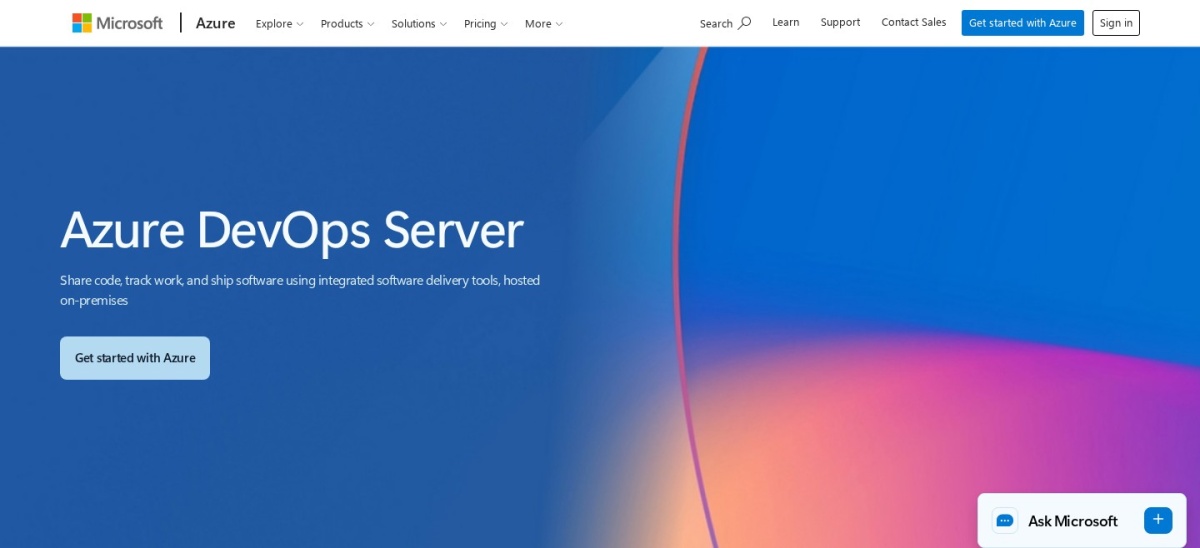
Azure DevOps Server is Microsoft's on-premises DevOps platform, with Git repos, boards, pipelines and artifacts in one install. The first five users are free, then Basic access costs $6 per user a month, and it is rated 4.2 out of 5 on G2 from 201 reviews.
The trade off is the Microsoft stack. It fits best when your team already uses Visual Studio, Entra ID and Azure, and the licence model mixes server licences with per-user CALs. It suits .NET and Azure teams that want repos, work tracking and CI under one Microsoft bill.
What we like
First 5 users free, then $6 a seat
Repos, boards, pipelines and artifacts together
One free hosted pipeline job with 1,800 minutes a month
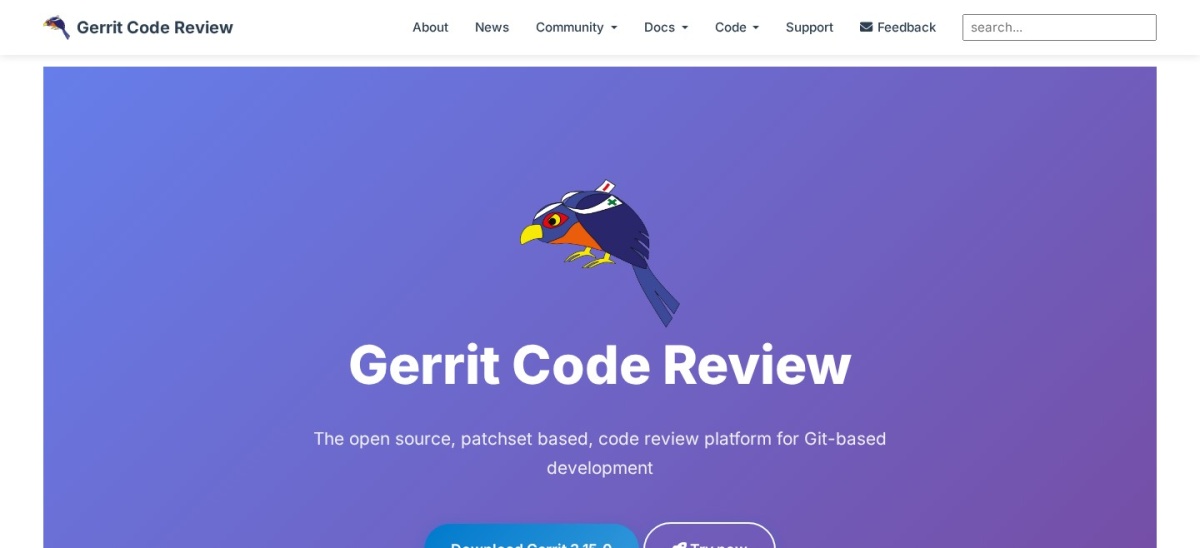
Gerrit is a free, open-source code review platform built around patchset-based review for Git repositories. Every change is reviewed and approved before it merges, with fine-grained access control, and it is rated 4.3 out of 5 on G2 from 32 reviews.
The trade off is the learning curve. Reviewers on G2 call setup complex and the workflow heavier than pull requests, and Gerrit is a review layer rather than a full forge. It suits large teams and monorepos that need formal approvals and a full history of every revision.
4.3/5on SourceForge (67 reviews, checked Nov 2026)
PriceFree
Best for email-based workflows
Free editionYes, self-host free
Built-in CI/CDYes, builds service
WorkflowEmail-based
Paid planHosted from $2/mo
sourcehut.org
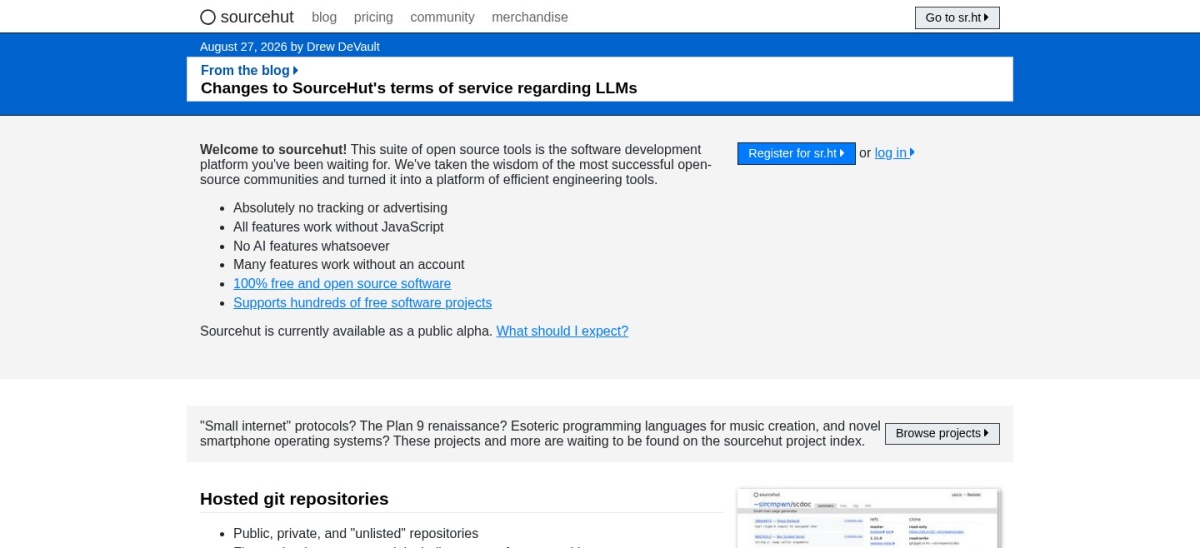
SourceHut homepage, captured Nov 2026.
SourceHut is a free, open-source set of tools for hosting Git over a plain-text, email-based workflow instead of a heavy web interface. It covers repos, mailing lists, ticket tracking, builds and wikis as separate services you run yourself, and it is rated 4.3 out of 5 on SourceForge from 67 reviews.
The trade off is the workflow itself. Email-based review feels unfamiliar if your team expects pull requests, and each service is configured on its own. It suits developers who prefer mailing lists and scripts to a web forge and want full control over every part.
What we like
Free to self-host, with a low-priced hosted option
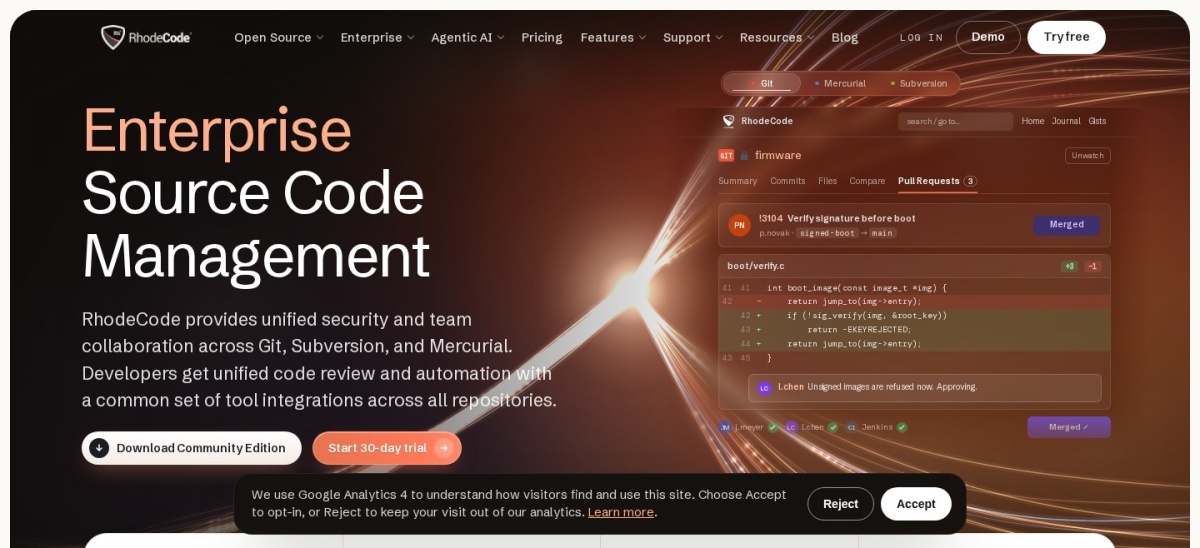
RhodeCode is a source code management platform that unifies Git, Mercurial and Subversion repositories under one roof, with pull requests, code review and fine-grained permissions. The Community Edition is free for unlimited users and repos, and it is rated 4.9 out of 5 on Capterra from 23 reviews.
The trade off is the paid tier's seat rules. Enterprise costs $75 per user a year with a 10-seat minimum, so the cheapest paid year is $750. It suits teams with mixed version control history that want one permission model and one review flow across all of it.
Gogs is a minimal, free Git service written in Go that installs as a single binary and runs on the smallest hardware here, including a Raspberry Pi. It covers repositories, issues and pull requests with little setup, and it is rated 4.3 out of 5 on G2 from 14 reviews.
The trade off is pace and scope. Releases slowed for almost two years before resuming as security-fix batches, and there is no built-in CI, so you add your own runner. It suits personal projects and very small teams that want the lightest possible Git server.
Gitea documents 1 GB of RAM with two CPU cores as enough for a small team, and Gogs runs on even less. These two are the picks for a small VPS or a home server.
GitLab documents 16 GB as the baseline for a single-node install, and 8 GB as the low end for a memory-constrained setup. Budget for that server before you pick GitLab, or the install will struggle.
For the rest, read the install docs before you rent anything. Size the server for the team you will have in a year, not the team you have today, since moving a live Git server is more work than starting on a bigger box.
How we chose
We started from self-hosted Git tools with a documented install path and a public user rating, then kept the nine with ratings we could verify on G2, Capterra or SourceForge.
Prices come from vendor pricing pages and G2 listings, checked on 30 November 2026. Ratings and review counts come from the same day. Where a vendor shows a sale, the list shows the regular price.
We left out Forgejo, OneDev and GitBucket because none has a published user rating we could verify. No vendor paid for a place, and we do not claim to have used these tools ourselves.
How to choose self hosted git server software
Start with your team size and your server, then match the workflow to the tool.
Count your developers first. Seat prices scale per user, so a free tool suits a team under ten, while a paid platform is easier to justify when the whole company depends on it.
Check the RAM your server has. Gitea and Gogs run on about 1 GB, GitLab wants 16 GB, and the gap decides the shortlist before features do.
Decide how much DevOps you want built in. GitLab and Azure DevOps Server bundle CI, boards and artifacts, while Gitea and Gogs stick to hosting and leave CI to a tool you add yourself.
Plan the move before you install. Import a copy of one repository first, check that cloning, pushing and pull requests work, and keep the old host live until the new one proves itself.
FAQ
What is the best self hosted git server software in 2026?
GitLab Self-Managed is the best self hosted git server software for most teams. Its free Community Edition includes Git hosting, CI/CD and issue boards, and it is rated 4.5 out of 5 on G2 from 901 reviews, the largest review base in this list.
How much does self hosted git server software cost?
It ranges from free to $348 per user a year. Gitea, Gogs, Gerrit and SourceHut cost nothing to self-host, GitLab Premium is $29 per user a month, GitHub Enterprise Server is $21, and Bitbucket Data Center starts at $2,300 a year for 25 users.
Is there a free self hosted git server?
Yes. Gitea, Gogs, Gerrit and SourceHut are completely free to self-host, and GitLab and RhodeCode both offer free community editions with unlimited repositories. You still pay for the server itself and the time to maintain it.
Which self hosted git server is best for a small team?
Gitea is the best pick for a small team. It installs as a single binary, runs on about 1 GB of RAM, covers repos, pull requests, issues and CI, and costs nothing. Gogs is the fallback if you want something even simpler.
GitLab vs GitHub Enterprise Server: which is better for self-hosting?
GitLab is better for most self-hosted teams because its free Community Edition covers CI/CD, a registry and issue boards, while GitHub Enterprise Server has no free tier. Pick GitHub Enterprise Server if your developers already work in GitHub every day.
How much server do I need to run a self hosted git server?
It depends on the tool. Gitea runs on about 1 GB of RAM and Gogs on even less, while GitLab documents 16 GB as the baseline for a single node. For a small team, a 2 GB VPS runs Gitea comfortably.
SaaS SEO and WordPress specialist with about 8 years of experience. Rakib compares WordPress plugins, themes, hosting and software using public pricing, documentation and user reviews. See how we rank.