MATLAB Simulink is the best simulation software for embedded system work for most teams, with block-diagram modeling, code generation and a 4.2/5 G2 rating. Proteus suits firmware teams that co-simulate MCU code with circuits, while QEMU is the free pick for full-system emulation.
How we make this list: we compare pricing pages, product documentation and public user reviews, then re-check every price before each update. No product paid for a place. Disclosure.
Simulink leads for model-based design, with code generation and SIL and PIL testing, at $940 a year for an Individual licence.
Proteus co-simulates real MCU firmware with the circuit, but its pricing is quote-only.
QEMU is the free, open-source pick for full-system emulation across Arm, RISC-V and x86.
Multisim and PSpice cover the analog side, from $1,869 and $2,400 a year.
Four of the nine tools are free to start, including Tinkercad and KiCad for learning and hobby work.
How do you choose simulation software for embedded system work?
Embedded simulation is about catching mistakes before hardware exists. A good tool lets you run firmware, model a controller or check a circuit without waiting for a board to arrive.
The tools split three ways. Model-based tools such as Simulink design the controller first and generate code from it, MCU co-simulators such as Proteus run real firmware against virtual peripherals, and emulators such as QEMU boot a whole system image.
Price spans the full range. Four tools here cost nothing, EasyEDA Premium is $19.90 a month, and the paid engineering suites run from $940 to $2,400 a year before add-ons.
Testing is the point of all of them. Simulation finds timing and logic faults early, and pairing it with profiling and debugging practice, as in our guide to profiling WordPress with Xdebug, keeps the habit of measuring before guessing.
Match the tool to the job. Learning and Arduino projects suit Tinkercad, firmware bring-up suits Proteus or QEMU, and control-system work suits Simulink.
The 9 best simulation software tools for embedded systems
01
MATLAB Simulink
4.2/5on G2 (99 reviews, checked Nov 2026)
Starts at$940/yr
Best simulation software for embedded systems overall
ModelingBlock diagrams
Code generationC and C++
TestingSIL and PIL
Entry price$940/yr Individual
mathworks.com
MATLAB Simulink homepage, captured Nov 2026.
MATLAB Simulink is MathWorks' block-diagram environment for modeling and simulating embedded controllers before hardware exists. The Individual licence bundles MATLAB and Simulink for $940 a year and includes code generation, simulation and testing tools in one licence.
The trade off is cost and weight. The $940 Individual licence is the cheapest route in, and commercial Standard licences cost more, while Simulink needs MATLAB and a large install. It suits control, automotive and robotics teams that model first and generate production code from the same model.
What we like
Model-based design with code generation
SIL and PIL testing before hardware
Deep toolbox library for control and signal work
Rated 4.2 out of 5 on G2 from 99 reviews
Watch out for
Expensive once toolboxes are added
Needs MATLAB, so the install is large
Steep learning curve for new users
Individual licence adds MATLAB, Simulink and training for $940 a yearVisit mathworks.com
02
Proteus Design Suite
4.3/5on G2 (46 reviews, checked Nov 2026)
PricingQuote/yr
Best for microcontroller co-simulation
SimulationVSM MCU co-simulation
Library15 million+ parts
PlatformWindows
PricingQuote; perpetual licences
labcenter.com
Proteus Design Suite homepage, captured Nov 2026.
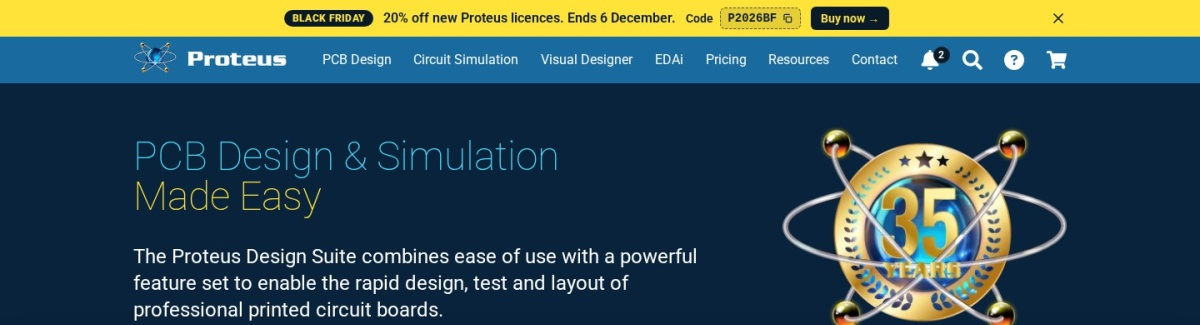
Proteus Design Suite is Labcenter's schematic, simulation and PCB layout suite, best known for simulating microcontroller firmware alongside the circuit. Its VSM engine runs code on Arduino, STM32 and PIC chips against virtual peripherals, backed by a library of more than 15 million parts.
The trade off is price transparency and platform. Proteus sells perpetual licences on a quote, with custom configurations from £150, so there is no simple list price to compare. It runs on Windows only. It suits embedded teams and educators who test firmware before ordering a board.
What we like
Co-simulates firmware with the circuit
Library of more than 15 million parts
Schematic, simulation and PCB in one tool
Free demo to try before you buy
Watch out for
Quote-only pricing, no list price
Windows only
Full bundles cost far more than entry modules
Paid licences are perpetual; VSM simulation is priced by processor familyVisit labcenter.com
03
QEMU
4.3/5on G2 (29 reviews, checked Nov 2026)
PriceFree
Best free full-system emulator
ArchitecturesArm, RISC-V, x86 and more
EmulationFull system and user mode
LicenceFree, open source
Price$0, no paid tier
qemu.org
QEMU homepage, captured Nov 2026.
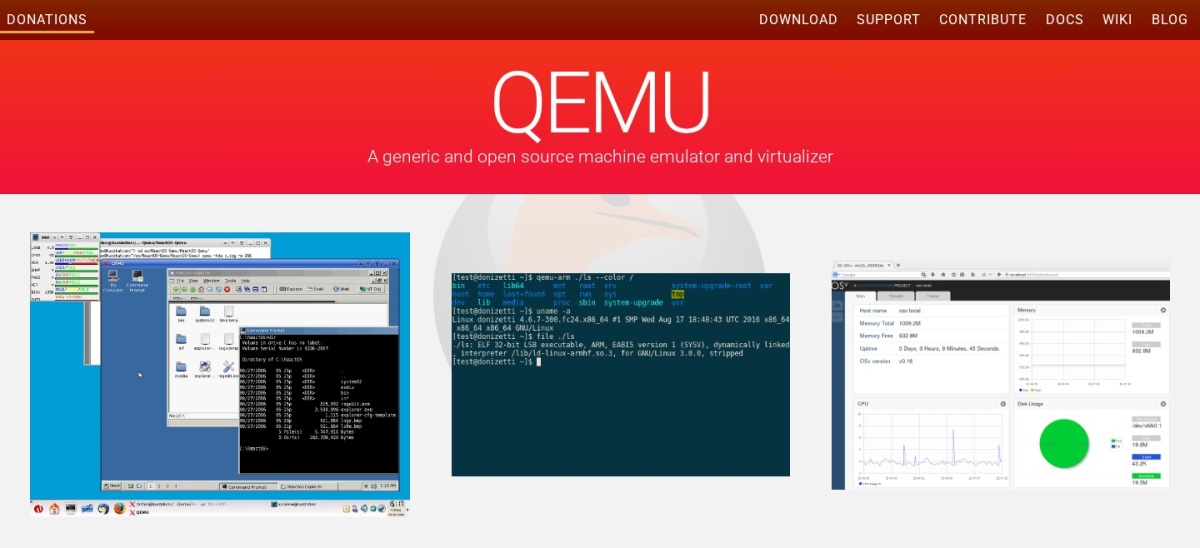
QEMU is a free, open-source machine emulator that runs complete embedded software stacks on virtual hardware. It emulates Arm, RISC-V, MIPS and x86 systems, supports GDB debugging, and is a common choice for running firmware tests in CI before hardware exists.
The trade off is setup effort. QEMU is a command-line tool with long option lists and thin documentation, so new users face a steep learning curve and no vendor support line. It suits developers and test teams who want free, scriptable full-system emulation and can configure it themselves.
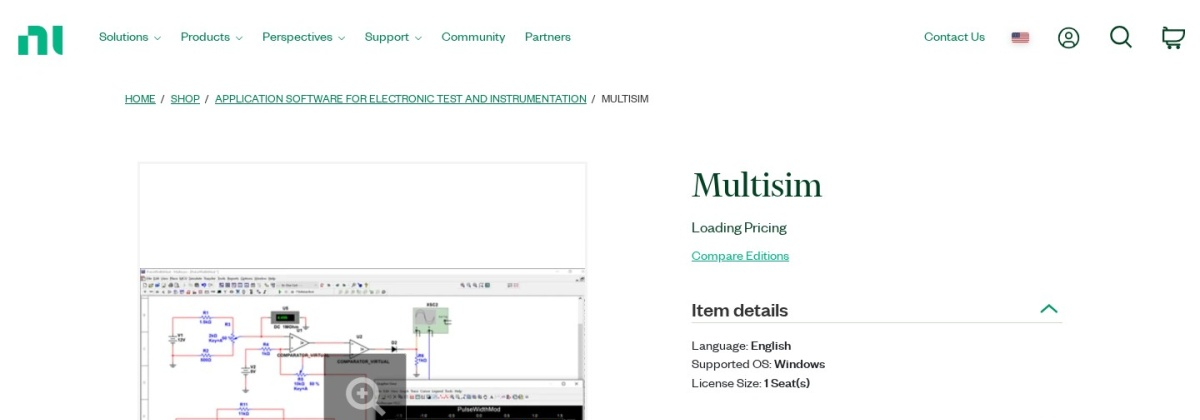
NI Multisim is National Instruments' circuit simulator for design and electronics education, pairing SPICE simulation with virtual instruments that mimic bench equipment. The Base edition includes 47,000 manufacturer-verified components and 4 virtual instruments, while Power Pro adds 55,000 parts and 20 analyses.
The trade off is the Windows-only desktop and the price ladder. The Base edition costs $1,869 a year, and the Full and Power Pro editions cost more again, so a full setup is a serious budget item. It suits labs and engineering teams that validate interface circuits before firmware integration.
What we like
Virtual instruments that mimic real bench gear
Up to 55,000 manufacturer-verified components
Strong choice for teaching and lab work
Free trial available
Watch out for
Windows only
Base is $1,869 a year, higher editions cost more
Priced for labs and teams, not hobbyists
Base is $1,869 a year; Full is $3,267 and Power Pro is $4,838 a yearVisit ni.com
05
PSpice
4.4/5on G2 (11 reviews, checked Nov 2026)
Starts at$2,400/yr
Best for deep SPICE analysis
AnalysisMonte Carlo, sensitivity, worst-case
Models33,000+ parameterized models
PlatformWindows
Price$2,400/yr, from reseller
pspice.com
PSpice homepage, captured Nov 2026.
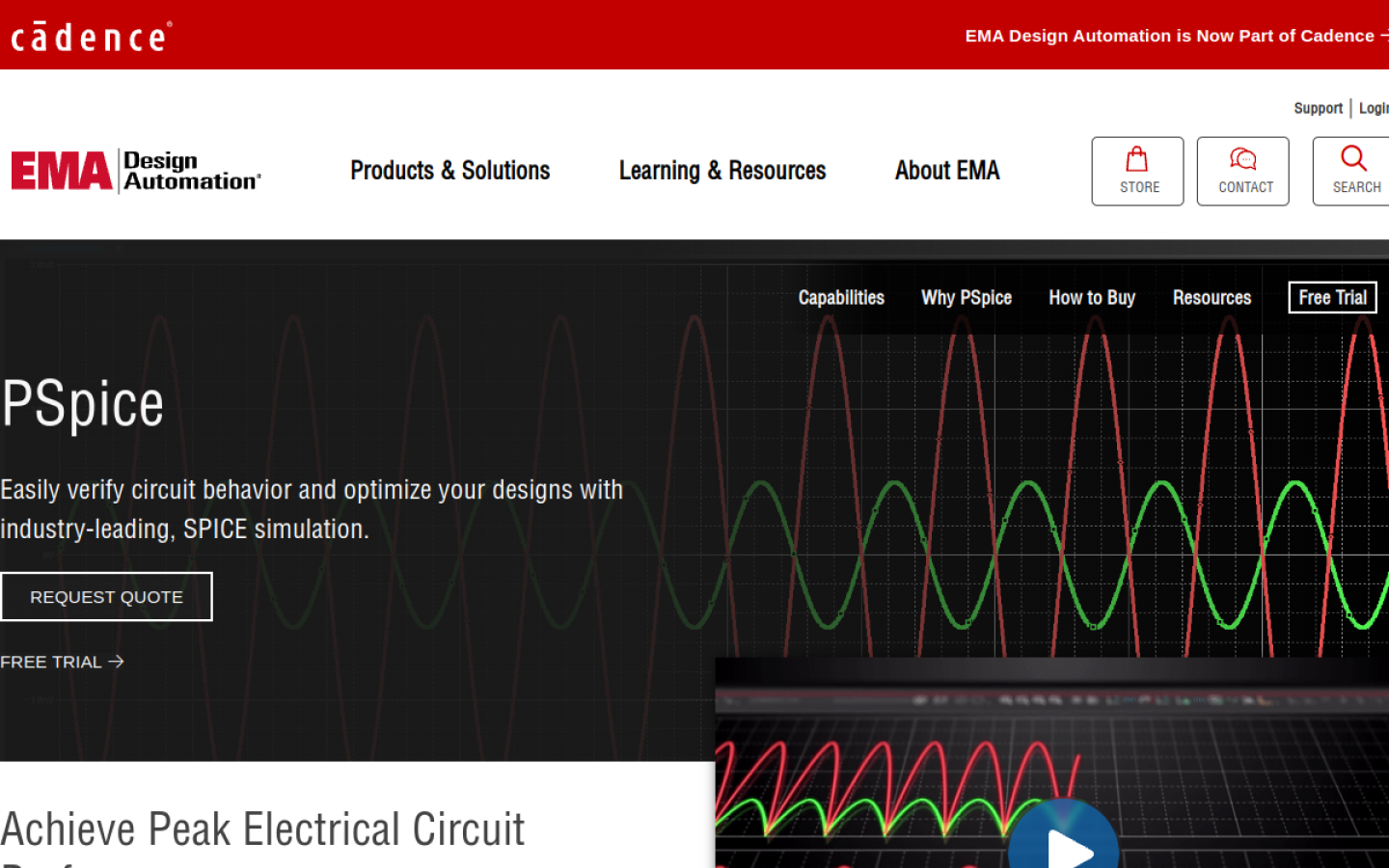
PSpice is Cadence's SPICE simulator for analog and mixed-signal circuits, built for engineers who need deep analysis rather than a quick check. It runs DC, AC, transient, Monte Carlo, sensitivity and worst-case analysis, and ships with more than 33,000 parameterized models.
The trade off is cost and openness. Cadence publishes no price of its own, and the $2,400-a-year starting figure comes from its reseller EMA, so you need a quote to confirm what you will pay. It suits professional teams validating analog front ends for embedded hardware.
What we like
Deep analysis: Monte Carlo, sensitivity, worst-case
33,000+ parameterized models included
Industry-standard SPICE engine from Cadence
30-day free trial to check it first
Watch out for
No published price from Cadence itself
Windows only
Aimed at professional teams, not hobbyists
Starts at $2,400 a year according to reseller EMA; Cadence itself lists no priceVisit pspice.com
06
EasyEDA
4.4/5on G2 (20 reviews, checked Nov 2026)
Paid from$19.9/mo
Best browser-based simulation
SimulationBrowser SPICE simulation
Free planYes, commercial use allowed
PlatformBrowser, Windows, macOS, Linux
Premium$19.90/mo billed annually
easyeda.com
EasyEDA homepage, captured Nov 2026.
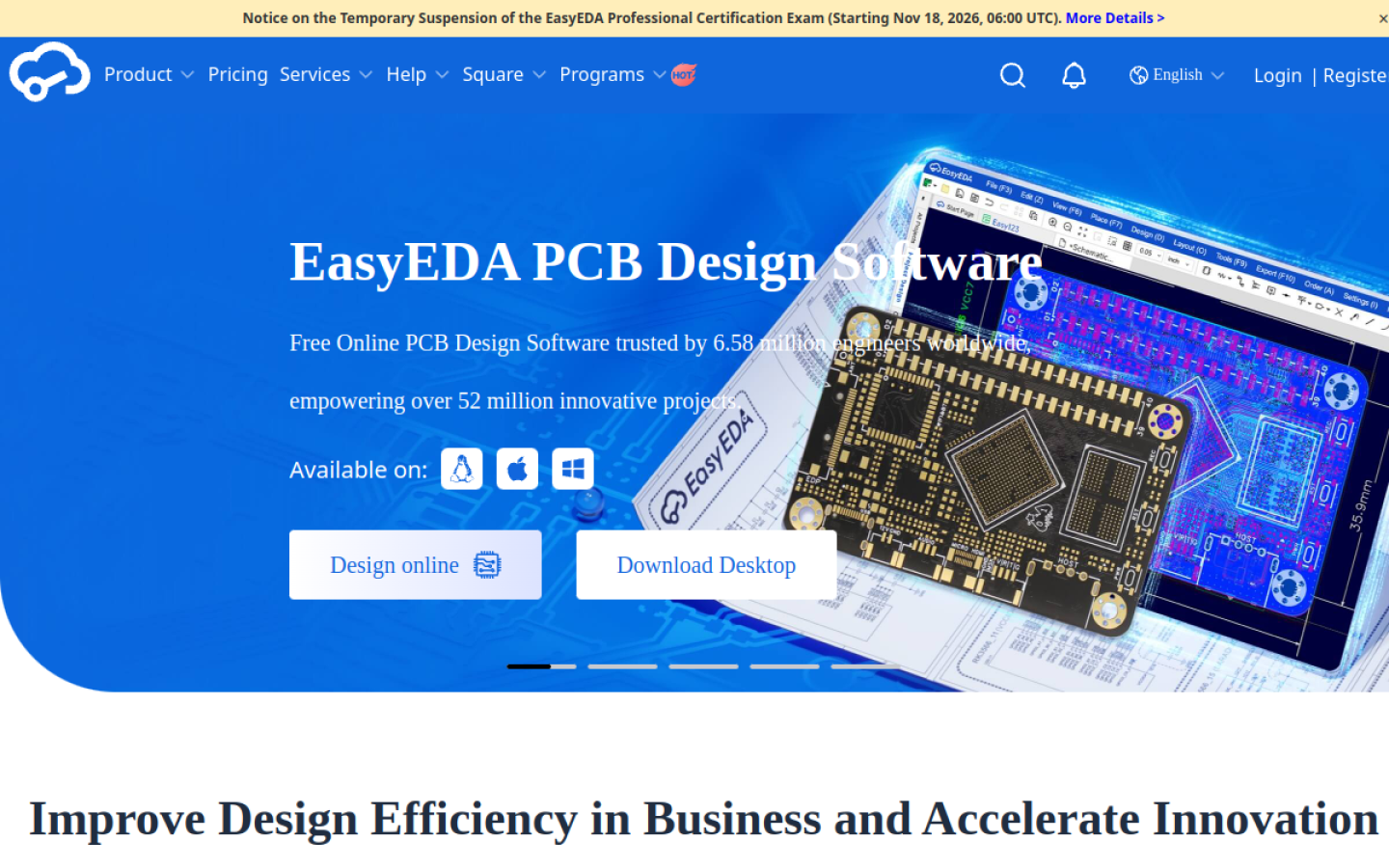
EasyEDA is a free, browser-based tool for schematic capture, circuit simulation and PCB layout, with nothing to install. It runs SPICE simulation in the browser, links straight to JLCPCB for ordering boards, and the vendor says it is trusted by 6.58 million engineers on more than 52 million projects.
The trade off is depth and ads. The free plan shows ads and caps storage at 0.5 GB, and its simulation is lighter than desktop tools such as PSpice or Proteus. Premium costs $19.90 a month billed annually. It suits hobbyists and small teams simulating interface circuits for embedded boards.
What we like
Free plan with commercial use allowed
Runs in a browser, nothing to install
Built-in SPICE simulation and PCB ordering
Premium is $19.90 a month billed annually
Watch out for
Free plan shows ads and caps storage at 0.5 GB
Simulation is lighter than desktop tools
Tied to the JLCPCB supply chain for ordering
Free forever; Premium is $19.90 a month, billed annually at $238.80 a yearVisit easyeda.com
07
Tinkercad
4.5/5on G2 (120 reviews, checked Nov 2026)
PriceFree
Best free start for learning Arduino
SimulationCircuits with Arduino simulation
PlatformBrowser
PriceFree, no paid plan
AccountsAutodesk account needed
tinkercad.com
Tinkercad homepage, captured Nov 2026.
Tinkercad is Autodesk's free, browser-based tool for 3D design, circuits and block coding, aimed at beginners and classrooms. Its Circuits workspace lets you build and simulate circuits in the browser, including Arduino boards and code, with nothing to install.
The trade off is depth. Tinkercad Circuits suits learning and simple projects, but it has no SPICE analysis, no PCB layout and no advanced part libraries, so real engineering work needs a tool such as KiCad or EasyEDA. It is a starting point, not a design suite.
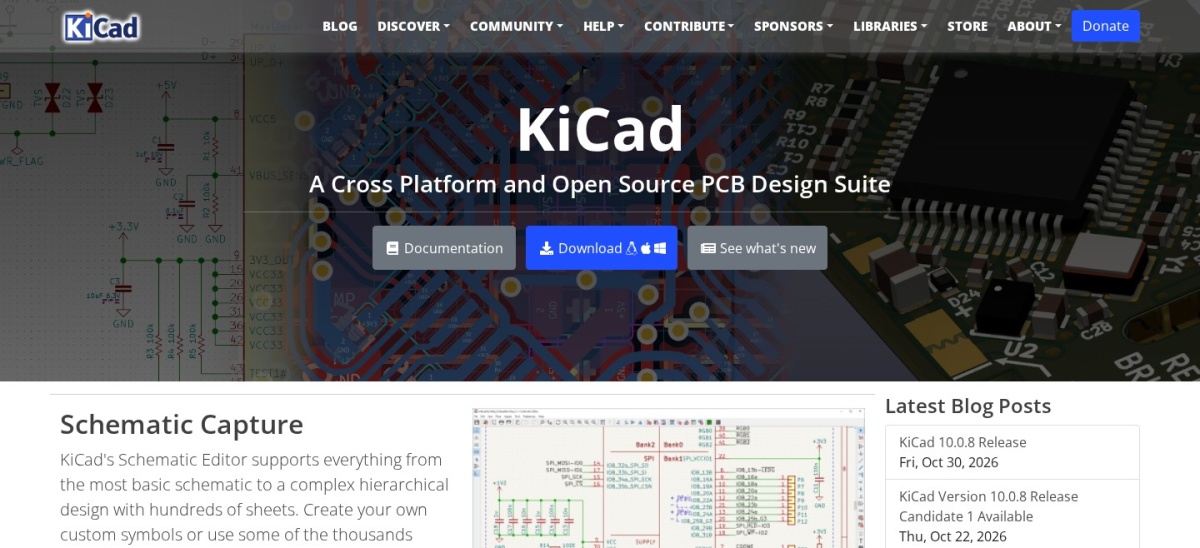
KiCad is a free, open-source suite for schematic capture, circuit simulation and PCB layout, with no licence fee and no account needed. Its built-in ngspice simulator runs DC, AC and transient analysis straight from the schematic, and the tool handles boards up to 32 copper layers.
The trade off is polish and support. KiCad has no vendor support line, so help comes from the community and the documentation, and the interface is less refined than paid tools such as Altium Designer. It suits engineers who want a free simulator with real PCB layout behind it.
What we like
Free forever with no licence or account
Built-in ngspice simulation in the schematic
Runs on Windows, macOS and Linux
Active open-source development, version 10 in 2026
Altium Designer is the professional standard for circuit simulation inside a full PCB design suite, pairing mixed-signal simulation with schematic capture, layout and component management in one tool. Its simulator handles analog, digital and mixed-signal circuits, and Altium 365 adds cloud collaboration so teams share designs and libraries.
The trade off is price and platform. The first seat of Altium Develop costs $1,990 a year, which puts it out of reach for hobbyists and small teams, and the desktop tool runs on Windows only. It suits professional teams that simulate and lay out complex embedded boards in one suite.
What we like
Mixed-signal simulation in the same tool as PCB layout
Strong manufacturer part libraries and 3D models
Altium 365 cloud collaboration for teams
Rated 4.5 out of 5 on G2 from 954 reviews
Watch out for
$1,990 a year for the first seat
Windows only on the desktop
Steep learning curve for new users
First seat is $1,990 a year; extra author seats are $995 a yearVisit altium.com
Free vs paid: what you give up
Free tools cover the whole first project well. QEMU, Tinkercad and KiCad cost nothing, and EasyEDA's free plan allows commercial use, so you can simulate firmware and circuits without paying.
Paid tools mostly add depth and code generation. Simulink turns a model into production code, Proteus co-simulates firmware with the circuit, and PSpice adds Monte Carlo and worst-case analysis.
If your board earns money every day, a paid tool often costs less than one failed prototype run. Our guide to deploying with GitHub Actions shows how automation catches faults before release.
The cheapest paid step is EasyEDA Premium at $19.90 a month; the dearest is PSpice at $2,400 a year.
How we chose
We started from the tools most often named in 2026 comparisons for embedded system simulation, then kept 9 established products with a public review score and a published price or a clear quote route.
Prices come from each vendor's pricing page or its reseller, checked on 30 November 2026. Ratings are G2 scores from the same period. Where a vendor shows a sale, the list shows the regular price.
We left out tools with no public review score, however well known, and quote-only enterprise platforms with no public price. No vendor paid for a place, and we do not claim to have used these tools ourselves.
How to choose simulation software for embedded system projects
Start with what you simulate every day, then check price, platform and the analysis you cannot work without.
Decide what you simulate first. Firmware behavior suits Proteus or QEMU, control algorithms suit Simulink, and analog interface circuits suit Multisim or PSpice.
Check the platform. Proteus, Multisim, PSpice and Altium Designer are Windows only, while KiCad and EasyEDA run on more systems or in a browser, and QEMU runs on Linux, macOS and Windows.
Confirm the analysis you need. Basic DC, AC and transient checks are in every tool here, but Monte Carlo, sensitivity and worst-case analysis are mainly in PSpice, and code generation is mainly in Simulink.
Try the free option on a real project. Simulate one real board or firmware build before you pay, and check the part libraries, export formats and support before you commit.
FAQ
What is the best simulation software for embedded system work in 2026?
MATLAB Simulink is the best simulation software for embedded system work for most teams. It covers block-diagram modeling, code generation and SIL and PIL testing, and it is rated 4.2 out of 5 on G2 from 99 reviews, though the Individual licence costs $940 a year.
What is the best free simulation software for embedded systems?
QEMU is the best free simulation software for embedded systems. It is open source, emulates Arm, RISC-V, MIPS and x86 systems, supports GDB debugging and is rated 4.3 out of 5 on G2 from 29 reviews, though setup takes effort.
How much does MATLAB Simulink cost?
An Individual licence that bundles MATLAB and Simulink costs $940 a year. Commercial Standard licences cost more: MathWorks lists MATLAB at $1,050 a year and Simulink at $1,585 a year as separate annual products, before toolboxes.
Can I simulate microcontroller firmware without hardware?
Yes. Proteus co-simulates MCU firmware with the circuit through its VSM engine, and QEMU boots whole system images for Arm, RISC-V and x86. Both let you run and debug firmware before a board exists.
Which simulation software is best for beginners?
Tinkercad is the best start for beginners. It is free, runs in a browser with nothing to install, and simulates Arduino boards and code, and it is rated 4.5 out of 5 on G2 from 120 reviews.
Simulink vs Proteus: which should I choose?
Choose Simulink for control-system modeling and code generation, and Proteus for firmware bring-up. Simulink models the controller and generates production code, while Proteus runs real MCU firmware against virtual peripherals on the schematic.
SaaS SEO and WordPress specialist with about 8 years of experience. Rakib compares WordPress plugins, themes, hosting and software using public pricing, documentation and user reviews. See how we rank.