Teamwork is the best of the Scoro alternatives for most agencies, with live profitability reports and billable time tracking from $9.99 per user a month, rated 4.4/5 on G2. Productive is the closest all-in-one replacement at $10 a month, while monday.com suits teams that want simple boards at $9 a seat.
How we make this list: we compare pricing pages, product documentation and public user reviews, then re-check every price before each update. No product paid for a place. Disclosure.
Teamwork is the top pick: 4.4/5 on G2 from 1,215 reviews, with billable time tracking and live profitability from $9.99 per user a month.
Productive is the closest all-in-one replacement, rated 4.7/5 on G2, with a built-in CRM and budgets from $10 per user a month.
monday.com is the most reviewed pick here at 4.7/5 from 17,885 G2 reviews, and Basic costs $9 per seat a month.
Paymo is the cheapest paid step at $5.90 per user a month, with projects, time tracking and invoicing in one tool.
BigTime is the priciest entry at $20 per user a month, and it is the pick for firms that bill from QuickBooks.
Scoro itself lists app combinations from about $17 to $57 per user a month, so every tool here undercuts its top bundle.
How do you choose the best Scoro alternative?
Price is the first filter, not the last. Scoro lists its app combinations from about $17 per user a month for time and billing up to $57 for the full end-to-end bundle, with a five-user minimum, while entry prices in this list run from $5.90 to $20 a month.
Profitability tracking is what separates a PSA from a task board. Teamwork, Productive and BigTime track margin against budgets as work happens, while monday.com, Asana and ClickUp cover tasks well but leave invoicing and margin to higher tiers or add-ons.
Free plans differ more than prices do. Teamwork covers 5 users and 5 projects free, Asana stops at 2 users, Harvest at 1 seat and 2 projects, and Productive and BigTime offer trials instead of a free plan, so count the people who need a seat before comparing monthly rates.
Migration effort is the hidden cost. Moving projects, budgets, time entries and templates takes days on a large workspace, so trial the top two picks with one real client project before moving the whole team.
Teamwork is a project platform built for agencies and client services teams, with projects, time tracking, budgets and profitability in one place. The free plan covers up to 5 users and 5 projects, while Basics at $9.99 per user a month billed annually adds billable time tracking, up to 300 projects, templates and custom fields.
The trade off is the mid-tier jump. Capacity planning, workload views and invoicing from logged time need Accelerate at $24.99 per user a month, more than double Basics. It suits agencies that track billable hours against client budgets and want to see margin live.
What we like
Time tracking and billable hours from Basics
Live profitability reports on client work
Free plan covers 5 users and 5 projects
Rated 4.4/5 from 1,215 G2 reviews
Watch out for
Capacity planning needs the $24.99 Accelerate plan
Per-seat pricing adds up fast for large teams
Accelerate adds capacity planning, invoicing and workload viewsVisit teamwork.com
02
Productive
4.7/5on G2 (104 reviews, checked Nov 2026)
Starts at$10/mo
Closest all-in-one Scoro replacement
Free planNo, 14-day trial
CRMYes, built in
Time trackingYes, AI-assisted
Paid planEssential, $10/user/mo
productive.io
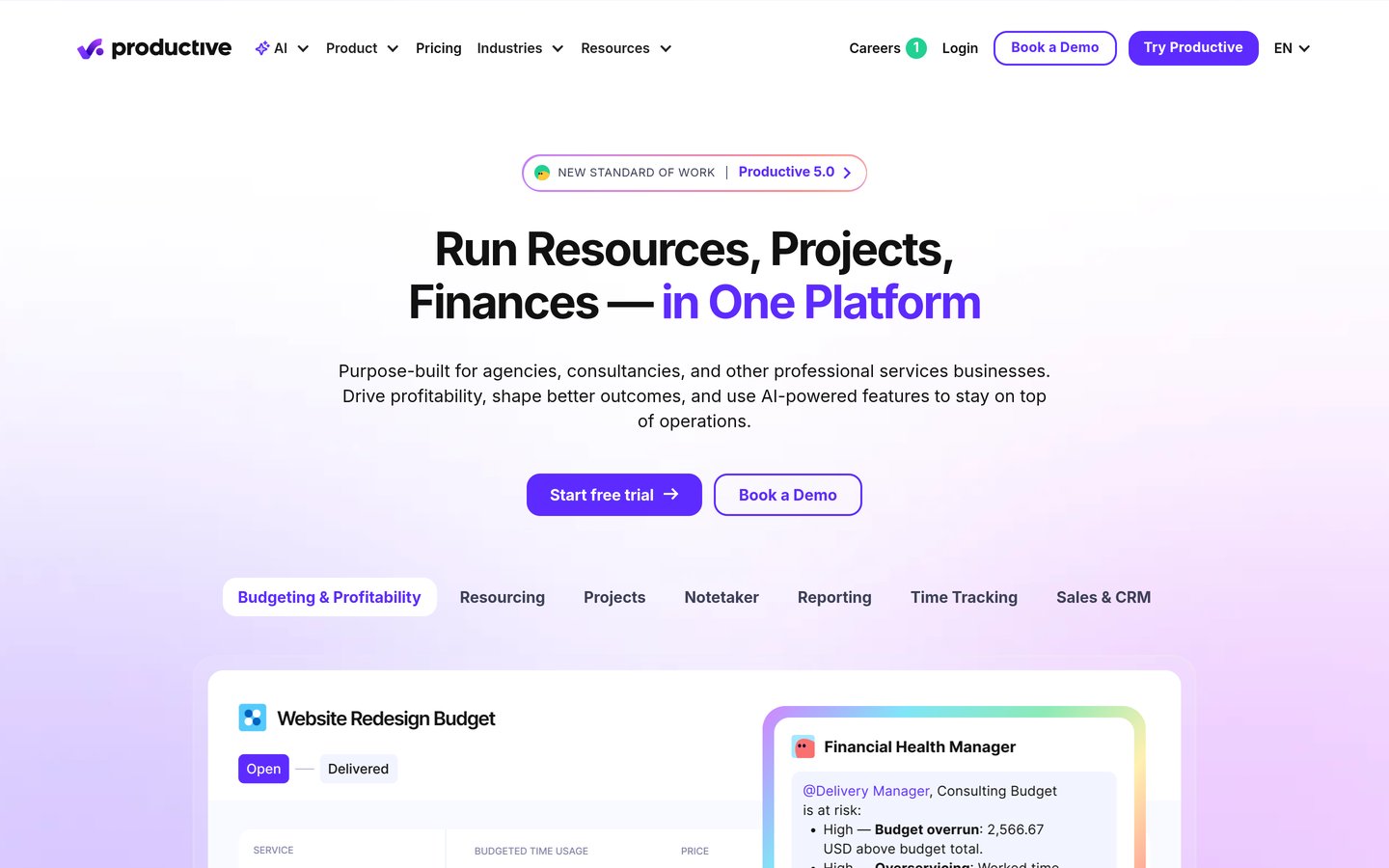
Productive homepage, captured Nov 2026.
Productive is a PSA platform that runs projects, time tracking, scheduling, budgets and invoicing for agencies and consultancies, with a built-in CRM beside delivery. Essential at $10 per user a month billed annually, or $12 billed monthly, includes budgeting, project and task management, time tracking, expenses and reporting, with a 3-seat minimum.
The trade off is the missing free plan. Productive offers a 14-day trial instead, and Professional at $25 per user a month billed annually is the step up for custom fields, recurring budgets and billable time approvals. It suits agencies that want sales, staffing and billing in one system.
What we like
Built-in CRM beside projects and billing
Budgets forecast burn from scheduled work
Highest rating here at 4.7/5 on G2
AI time tracking from the Essential plan
Watch out for
No free plan, only a 14-day trial
Professional costs $25 per user a month
Small review base of 104 G2 reviews
Professional adds custom fields, recurring budgets and approvalsVisit productive.io
03
monday.com
4.7/5on G2 (17,885 reviews, checked Nov 2026)
Paid from$9/mo
Best for visual boards and automations
Free planYes, up to 2 seats
Time trackingPro plan
Automations250 runs/mo on Standard
Paid planBasic, $9/seat/mo
monday.com
monday.com homepage, captured Nov 2026.
monday.com is a work management platform built around boards, with automations, dashboards and a large integration catalog. The free plan covers up to 2 seats and 3 boards, while Basic at $9 per seat a month billed annually adds unlimited items, and Standard at $12 adds timeline and Gantt views with guest access.
The trade off is billing depth. monday.com has no built-in invoicing, and native time tracking needs Pro at $19 per seat a month, so agencies that bill from tracked hours pay for the higher tier or a second tool. It suits teams that want flexible boards and automations first.
What we like
Most reviewed pick here, 17,885 G2 reviews
Boards, timelines and dashboards in one place
Free viewers on paid plans
Rated 4.7/5 on G2
Watch out for
No built-in invoicing
Time tracking needs the $19 Pro plan
Paid plans carry a 3-seat minimum
Pro adds time tracking, private boards and 25,000 automationsVisit monday.com
04
ClickUp
4.6/5on G2 (13,719 reviews, checked Nov 2026)
Paid from$12/mo
Best all-in-one value on a free plan
Free planYes, unlimited tasks
Time trackingYes, built in
Automations1,000 runs/mo on Core
Paid planCore, $12/user/mo
clickup.com
ClickUp homepage, captured Nov 2026.
ClickUp is an all-in-one workspace that covers tasks, docs, goals, time tracking and chat in one place. The Free Forever plan covers unlimited tasks and members with 60 MB of storage, and Core adds unlimited storage, Gantt charts, custom fields and 1,000 automation actions a month.
The trade off is price and setup. Core lists at $9 per user a month billed yearly on sale, with a regular price of $12, and the depth of options can slow new teams down. It suits teams that want to replace several tools with one workspace.
What we like
Free plan covers unlimited tasks and members
Docs, whiteboards, goals and chat in one app
Rated 4.6/5 from 13,719 G2 reviews
Native time tracking on paid plans
Watch out for
So many options that setup takes time
Interface can feel busy for simple boards
No built-in invoicing
Business adds advanced dashboards, webhooks and resource managementVisit clickup.com
05
Asana
4.4/5on G2 (14,048 reviews, checked Nov 2026)
Paid from$10.99/mo
Best for structured timelines and portfolios
Free planYes, up to 2 users
Timeline viewYes, on Starter
PortfoliosAdvanced plan
Paid planStarter, $10.99/user/mo
asana.com
Asana homepage, captured Nov 2026.
Asana is a work management platform built around tasks, projects and timelines. The free Personal plan covers up to 2 users with unlimited tasks, projects and storage, while Starter at $10.99 per user a month adds Timeline and Gantt views, dashboards, forms and unlimited automations.
The trade off is billing depth. Asana has no native time tracking or invoicing, and portfolios and workload views need Advanced at $24.99 per user a month. It suits teams that plan by deadlines and report across projects.
What we like
Clear task ownership and timelines
Timeline and Gantt views from Starter
Unlimited automations on Starter
Rated 4.4/5 from 14,048 G2 reviews
Watch out for
Free plan stops at 2 users
No native time tracking or invoicing
Portfolios need the $24.99 Advanced plan
Starter adds Timeline, dashboards and custom fieldsVisit asana.com
06
Wrike
4.2/5on G2 (4,614 reviews, checked Nov 2026)
Paid from$10/mo
Best for approvals and proofing at scale
Free planYes, unlimited users
Gantt chartYes, on Team
Time trackingBusiness plan
Paid planTeam, $10/user/mo
wrike.com
Wrike homepage, captured Nov 2026.
Wrike is a work management platform with Gantt charts, request forms and proofing built in. The free plan covers unlimited users, while Team at $10 per user a month billed annually adds Gantt charts, shareable dashboards, custom workflows and AI Essentials for 2 to 15 users.
The trade off is the jump to Business. Workload views, native time tracking and approvals need Business at $25 per user a month, and Team caps at 15 users. It suits marketing and creative teams that route work through requests and approvals.
What we like
Gantt charts and request forms from Team
Proofing and approvals on Business
Free plan covers unlimited users
Rated 4.2/5 from 4,614 G2 reviews
Watch out for
Time tracking needs the $25 Business plan
Team caps at 15 users
Lowest rating here at 4.2/5 on G2
Business adds workload views, time tracking and approvalsVisit wrike.com
07
Paymo
4.6/5on G2 (594 reviews, checked Nov 2026)
Paid from$5.90/mo
Cheapest paid plan for small teams
Free planYes, 5 clients, 10 projects
Time trackingYes, automatic
InvoicingYes, built in
Paid planSolo, $5.90/user/mo
paymoapp.com
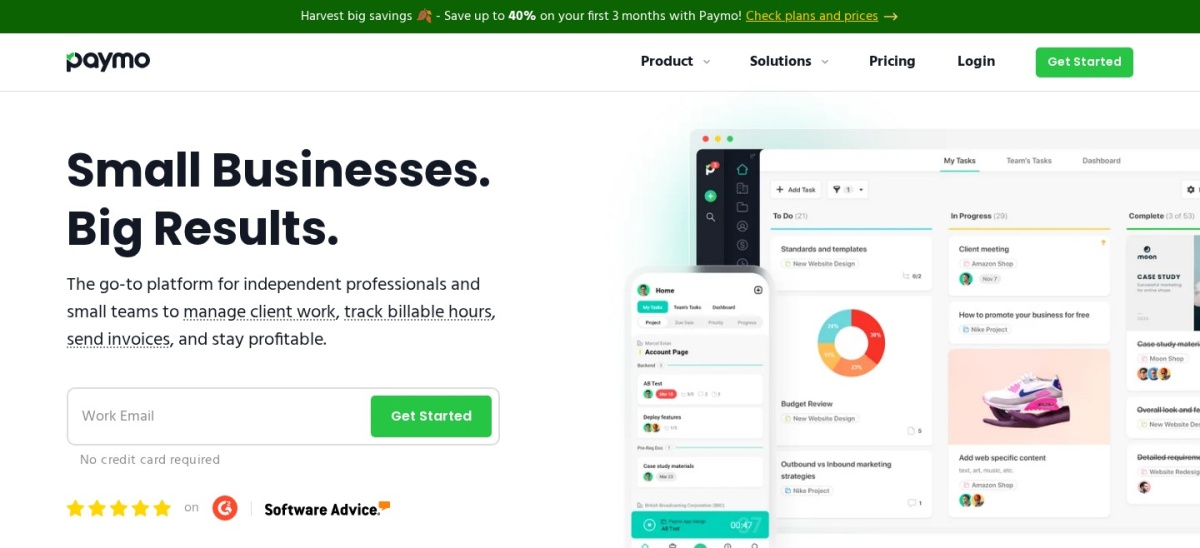
Paymo homepage, captured Nov 2026.
Paymo is a work management platform for independent professionals and small teams that bill clients by the hour or project. The free plan covers unlimited users, time tracking and invoices, capped at 5 clients, 10 projects and 1 GB of storage, while Solo at $5.90 per user a month unlocks unlimited clients and projects.
The trade off is scale. Paymo suits teams of a few people, and larger agencies outgrow its reporting and resource planning, with Small Office and Business tiers adding profitability tracking and scheduling. It suits freelancers and small teams that want projects, time and invoices in one cheap tool.
Harvest is a time tracking and invoicing platform built for teams that bill clients by the hour. The free plan covers 1 seat and 2 projects, while Pro at $11 per seat a month billed annually adds unlimited projects and clients, project budgets, expenses, team reporting and QuickBooks and Xero sync.
The trade off is project depth. Harvest has no Gantt charts or task dependencies, and timesheet approvals and profitability reporting need Premium at $14 per seat a month. It suits hourly billers that want tracked hours turned into invoices fast.
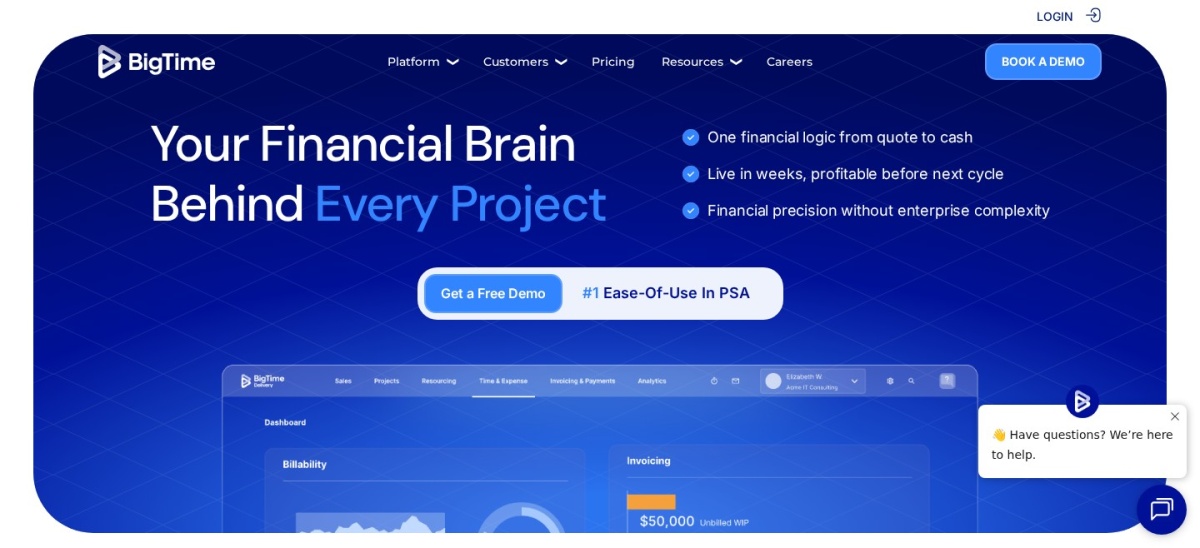
BigTime is a PSA platform for professional services firms that bill by the hour and keep their books in QuickBooks. Essentials at $20 per user a month includes time and expense tracking, invoicing, project budgets and approvals, with QuickBooks sync at the centre of the workflow.
The trade off is price and the missing free plan. BigTime is the priciest entry in this list, and it offers a free trial rather than a free tier, so a small team pays $20 per user from the first seat. It suits accounting-led firms that bill from approved timesheets.
What we like
Built around QuickBooks invoicing
Timesheets, expenses and approvals in one place
Rated 4.4/5 from 1,833 G2 reviews
Strong fit for hourly billing firms
Watch out for
Priciest entry in this list at $20 per user
No free plan, only a free trial
Project planning is thinner than Teamwork or Productive
Higher tiers add resource planning, WIP and revenue recognitionVisit bigtime.net
What Scoro itself costs in 2026
Scoro sells modular app combinations rather than one flat plan. Time and billing lists from about $17 per user a month, project and resource bundles from about $25, and the full end-to-end bundle up to $57, with a five-user minimum on every combination.
That puts Scoro above every tool in this list on entry price. Paymo at $5.90, monday.com at $9 and Teamwork at $9.99 all undercut even Scoro's cheapest bundle, and BigTime at $20 is the only pick here that costs more than Scoro's starting tier.
The saving only holds if you drop nothing you need. Check that the cheaper pick covers quotes, budgets, time tracking and invoicing before switching, because adding those back through other tools can cost more than Scoro.
How we chose
We started from the most-used project and PSA tools that directly replace Scoro for agencies and consultancies, then kept nine with published pricing and a public G2 rating.
Prices come from each vendor's pricing page, checked on 29 November 2026, using the cheapest paid plan on annual billing. Ratings and review counts come from G2 on the same day. Where a vendor shows a sale, the list shows the regular price.
We left out tools without a public rating or a published price, including quote-only PSA tools such as Accelo and Kantata. No vendor paid for a place, and we do not claim hands-on testing for this list.
How to choose a Scoro alternative
Start with the work you bill for every week, then match the tool to it.
List what Scoro does for you today. Quotes, projects, time, budgets and invoices rarely all move together, so name the ones you cannot lose before comparing prices.
Check the free plan against your headcount. Teamwork covers 5 users free and Asana only 2, while Productive has no free plan at all, so team size sets the real bill.
Check where time tracking and invoicing live. Both are often gated behind a higher tier, so confirm which plan unlocks them before you commit.
Trial two picks with one real client project. Move a live project with real budgets and time entries, not a demo, and see which tool your team actually opens each morning.
FAQ
What are the best Scoro alternatives in 2026?
Teamwork, Productive and monday.com are the best Scoro alternatives for most teams in 2026. Teamwork leads for agencies with live profitability and billable time tracking, Productive is the closest all-in-one replacement with a built-in CRM, and monday.com suits teams that want simple visual boards.
How much do Scoro alternatives cost?
Paid plans in this list start at $5.90 per user a month for Paymo Solo and run to $20 a month for BigTime Essentials. Most sit between $9 and $12 per user a month on annual billing. Scoro itself lists app combinations from about $17 to $57 per user a month, with a five-user minimum.
Is there a free alternative to Scoro?
Yes. Teamwork, monday.com, ClickUp, Asana, Wrike, Paymo and Harvest all have free plans, though limits vary: Teamwork covers 5 users and 5 projects, Asana stops at 2 users and Harvest at 1 seat and 2 projects. Productive and BigTime have no free plan and offer a 14-day trial instead.
Which Scoro alternative is best for agencies?
Teamwork is the best Scoro alternative for agencies that bill client work, with time tracking, budgets and live profitability in one place from $9.99 per user a month. Productive is the better pick for agencies that also want a CRM and resource planning in the same tool, at $10 per user a month.
Teamwork vs Productive: which is the better Scoro alternative?
Teamwork is the better Scoro alternative for most agencies, with a free plan for 5 users, a larger review base of 1,215 G2 reviews and a lower step up to invoicing. Productive wins on rating at 4.7/5 and on depth, with a built-in CRM and budget forecasting, but it has no free plan and a 3-seat minimum.
Can I migrate my projects from Scoro?
Yes, most of these tools import projects from CSV files or through migration guides, and Teamwork, Asana and ClickUp all offer importers for common formats. Time entries, budgets and invoices usually transfer, but automations, custom fields and reports need rebuilding by hand, so budget time for the move.
SaaS SEO and WordPress specialist with about 8 years of experience. Rakib compares WordPress plugins, themes, hosting and software using public pricing, documentation and user reviews. See how we rank.