Float is the best project capacity planning software for software teams, with live capacity views, time-off tracking and margin reports from $7 per scheduled person a month. Runn suits teams that plan months ahead by role, while Jira fits teams that already run sprints in Atlassian's tracker.
How we make this list: we compare pricing pages, product documentation and public user reviews, then re-check every price before each update. No product paid for a place. Disclosure.
Float leads for software teams, with live capacity views and time off from $7 per scheduled person a month.
Runn is the strongest forecaster, with tentative projects and role placeholders, but paid plans start at 20 seats.
Resource Guru is the cheapest full planner at $5 a person a month, with clash alerts that stop double-bookings.
Jira is the only pick that plans capacity next to the tickets, but capacity views need Premium at $15.56 a user a month.
Entry prices run from $5 to $29 a person a month, and four of the nine tools offer a free plan.
What should project capacity planning software for software teams cover?
Project capacity planning software for software teams compares the hours your developers have with the hours your planned work needs, week by week, before you promise a date.
The core view is a schedule with a capacity line for each person. When bookings pass that line, the tool flags the overload so you can move work, add a contractor or push a deadline.
Good tools also track time off, public holidays and part-time hours, because those cut real capacity. They should also handle tentative work, so pipeline projects are not planned as if they were already won.
For software teams the fit with delivery work matters most. A scheduler that sits apart from sprints needs constant copying, while Jira keeps capacity beside the tickets, as our guide on managing multiple WordPress sites shows for keeping many streams in one view.
The 9 best project capacity planning software tools for software teams
01
Float
4.3/5on G2 (1,995 reviews, checked Nov 2026)
Starts at$7/mo
Best project capacity planning software for software teams overall
Capacity viewBy person, role and team
Time trackingPro plan only
Free trial30 days
Paid planStarter, $7/mo
float.com
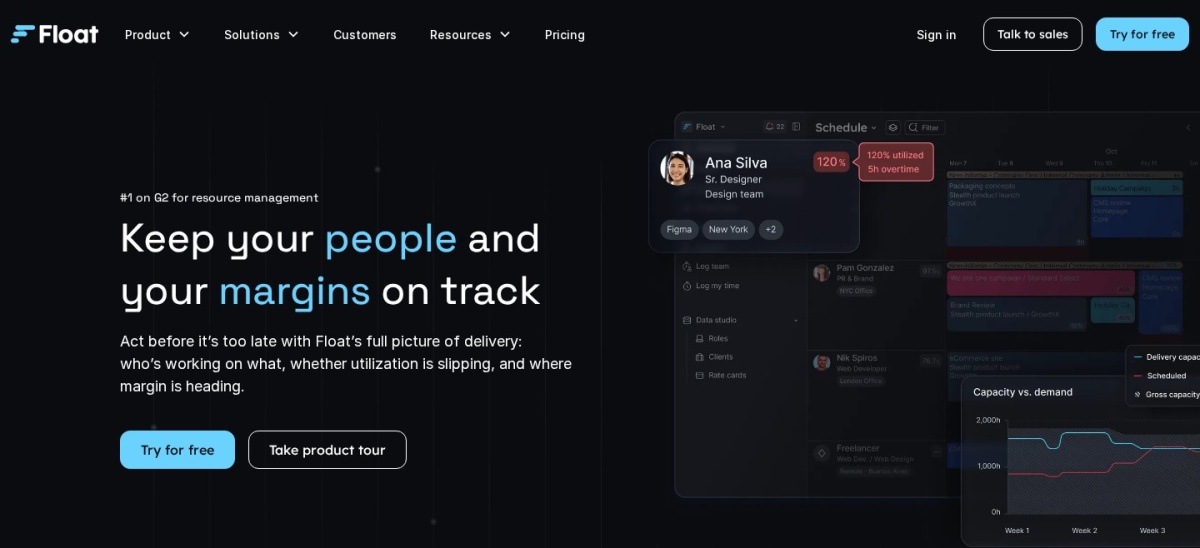
Float homepage, captured Nov 2026.
Float is a purpose-built resource and capacity planning tool for delivery teams. The Starter plan at $7 per scheduled person a month includes visual scheduling, capacity and time-off management, unlimited projects and project margin tracking, and only scheduled people are billed.
The trade off is that time tracking, single sign-on and advanced reporting need the Pro plan at $12 a month. It suits software teams of about 30 to 1,000 people who want one live view of who is free and what work will cost.
What we like
Only scheduled people are billed
Live capacity and margin views on every plan
Time off and holidays built into the schedule
Rated 4.3 out of 5 on G2 from 1,995 reviews
Watch out for
No free plan, only a 30-day trial
Time tracking needs the $12 Pro plan
Not built for solo freelancers
Pro adds time tracking, single sign-on and advanced reportingVisit float.com
02
Runn
4.5/5on G2 (505 reviews, checked Nov 2026)
Paid from$7/mo
Best for capacity forecasting by role
Tentative projectsYes
Saved scenariosStandard plan
Free tierUp to 5 users
Paid planLite, $7/seat/mo
runn.io
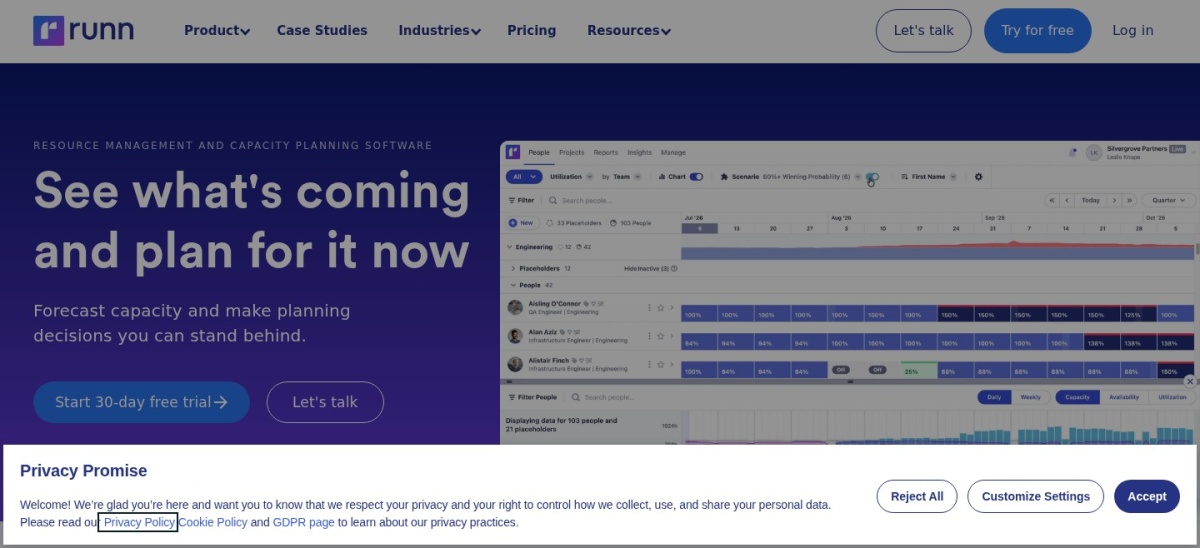
Runn homepage, captured Nov 2026.
Runn is a resource planning and forecasting platform for professional teams. The Lite plan at $7 per resource seat a month includes capacity and utilization charts, tentative projects, placeholders for roles you have not hired yet, and project financials.
The trade off is the 20-seat minimum on paid plans, which sets the lowest bill at $140 a month. It suits software firms of 20 or more that plan capacity months ahead and want forecasts tied to project margins.
What we like
Strong forecasting with tentative projects
Placeholders plan roles before hiring
Free tier for up to 5 users
Rated 4.5 out of 5 on G2 from 505 reviews
Watch out for
20-seat minimum on paid plans
Saved scenarios need Standard at $11 a seat
Harvest sync needs the quote-only Advanced plan
Standard at $11 adds saved scenarios; Advanced is quotedVisit runn.io
03
Resource Guru
4.6/5on G2 (506 reviews, checked Nov 2026)
Starts at$5/mo
Best for simple visual scheduling
Clash managementYes, with waiting list
Leave managementYes
Free trial30 days
Paid planGrasshopper, $5/mo
resourceguruapp.com
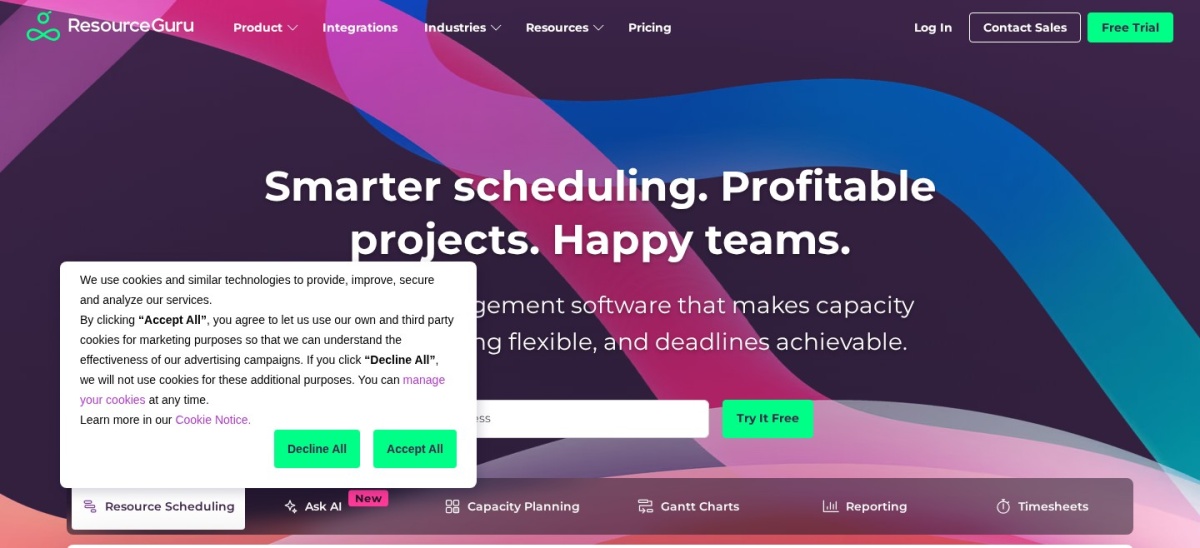
Resource Guru homepage, captured Nov 2026.
Resource Guru is a simple visual scheduler built around one job: stopping double-bookings. The Grasshopper plan at $5 per person a month covers drag-and-drop scheduling, clash management, leave management and unlimited projects and clients.
The trade off is reporting. Downloadable reports start on the Blackbelt plan at $8 a month, and in-app reporting insights need the Master plan at $12. It suits small software teams that want a clear schedule without a full project suite.
Jira is Atlassian's issue and project tracker for software teams, and its Plans view adds capacity planning beside the work. The free plan covers up to 10 users, while Premium at $15.56 per user a month adds cross-team Plans, capacity views, scenario planning and unlimited storage.
The trade off is that capacity planning is a Premium feature, so Standard teams get only a basic timeline. It suits software teams that already estimate and run sprints in Jira and want capacity without a second tool.
What we like
Capacity sits next to tickets and sprints
Free plan for up to 10 users
Scenario planning in Premium Plans
Rated 4.3 out of 5 on G2 from 7,194 reviews
Watch out for
Capacity views need Premium at $15.56 a user
Plans split capacity evenly, so one overloaded person can hide
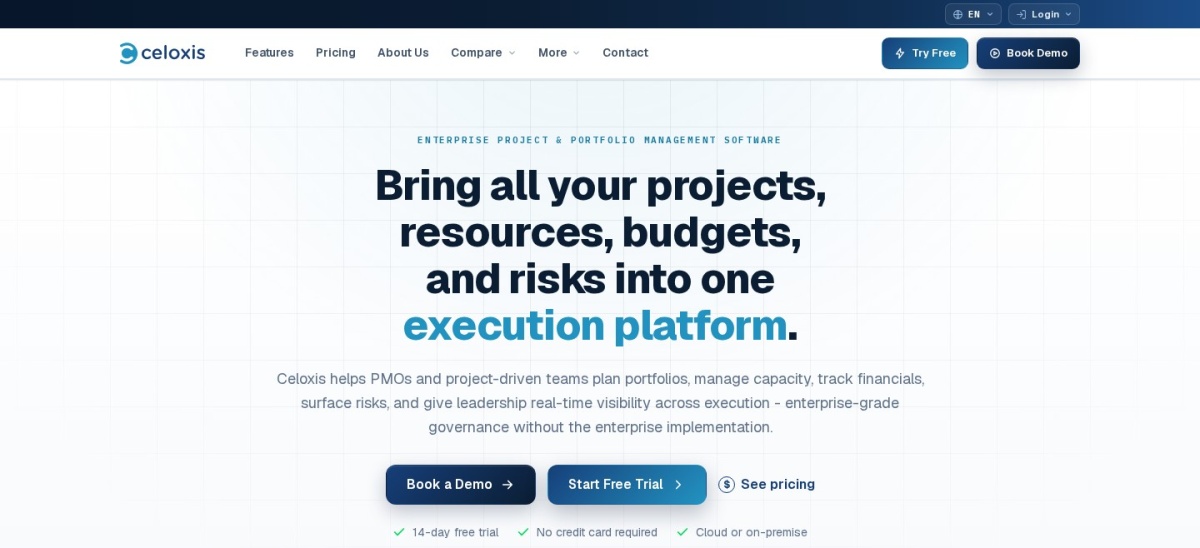
Celoxis is a portfolio and project management platform for teams running many projects at once. The Core plan at $10 per user a month includes Gantt charts, portfolio management, advanced scheduling, capacity planning and analytics, with a 5-user minimum.
The trade off is depth over speed. It is a broad platform, so a small team that only needs a weekly schedule pays for portfolio and financial features it will not use. It suits software teams that rank projects before checking capacity.
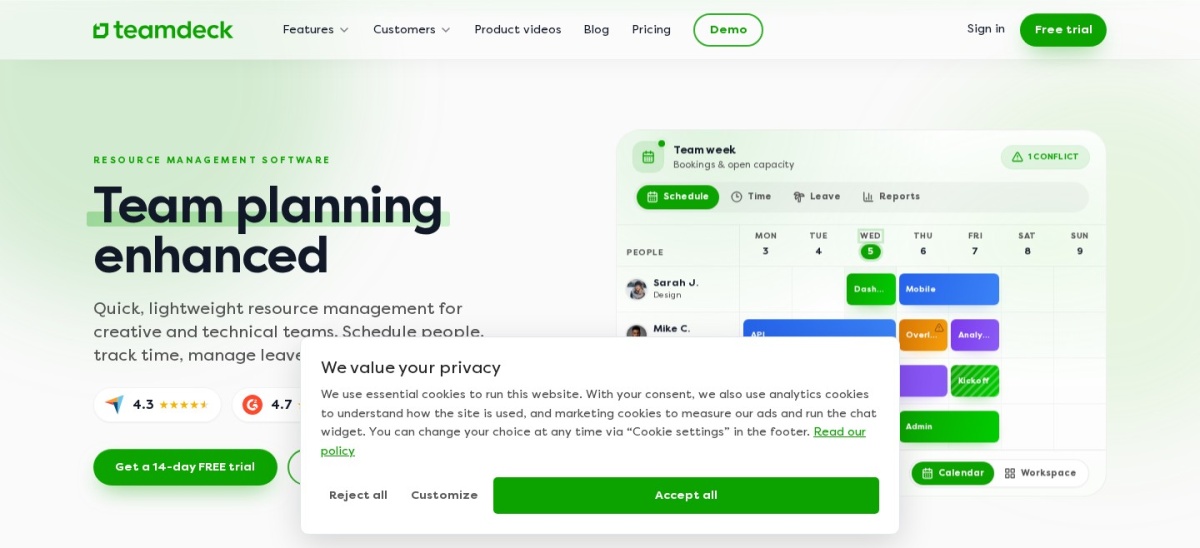
Teamdeck is a lightweight resource manager for creative and technical teams. The Full Member plan at $6 per user a month covers scheduling, time tracking, leave management and reports, while Light Member seats at $2 are view-only.
The trade off is scale and proof. It has only 15 G2 reviews, and it lacks the forecasting depth of Float or Runn. It suits small software teams that want scheduling, time and leave in one low-cost tool.
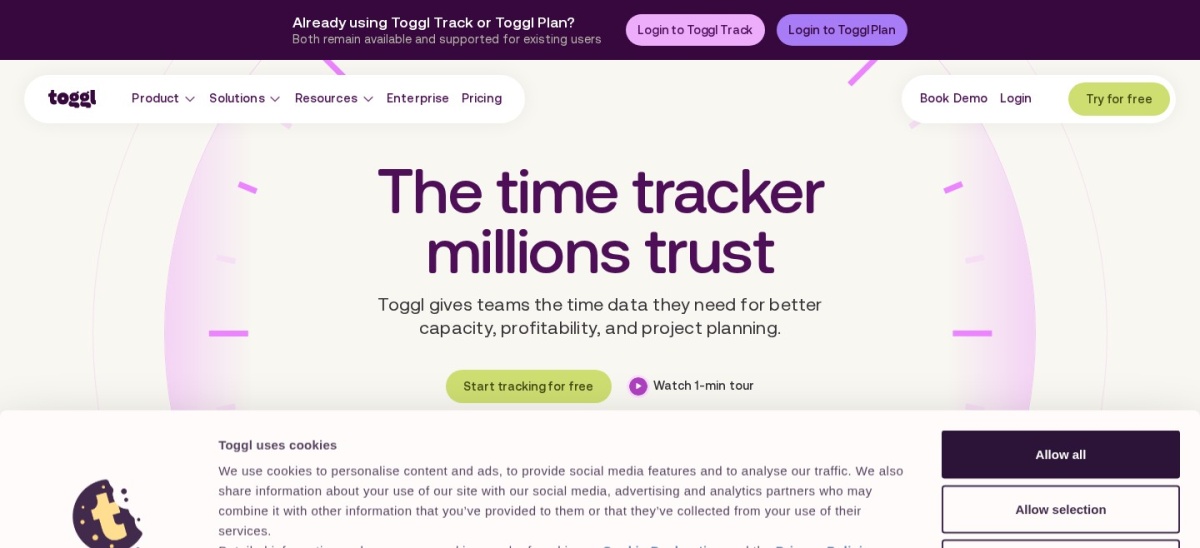
Toggl Plan is a simple timeline planner for small teams that schedule people across projects. The free Solo plan covers one user, and the Team plan at $9 per user a month adds shared timelines, time-off tracking and team reports.
The trade off is depth. It has no forecasting, scenario planning or margin reports, so larger teams outgrow it fast. It suits small software teams that want a clear timeline without a heavy setup.
ClickUp is an all-in-one workspace for tasks, docs and dashboards with workload views for capacity. The free plan covers unlimited members and tasks, and the Business plan at $12 per user a month adds more automation, dashboards and admin controls.
The trade off is depth. Its workload views are lighter than a purpose-built planner, with no margin forecasting or scenario planning. It suits software teams that already run their work in ClickUp and want basic capacity views without a second tool.
What we like
Free plan with unlimited members and tasks
Rated 4.7 out of 5 on G2 from 9,000+ reviews
Tasks, docs and chat in one workspace
Watch out for
Capacity views are lighter than dedicated planners
Forecast is a resource planning and PSA tool that pairs scheduling with project financials, using AI to suggest schedules, model scenarios and forecast capacity against budgets. The Lite plan costs $29 per seat a month billed annually, with Pro at $49 and a 14-day trial.
The trade off is the entry cost and the thin review base. At $29 a seat a month it is the most expensive entry here, with a 10-seat minimum, and its G2 rating of 4.1 rests on only 50 reviews. It suits software firms of 10 to 100 that want AI scheduling and finance in one suite.
Sprint planning or portfolio planning: which does your team need?
Sprint planning answers what one team can finish in the next two weeks. Jira and ClickUp fit here, because capacity sits beside the tickets the team already works from.
Portfolio planning answers whether the whole department can take on the next quarter of projects. Runn, Celoxis and Forecast fit here, with tentative projects, role placeholders and scenario views.
Most software teams need both, but at different times. Start with the view that decides your next commitment, then add the other layer once the first one is in daily use.
How we chose
We started from the capacity planning tools software teams name most often in 2026 comparisons, then kept those with a published price and a public G2 rating.
Prices come from each vendor's pricing page, checked on 30 November 2026. Ratings and review counts come from G2 on the same day. Where a vendor shows a sale, the list shows the regular price.
We left out quote-only enterprise tools and tools with no verifiable rating. No vendor paid for a place, and we do not claim to have used these tools ourselves.
How to choose project capacity planning software for software teams
Start with where your team already plans its work, then check the plan that holds capacity.
Check where delivery already lives. If sprints run in Jira, start with Jira Premium. If work lives in spreadsheets, a dedicated scheduler such as Float or Runn is faster to adopt.
Count who you actually pay for. Float bills only scheduled people and Runn does not bill login-only users, while Resource Guru bills everyone you add.
Test forecasting on a real quarter. Load next quarter's projects, including tentative ones, and see whether the tool shows the hiring gap before you commit dates.
Check the plan that holds capacity. Jira needs Premium and Runn needs Standard for saved scenarios, so price the plan you will use, not the cheapest one.
FAQ
What is the best project capacity planning software for software teams?
Float is the best pick for most software teams. It shows live capacity by person, role and team, tracks time off and margins, and starts at $7 per scheduled person a month, with a 4.3 out of 5 G2 rating from 1,995 reviews.
How much does project capacity planning software for software teams cost?
Entry prices in this list run from $5 to $29 per person a month. Resource Guru starts at $5, Float and Runn at $7, Celoxis at $10, ClickUp at $12, Jira Premium at $15.56 and Forecast at $29.
Is there a free project capacity planning software for software teams?
Yes. Runn has a free tier for up to 5 users, Jira is free for up to 10 users, Toggl Plan has a free Solo plan for one user, and ClickUp has a free plan with unlimited members and tasks.
Which capacity planning software is best for small software teams?
Resource Guru is the best budget pick at $5 a person a month, and Toggl Plan suits very small teams with its free Solo plan. Float is the best step up once the team passes about 10 people.
Float vs Runn: which is better for software teams?
Float is better for a fast visual schedule with time off and margins from $7 a scheduled person. Runn is better for forecasting months ahead by role, with tentative projects and placeholders, but paid plans start at 20 seats.
Does Jira do capacity planning?
Yes, but only on Premium. Jira Plans adds capacity views, scenario planning and cross-team coordination at $15.56 per user a month, while the free and Standard plans offer only a basic timeline.
SaaS SEO and WordPress specialist with about 8 years of experience. Rakib compares WordPress plugins, themes, hosting and software using public pricing, documentation and user reviews. See how we rank.