Action1 is the best PDQ alternative for most teams: it patches Windows, macOS and Linux free for up to 200 endpoints and holds a 4.9 out of 5 G2 rating. NinjaOne suits larger fleets that want monitoring and remote access in the same console, while Automox starts at $1 per device a month for cloud patching.
How we make this list: we compare pricing pages, product documentation and public user reviews, then re-check every price before each update. No product paid for a place. Disclosure.
Action1 is free for 200 endpoints with no feature limits and holds the highest G2 rating here at 4.9 out of 5.
NinjaOne is the highest-rated full platform at 4.7 out of 5 from 5,866 G2 reviews, priced from $1.50 to $3.75 per device a month.
Automox has the lowest paid entry price at $1 per device a month, but that tier covers OS patching only.
ManageEngine Endpoint Central starts at $795 a year for 50 computers and includes a free edition for 25 endpoints.
Per-technician tools Atera and Syncro both start at $129 a month with unlimited endpoints, so they win on dense fleets.
How do you choose the best PDQ alternatives?
PDQ Deploy and PDQ Inventory are Windows-first and on-premises at heart. The strongest PDQ alternatives are the ones that keep the same two jobs, software deployment and patching, while adding cloud control for remote machines.
Start with fleet size, not features. A free tier that covers 200 endpoints, like Action1, or 25 computers, like Endpoint Central, can run a small shop for nothing, while per-device pricing grows with every machine you add.
Check what the entry price actually buys. Automox starts at $1 per device a month, but that tier is OS patching only, and NinjaOne publishes a range rather than a fixed rate, with the exact figure set by quote.
Watch the operating systems you need. PDQ is Windows-focused, so Mac and Linux coverage is the first thing to check: Action1, Automox, NinjaOne and Endpoint Central all patch Windows, macOS and Linux.
Our guide on running a WordPress security audit shows the same discipline these tools apply to endpoints: find what is out of date, then fix it on a schedule.
Action1 is a cloud-native patch management platform that automates operating system and third-party patching, vulnerability detection and software deployment. It is free for the first 200 endpoints with no feature limits and no expiry, and the vendor states a 99% patch success rate across more than 10 million protected endpoints.
The trade off is scope. Action1 is patch-led, not a full RMM with a built-in PSA, and pricing above 200 endpoints is by quote, with community-only support on the free tier. It suits small fleets and internal IT teams whose main gap is patching.
What we like
Highest rating here: 4.9 out of 5 from 1,273 G2 reviews
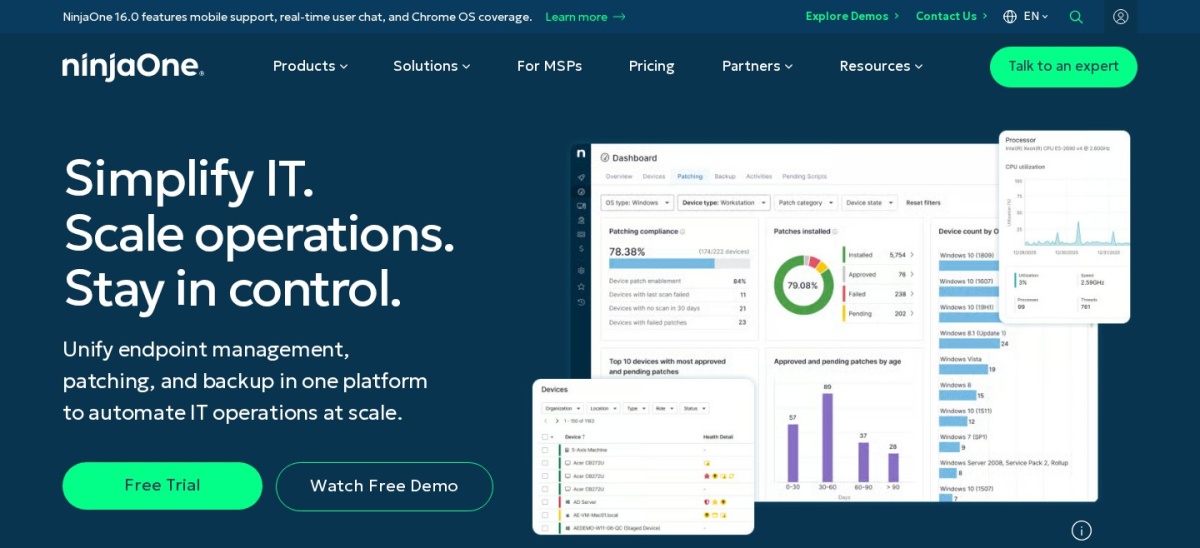
NinjaOne is a cloud RMM platform that covers monitoring, patching, software deployment, backup and remote access in one console. It patches Windows, macOS and Linux plus more than 1,000 third-party apps, and it holds the highest G2 rating of any full platform here at 4.7 out of 5 from 5,866 reviews.
The trade off is pricing. NinjaOne publishes a per-device range of $1.50 to $3.75 a month by volume, with $3.75 at 50 or fewer endpoints, and the exact figure comes from a sales quote. It suits teams replacing PDQ Deploy and PDQ Inventory with one cloud console.
What we like
Highest-rated full platform here at 4.7 out of 5
Largest review base in this list, 5,866 G2 reviews
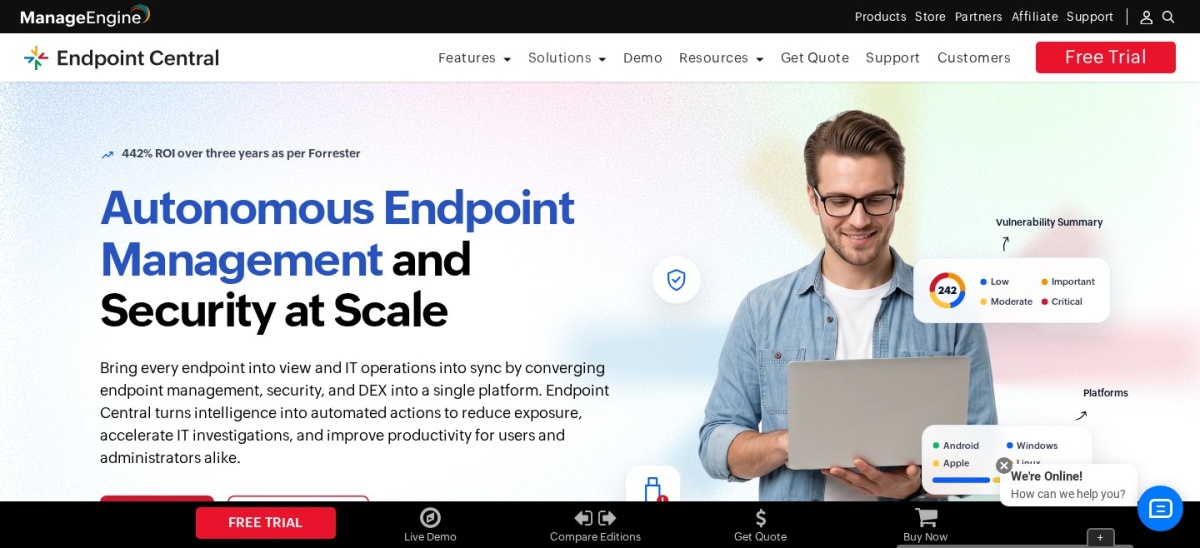
ManageEngine Endpoint Central homepage, captured Nov 2026.
ManageEngine Endpoint Central is a full endpoint management suite from Zoho that covers patching, software deployment, remote control, asset management and mobile device management. Its free edition covers up to 25 endpoints, and the Professional edition starts at $795 a year for 50 computers on-premises.
The trade off is complexity. There are four editions plus add-ons, and cloud pricing runs higher at $1,045 a year for 50 endpoints. It suits mid-size IT teams that want the deepest feature set for the money and do not mind a traditional interface.
Atera is an all-in-one IT platform that combines RMM, patching, remote access, ticketing and automation, with an AI agent called Robin that handles routine incidents. Pricing is per technician, so one fee covers unlimited endpoints, and the MSP Pro plan costs $129 per technician a month billed annually.
The trade off is the entry price. The IT-department Professional plan is $149 per technician a month, so a one-person shop pays the full seat price whatever the fleet size. It suits small teams managing many endpoints per technician.
What we like
Unlimited endpoints on every plan
RMM, PSA and ticketing in one console
AI agent handles routine incidents
Rated 4.6 out of 5 from 1,291 G2 reviews
Watch out for
$129 a month per technician is a lot for a solo admin
IT-department plans start higher at $149 a month
No free plan, only a 30-day trial
Higher plans add AnyDesk remote access and more AIVisit atera.com
05
Automox
4.5/5on G2 (329 reviews, checked Nov 2026)
Starts at$1/endpoint/mo
Best low-cost cloud patching
Entry planPatchOS, $1/device/mo billed annually
PatchingWindows, macOS, Linux
AutomationPolicies and scripting (Worklets)
DeploymentCloud-native, no VPN needed
automox.com
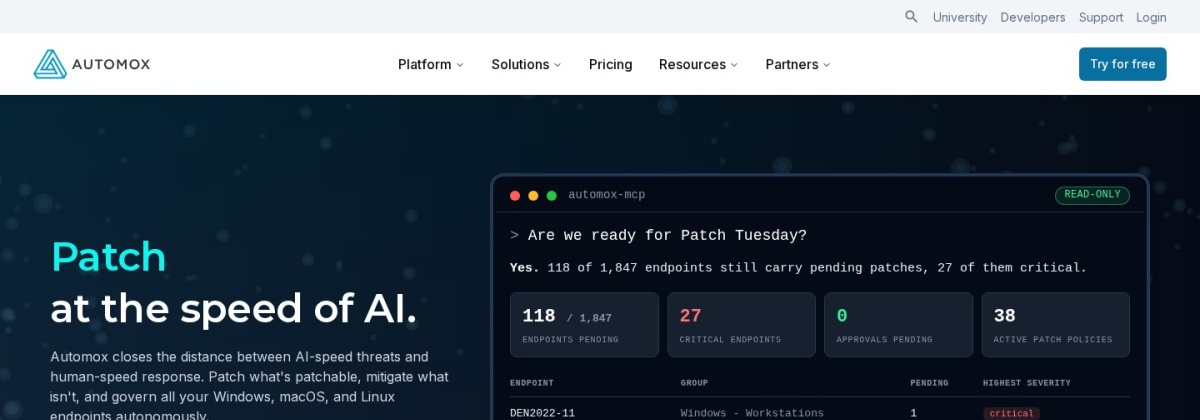
Automox homepage, captured Nov 2026.
Automox is an autonomous endpoint management platform built around patching. It automates operating system updates across Windows, macOS and Linux, enforces configuration policies and reports on patch compliance from one cloud console, with entry pricing of $1 per device a month billed annually.
The trade off is breadth. The $1 PatchOS plan covers OS patching only, while third-party patching for 580-plus titles and full automation sit on the Automate tiers, which are quote-only. It suits distributed fleets that mainly need patching without a VPN.
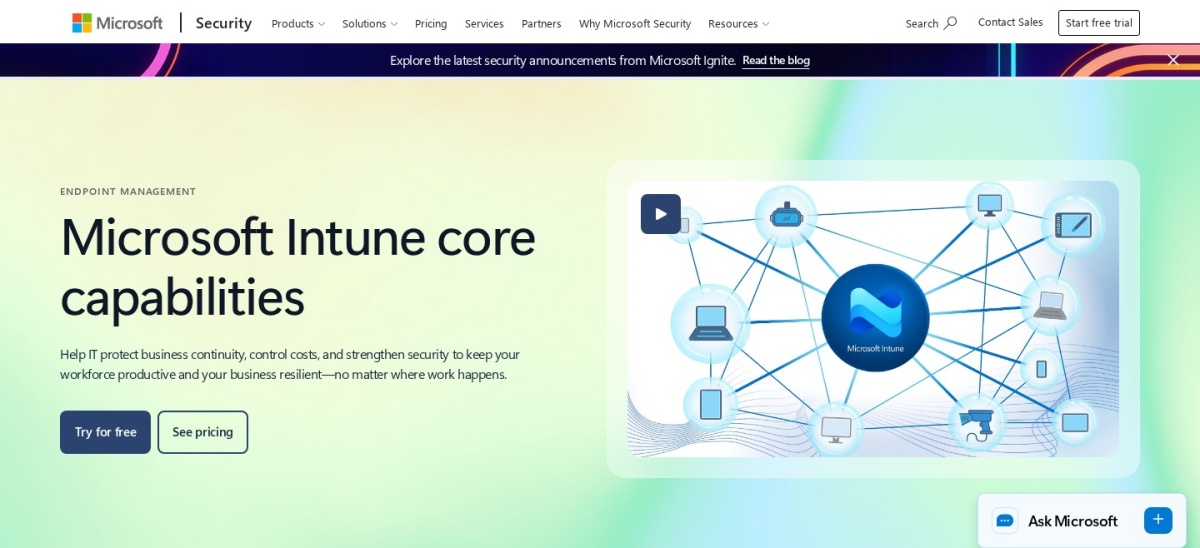
Microsoft Intune is the device layer of the Microsoft world. Enrolled devices report compliance, encryption status, OS version and threat signals, and Entra ID conditional access uses those signals to grant or block access to corporate apps. Plan 1 costs $8 a user a month standalone and is included in Microsoft 365 E3, E5 and Business Premium.
The trade off is licensing and learning curve. Intune is priced per user, so you pay for every employee whose devices you manage, and reviewers cite setup complexity and a steep learning curve. It suits teams already paying for Microsoft 365.
What we like
Included in Microsoft 365 E3, E5 and Business Premium
Deep Entra ID conditional access integration
Covers Windows, macOS, mobile and Linux
Rated 4.5 out of 5 from 272 G2 reviews
Watch out for
Per-user pricing, not per device
Setup complexity and a steep learning curve
Third-party patching is weaker than patch-led rivals
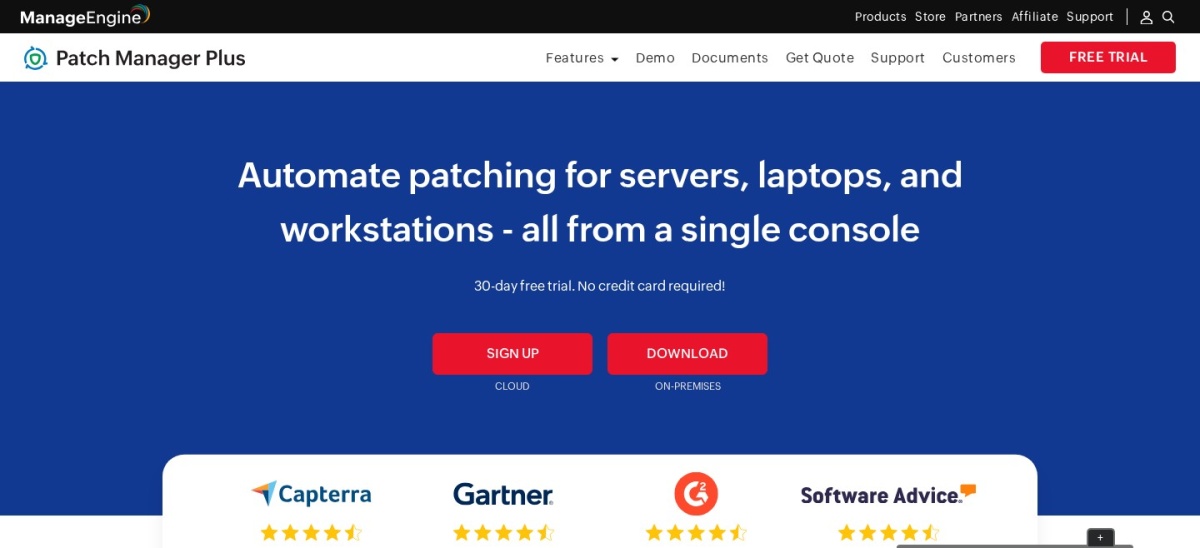
ManageEngine Patch Manager Plus homepage, captured Nov 2026.
ManageEngine Patch Manager Plus is a dedicated patching platform from Zoho that supports Windows, macOS and Linux across on-premises and cloud setups. Its free edition covers up to 25 computers, and paid plans start at $245 per year for 50 computers on the on-premises Professional edition, with staged approvals and compliance reports.
The trade off is polish. The interface and reporting feel more traditional than newer cloud tools, and driver, BIOS and antivirus-definition updates need the Enterprise edition. It suits small teams that want dedicated patching without paying for a full RMM.
What we like
Free edition for up to 25 computers
Published starting price of $245 a year
Staged approvals and compliance reporting
Rated 4.5 out of 5 from 203 G2 reviews
Watch out for
Driver and BIOS updates need Enterprise
Traditional interface and reporting
Smallest review base among the patch-led tools here
Also includedPSA, ticketing, billing, Microsoft 365
syncromsp.com
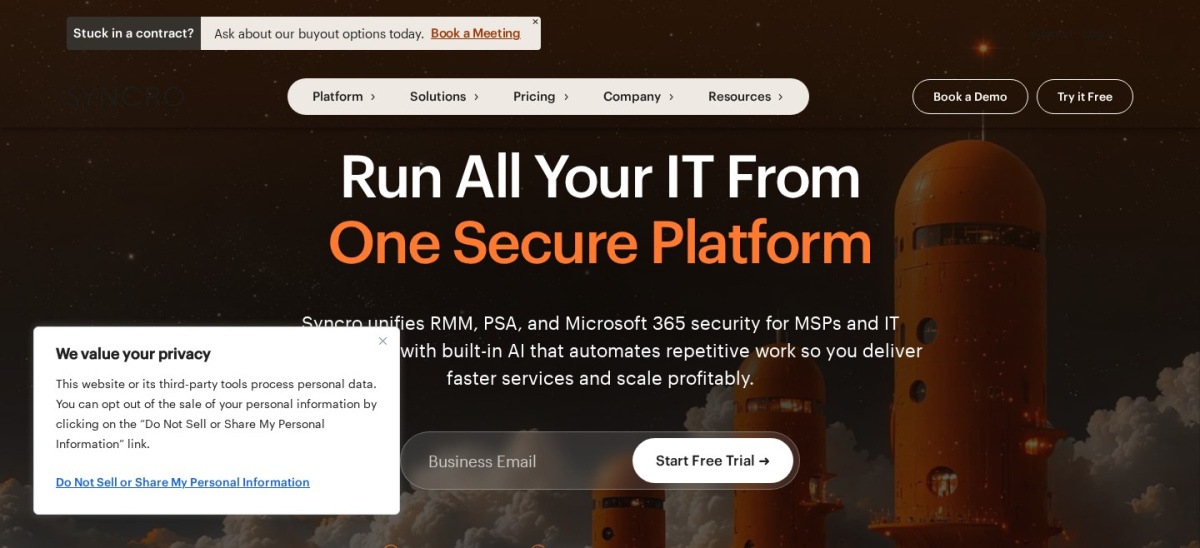
Syncro homepage, captured Nov 2026.
Syncro is an RMM plus PSA platform built for mid-size MSPs and internal IT teams. It combines monitoring, patching, remote access, ticketing, billing and Microsoft 365 management in one console, with the Core plan at $129 per user a month billed annually and unlimited endpoints per user.
The trade off is that it is priced per user, not per technician seat shared across a team, and adding features can raise the bill. It suits MSPs that want one platform and one bill instead of separate RMM and PSA tools.
Lansweeper is an agentless discovery platform that finds every device on the network, in the cloud and on the factory floor, then keeps the inventory current without manual entry. The free tier covers 100 assets, and the Starter plan starts at $239 a month for 2,000 assets.
The trade off is that Lansweeper is inventory first, not deployment. It maps hardware, software, warranty and lifecycle data, but it does not deploy software or patch machines itself. It suits teams that used PDQ Inventory and pair it with a patching tool from this list.
Three tools here have a real free tier. Action1 covers 200 endpoints with no feature limits, Endpoint Central covers 25 endpoints, and Patch Manager Plus covers 25 computers, while Lansweeper covers 100 assets for inventory only.
Free tiers mostly limit scale, not features. Action1 is the exception that proves it: the same platform, free, until you pass 200 endpoints and need a quote.
Paid plans mostly add breadth. NinjaOne, Atera and Syncro bundle monitoring, remote access, ticketing or billing beside patching, which is what turns a patching tool into a PDQ replacement.
If patching is the whole job, start free with Action1. If you also need the inventory and deployment console, budget for NinjaOne or Endpoint Central instead.
How we chose
We started from the tools most often named as PDQ replacements in patch management and RMM comparisons, then kept only those with a published price or free tier and a numeric rating on G2.
Prices come from each vendor's pricing page or G2 pricing data, checked on 29 November 2026. Ratings and review counts come from G2 on the same day. Where a vendor shows a sale, the list shows the regular price.
We left out PDQ Connect, which is PDQ's own cloud product, and SmartDeploy, which is also made by PDQ. No vendor paid for a place, and we do not claim hands-on testing for this list.
How to choose a PDQ alternative
Start with how many machines you manage and where they sit, then match the pricing model to that shape.
Count endpoints and locations. Under 200 endpoints, Action1 is free. Remote machines push you toward cloud tools like Action1, Automox or NinjaOne rather than on-premises ones.
Decide patching only or the full console. If patching is the job, pick Action1, Automox or Patch Manager Plus. If you also need monitoring, remote access and ticketing, pick NinjaOne, Atera or Syncro.
Check Mac and Linux coverage. PDQ is Windows-focused, so confirm the replacement patches your other systems. Action1, Automox, NinjaOne and Endpoint Central all cover Windows, macOS and Linux.
Run the free tier first. Action1, Endpoint Central and Patch Manager Plus all have free editions. Use one to patch a real group of machines before committing to a paid plan.
FAQ
What are the best PDQ alternatives?
Action1 is the best PDQ alternative for most teams. It patches Windows, macOS and Linux free for up to 200 endpoints and is rated 4.9 out of 5 on G2 from 1,273 reviews. NinjaOne is the best full-platform pick, and Automox is the cheapest paid option at $1 per device a month.
How much does a PDQ alternative cost?
Prices run from free to $2,868 a year. Action1 is free for 200 endpoints, Automox starts at $12 a year per device, Patch Manager Plus starts at $245 a year, and NinjaOne starts at $45 a year per device at small volumes. Atera and Syncro start at $1,548 a year per technician.
Is there a free alternative to PDQ?
Yes. Action1 is free forever for your first 200 endpoints with no feature limits. ManageEngine Endpoint Central has a free edition for 25 endpoints, and Patch Manager Plus has a free edition for 25 computers.
Which PDQ alternative is best for beginners?
Action1 is the easiest starting point. It is cloud-native, sets up in about five minutes, and the free tier covers 200 endpoints, so a small team can patch real machines before spending anything.
Action1 vs NinjaOne: which is better?
Action1 wins on price and rating: it is free for 200 endpoints and rated 4.9 out of 5. NinjaOne wins on breadth: it adds monitoring, backup, remote access and ticketing in one console and is rated 4.7 out of 5 from 5,866 reviews. Pick Action1 for patching, NinjaOne for a full platform.
Is PDQ Connect an alternative to PDQ Deploy?
No, PDQ Connect is PDQ's own cloud product, not a replacement. It starts at $12 per device per year with a 100-device minimum and covers Windows and macOS patching for teams moving off on-premises PDQ Deploy.
SaaS SEO and WordPress specialist with about 8 years of experience. Rakib compares WordPress plugins, themes, hosting and software using public pricing, documentation and user reviews. See how we rank.